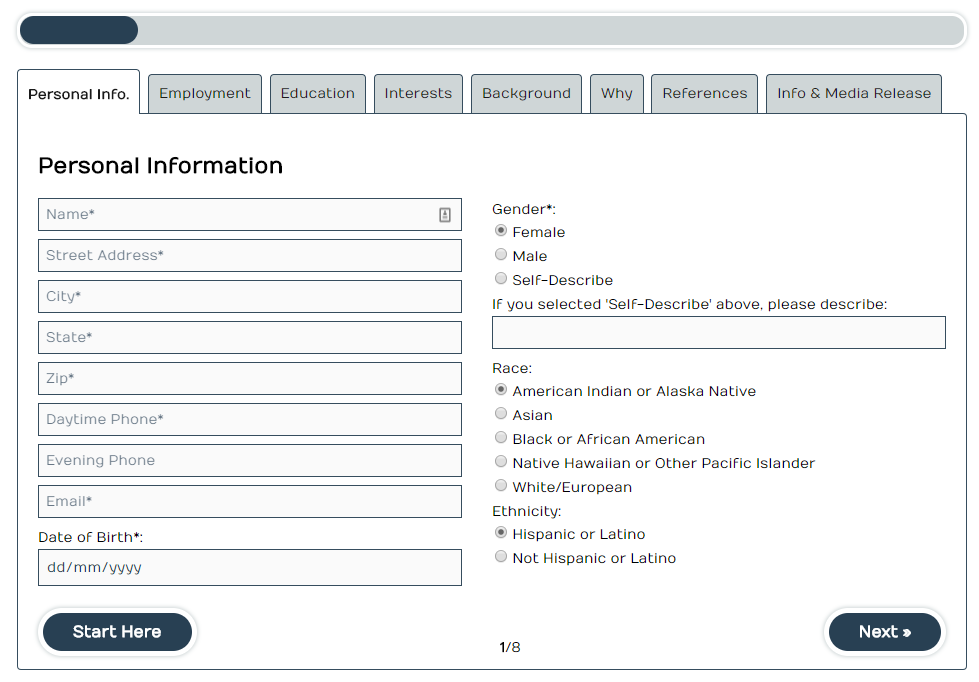
Once done a CF7 Test skin style. we have to follow below steps to test the style comparing with a finalized CF7 Style
Testing Skin
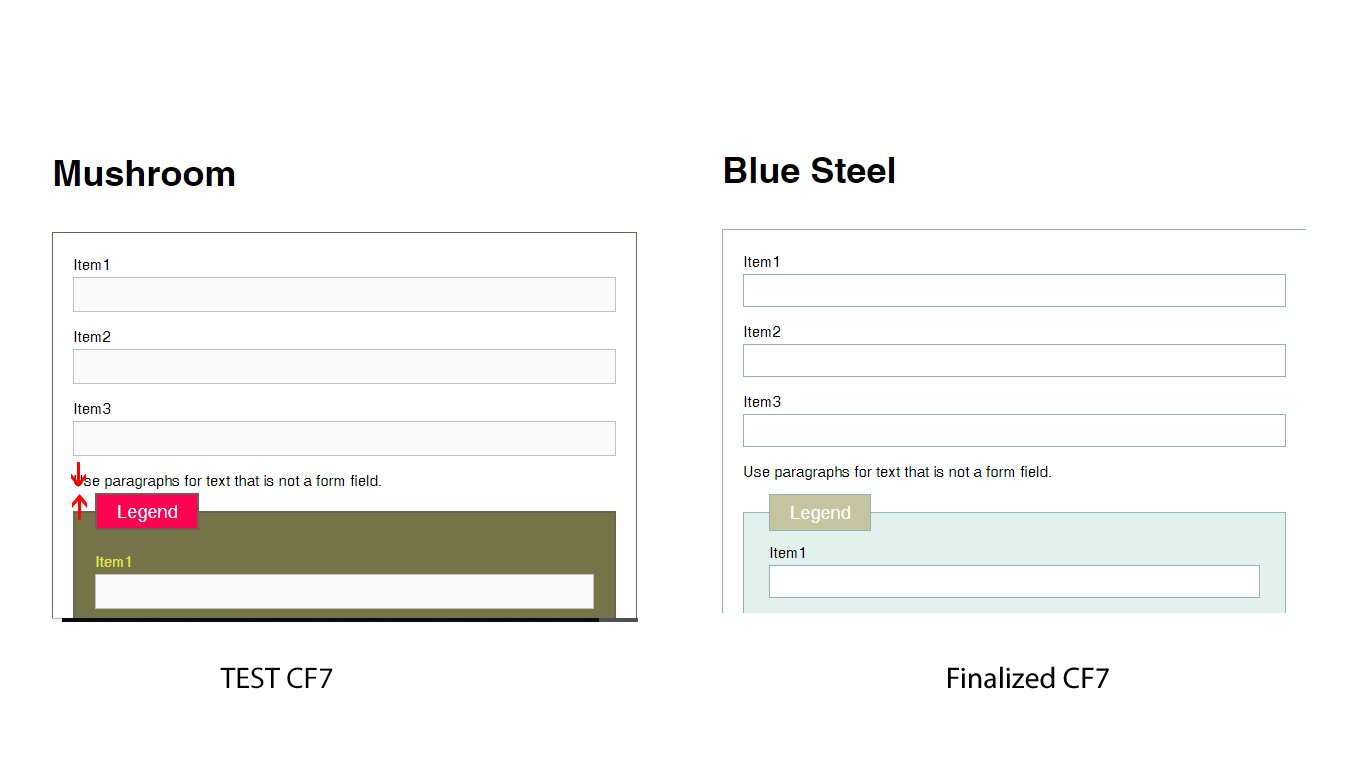
First of all we have to compare the legend padding and margin with finalized CF7 skin and make sure that both are equal. Refer the below screenshot
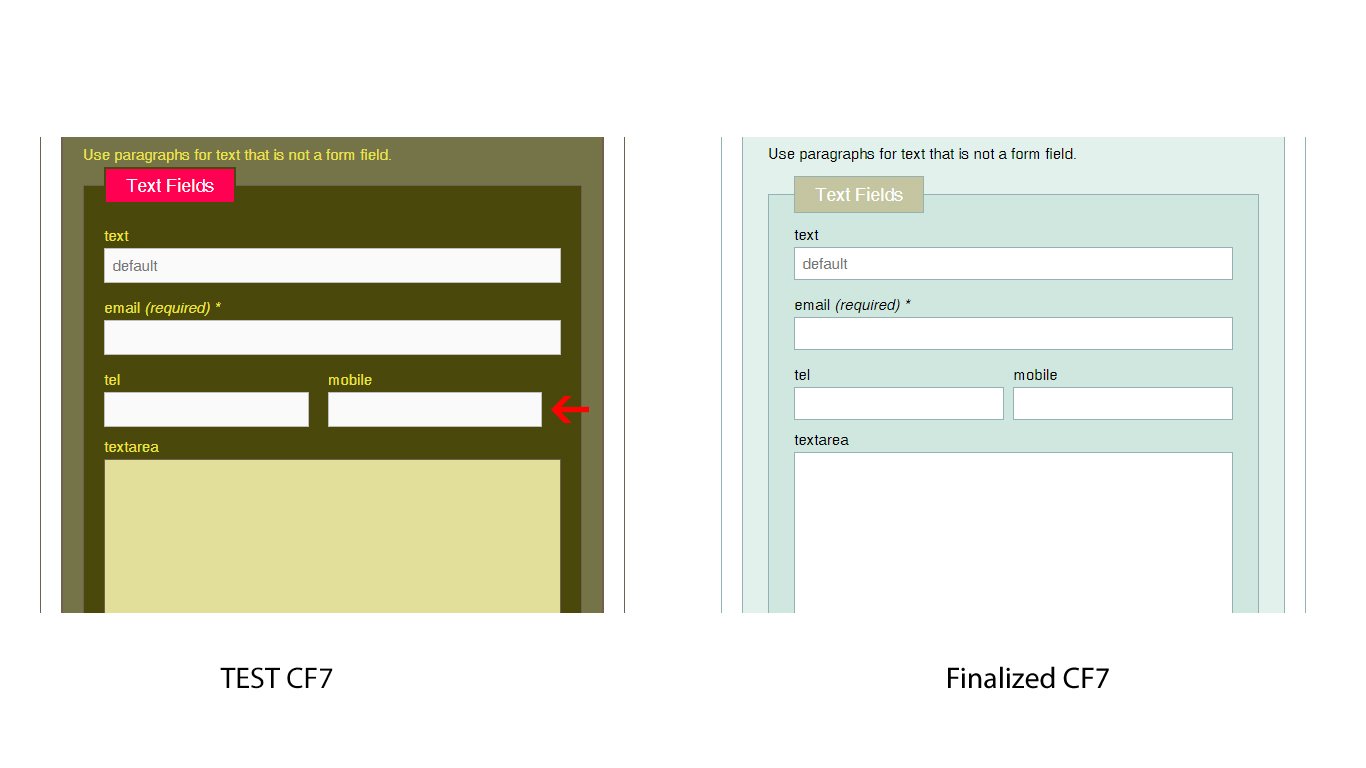
After that, we have to check the single line text boxes. And make sure that the right side mobile number text box touches the right side wrapper like shown on finalized cf7 skin. Refer the below screenshot
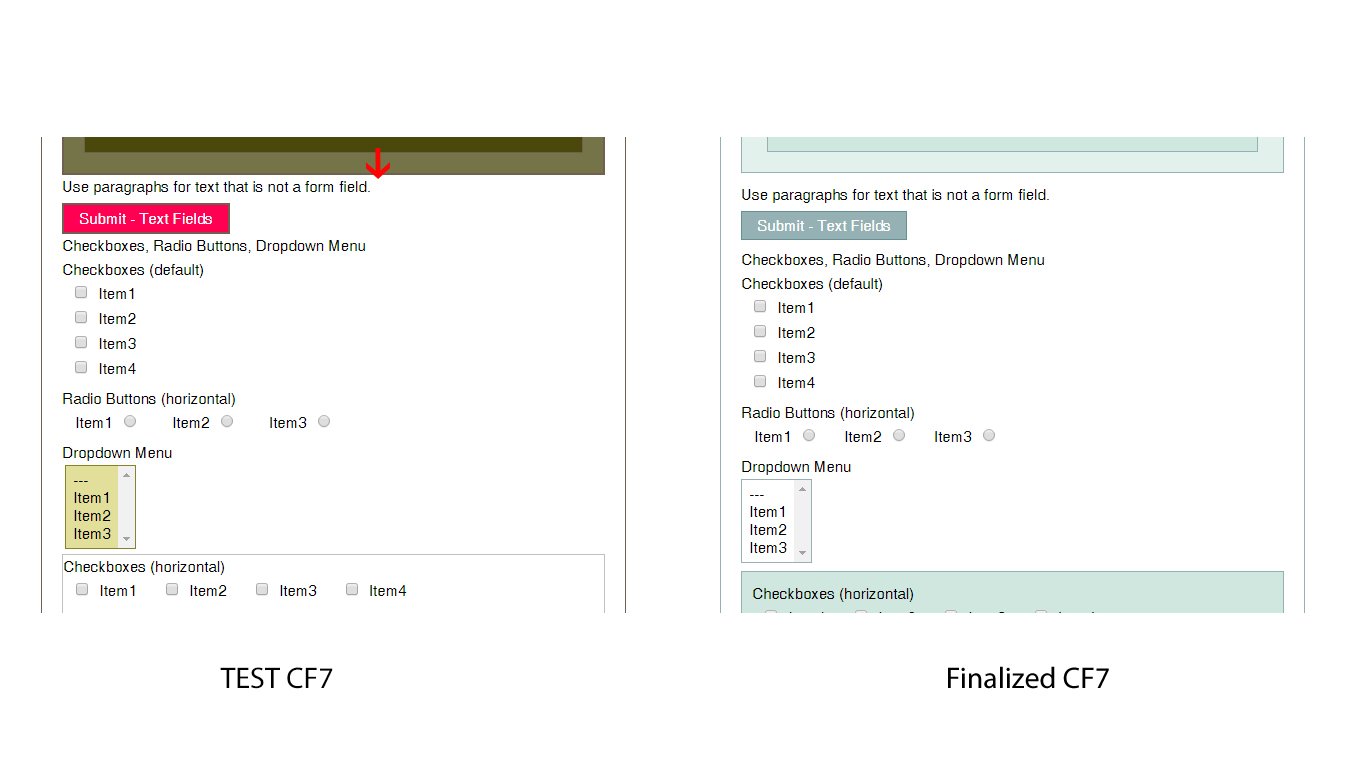
And also we have to make sure regarding the label padding and margin’s consistency like shown on finalized CF7 style. Refer the below screenshotAnd also we have to make sure the padding and margin’s consistency like on finalized CF7 style. Refer the below screenshot
Testing Ready
Speciallywe have to compare the legend padding and margin with finalized CF7 skin and make sure that both are equal. Refer the below screenshot
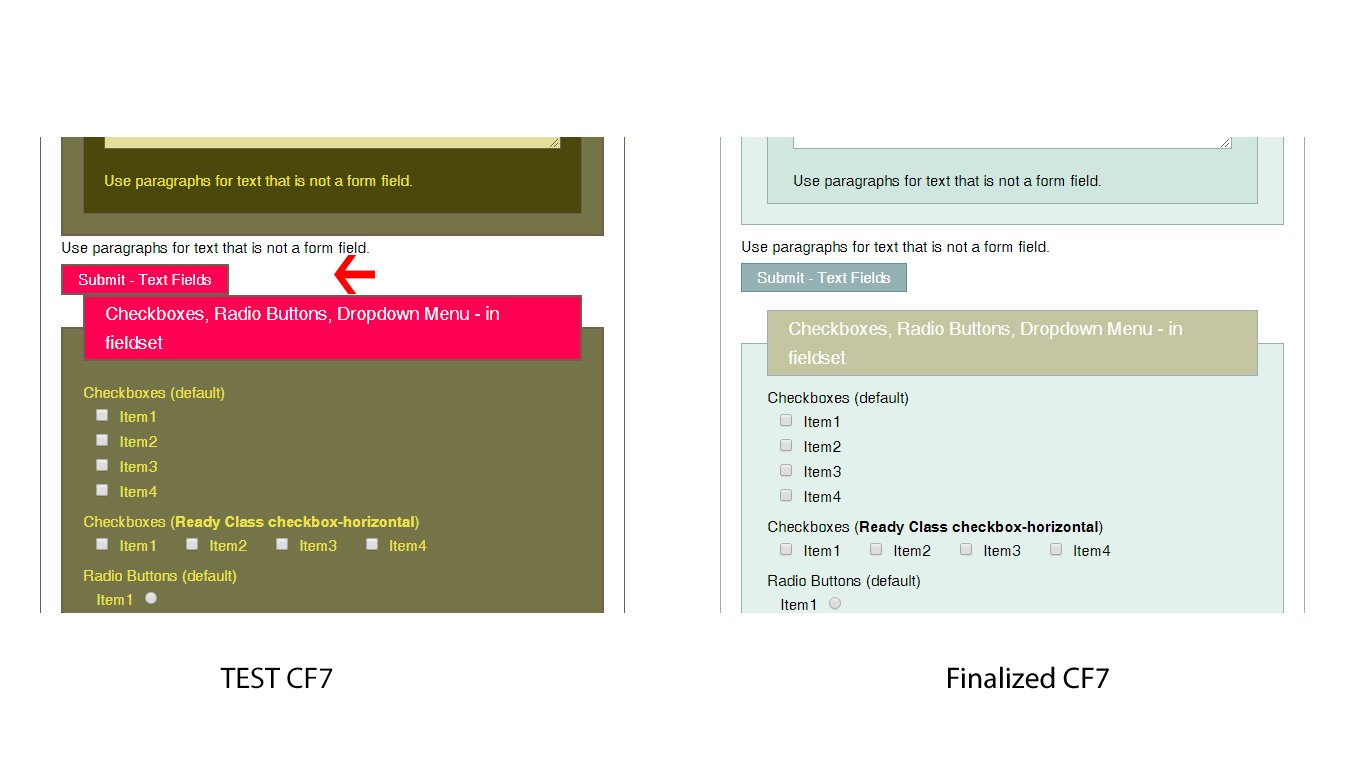
After that we must need to check the select box background colors and hover effects. refer the screenshot

Testing Multi
We have to make sure all the padding and margins of the labels, legends, Textboxes and the buttons on each tab. and finally, we have to click END button and check the error messages in each tab. Refer the below screenshot
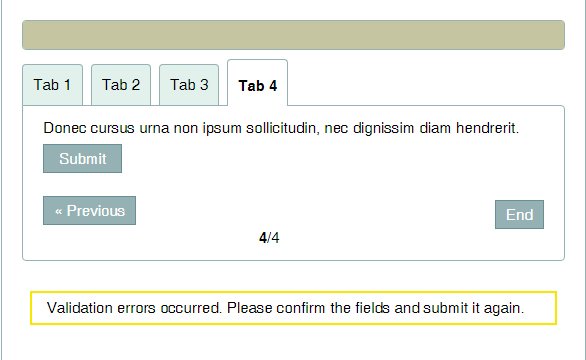
Once done all we have to check the skin with Styles + Templates and Template + Styles. in this case, we have to compare each and every text boxes, labels, legends and buttons with finalized CF7 style. and make sure that they all are perfect.
Cross Browser Check
After that, we have to check the test CF7 skin with all major browsers such as Chrome, Firefox, IE and Safari
Responsive Check
Finally, we have to check the CF7 skin test style’s responsiveness in different screens. in this case, we can use google developer tool to check them.
Right-click > Inspect Element and we can select different devices from the drop box and check the page responsiveness. Refer the below screenshot