
Last Updated on March 3, 2025 by Neil Murray
Tag
Advanced Image Management for WordPress
Problem
Once you have large numbers of images (say 100s or 1000s) on your WordPress site/s, managing all those images tends to become very difficult.
- item
- item
- item
Solution
.. allows you to:
- item
- item
- item
Method
- Do what we need for our purposes using WordPress at team.cf7skins.com Content & Images
- find & solve our issues using WordPress
- Follow Gutenberg re-development of Media Library (2020 – 2021+)
Features
MVP
- image – naming | title | alt text | dimensions | file size
- consistent naming of images – slug | date | version | ..
- list & display all images used in post | page | category | tag
- select multiple posts | pages | categories | tags – use checkboxes
- add ImageStore tag & ImageStore category to images
- image versions draft | review | date
Issues
- update all images used on an article
- update all images used everywhere when a feature is updated
- find image already created that does what we need for a new article
- consistent naming of images
- tag images in multiple categories
- know where images are used – including in multiple locations
- version of plugin when image created
- image – naming | title | alt text | dimensions | file size
- images currently stored in too many different locations
- when drag image to upload check if same image name is already available in media library – ask if want to use existing image or replace it
- copy all images used in article on dev site to article on live site
- resize image above individual or global site image size limit
- really replace existing image including in Media Library – don’t add extra image with extended file name
See Image Store – System.
Future
- front-end display of all images – similar to in wp-admin
- use on WP Multi site – images from all sub-sites
- serve images from CDN
- mark plugin version on image
User Interface – UI
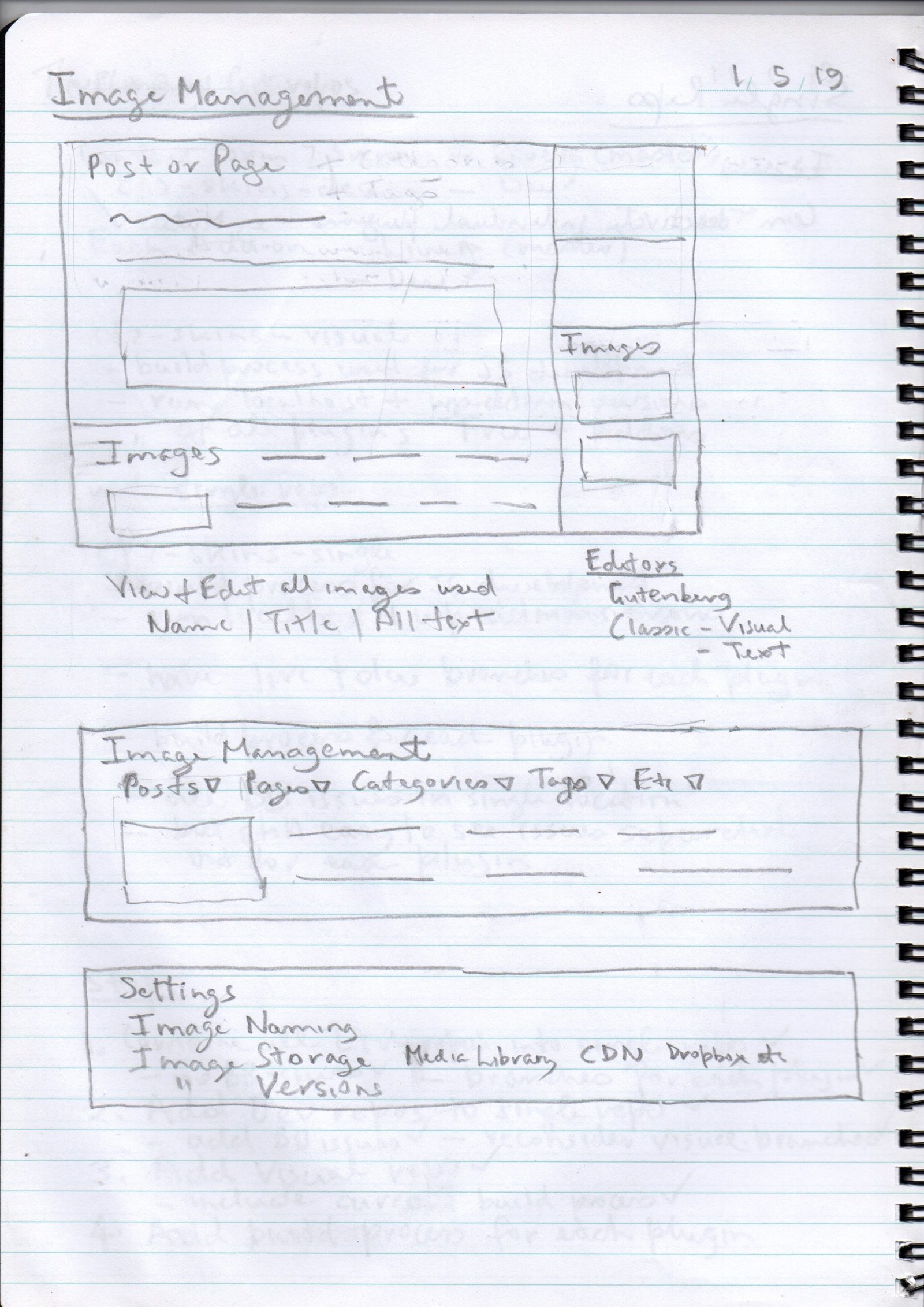
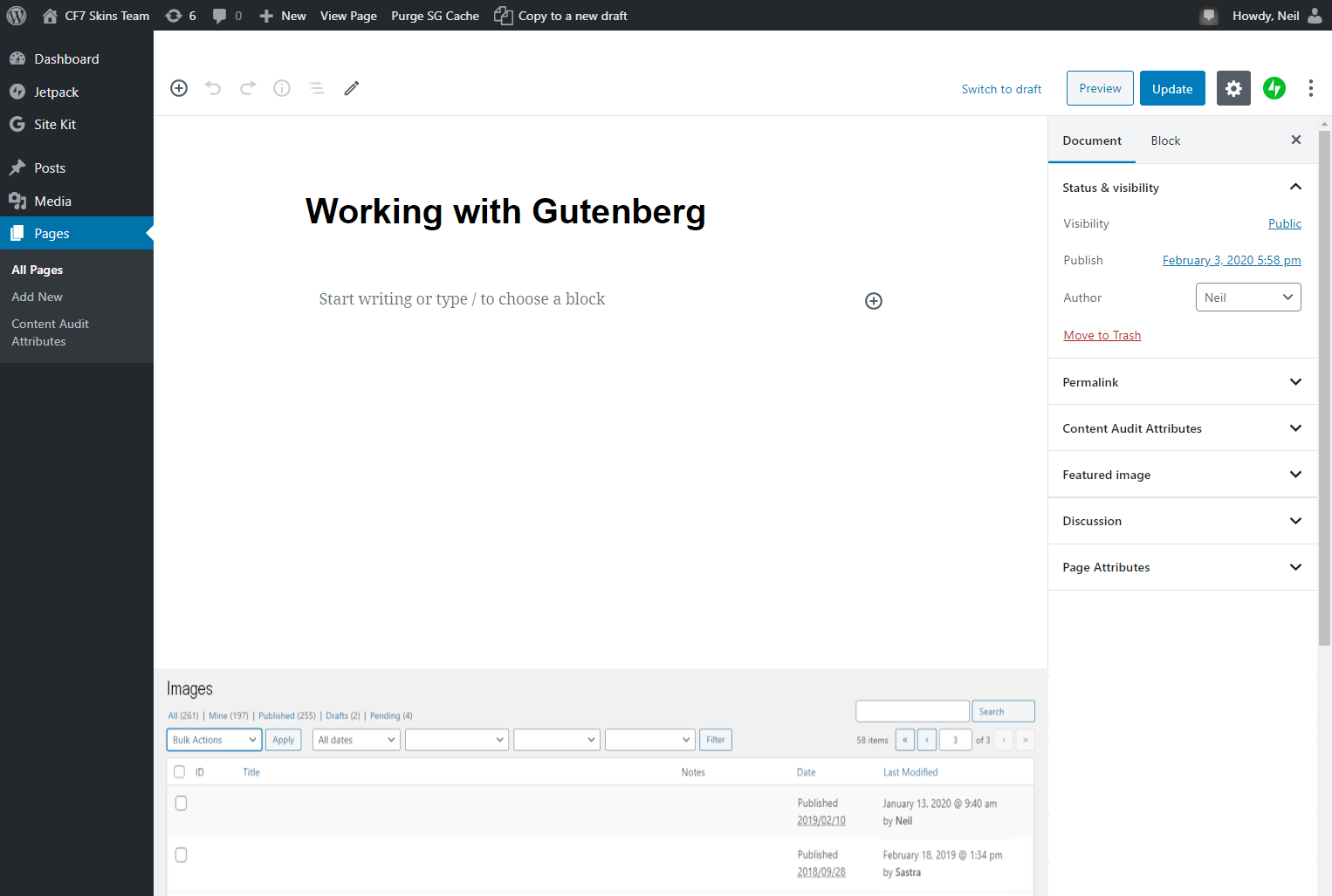
Gutenberg Editor
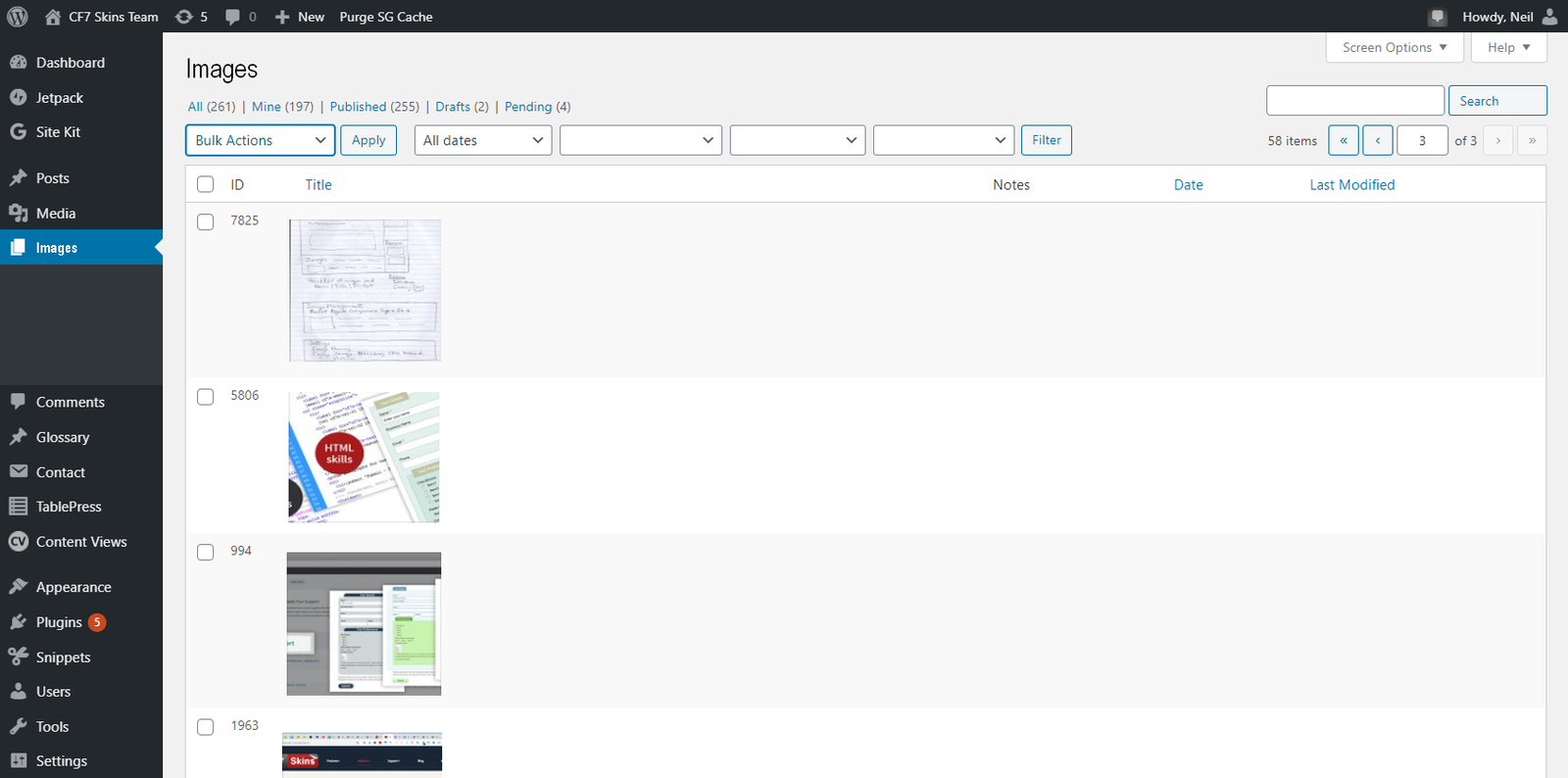
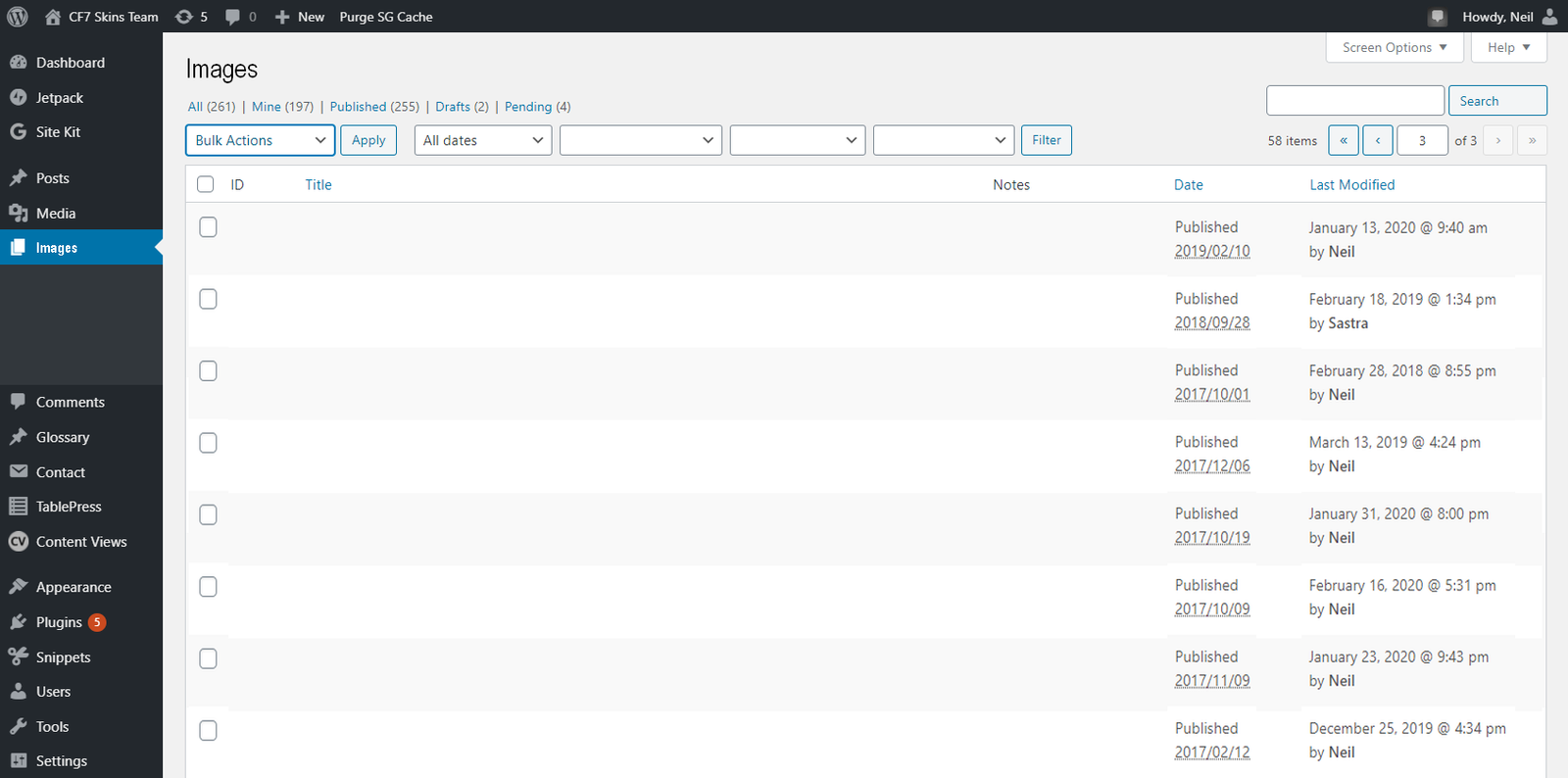
WordPress Admin
Settings
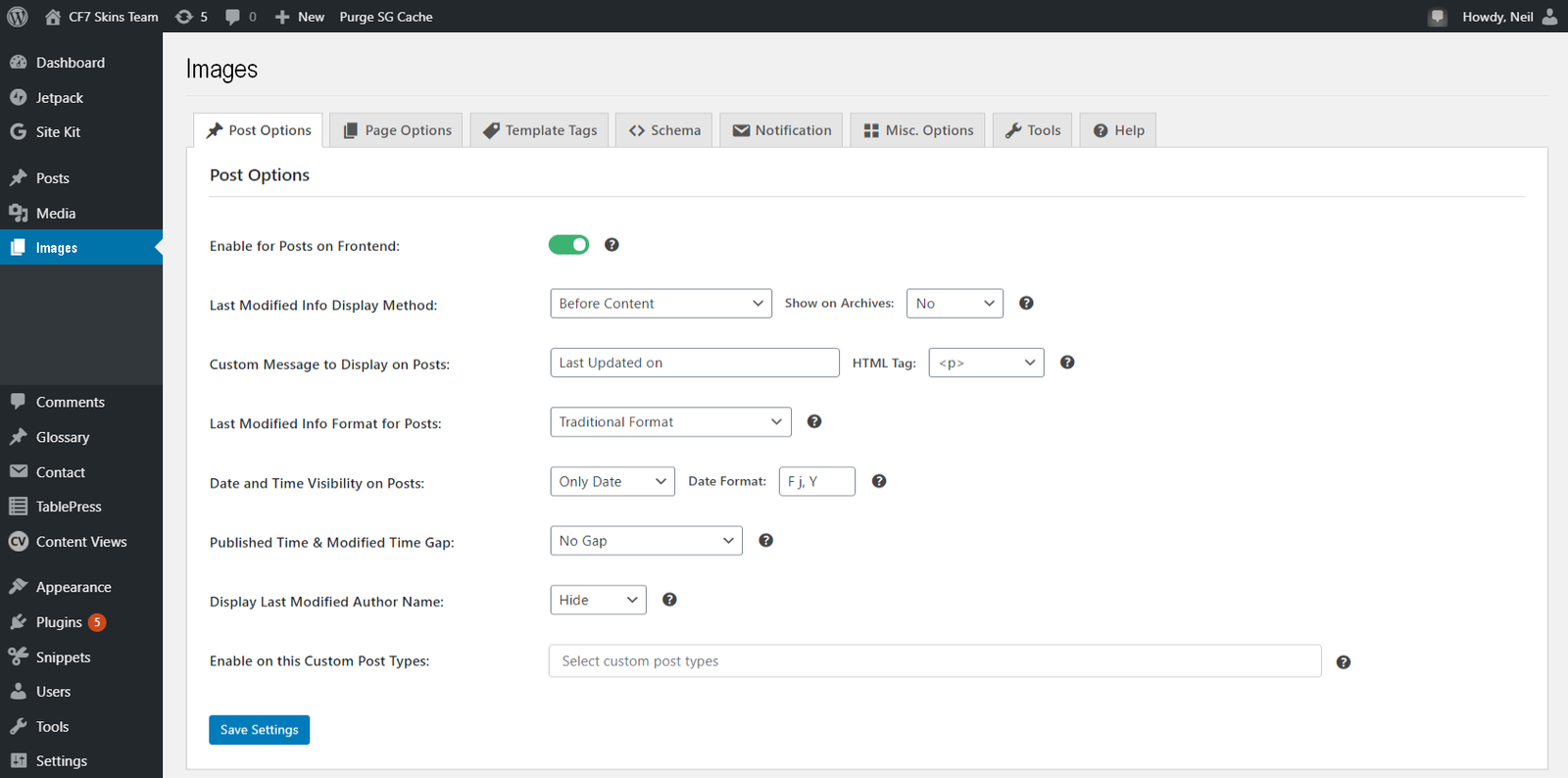
WordPress Plugins
- List, and Download Files & Folders in WordPress
- HappyFiles – Organize your WordPress Media Library, Post Types & Plugins like a Pro
WHY SASS?
- multiple WP sites (future)
Sass Solutions
- Frontify – freemium
- Cloudinary – freemium
Promotion
- Personal Emails – major WordPress sites?
- Content Marketing
- image management wordpress
- wordpress media library
- wp.org plugin
- image management
Quotes
My travel blog consists of a large number of pictures. To insert images to blog post, I usually use the gallery feature.
But when I insert the images through galleries, they don’t get attached to the post. So it’s almost impossble to find unattached images.
When I try to manage the quite huge number of pictures, I am missing more sorting options and more metadata available in edit and library views.
I would love to see (and sort by) at least creation date and library number (which is used in galleries).
I am missing a list view in the desktop app (and web), too…
Is there a way to get such additional functionality through addons and upgrading from premium to business plan?
Can I attach the images to a post automatically even when using galleries? Is it possible to re-attach them?
The blog I need help with is munterwegs.me.
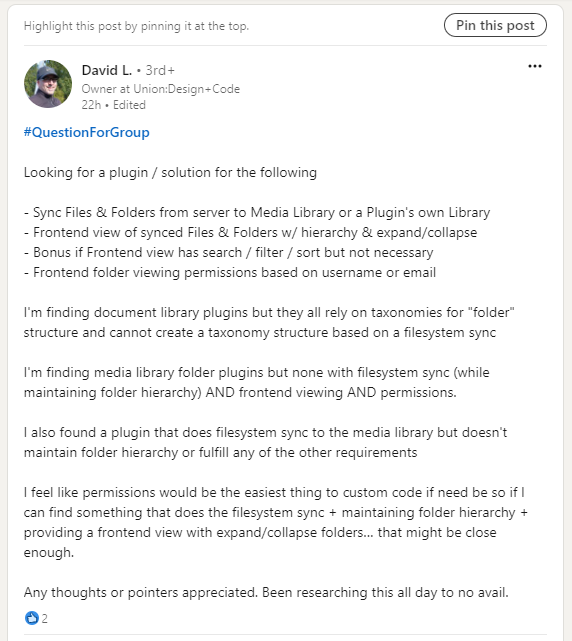
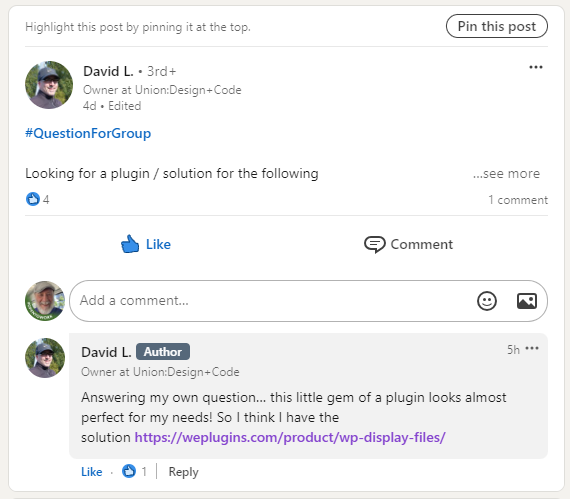
Looking for a plugin / solution – LinkedIn
References
Further reading:
- item
Notes:
Add notes here
Save all Images to Sync – use ..\Sync\..\Development\Other Plugins\Image Management\