
Last Updated on January 13, 2020 by Neil Murray
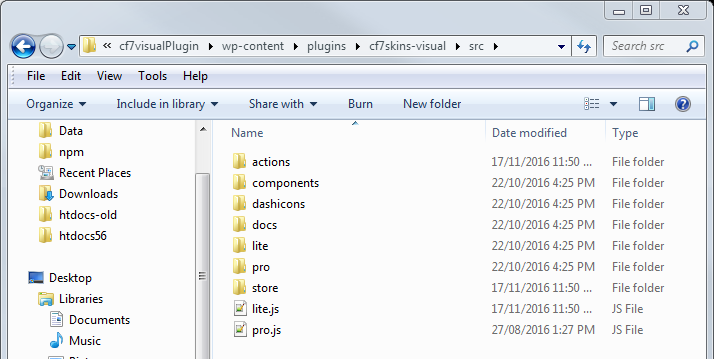
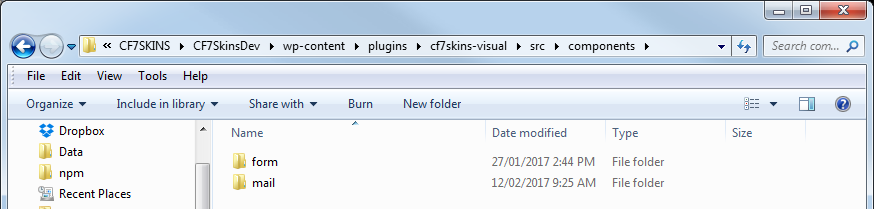
All CSS styling is contained in individual React component files in ..\cf7skins-visual\src\components\ and added to CF7 Skins Visual via the webpack build process.
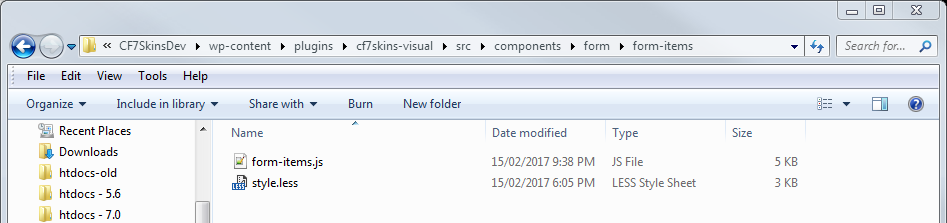
Add CSS in style.less file of each React Component
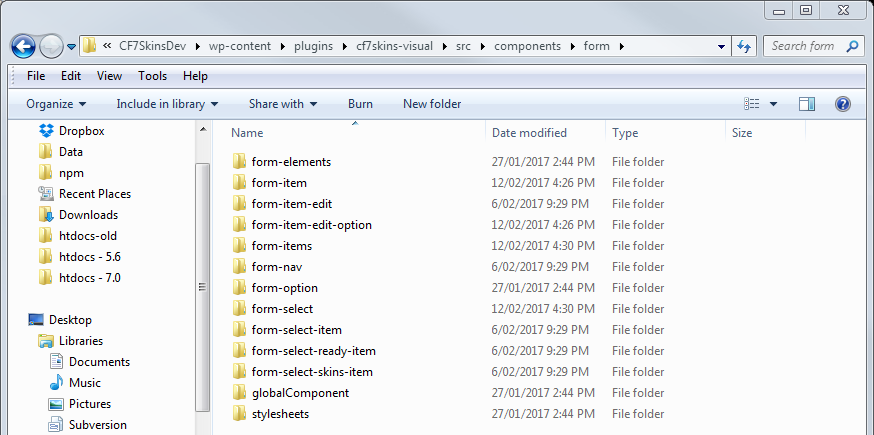
All files associated with an individual React component are contained in a single folder such as ..\cf7skins-visual\src\components\form\form-item\.
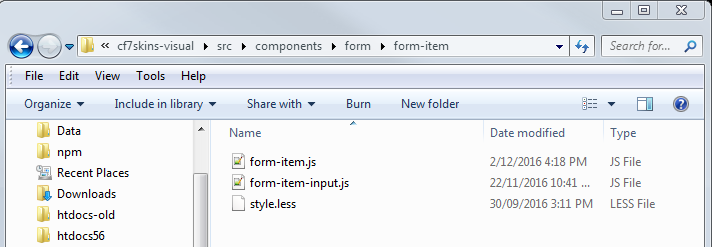
We add any CSS in the style.less file included with each particular React Component.
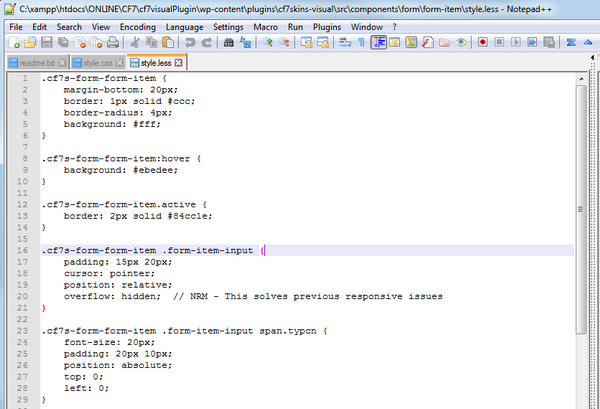
Component based CSS Styling
All CSS added here needs to relate directly to the React Components included in the relevant folder and ONLY these React Components.
Importantly:
Self-contained
Can be moved
Other React Components should NOT be styled.
CSS Class Naming
Based on folders
Partly automatic
Method:
form-items – class=”cf7s-form-form-items” or .cf7s-form-form-items
cf7s | form | form-items
cf7s = unique CF7 Skins plugin id (added automatically)
form = ..\src\components\form\
form-item = ..\src\components\form\form-item\
Examples:
form-select – .cf7s-form-form-select
form-item-input – .cf7s-form-form-item .form-item-input ( since form-item-input.js is included in ..\src\components\form\form-item\ )
Example:
.cf7s-form-form-item .form-item-input {
    padding: 15px 20px;
    cursor: pointer;
}
CSS styling in the correct location
Styling needs to be done on each individual React component so that it is largely self-contained with that component.
Importantly:
Find the right style.less file to use for each React component
Styling should only cover React components contained in this component folder
CSS should also not affect React components not contained in this component folder
Example:
Select Area – use form-select (class=”cf7s-form-form-select” or .cf7s-form-form-select )
See https://bitbucket.org/cf7skins/cf7skins-dev-cf7skins-visual/commits/ab0c7ad7
Key points to note
Focus on React component file names e.g. form-items (class=”cf7s-form-form-items”)
Style classes that we add & control in this React component
Avoid descendant selectors and child selectors
With JSX it’s relatively easy to add extra necessary classes on each React component
Example:
[ADD Example]
SUPERCEDED
We use Less for CSS development
[ADD explanation of form/stylesheets/ incl. form/stylesheets/shared/]
your code here