
Last Updated on December 11, 2024 by Neil Murray
We’ve had ongoing problems importing the CF7 Skins Test Database into Local on Windows as the database got larger.
See below for the errors we’ve had & how we overcame these problems.
Fatal Error Memory #
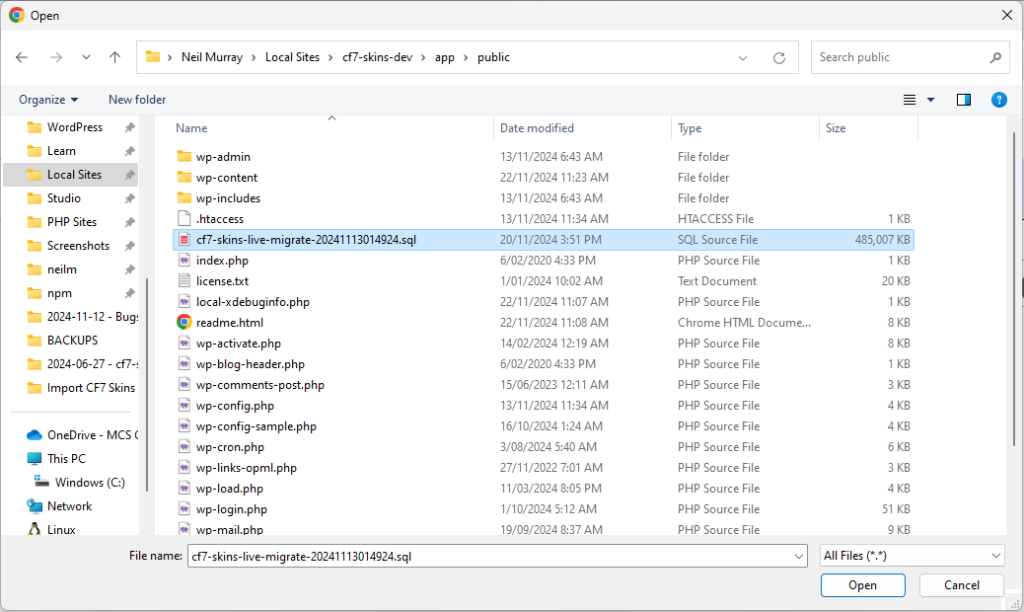
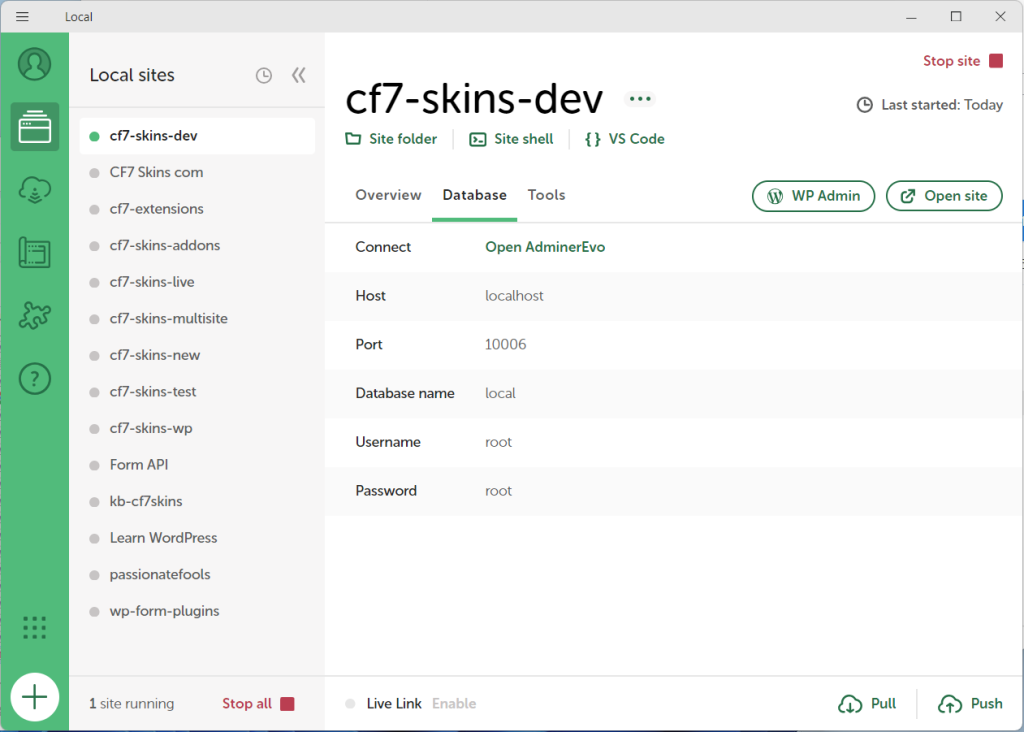
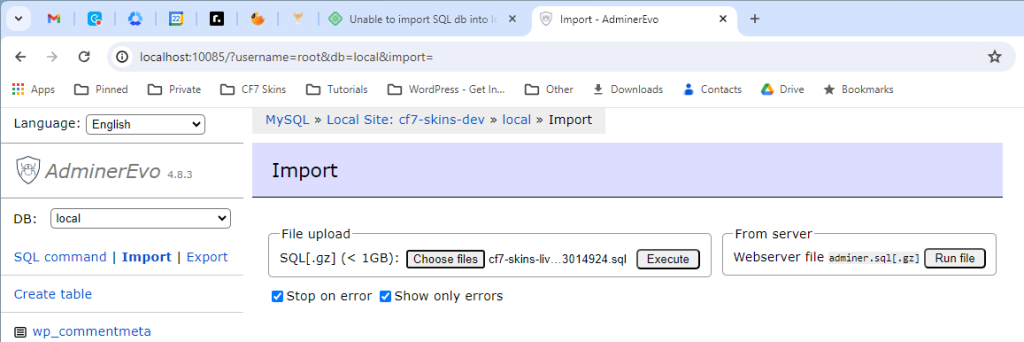
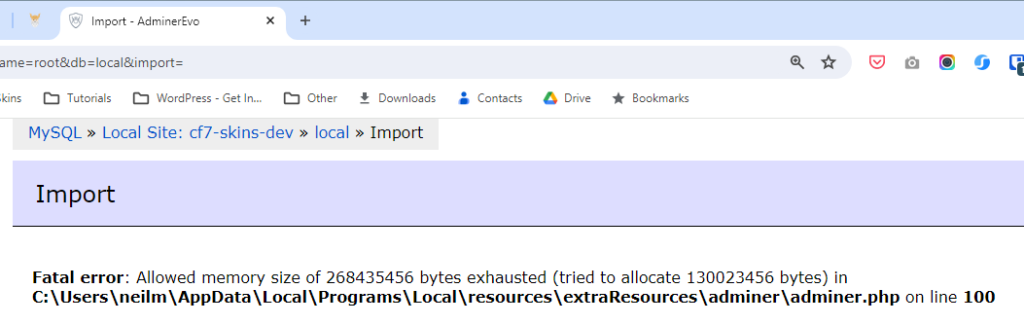
We’ve found it’s not possible to solve this problem by increasing the available PHP Memory in Local. Instead we’ve solved the issue using the Solution on Windows below.
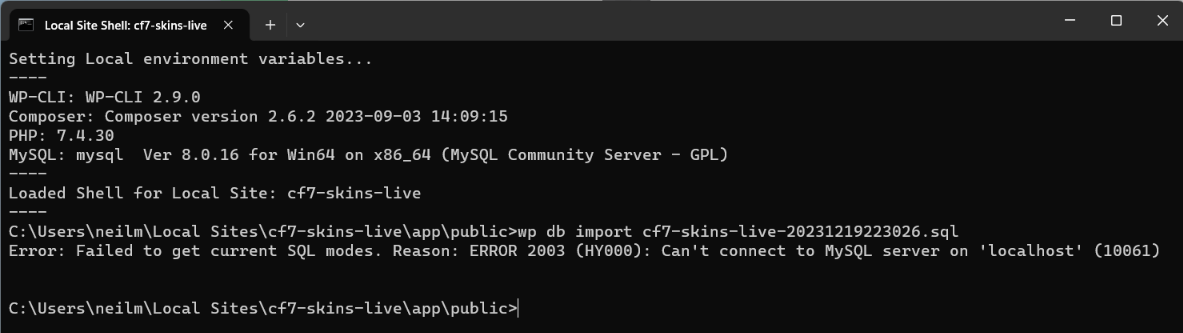
Error: Failed to get current SQL modes #
If you have problems importing a large zip file of an existing site, the Local Documentation suggests doing a Manual Import as explained below.
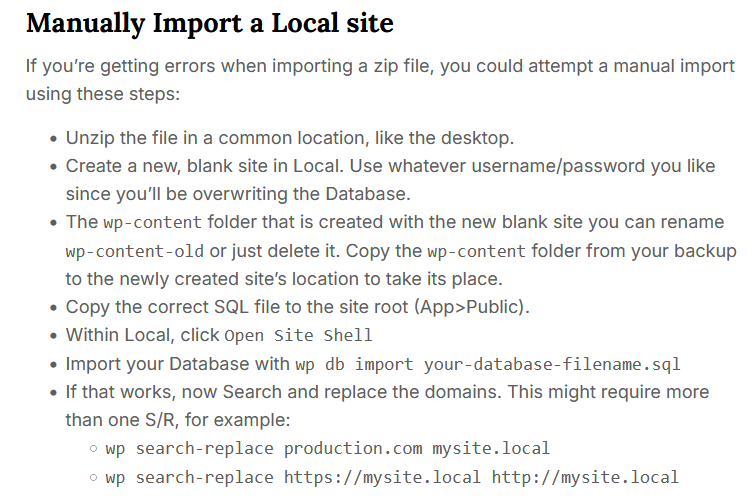
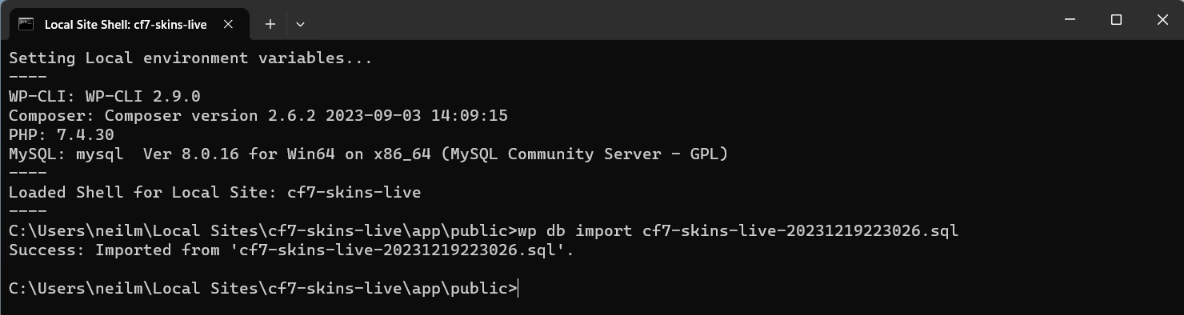
But using the wp-cli command wp db import cf7-skins-live.sql in Local Site Shell does not sometimes work on Windows.
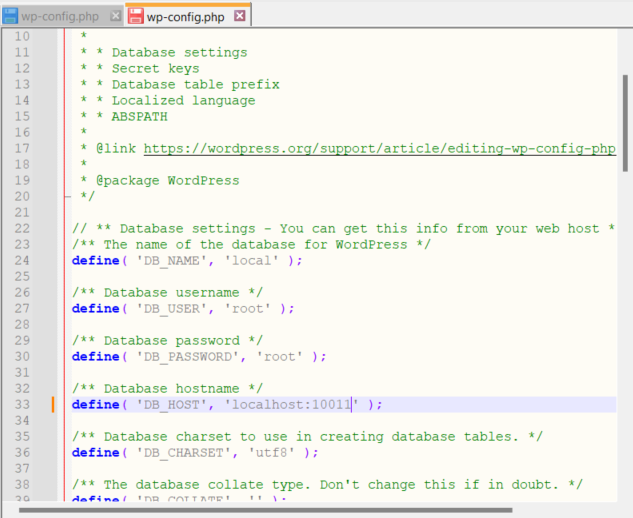
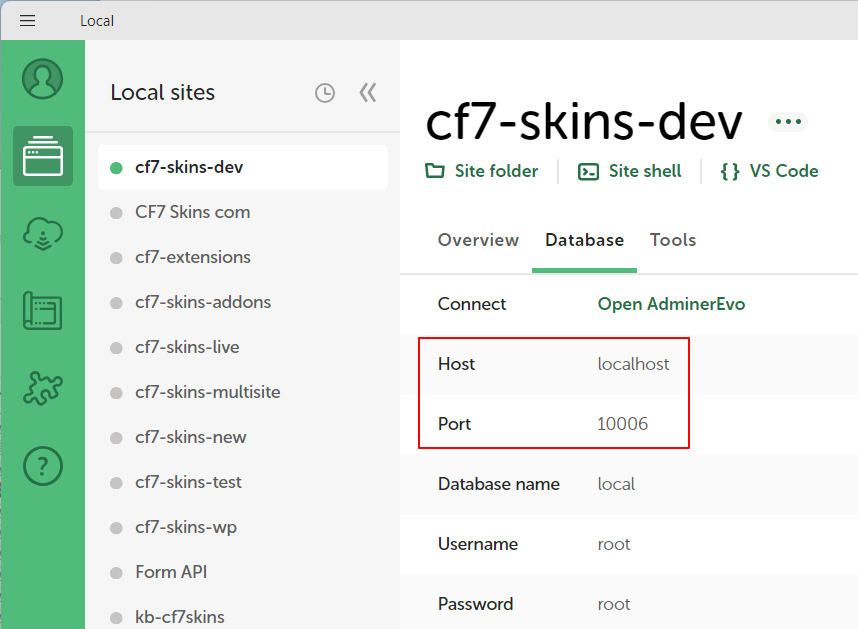
In some instances we solved this problem by amending the Database Hostname in wp-config file to the localhost port for this Local instance.
Solution on Windows #
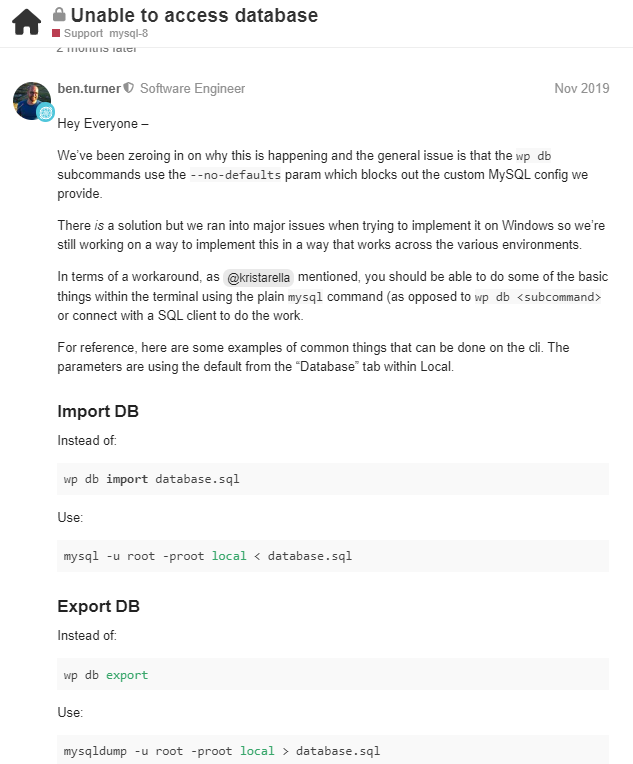
We eventually found a solution to all of the above problems in the Local Support Forum at Unable to access database.
Steps:
- Add database import file to Local public folder
- Extract .gz file to .sql
- Open Site Shell in Local
- Use command:
mysql -u root -proot local < database.sql
We’ve found this method a reliable solution to all of our CF7 Skins Test Database importing issues.
Further reading:
Notes
ADD notes here.
Save all Images to Sync – use ..\Sync..\Development\Development Guidelines\Development Team Tools\Local Development Environment\Local by Flywheel\Import CF7 Skins Test Database Issues\