
Last Updated on March 9, 2022 by Neil Murray
Templates are created in folders stored in ../skins/templates.
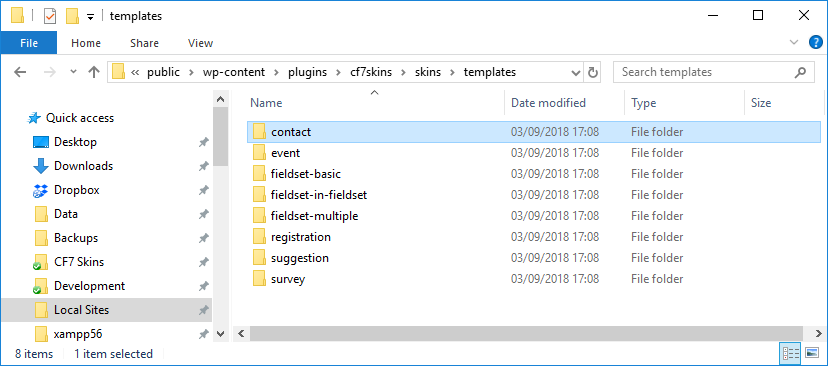
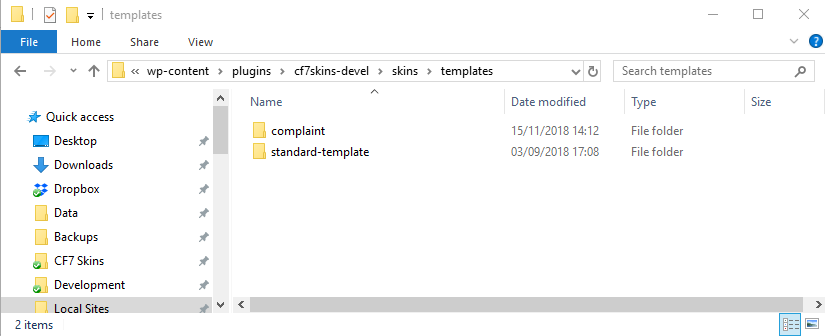
Create a new folder for each new Template.
Each Template contains the following files:
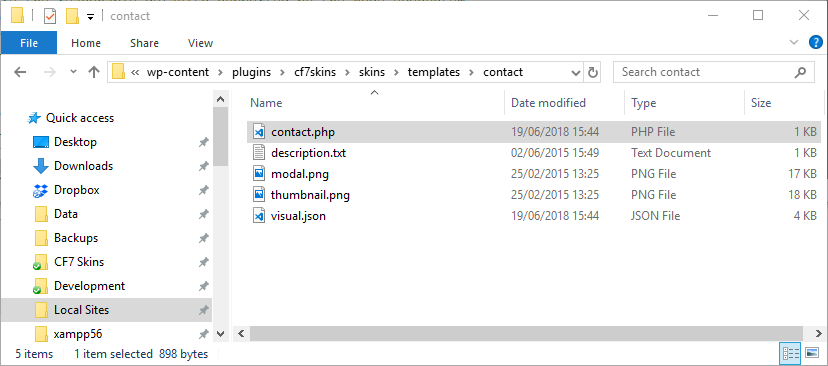
template-name.php provides a php version of the html of the template with provision for WP translation.
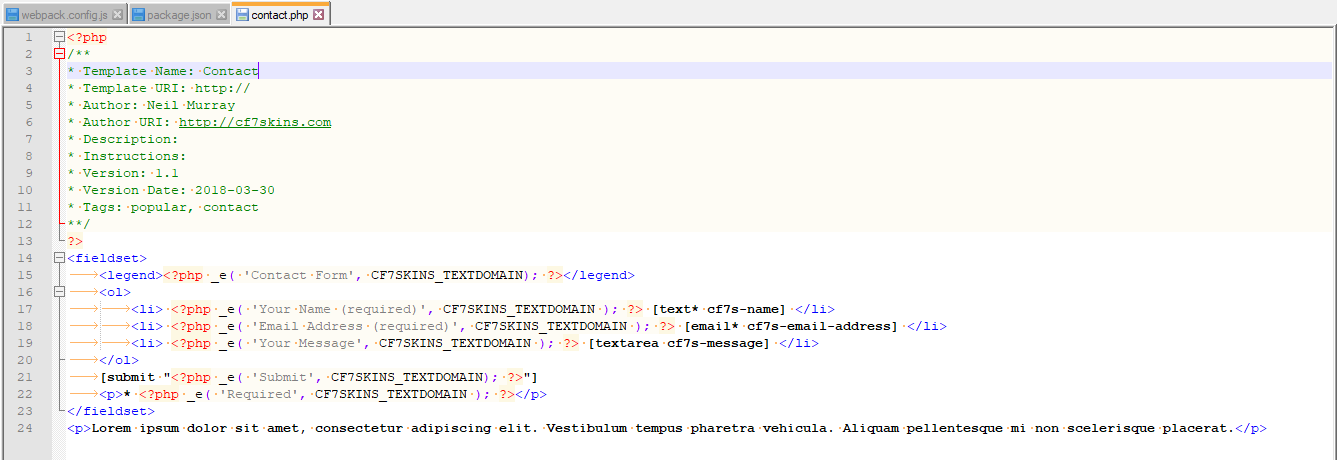
You should review the files included in a typical Template in detail. They are very consistent & not complex. Doing this should answer most of your questions & give you a good understanding of how we create Templates.
Neil Murray
A visual.json file was added with the introduction if the CF7 Skins Visual Editor which includes the Visual data for each Template.
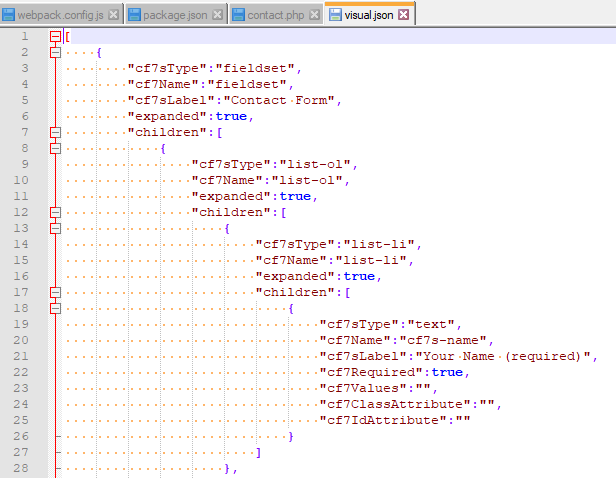
Don’t attempt to create the visual.json for a new Template by manually editing – this is too prone to errors with missing or incorrect child structure.
Instead refer to Preparing Visual Template files for detailed instructions on creating visual.json files.
It is now possible to use the CF7 Skins Visual Editor to build a new Template exactly as you want.
Refer:
Notes:
REMOVED
New templates with generally be initially developed in the Contact Form 7 Skins Devel plugin.
To get started we just copy the visual.json file included with the Contact Template.
Once work is mostly complete on a new Template, it will be moved to the CF7 Skins plugin where it is released:
- Contact Form 7 Skins – free version
- CF7 Skins Pro – premium add-on