
Last Updated on April 8, 2024 by Neil Murray
Table of Contents #
Using Twist #
Directly in WordPress #
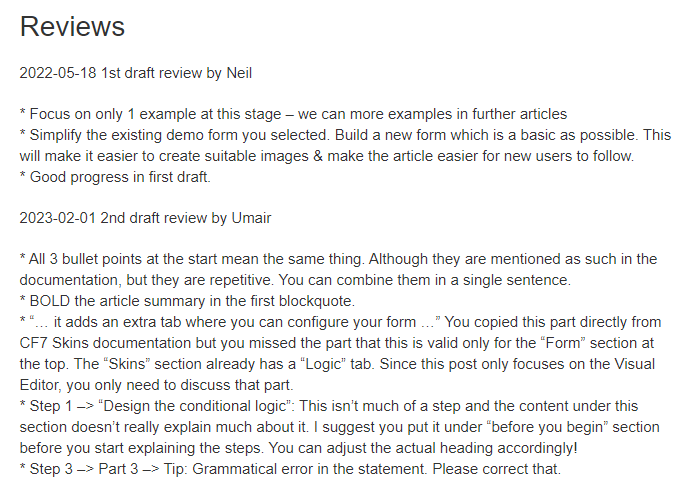
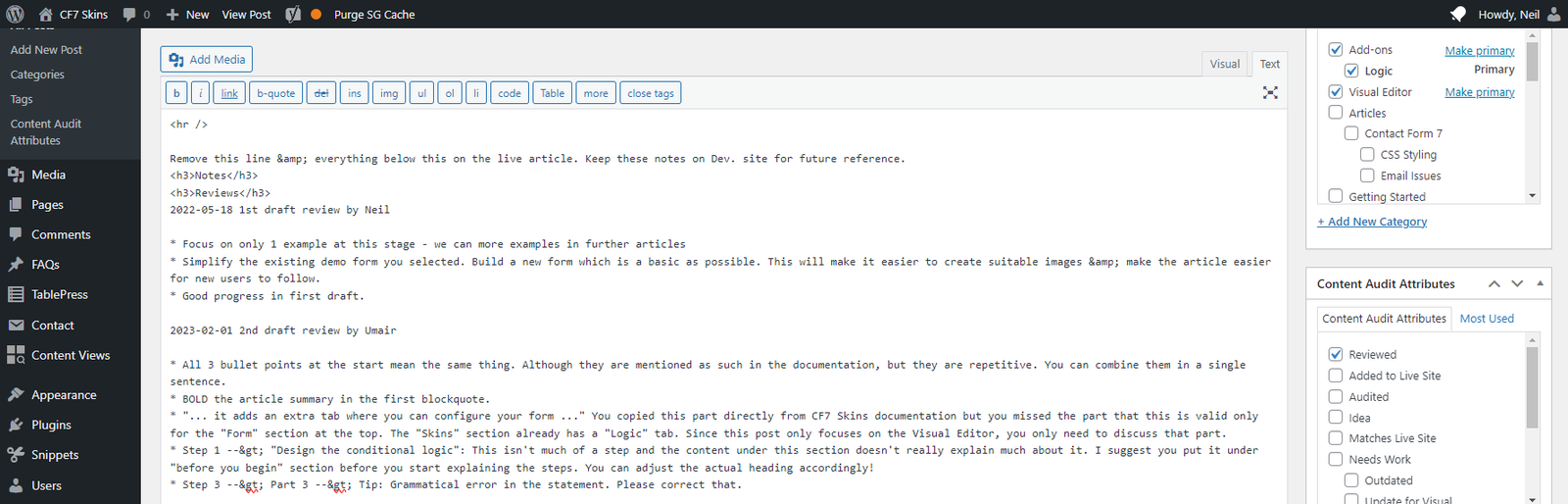
2023-02-01 2nd draft review by Umair
* All 3 bullet points at the start mean the same thing. Although they are mentioned as such in the documentation, but they are repetitive. You can combine them in a single sentence.
* BOLD the article summary in the first blockquote.
* “… it adds an extra tab where you can configure your form …” You copied this part directly from CF7 Skins documentation but you missed the part that this is valid only for the “Form” section at the top. The “Skins” section already has a “Logic” tab. Since this post only focuses on the Visual Editor, you only need to discuss that part.
* Step 1 –> “Design the conditional logic”: This isn’t much of a step and the content under this section doesn’t really explain much about it. I suggest you put it under “before you begin” section before you start explaining the steps. You can adjust the actual heading accordingly!
* Step 3 –> Part 3 –> Tip: Grammatical error in the statement. Please correct that.
2022-05-18 1st draft review by Neil
* Focus on only 1 example at this stage – we can more examples in further articles
* Simplify the existing demo form you selected. Build a new form which is a basic as possible. This will make it easier to create suitable images & make the article easier for new users to follow.
* Good progress in first draft.
Past Communication #
You’ll get a better idea of how we’ve communicated in the past by looking at some older posts we’ve created.
We definitely do most communication on the posts we are creating. We write in the Notes section at the end of the dev page & then just copy them to Pivotal Tracker to create an easy to access record of what we’ve done.
We generally restrict chat in Skype to notifications & questions that are timely i.e. relevant now.
Further Reading:
- Item
Notes
Add notes here
Save all Images to Sync – use ..\Sync\..\Documentation\Documentation Guidelines\Reviews\