
Last Updated on May 4, 2023 by Neil Murray
All JavaScript used in the CF7 Skins Visual interface, is built using React, a JavaScript library for building user interfaces.
Directory Structure #
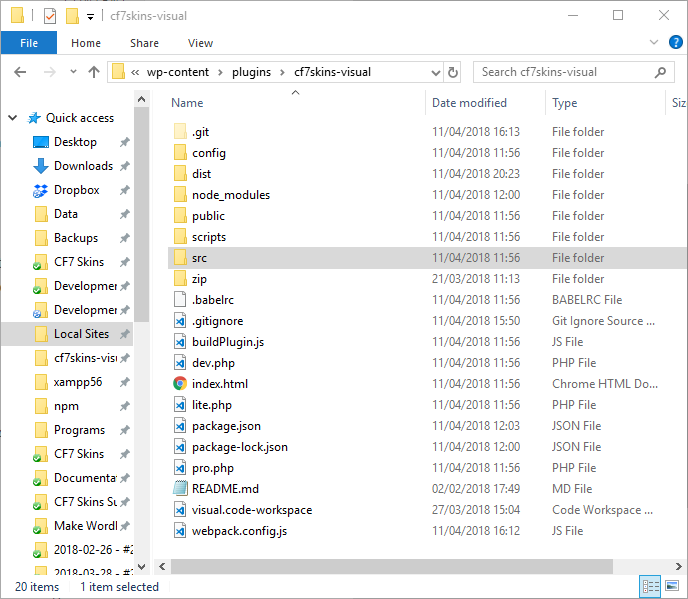
All React development files are contained in ../cf7skins-visual/src/ which is built to ../cf7skins-visual/dist/ by webpack and distibuted into separate plugins using by buildPlugin.js file.
Directory node_modules contains production and development dependencies listed in package.json file. It is created once you run npm install automatically. It is ignored in the Git repo and will only be available on your local install.
Note that
../cf7skins-visual/dist/is ignored in the Git repo and will only be available on your local install after you runwebpackin the command line.
React is built using Components.
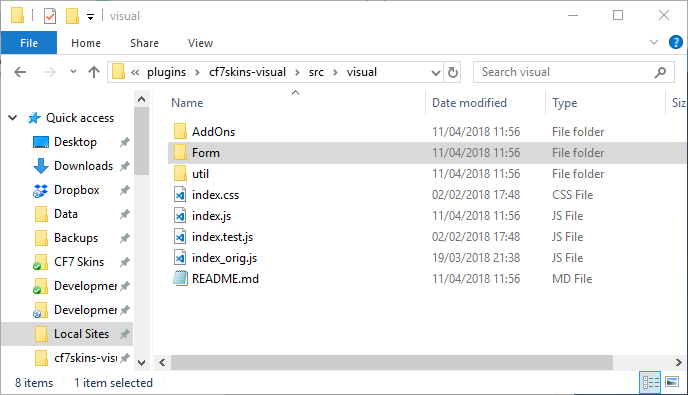
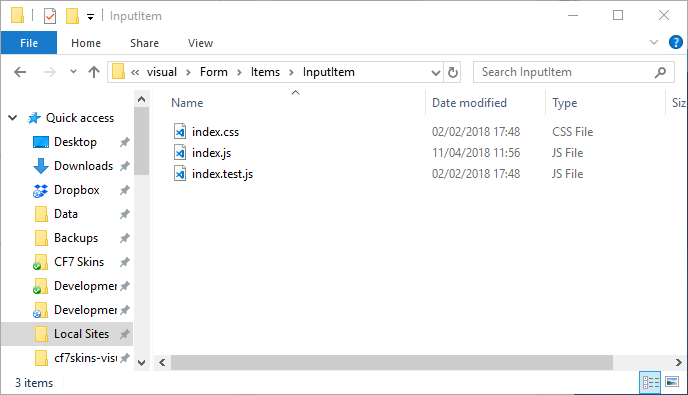
All files associated with an individual component are contained in a single folder such as ../cf7skins-visual/src/Form/Items/InputItem.
React Components #
In many of our Visual components, we mostly use these standard React.Component:
- constructor() only for component that uses state.
- render() used in every component
- componentDidMount() for attaching event/function or modify DOM after rendered.
- componentDidUpdate() to check and update component states.
Other React components might be used in the future, but those components above are enough to build Visual.
CSS in React #
We use CSS modules with React. Each component can have their own .css file(s). Learn more Working with CSS in React.
Further Reading #
Notes
Add notes here
Save all Images to Sync – use ..\Sync\..\Development\Development Guidelines\Working with CF7 Skins\Working with React\