
Last Updated on May 4, 2023 by Neil Murray
See Windows Frequently Asked Questions – this will answer most questions you might have.
I don’t use the Windows Installer – I use the zip file option.
See Windows Frequently Asked Questions > How do I install XAMPP? – Installing from ZIP
Installing from ZIP Unzip the zip archives into the folder of your choice. Now start the file “setup_xampp.bat”, to adjust the XAMPP configuration to your system. ( If you choose a root directory “C:\” as target, you must not start “setup_xampp.bat”. ) I use the “XAMPP Control Panel” to manually start & stop server components. ( You need to do this to run several versions of PHP on your local machine )
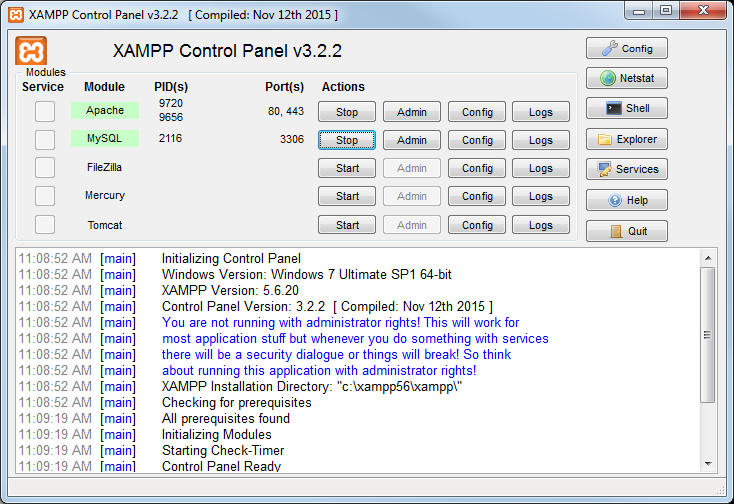
This let’s me have several versions of PHP on my local Windows PC.
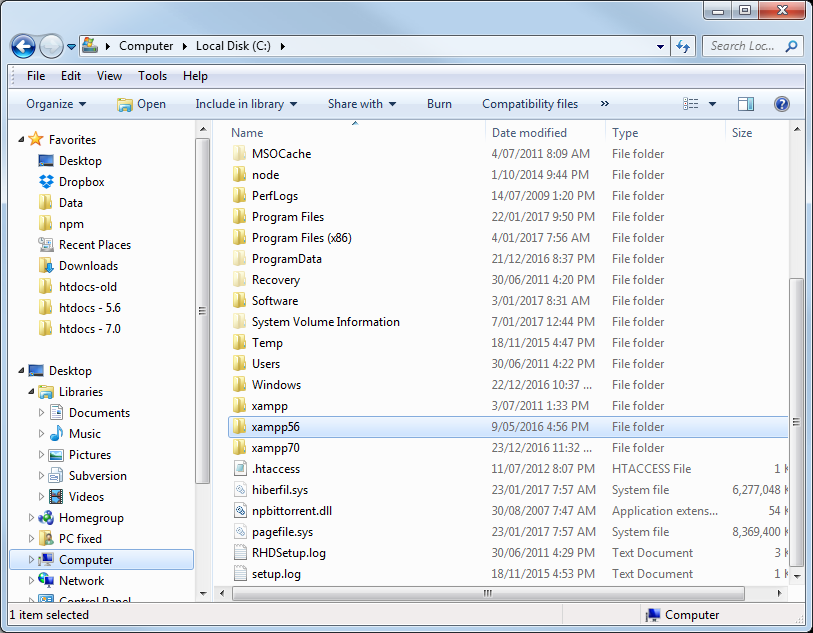
I start whatever version of Xampp I need.
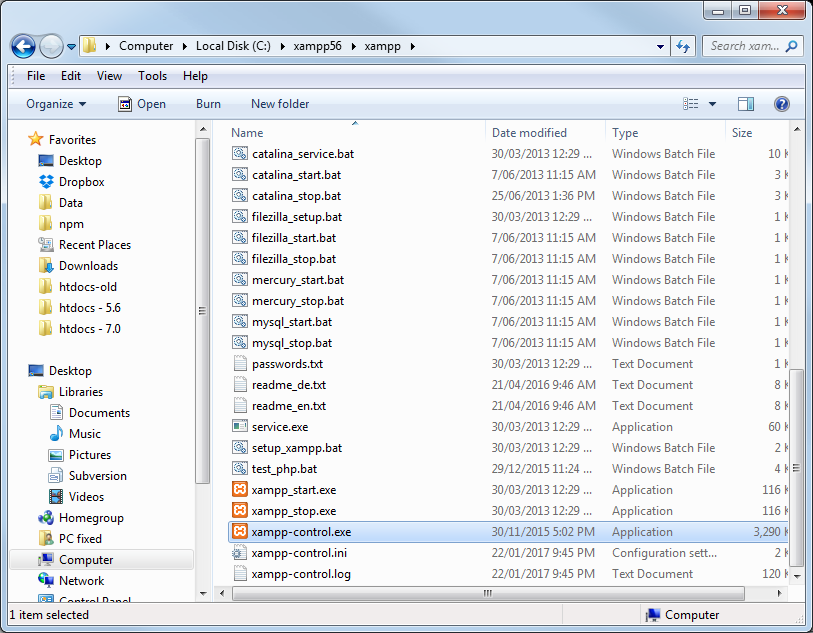
I don’t setup Apache & MySQL as windows services as this can cause problems when switching to another PHP version. See Windows Frequently Asked Questions > How can I install a server as a service?
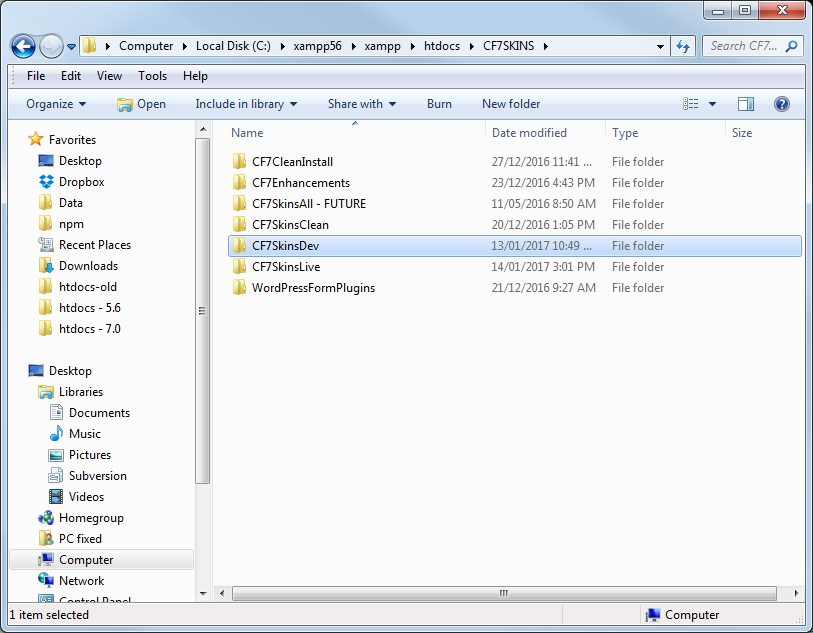
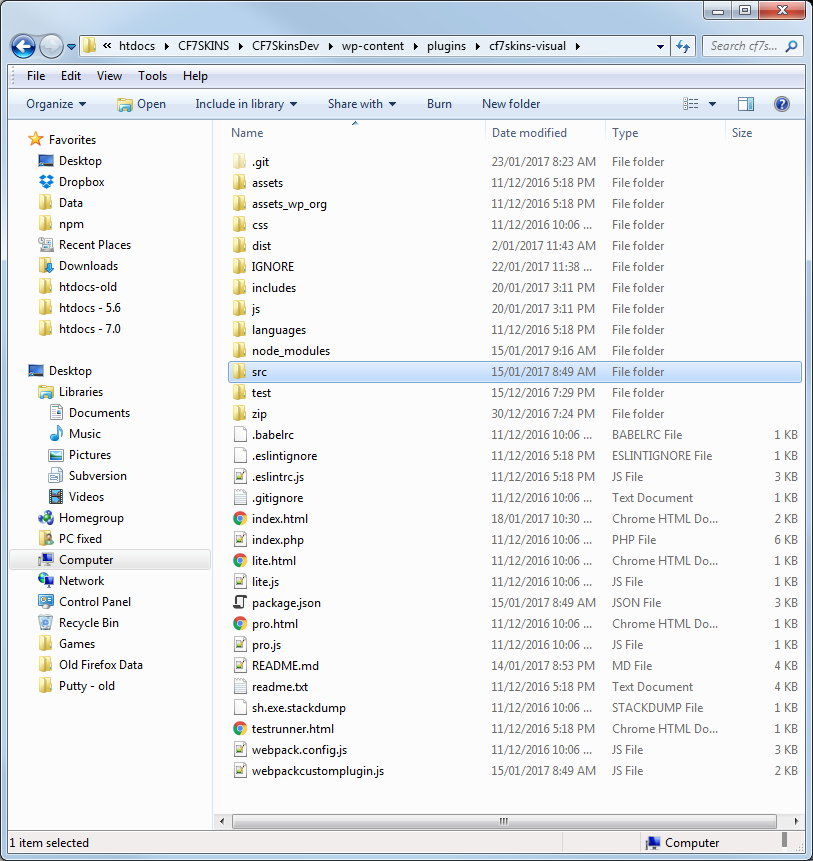
I keep all my CF7 Skins projects in a separate folder in htdocs.
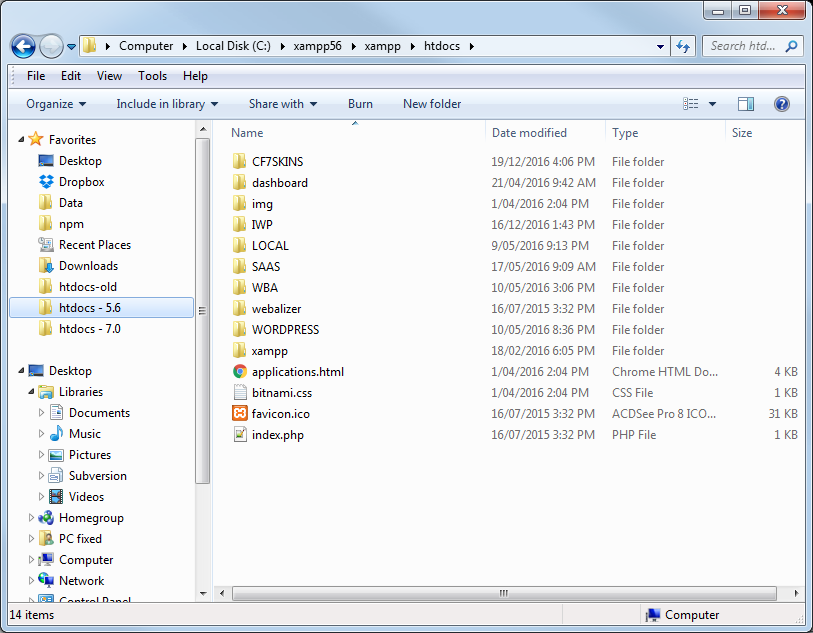
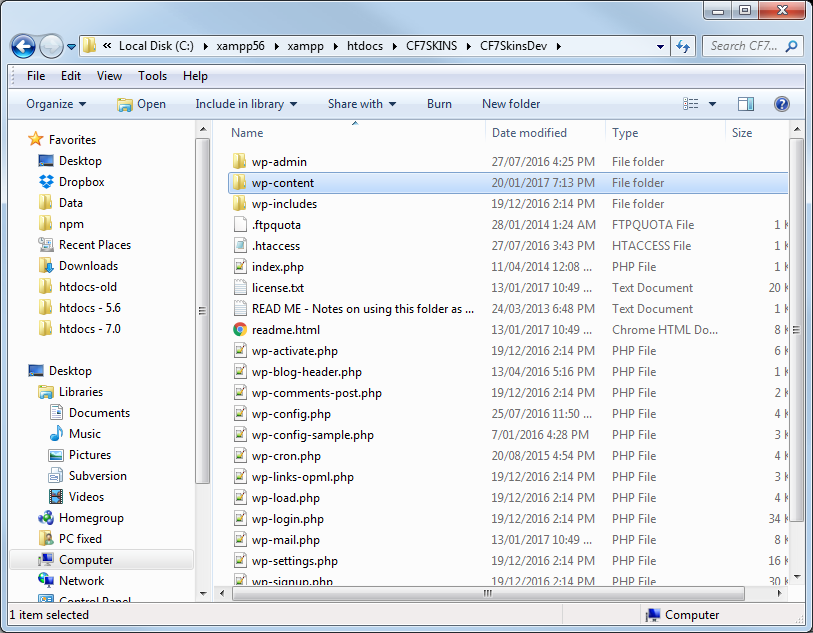
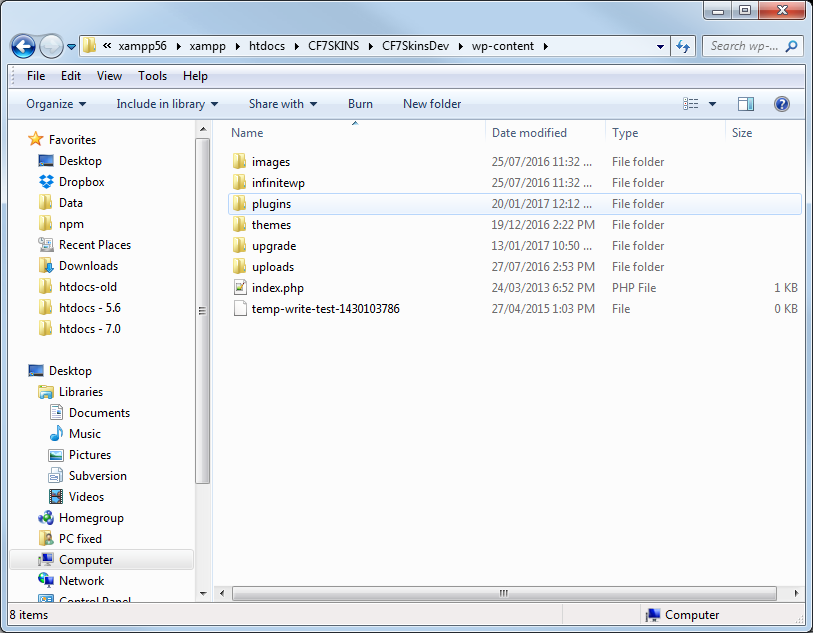
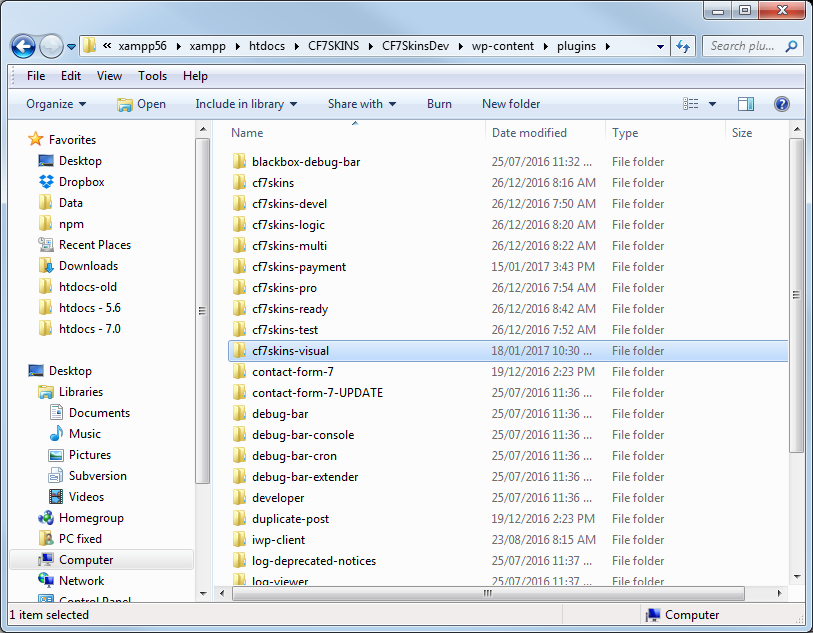
Each CF7 Skins project is setup in the WordPress plugins folder.
Further Reading:
- Switch Versions in XAMPP – switching version of PHP, MySQL or Apache in single machine.