
Last Updated on September 30, 2022 by Neil Murray
We use the Content Audit plugin to help us better manage changes to our documentation.
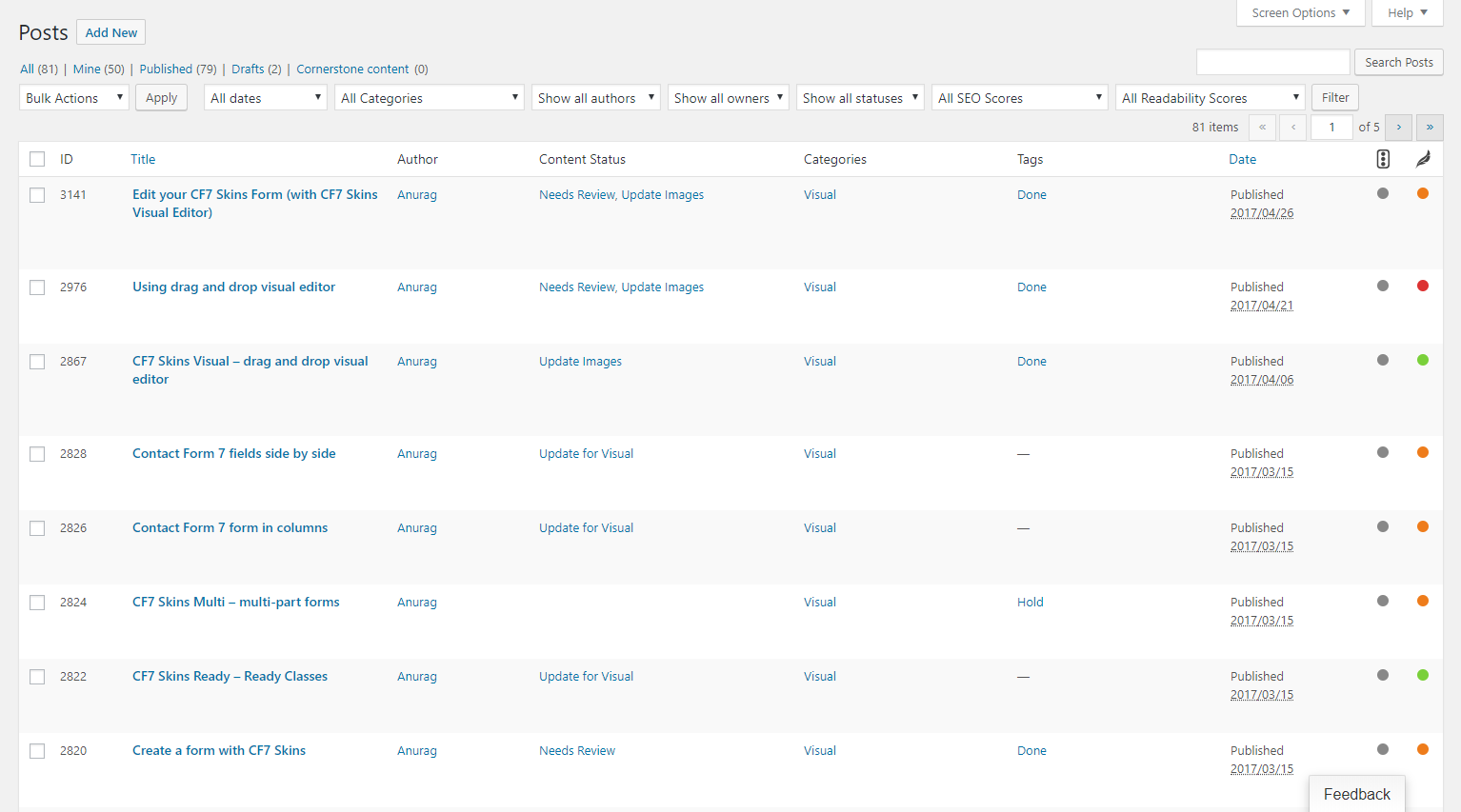
All documentation pages are added to this system so we can:
- See what work needs to be done on each site’s pages
- Show list of items at each stage
- Review what work needs to be done prior to a meeting on Skype or Slack
- Communicate progress or any difficulties with an article.
Filter to find #
You can create filtered lists of the content.
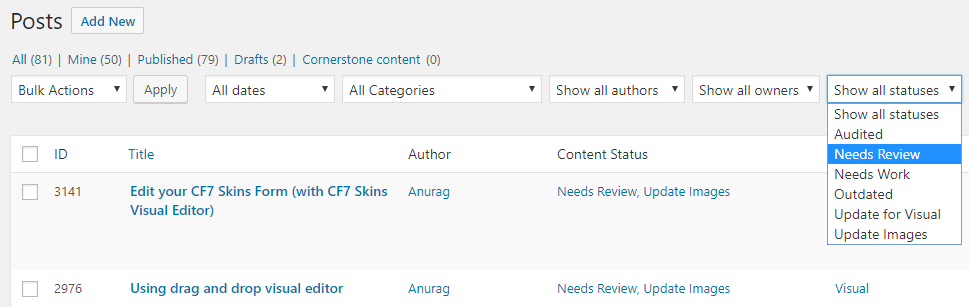
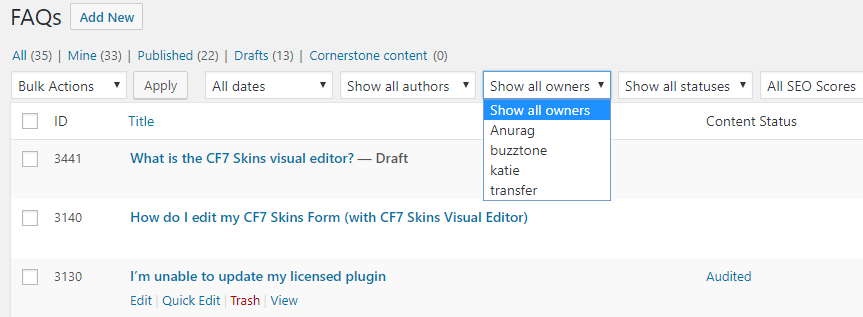
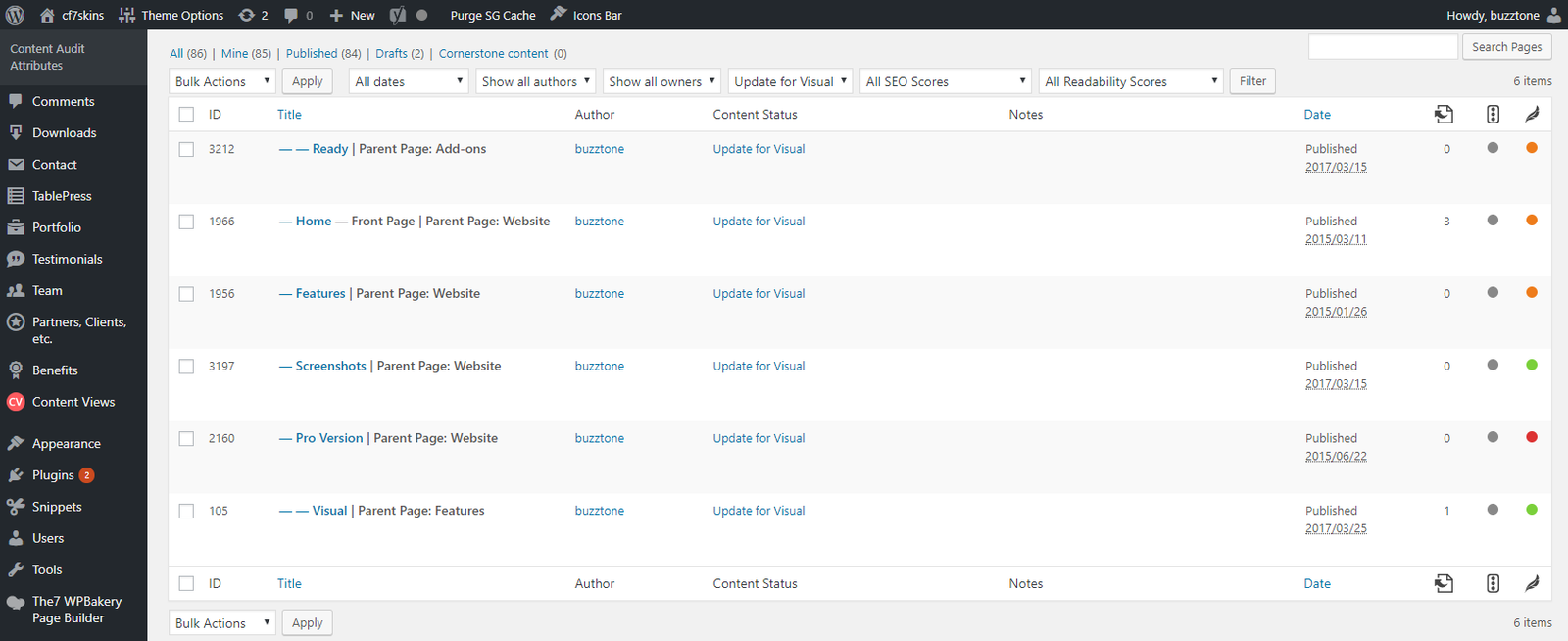
Example: While updating FAQs and articles for the new Visual Editor, you can easily see all items that need to updated using the “Update for Visual” status.
Content Audit Information #
When you visit each page (as a logged in user with editing privileges) you will see Content Audit information at the top of each item in a yellow box.
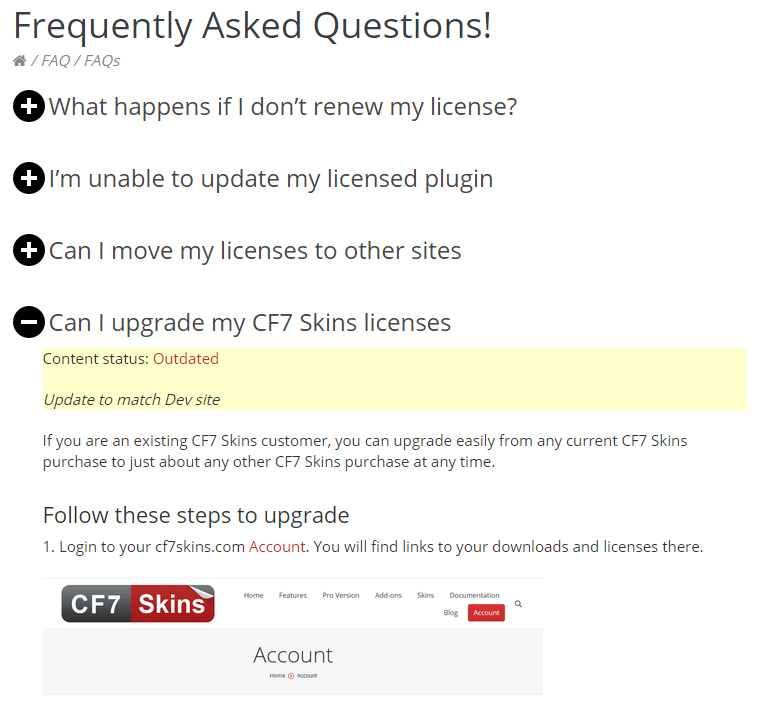
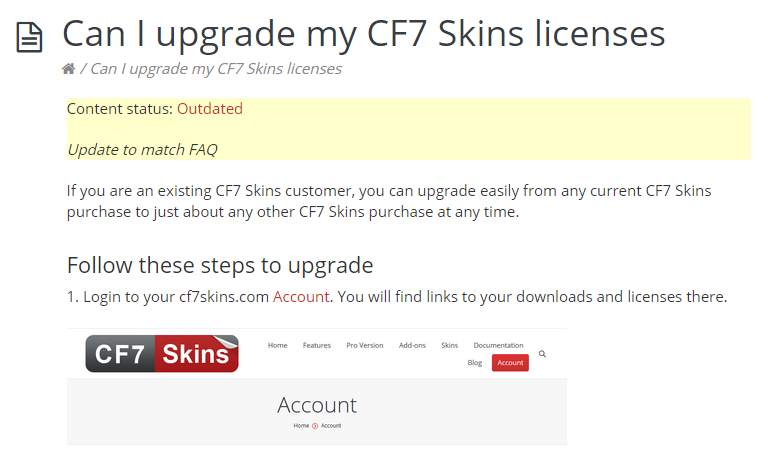
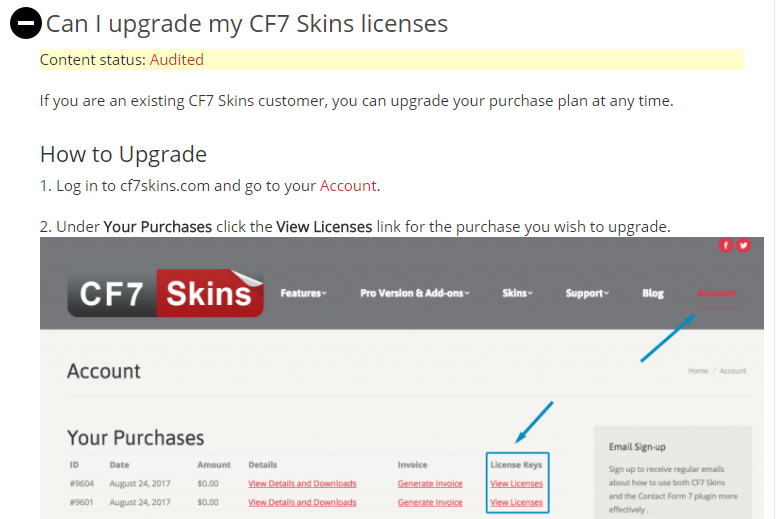
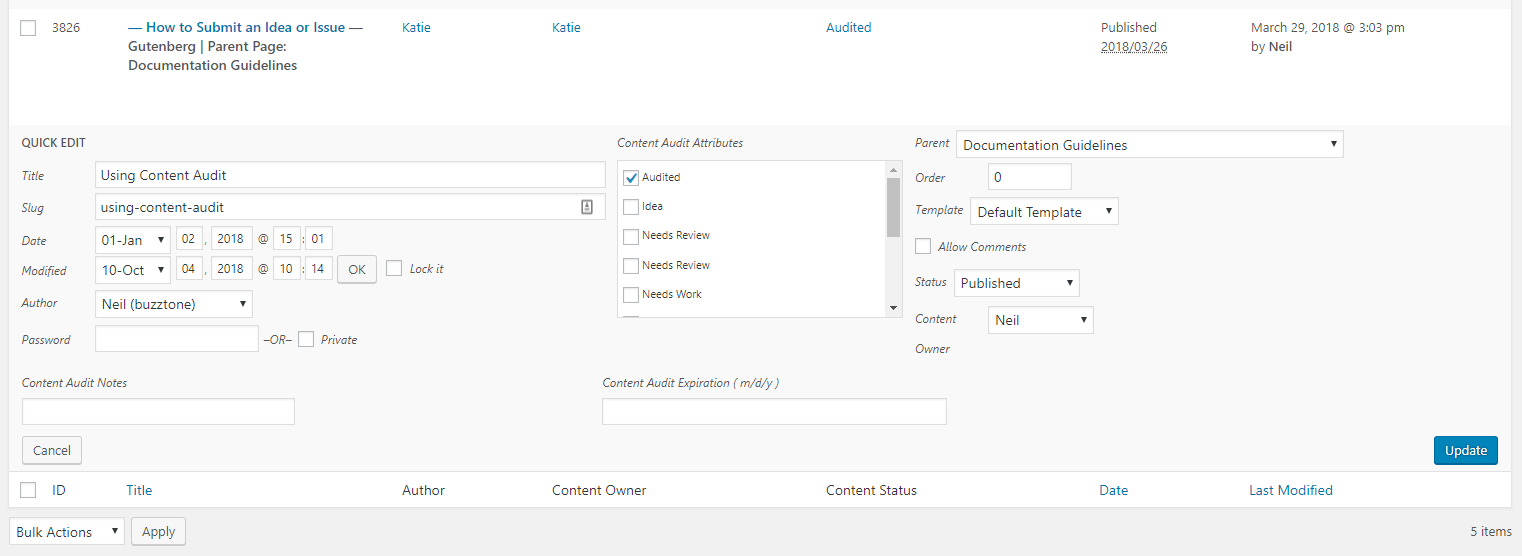
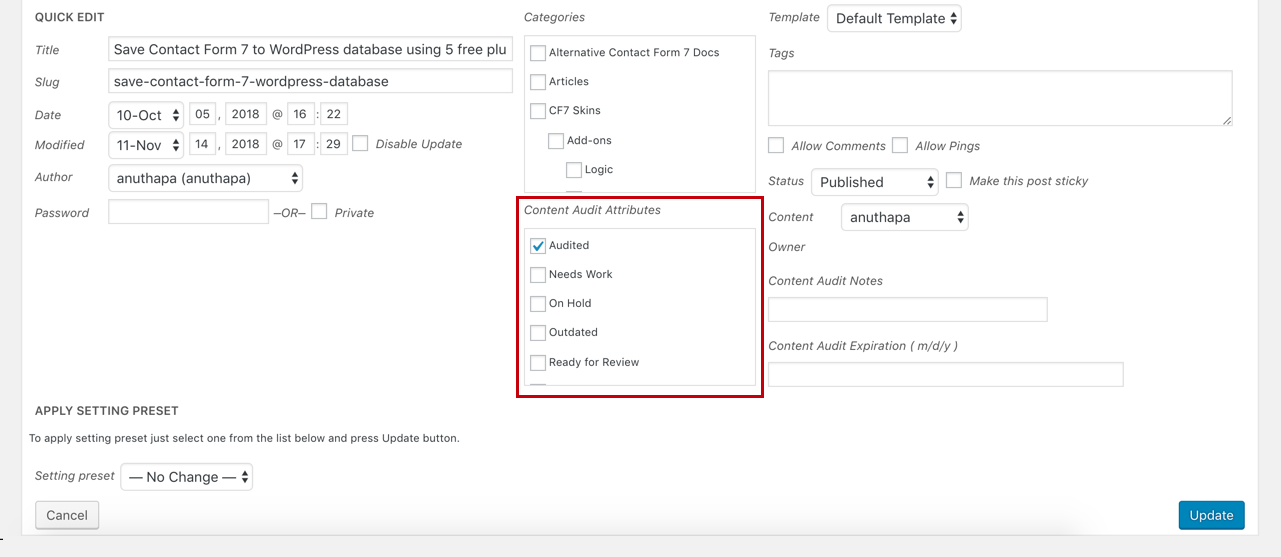
You should adjust the Content Audit information on any article where you notice issues that need attention – it’s quick & easy to add this via Quick Edit.
NOTE: Regular users don’t see this Content Audit information.
Adjust your Page & Post Screen Options #
You will probably need to adjust the Page & Post Screen Options to suit your monitor to get a suitable listing of the information available.
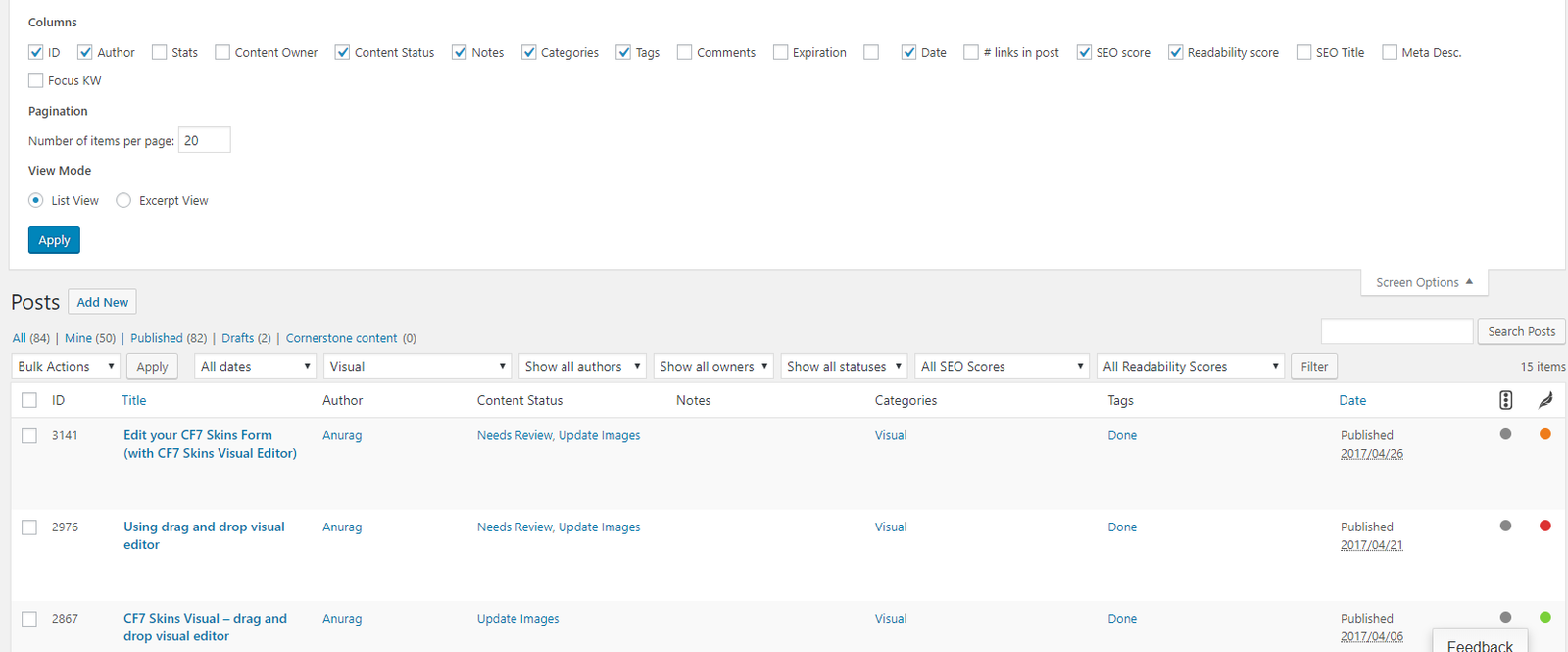

Tips #
- Keep your content audit notes short: The text inside the content audit box does not allow for any formatting such as multiple lines.
- When updating a page’s content, also update the content audit. Remove any old information that is no longer relevant.
- Use Quick Edit to quickly adjust content audit settings on multiple items.
We are planning to submit a pull request to Content Audit to allow formatting such as multiple lines inside the content audit box.
Neil Murray
Communication #
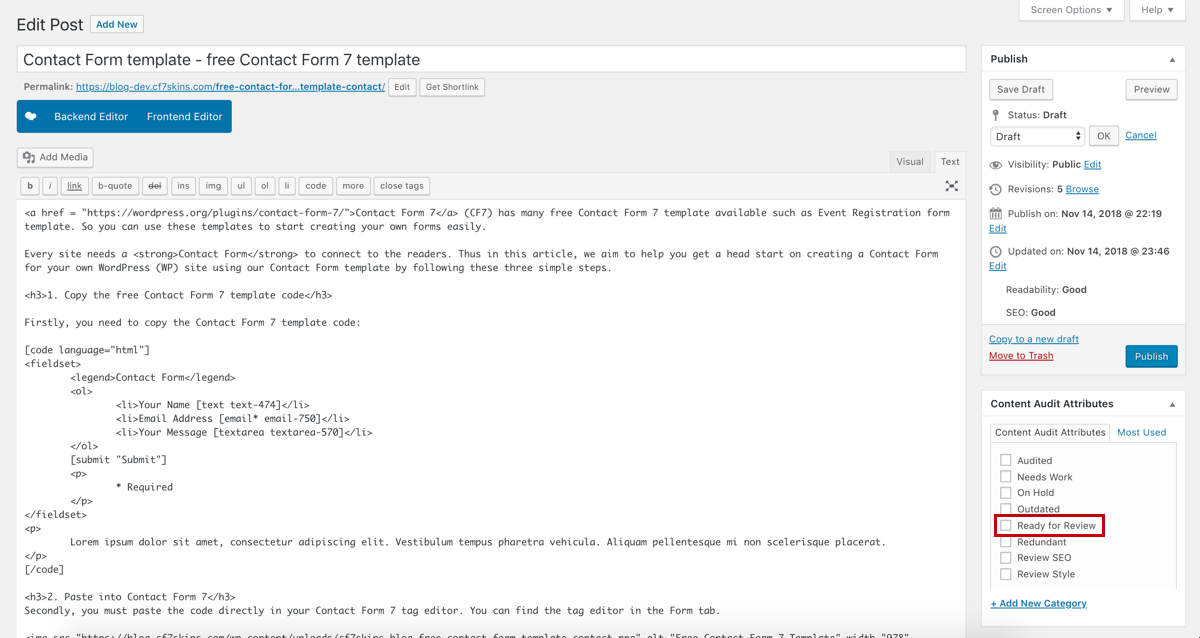
- Once your article is ready for review, you need to update the status in the Content Audit as Ready to Review.
- Once the article is reviewed, the reviewer changes it to Audited.
Content Audit Attributes #
[LIST & explain]
NOTES
Add comments, questions & notes here
Save all Images to Sync – use ..\Sync\..\Documentation\Documentation Guidelines\Content Audit\