Contact Form 7 5.0

Change Log

  • Additional settingson_sent_ok and on_submit have been removed.
  • New additional settingskip_mail
  • Acceptance checkbox: Allows the specifying of a statement of conditions in the form-tag’s content part.
  • Acceptance checkbox: Supports the optional option.
  • New special mail tags
    • [_site_title][_site_description][_site_url][_site_admin_email]
    • [_invalid_fields][_user_login][_user_email][_user_url]
    • [_user_first_name][_user_last_name][_user_nickname], [_user_display_name]
  • New filter hooks: 
    • wpcf7_upload_file_namewpcf7_autop_or_notwpcf7_posted_data_{$type}, and wpcf7_mail_tag_replaced_{$type}
  • New form-tag features: zero-controls-container and not-for-mail

Refer Contact Form 7 5.0 – Change Log

Acceptance Checkbox

Acceptance checkbox is one of the form-tag types that Contact Form 7 has long provided. It consists of a simple checkbox dedicated to confirming the submitter’s consent on a given condition.

We decided to redefine this feature because it was no longer adequate to meeting increasing requirements. Obtaining explicit consent in advance of collecting personal data is now considered essential in terms of protecting privacy rights. Therefore, it is important to record who has consented to what conditions if there is a possibility of reusing the personal data.

With the new acceptance checkbox, you can specify a condition to consent to in the content part of the form-tag, and if the submitter consents to it, the fact will be recorded in a mail message, or in the database (Flamingo).

Refer Acceptance Checkbox
Working with Regex

In some of our plugins use PHP and JavaScript regular expression or regex to find and replace string or do validation on strings. In PHP, we can write the code and reload the page to see the changes, which takes more steps to see the results. The same as testing JavaScript regex in a web page, that needs to reload the page. In JavaScript we can use browser console directly but I found have difficulties to write script using it, and we will get error if there are repeated var, const or let.

Both testing above can be a pain and takes time to develop. I want a tool that can display the result immediately without reloading the page, have a test string, notice us for any errors, match information, explanation for each regex, and have a good documentation.

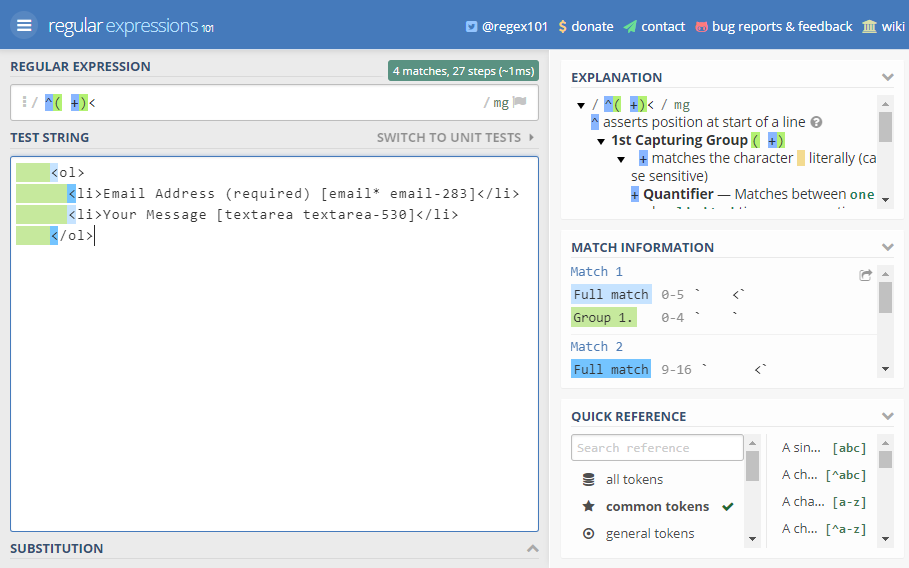
The tool should be a web page, no need to install or registering process to use it. So I Google it and found https://regex101.com/ that has features I need. With that, I can write the regex, put the test string and see the results easily.

For example in Visual, after saveXML, PHP DOM create two spaces for indent/tab, while we want a four spaces tab. Regex can help to find all matched strings and replace them with tab as seen in screenshot below.

It’s very easy to work with regex using the tool. You should try it, or find another tool that suit your needs. Happy writing!

What are Gifs and Why Should we Use them

Gif is a sequence of images that are looped endlessly . You can visualize them as a 5-15 second video ( without audio ) that keeps playing without the user having to click the play button. 

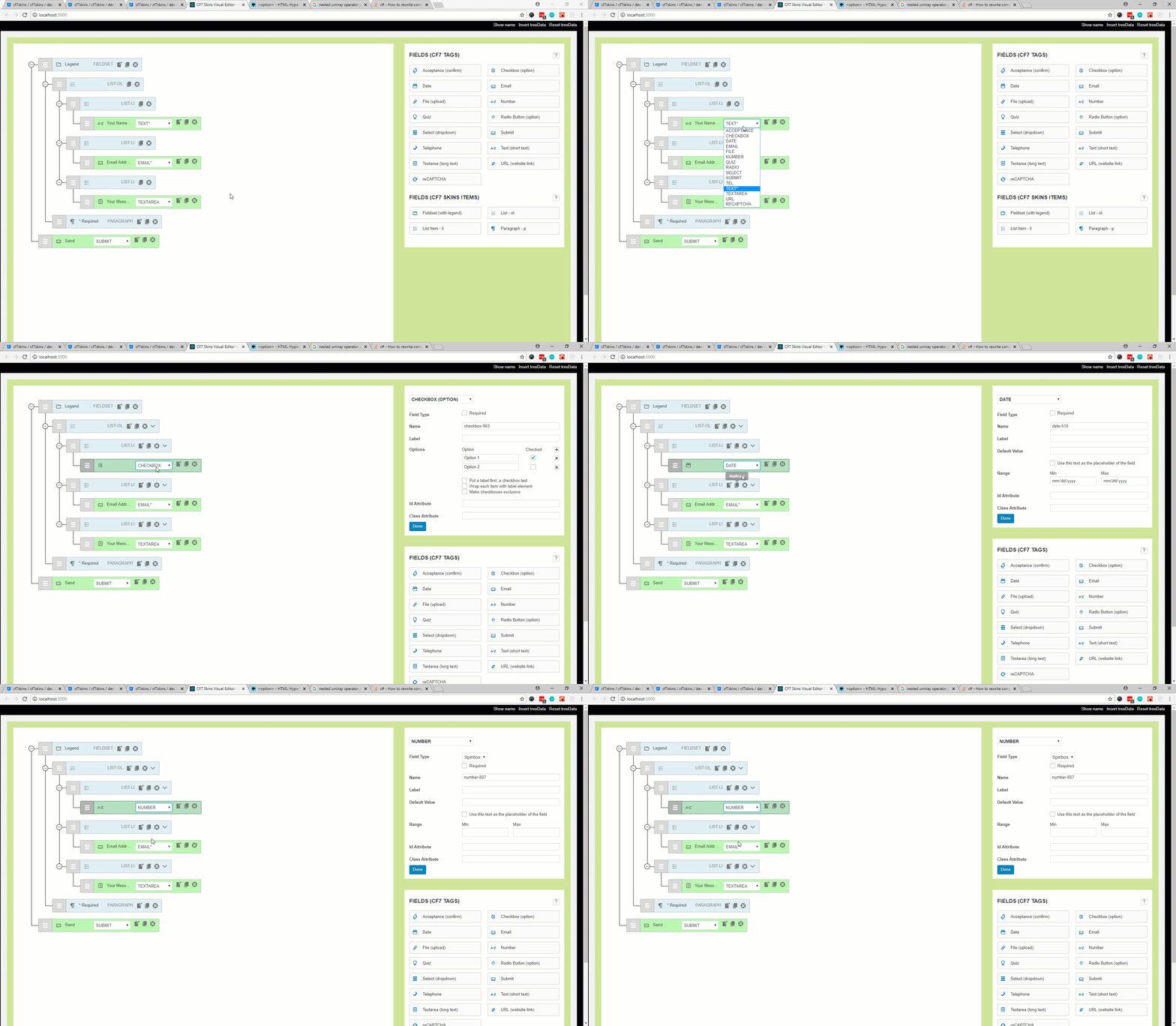
Here is an example of a Gif that I created to show what happens when we change the CF7 Tag using select dropdown that was recently added in ‘CF7skins Visual‘ addon. 

Changing CF7Tag directly from field input (open image in new tab to view full version of image)
  • If I would have opted to use either .jpeg or .png images then it would be impossible for me to show this happening in realtime also I would have to write a step by step tutorial and add an image for each step to convey whats happening. It still wouldn’t match the experience one gets by seeing things happening live.
  • The Other option that could have been used is creating a Video. This option was ruled out because I  had to upload the video to some hosting website like youtube, vimeo and then embedded it into bitbucket comment ( this is where this gif is posted by me ). Also the videos are usually have bigger size and requires the users to click on play button to see the content. 

When Should I use Gifs?

This is completely your wisdom. I prefer Gifs when I want to show something happening in live, it is self conveying ( doesn’t require audio ) and it isn’t too long ( 5-15 seconds max ).

Should I Always use Gifs?

As with everything .. use of too many Gifs in a post/comment can be distracting because they keep animating and it becomes difficult to read text content when there is something that is contentiously asking for your attention by animating.

How to Create a Gif Image?

There are addons for Google chrome, apps for windows and Mac that are specifically targeted for creating Gif Images. I can’t personally recommend or mention them here because I haven’t used them but I know they are there.

I use Camtasia Studio 8 which is more known for creating and editing videos rather then Gifs but it has functionality to make one. In this tutorial I will guide you through the whole process just in case you decide to use Camtasia.

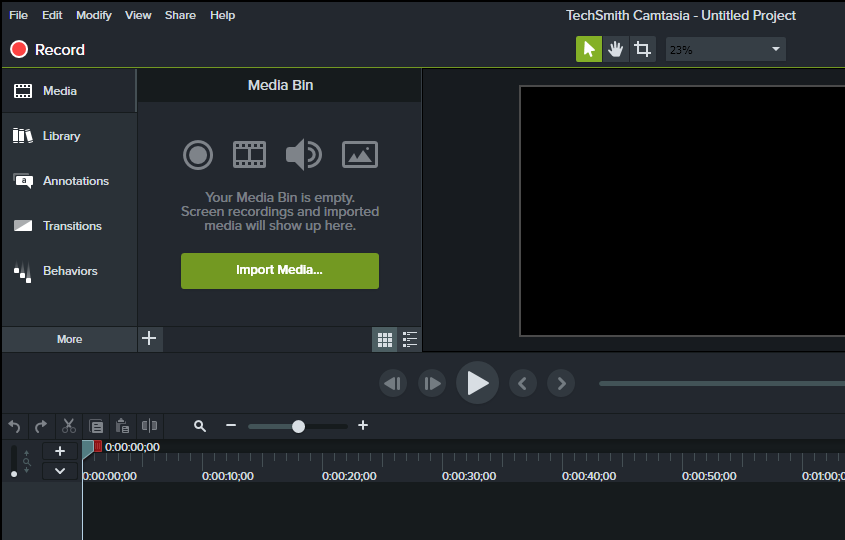
  • Open Camtasia Recorder by clicking on ‘Record‘ button in camtasia studio. Here you can select the dimensions for the screen to record.
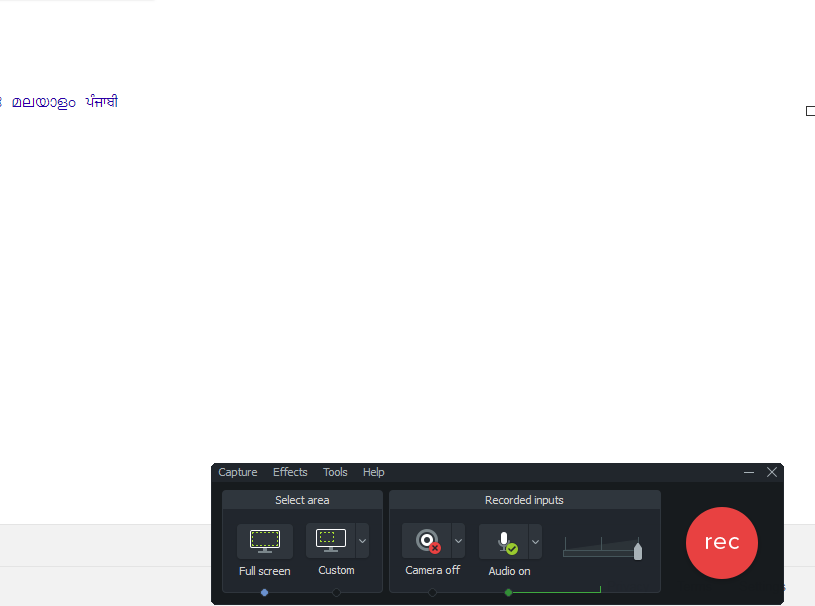
  • Now click on the ‘rec‘ button . It will give you a timer of 3 secs before it starts recording your screen.
  • Once you have recorded you steps press F10 key to stop recording .
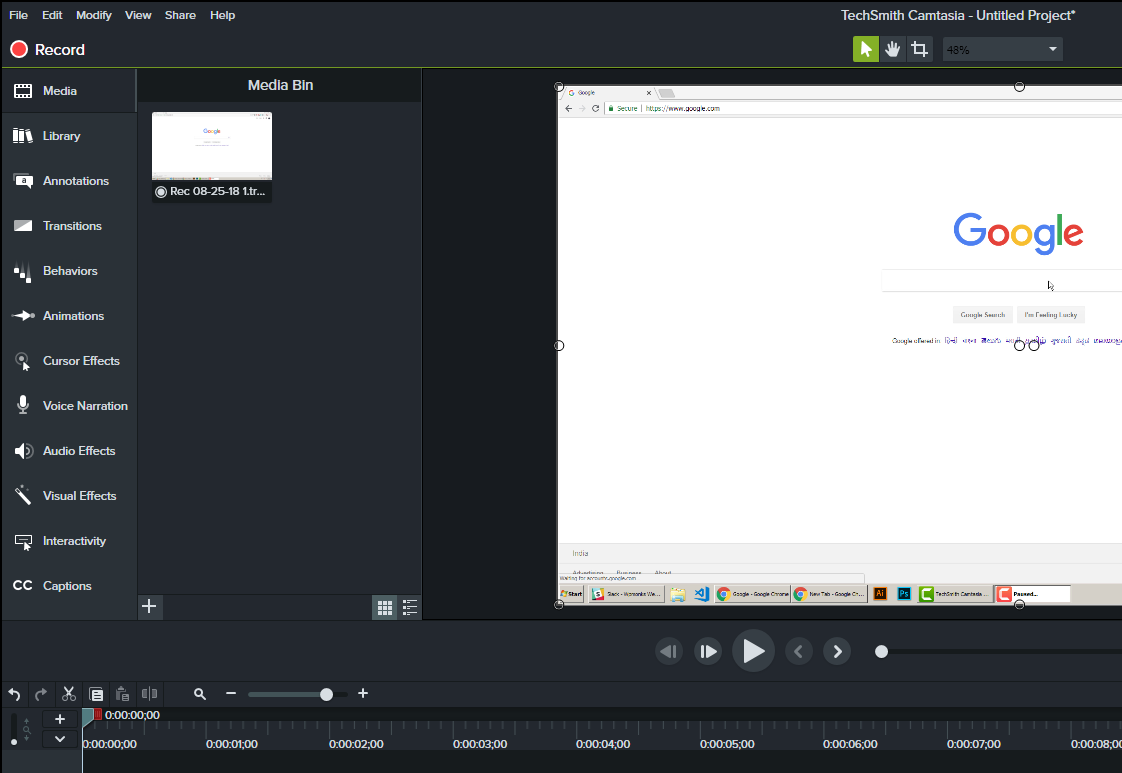
  • Now Camtasia studio will open automatically. Here you can modify the recorded video ( add markers, zoom the video, increase its speed etc). If you don’t know about any camtasia studio editing features even then its not an issue. 

  • Now click on ‘Share‘ in the top menu and then go to ‘custom production‘ . Select ‘Gif‘ as file type and keep pressing ‘Next‘ button until you are asked for file name and location. Add the name and location and then your file will be processed and saved.. ready to be uploaded in posts/ comments etc.

Note: Bitbucket has a limit of 1mb size per image. If any of Gifs is exceeding that limit then you have to edit ( cut unnecessary sequences from your recording, increase speed or re-record the video ) before saving it as Gif and then re-uploading it to bitbucket.

create-guten-block – a developer toolkit for building Gutenberg block plugins

I recommend we follow/watch create-guten-block.

Neil Murray Feb. 13 2018

create-guten-block – a zero-configuration #0CJS developer toolkit for building WordPress Gutenberg block plugins

Some articles on using create-guten-block:

Other useful articles:

Why create-guten-block?

Well, it’s really hard to configure things like Webpack, React, ES 6/7/8/Next, ESLint, Babel, etc. before you even start writing a Hello World gutenberg block. Then there’s the fact that you have to maintain and constantly update your configuration with all the new tools and growth in the JavaScript community.

create-guten-block hides all this configuration away in an optimized package that we call cgb-scripts. This package is the only dependency in your projects. We keep cgb-scripts up to date while you go ahead and create the next best WordPress themes and plugins.

Using README.md in all CF7 Skins Git repositories

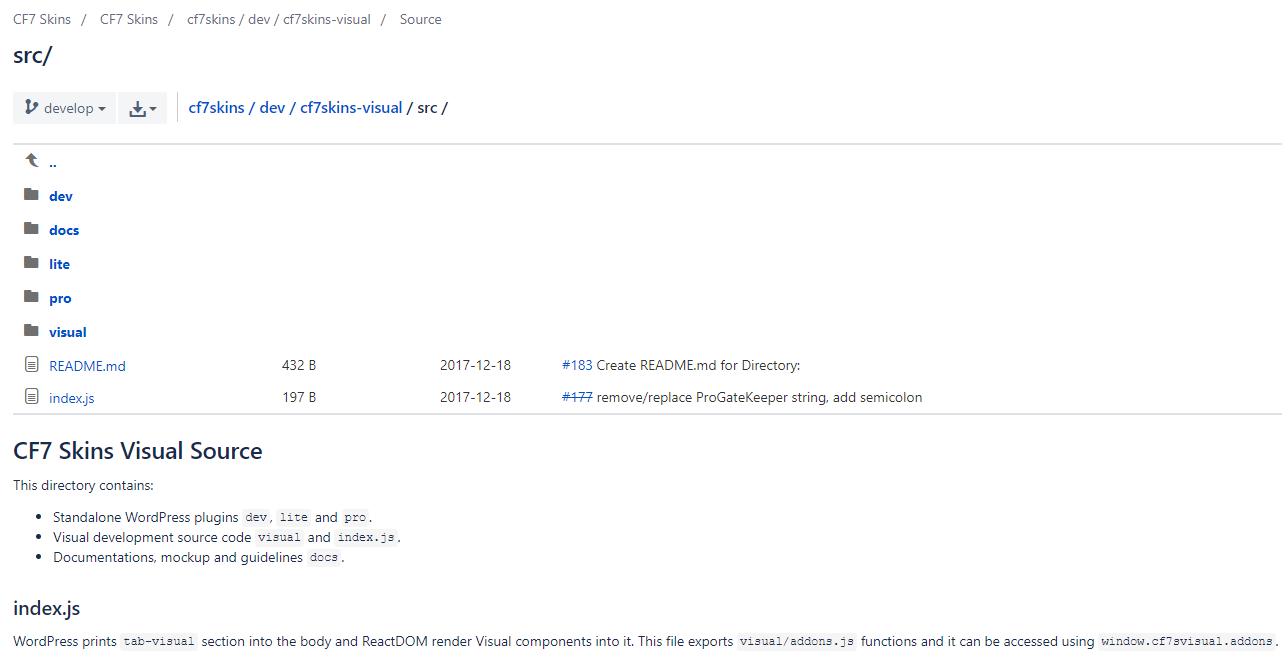
We are now adding README.md in all CF7 Skins Git repositories.

Every directory in each repository should have a README.md (markdown syntax).

These README.md are really helpful. They provide quick and easy explanation at the location where the developer is currently looking (particularly useful for new developers).

Each README.md should contain:

  • brief description about directory
  • brief description for each file
  • approach explanation
  • public functions explanation and usage example
  • external link for documentation

Refer Documenting React Code in WordPress

Local by Flywheel

I now use Local by Flywheel for my local WordPress development environment.

The main advantages I've noticed are:

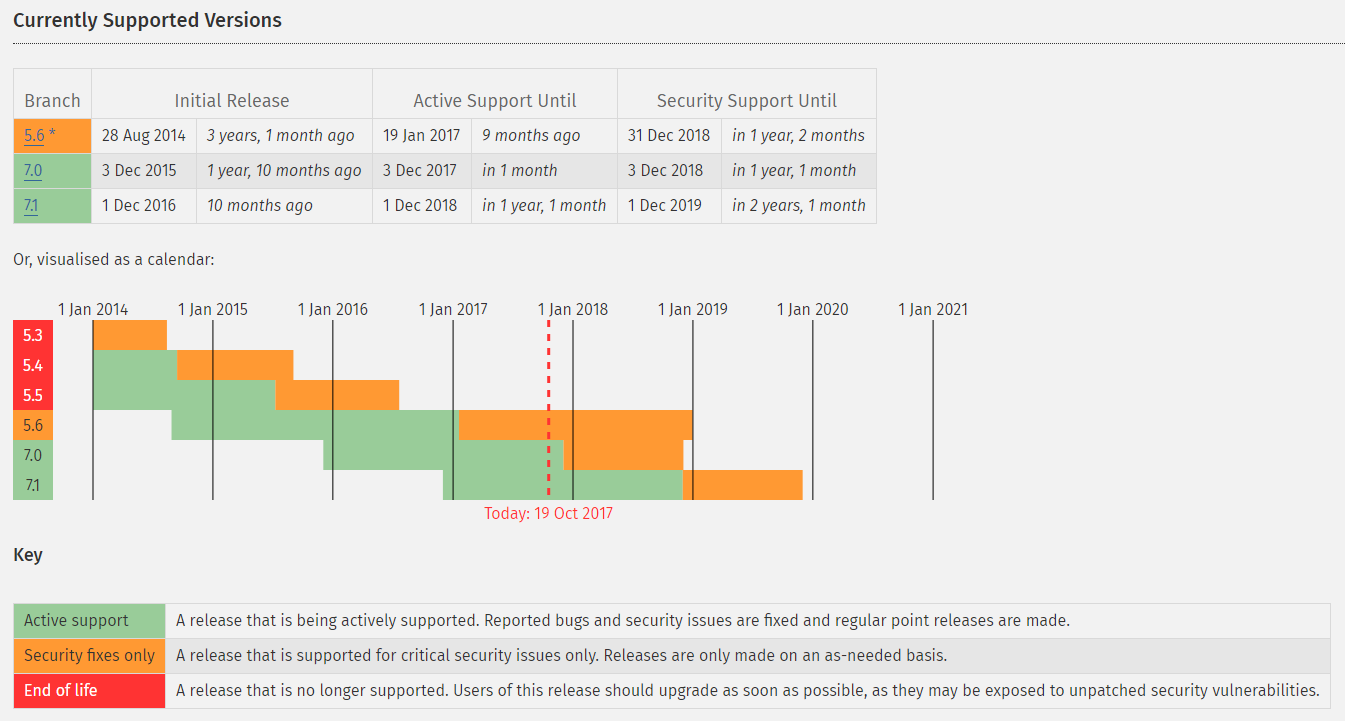
  • Change PHP versions quickly & easily
  • Includes facility to backup local WordPress installs
  • Can use & switch between Nginx & Apache PHP servers
  • Save any site as a Blueprint to re-use later
  • Great support.

The disadvantages I've noticed are:

  • Uses Adminer for database interaction – it's trickier but possible
  • Needs decent computer – runs pretty slow on my old laptop.

Refer: The ultimate guide to set up a local WordPress development environment to get started.

Human Made developing react-wp-scripts

I recommend we follow/watch react-wp-scripts

This project solves two issues that prevent seamless usage of webpack in WordPress themes and plugins:

  • WordPress doesn’t necessarily know where to look for the output bundles.
  • WordPress cannot access the development server due to cross-origin restrictions.

It's based on create-react-app – uses a wrapper for create-react-app's react-scripts to allow seamless usage of scripts and styles served from webpack-dev-server in WordPress.