
Last Updated on March 30, 2025 by Neil Murray
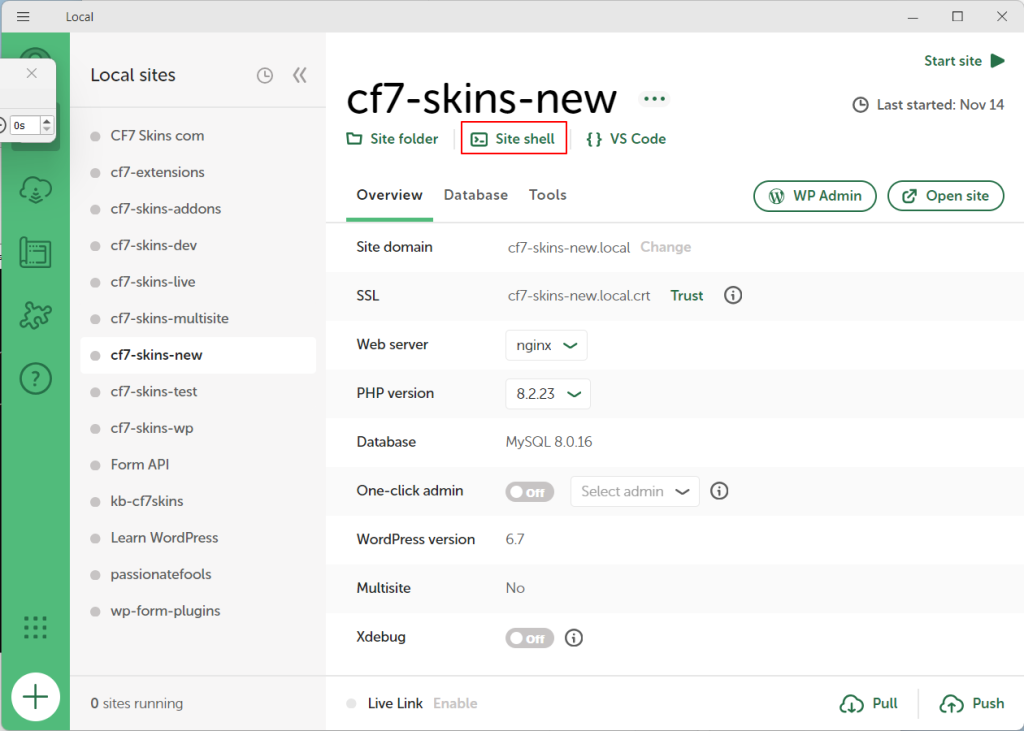
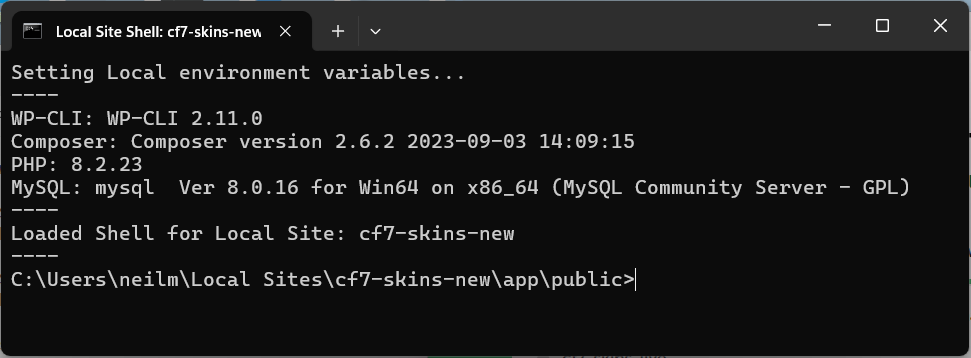
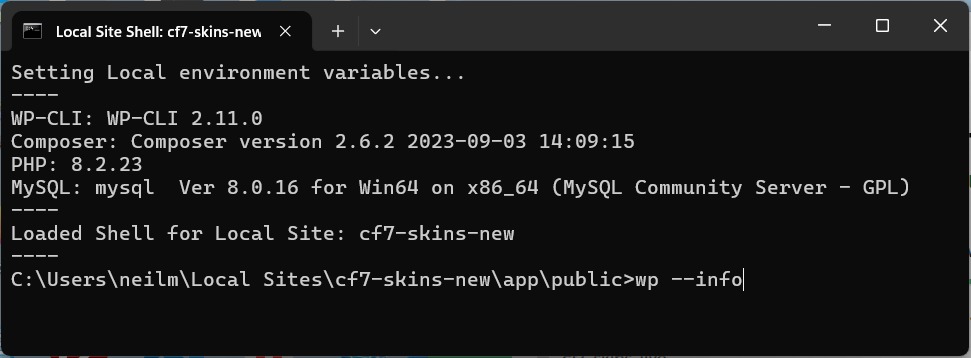
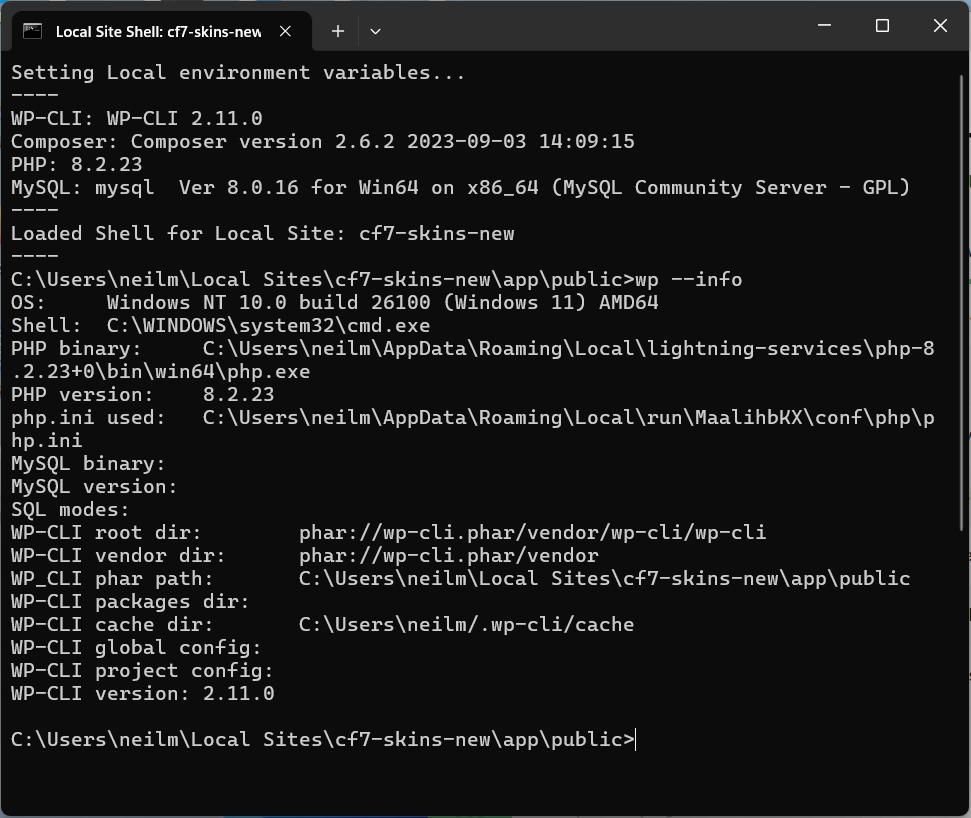
Use wp-cli within Local #
WP-CLI Documentation
- WP-CLI Tutorial – SiteGround
- How to Enable SSH/Shell Access in Site Tool – SiteGround
- A Beginner’s Guide to WP-CLI: What It Is & How to Use It
- How to Install and Manage WordPress From the Terminal WP-CLI
- Handy WP-CLI & SSH Tricks for Website Management – Video
Further reading:
- WP-CLI website
- wp-cli – WordPress Developer Resources
- wp-cli commands
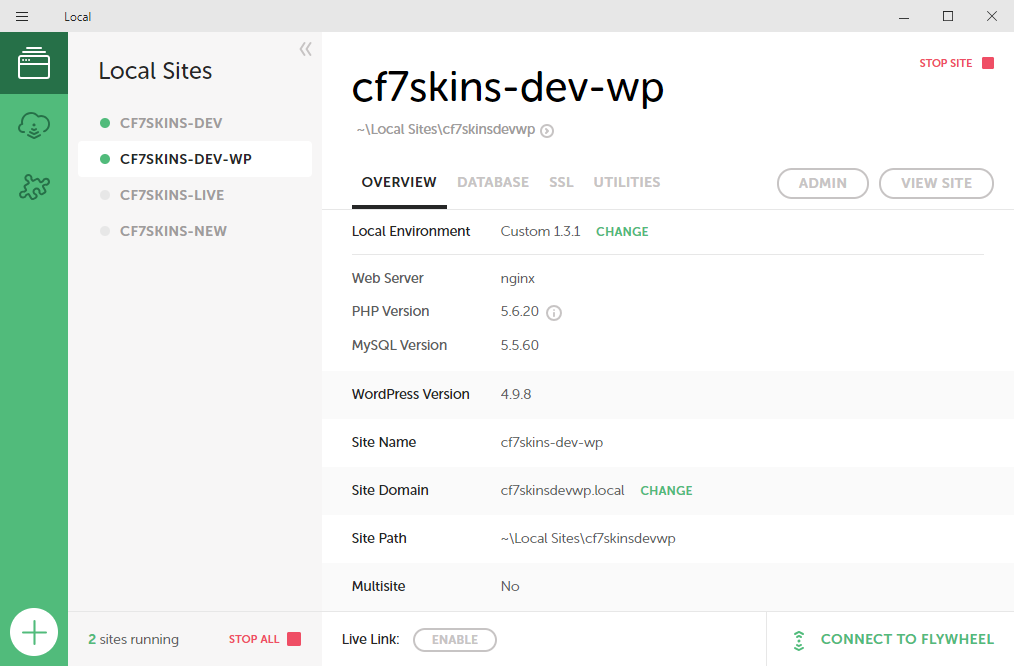
Switch to an older version of WordPress #
Right click on the site and Open Site SSH.
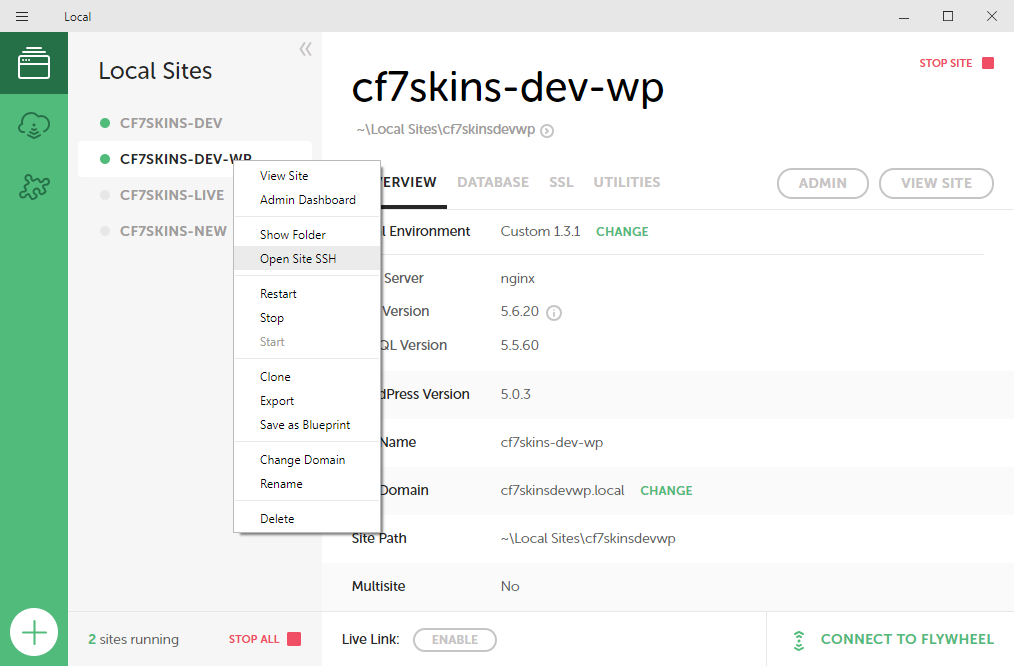
Then type:
wp core update --version=4.9.8 --force

Step by Step Instructions
For safety Clone the site before switching WP version
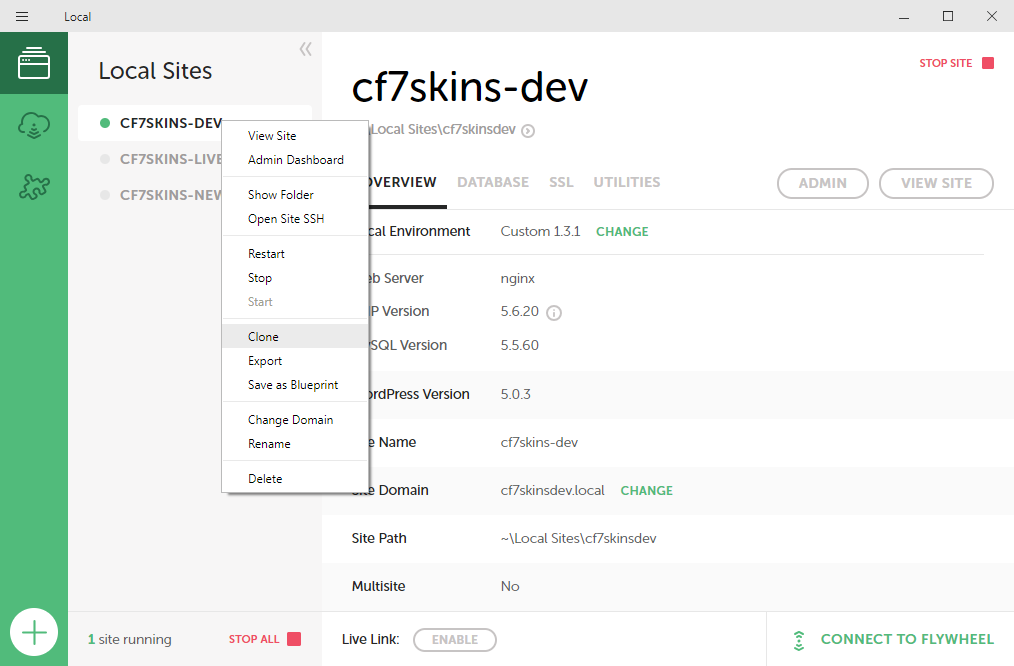
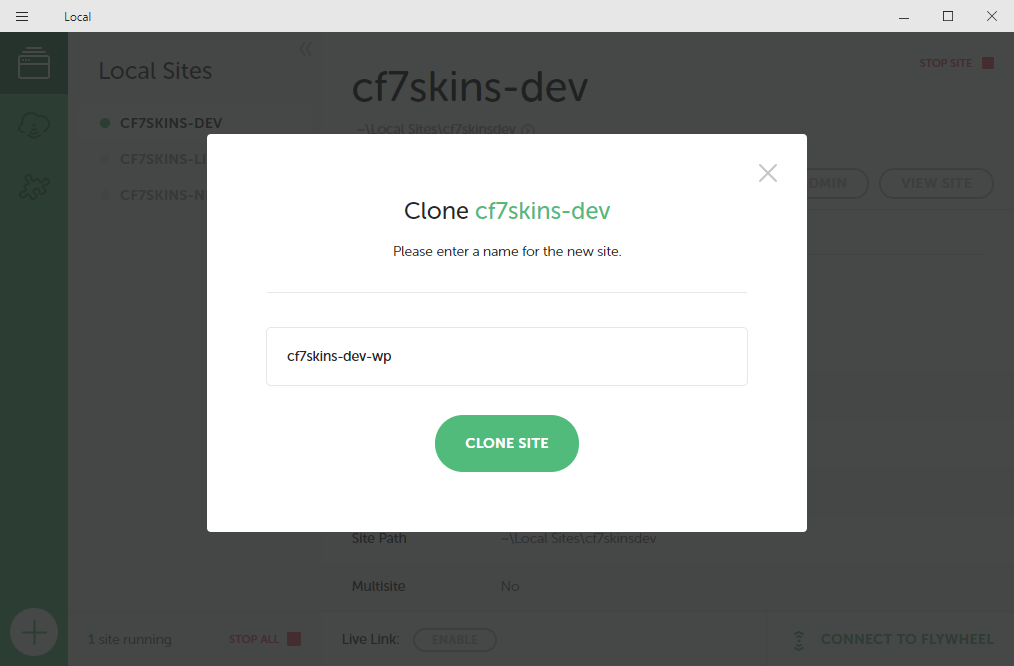
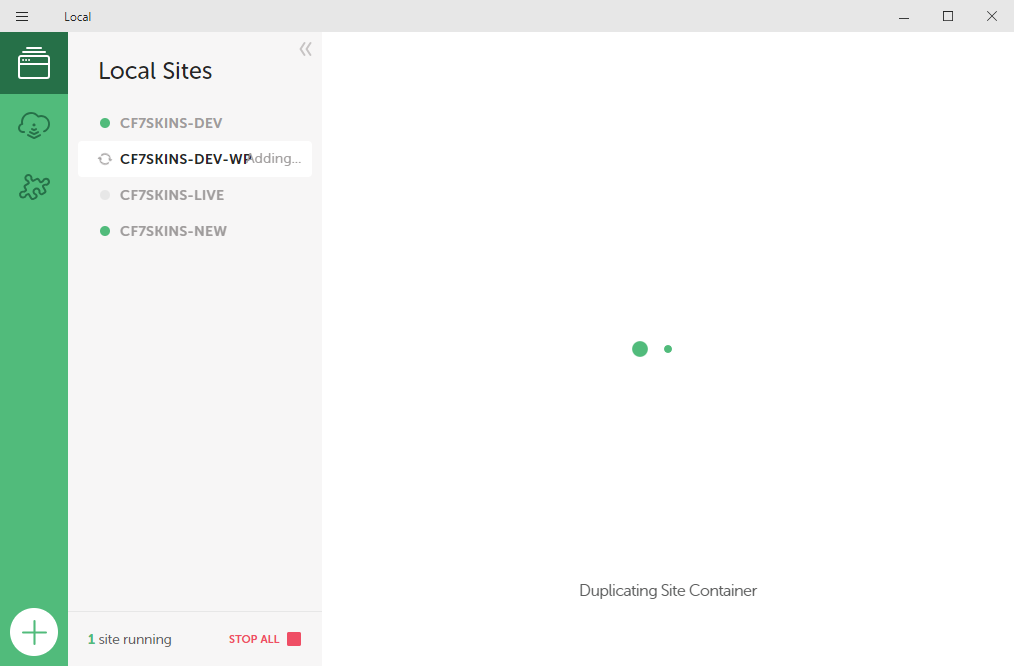
After site is cloned right click on the site and Open Site SSH
Then type:
wp core update --version=4.9.8 --force
Useful Links:
Further Reading:
- WP Migrate 2.6 Released: Full-Site Exports and Import to Local
- Importing WordPress to a Local Development Environment
Notes
Add notes here
Save all Images to Sync – use ..\Sync\..\Development\Development Guidelines\Development Team Tools\Local WordPress Development Environment\Running older versions of WordPress\