Last Updated on April 9, 2018 by Neil Murray
This article covers switching version of PHP, MySQL or Apache in single machine.
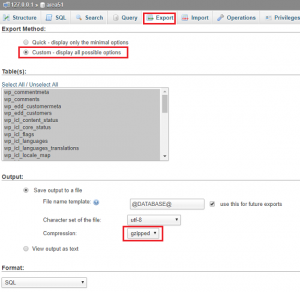
- Export selected database using phpMyAdmin
- Stop XAMPP by clicking
xampp/xampp_stop.exe - Rename xampp folder, i.e
prev-xampp - Install new XAMPP version to current directory, download here. The installation should be have the same directory structure as previous version, so we don’t need to adjust system variables anymore.
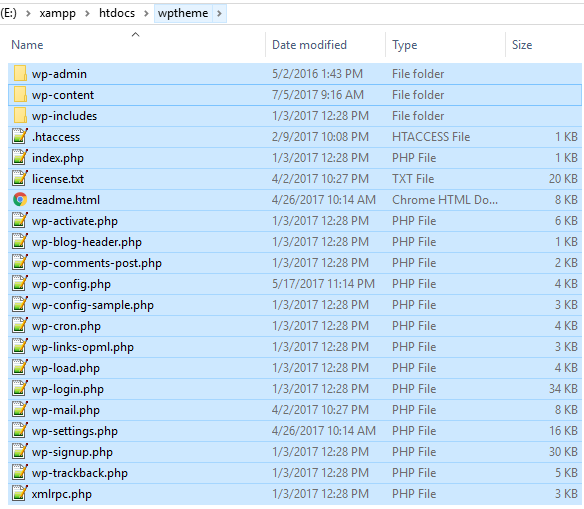
- Copy the WordPress install from
prev-xampp/htdocs/and paste toxampp/htdocs/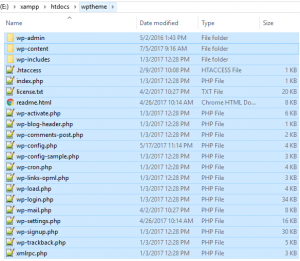
- Go to phpMyAdmin and create new database with the same name as previous. Open the new create database and import previous database.
List of XAMPP versions. XAMPP Releases
|
XAMPP
|
Apache
|
PHP 5
|
PHP 4
|
MySQL
|
|
1.8.3
|
2.4.4
|
5.5.3
|
5.6.11
|
|
|
1.8.2
|
2.4.4
|
5.4.19
|
5.5.32
|
|
|
1.8.1
|
2.4.3
|
5.4.7
|
5.5.27
|
|
|
1.8.0
|
2.4.2
|
5.4.4
|
5.5.25a
|
|
|
1.7.7
|
2.2.21
|
5.3.8
|
5.5.16
|
|
|
1.7.5
|
2.2.21
|
5.3.8
|
5.5.15
|
|
|
1.7.4
|
2.2.17
|
5.3.5
|
5.5.8
|
|
|
1.7.3
|
2.2.14
|
5.3.1
|
5.1.41
|
|
|
1.7.2
|
2.2.12
|
5.3.0
|
5.1.37
|
|
|
1.7.1
|
2.2.11
|
5.2.9
|
5.1.33
|
|
|
1.7.0
|
2.2.11
|
5.2.8
|
5.1.30
|
|
|
1.6.8
|
2.2.9
|
5.2.6
|
4.4.9
|
5.0.67
|
|
1.6.7
|
2.2.9
|
5.2.6
|
4.4.8
|
5.0.51b
|
|
1.6.6a
|
2.2.8
|
5.2.5
|
4.4.8
|
5.0.51a
|
|
1.6.6
|
2.2.8
|
5.2.5
|
4.4.8 (RC2)
|
5.0.51
|
|
1.6.5
|
2.2.6
|
5.2.5
|
4.4.7
|
5.0.51
|
|
1.6.4
|
2.2.6
|
5.2.4
|
4.4.7
|
5.0.45
|
|
1.6.3a
|
2.2.4
|
5.2.3
|
4.4.7
|
5.0.45
|
|
1.6.3
|
2.2.4
|
5.2.3
|
4.4.7
|
5.0.54
|
|
1.6.2
|
2.2.4
|
5.2.2
|
4.4.7
|
5.0.41
|
|
1.6.1
|
2.2.4
|
5.2.1
|
4.4.6
|
5.0.37
|
|
1.6.0a
|
2.2.4
|
5.2.1
|
4.4.5
|
5.0.33
|
|
1.6.0
|
2.2.3
|
5.2.1
|
4.4.5
|
5.0.33
|
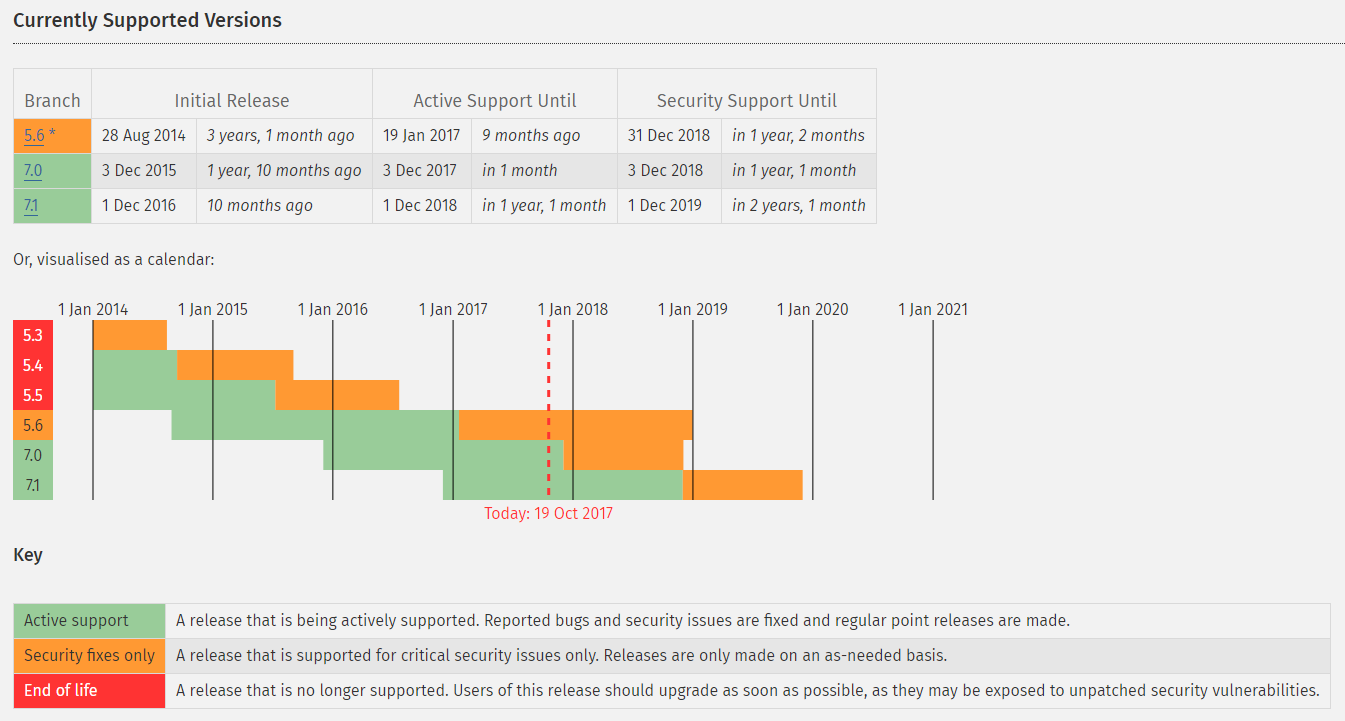
PHP – Supported Versions