Last Updated on October 26, 2024 by Neil Murray
Table of contents
CF7 Skins CSS Classes we use.
- Skins – metabox
- Form – overall
- Form_Items
- .Controls
- .Toolbar
- .AfterFormItems
- RST
- InputItem
- InputItemMenu
- Operate
- Edit
- Control Edit
- Select
- Action [TODO]
Skins – metabox #
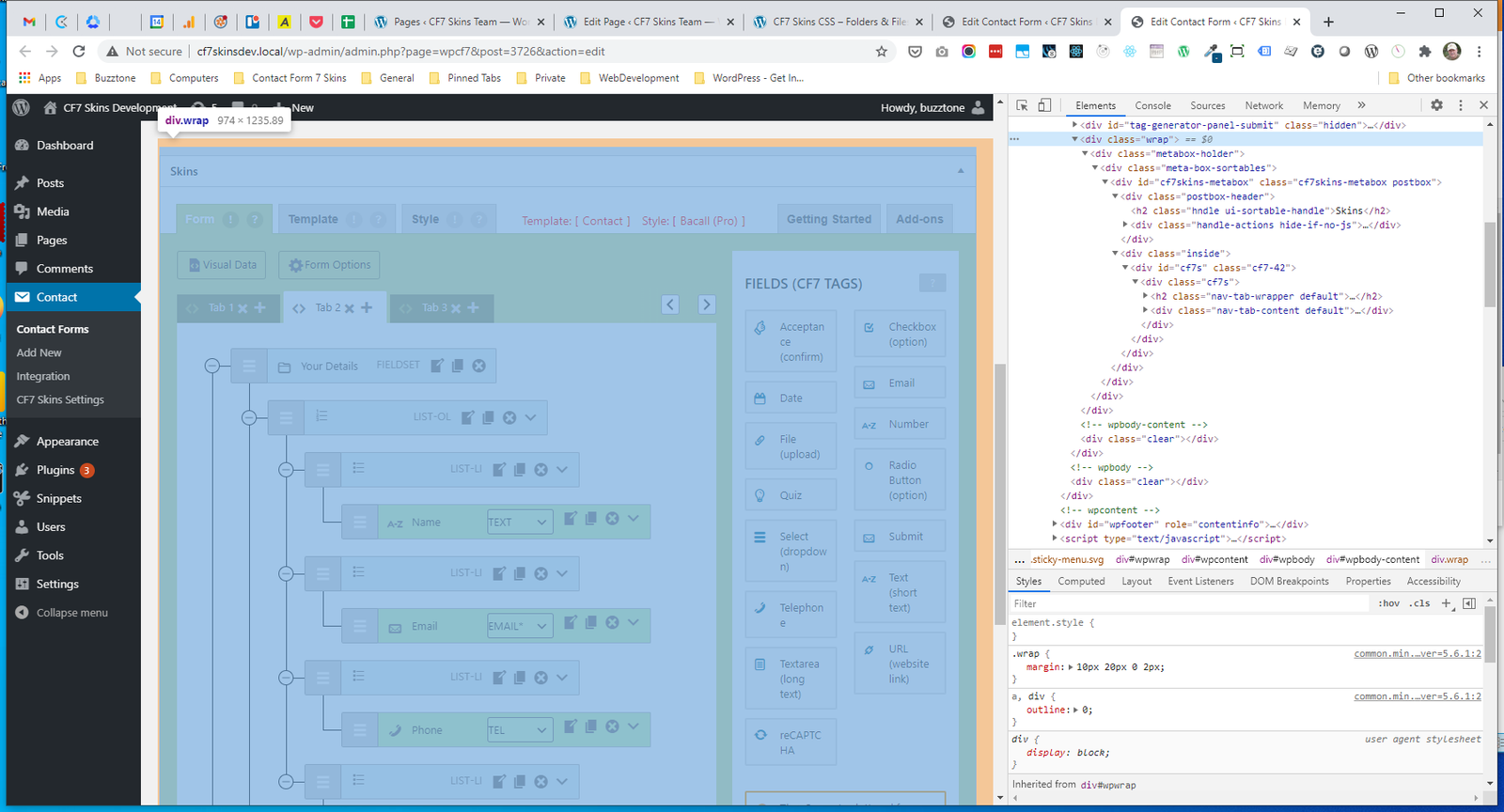
- .wrap
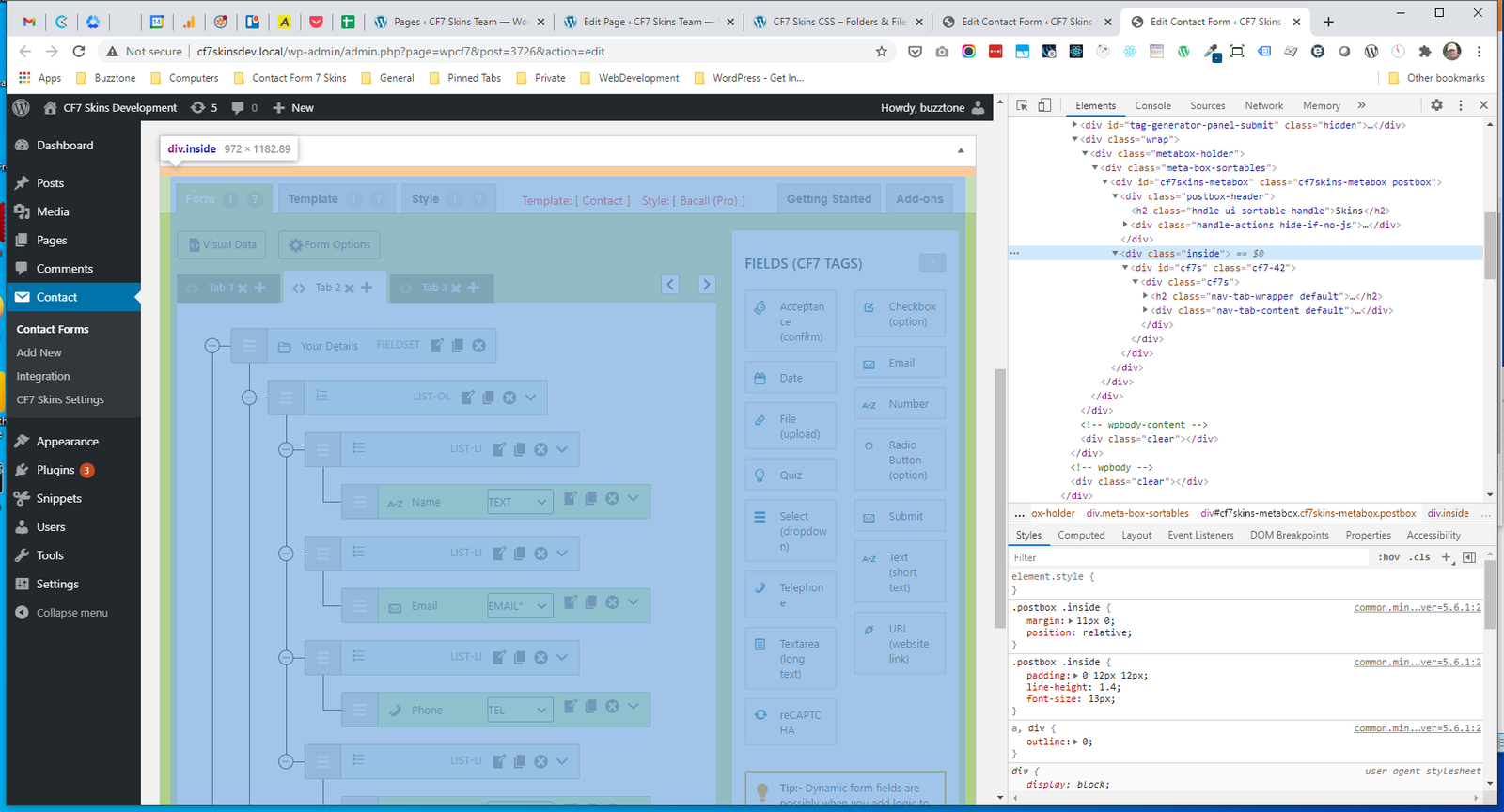
- .inside
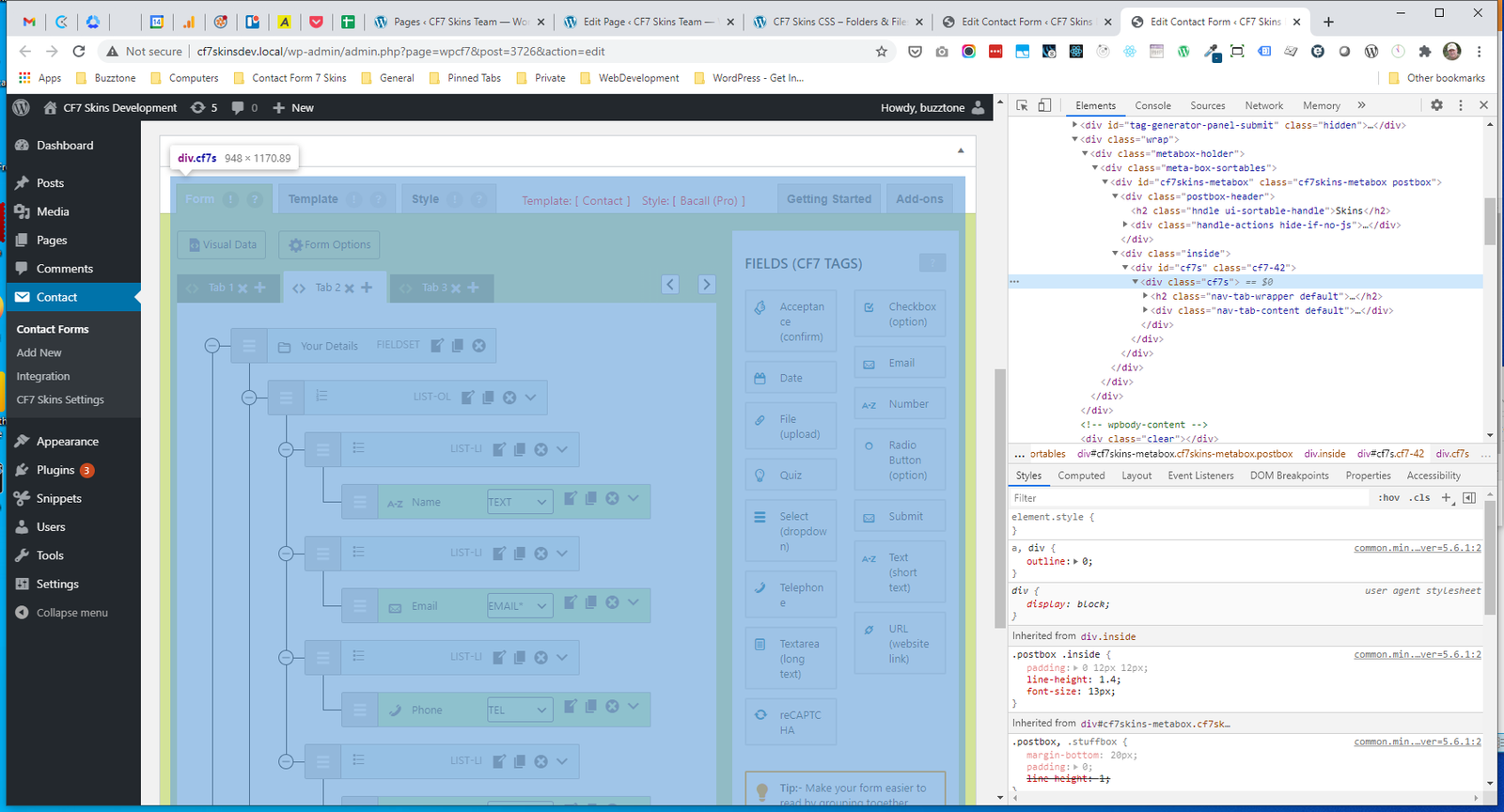
- #cf7s – start point for CF7 Skins
- .cf7-42
- .cf7s
- .nav-tab-wrapper
- .nav-tab-content
- .tab-visual
.wrap #
.inside #
#cf7s #
.cf7-42 #
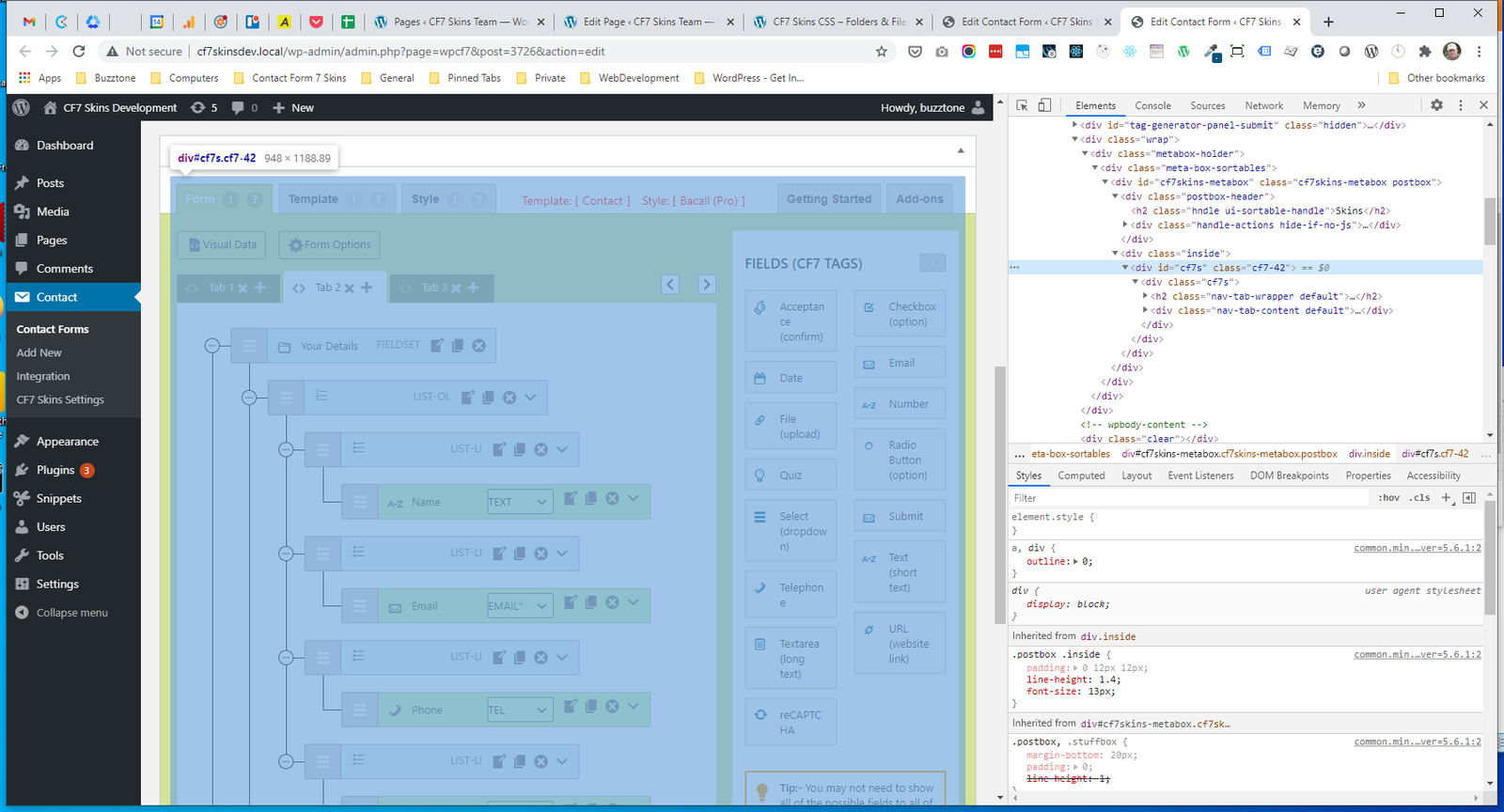
.cf7s #
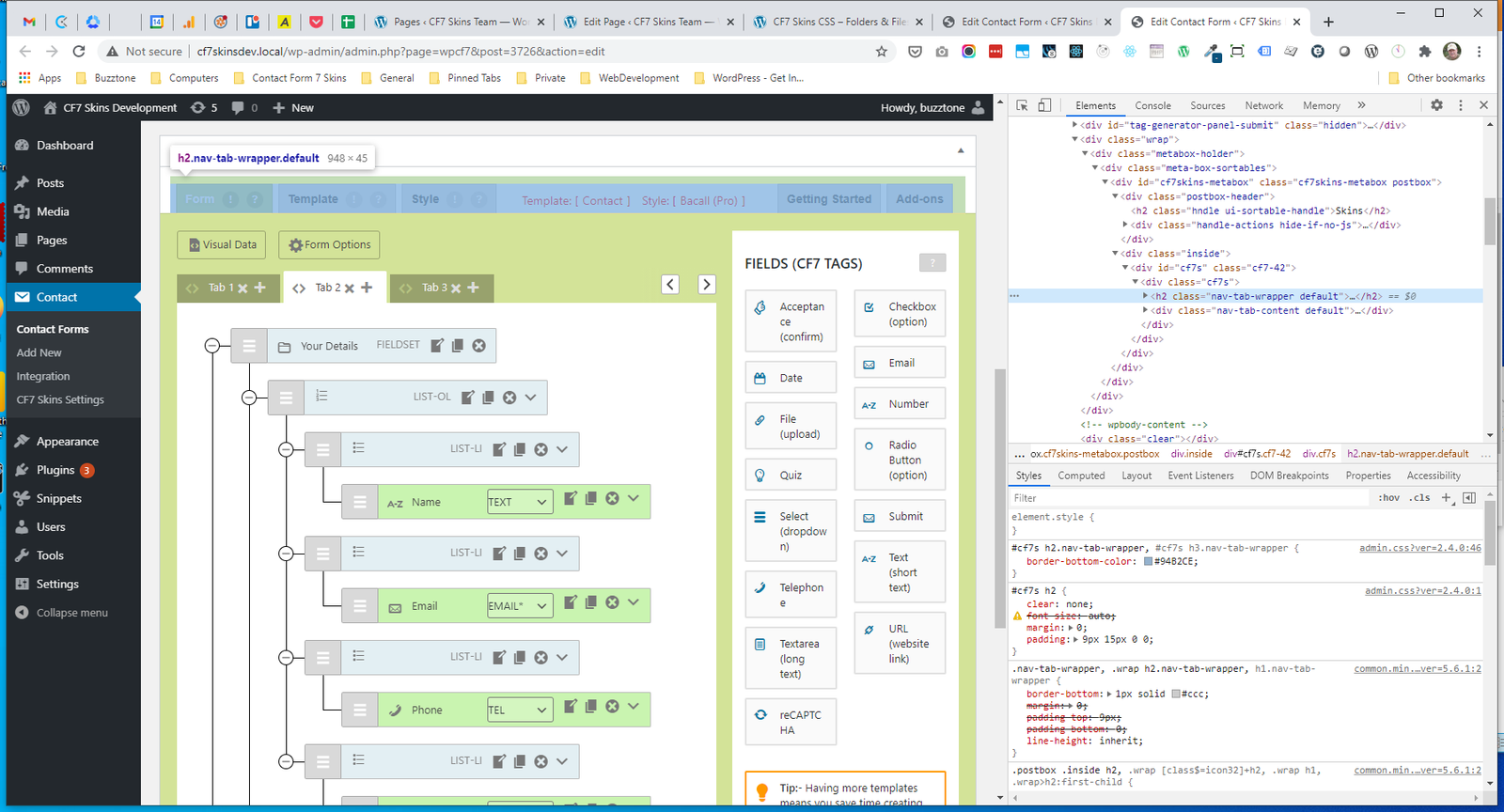
.nav-tab-wrapper #
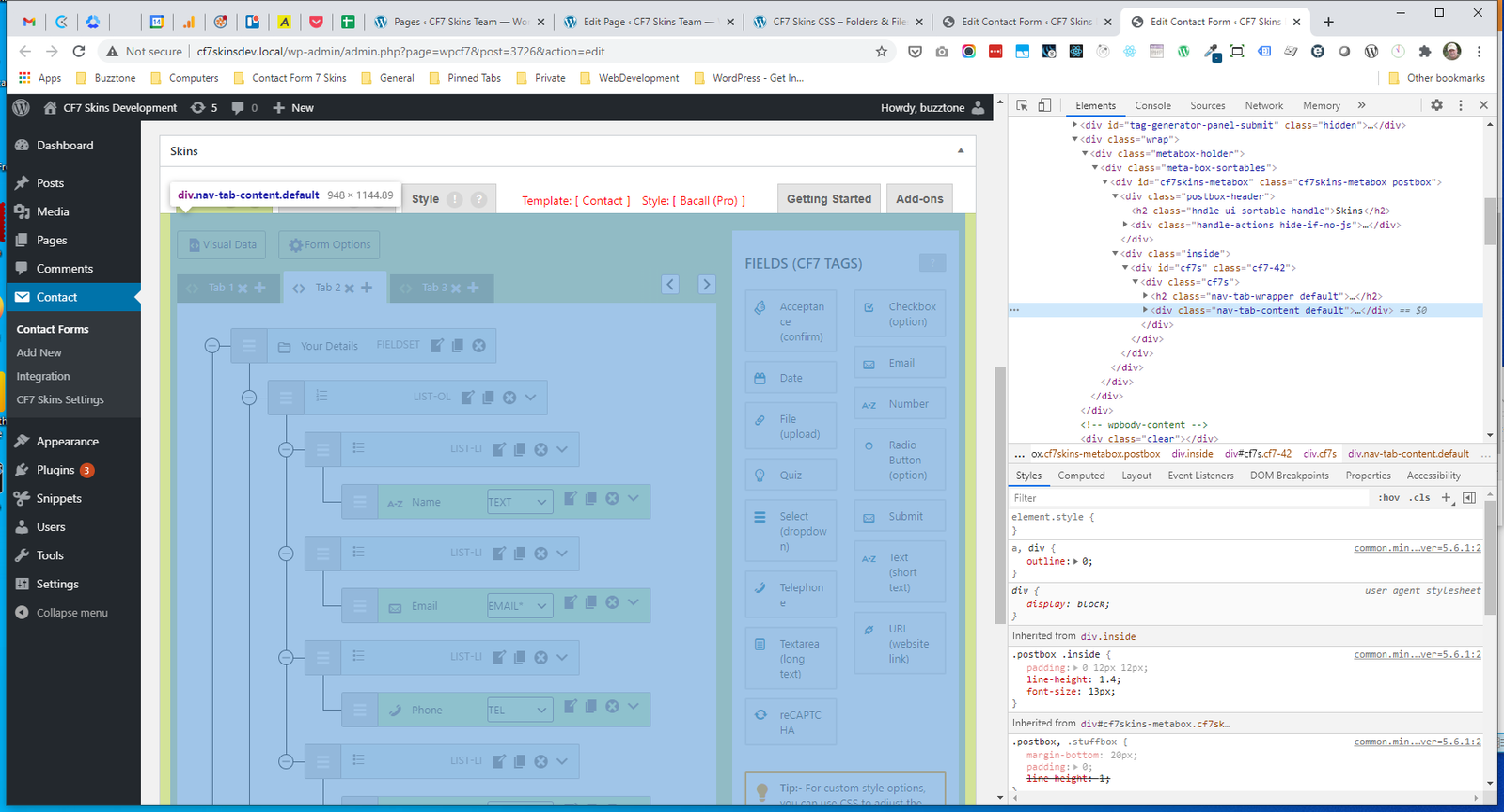
.nav-tab-content #
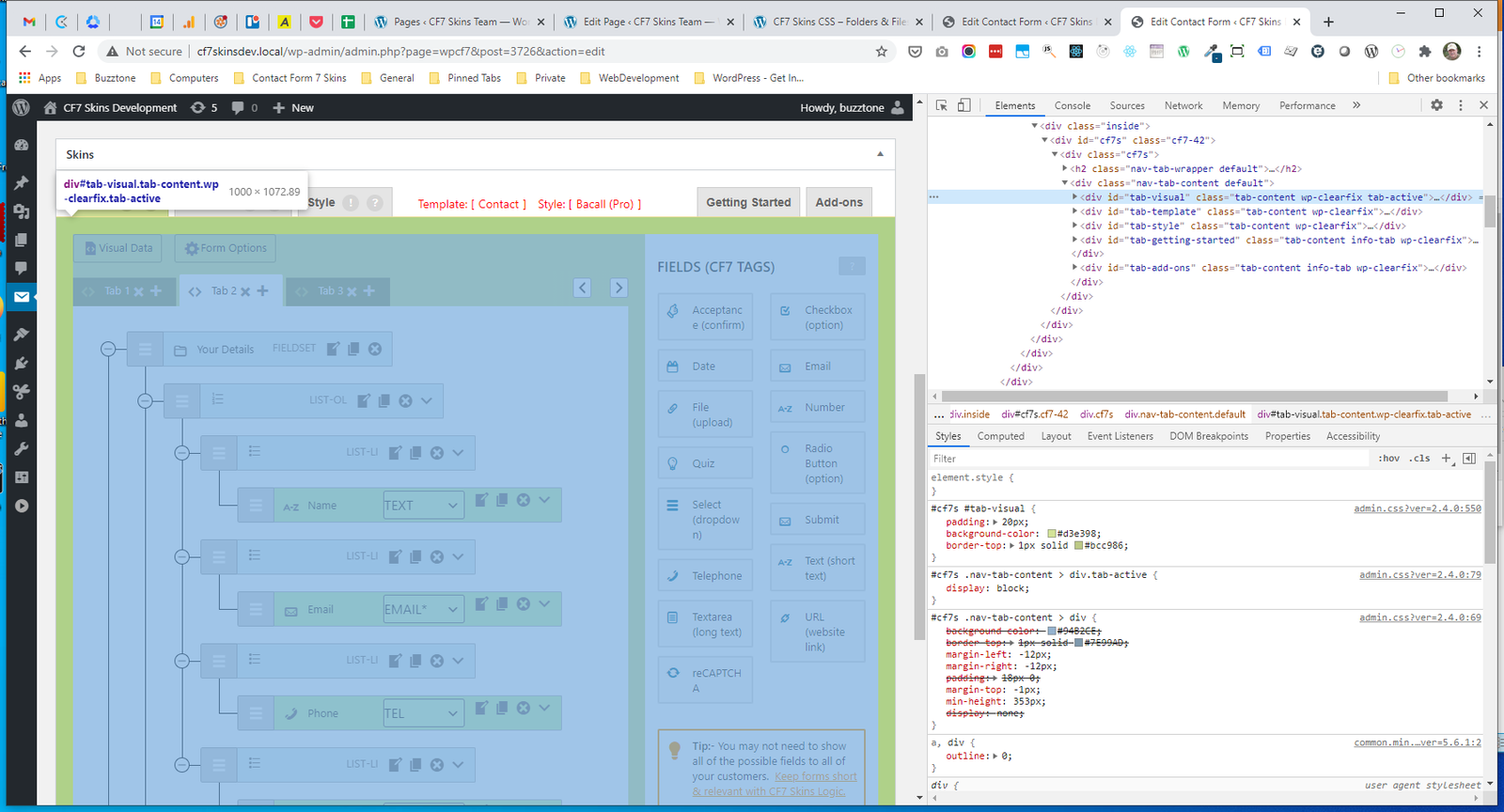
.tab-visual #
Form – overall #
- .cf7s-visual-root
- .Form
- .FormItems
- .Operate
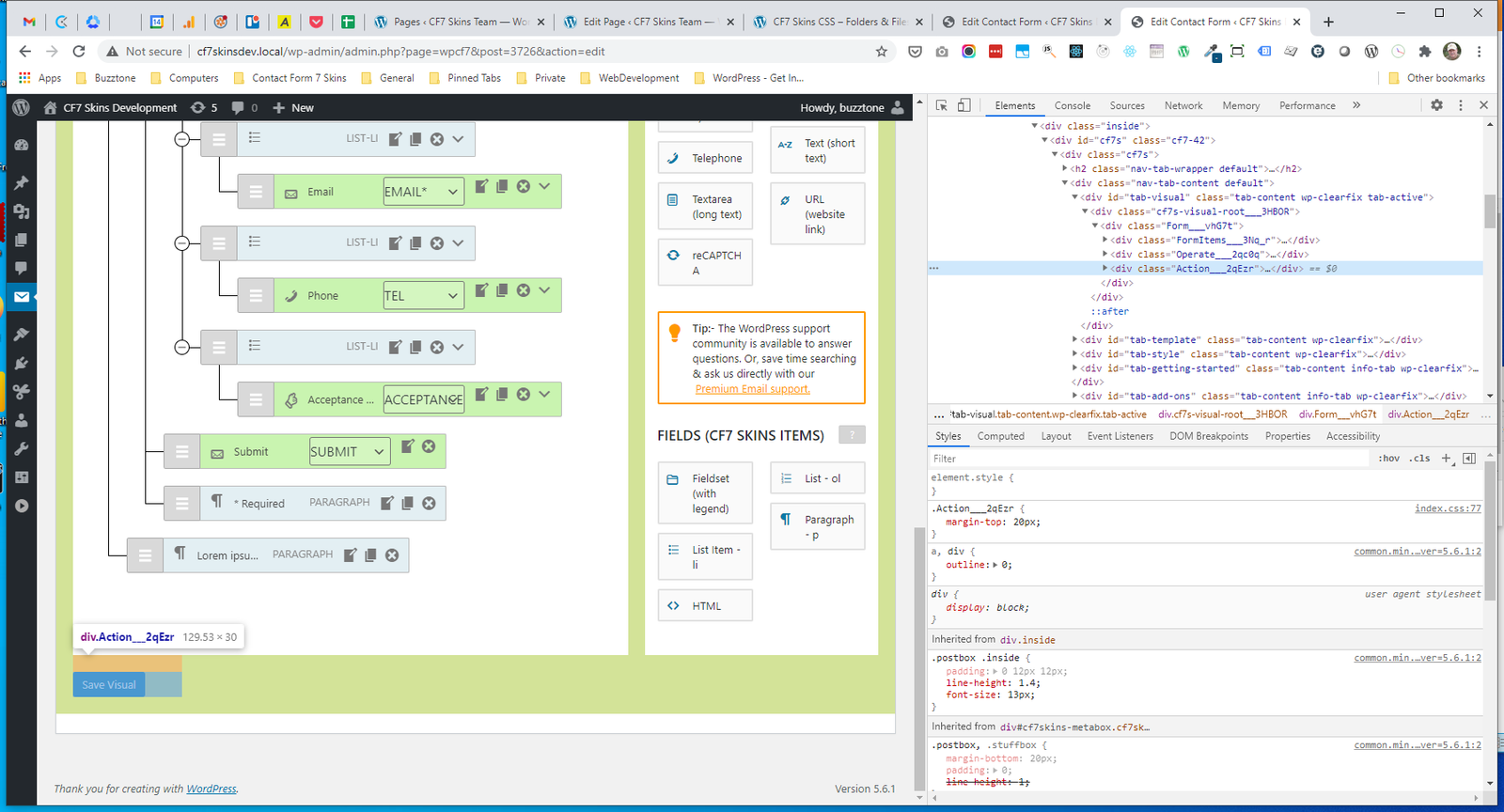
- .Action
.cf7s-visual-root #
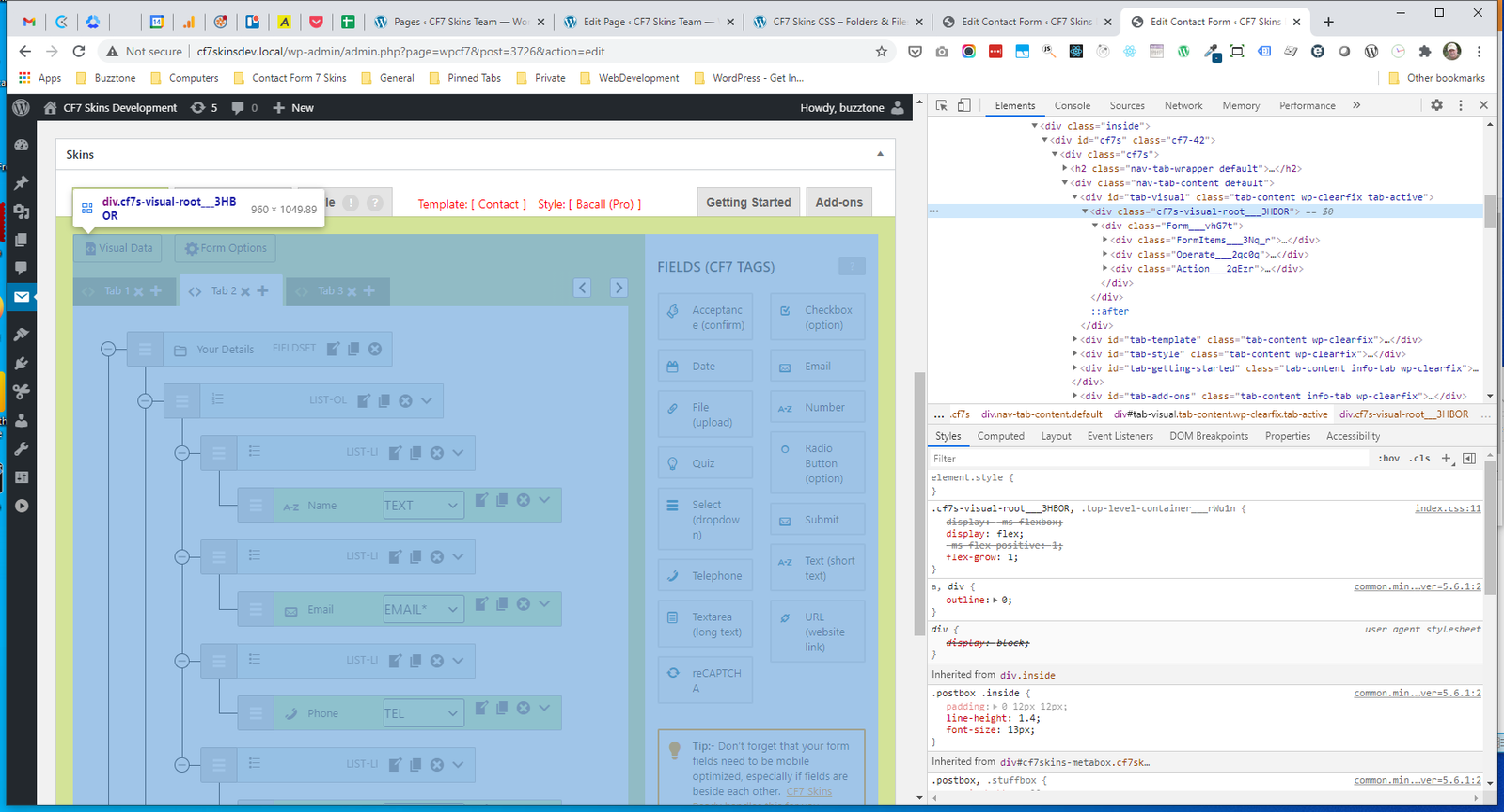
.Form #
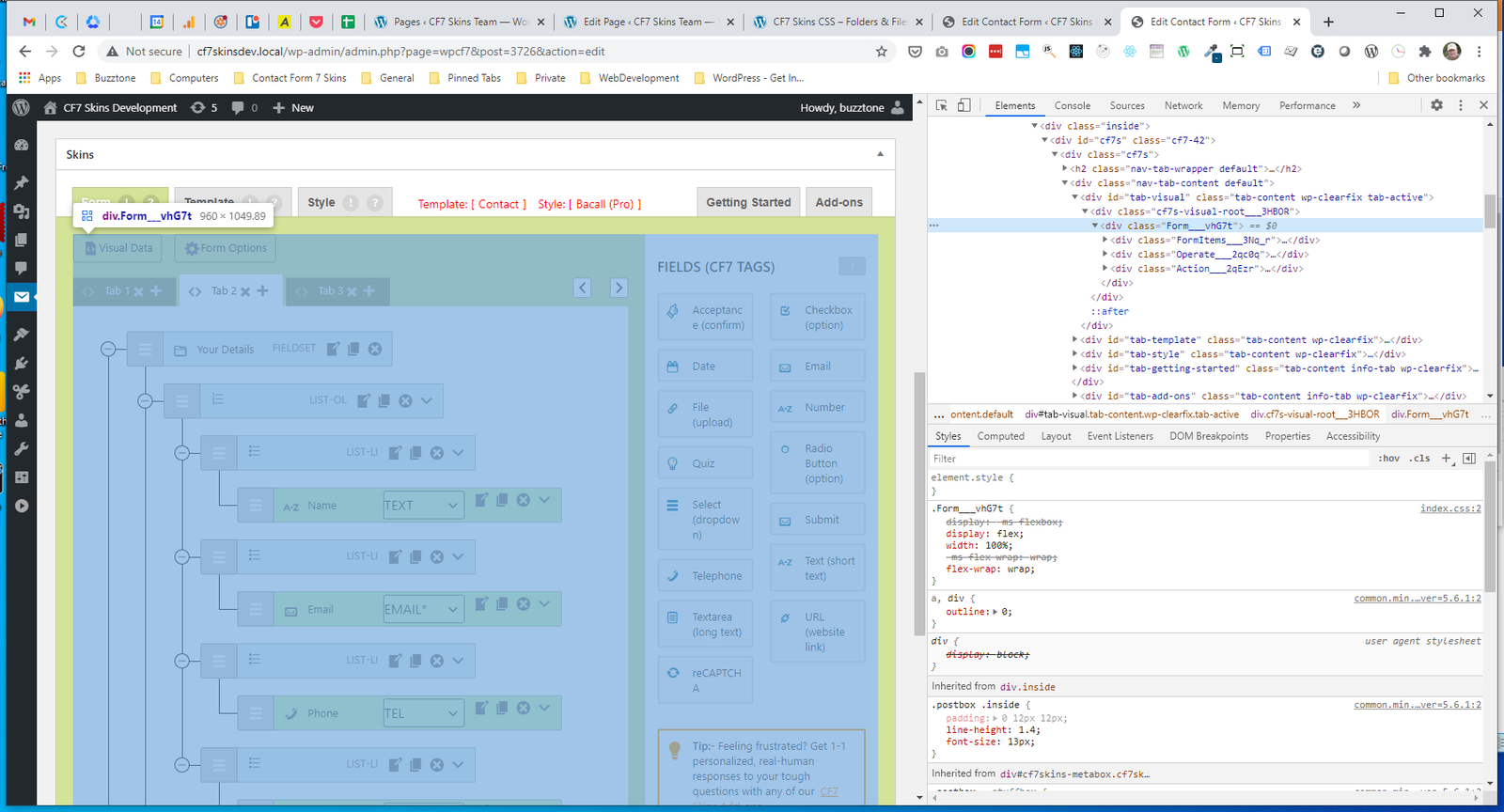
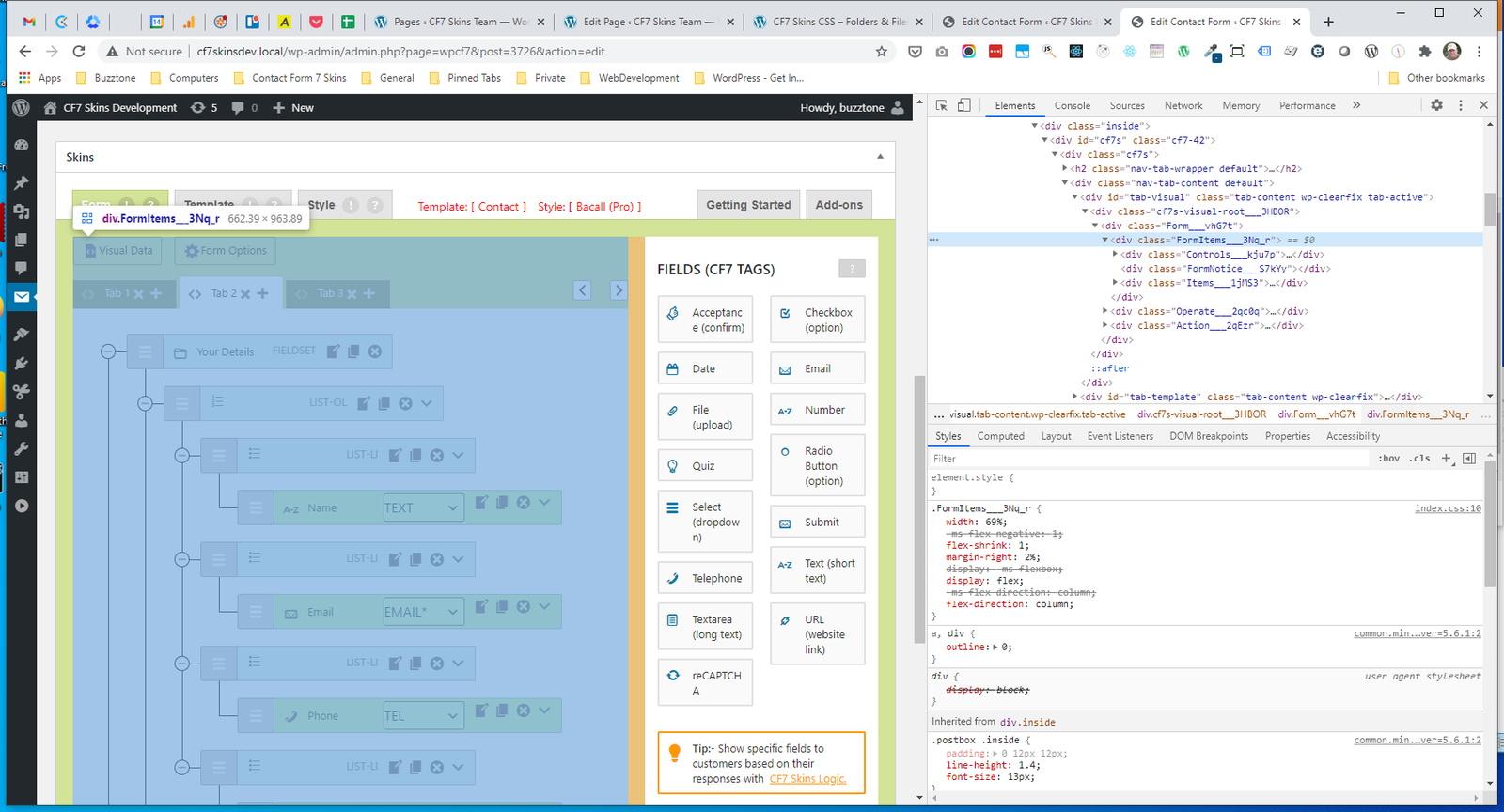
.FormItems #
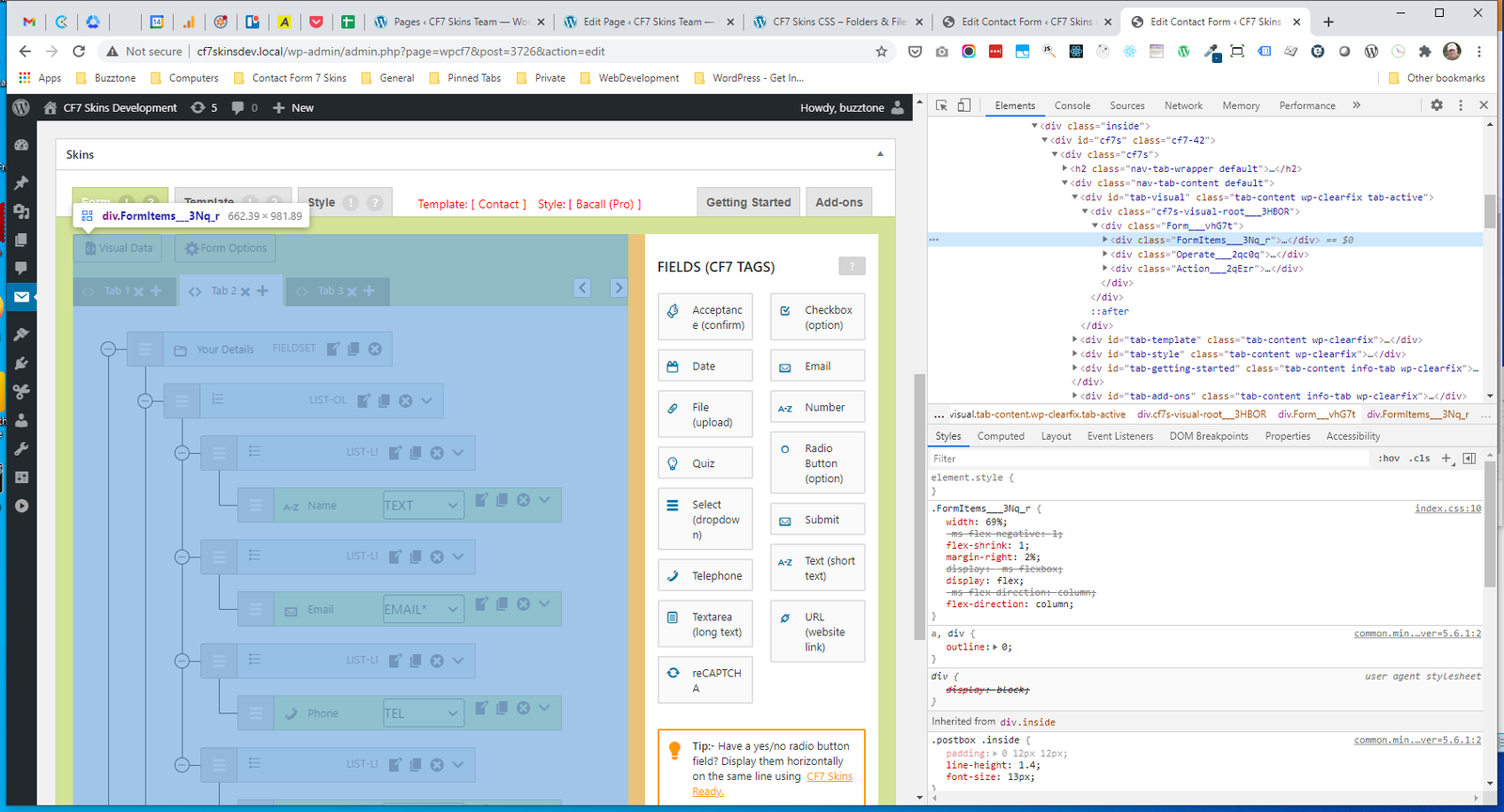
.Operate #
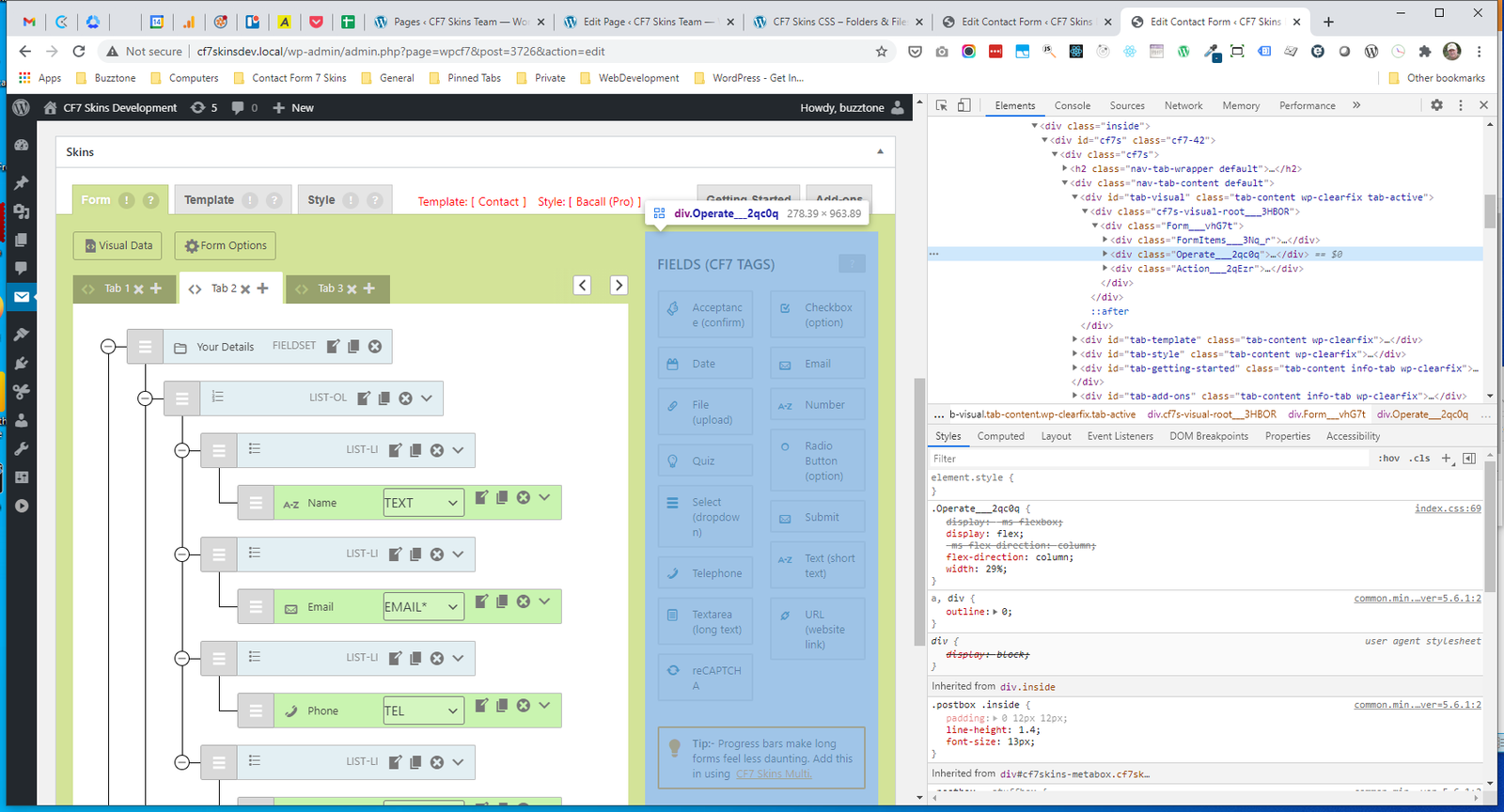
.Action #
Form_Items #
- .FormItems
- .Controls
- .FormNotice
- .Items
.FormItems #
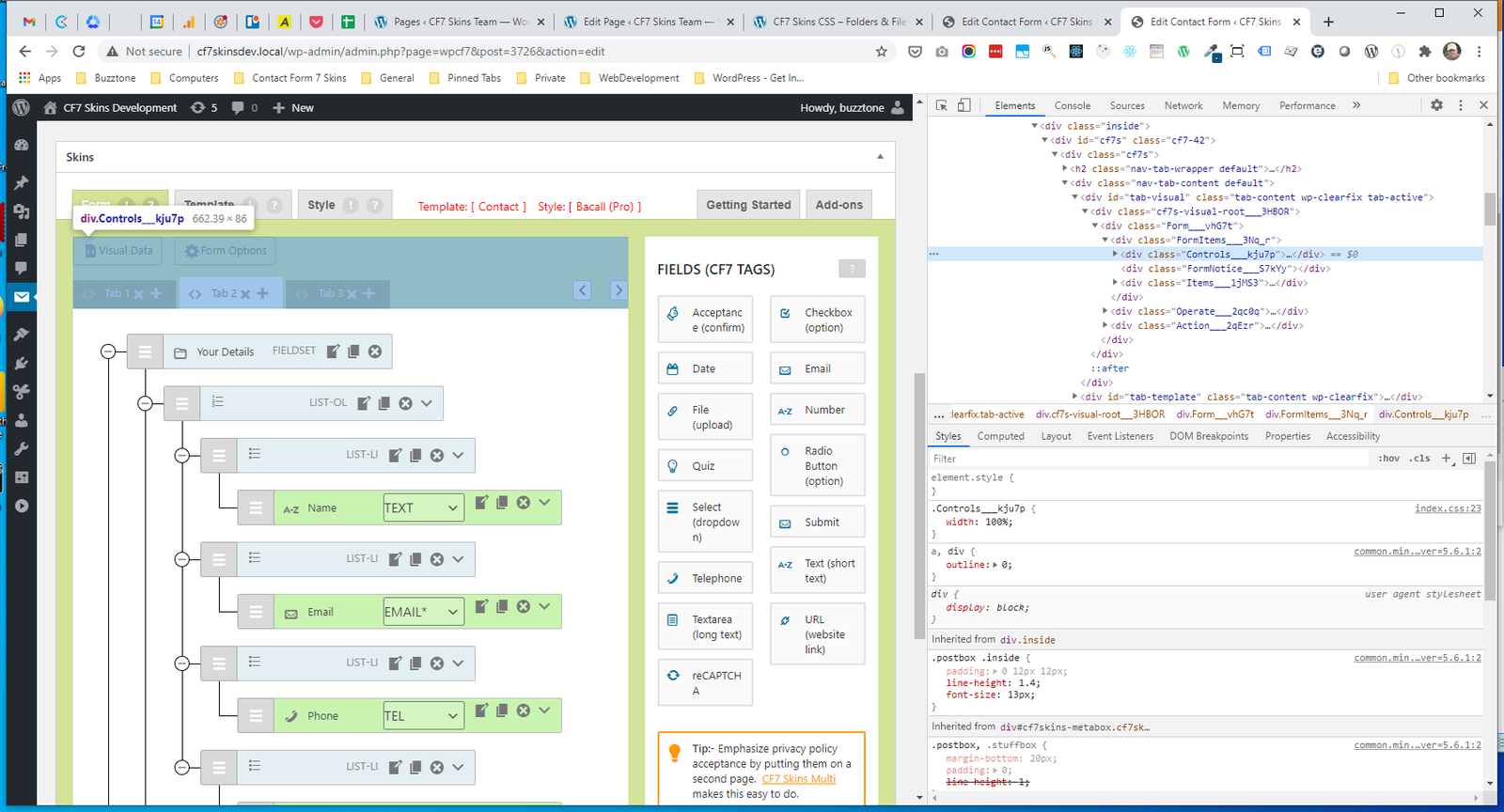
.Controls #
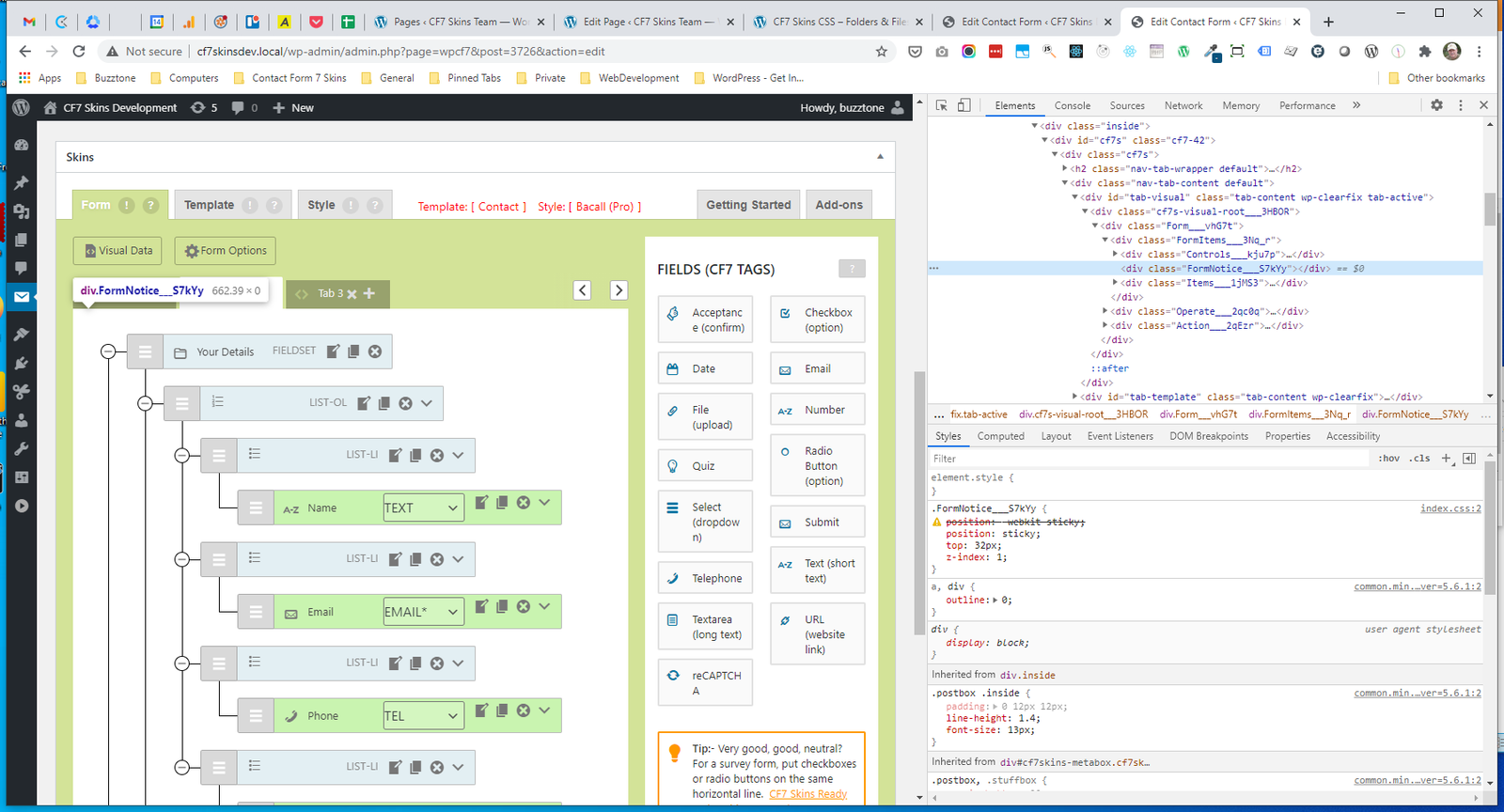
.FormNotice #
.Items #
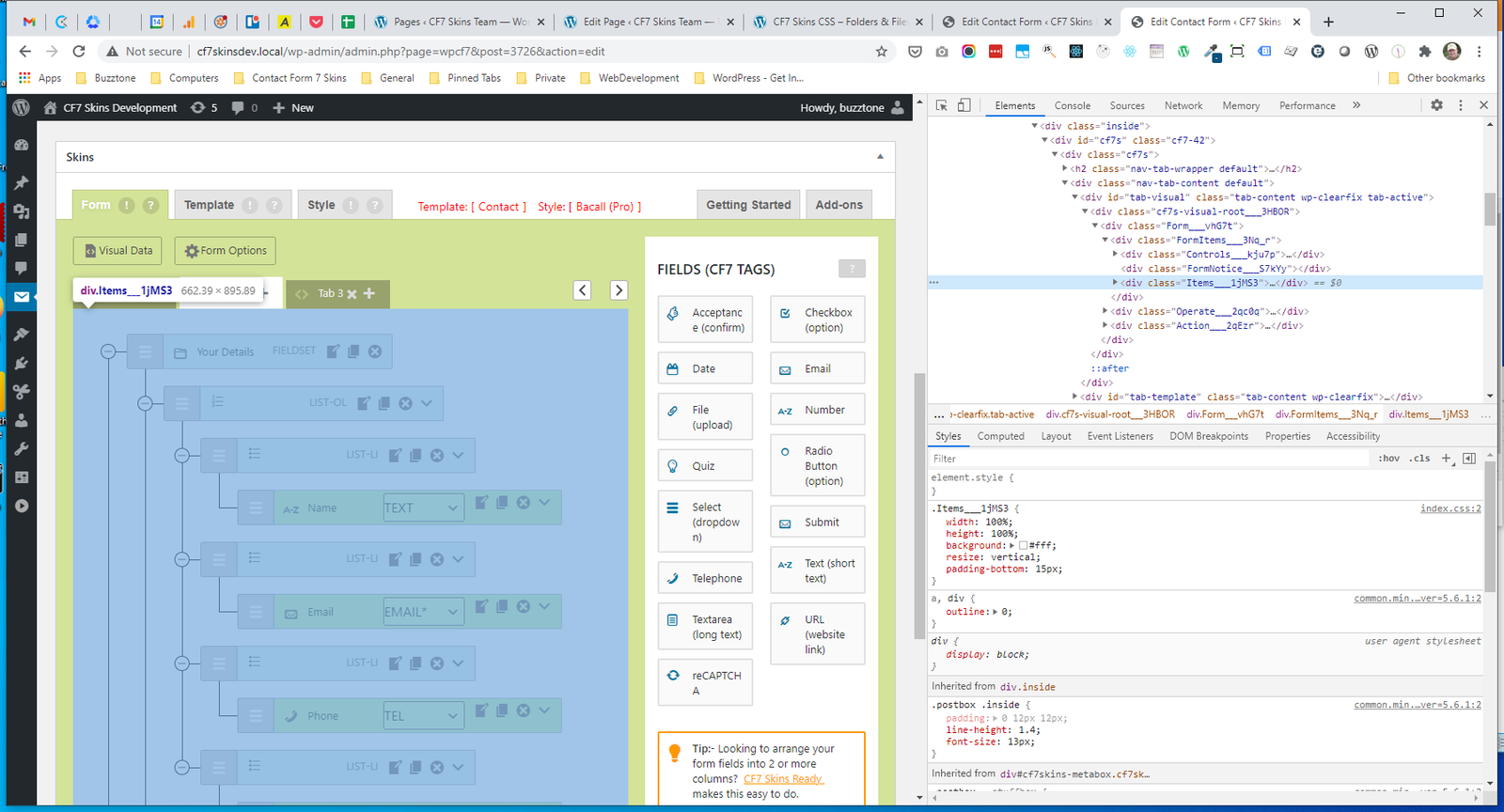
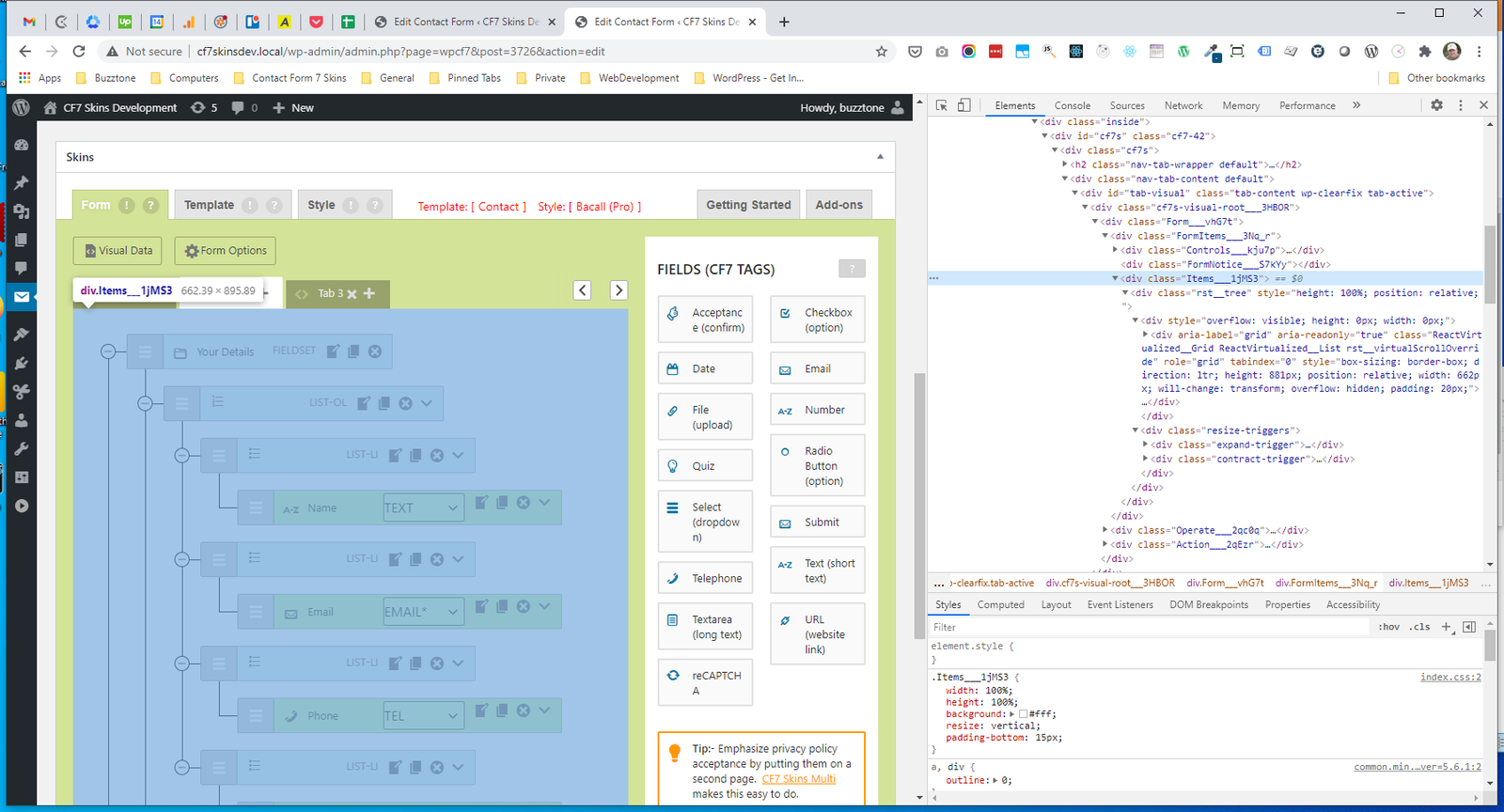
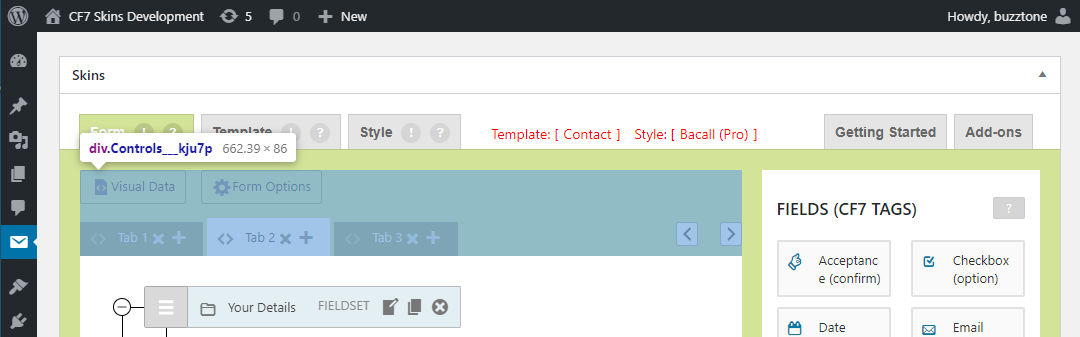
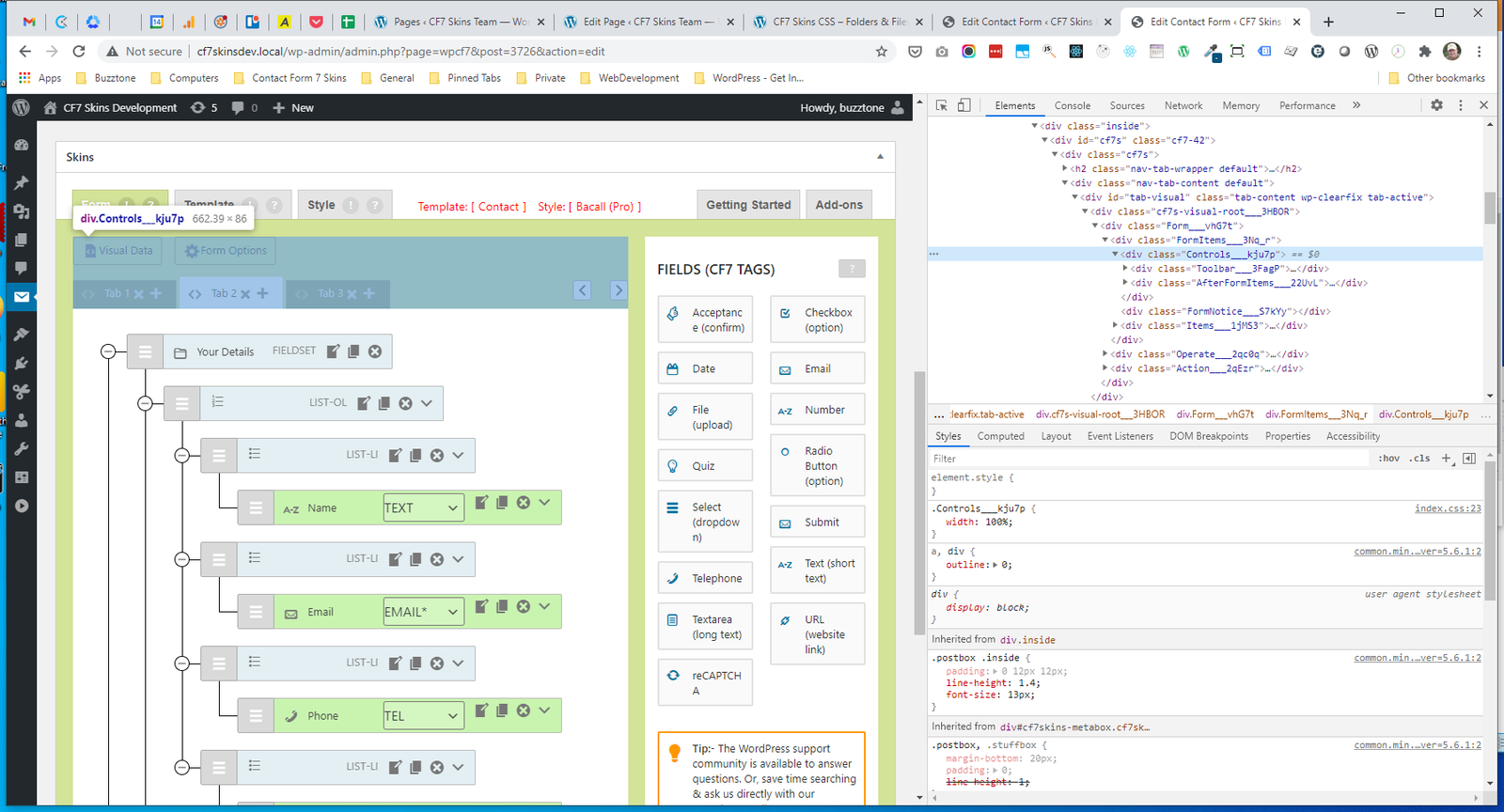
Controls #
- .Controls
- .Toolbar
- .AfterFormItems
.Controls #
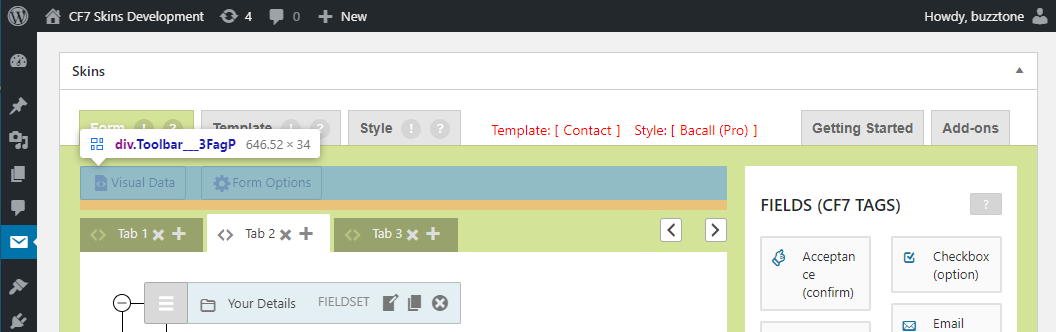
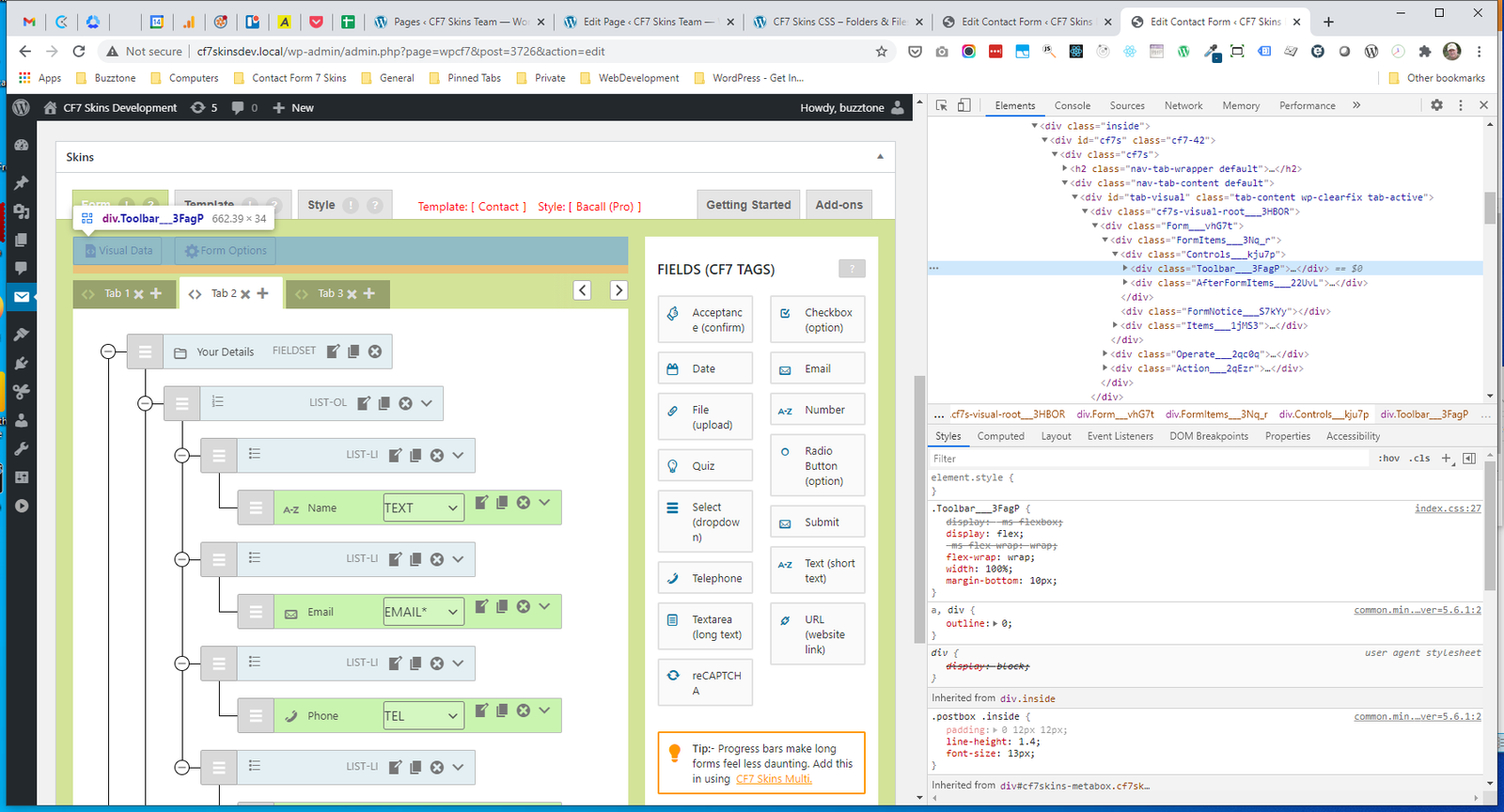
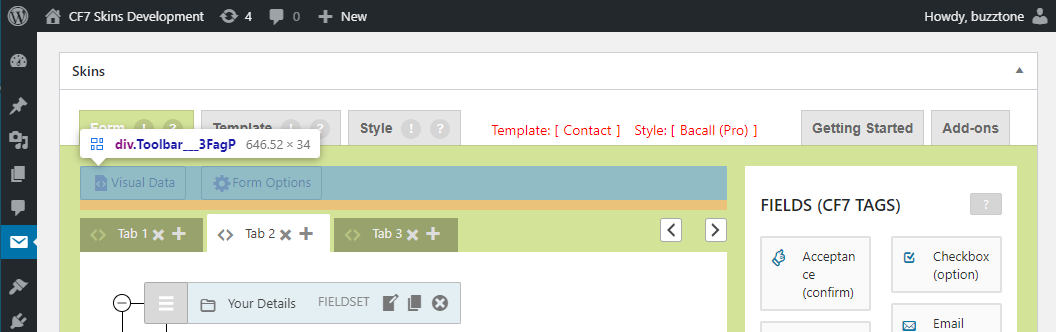
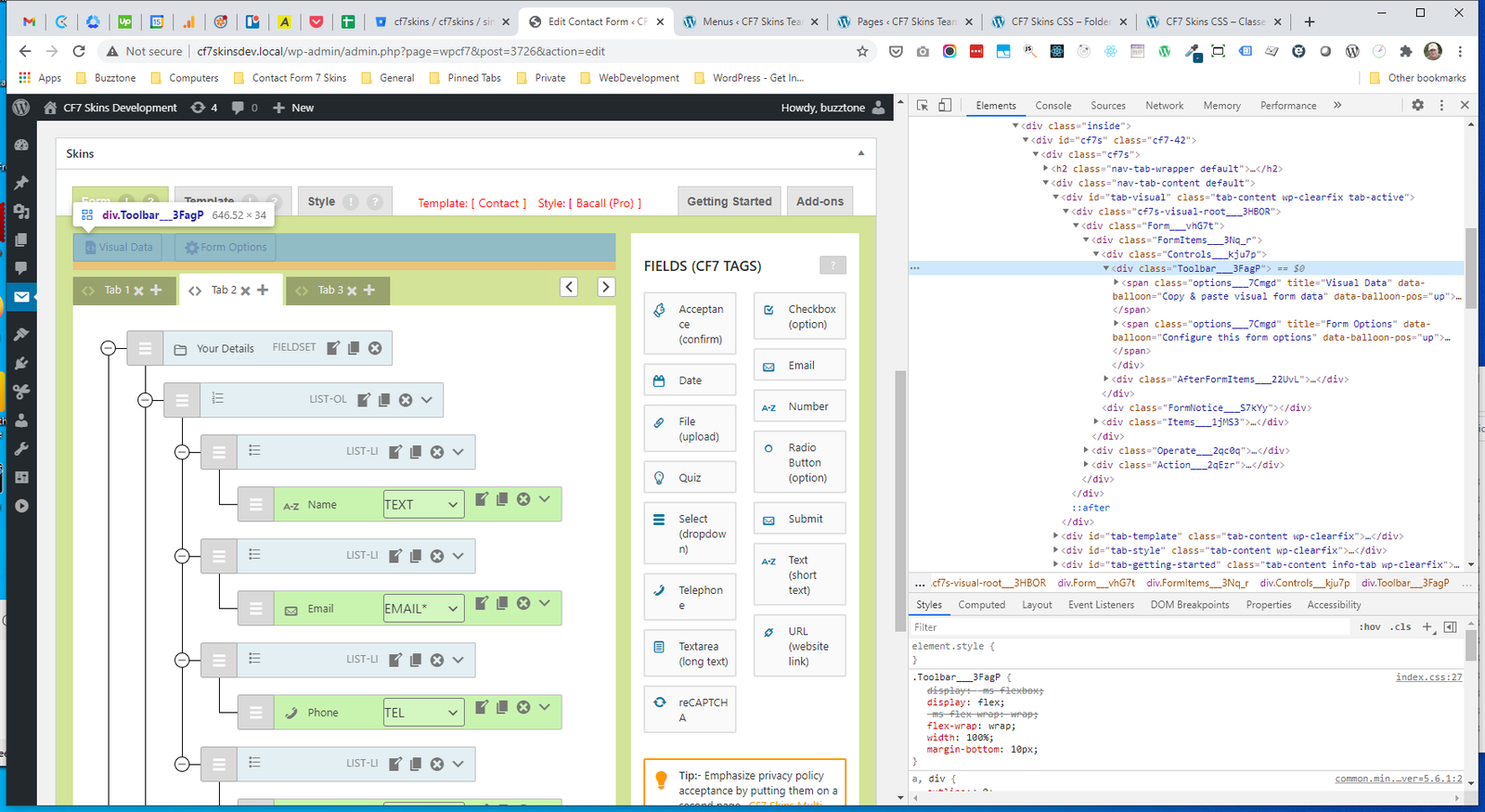
.Toolbar #
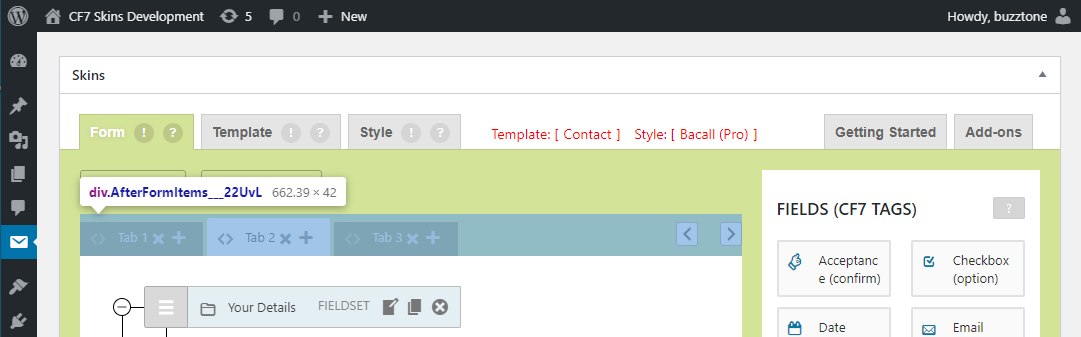
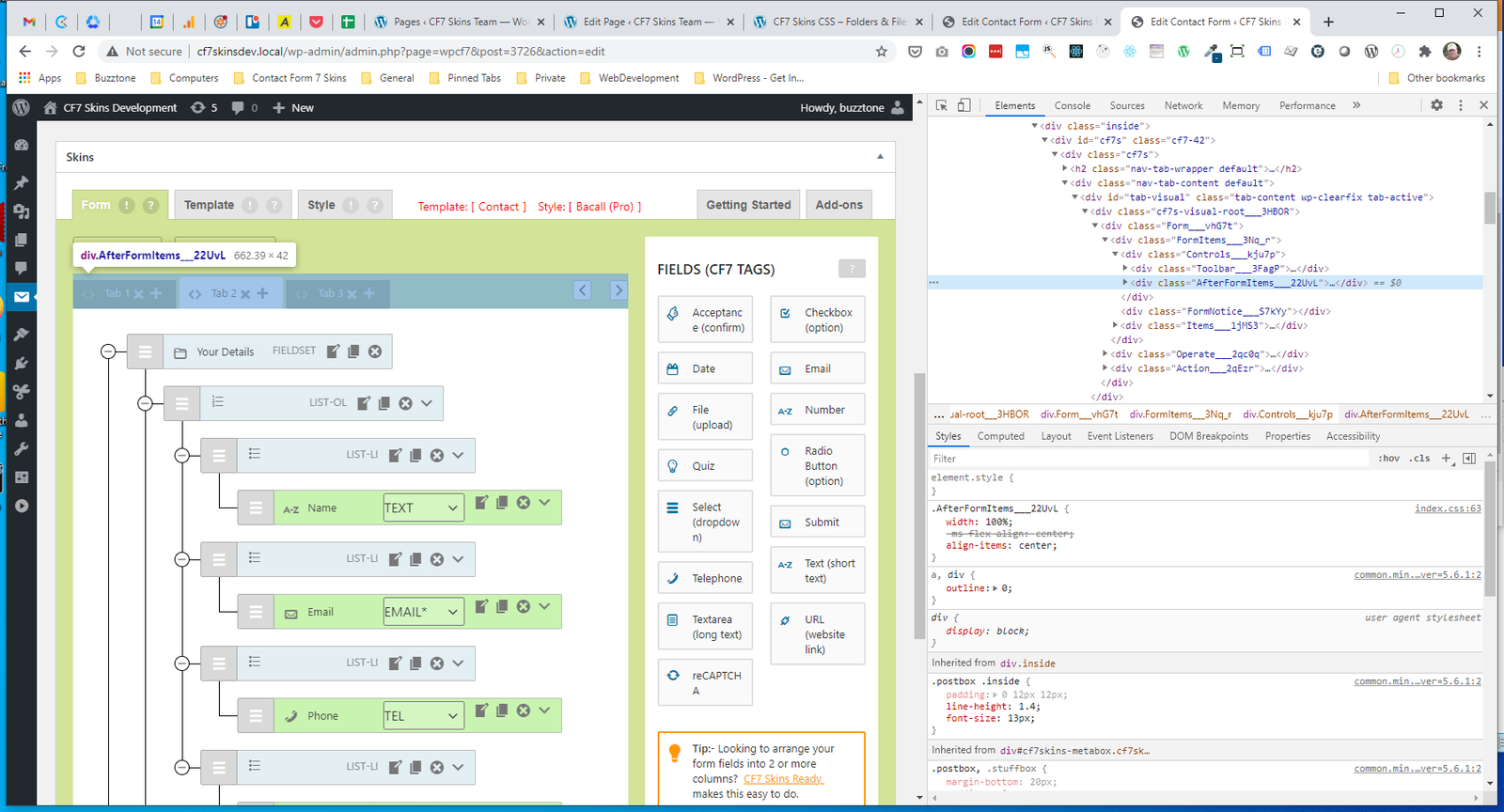
.AfterFormItems #
.Toolbar #
- .Toolbar
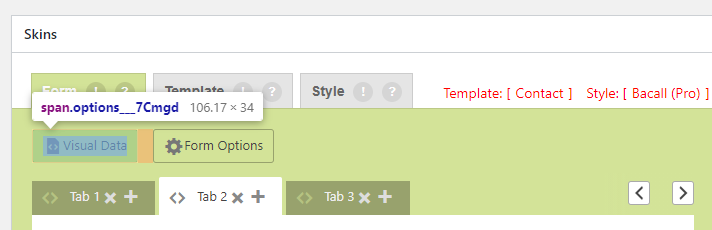
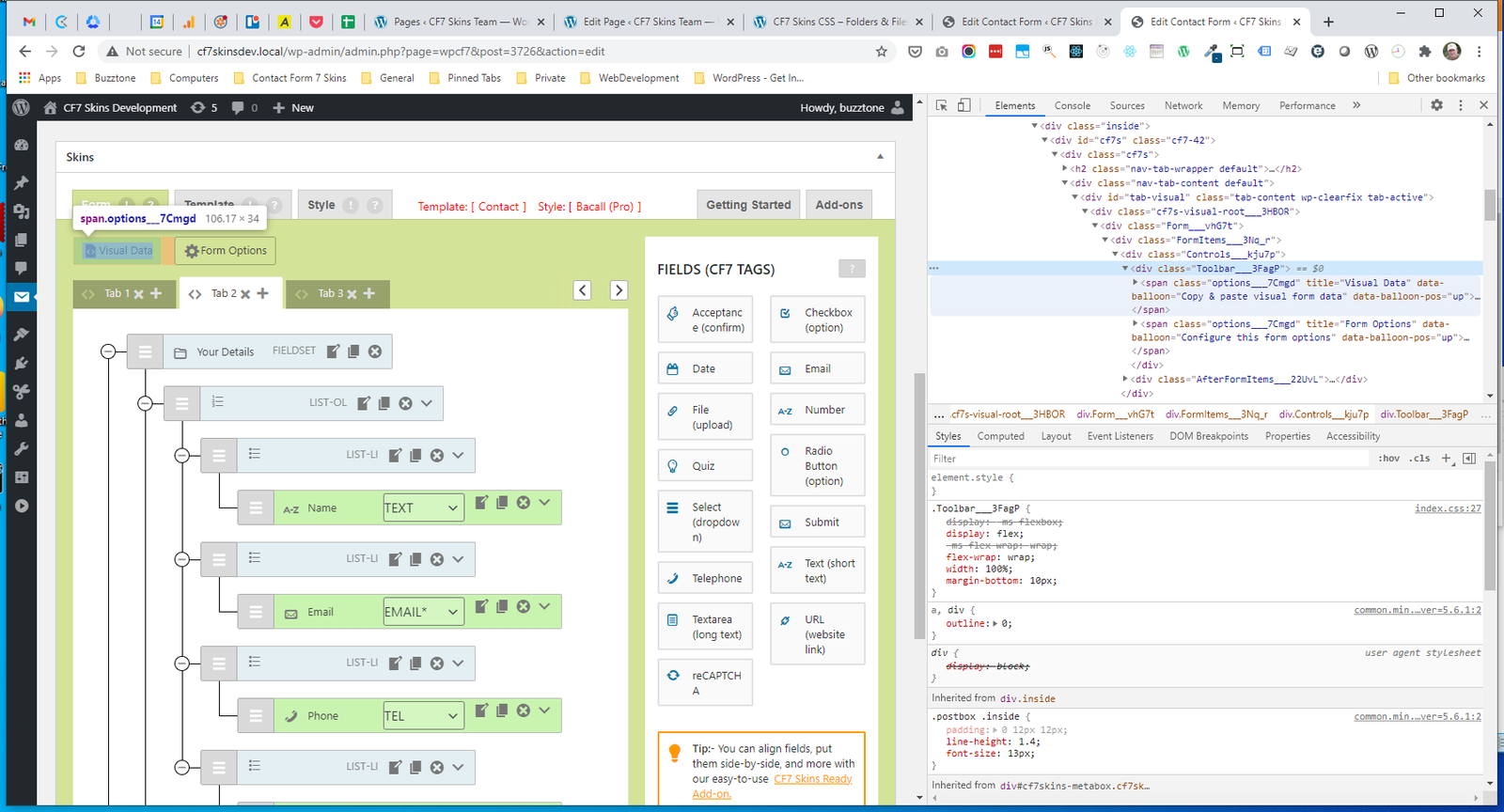
- .Toolbar .options
.Toolbar #
.Toolbar .options #
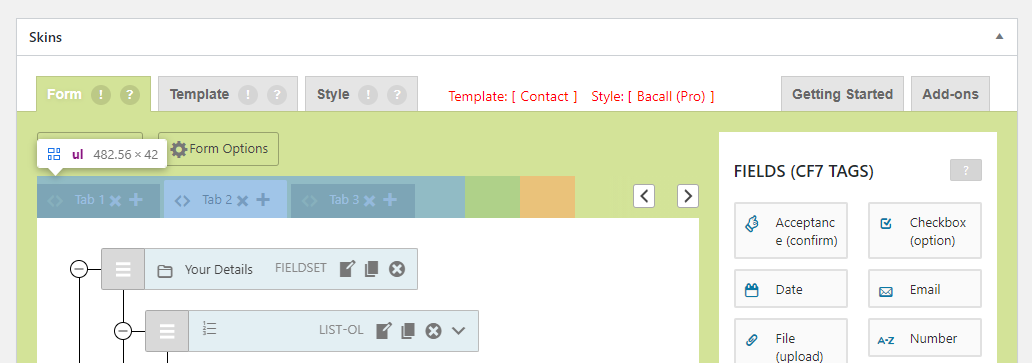
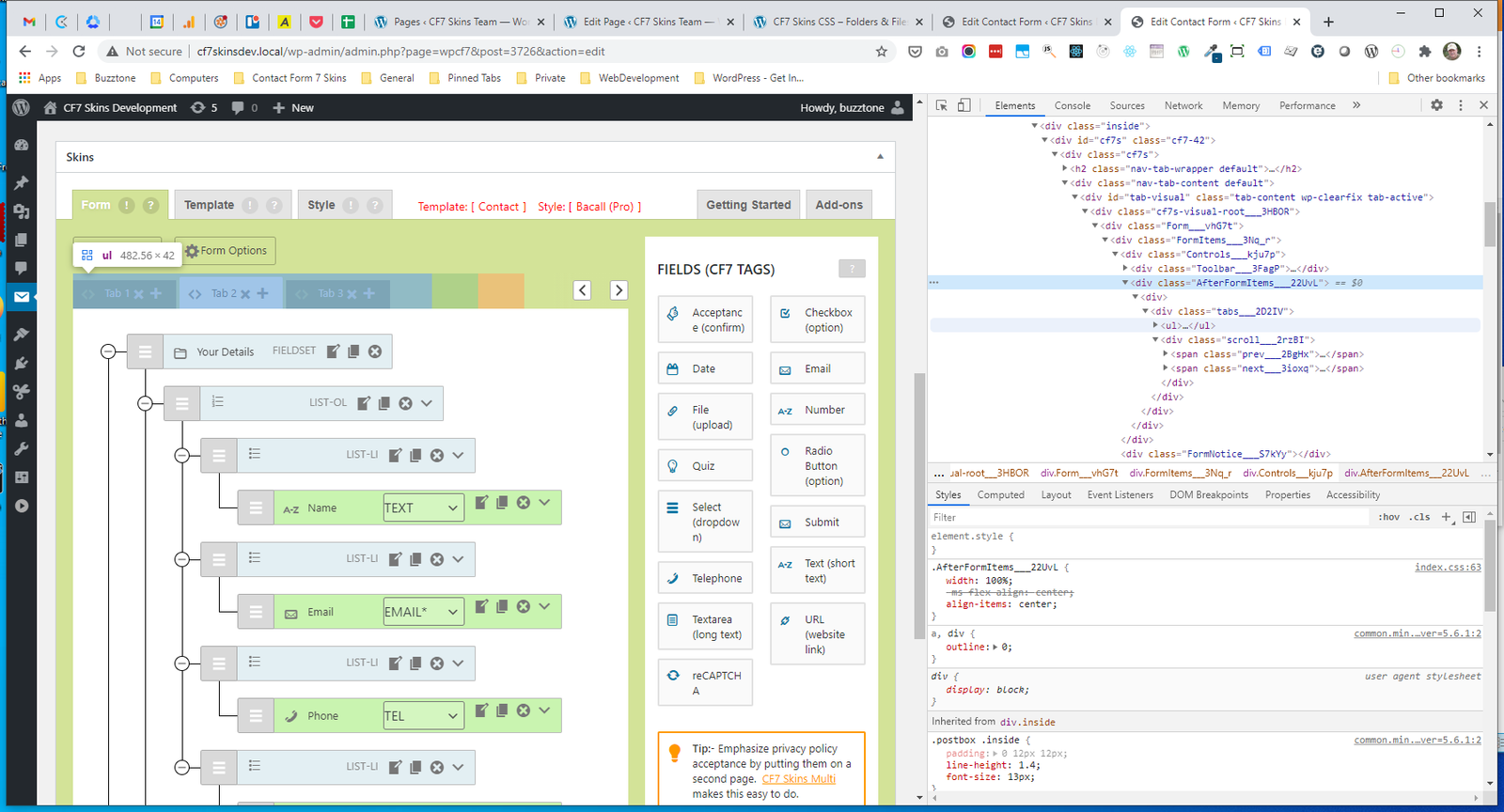
.AfterFormItems #
.AfterFormItems
.AfterFormItems #
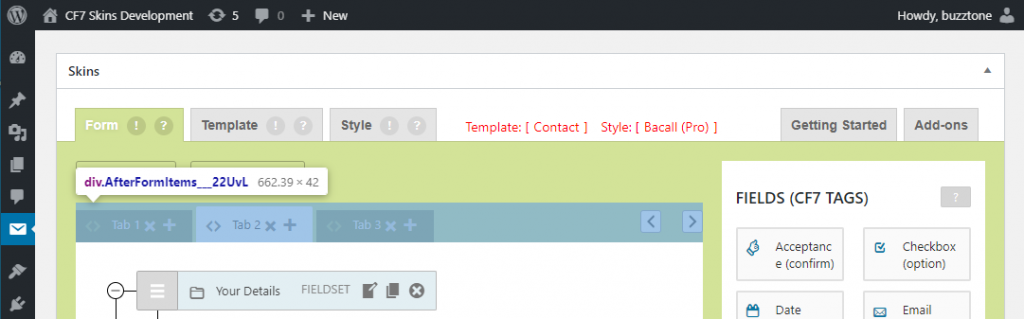
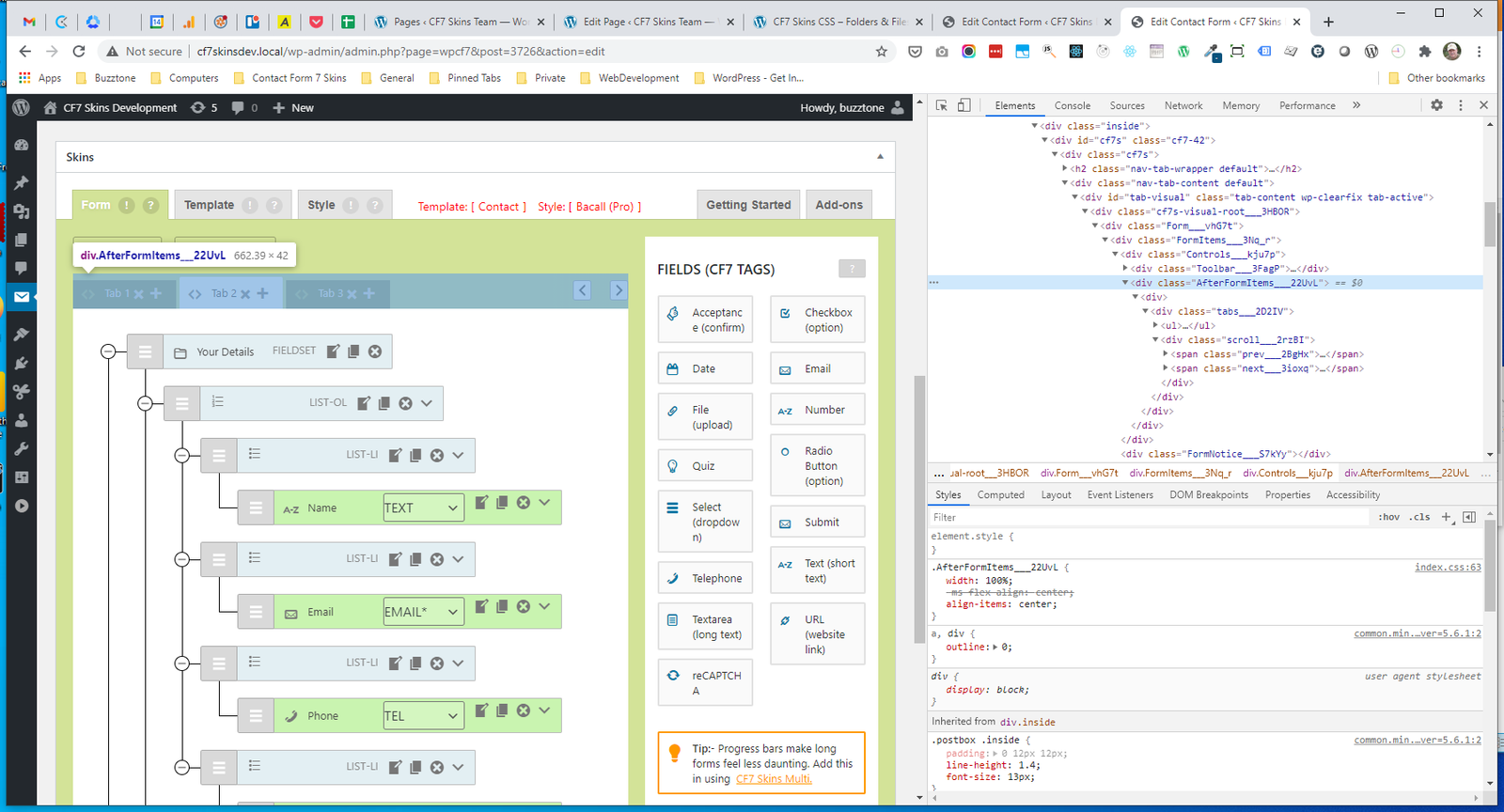
AddOns Multi in .AfterFormItems #
- .AfterFormItems_scroll
- .AfterFormItems_scroll_prev
- .AfterFormItems_tabs
- .AfterFormItems_ul
.AfterFormItems_scroll #
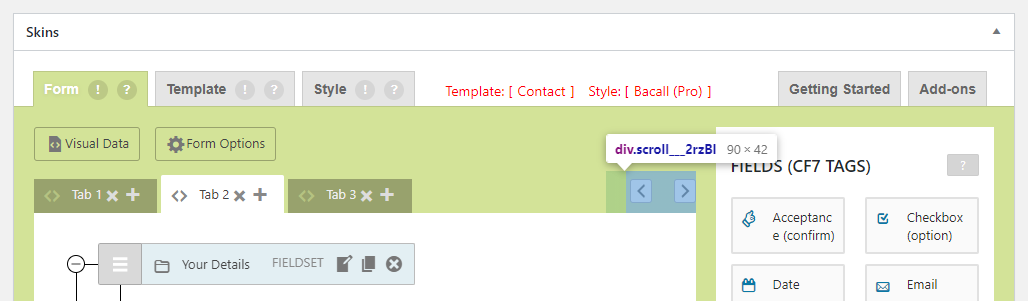
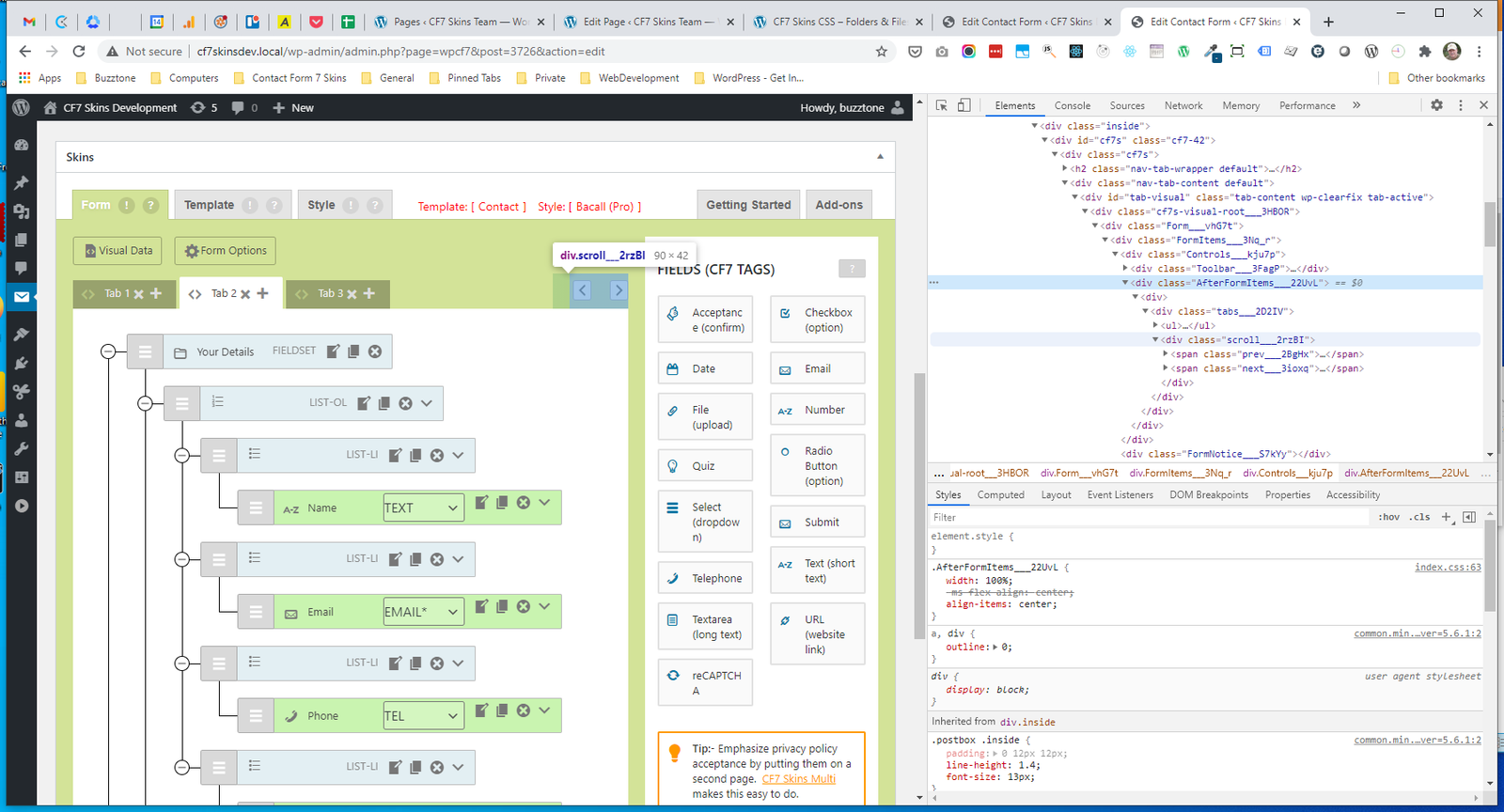
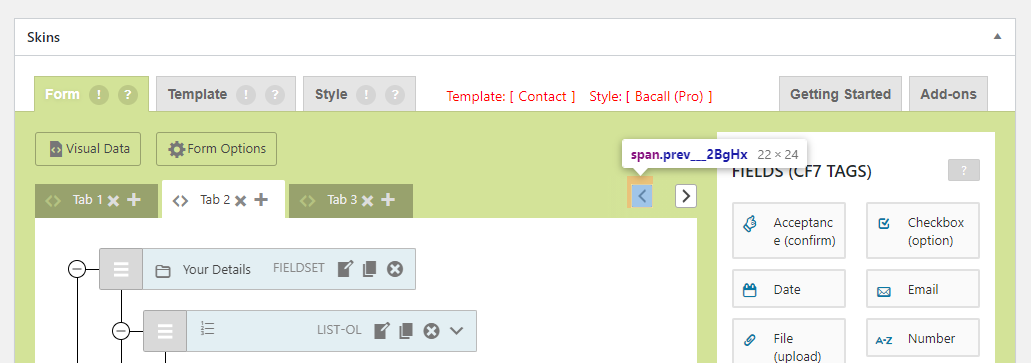
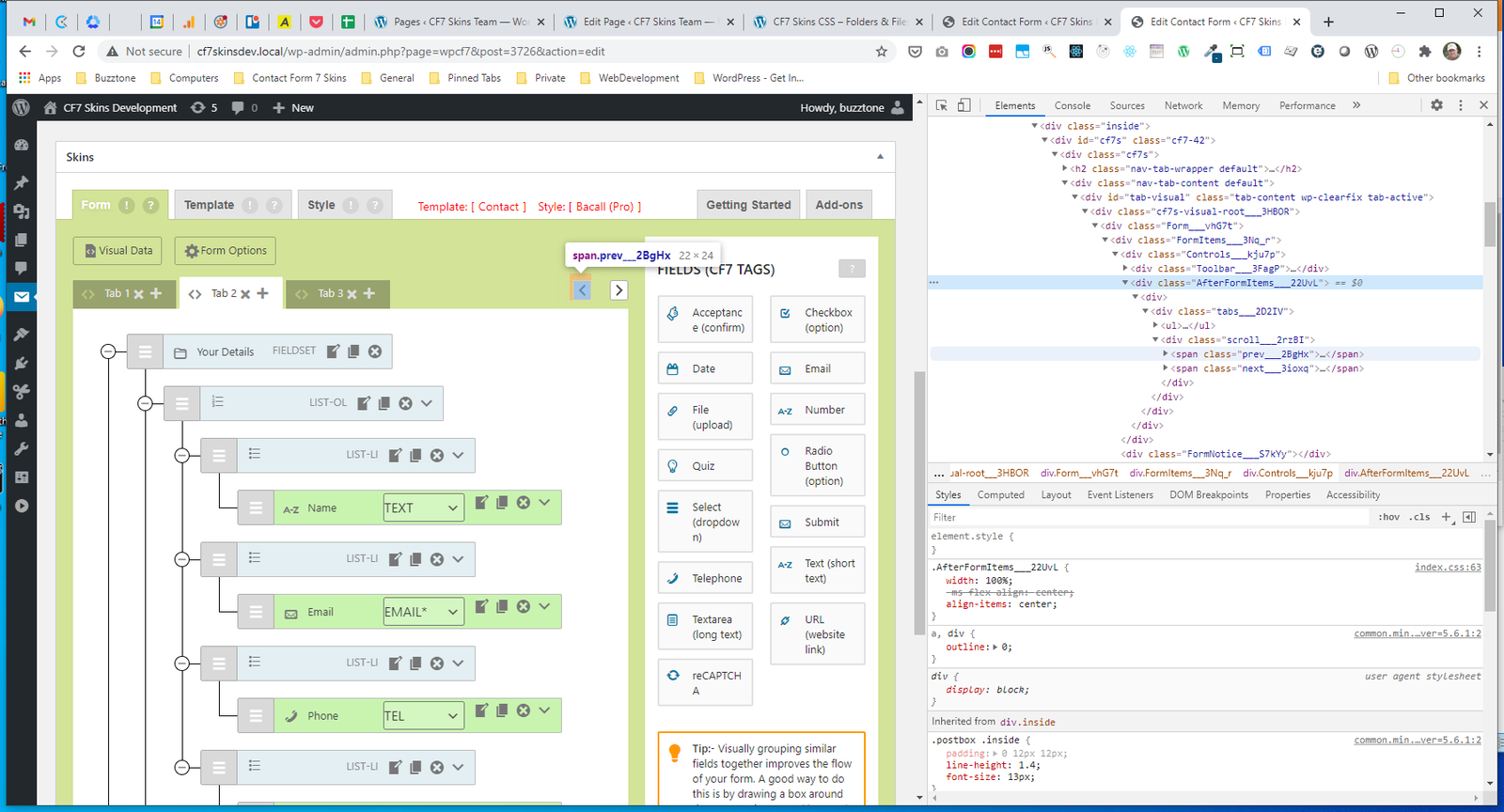
.AfterFormItems_scroll_prev #
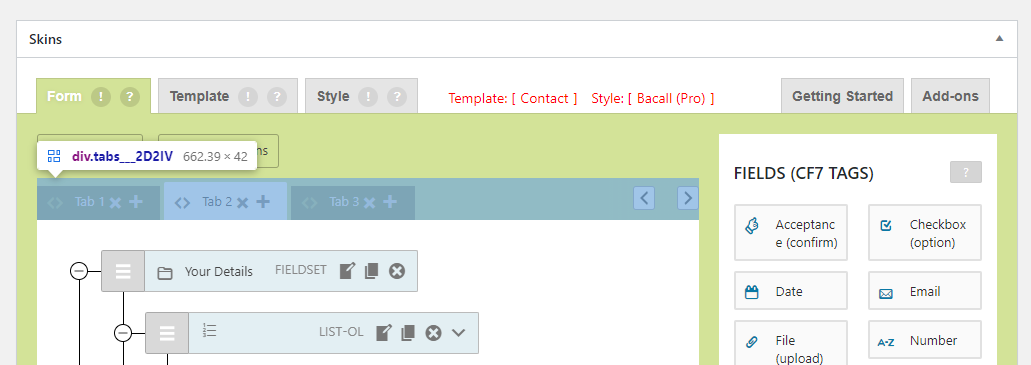
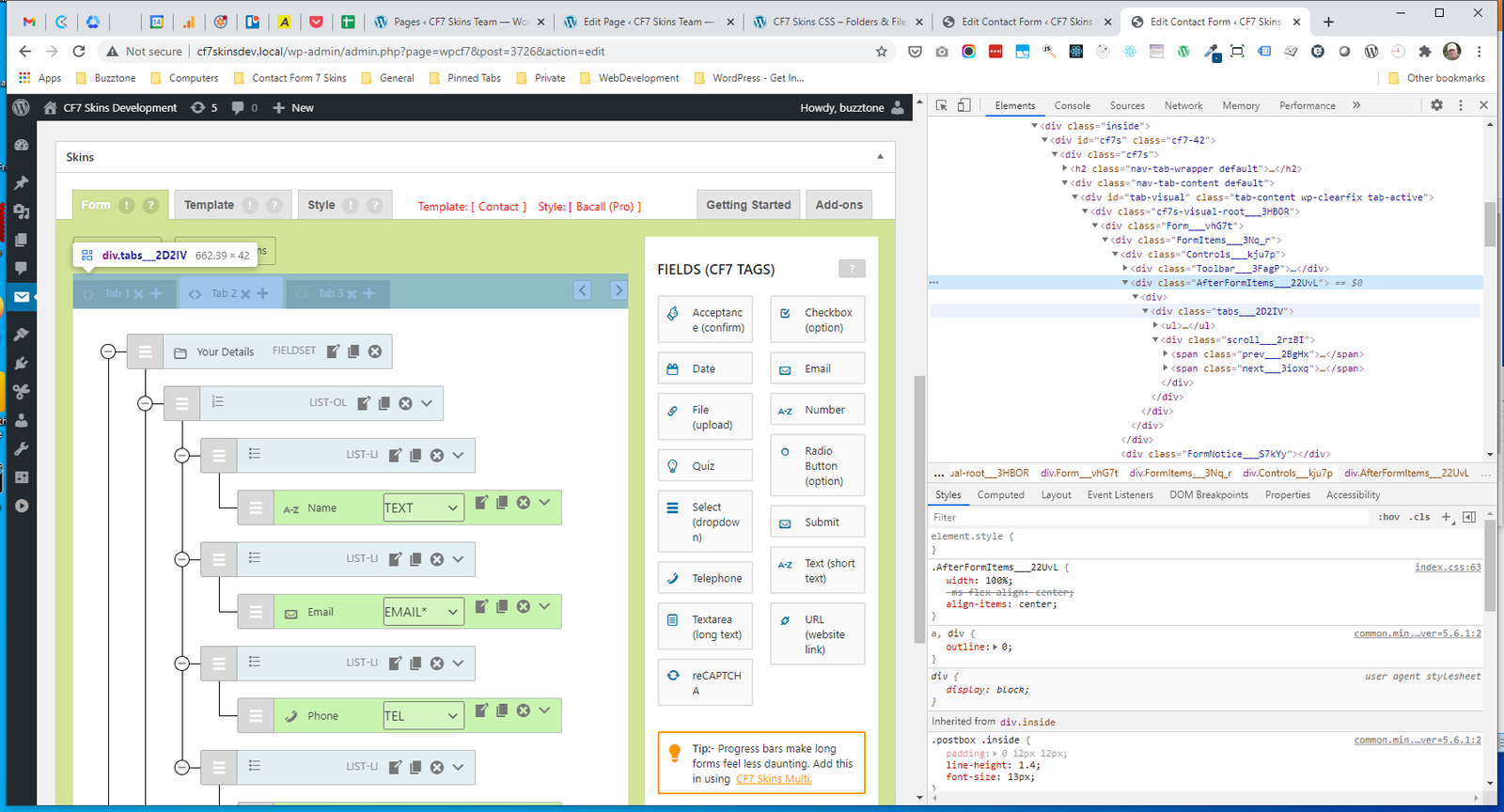
.AfterFormItems_tabs #
.AfterFormItems_ul #
RST #
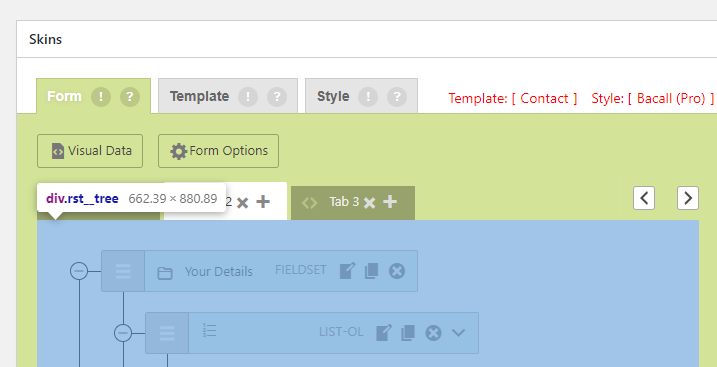
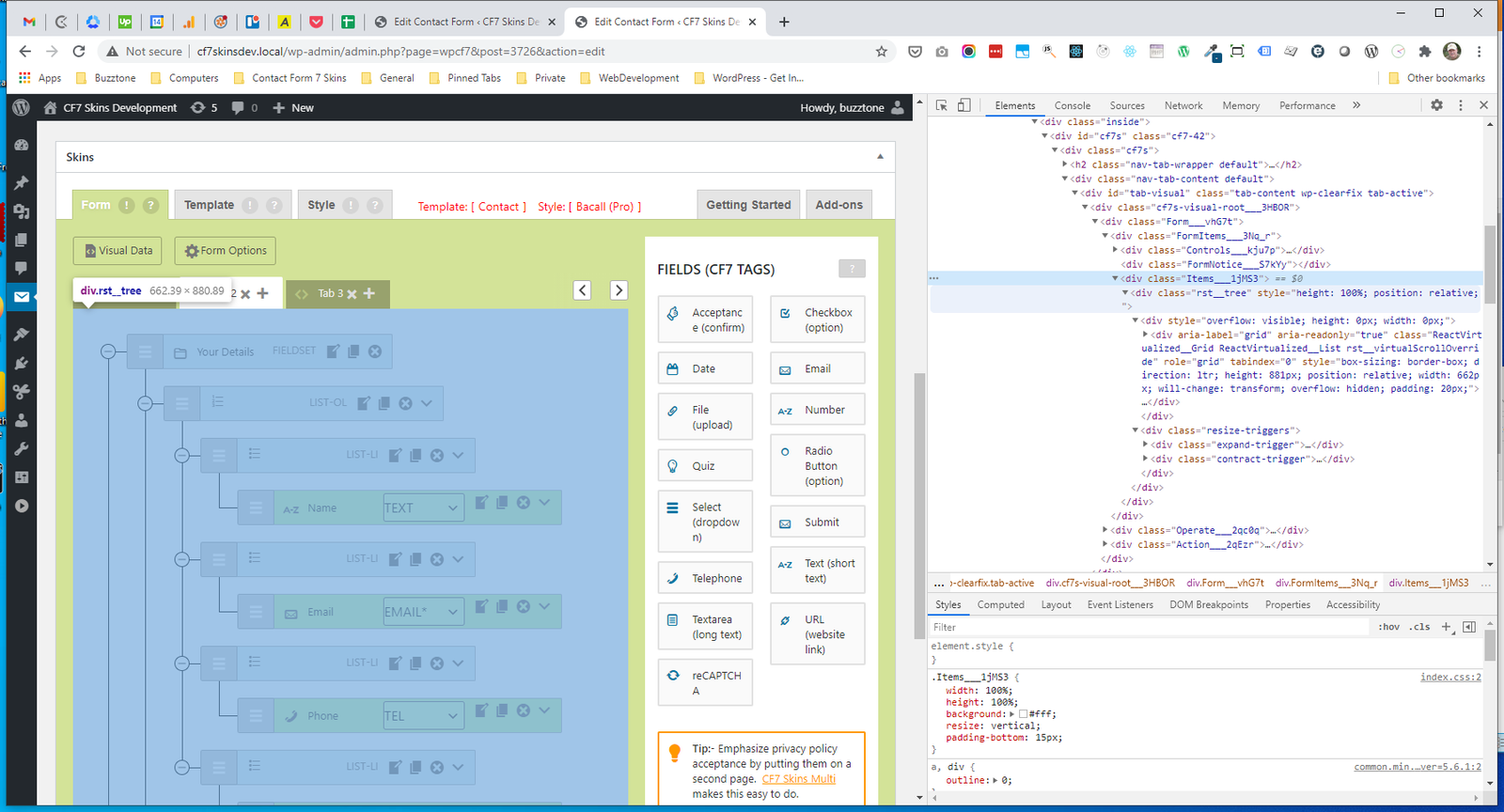
- .rst__tree
- .overflow
- .ReactVirtualized
- .ReactVirtualized_Grid__innerScrollContainer
- .rst__node
- .rst__lineBlock
- .rst__nodeContent
- RST.height
- RST.collapseButton
- RST.lineChildren
- RST.rowWrapper
- RST.row
- RST.moveHandle
- RST.rowContents
- RST.resize-triggers
RST.rst__tree #
RST.overflow #
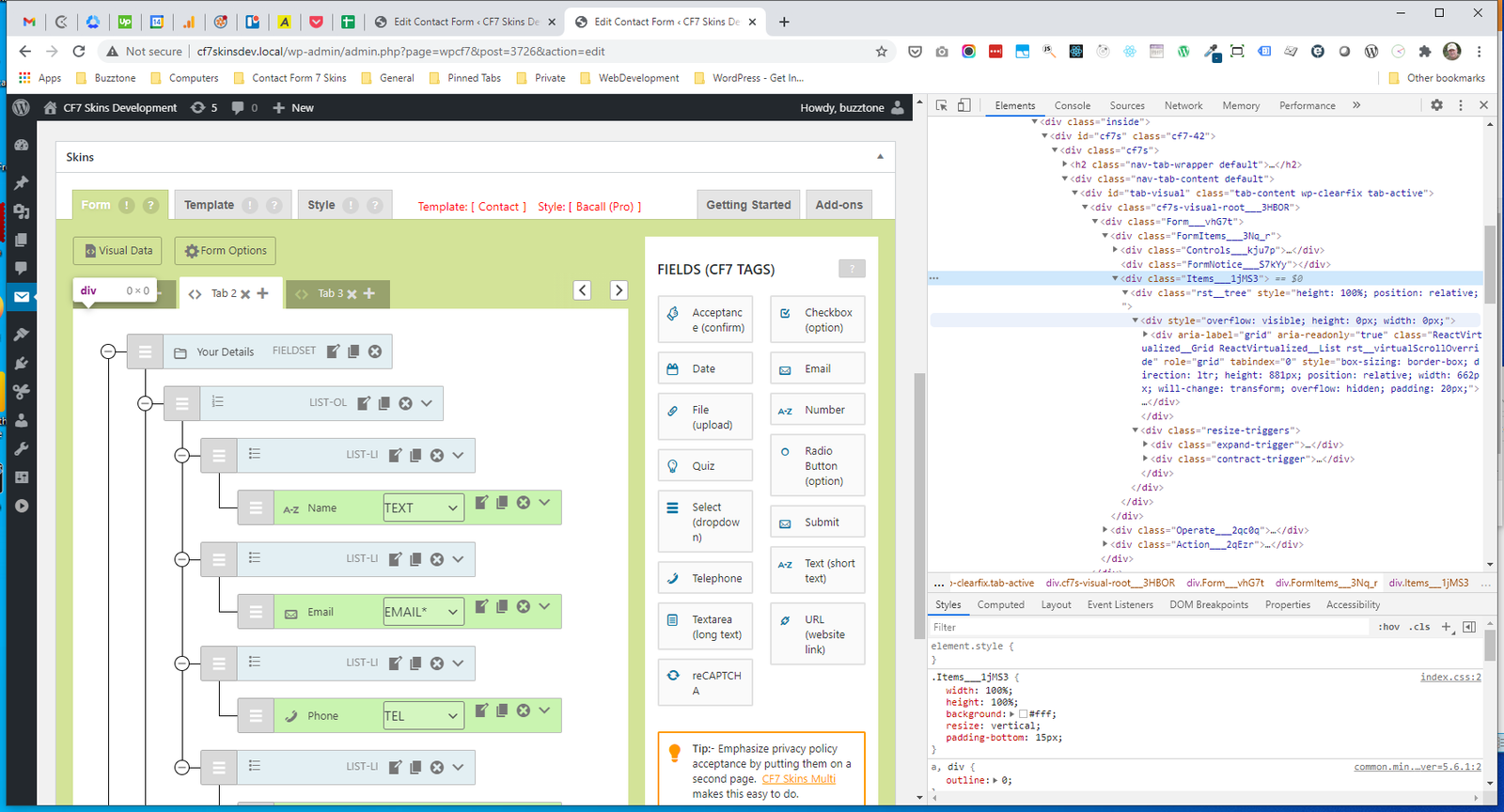
RST.ReactVirtualized #
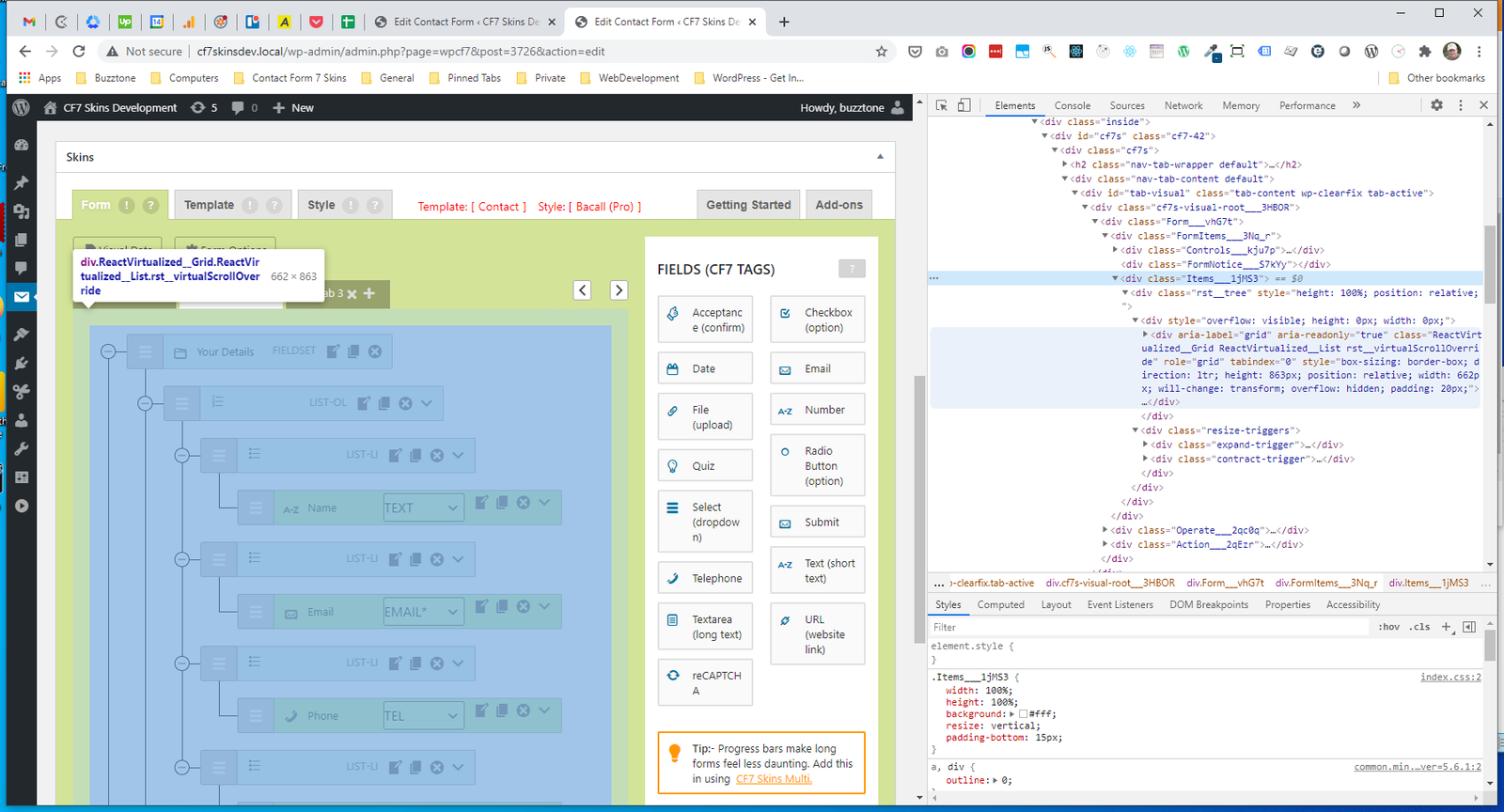
RST.ReactVirtualized_Grid__innerScrollContainer #
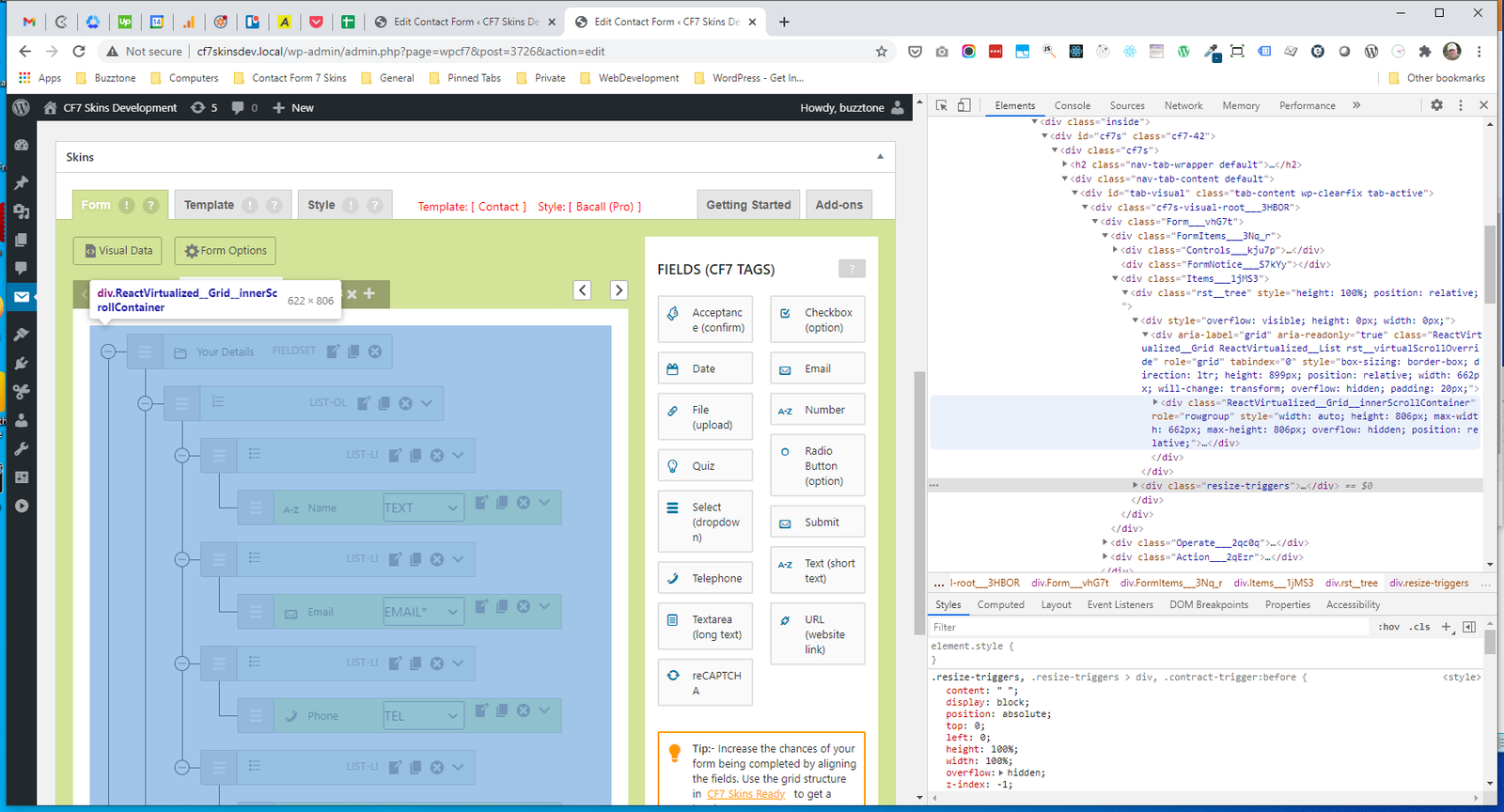
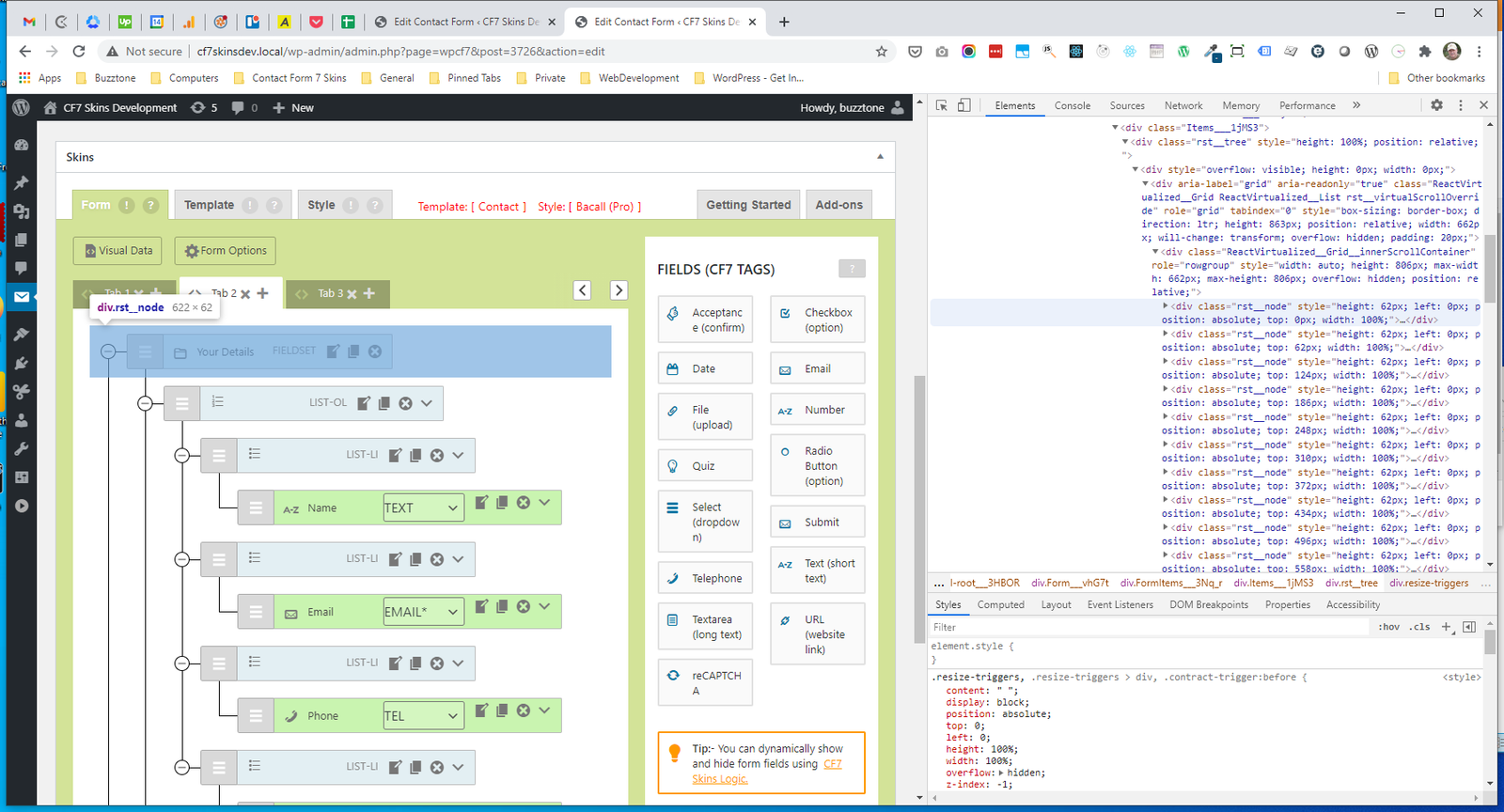
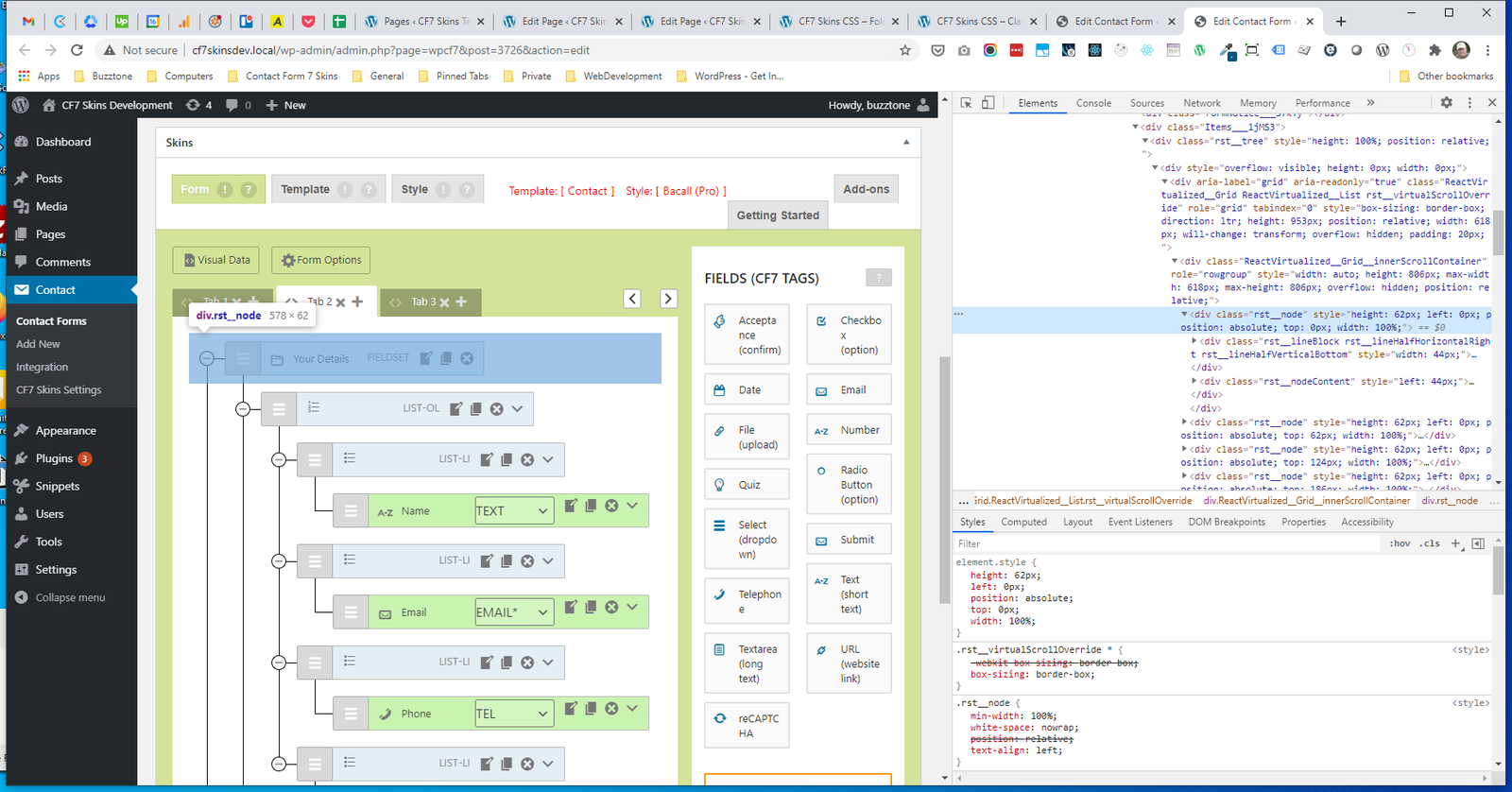
RST.rst__node #
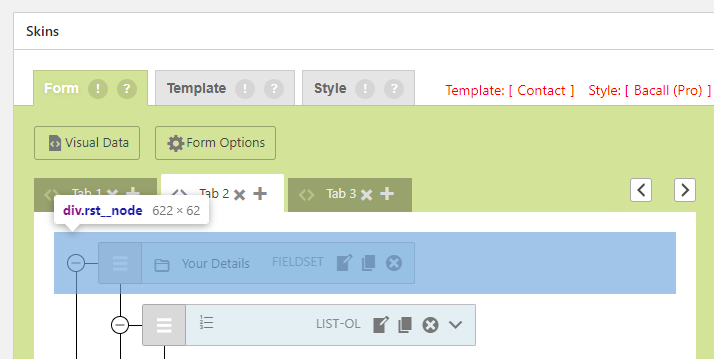
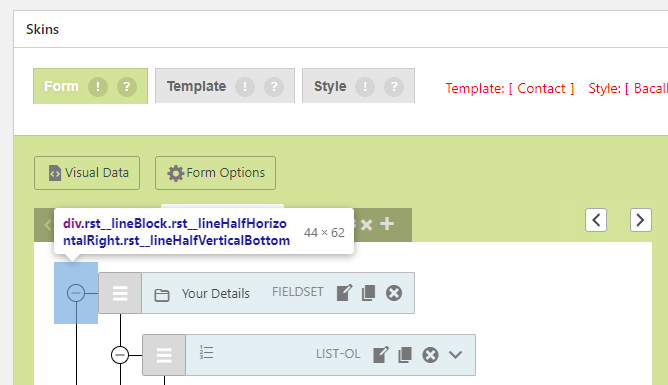
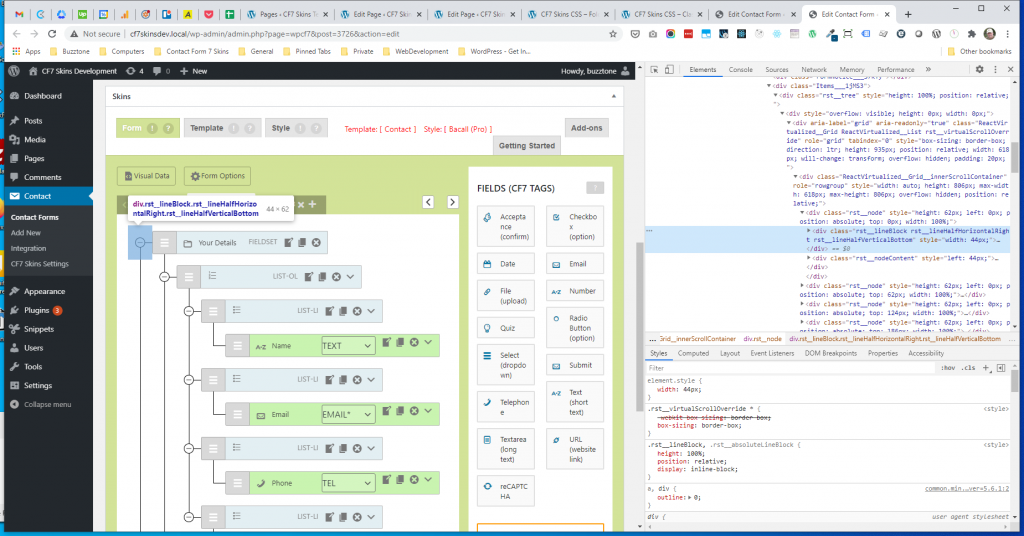
.rst__lineBlock #
.rst__nodeContent #
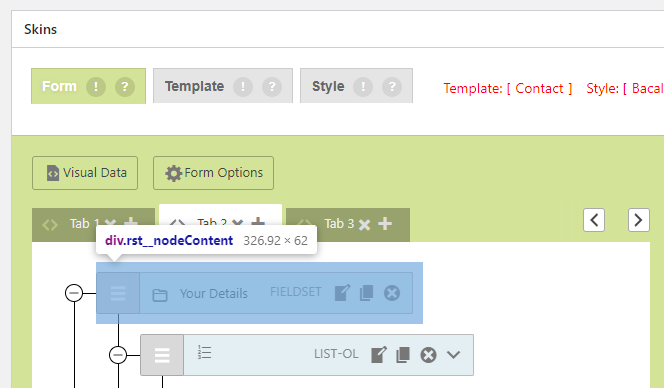
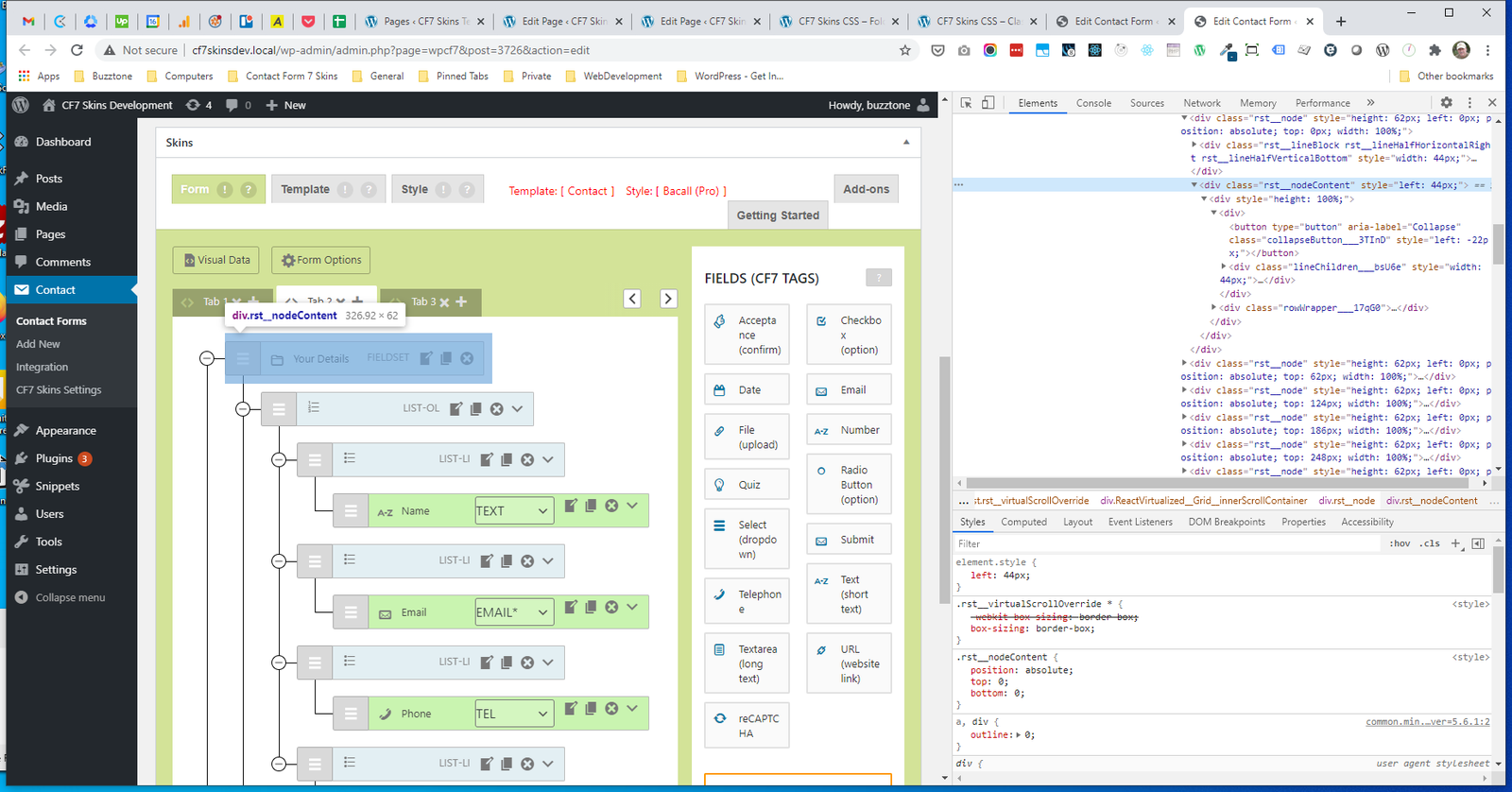
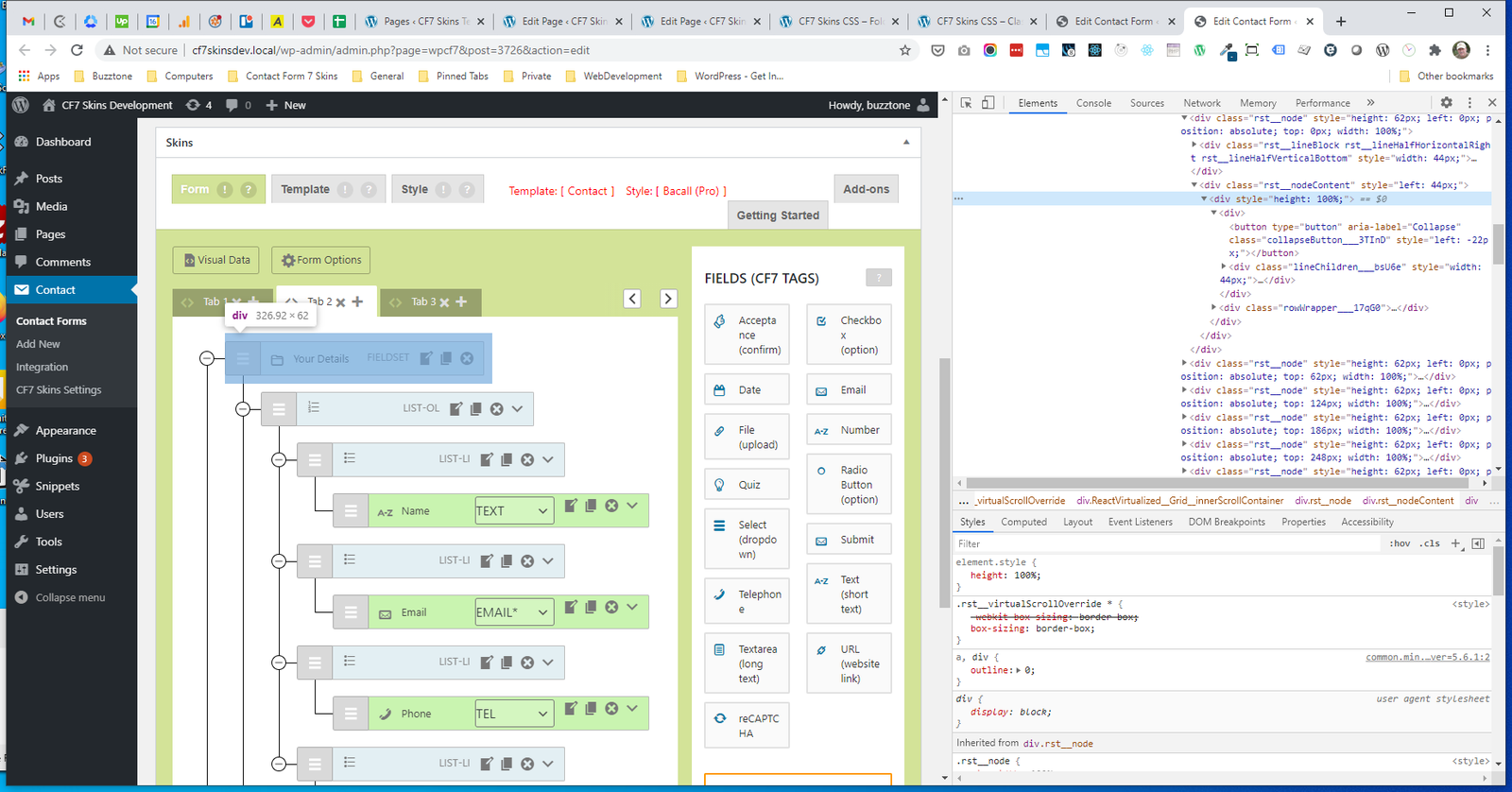
RST.height #
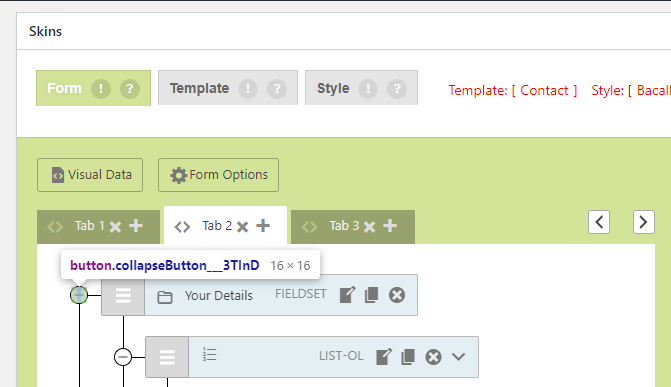
RST.collapseButton #
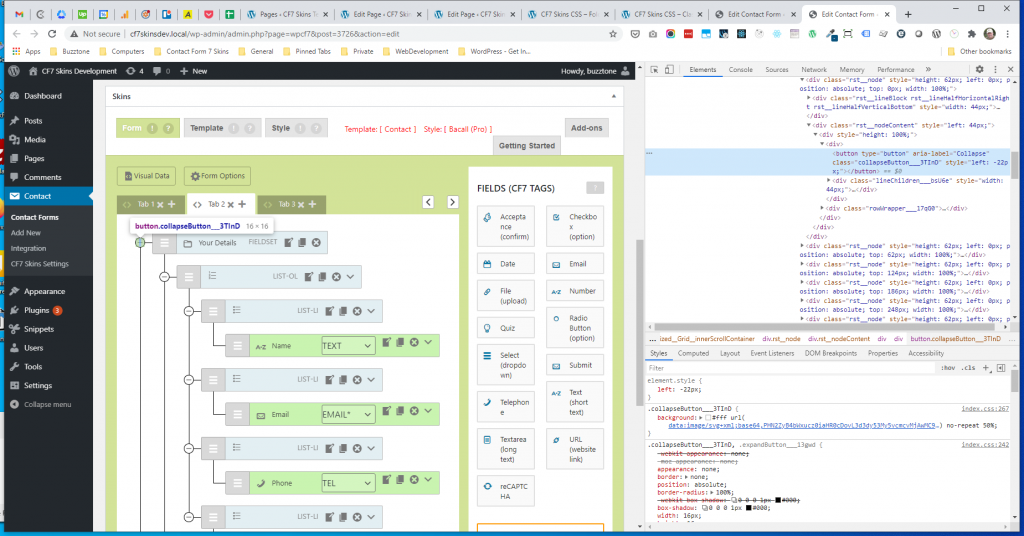
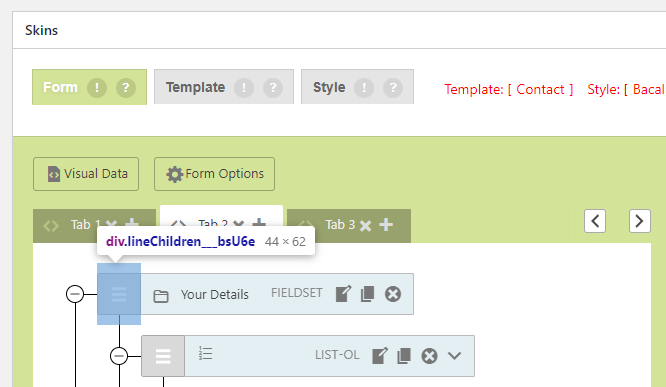
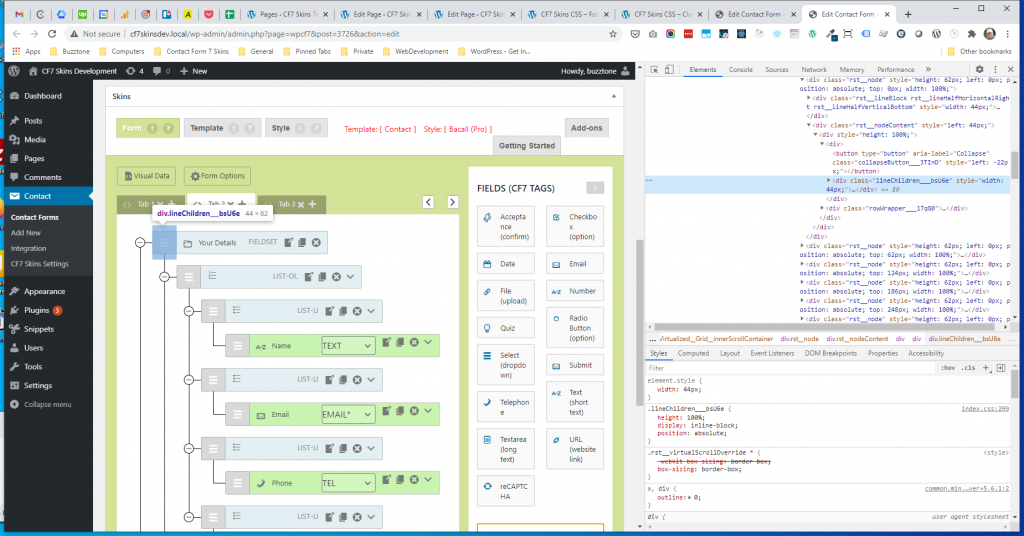
RST.lineChildren #
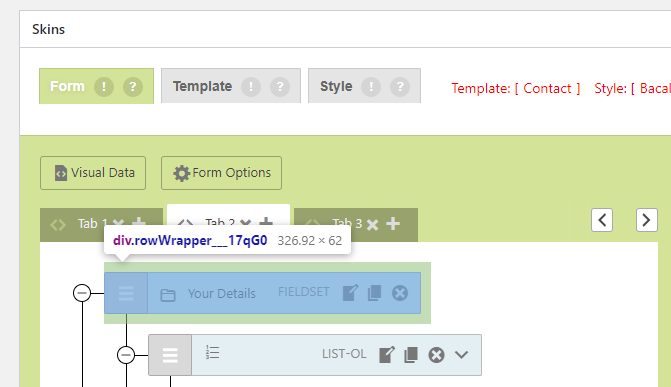
RST.rowWrapper #
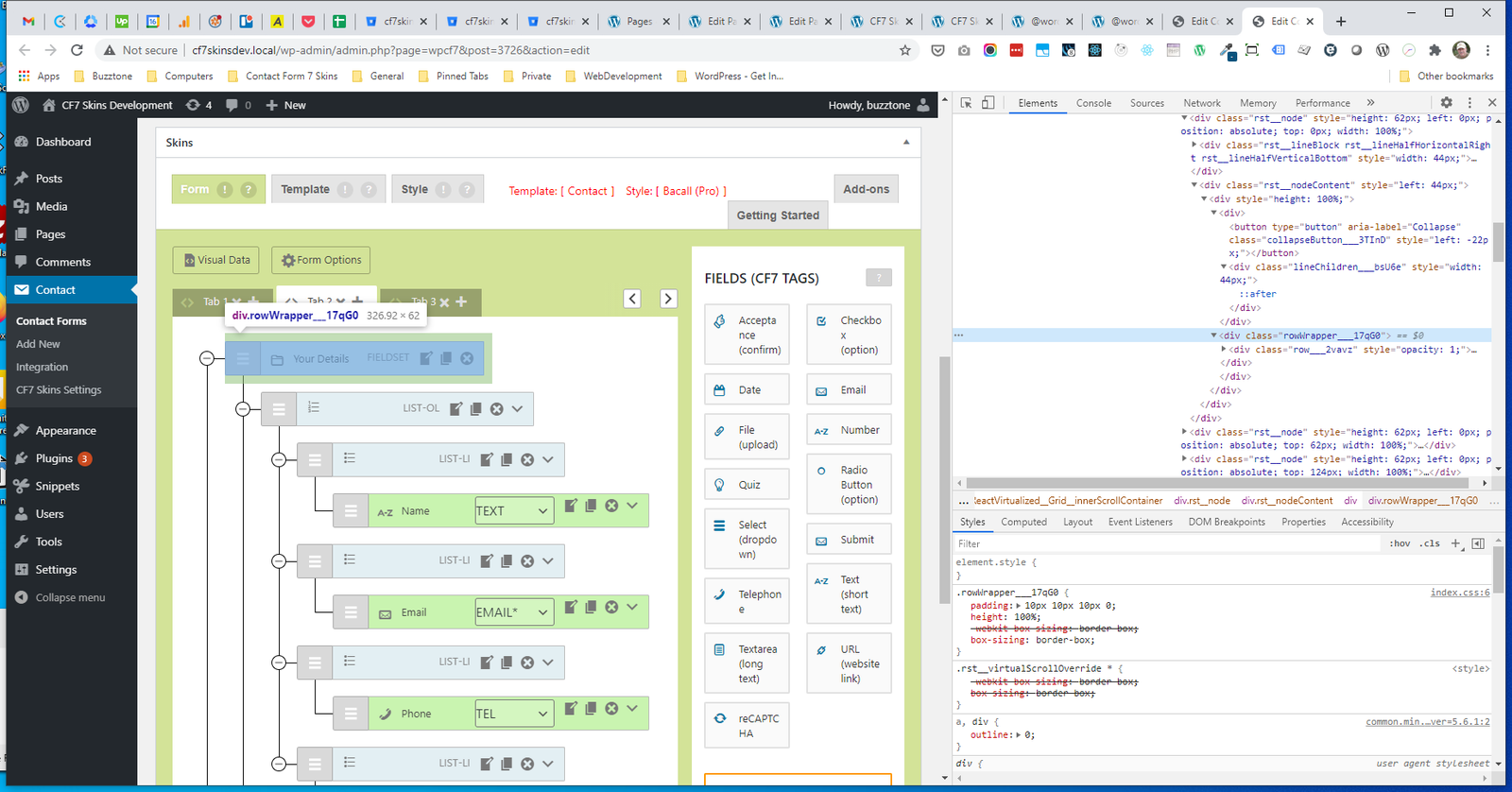
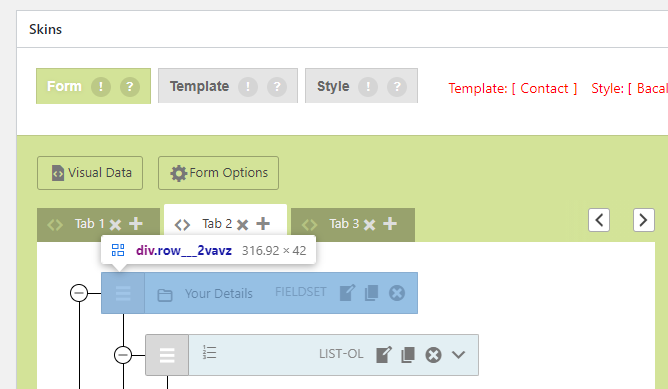
RST.row #
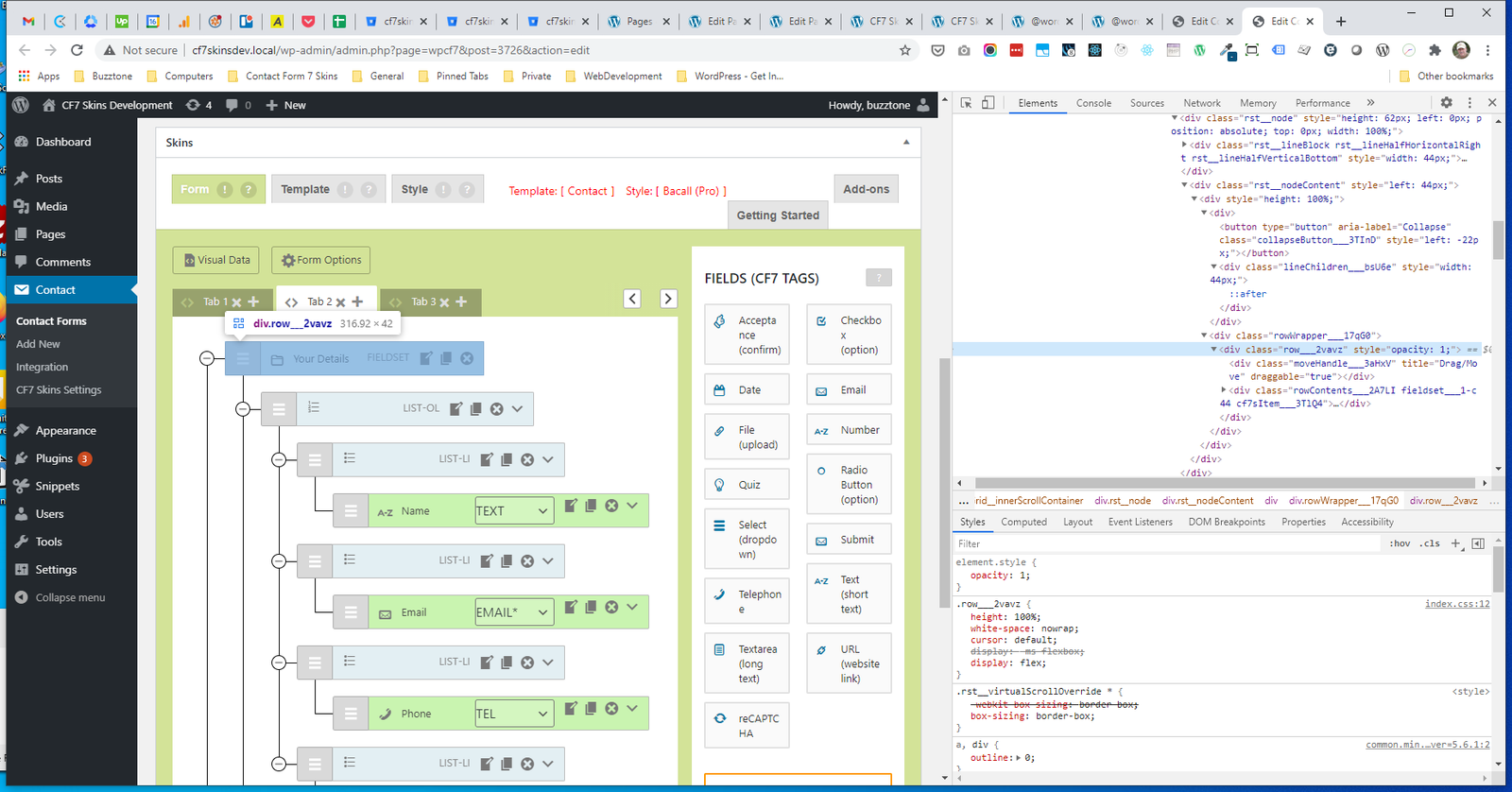
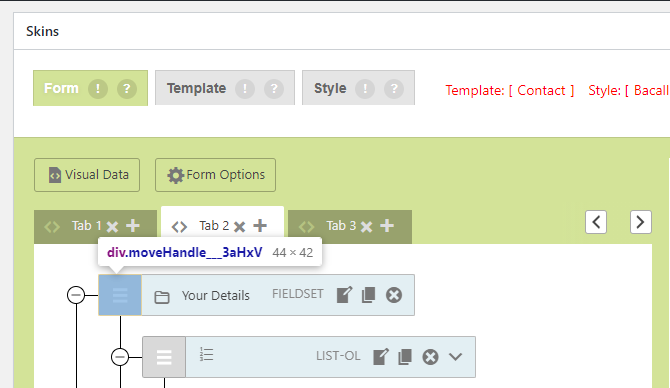
RST.moveHandle #
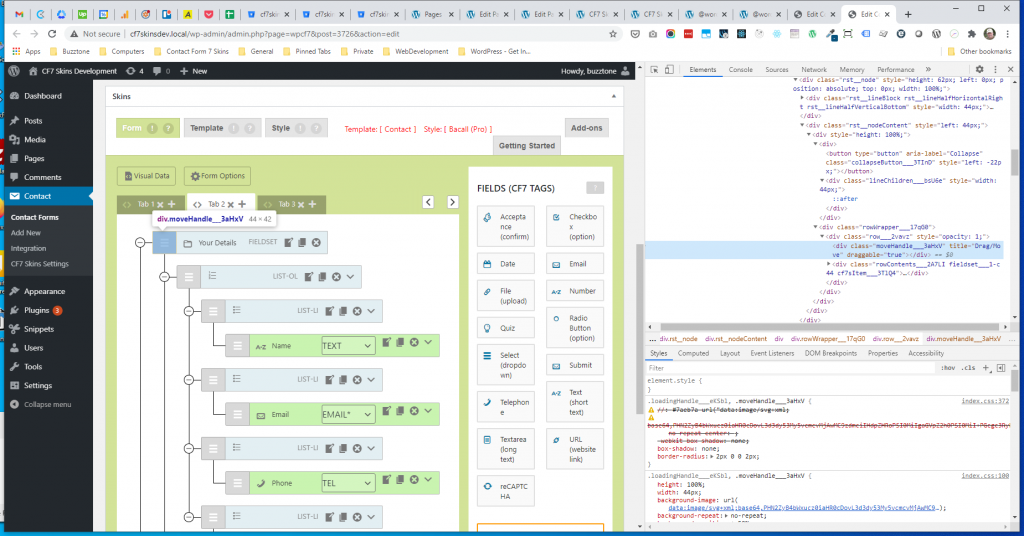
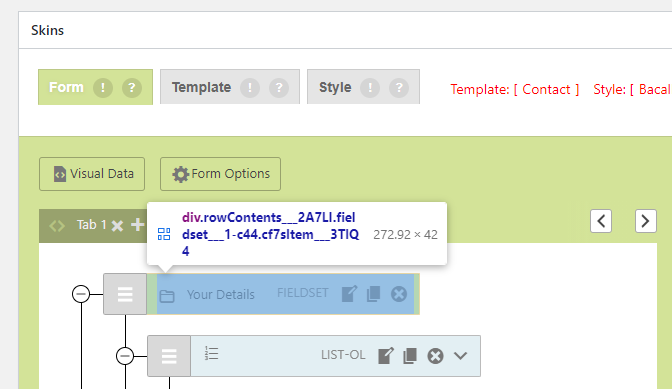
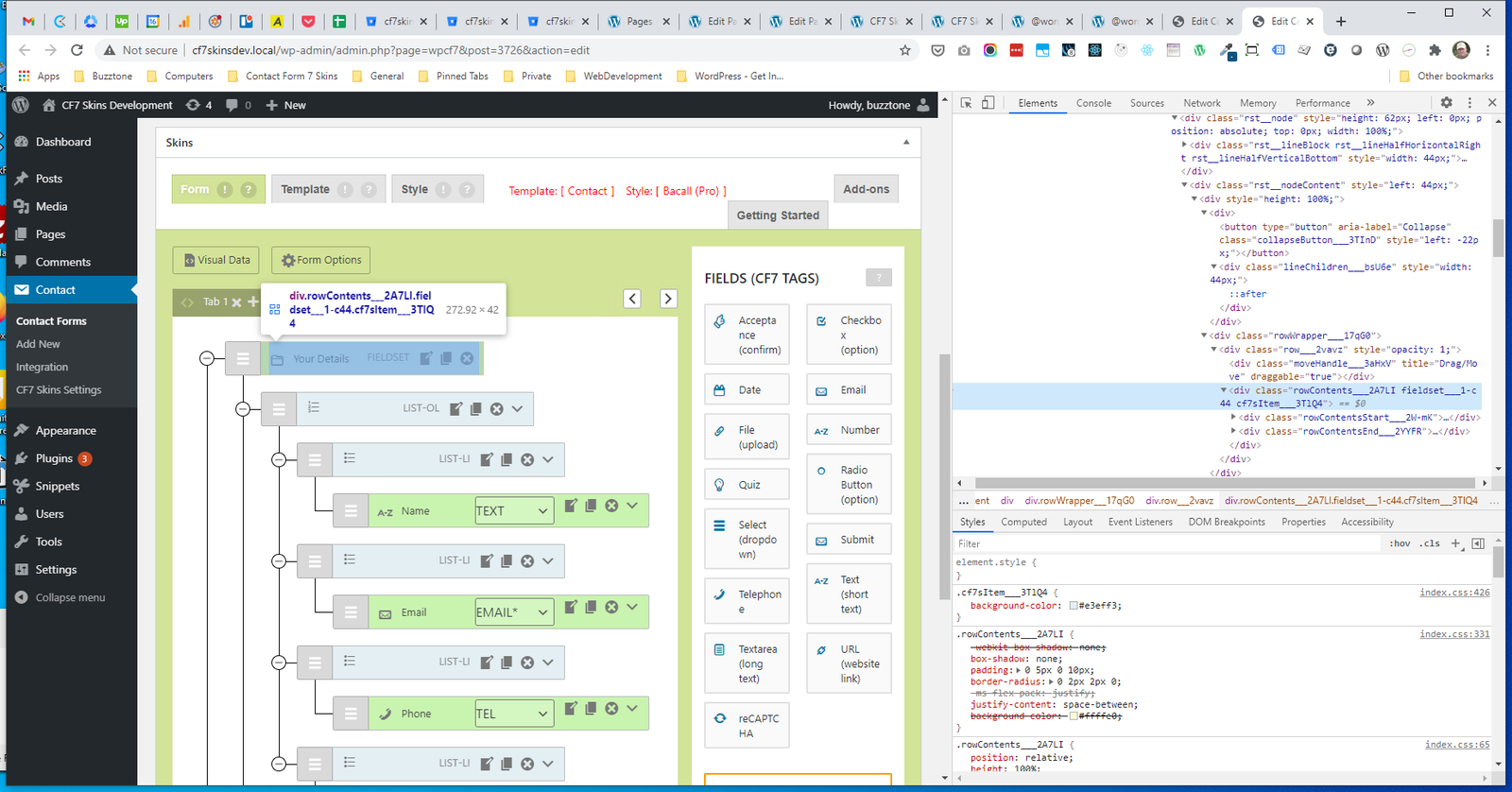
RST.rowContents #
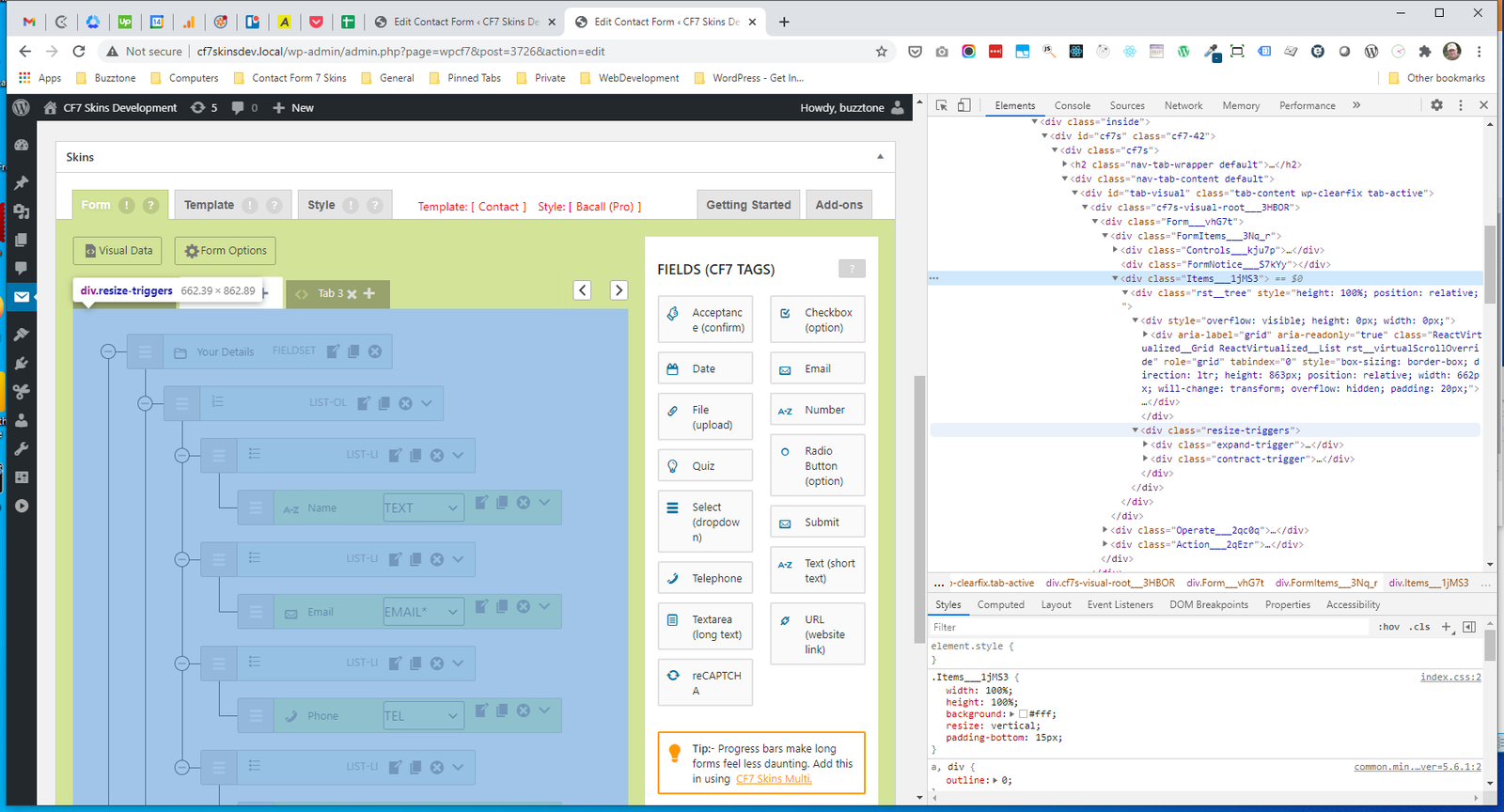
RST.resize-triggers #
InputItem #
- .rowContents (RST)
- .rowContentsStart
- .ItemIcon
- .ItemLabel
- .rowContentsEnd
- .InputItemType
- .rowToolbar (RST)
- .toolbarButton (RST)
- .InputItemOptions
- .fieldChangeSelect
- .InputItemButtons
- .InputItemButton
.rowContents #
.rowContentsStart #
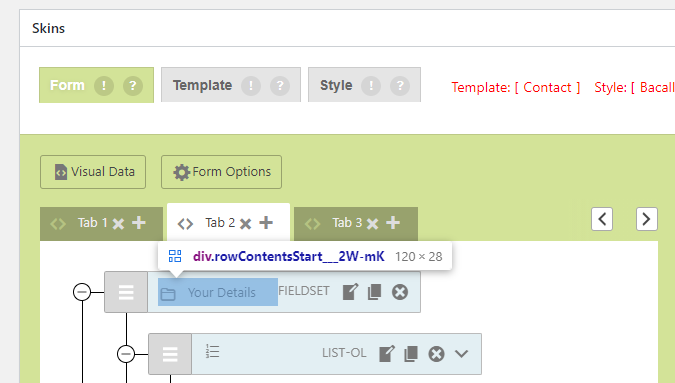
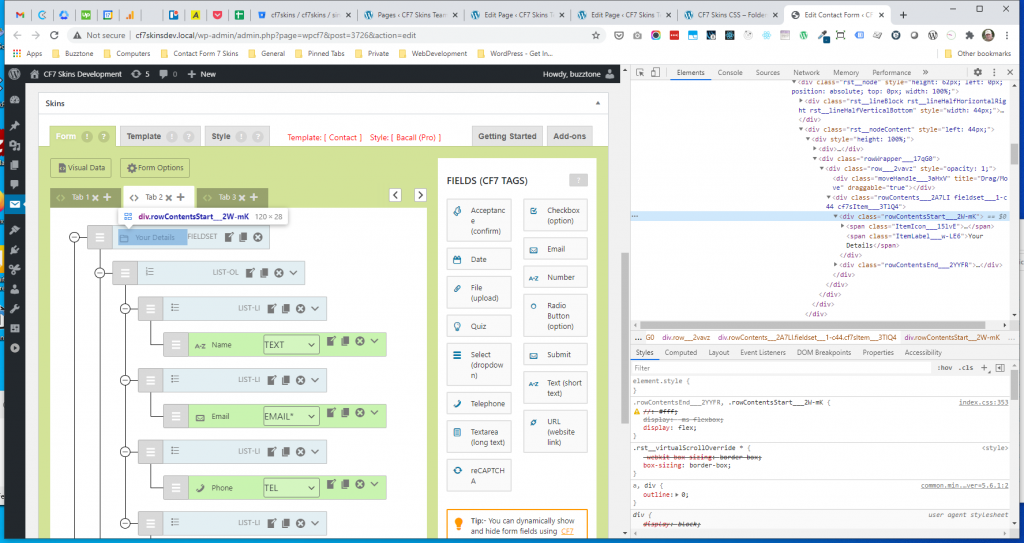
.ItemIcon #
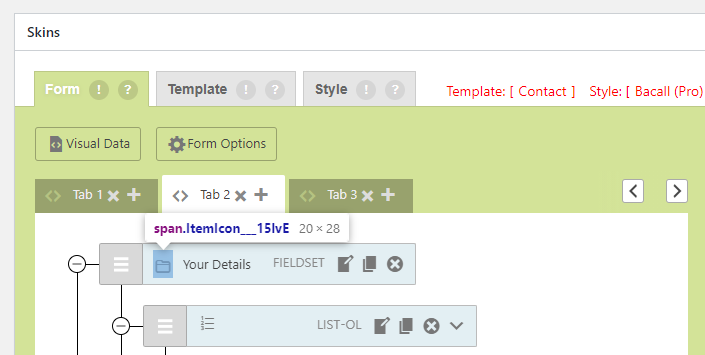
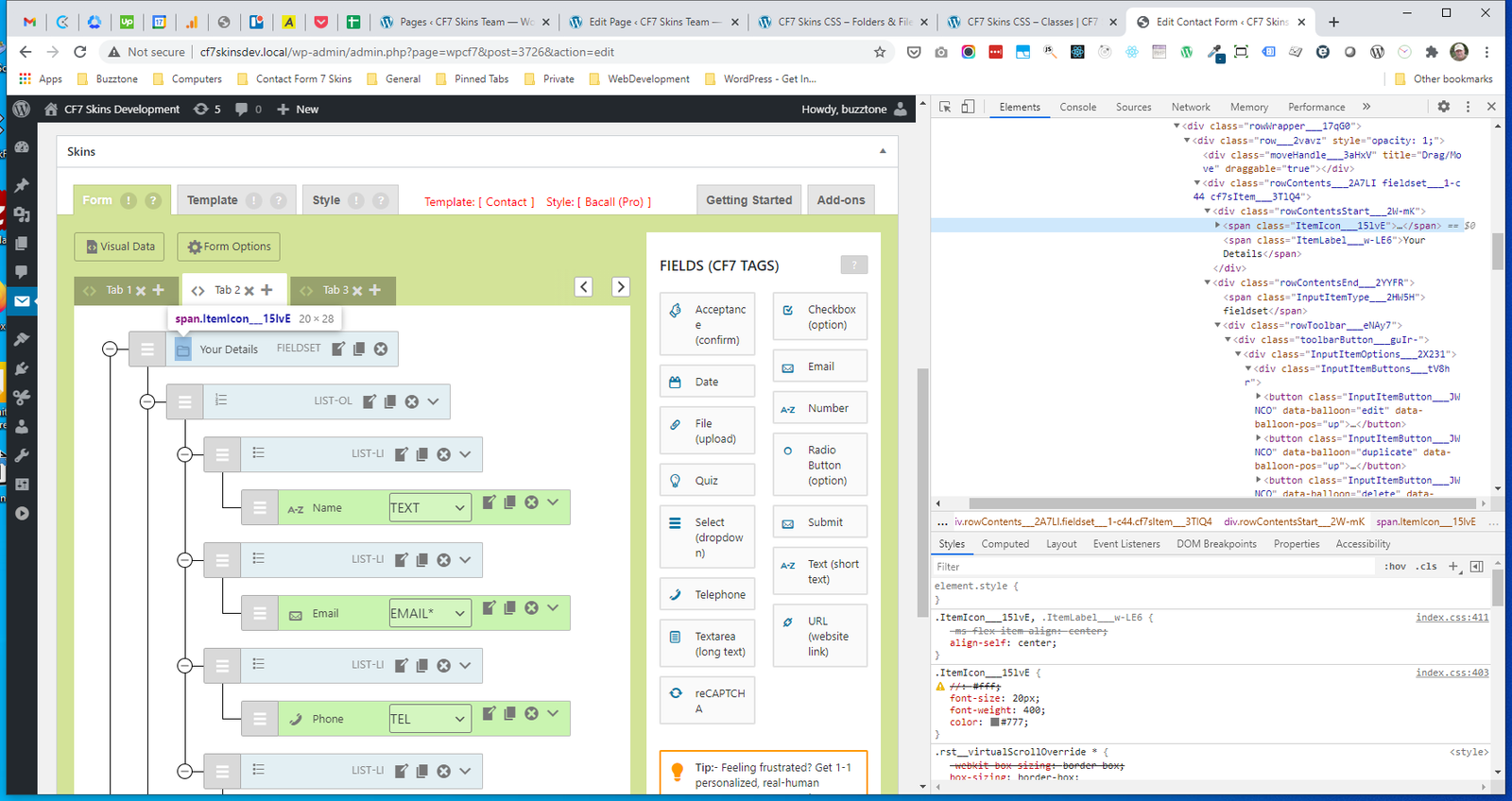
.ItemLabel #
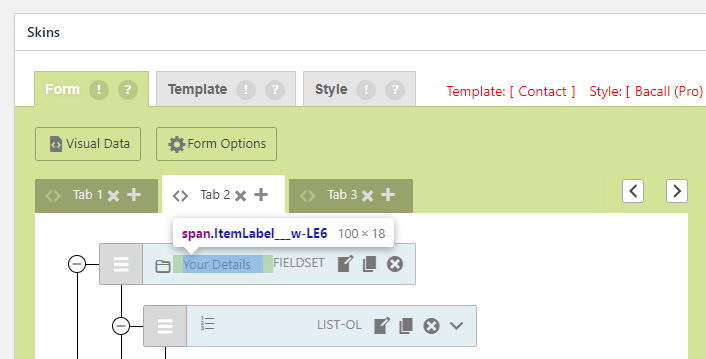
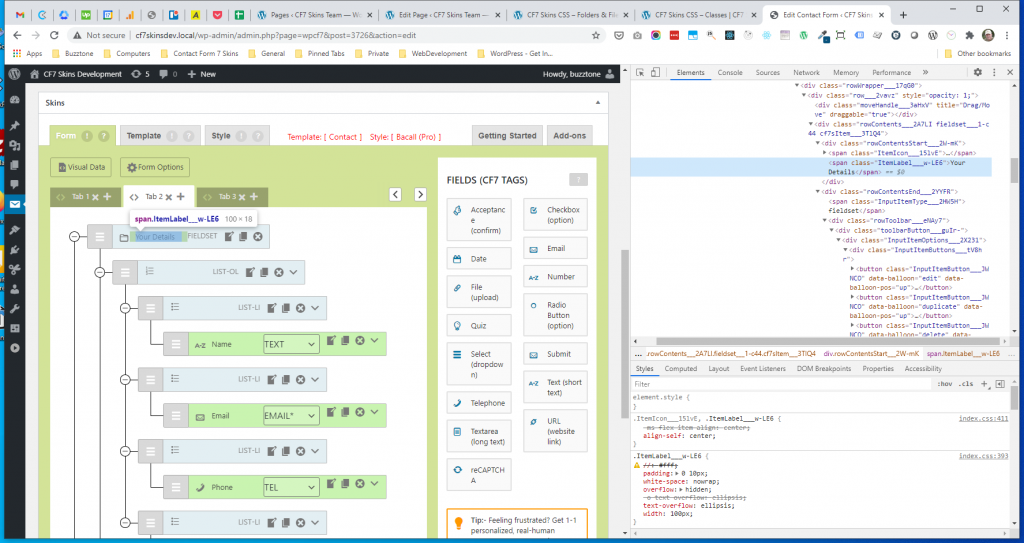
.rowContentsEnd #
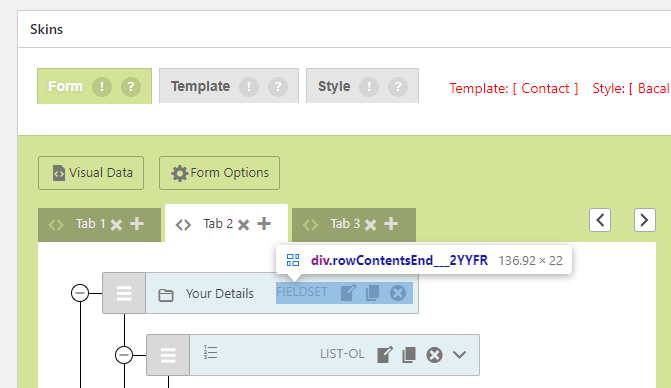
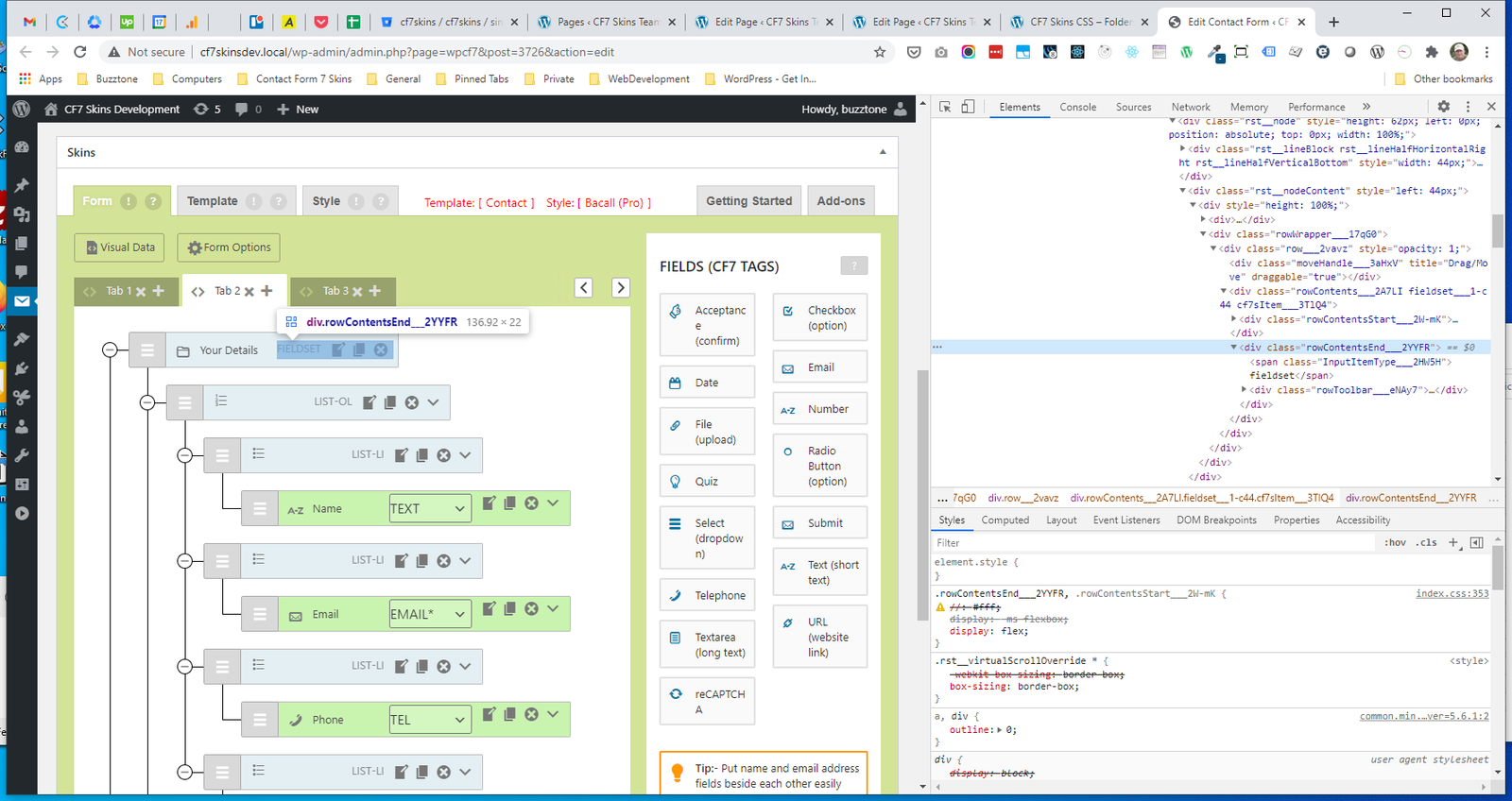
.InputItemType #
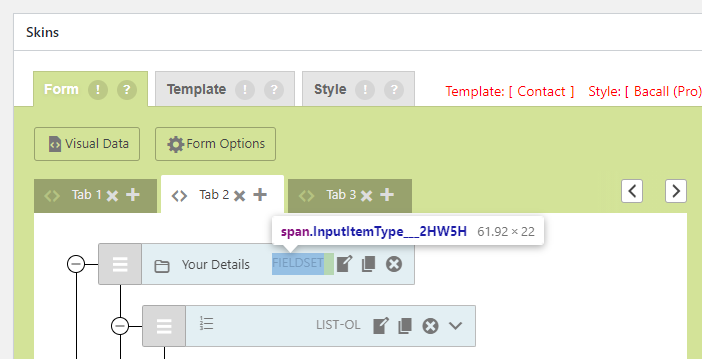
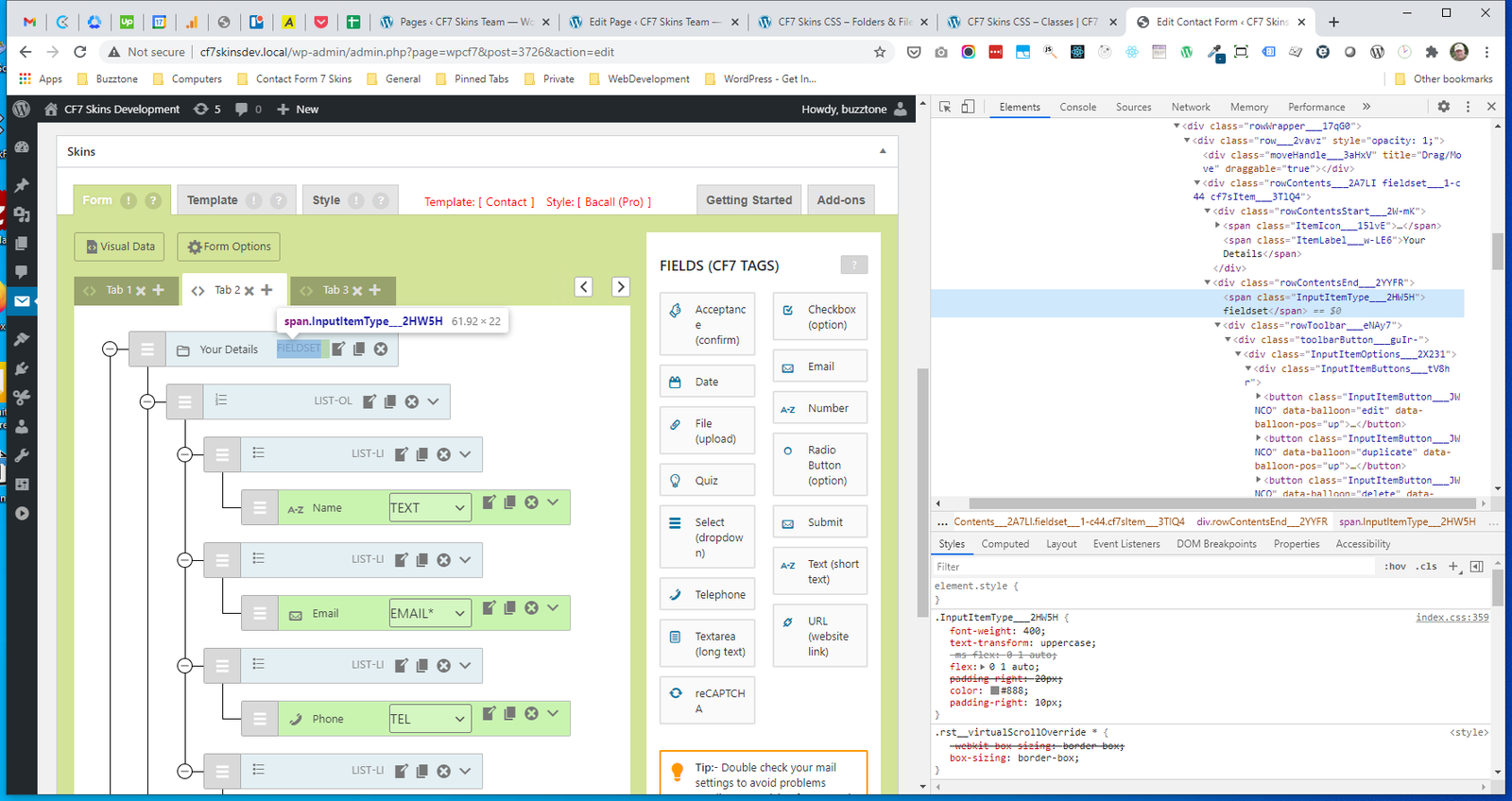
.rowToolbar #
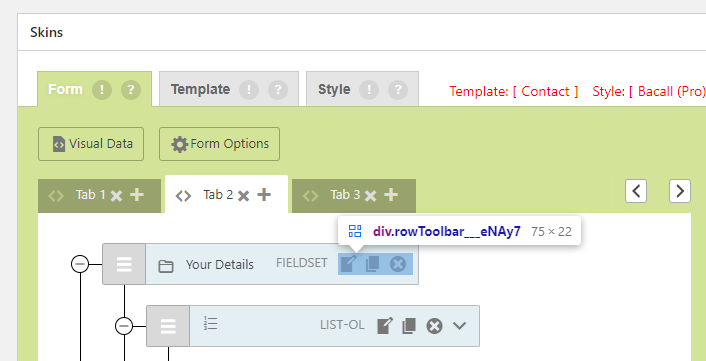
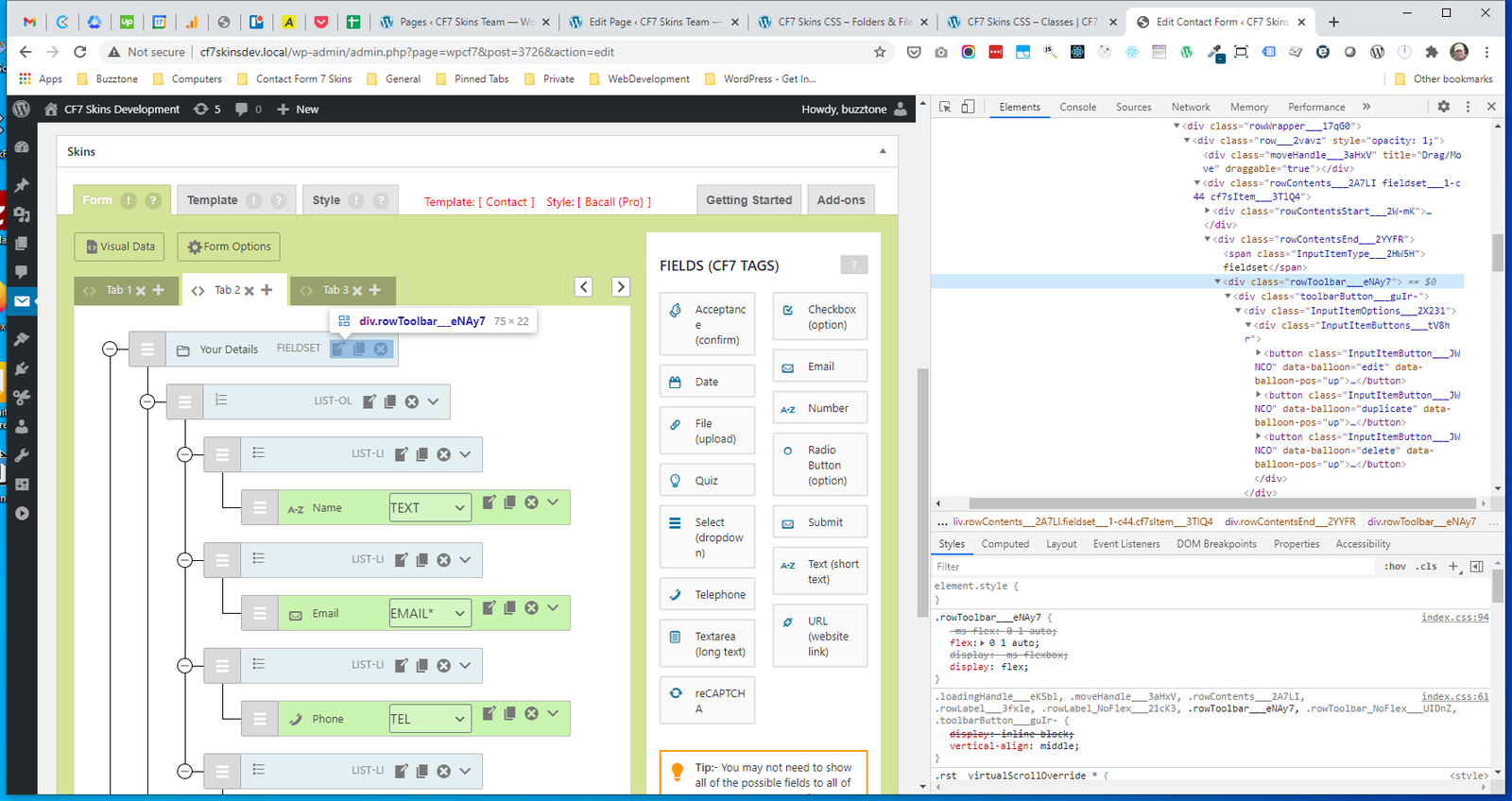
.toolbarButton #
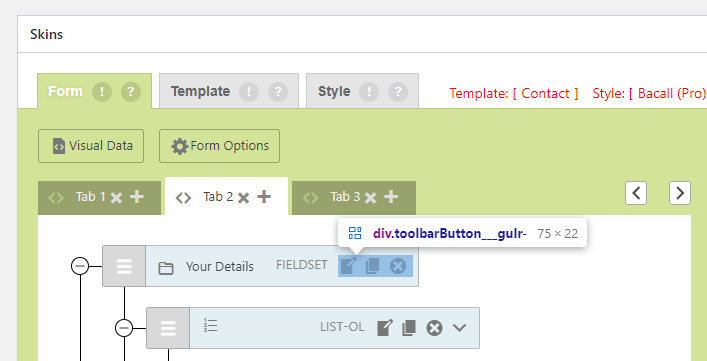
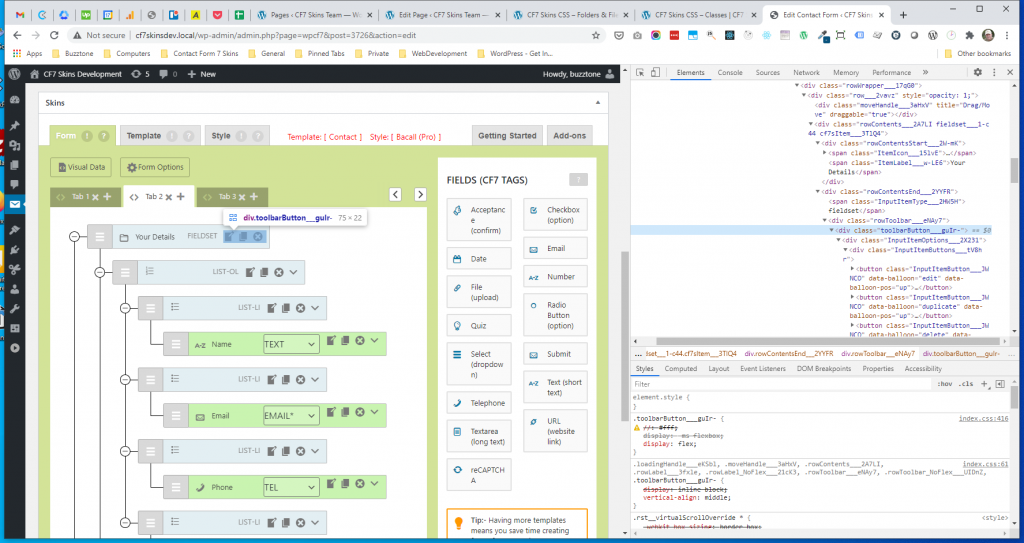
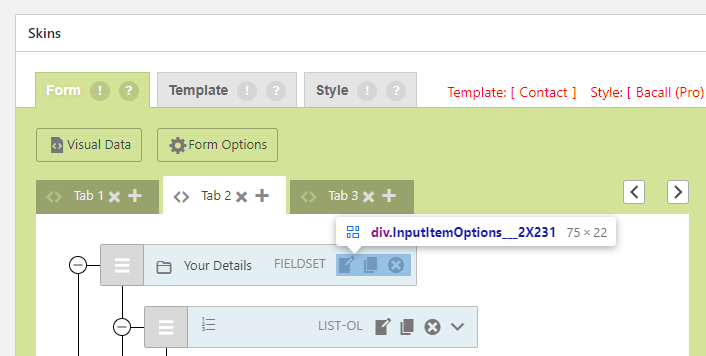
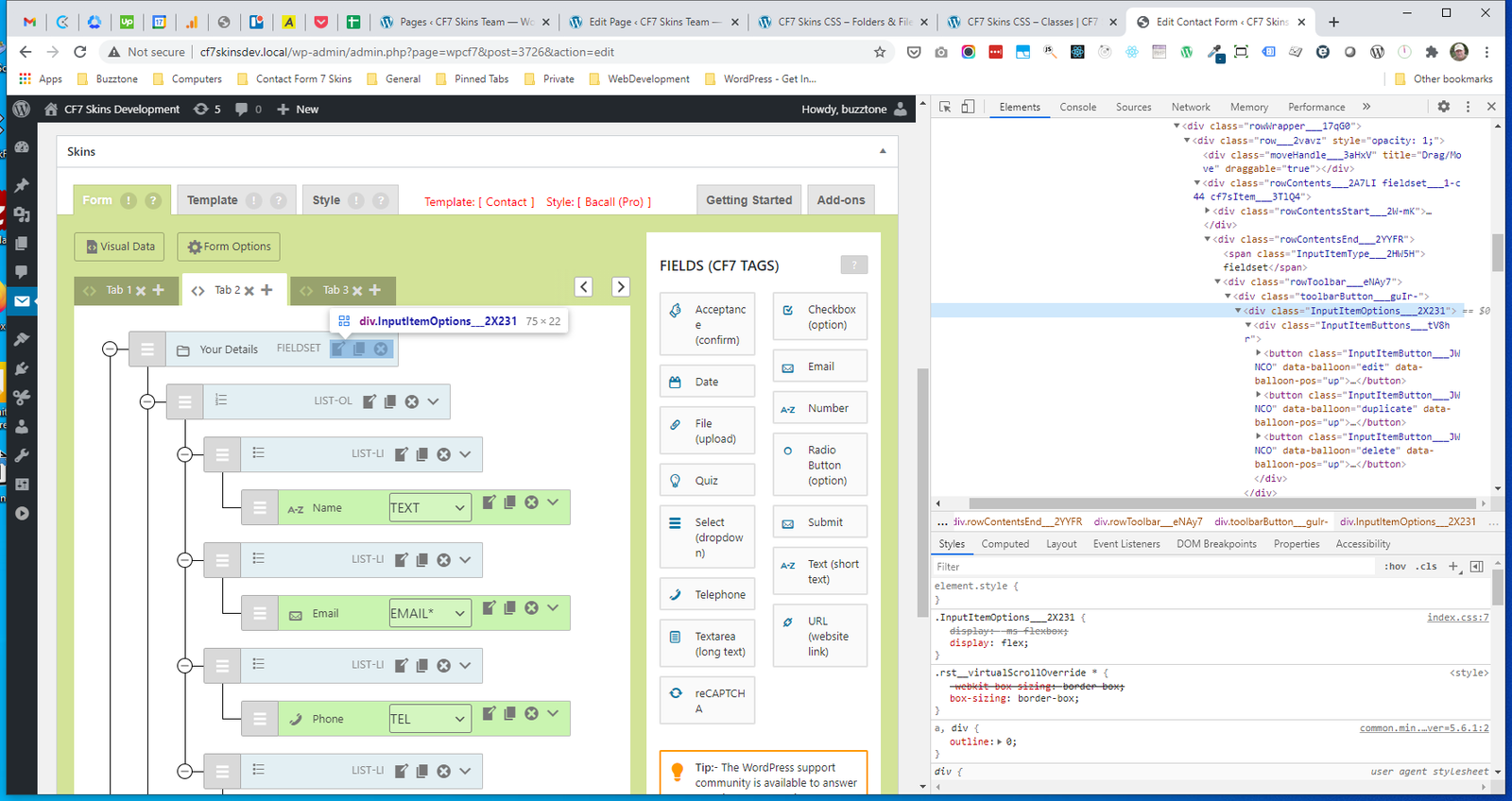
.InputItemOptions #
.fieldChangeSelect #
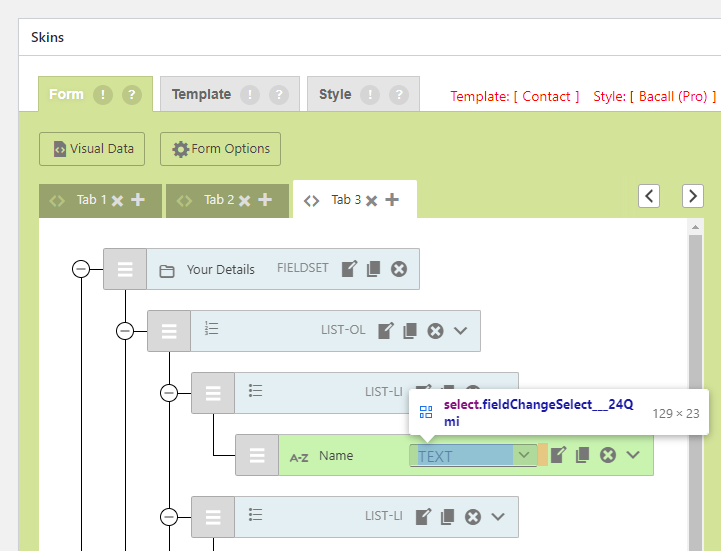
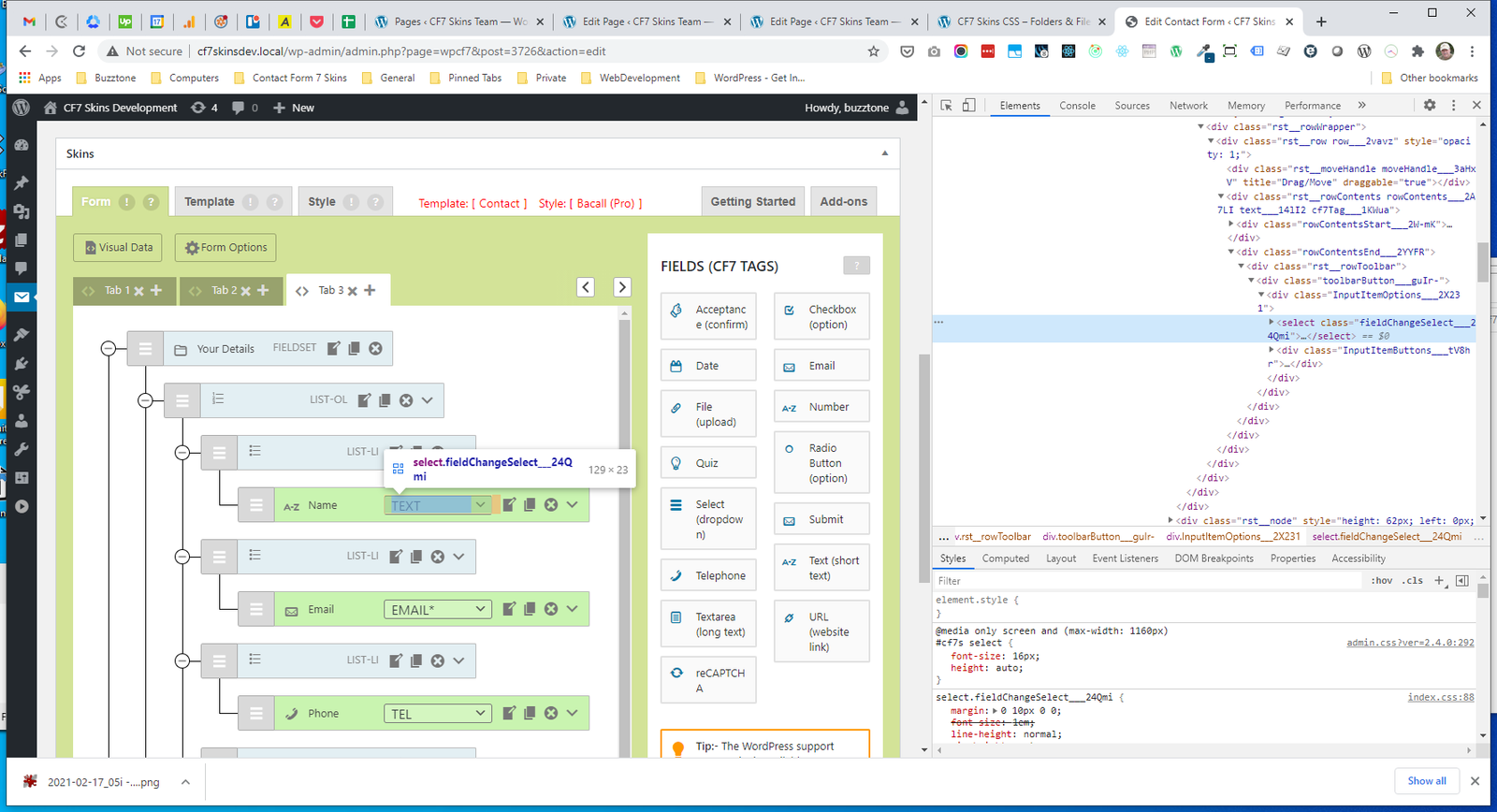
.InputItemButtons #
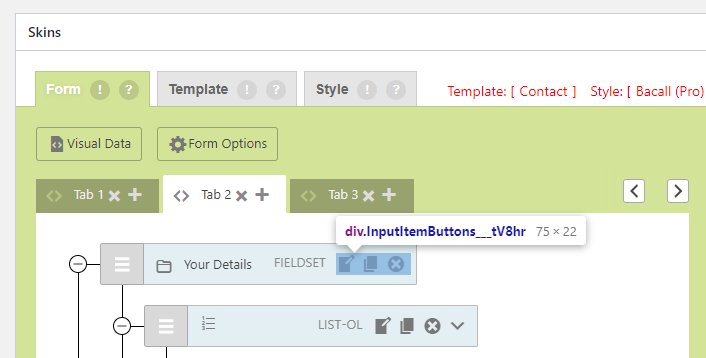
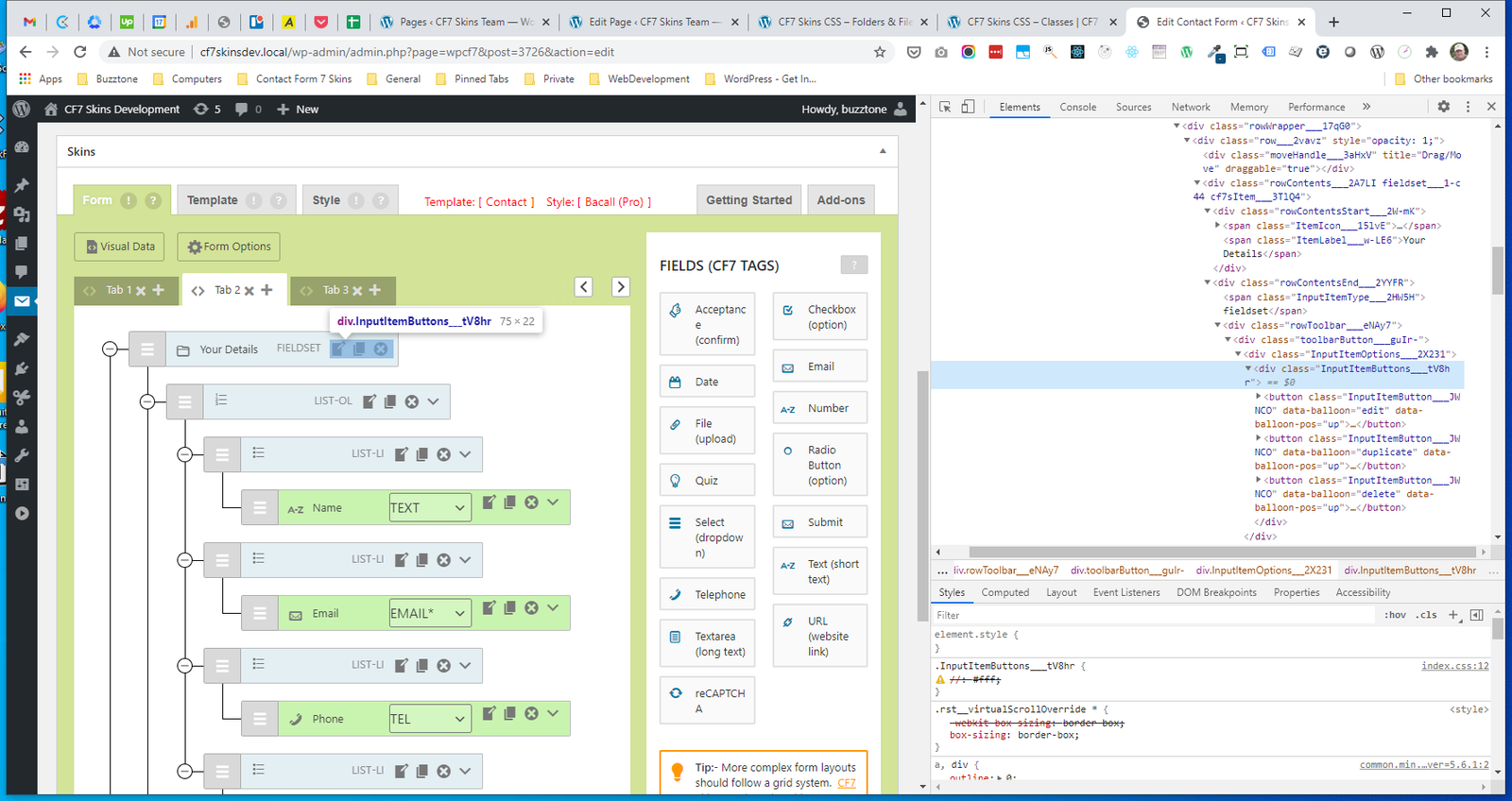
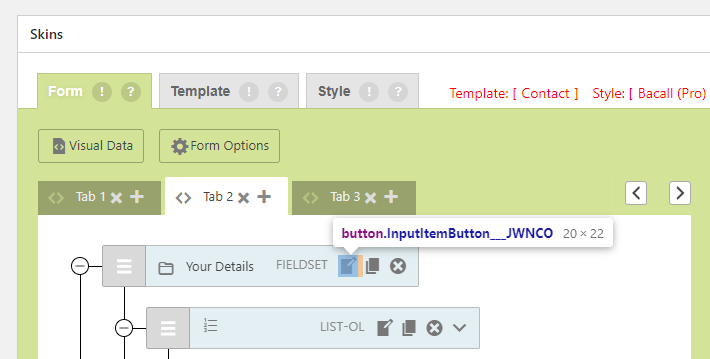
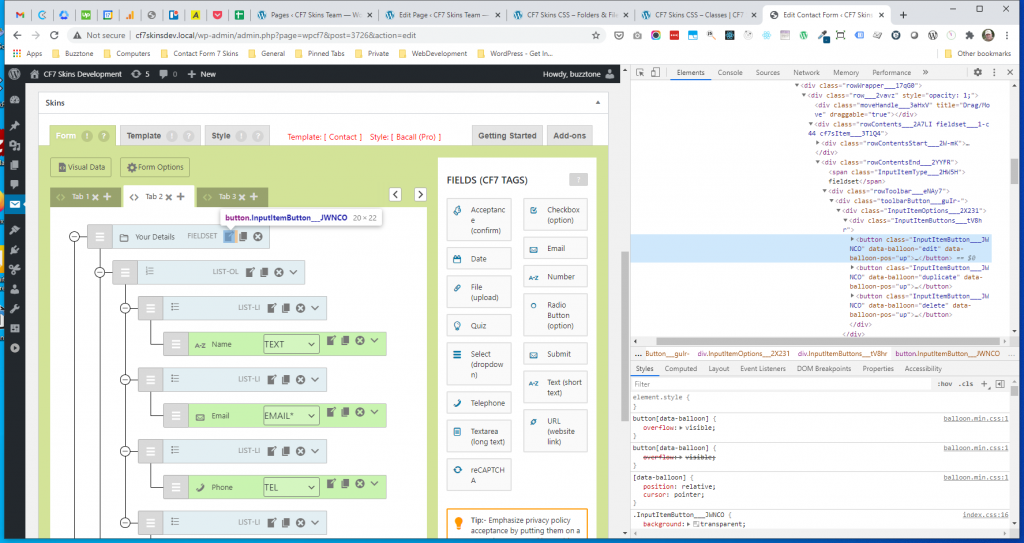
.InputItemButton #
InputItemMenu #
- .rowContentsEnd (Menu)
- .InputItemType
- .rowToolbar
- .toolbarButton
- .InputItemOptions
- .InputItemButtons
- .InputItemButton
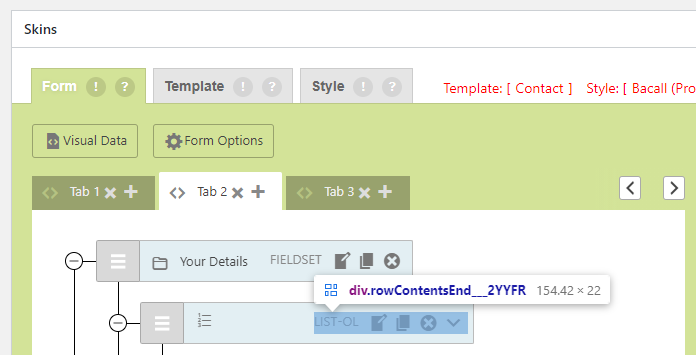
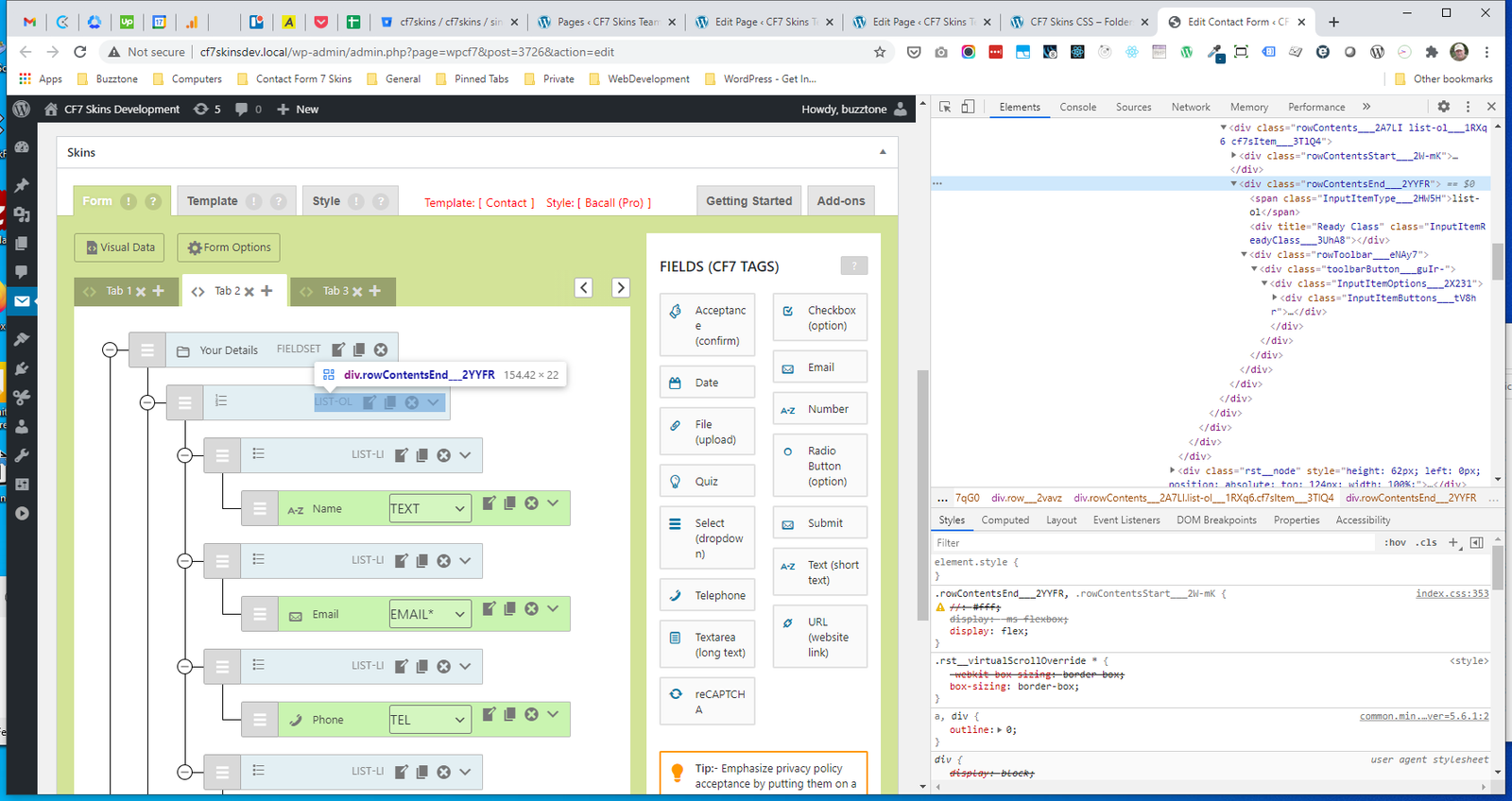
.rowContentsEnd (Menu) #
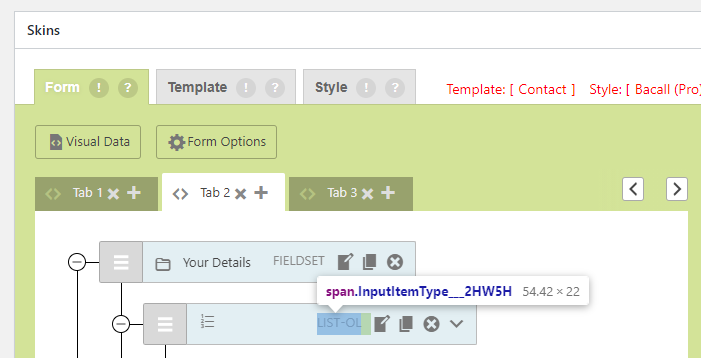
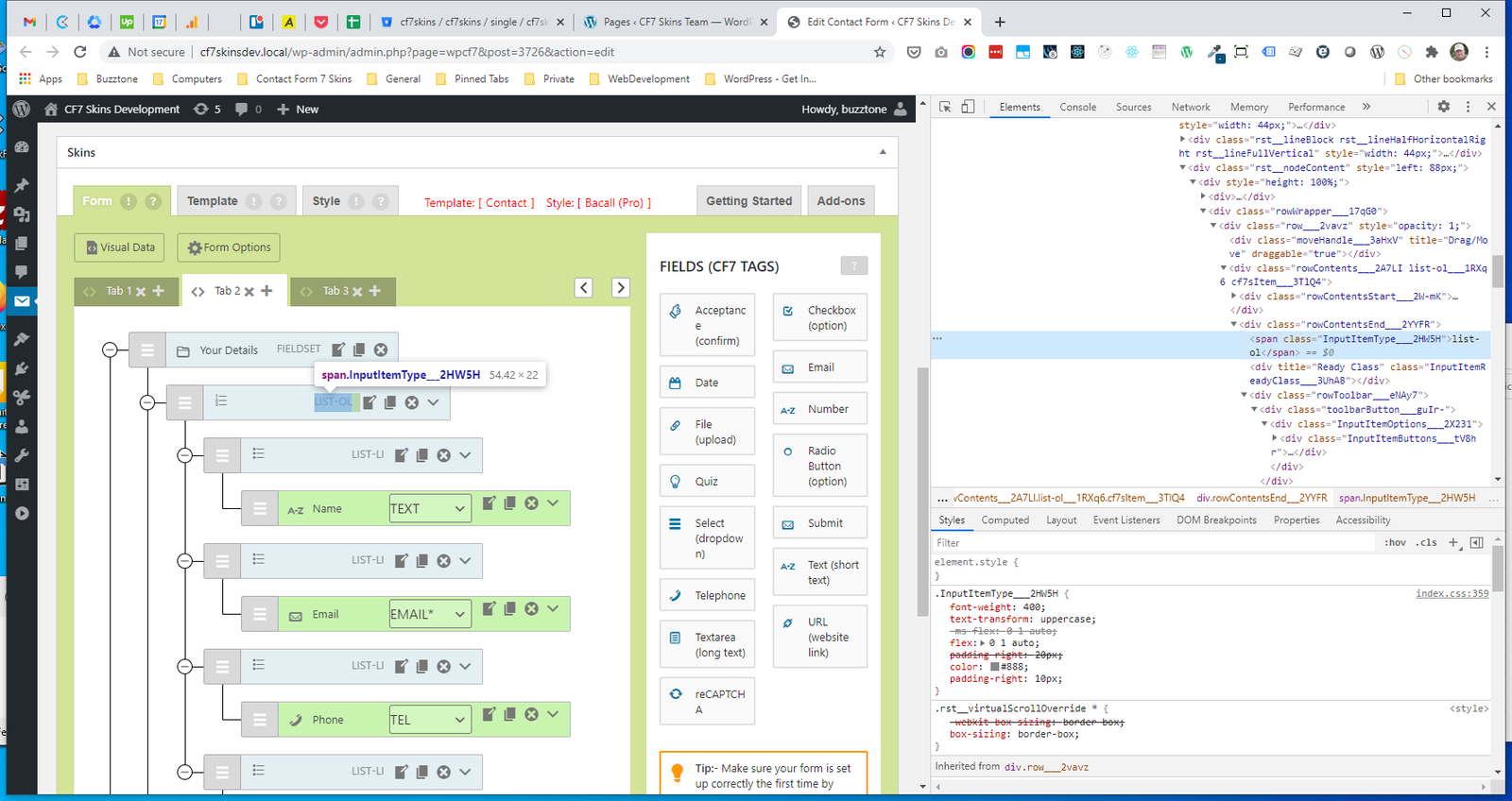
.InputItemType #
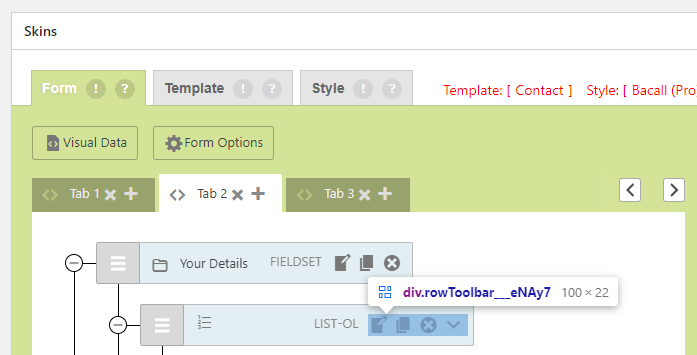
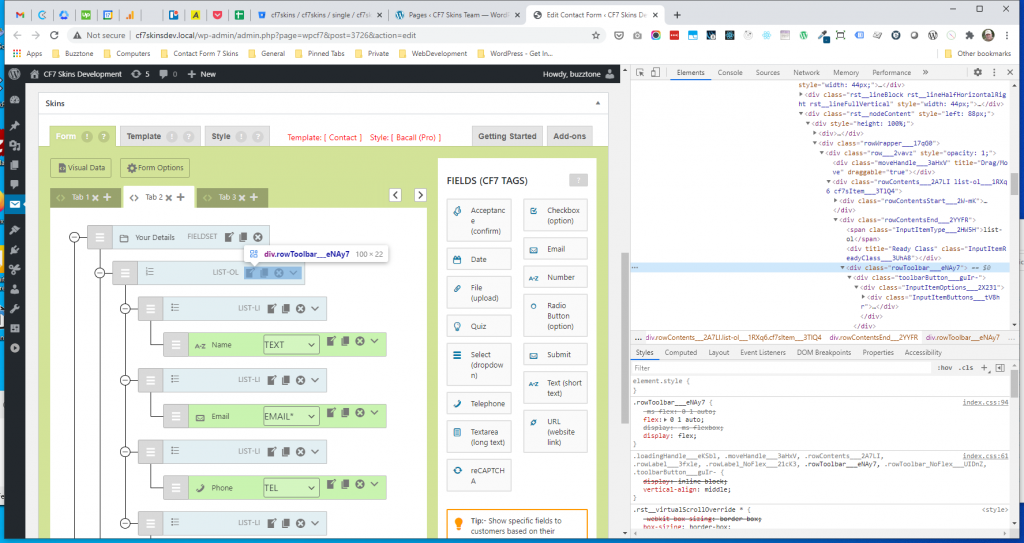
.rowToolbar #
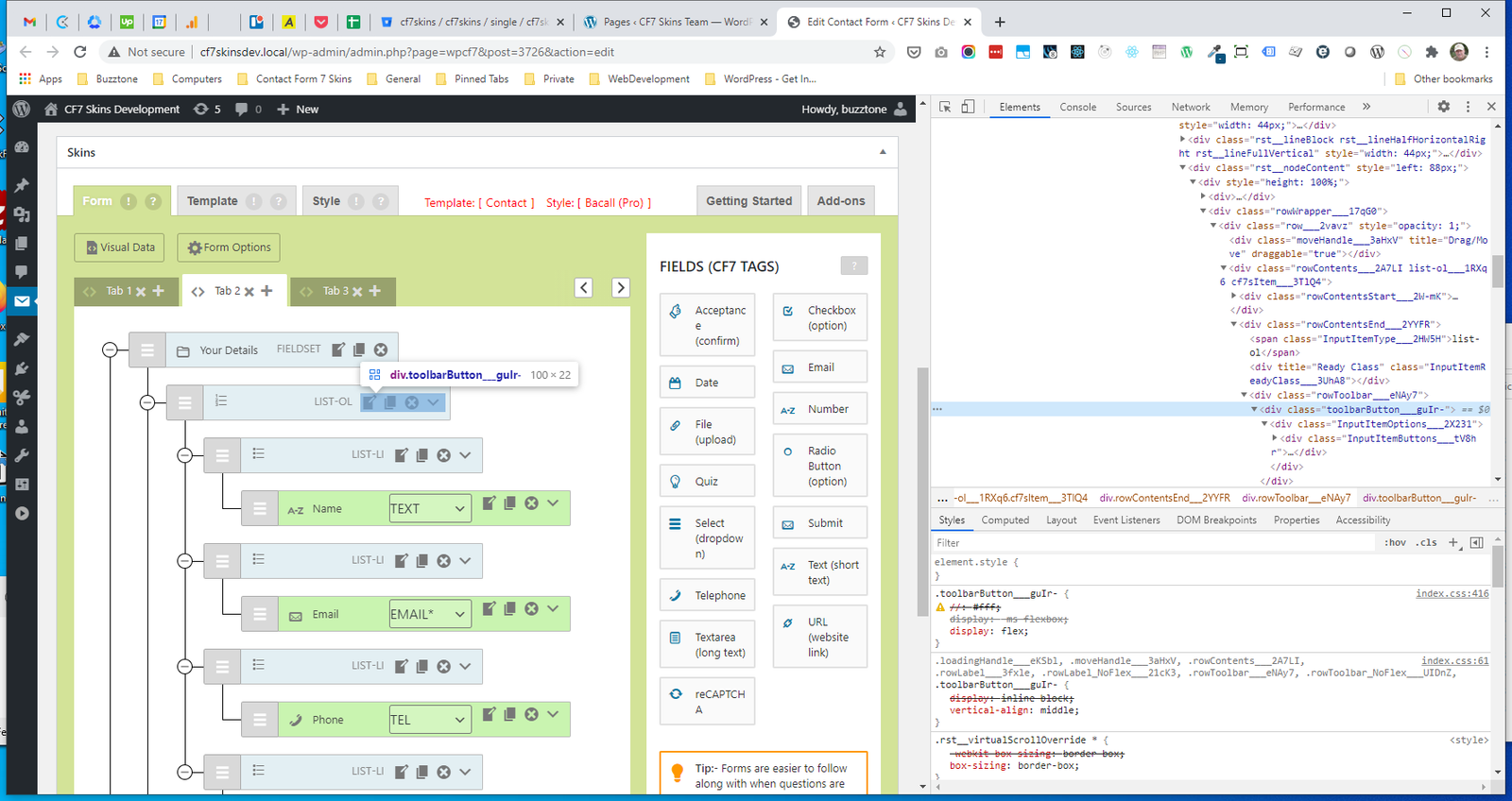
.toolbarButton #
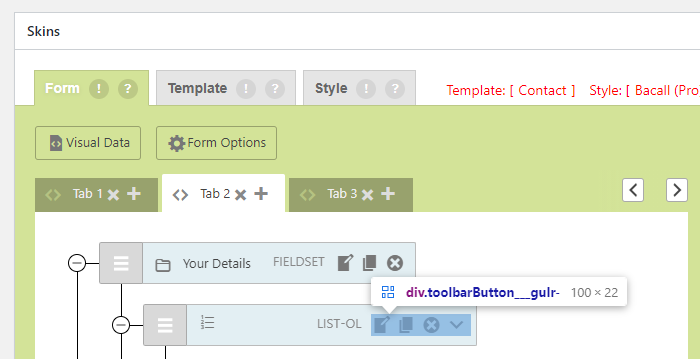
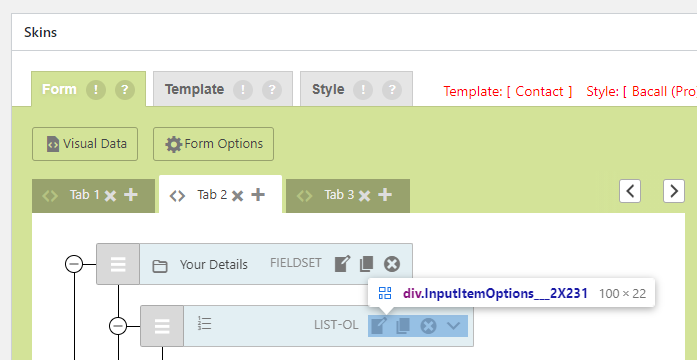
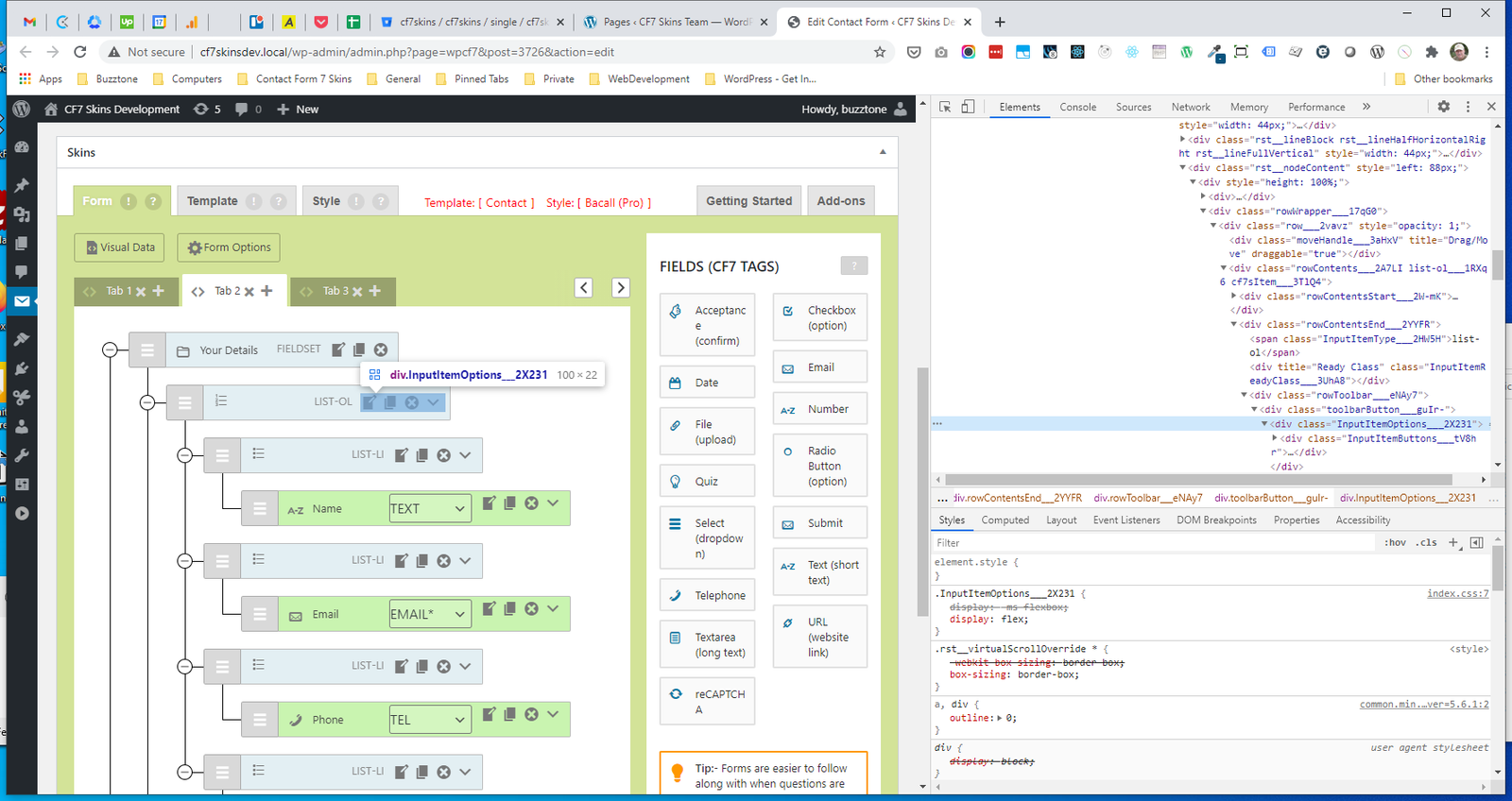
.InputItemOptions #
.InputItemButtons #
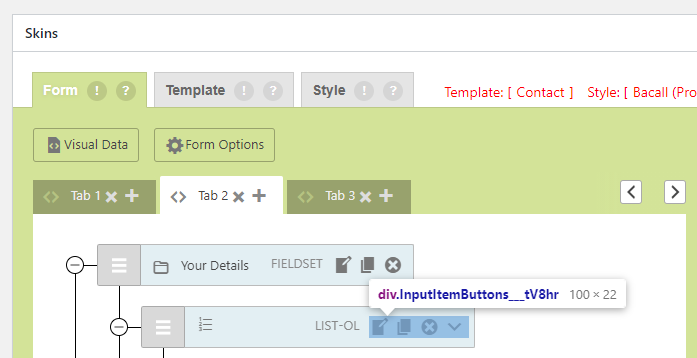
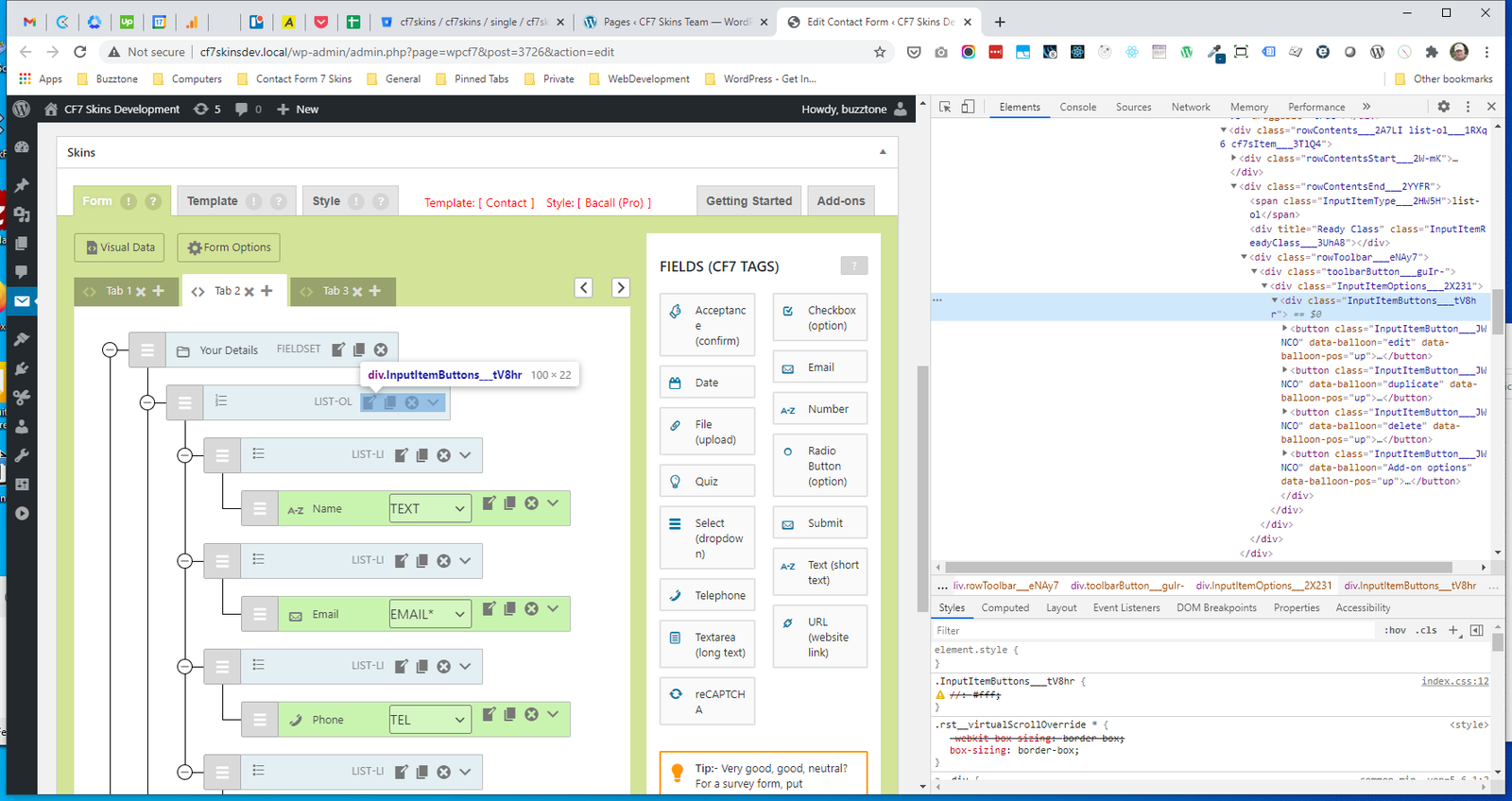
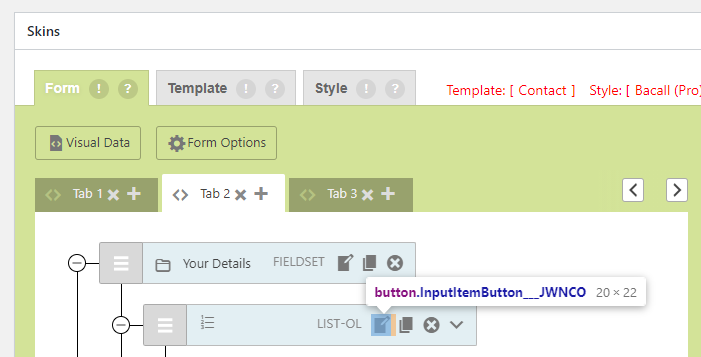
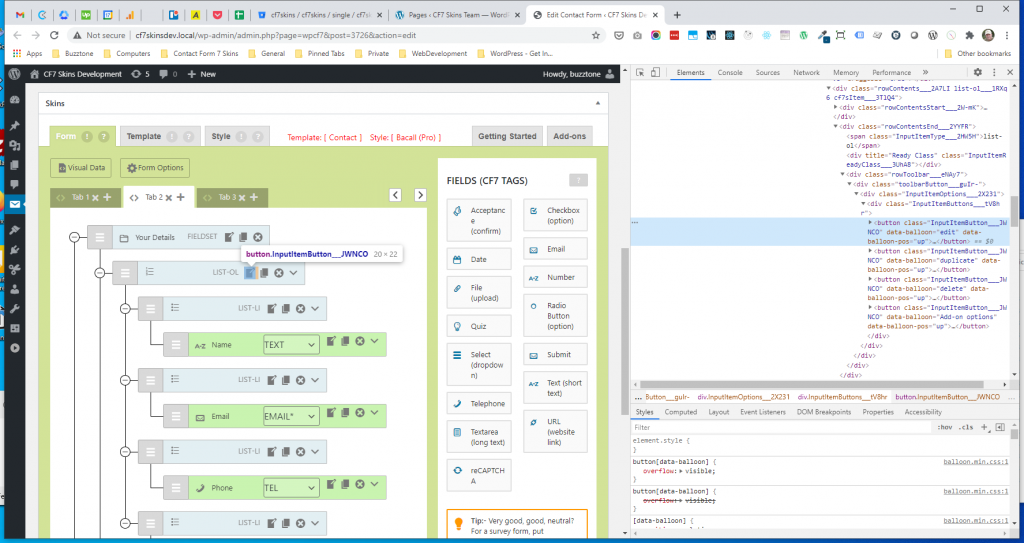
.InputItemButton #
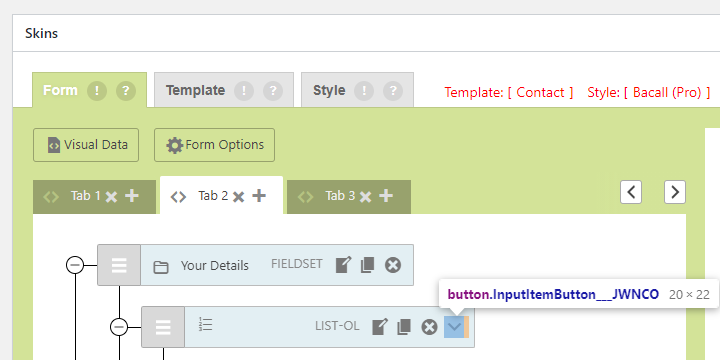
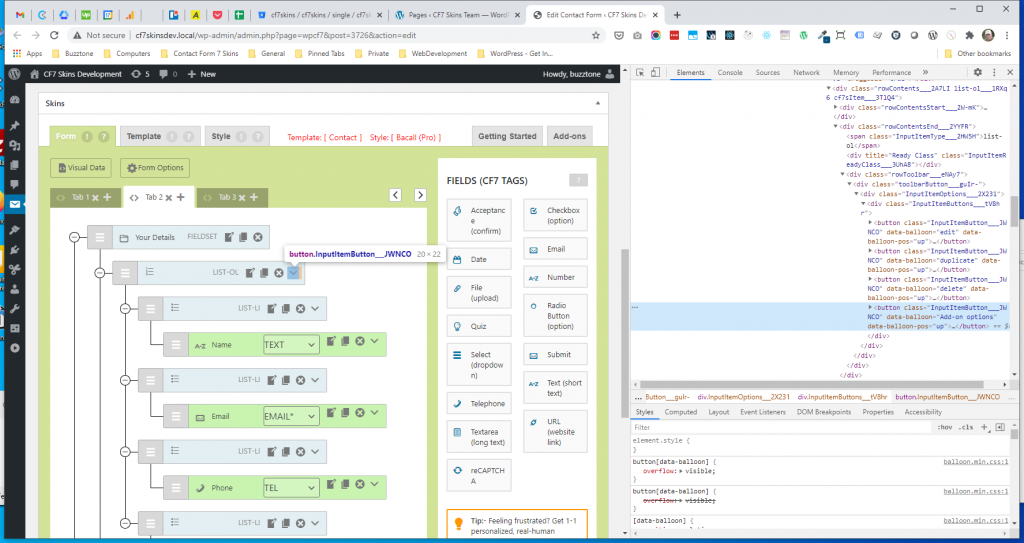
.InputItemButton Addon #
Operate #
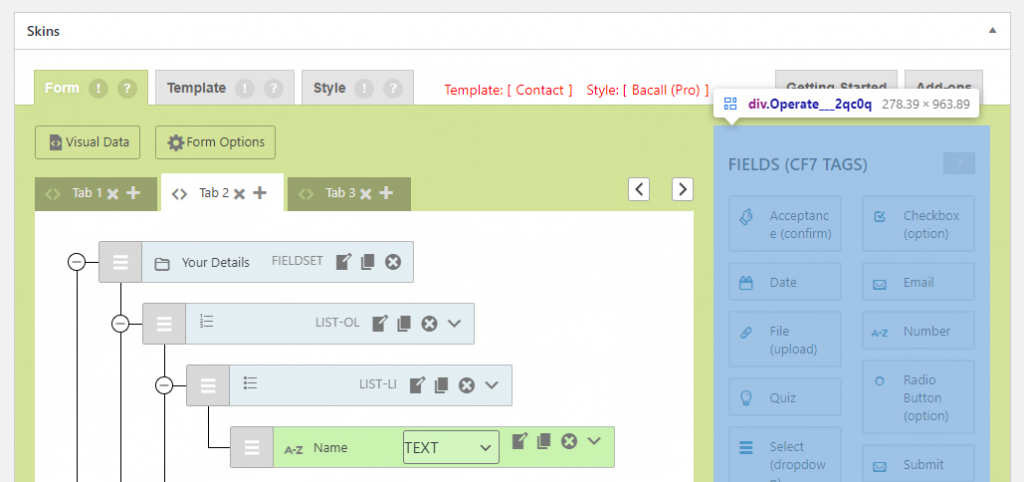
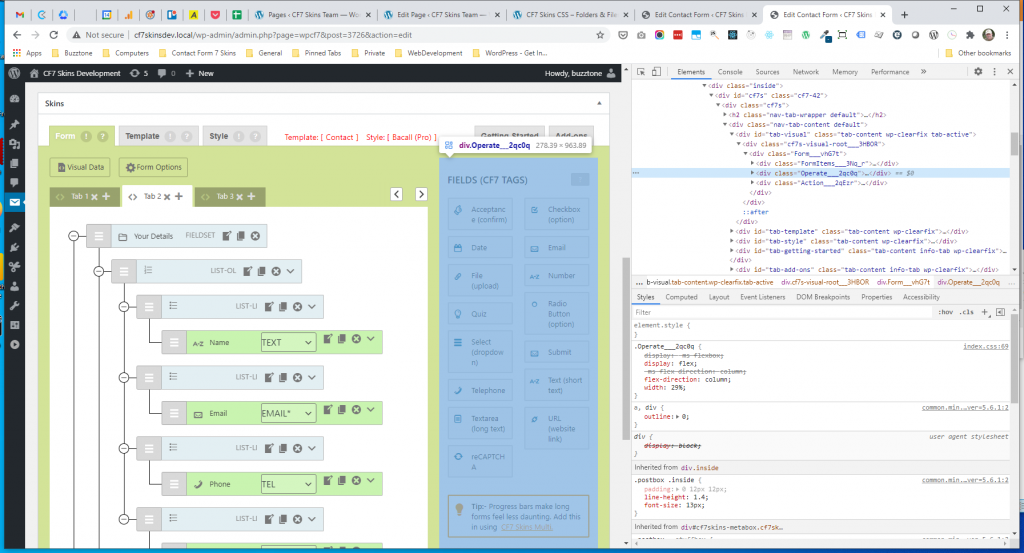
.Operate #
Edit #
- .edit
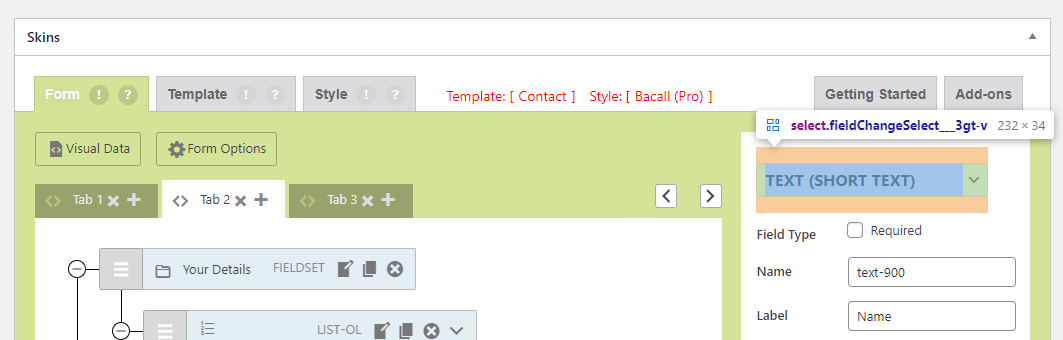
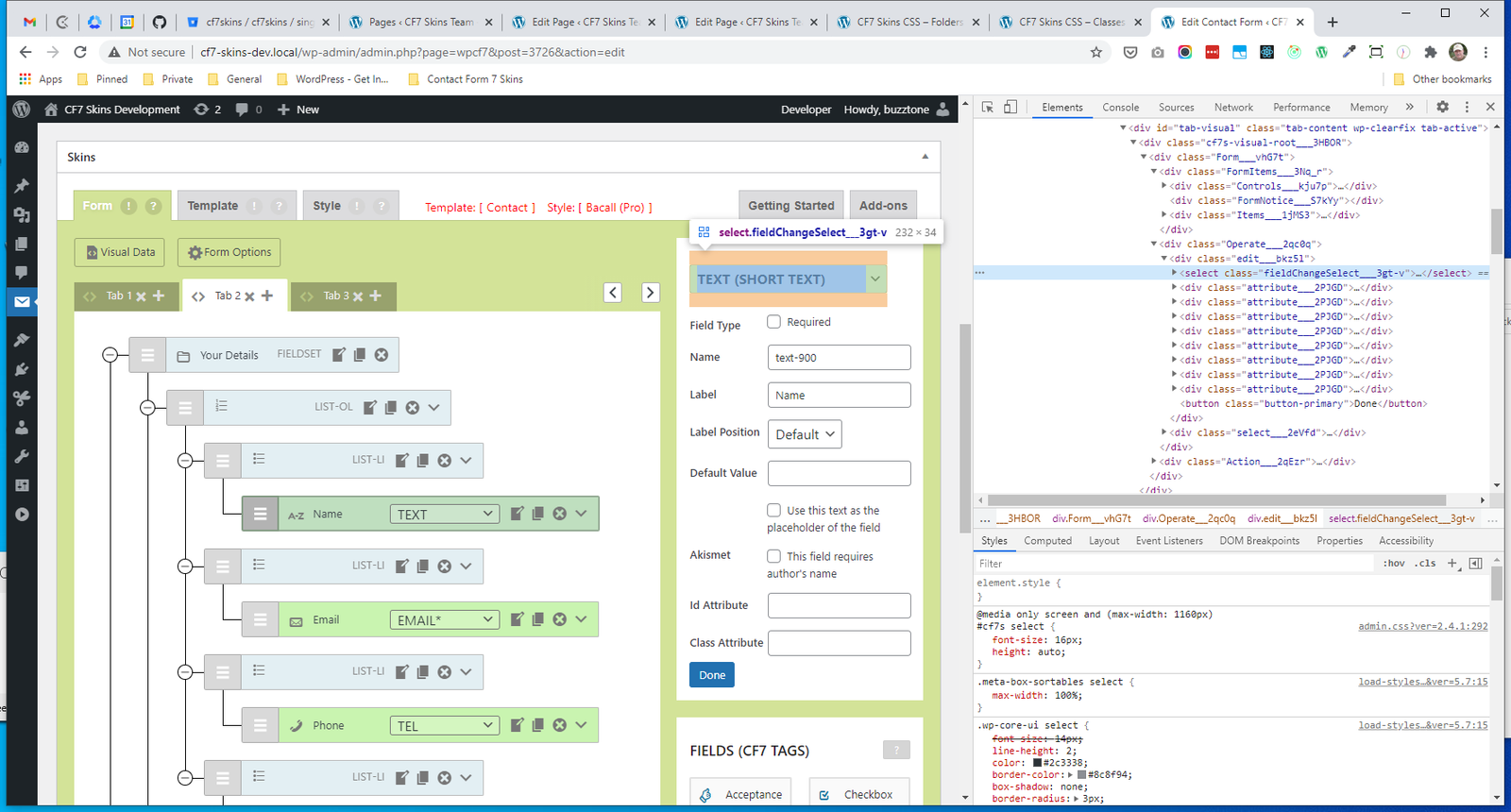
- .fieldChangeSelect
- .attribute
- .label
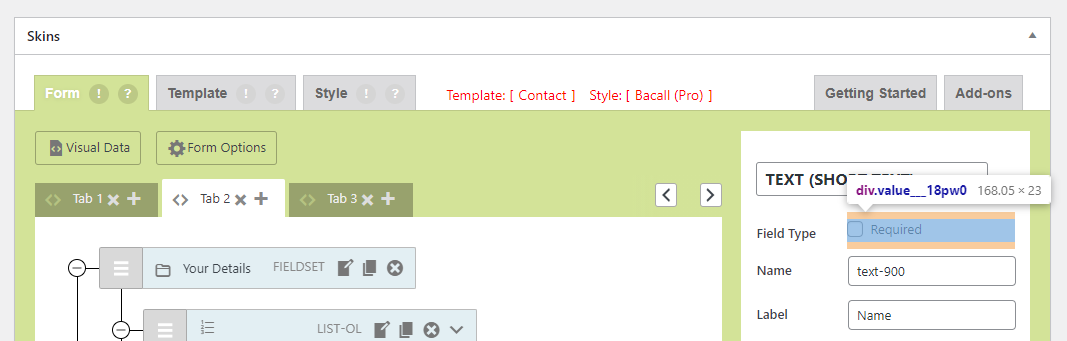
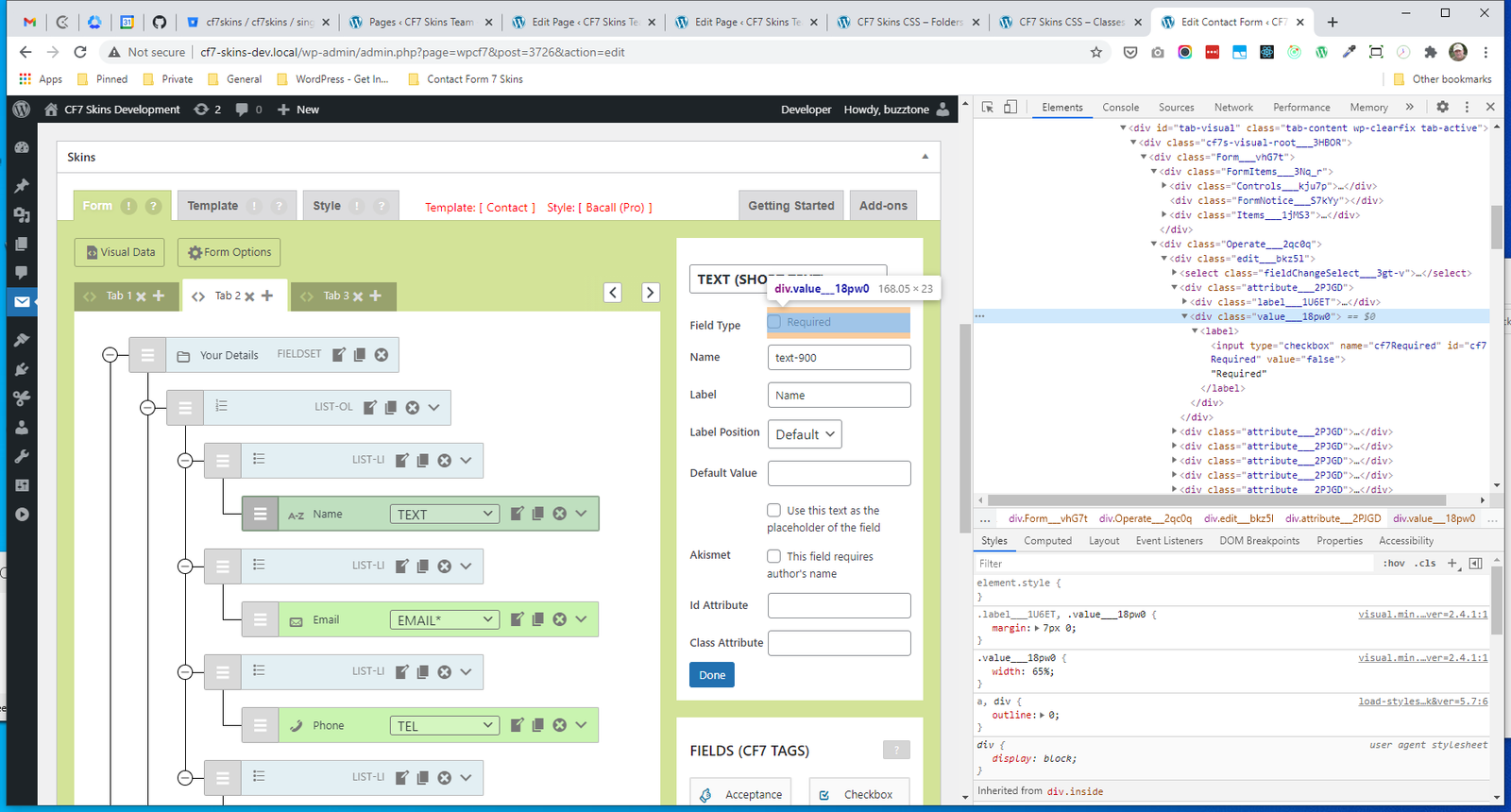
- .value
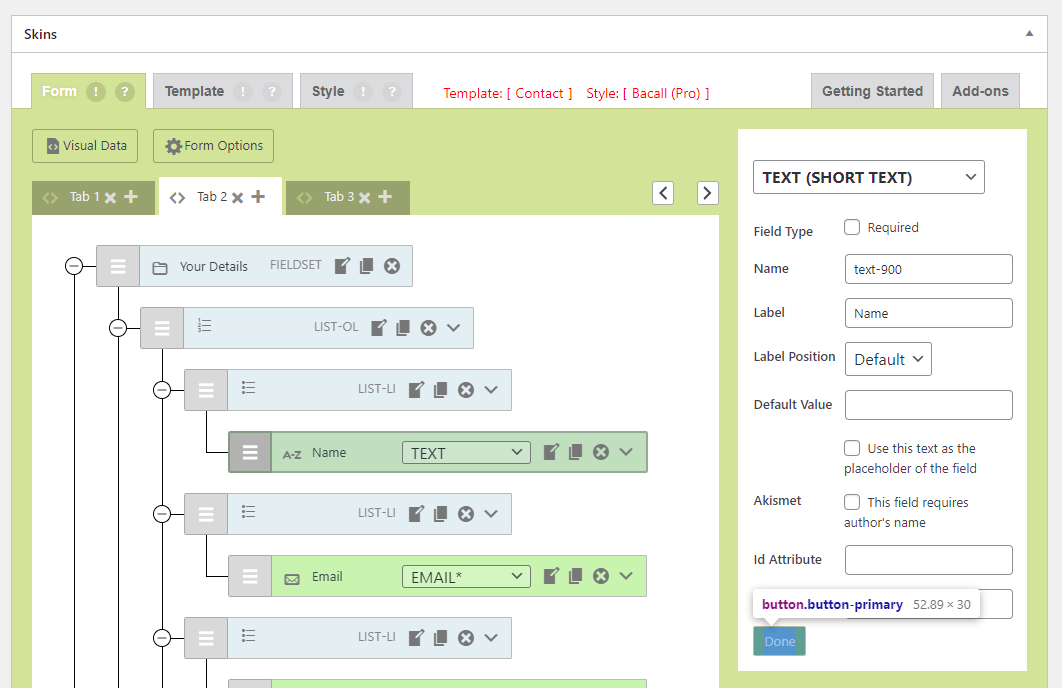
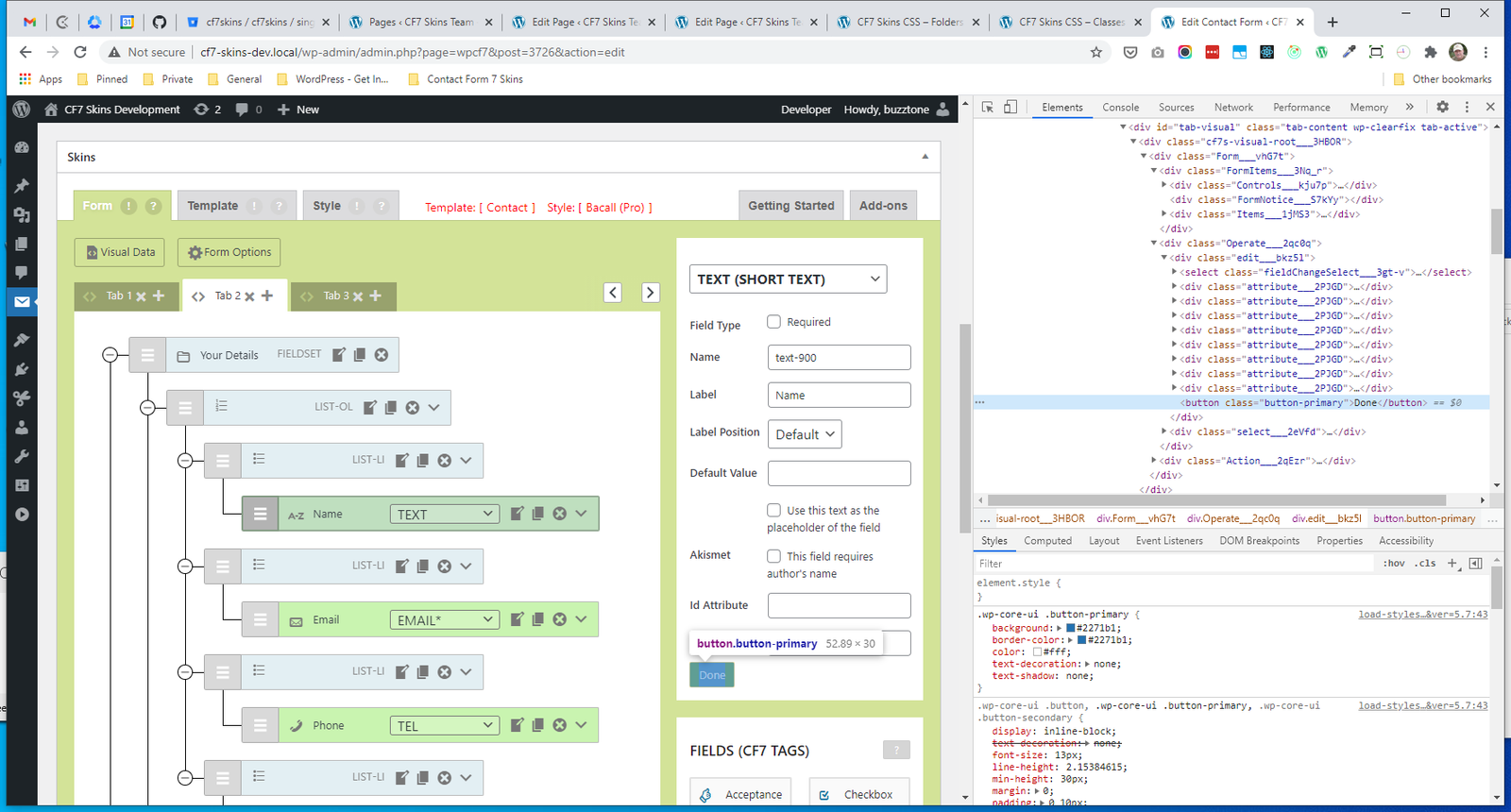
- .button
.edit #
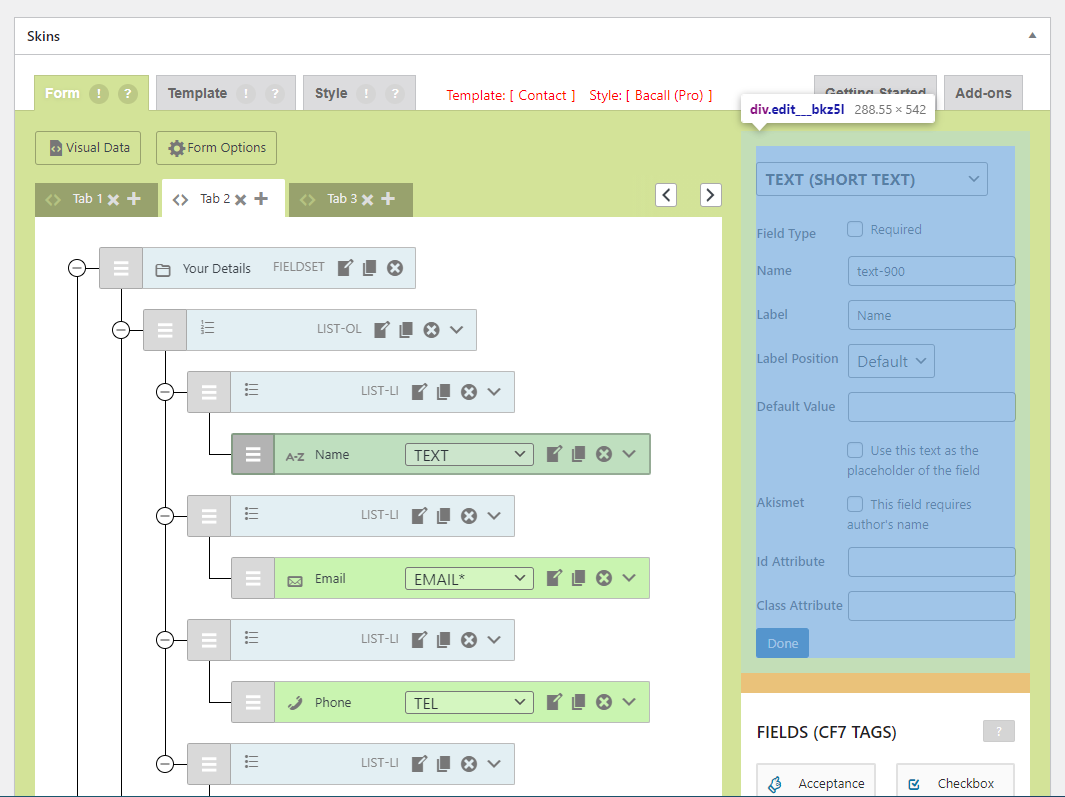
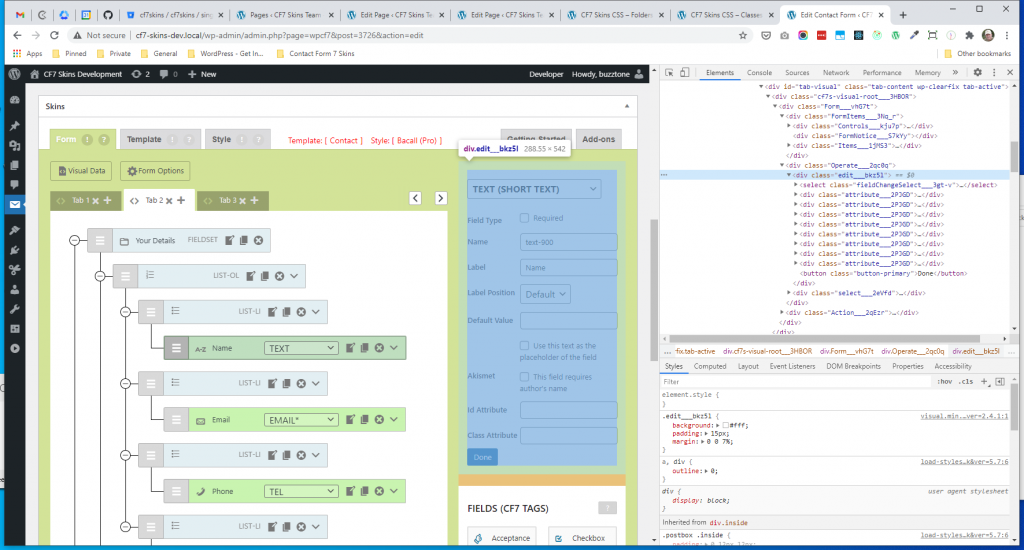
.fieldChangeSelect #
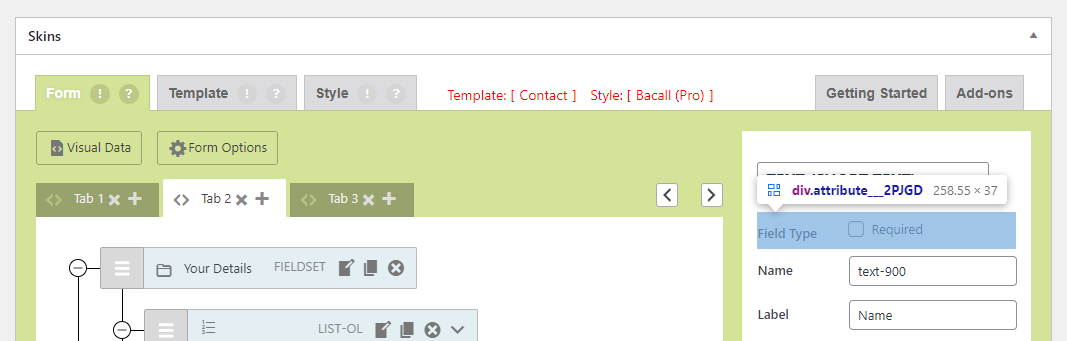
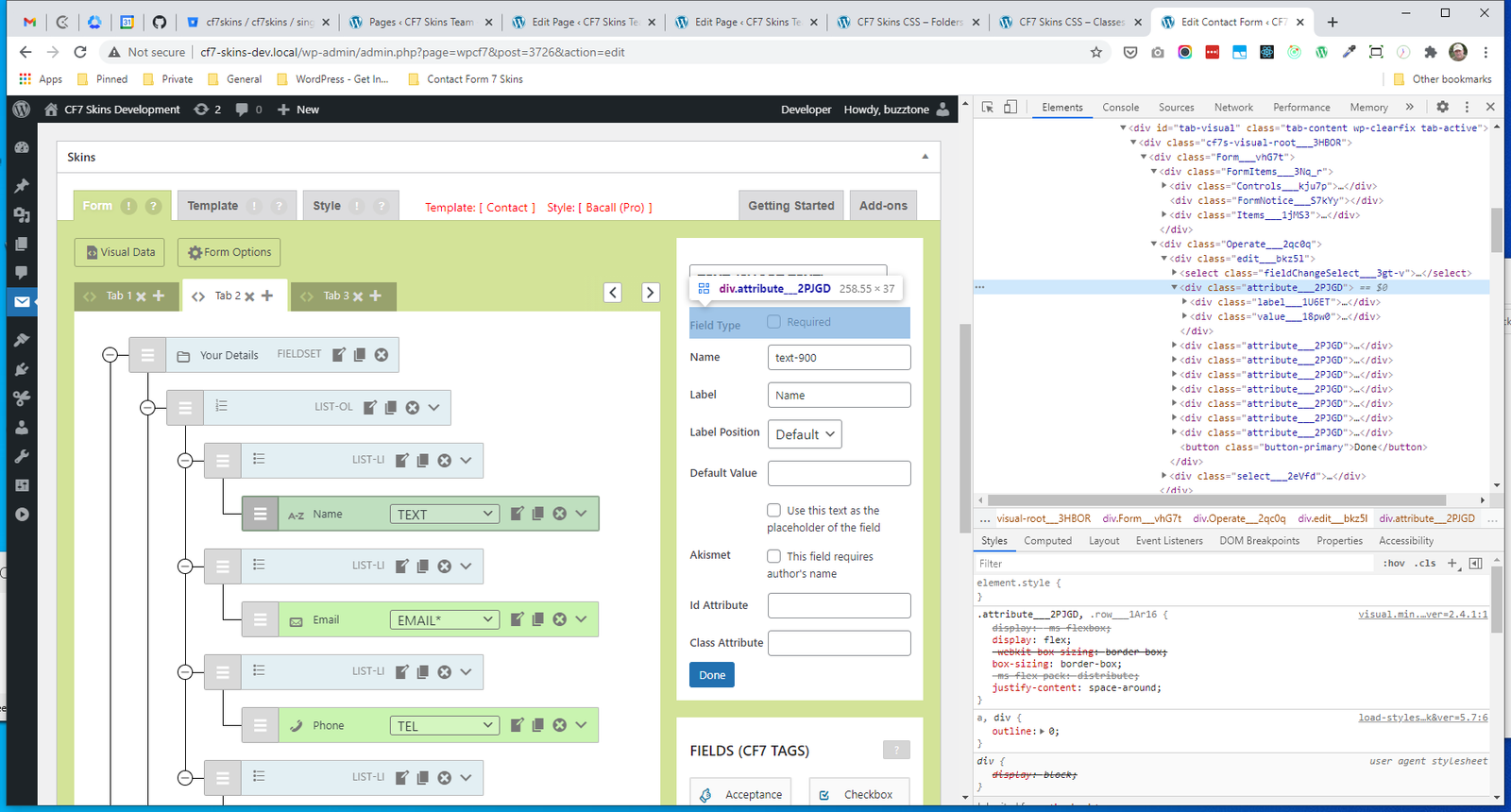
.attribute #
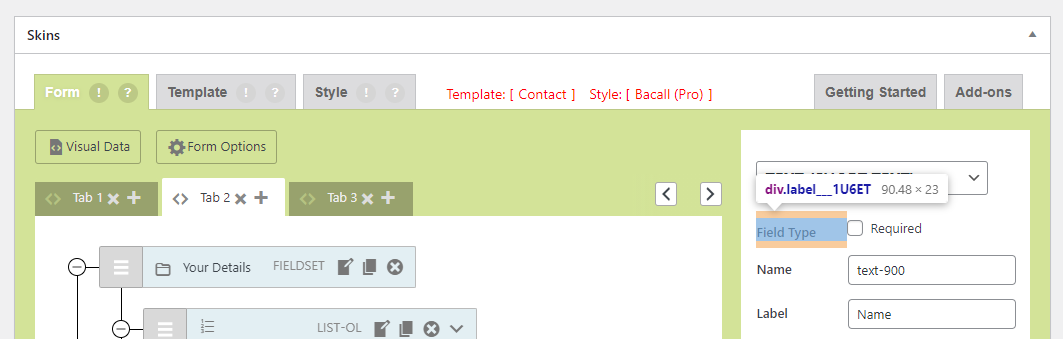
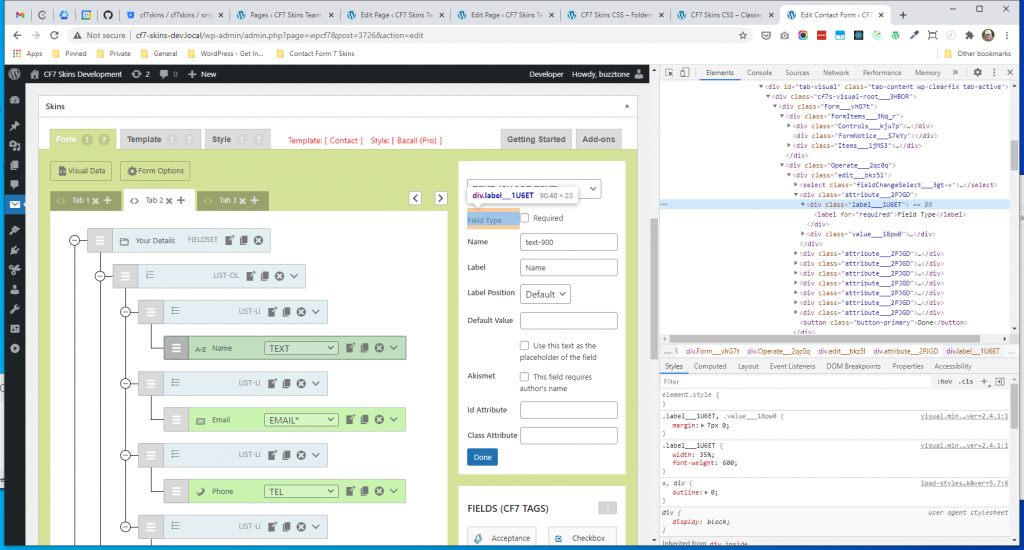
.label #
.value #
button #
Control Edit #
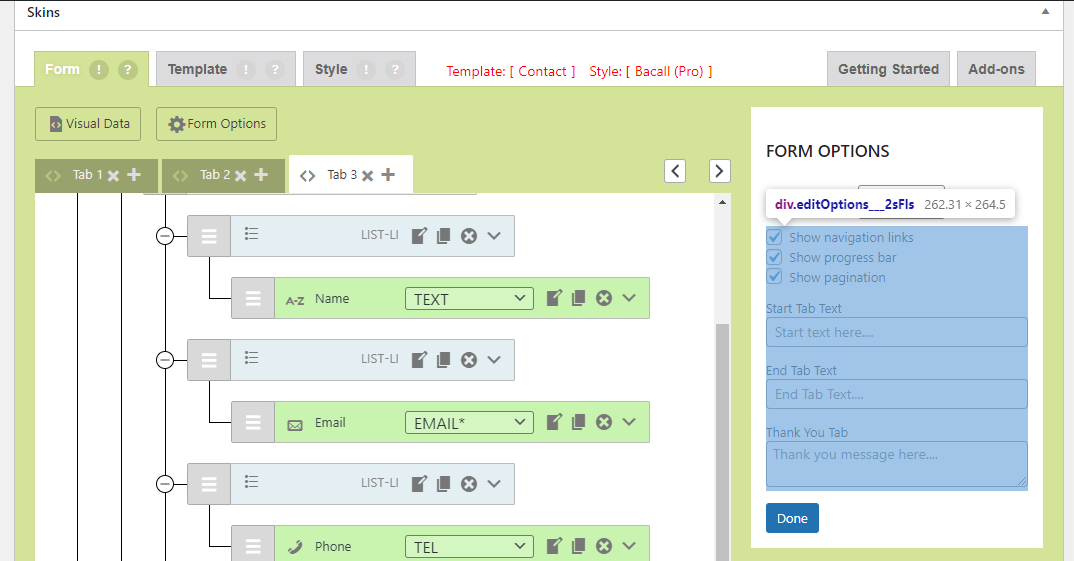
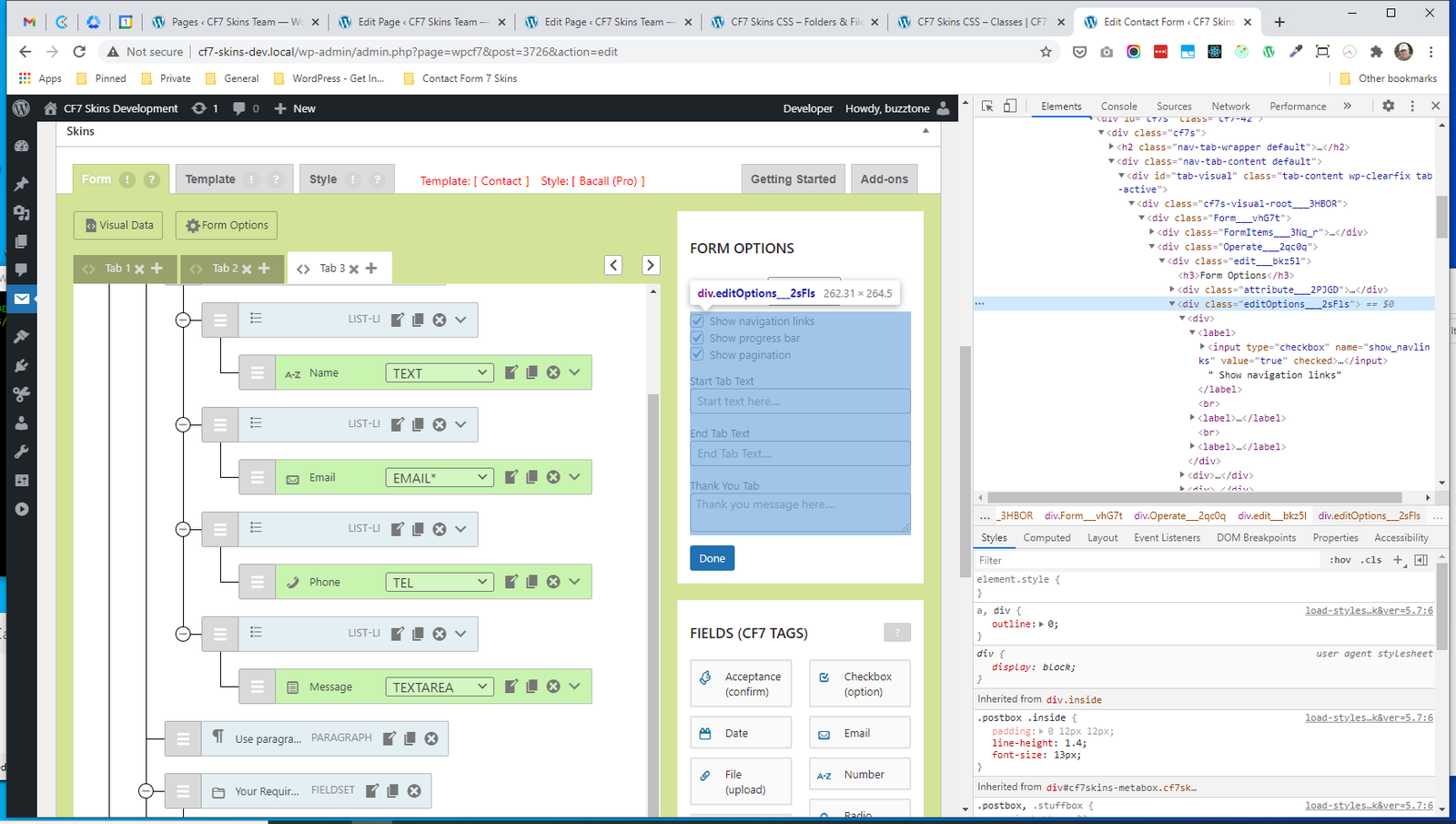
- .editOptions
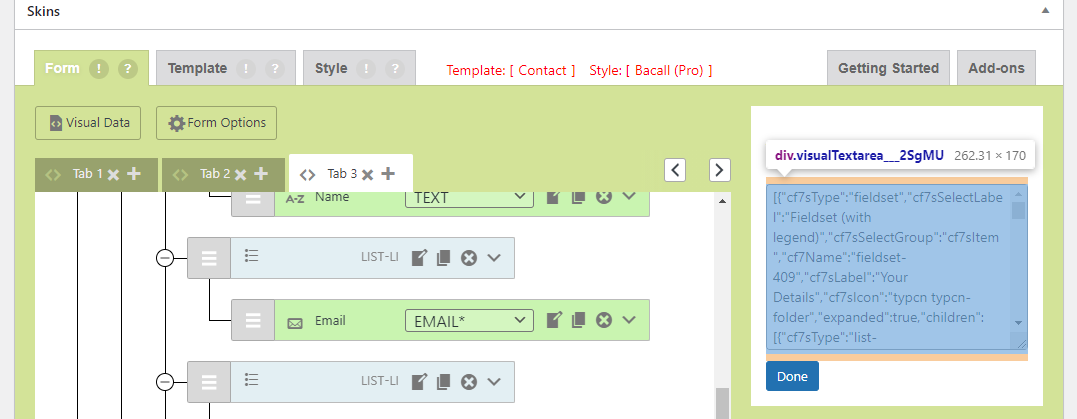
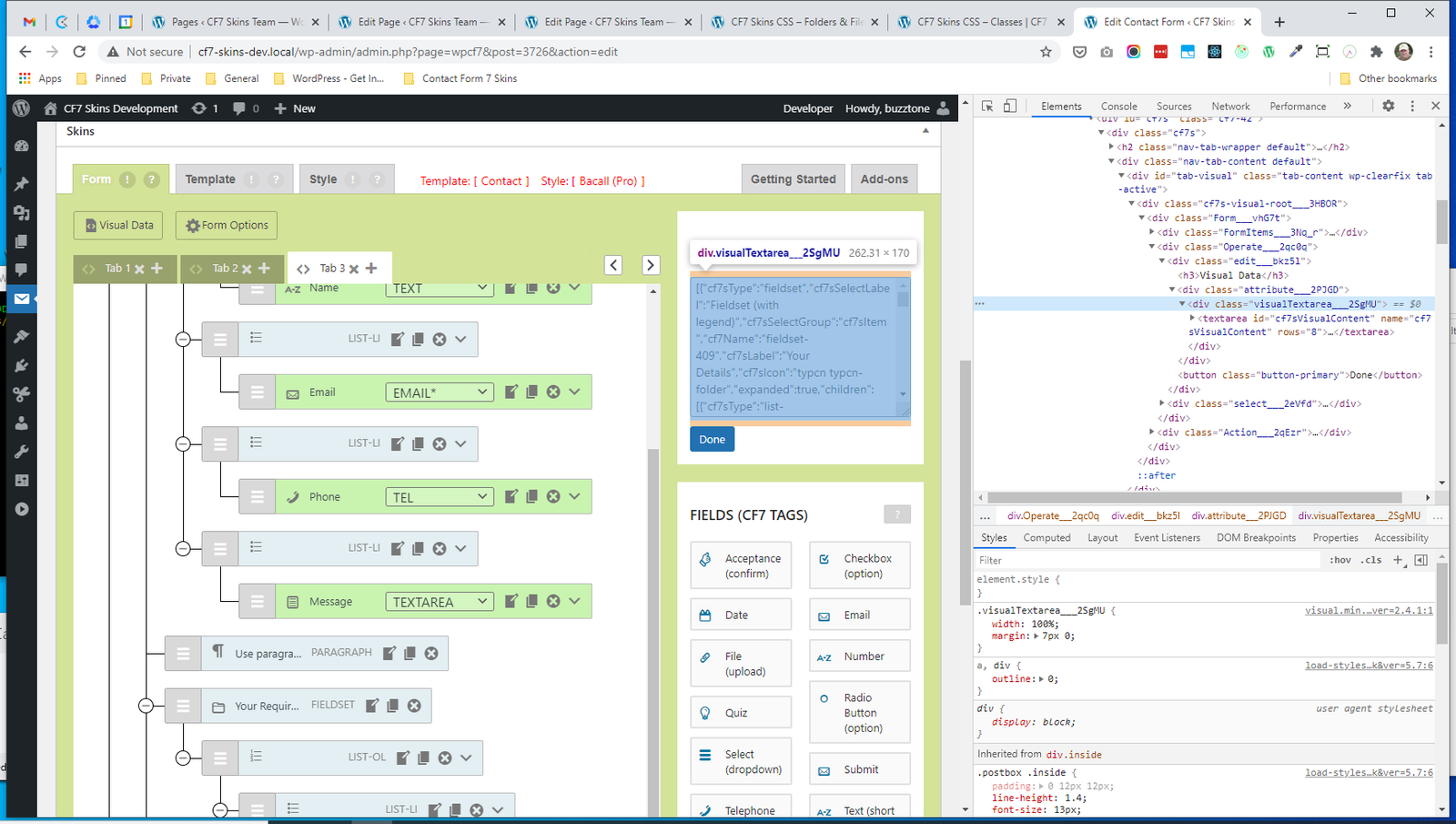
- .visualTextarea
.editOptions #
.visualTextarea #
Select #
- .select
- .select H3
- .cf7tagsContainer
- .cf7tagsEven
- SelectItem
- .cf7tagsOdd
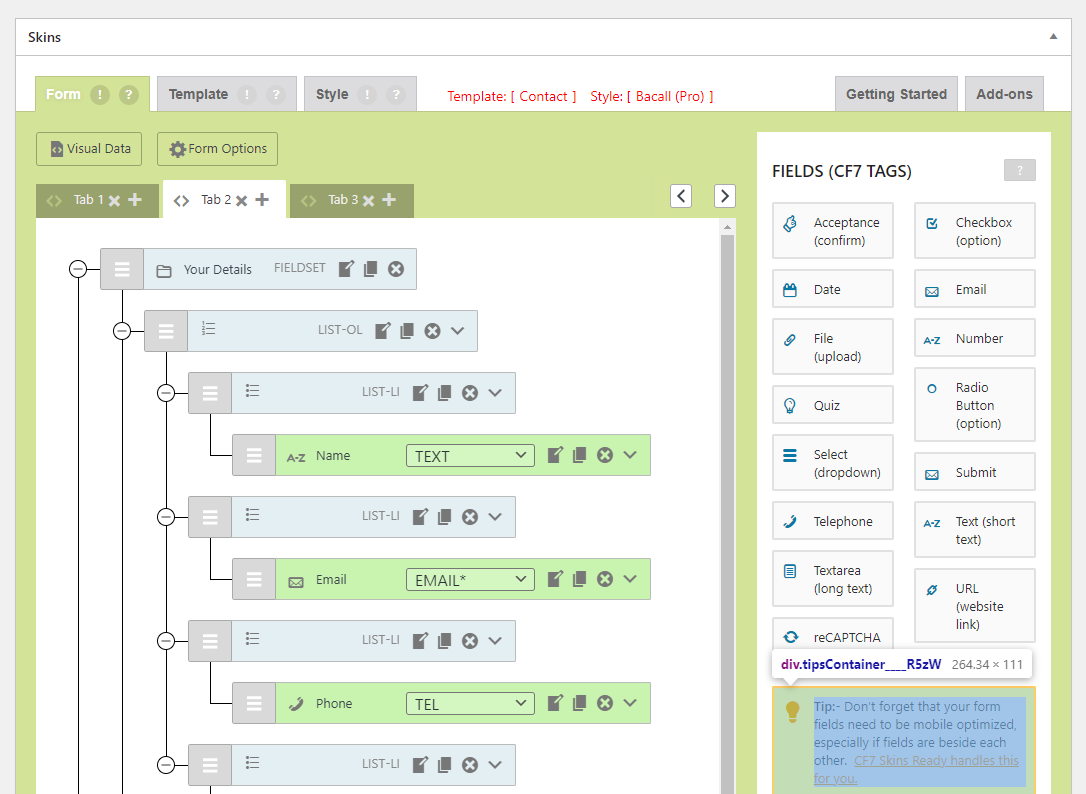
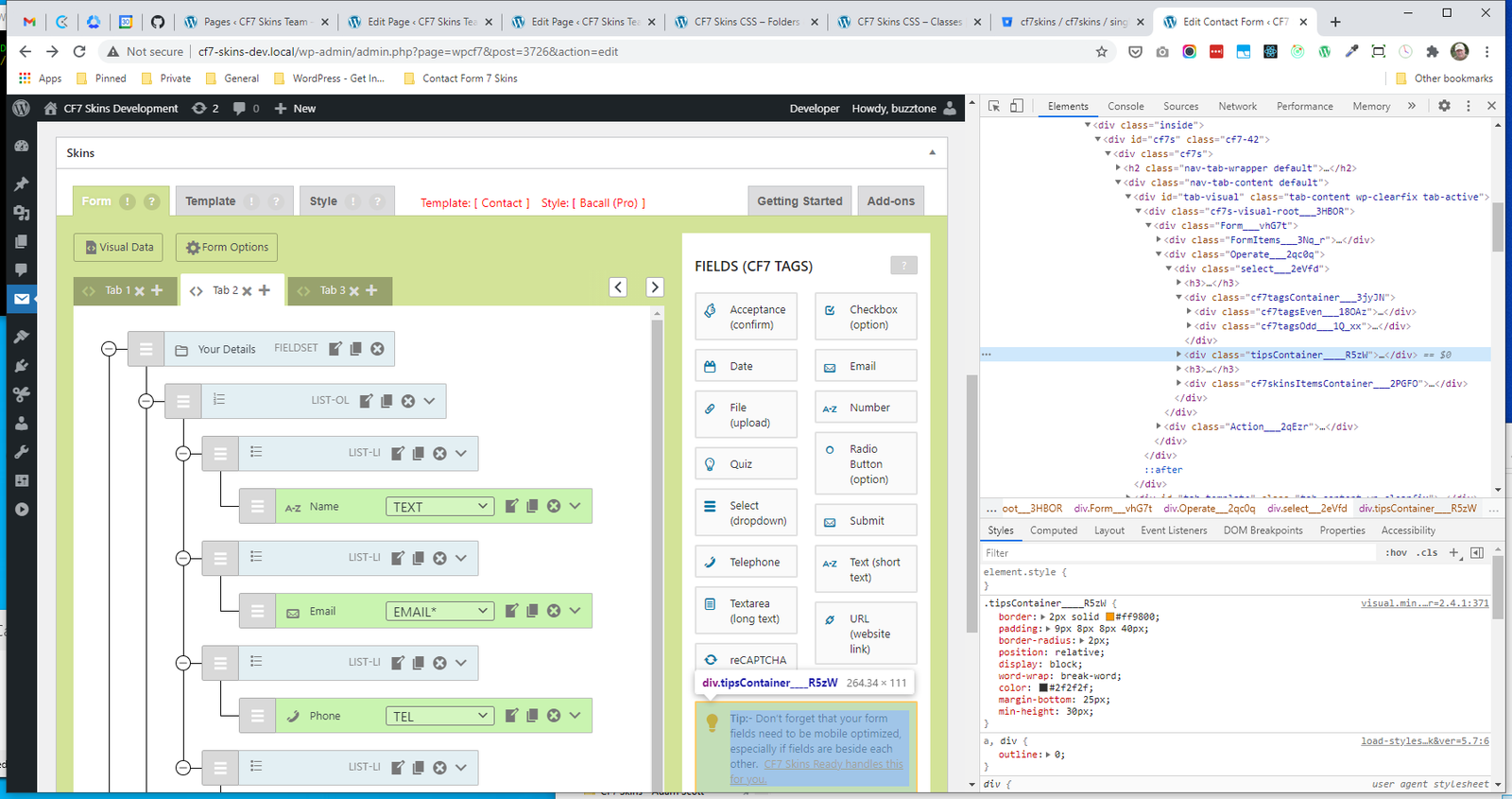
- .tipsContainer
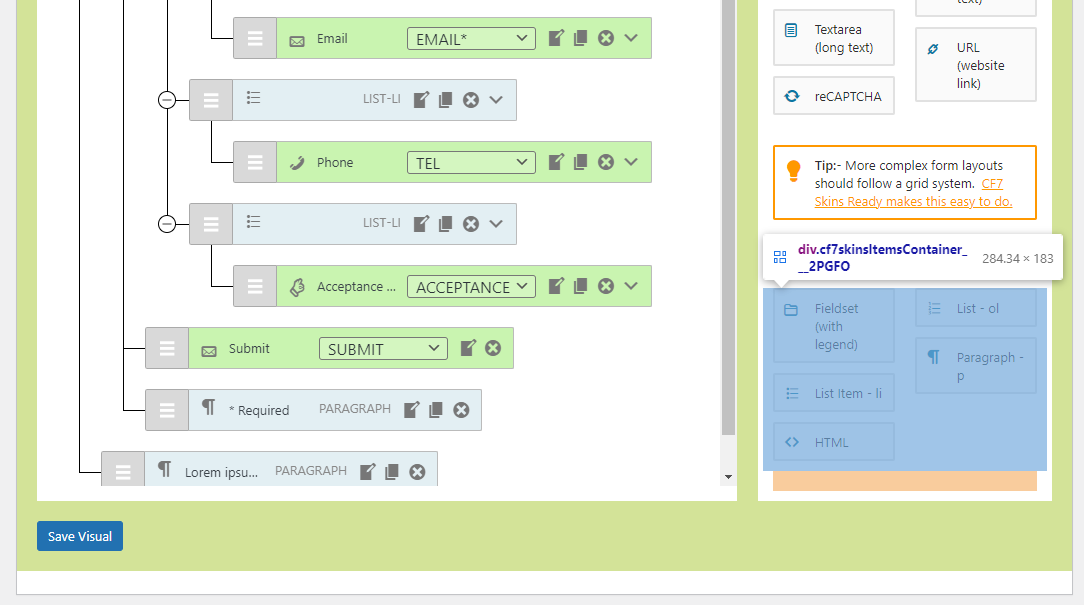
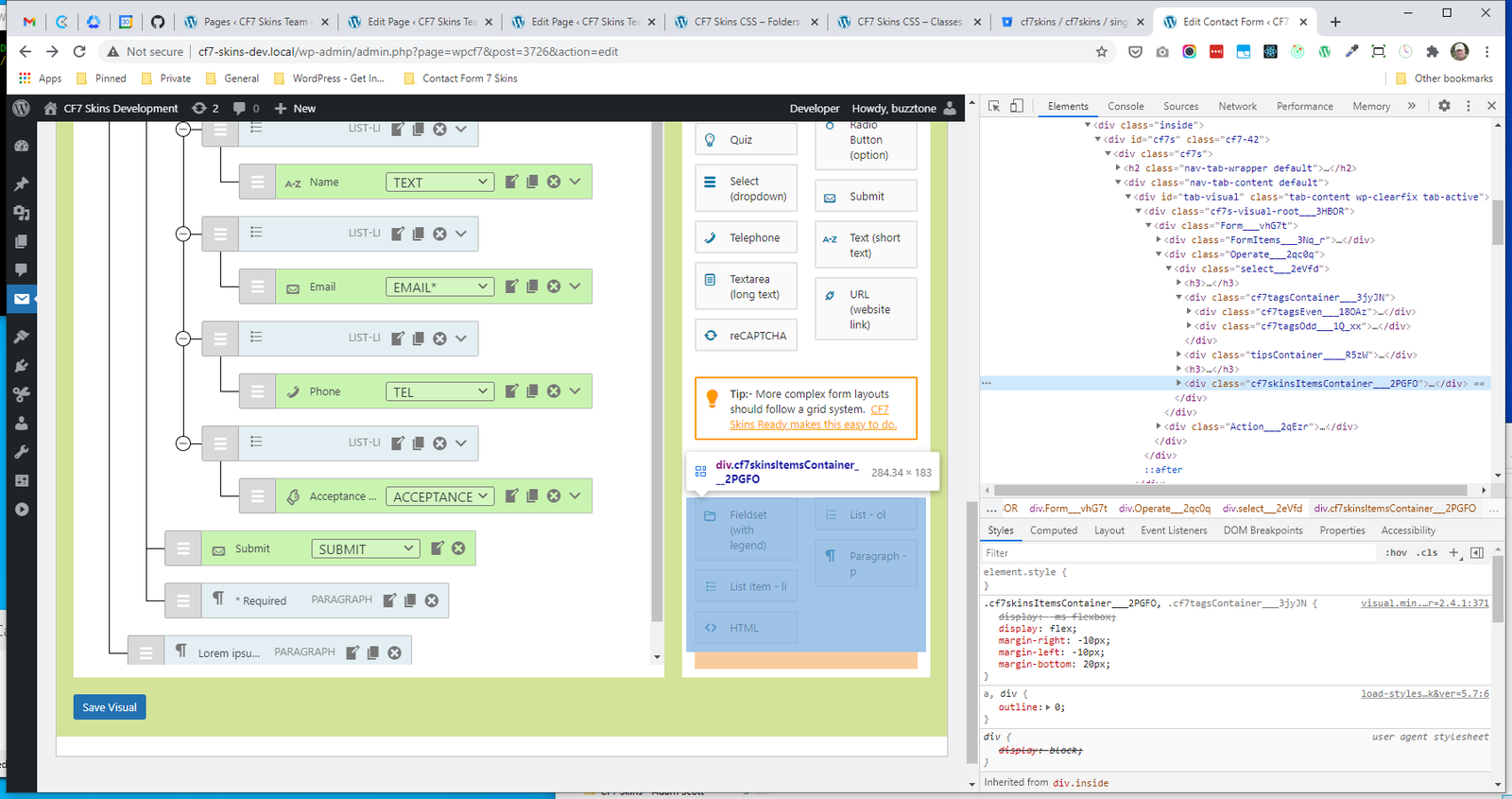
- .cf7skinsItemsContainer
.select #
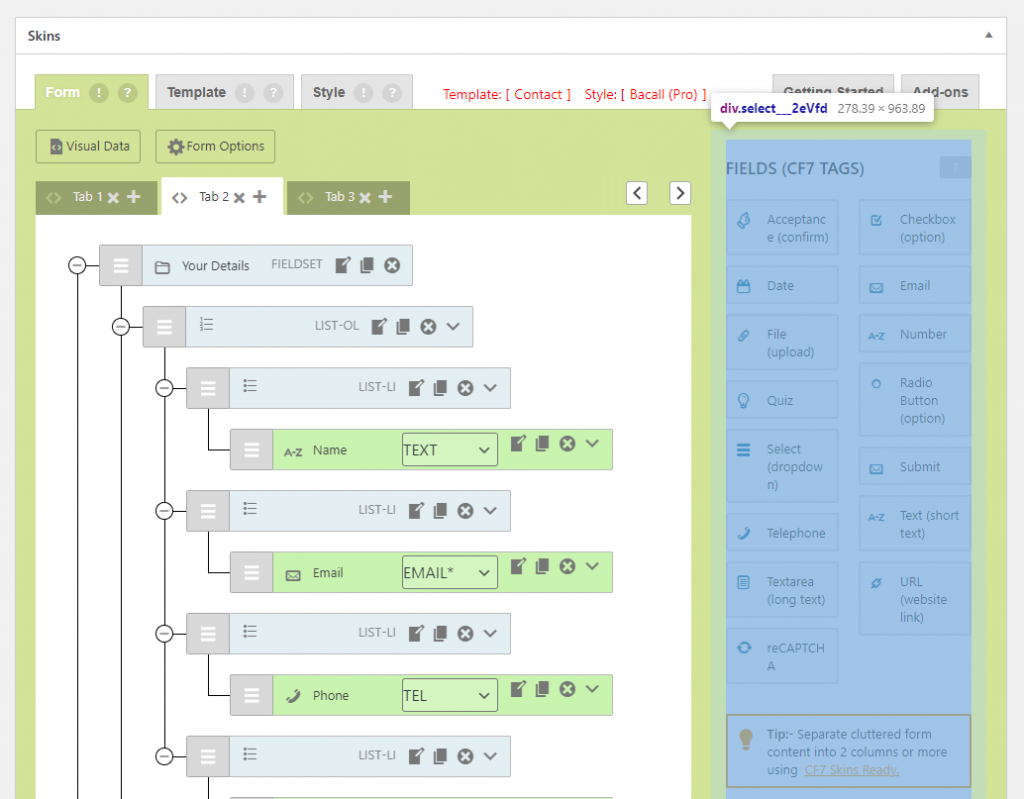
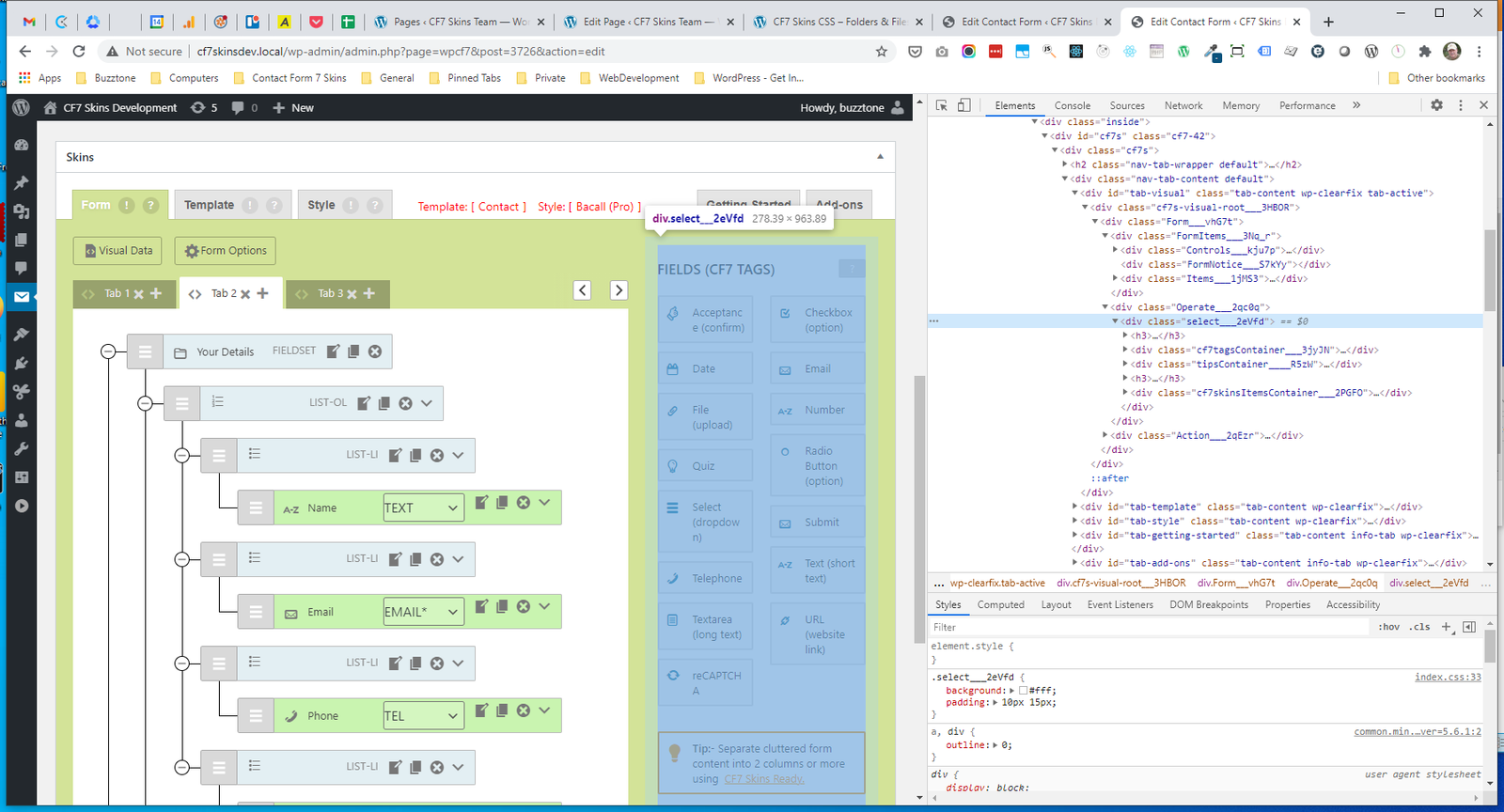
.select H3 #
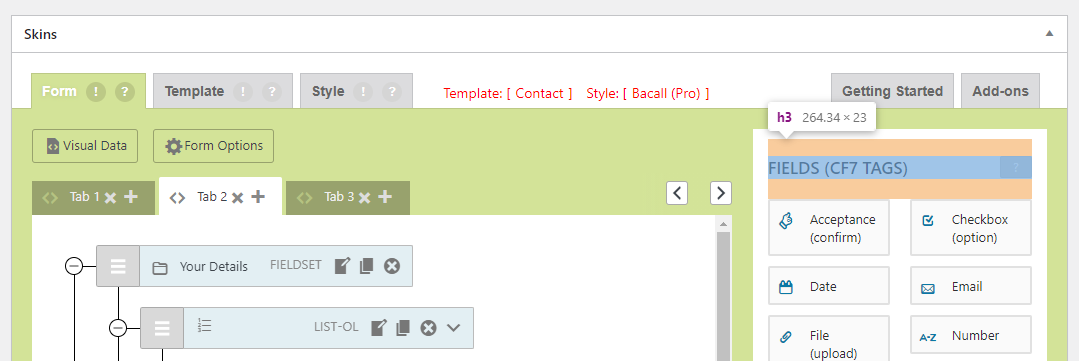
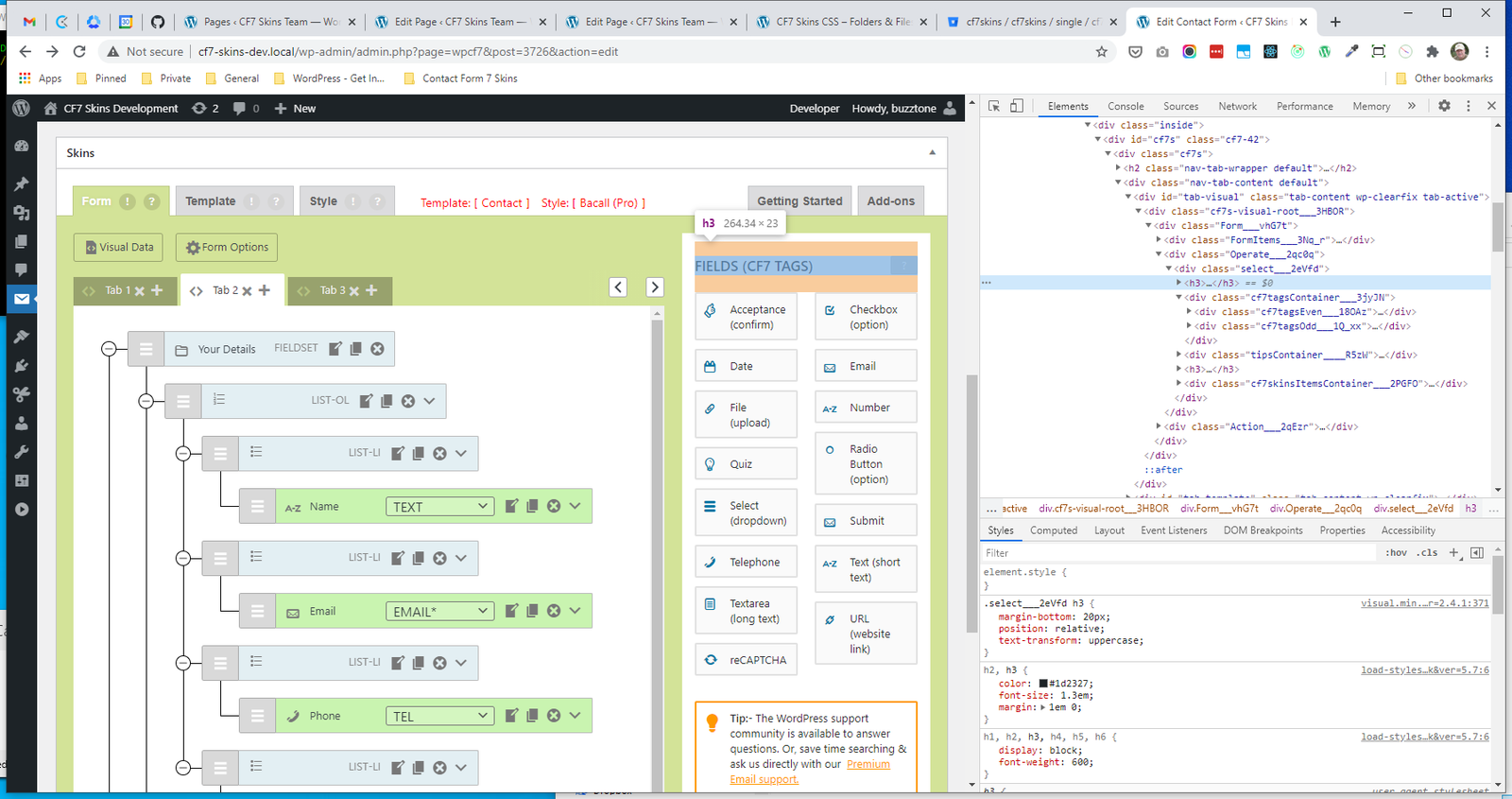
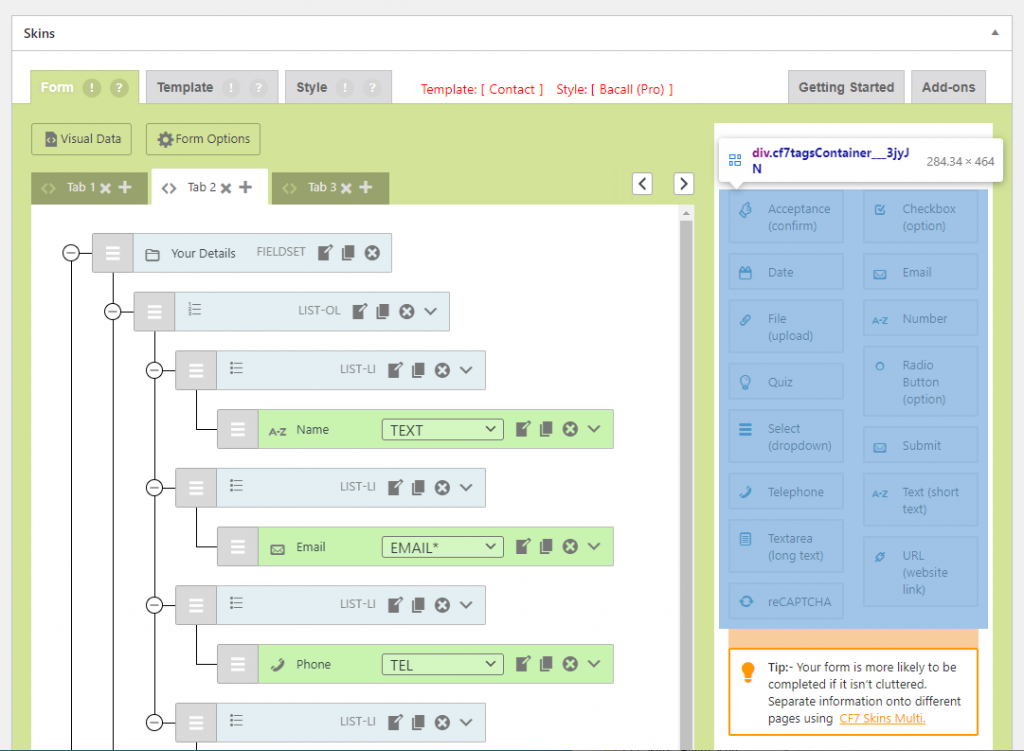
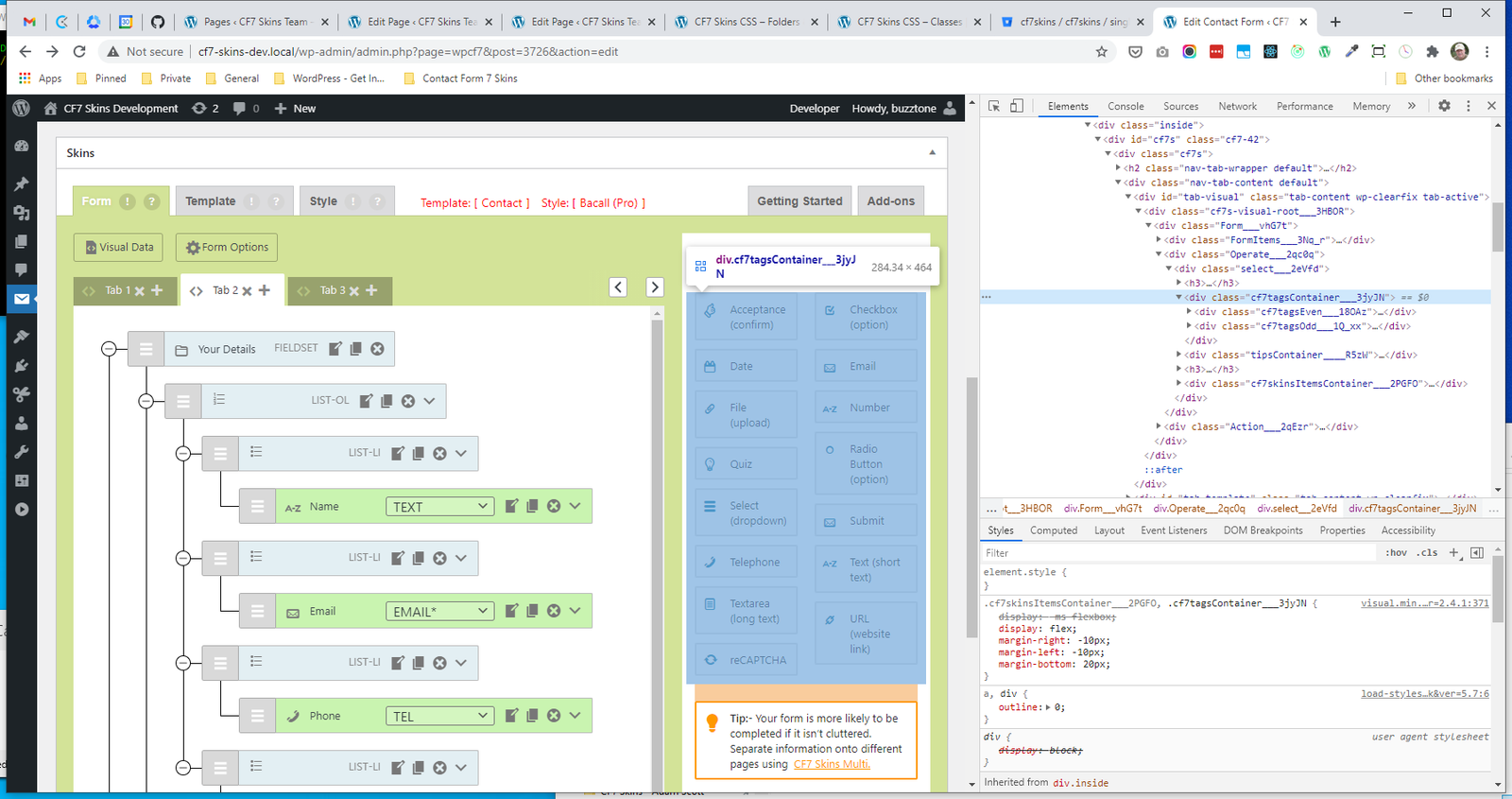
.cf7tagsContainer #
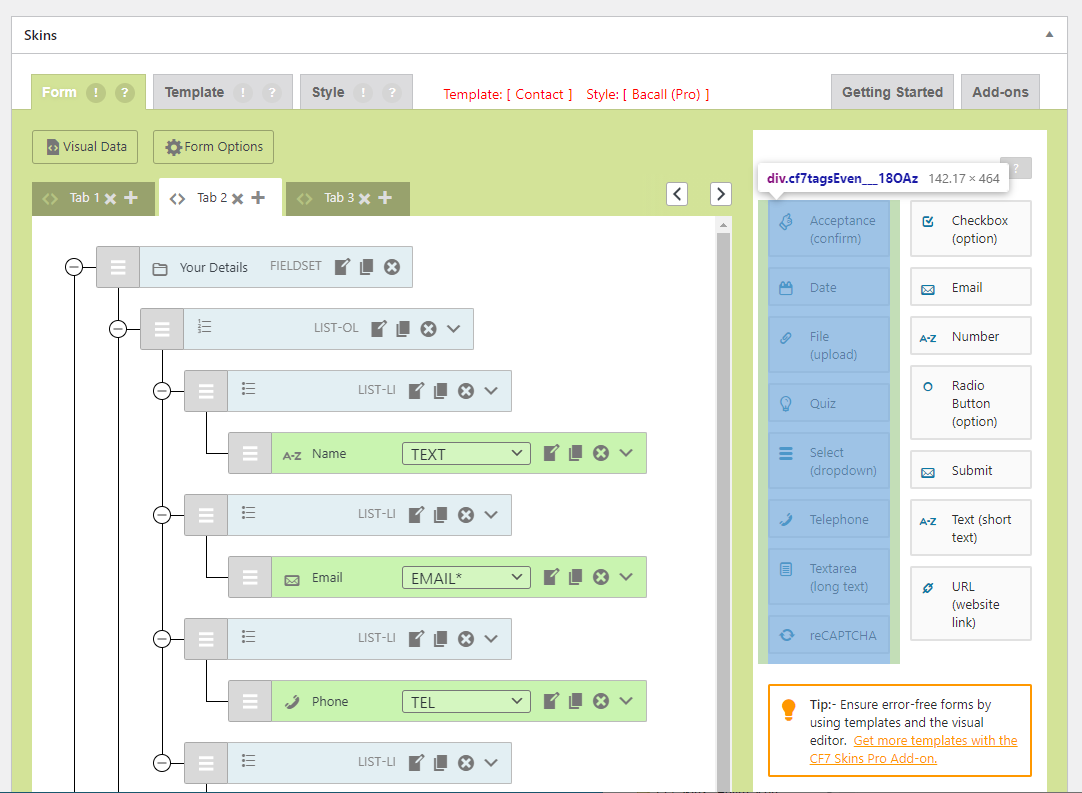
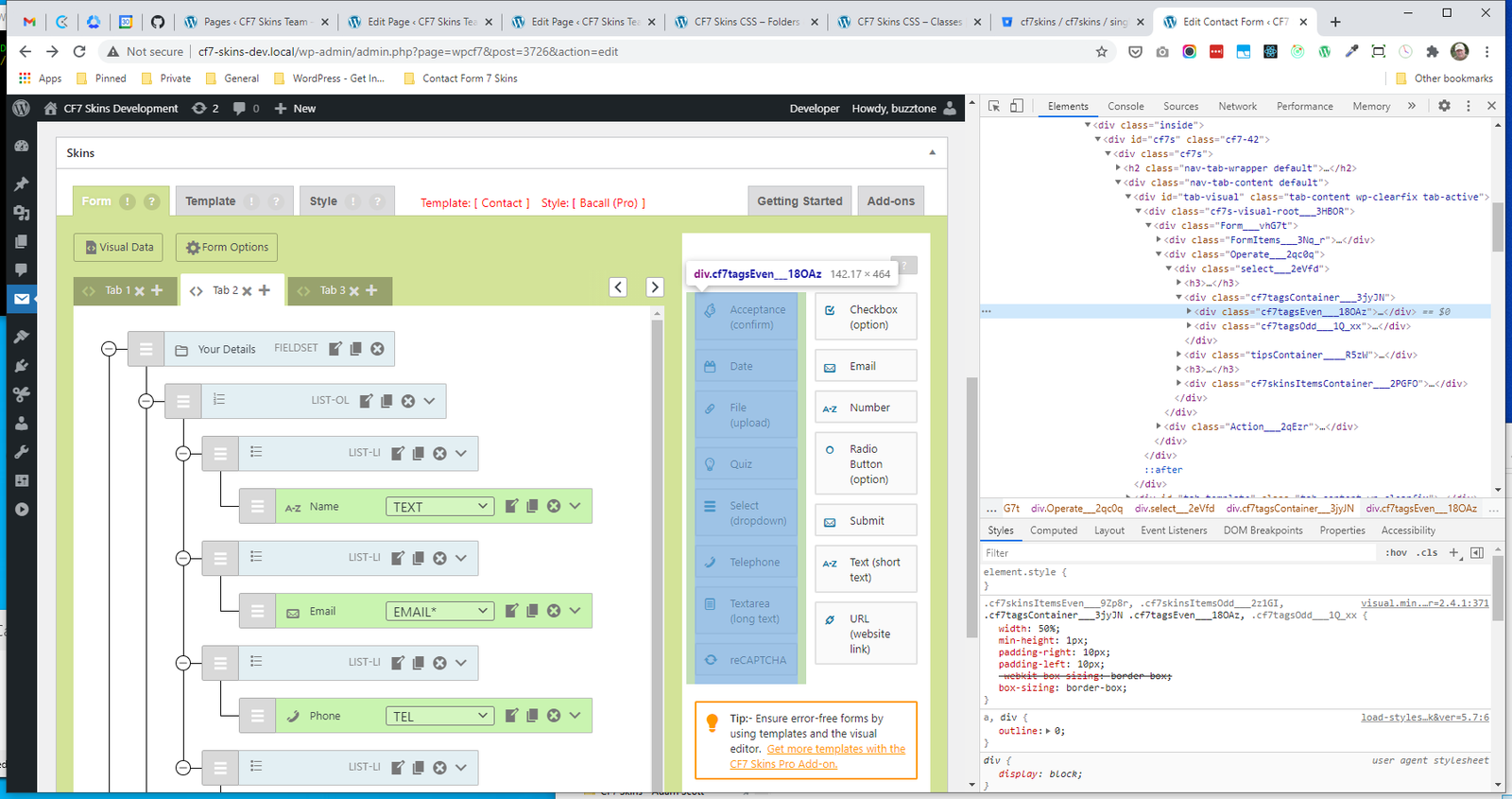
.cf7tagsEven #
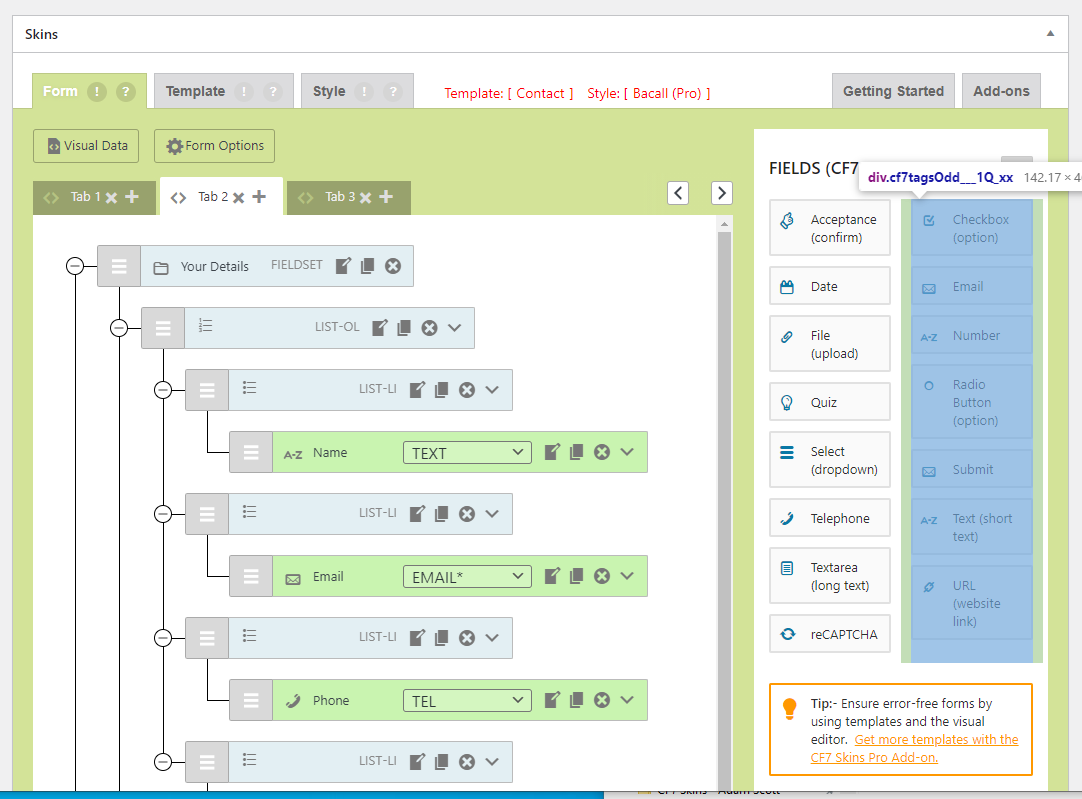
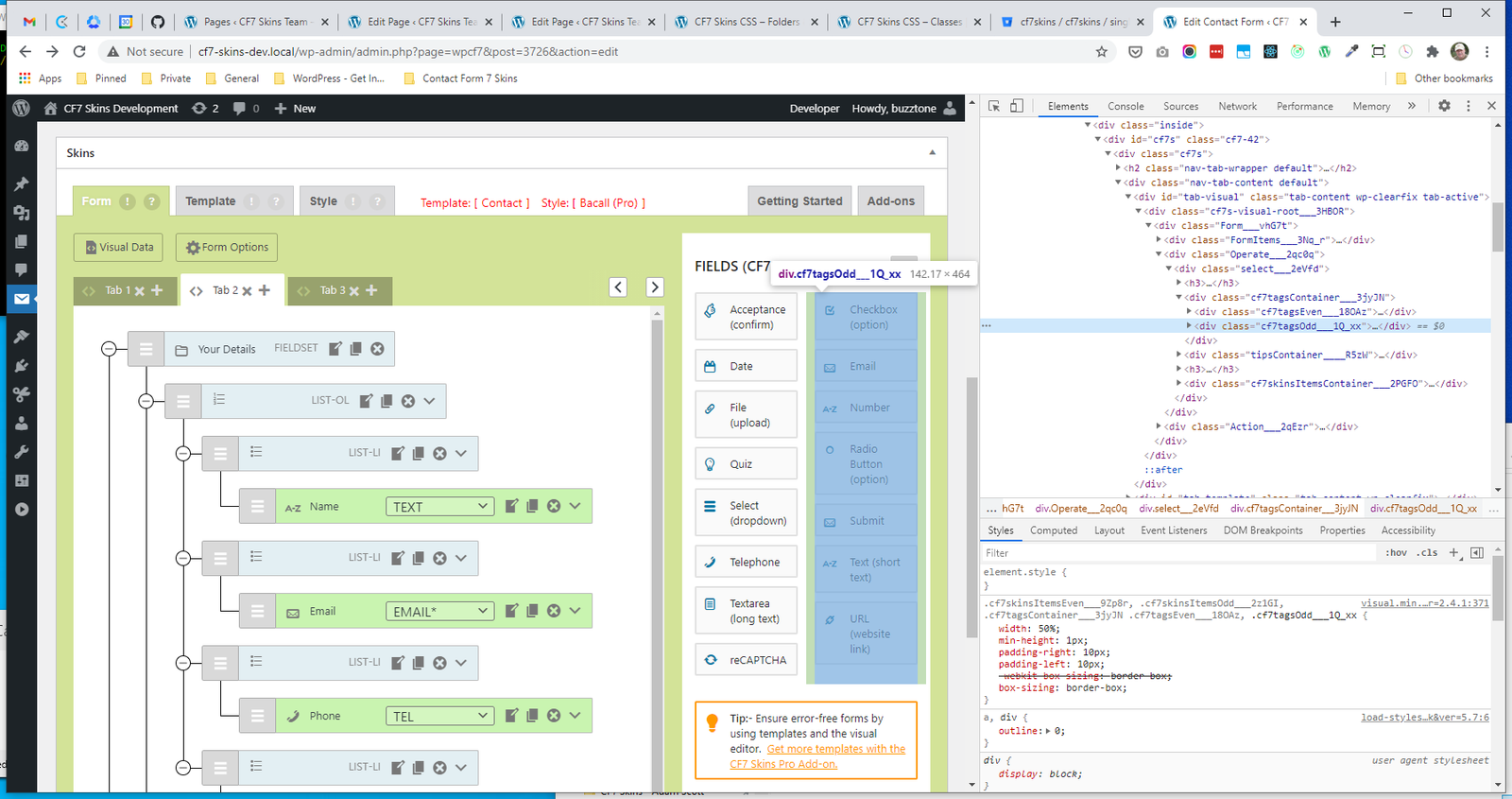
.cf7tagsOdd #
.tipsContainer #
.cf7skinsItemsContainer #
SelectItem #
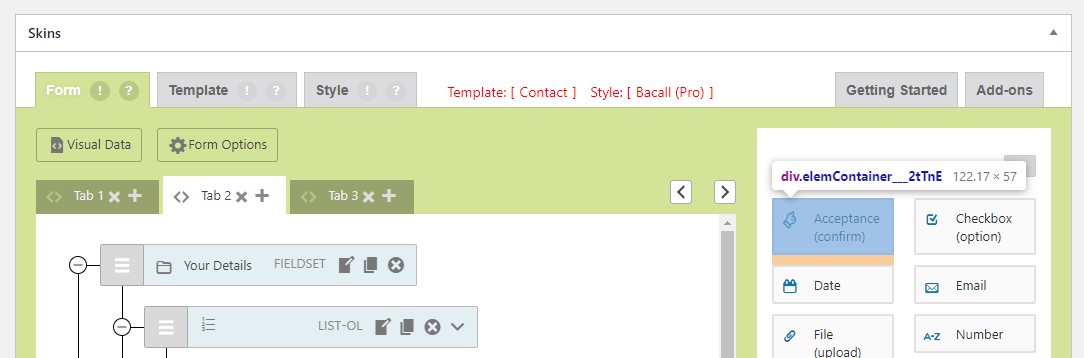
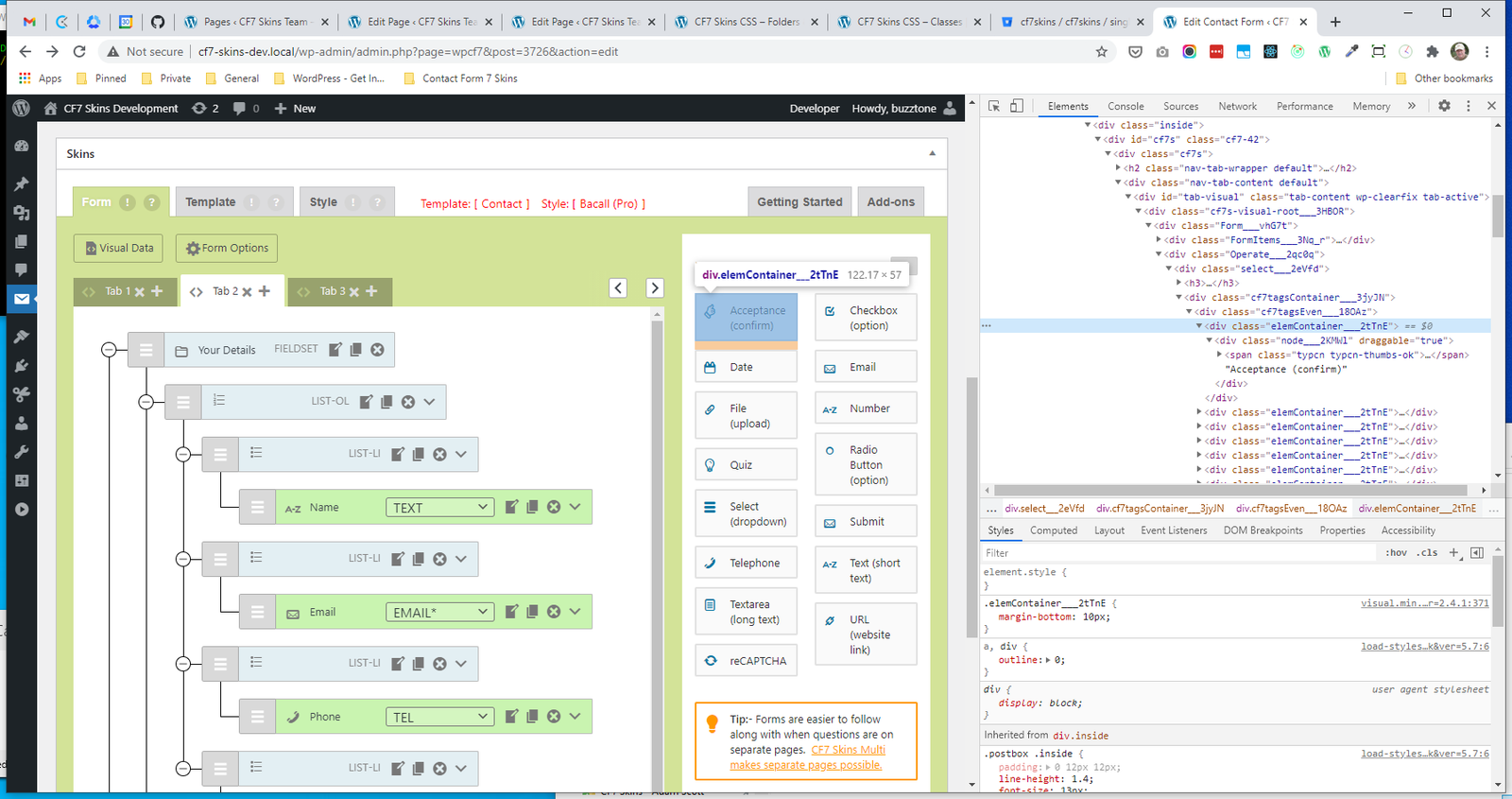
- .elemContainer
- .node
- .typcn
.elemContainer #
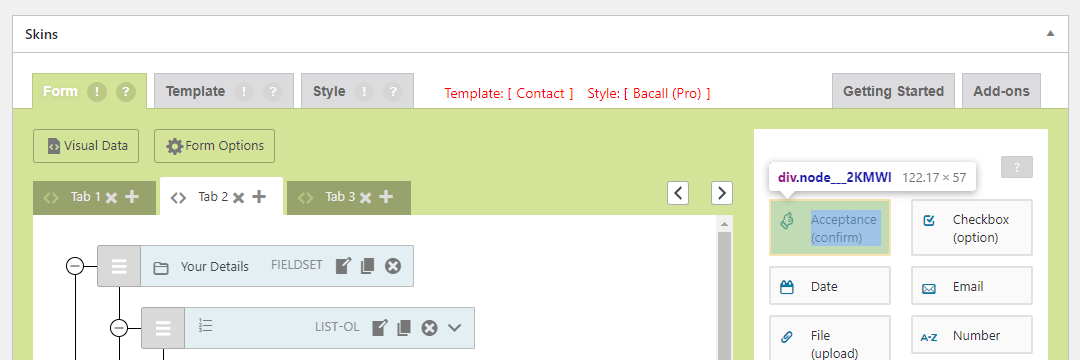
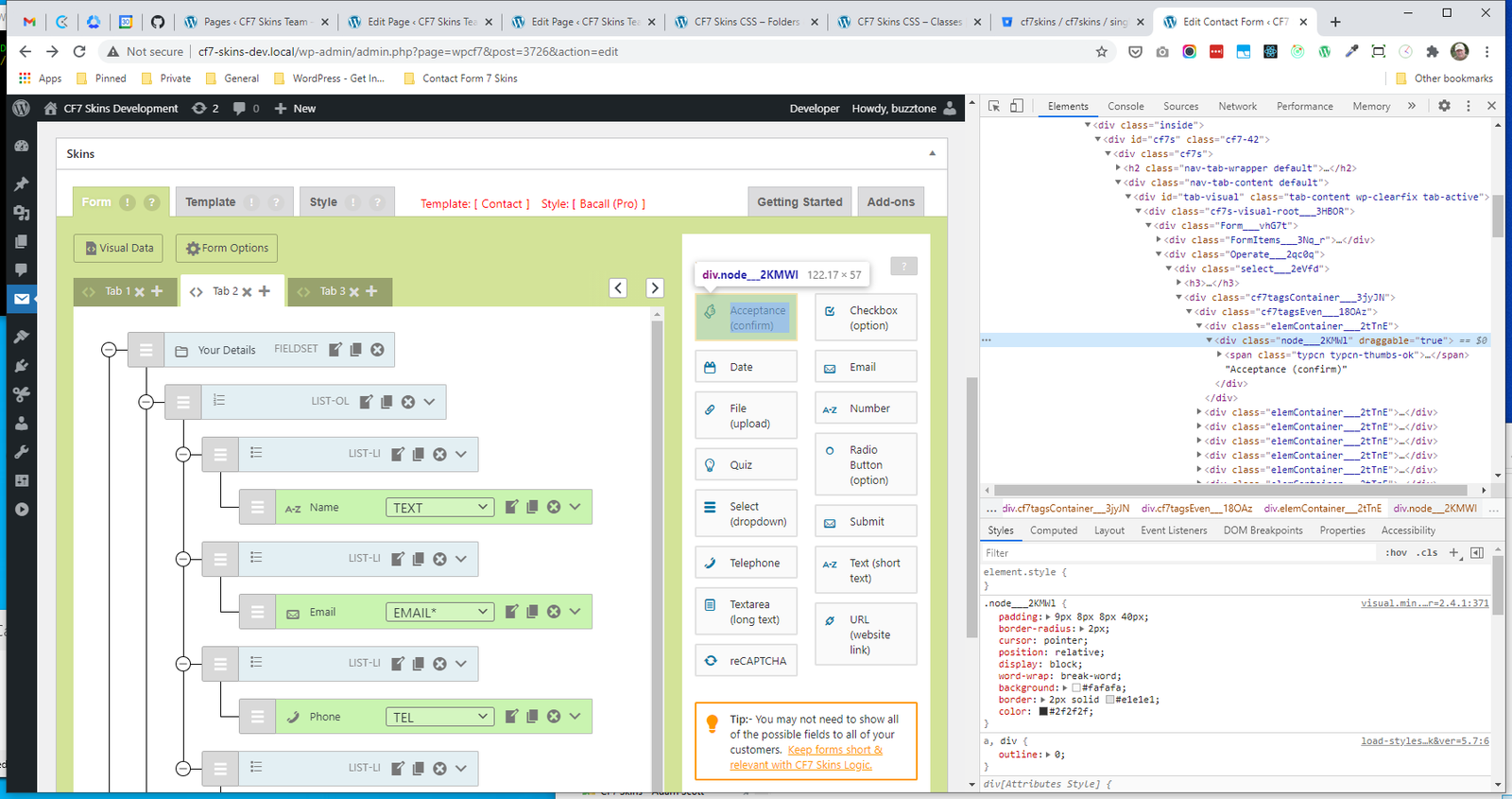
.node #
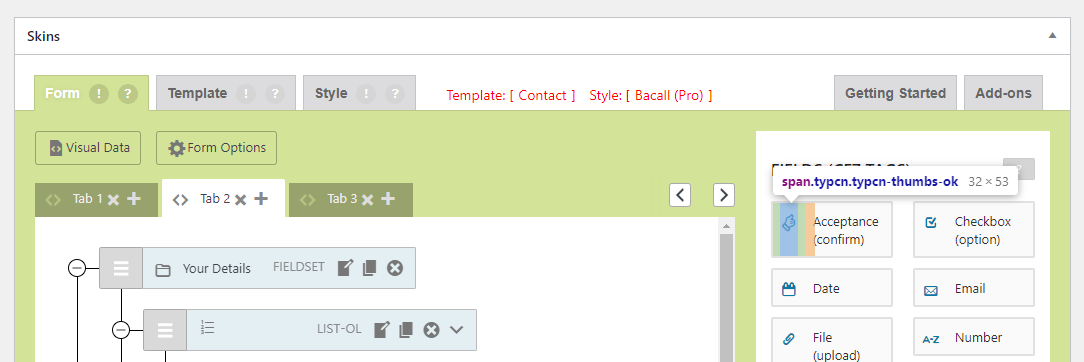
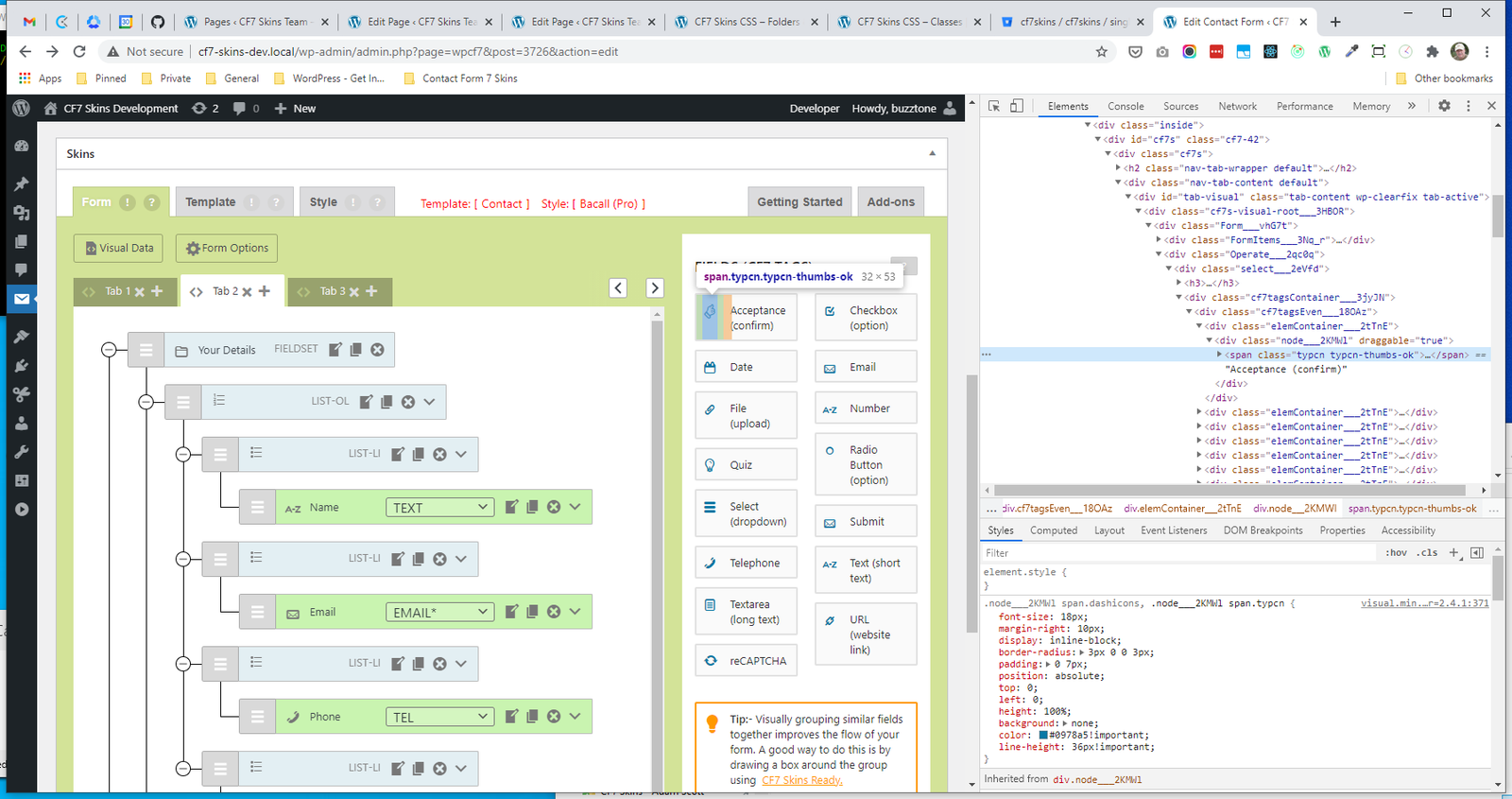
.typcn #
Component #
.Class #
Further reading:
Notes
Add notes here
Save all Images to Sync – use ..\Sync\..\Images\CSS\