Last Updated on January 26, 2021 by Neil Murray
We maintain a record of all the many different images used on our various websites.
Blog #
- Use default values for Contact Form 7 Radio Buttons – images
- Matching Mail Tags with Form Tags in Contact Form 7 – images
- Creating selectable email addresses in Contact Form 7 – images
- 5 common mistakes beginners make when they start using Contact Form 7 – images
- Add text, links and paragraphs in Contact Form 7 forms – images
- Using CF7 Skins Fieldsets to improve your Contact Form 7 forms – images
- Tips to structure your Contact Form 7 forms – images
- Add Better Contact Form 7 Placeholders – images
- Addition of HTML Element – images
- Contact Form 7 Skins – Freemius Security Update – No images
- Change Type of CF7 Tag: a Quick Guide – images
- Add Contact Form 7 form in WordPress Widget – images
- Alternatives to reCAPTCHA v3 in Contact Form 7 – images
- Recommended Free Contact Form 7 Extensions – images
- Using SMTP to send emails in Contact Form 7 – images
- Answers to issues with using reCAPTCHA v3 in Contact Form 7 – images
- Free General Use template for Contact Form 7 – images
- Supporting Contact Form 7 – images
- Save Contact Form 7 to WordPress database using 5 free plugins – images
- Your Contact Form 7 email may be going to spam – images
- Using default values in your Contact Form 7 forms – images
- Show and Hide a Checkbox on your Form – images
- Use a suitable From: address in Contact Form 7 – images
- GDPR Checkbox and Privacy Policy Link in Contact Form 7 – images
- Time Saving Tips when Editing Forms – images
- CF7 Skins Visual – Contact Form 7 Drag & Drop Editor released – images
- on_sent_ok not working in Contact Form 7 – images
- Using Special Mail Tags to improve your Contact Form 7 emails – images
- Contact Form 7 Custom Button – images
- Why I created Contact Form 7 Skins – images
- Better Checkboxes & Radio Buttons (with Contact Form 7 Tag Editor) – images
- CF7 Skins Visual started – a drag and drop visual editor for Contact Form 7 forms – images
- Upgrade to CF7 Skins Logic and save 20% – images
- CF7 Skins Logic – Conditional Logic for Contact Form 7 – images
- CF7 Skins Logic – available for Beta Testing – images
- 5 really useful free Contact Form 7 Extensions – images
- CF7 Skins Ready – Structure Contact Form 7 forms – images
- CF7 Skins Multi – Multi-page Contact Form 7 forms – images
- CF7 Skins – Beta Testing Complete – images
- Introducing Contact Form 7 Skins – images
- CF7 Skins Beta Release Announcement – images
- Contact Form 7 Configuration Validator – images
- Yahoo DMARC Issue – images
- Contact Form 7 Email Issues & Problems – images
- Plugin or Theme Conflicts – images
- JavaScript Conflict Problems – images
- Contact Form 7 Form in Columns – images
- Contact Form 7 Fields Side by Side – images
- Styling Contact Form 7 Forms – images
- Contact Form 7 Form Section – images
- Default Form in Firebug – images
- Contact Form 7 Default Form Structure – images
- Contact Form 7 – reCaptcha v2 – images
- Invisible reCaptcha for WordPress – images
- Advanced noCaptcha & invisible Captcha – images
- No CAPTCHA reCAPTCHA – images
- Contact Form 7 Captcha – images
- Contact Form 7 Database Addon – CFDB7 – images
- Advanced Contact form 7 DB – images
- Contact Form Advanced Database – CFADB – images
- Contact Form Submissions – images
- Save Contact Form 7 – images
- Contact Form 7 Datepicker – images
- Contact Form 7 Modules – images
- jQuery Validation for Contact Form 7 – images
- Contact Form 7 Redirection – images
- Contact Form 7 Dynamic Text Extension – images
- MailChimp for WordPress – images
- Contact Form 7 Honeypot – images
- Contact Form DB – images
- Contact Form 7 – Success Page Redirects – images
- Beginner’s guide to setting up mail in Contact Form 7 – images
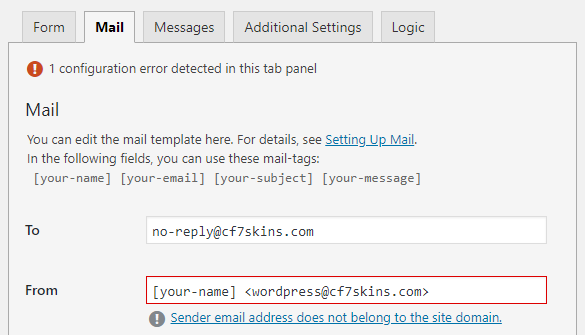
- Use a suitable From: address – images
Use default values for Contact Form 7 Radio Buttons #
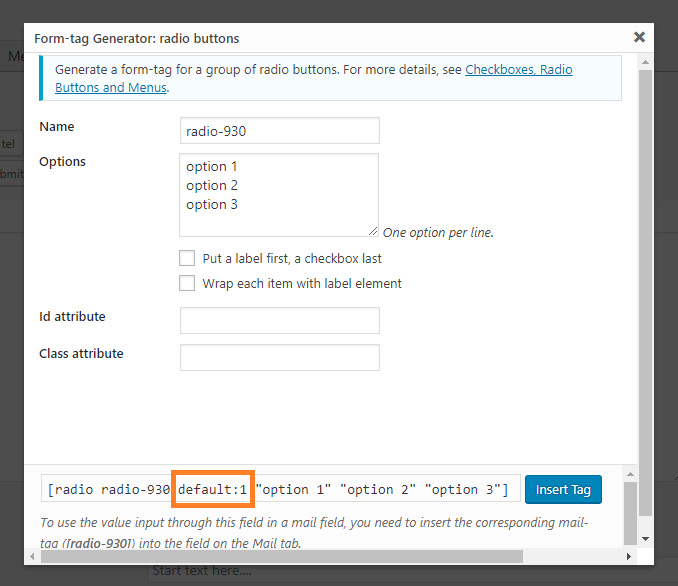
Use default values for Contact Form 7 Radio Buttons – All Images

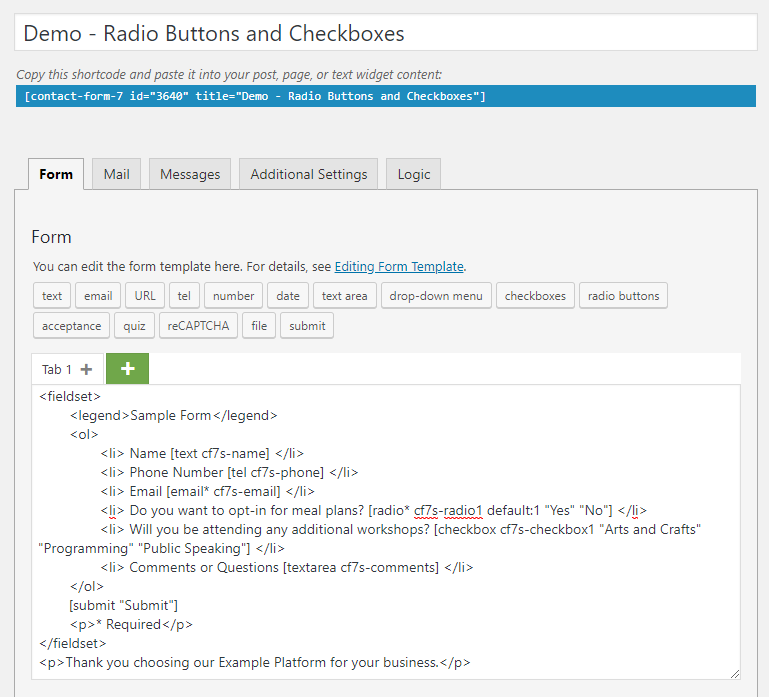
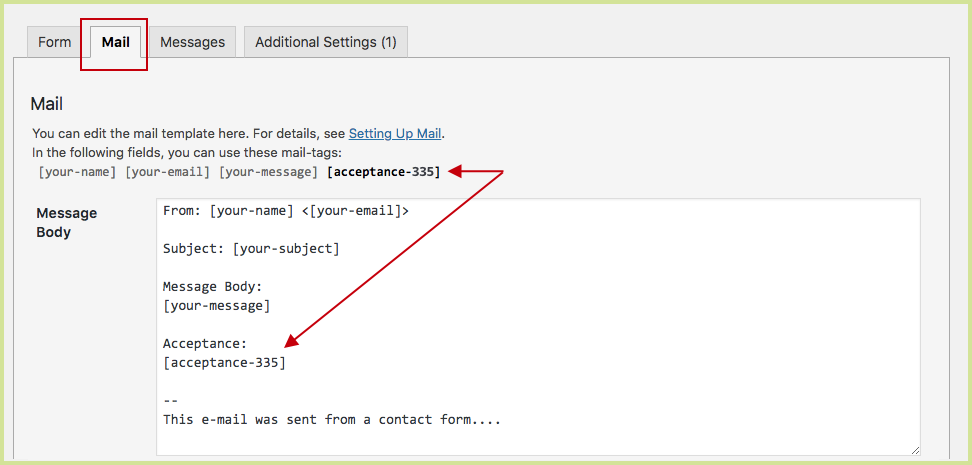
Matching Mail Tags with Form Tags in Contact Form 7 #
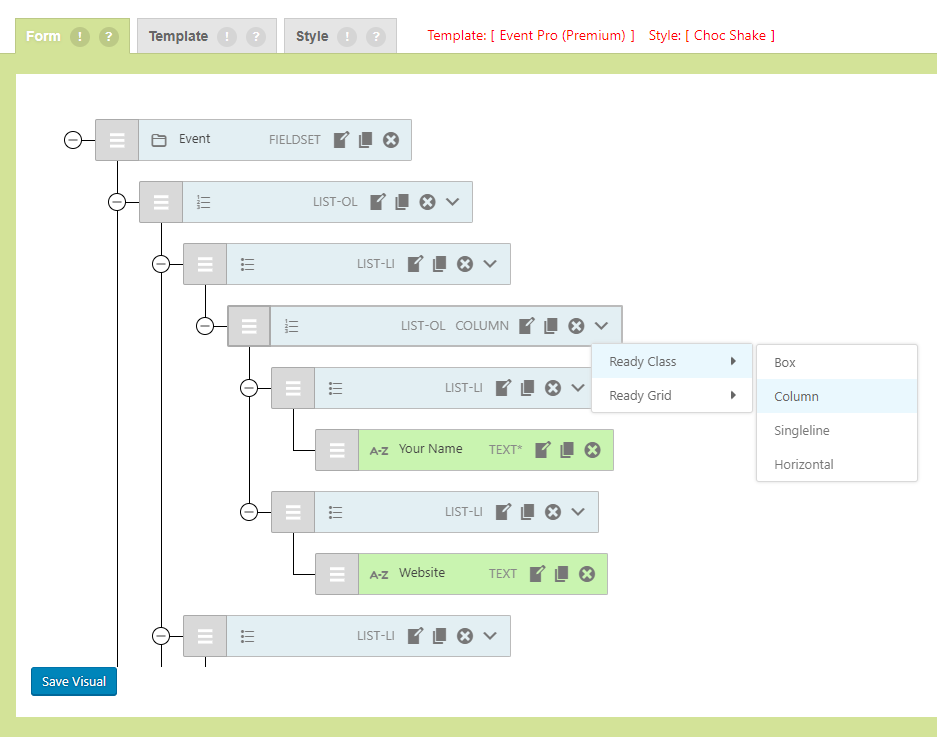

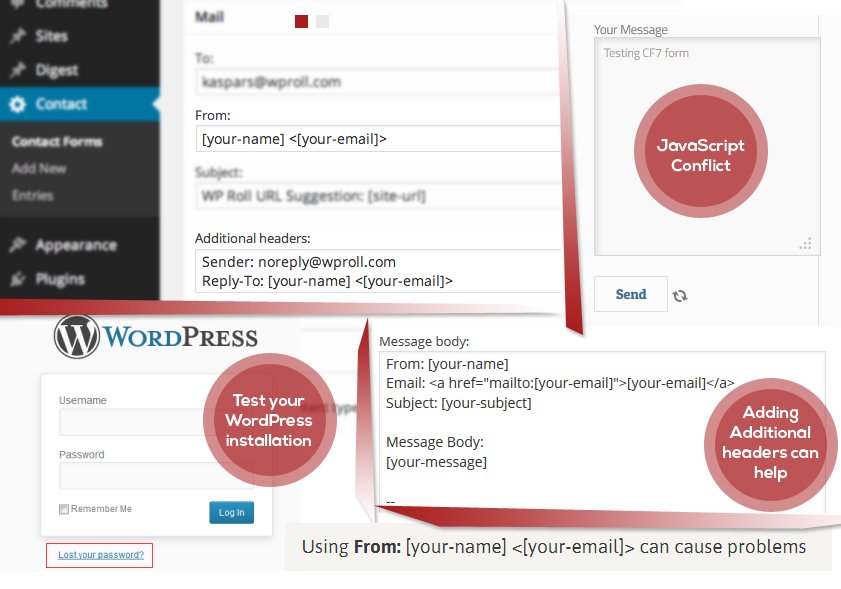
Matching Mail Tags with Form Tags in Contact Form 7 – All Images
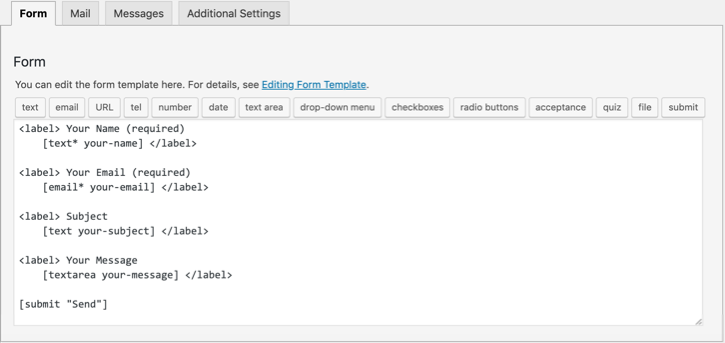
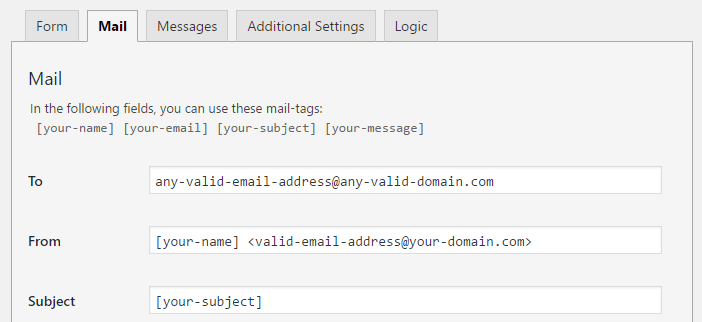
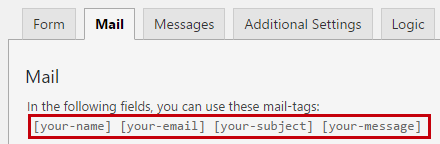
Mail Tab images
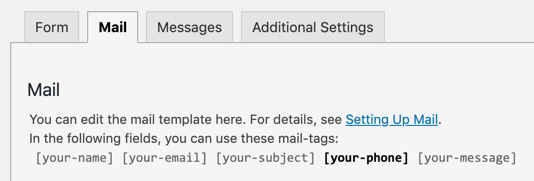
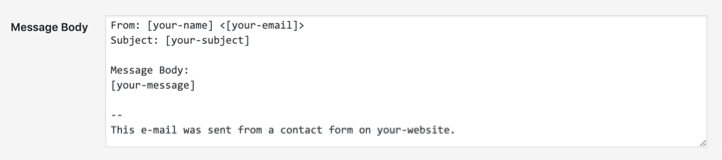
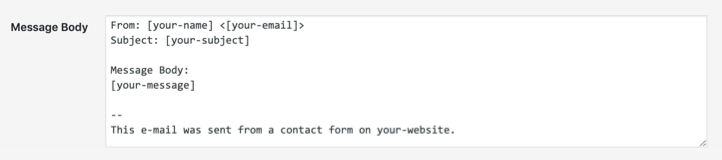
Message body images
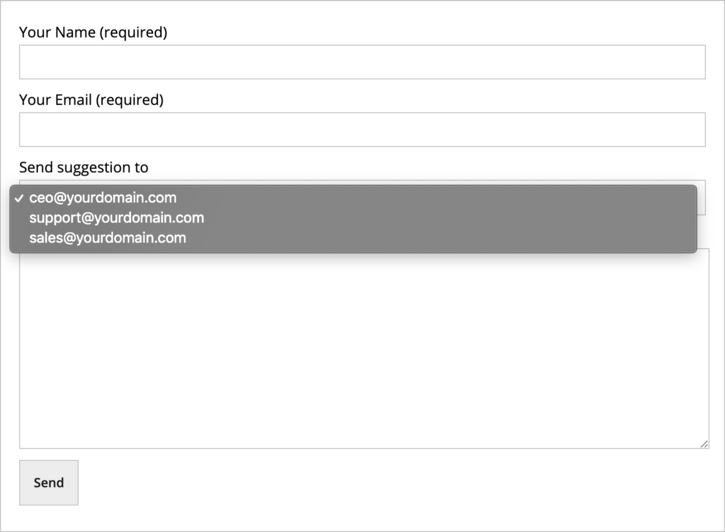
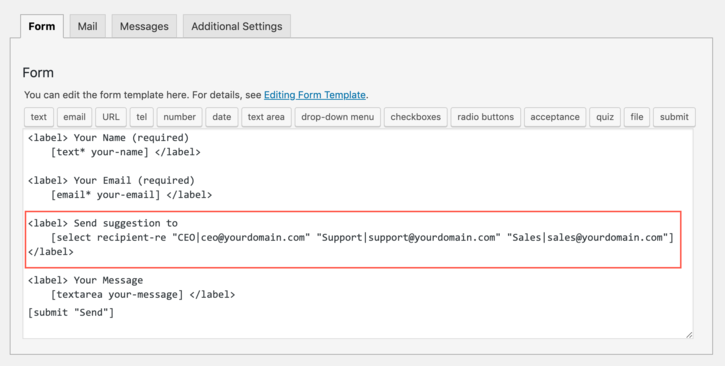
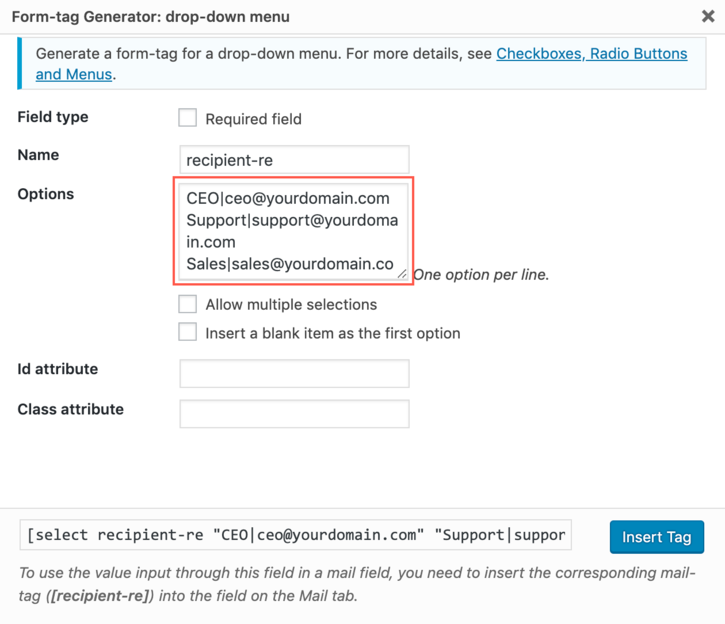
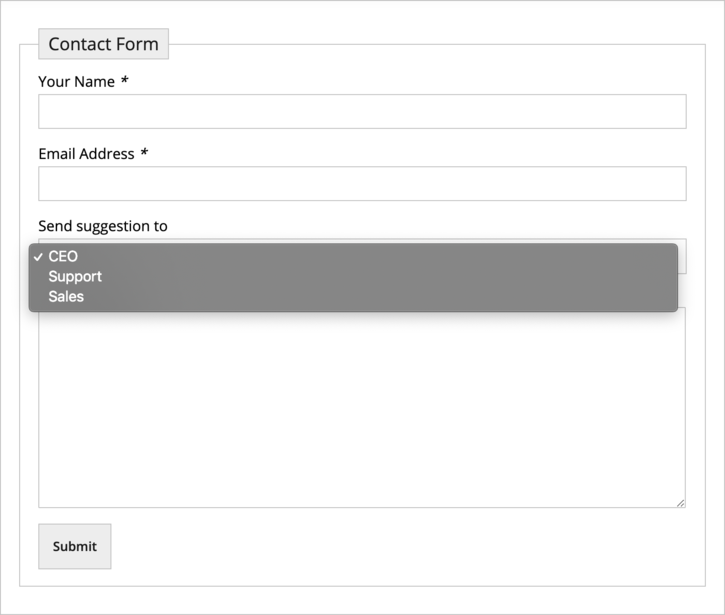
Creating selectable email addresses in Contact Form 7 #
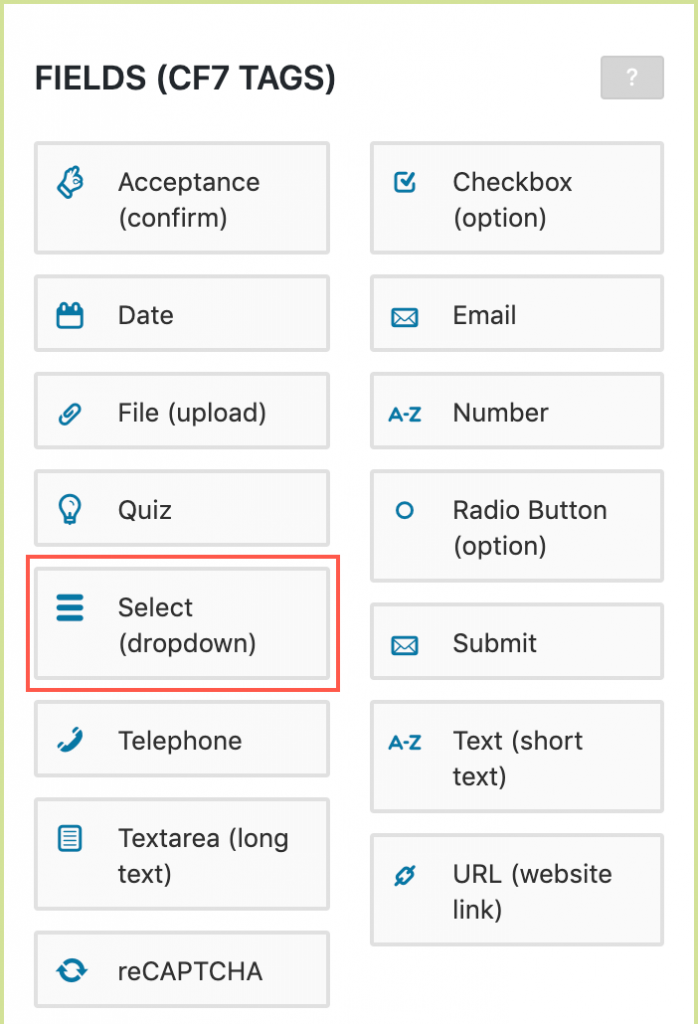
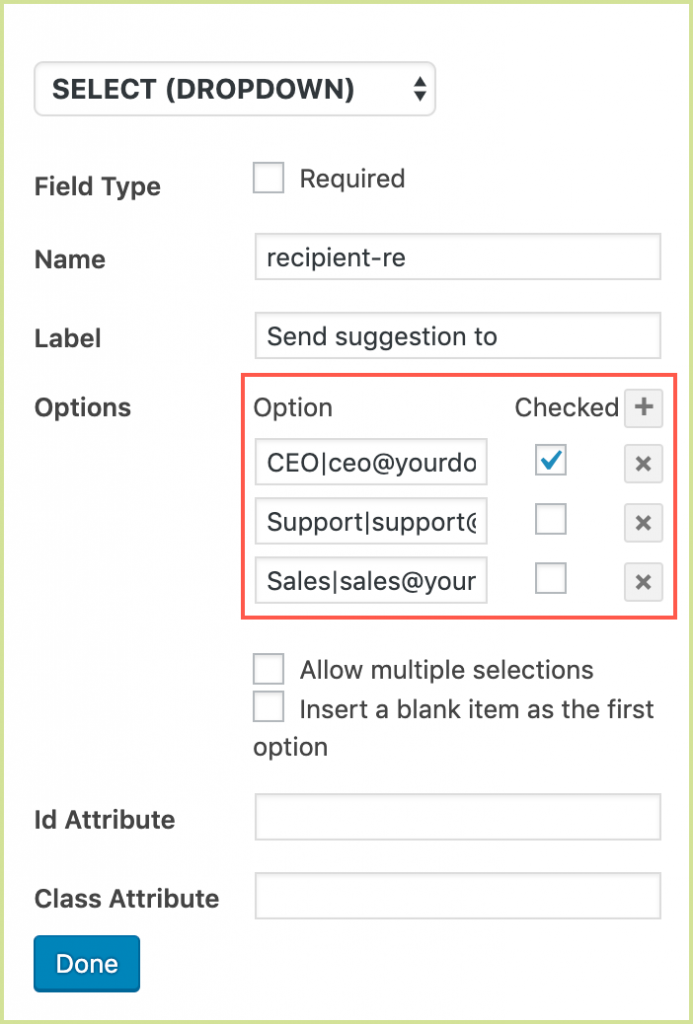
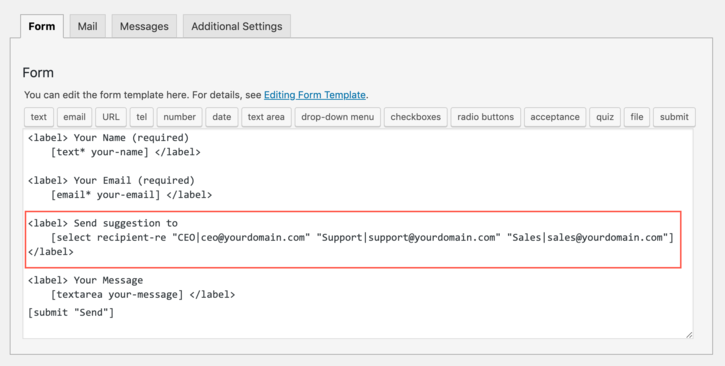
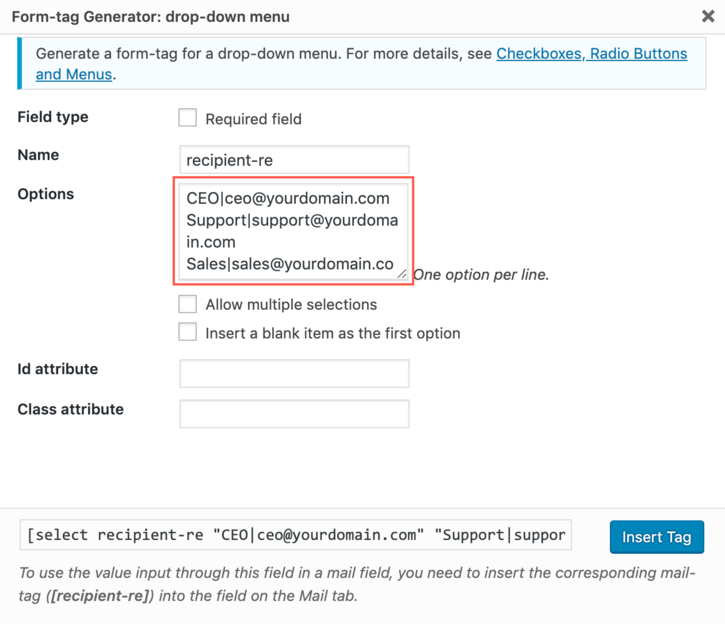
Creating selectable email addresses in Contact Form 7 – All Images
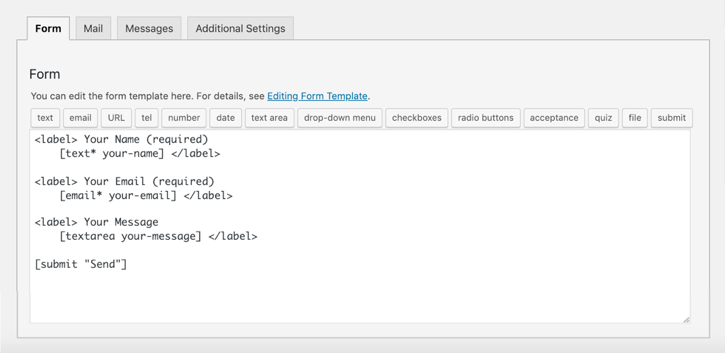
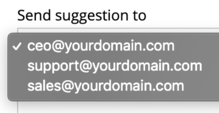
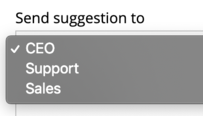
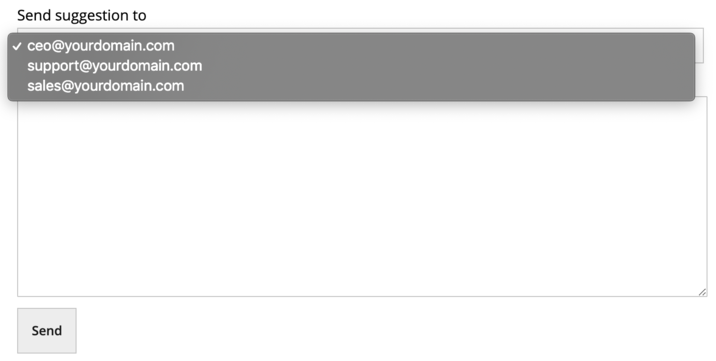
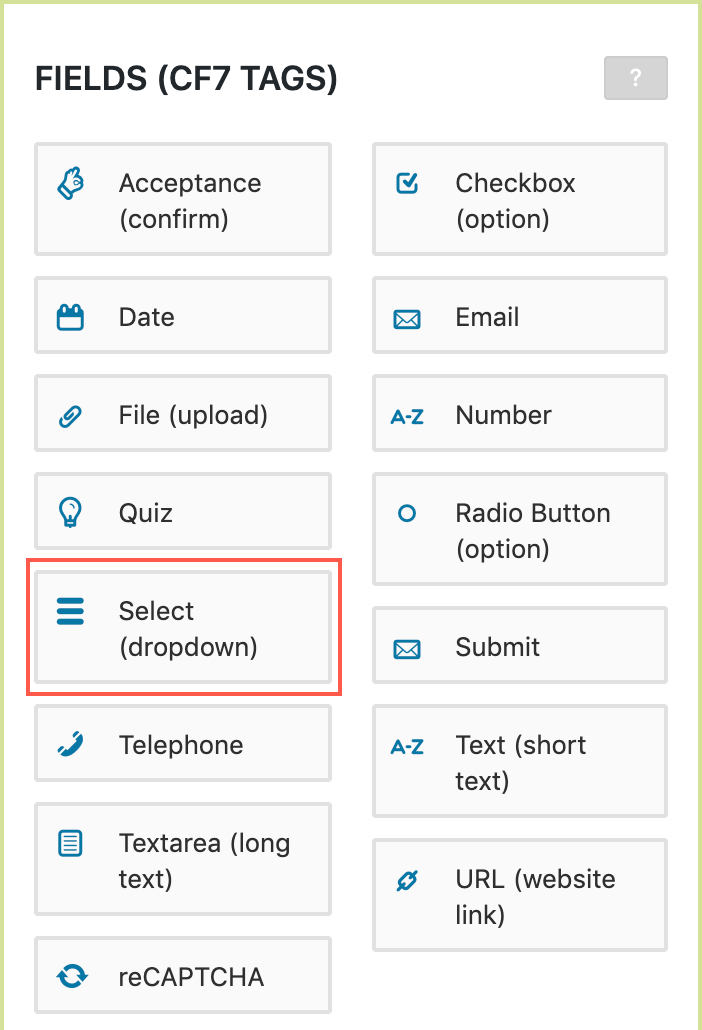

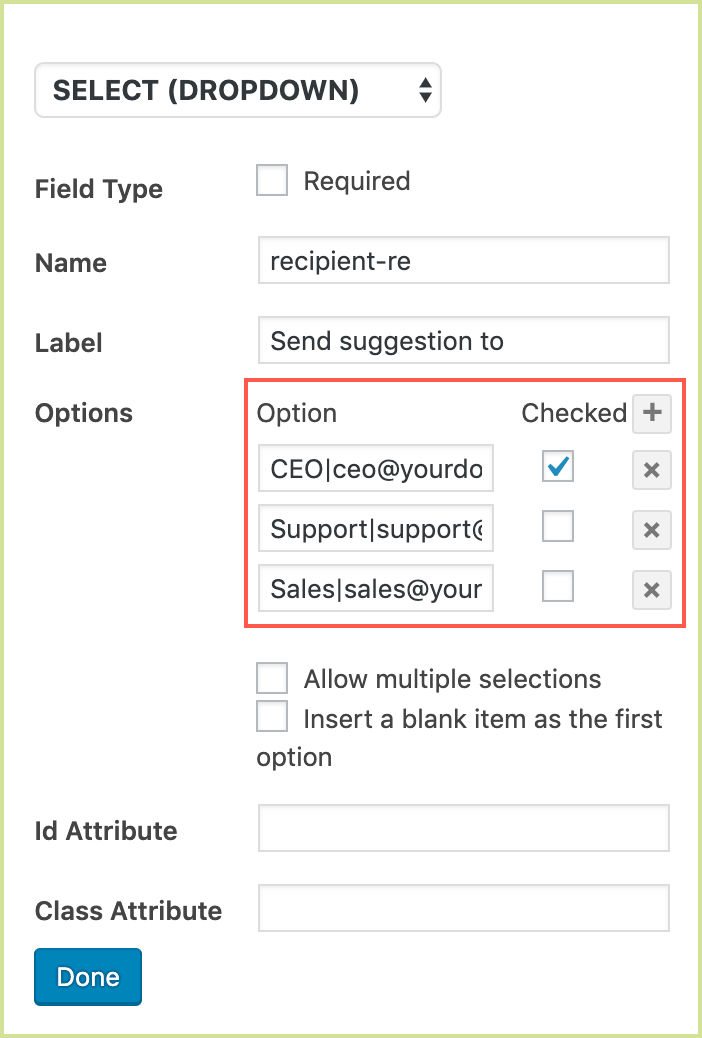
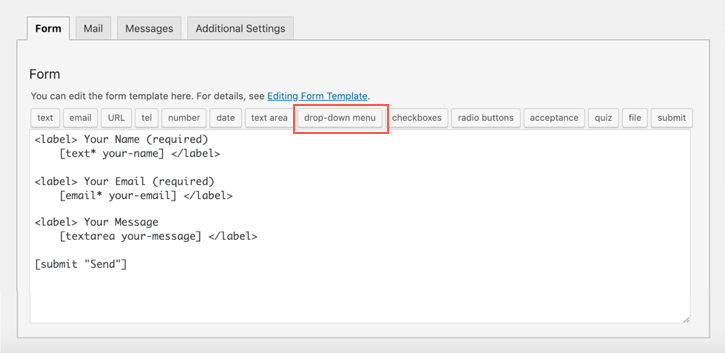
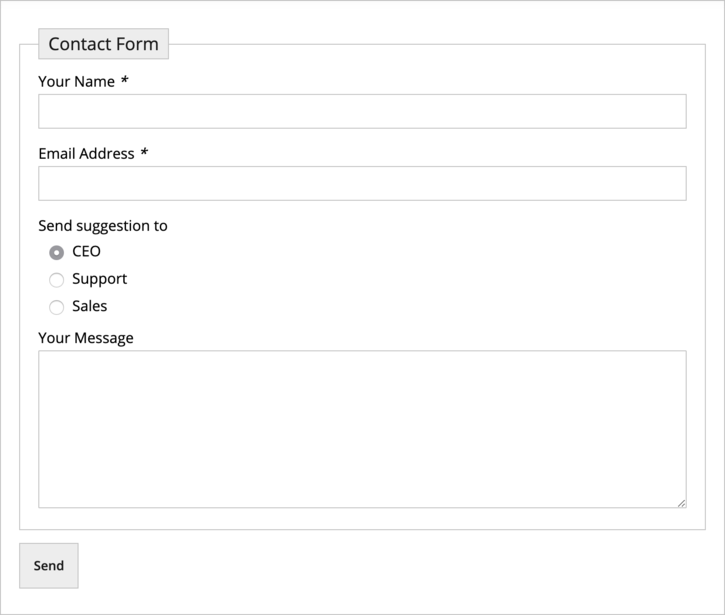


Email form- images
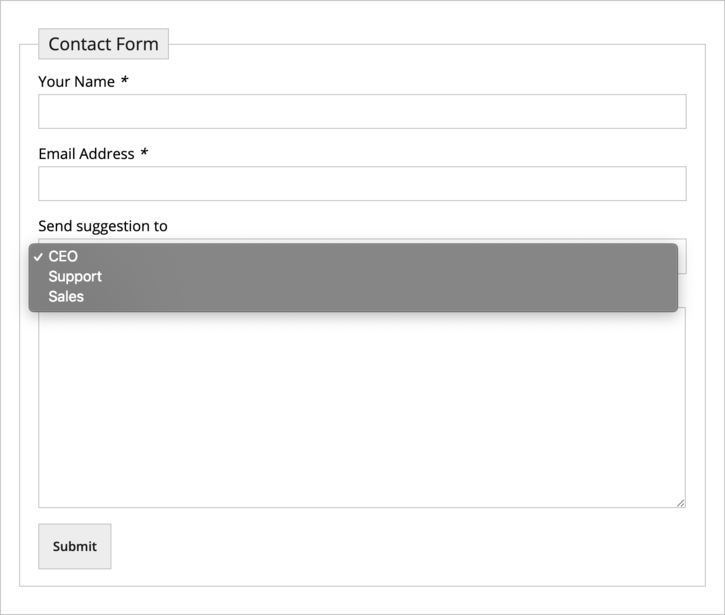
5 common mistakes beginners make when they start using Contact Form 7 #
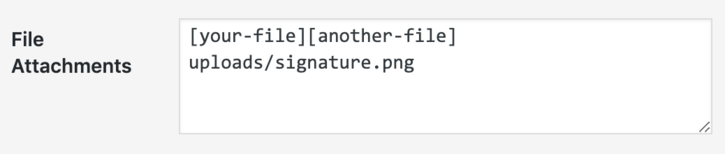
5 Common mistakes beginners make when they start using contact – All Images

Tags images
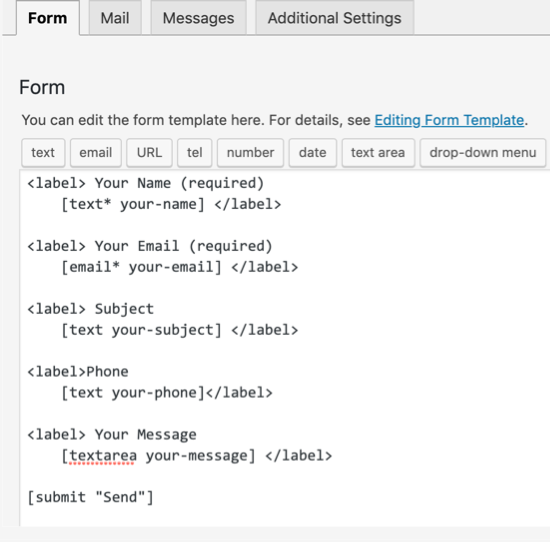
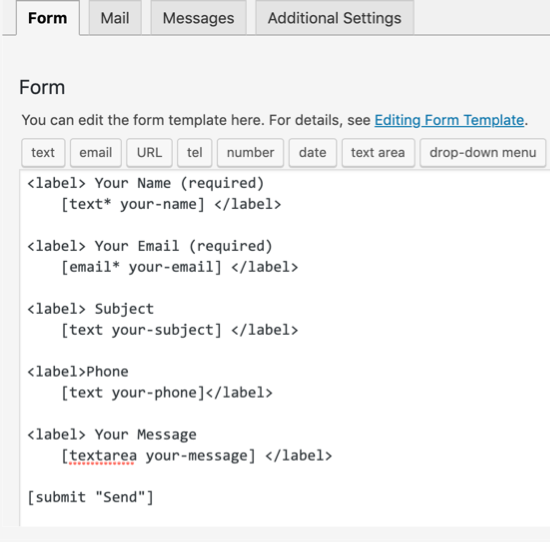
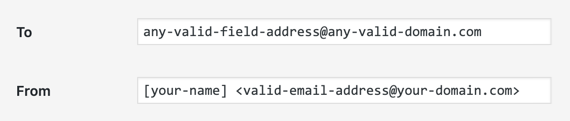
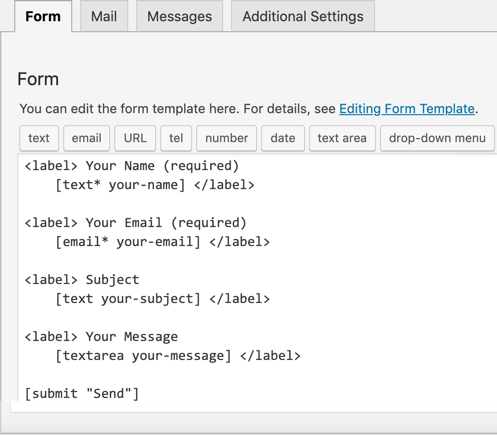
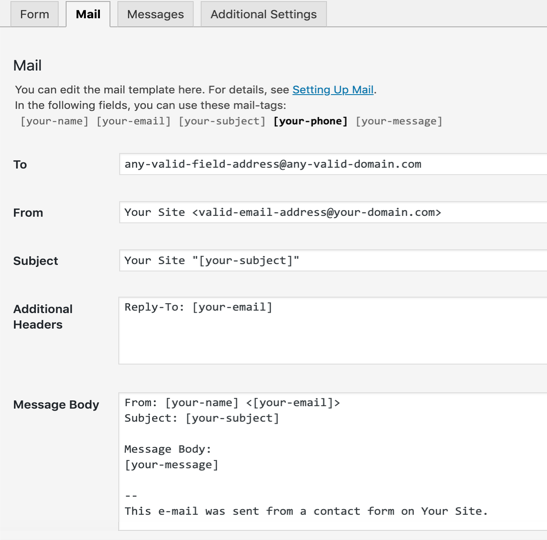
5 Common mistakes beginners make when they start using contact-other images
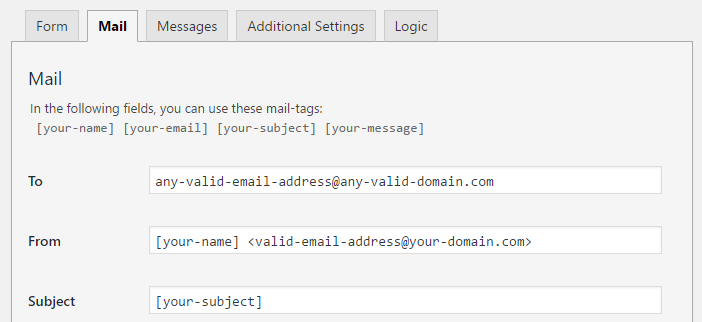


Add text, links and paragraphs in Contact Form 7 forms #
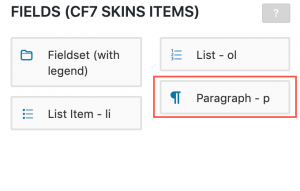
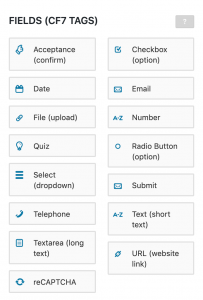
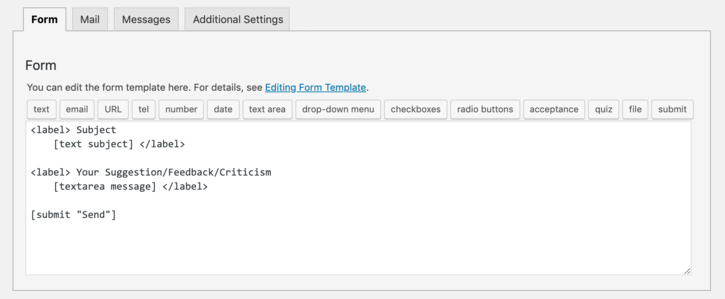
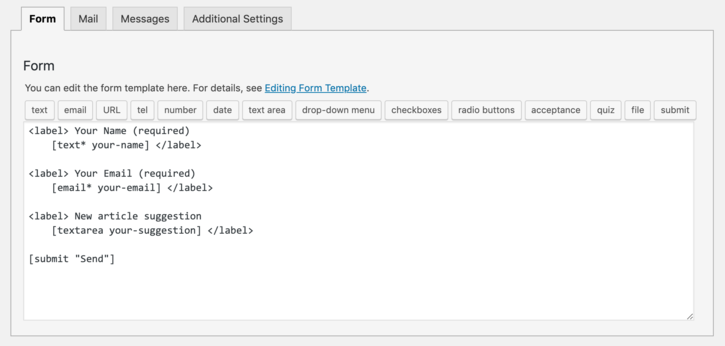
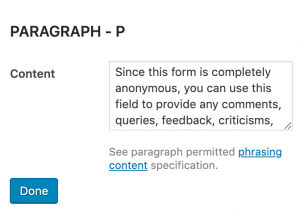
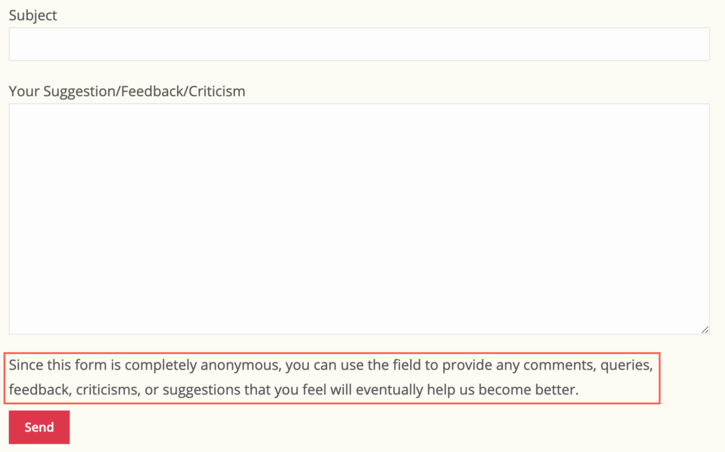
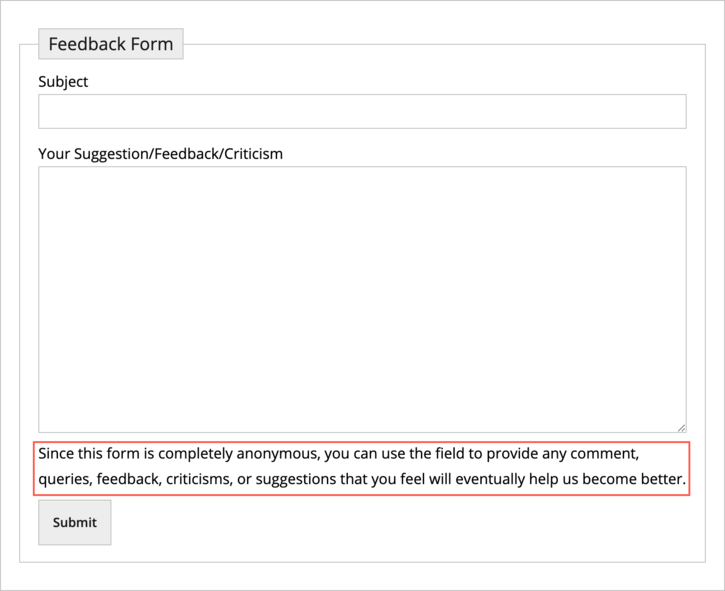
Add text, links and paragraphs in contact Form 7 forms – All Images
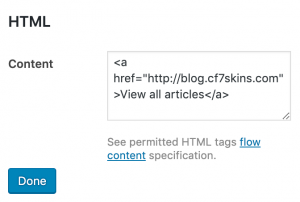

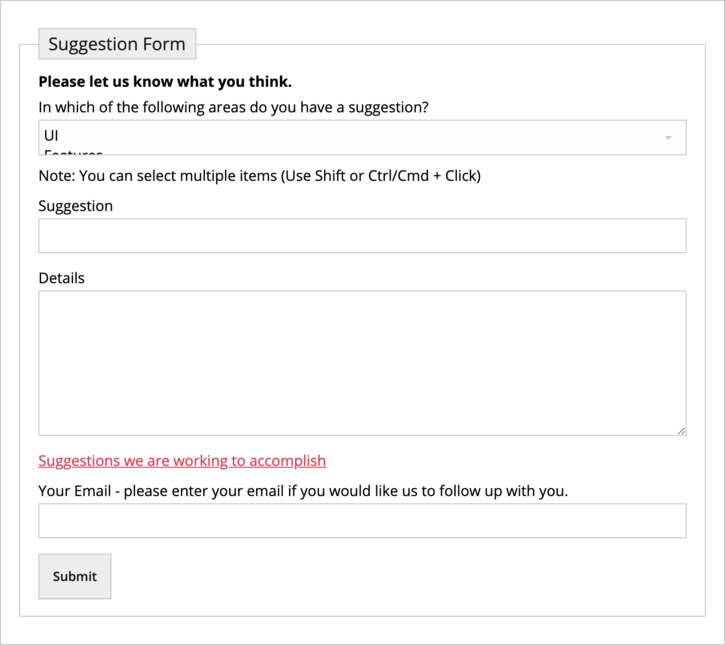
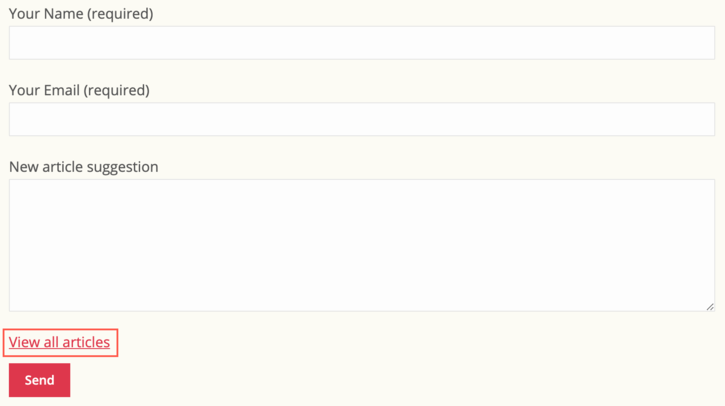
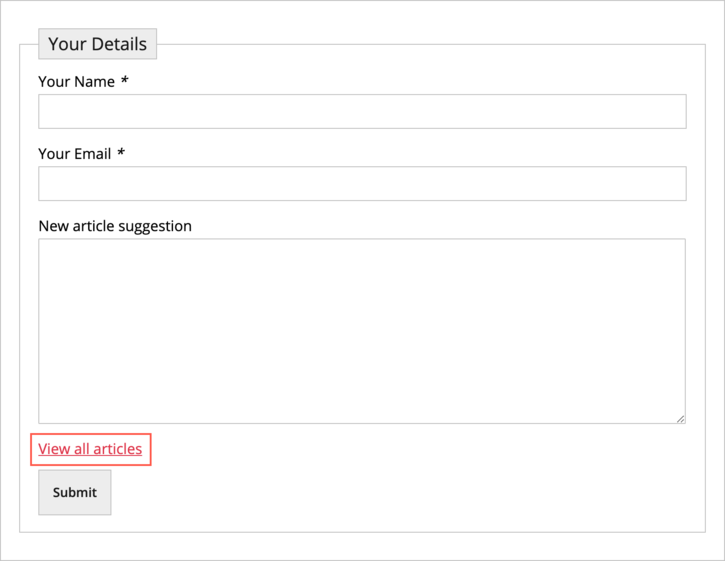

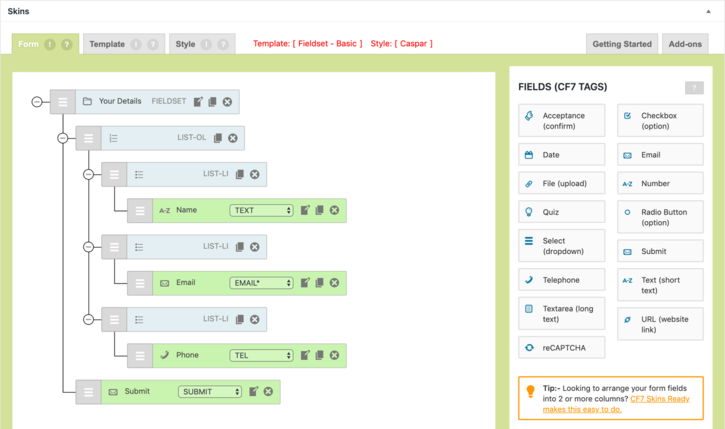
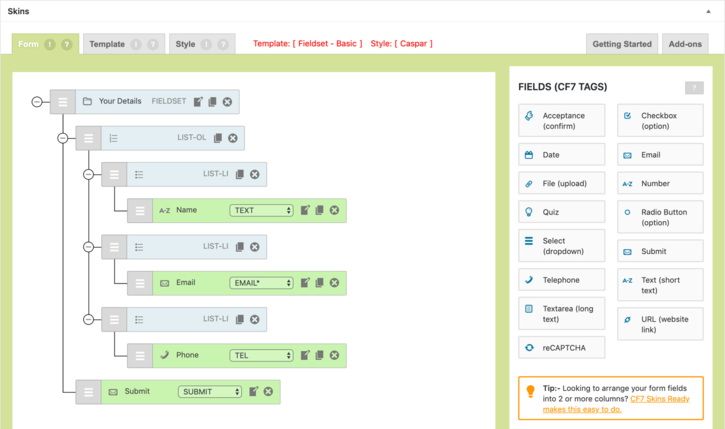

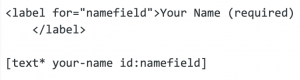
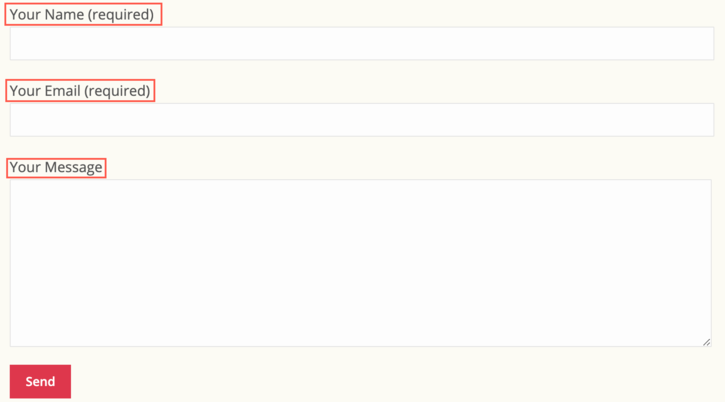
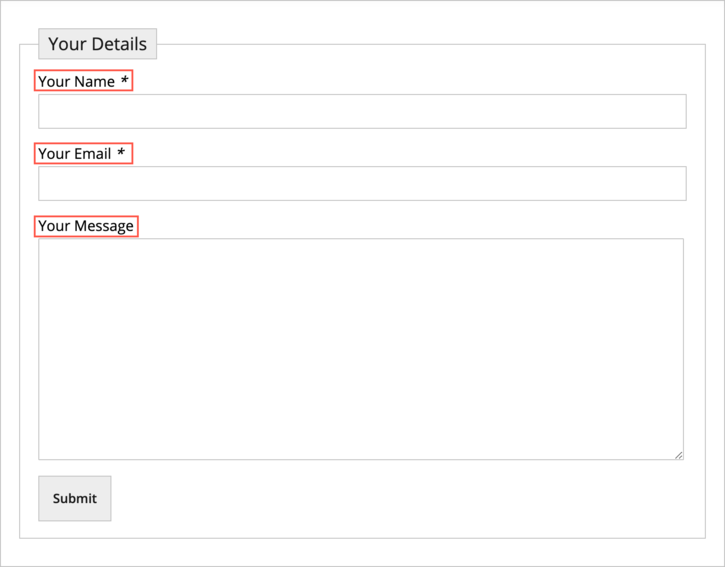
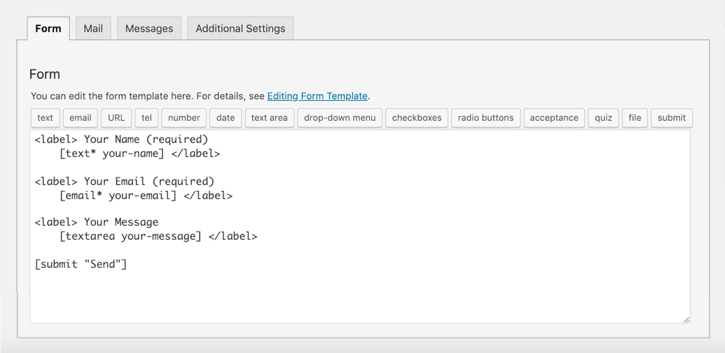

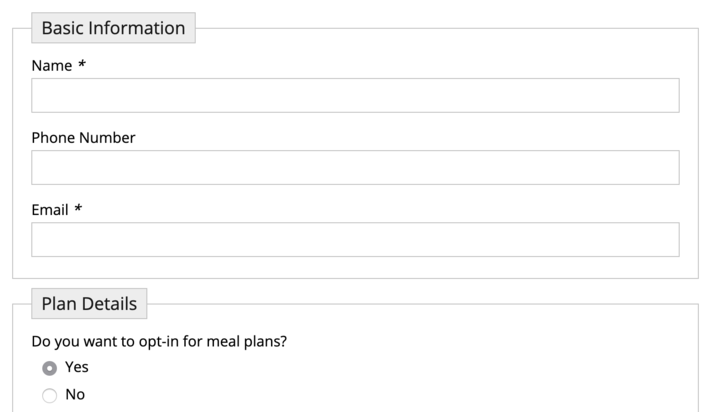
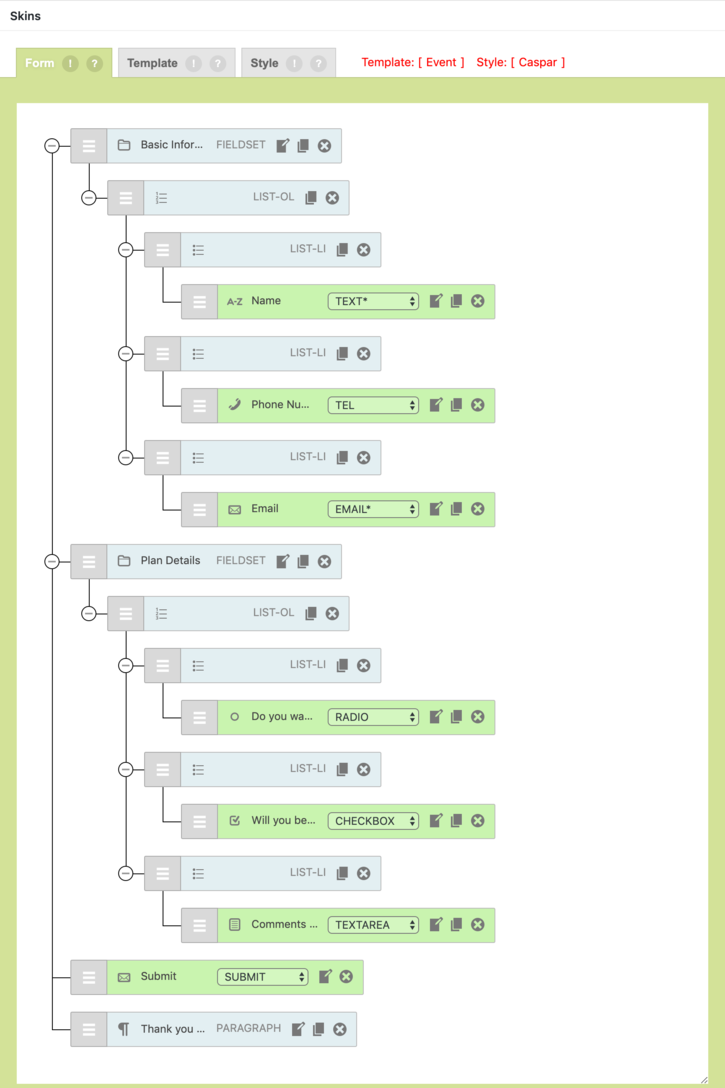
Using CF7 Skins Fieldsets to improve your Contact Form 7 forms #
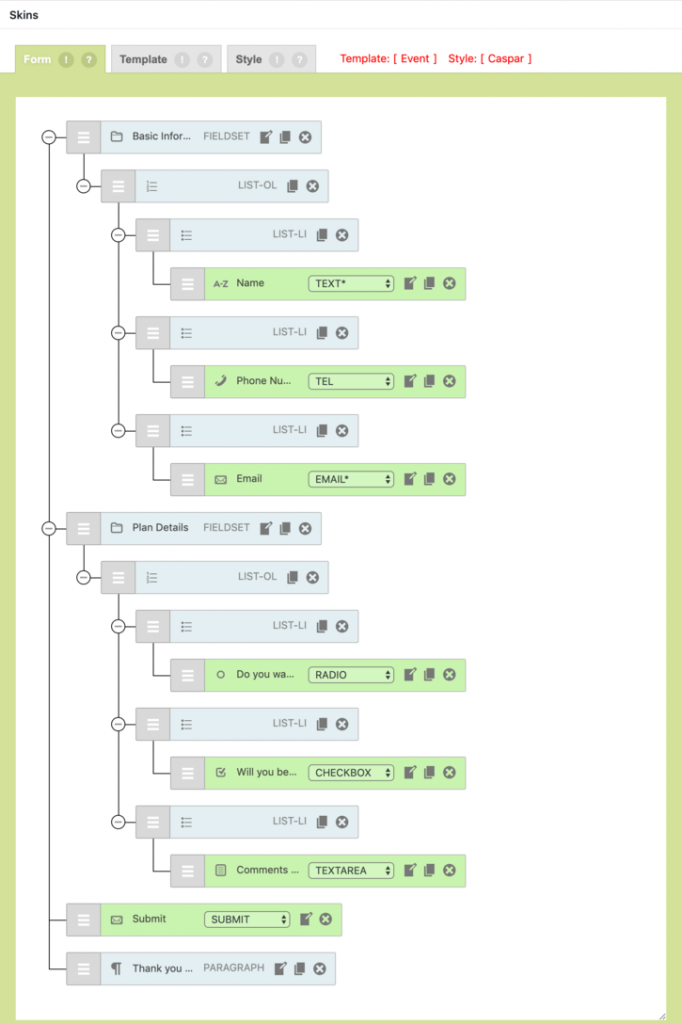
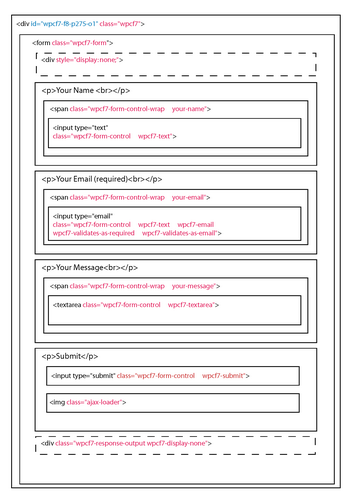
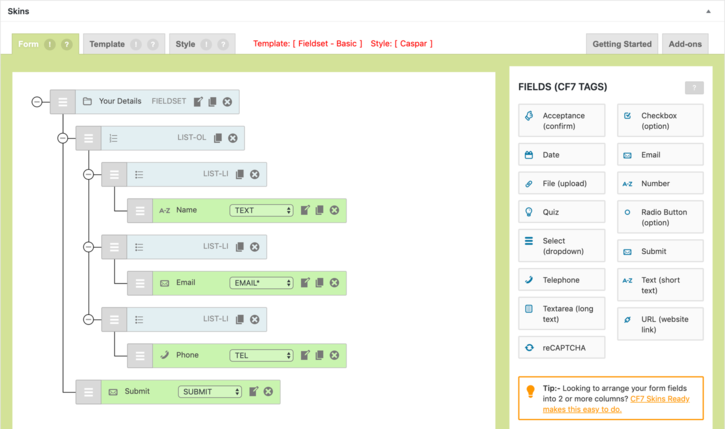
Using CF7 Skins Fieldsets to improve your contact Form 7 forms – All Images
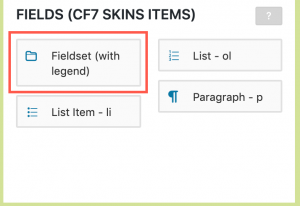

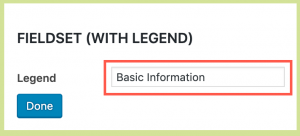
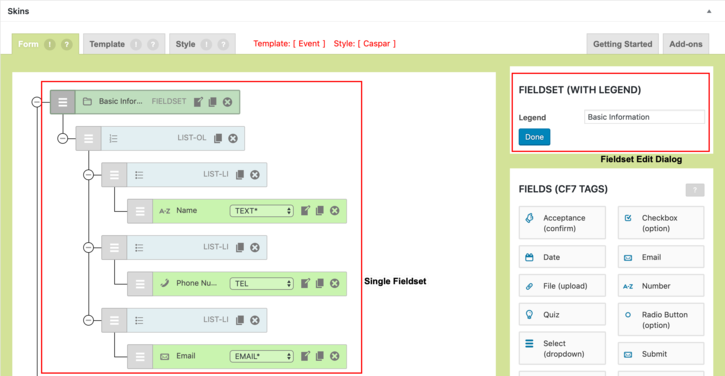

Tips to structure your Contact Form 7 forms #
Tips to structure your Contact Form 7 forms – All Images
Add Better Contact Form 7 Placeholders #
Add Better Contact Form 7 Placeholders – All Images
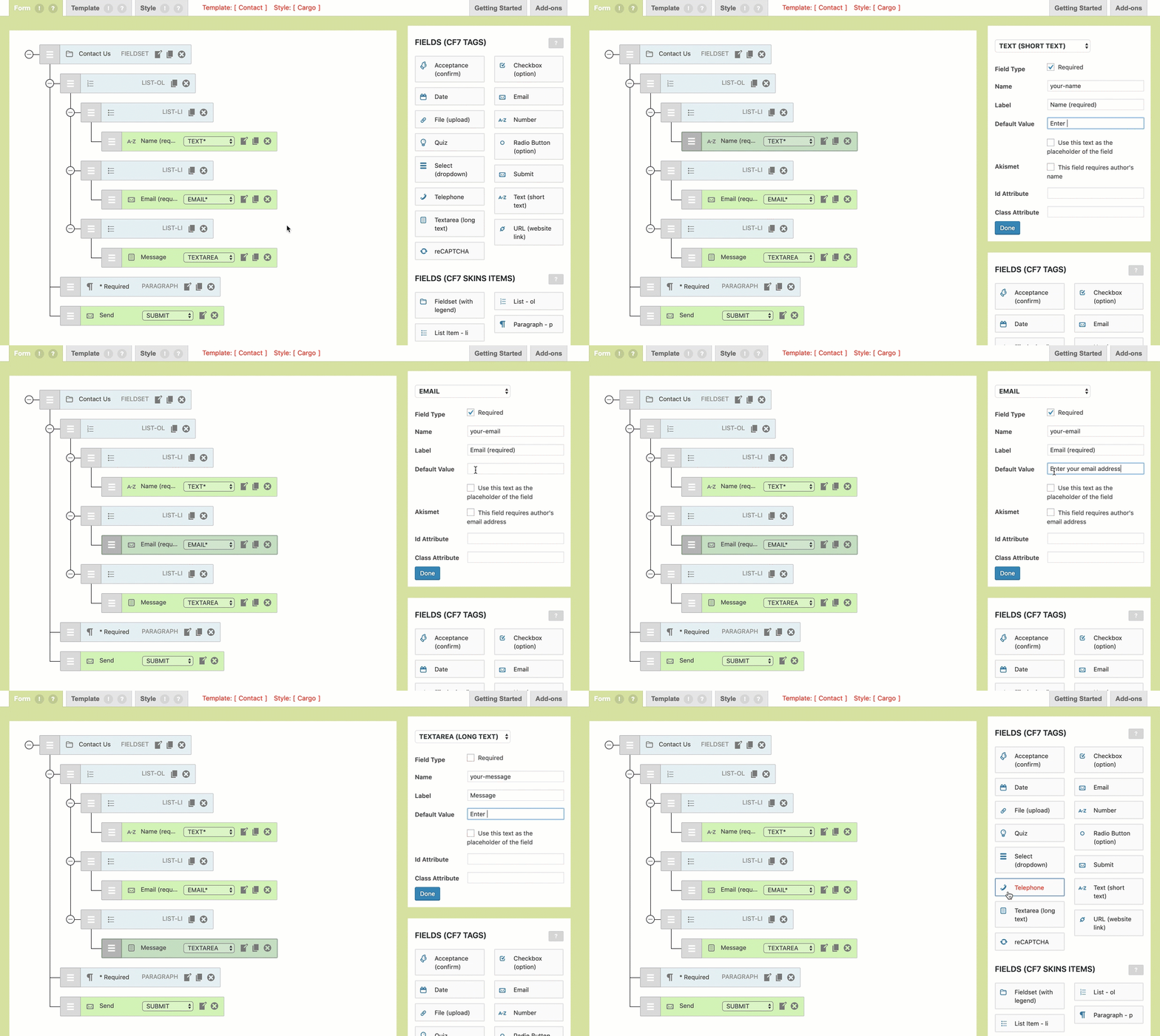

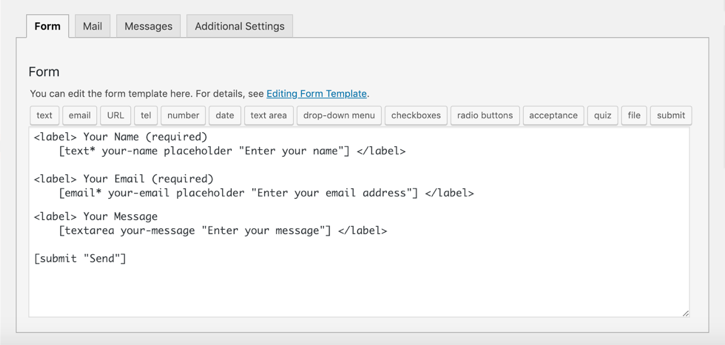
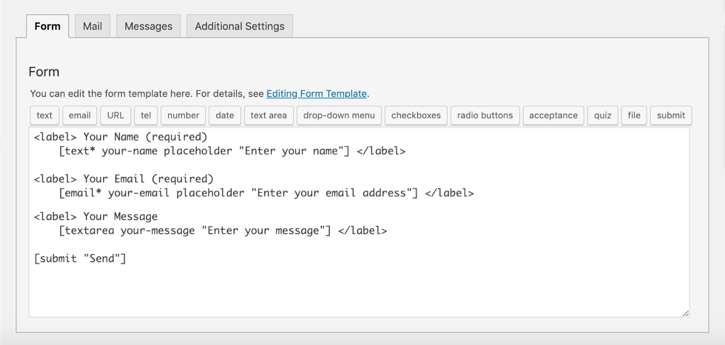
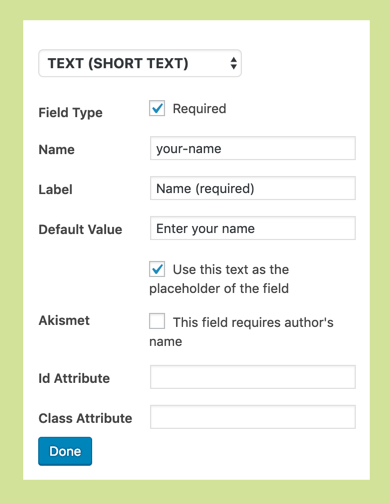

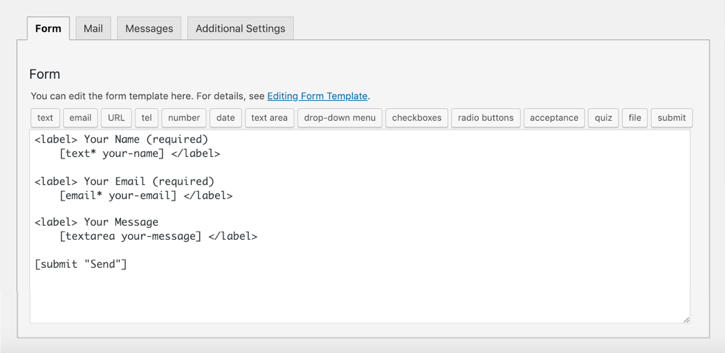
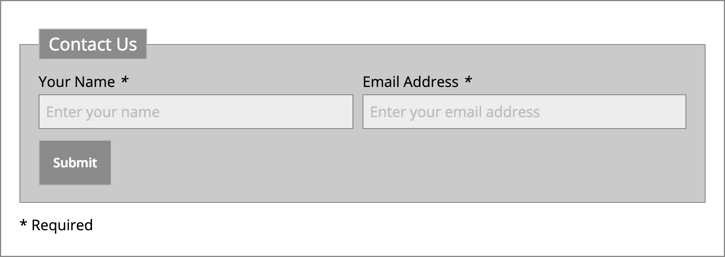
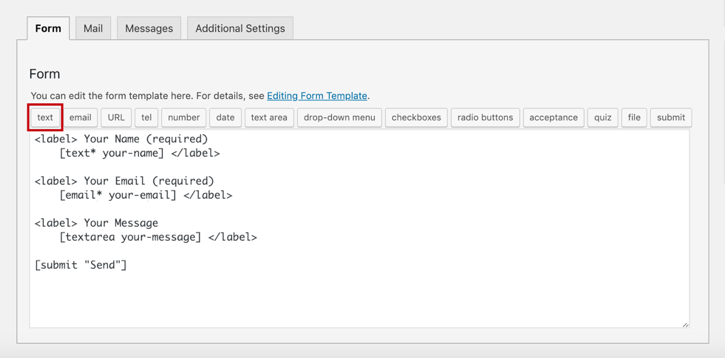
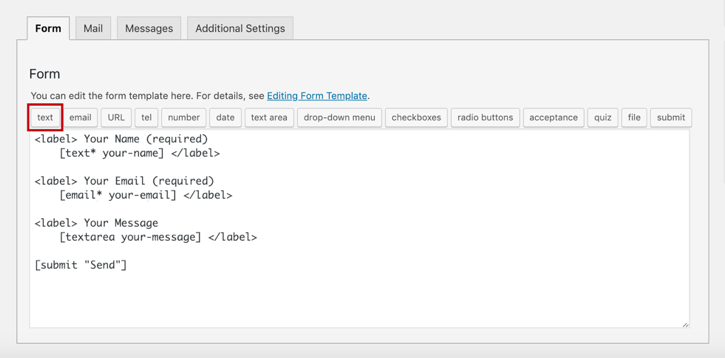
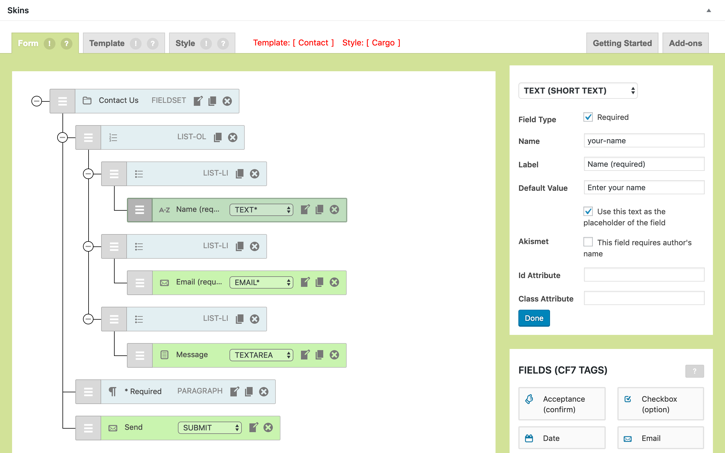
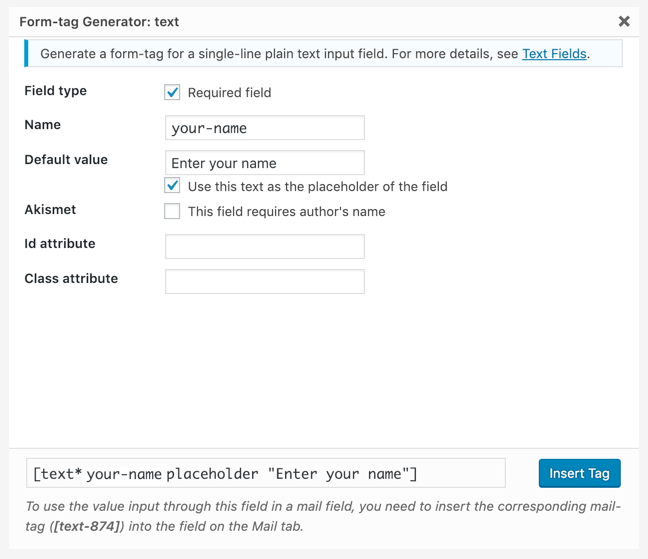
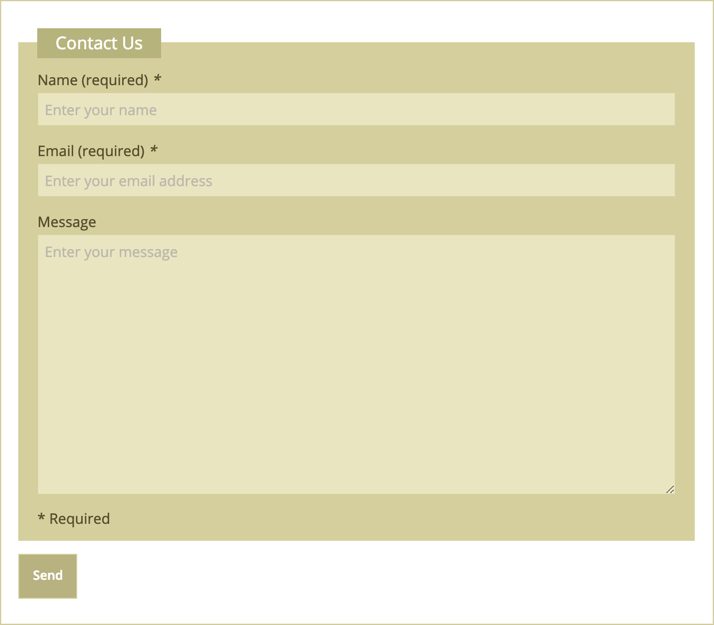
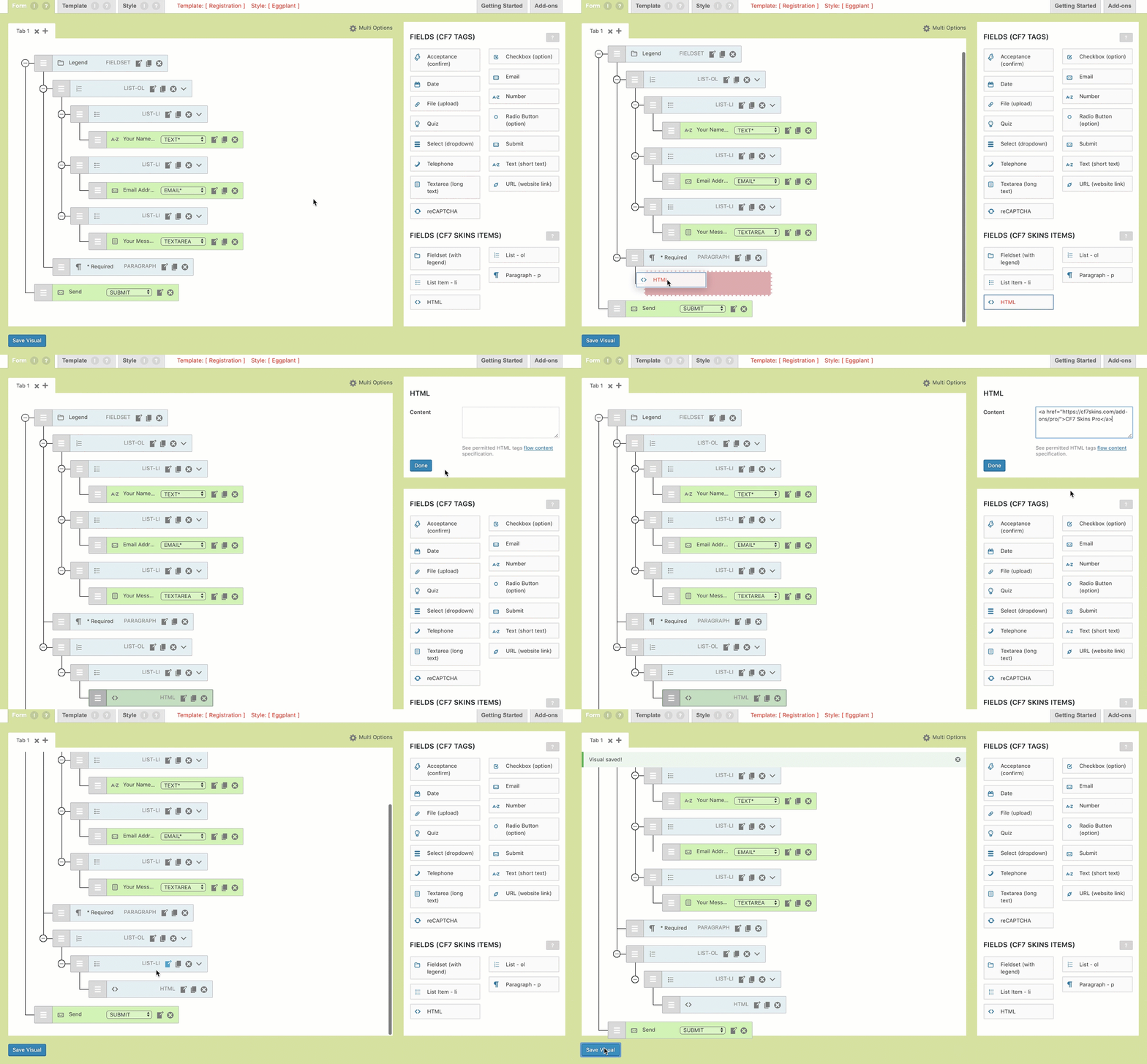
Addition of HTML Element #
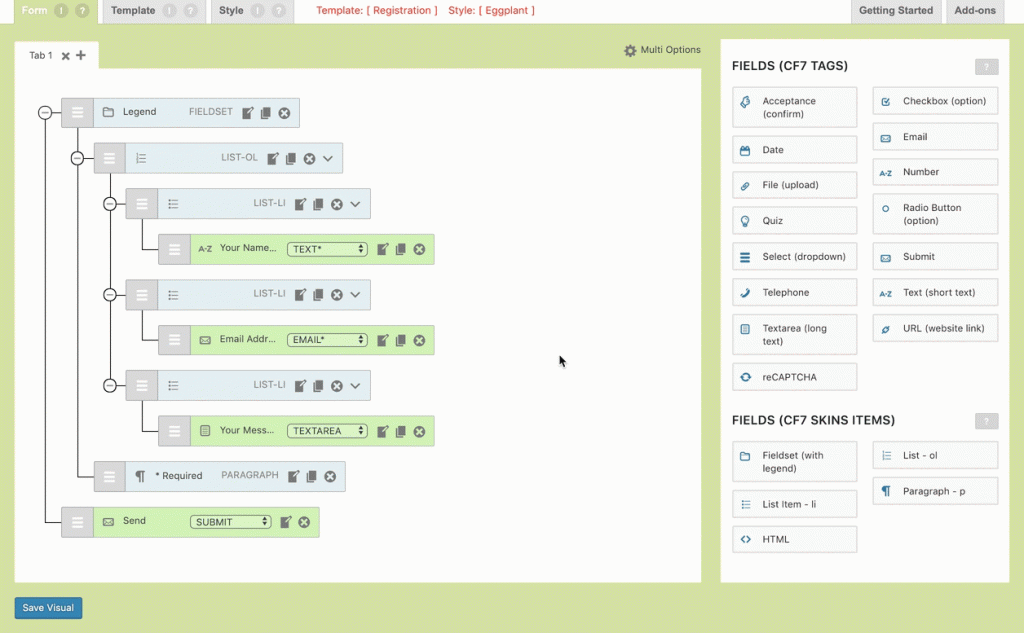
Addition of HTML Element – All Images
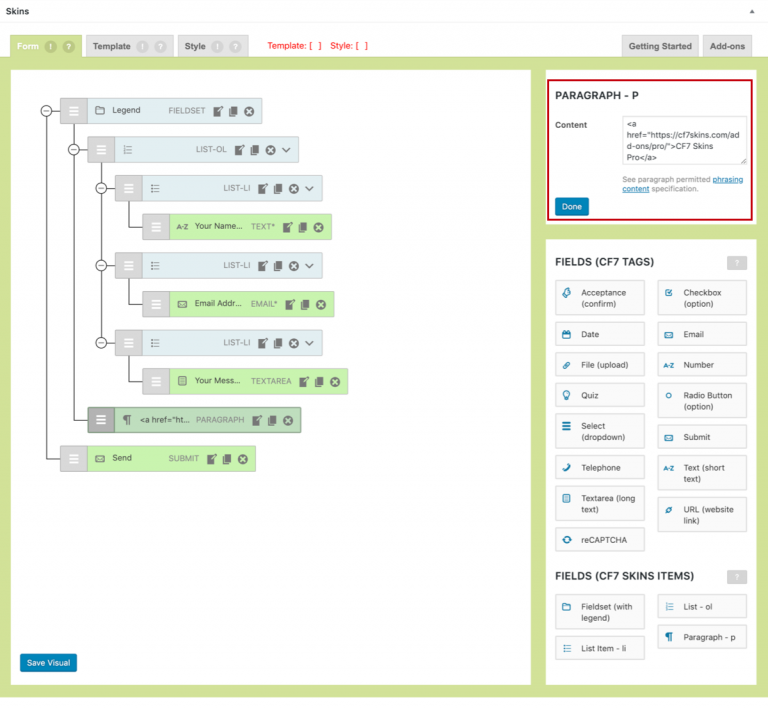
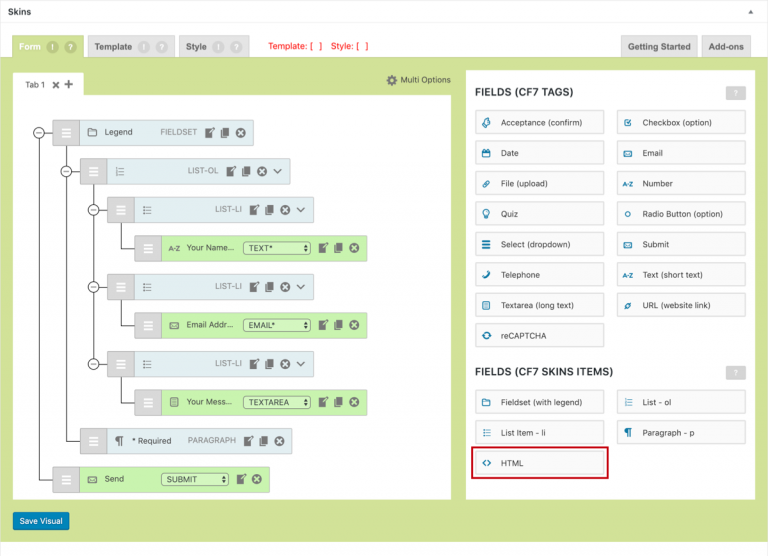
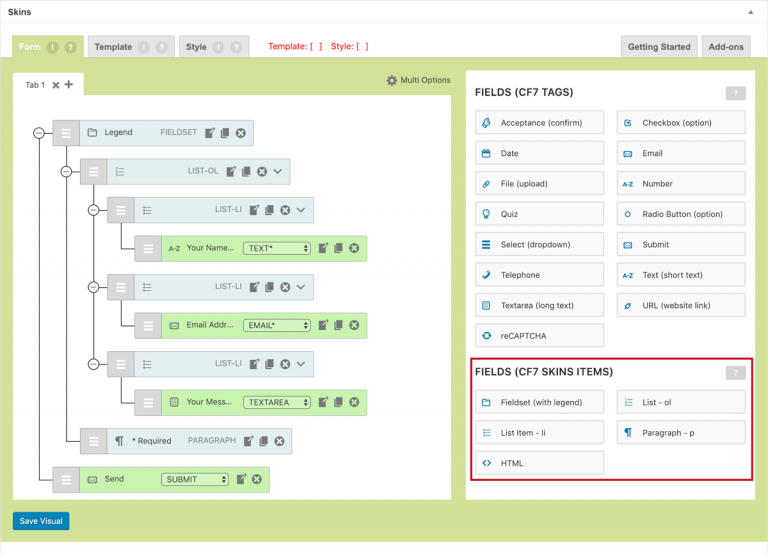
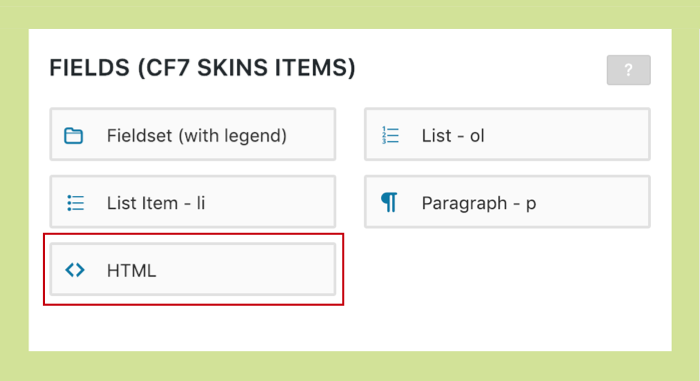
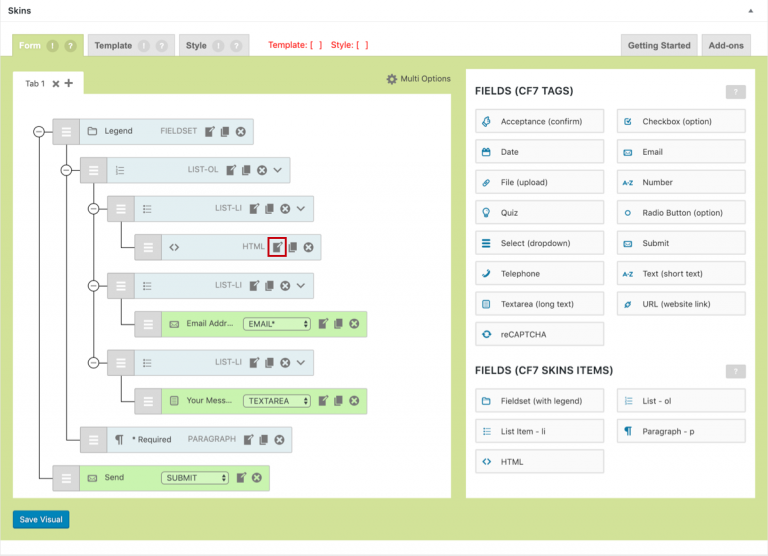
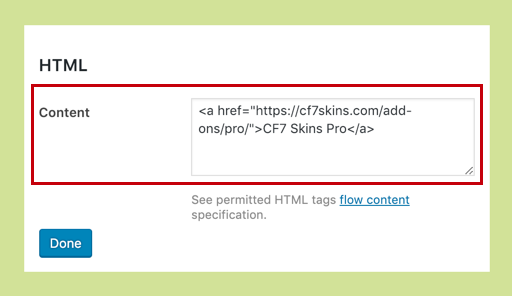
Change Type of CF7 Tag: a Quick Guide #
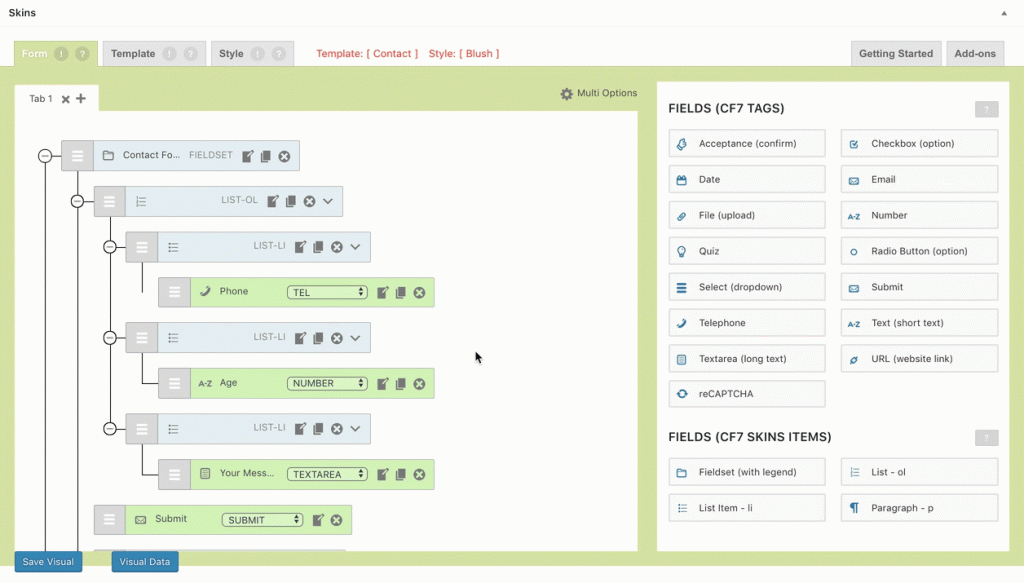
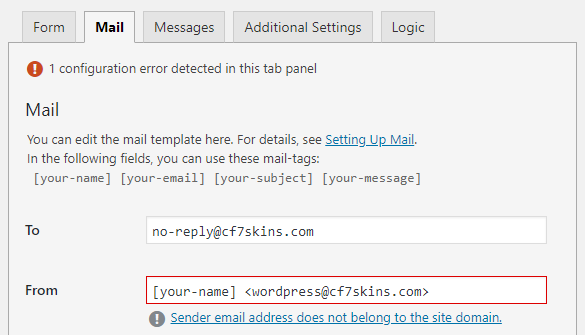
Change Type of CF7 Tag: a Quick Guide – All Images
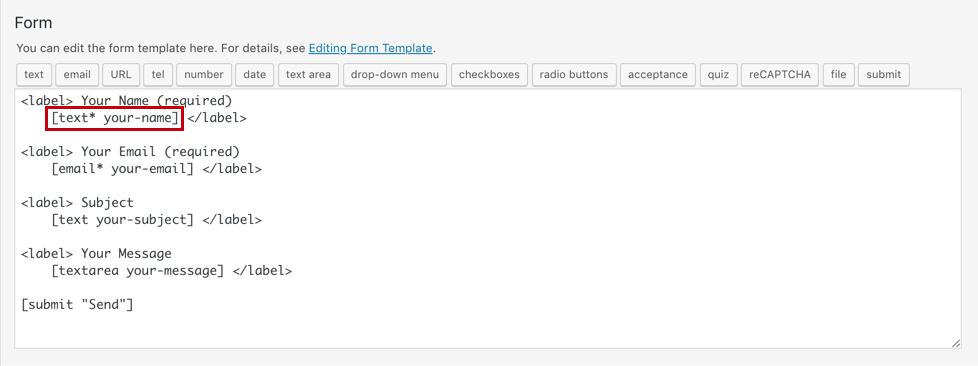


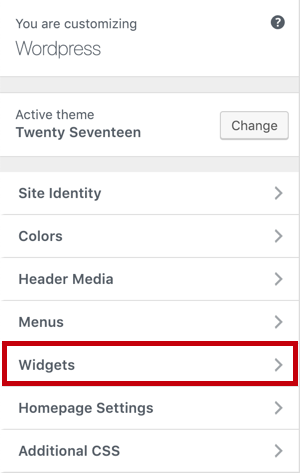
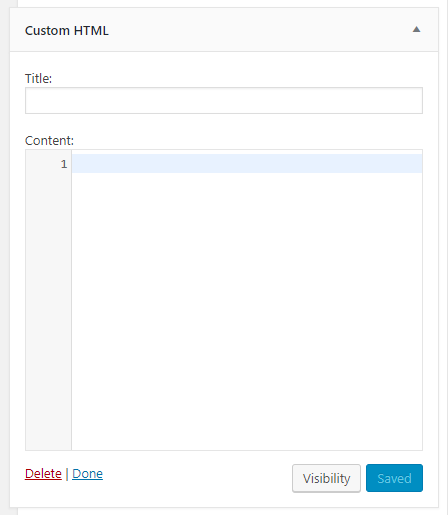
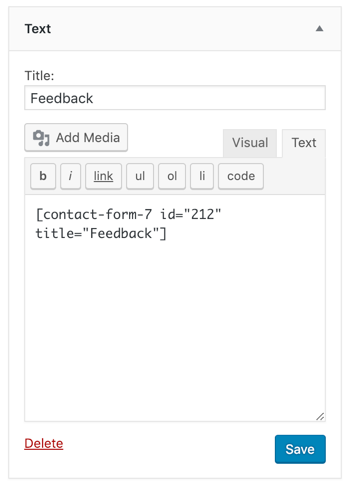
Add Contact Form 7 form in WordPress Widget #

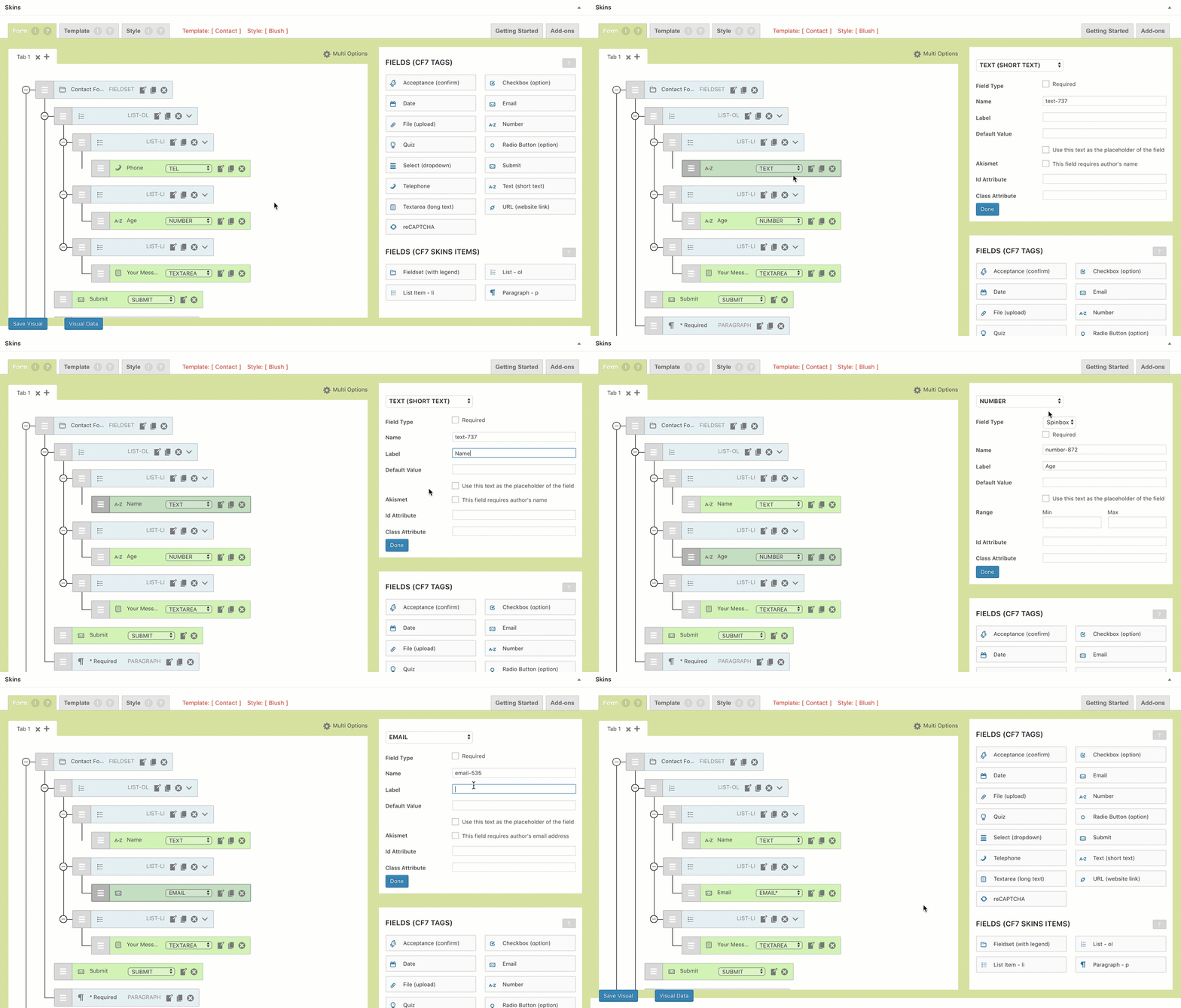
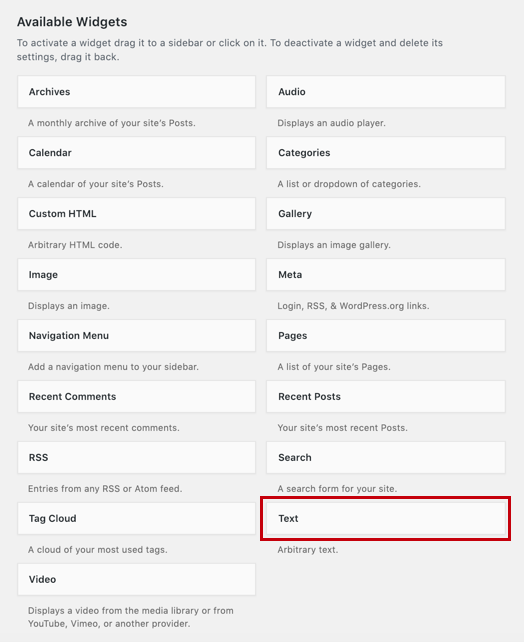
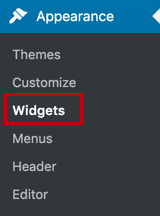
Add Contact Form 7 form in WordPress Widget- All Images
Alternatives to reCAPTCHA v3 in Contact Form 7 #
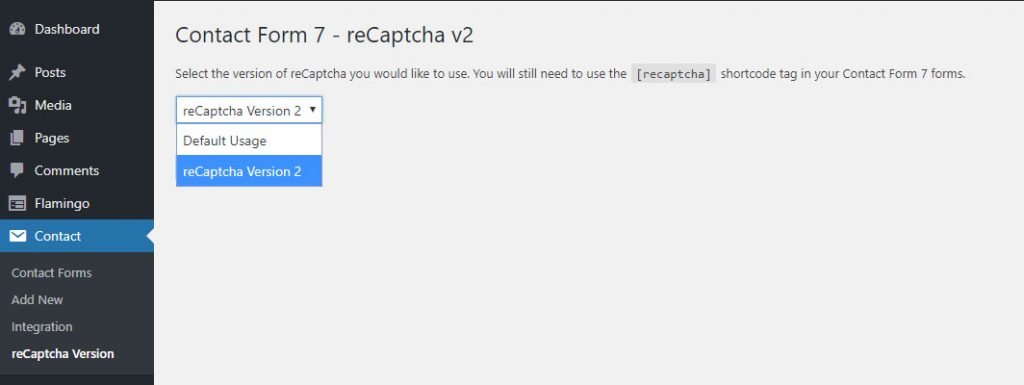
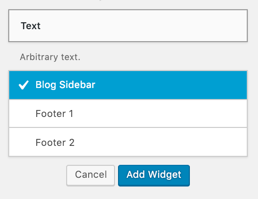
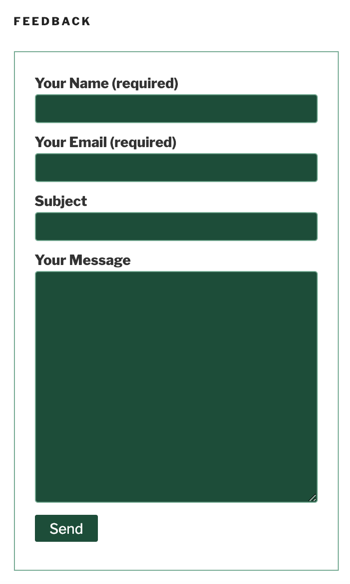
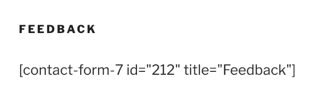
Alternatives to reCAPTCHA V3 in contact Form 7- All Images
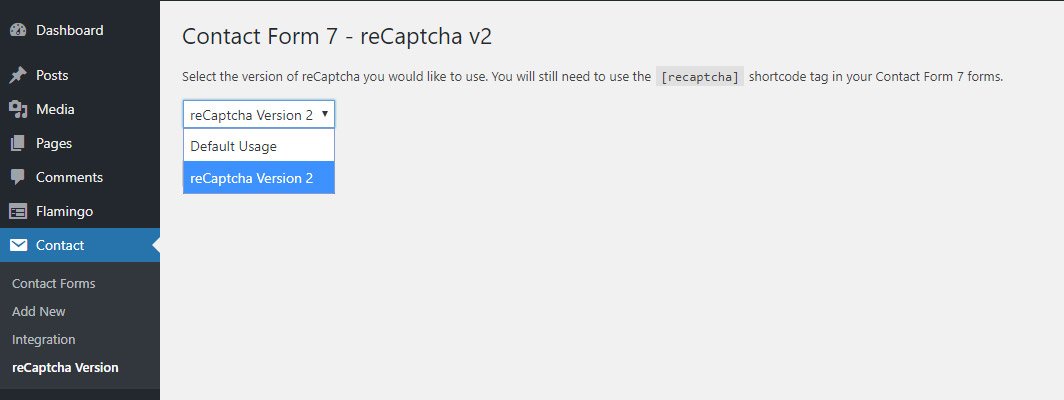


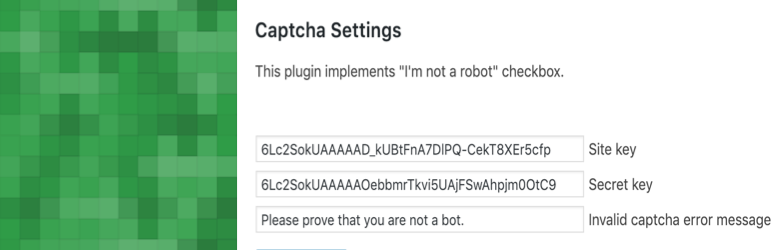



Recommended Free Contact Form 7 Extensions #
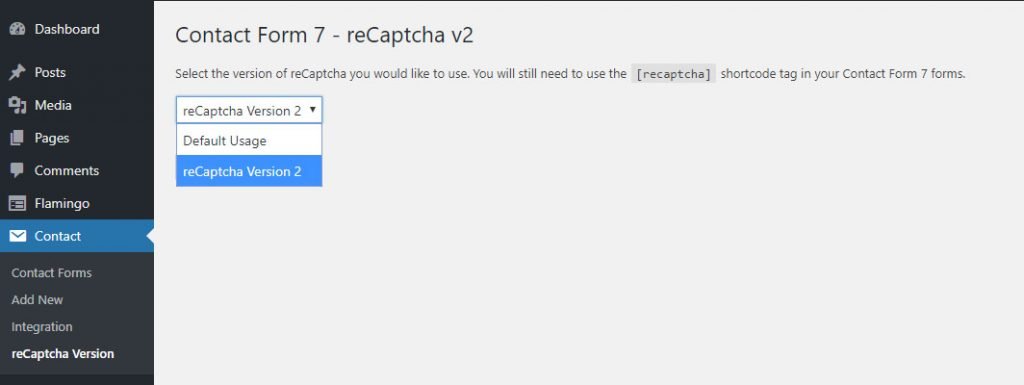
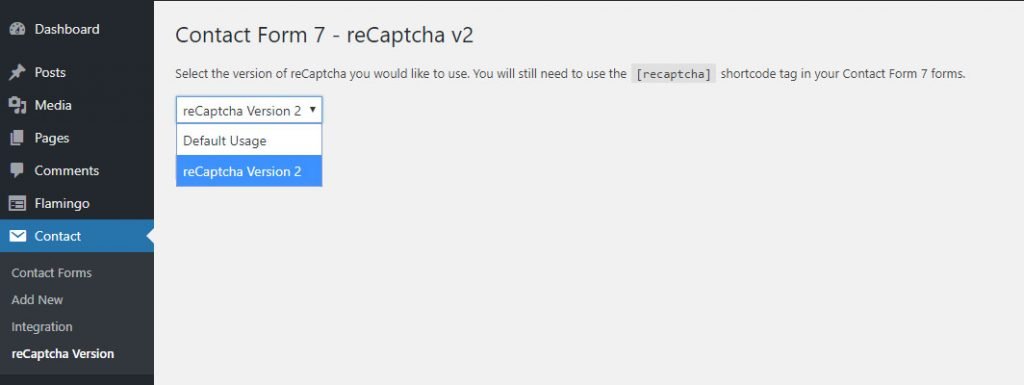
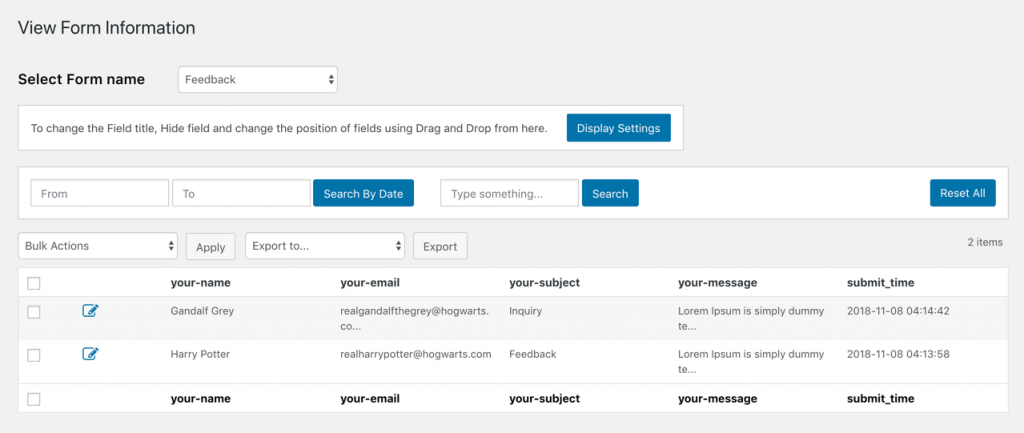
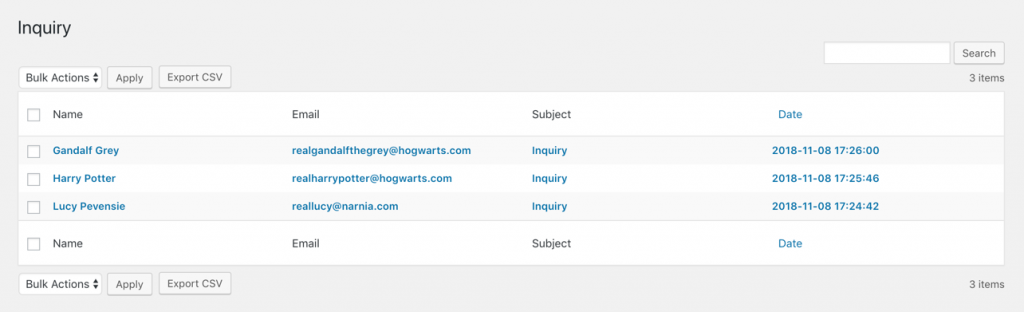
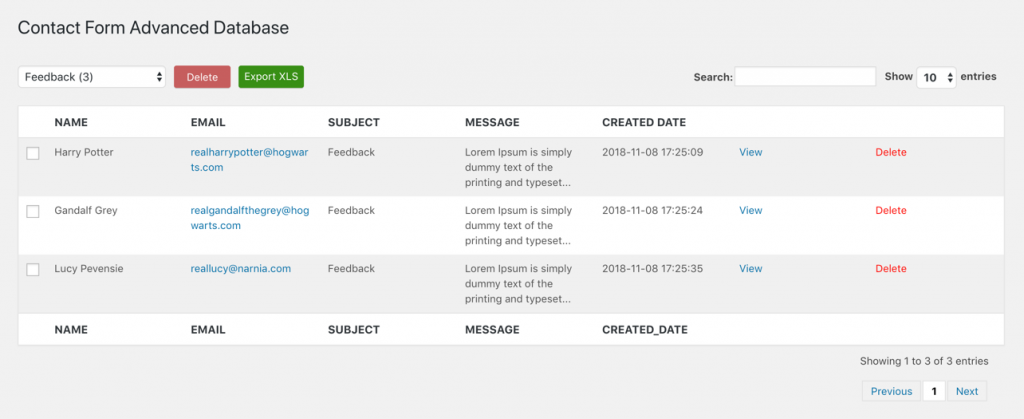
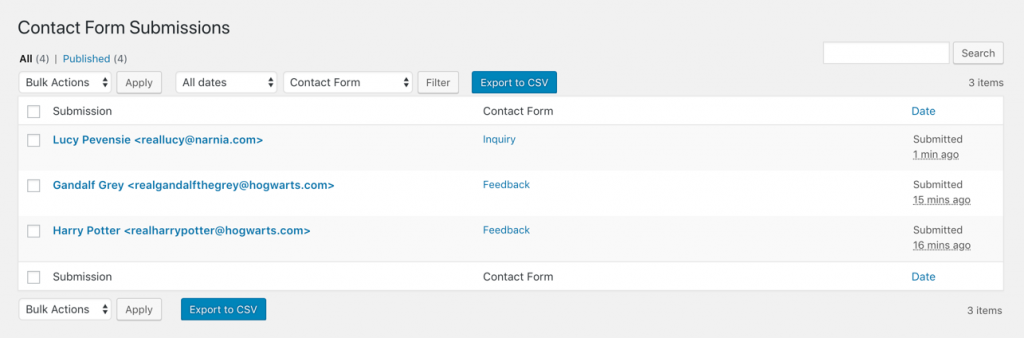
Recommended Free contact Form 7 Extensions – All Images
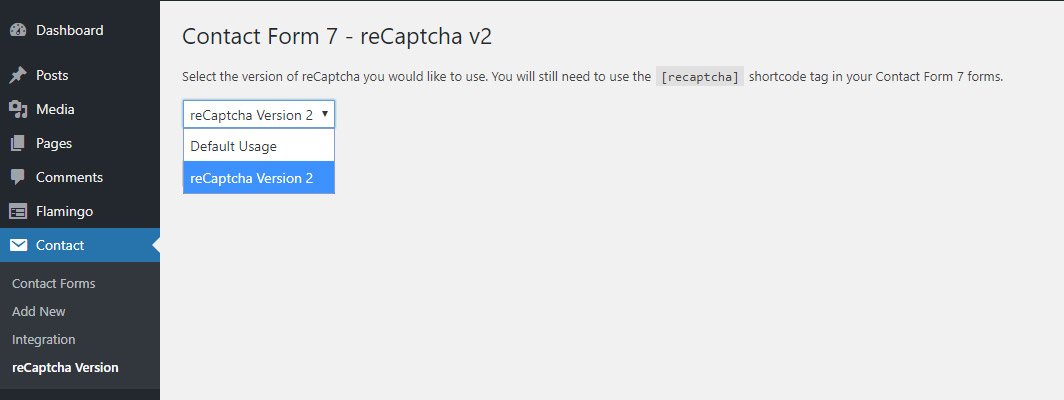

















Using SMTP to send emails in Contact Form 7 #
Using SMTP to send emails in Contact Form 7 – Image

Answers to issues with using reCAPTCHA v3 in Contact Form 7 #
Answers to Issues with using reCAPTCHA v3 in Contact Form 7 – All Images

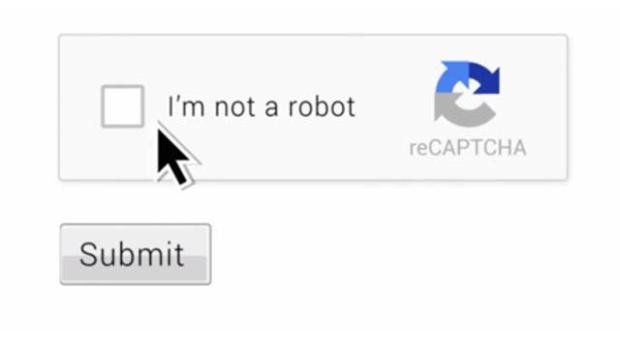

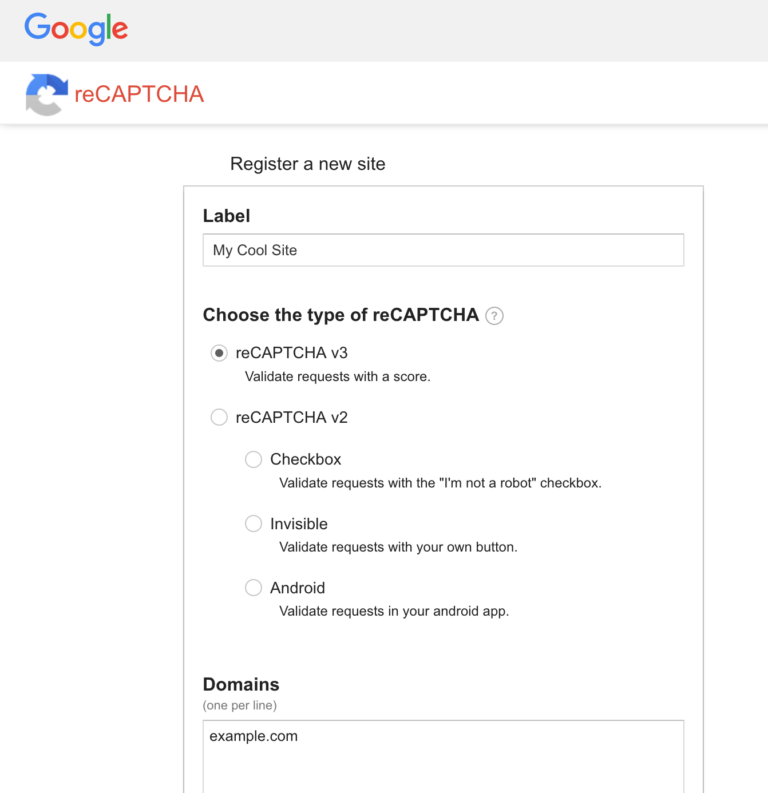
Free General Use template for Contact Form 7 #
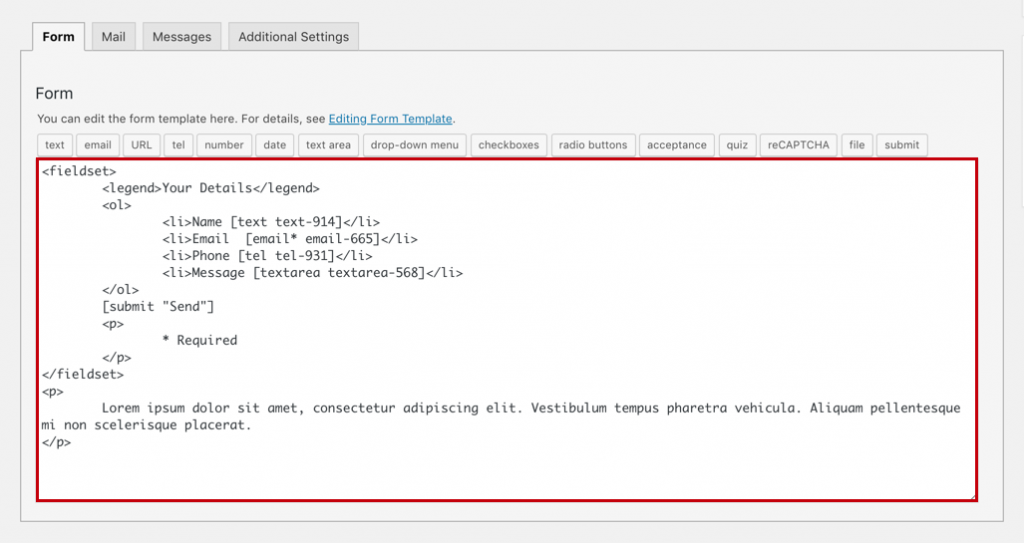
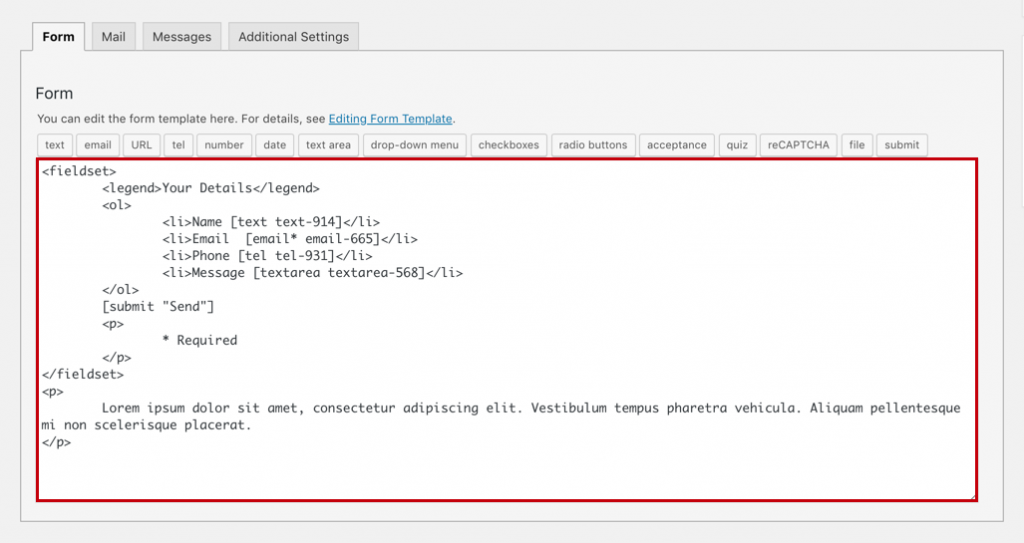
Free General Use template for Contact Form 7 – All Images
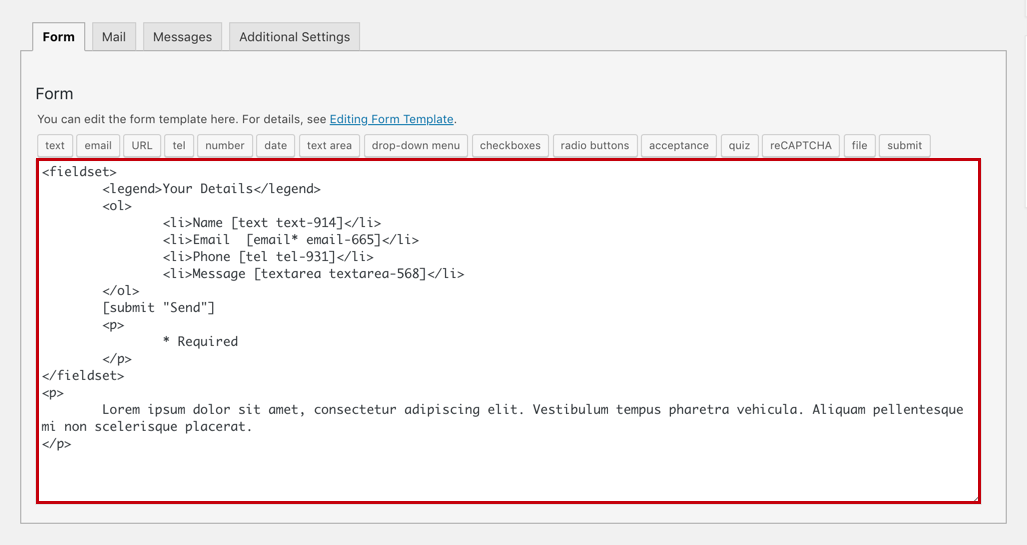
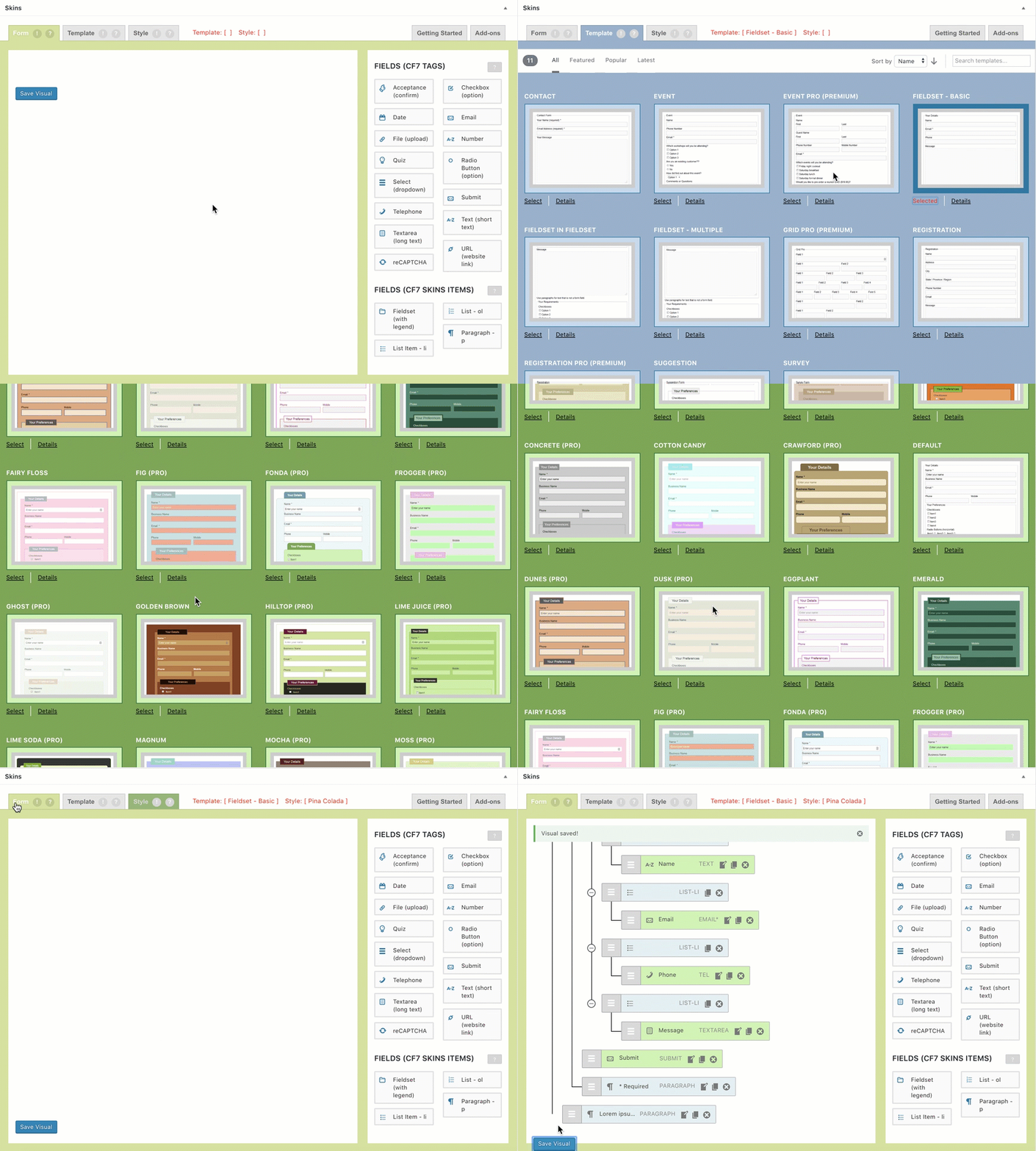
Supporting Contact Form 7 #
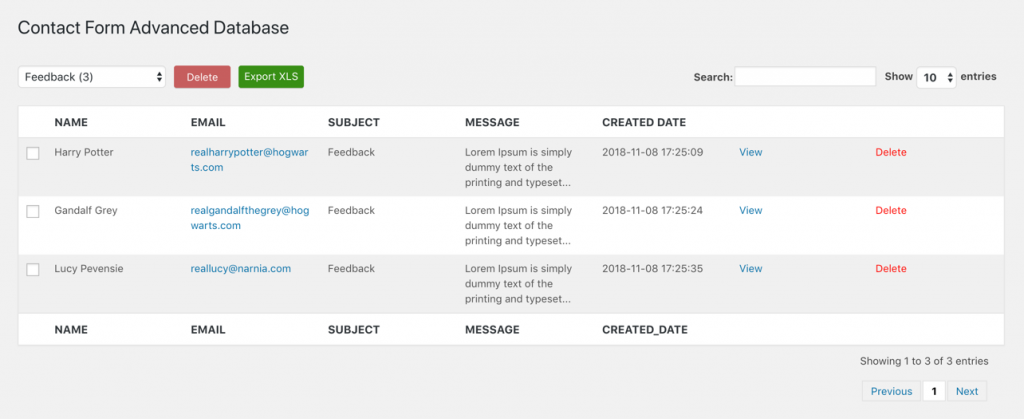
Supporting Contact Form 7 – All Images

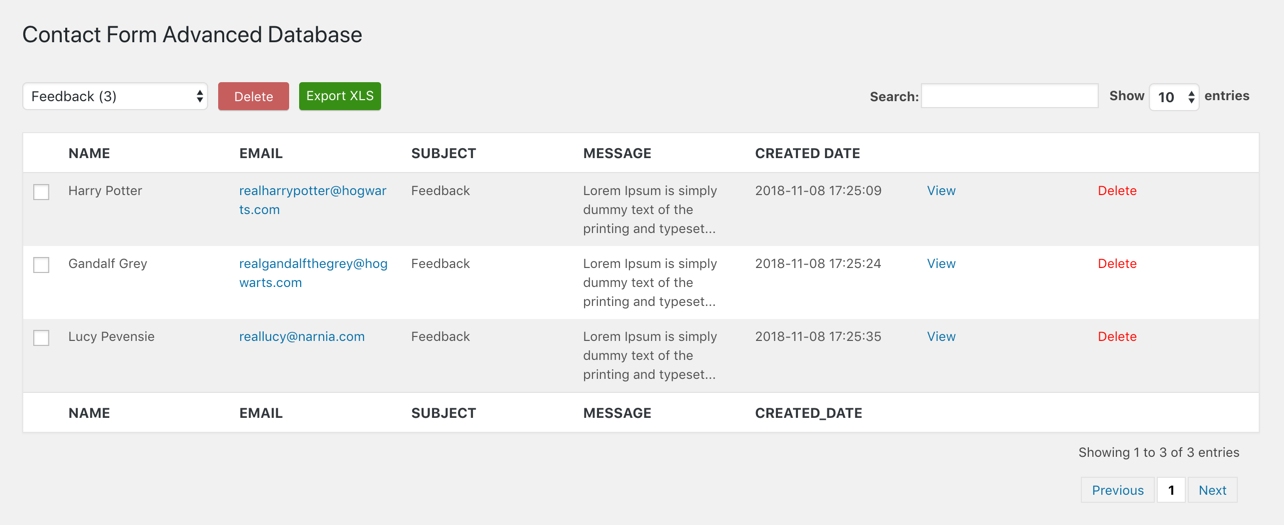
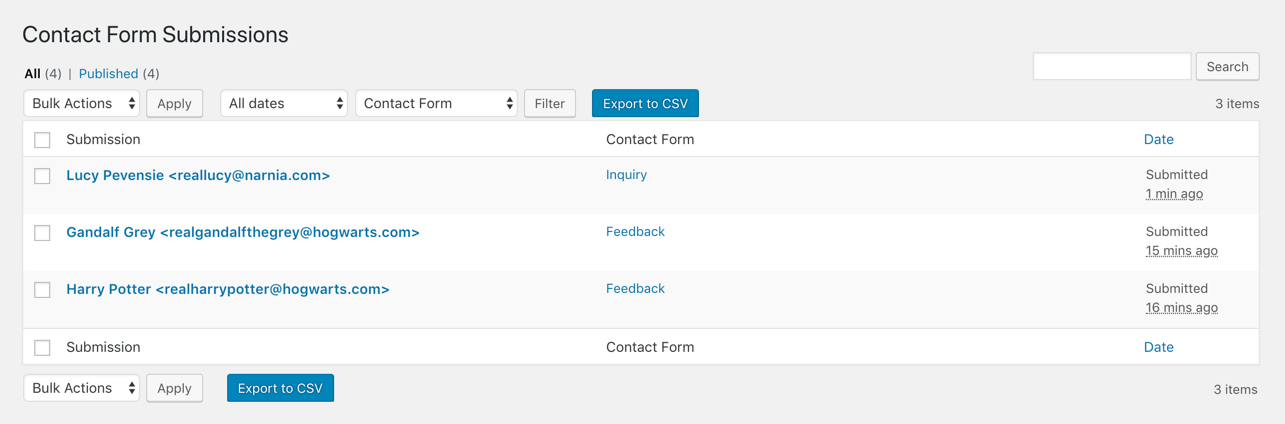
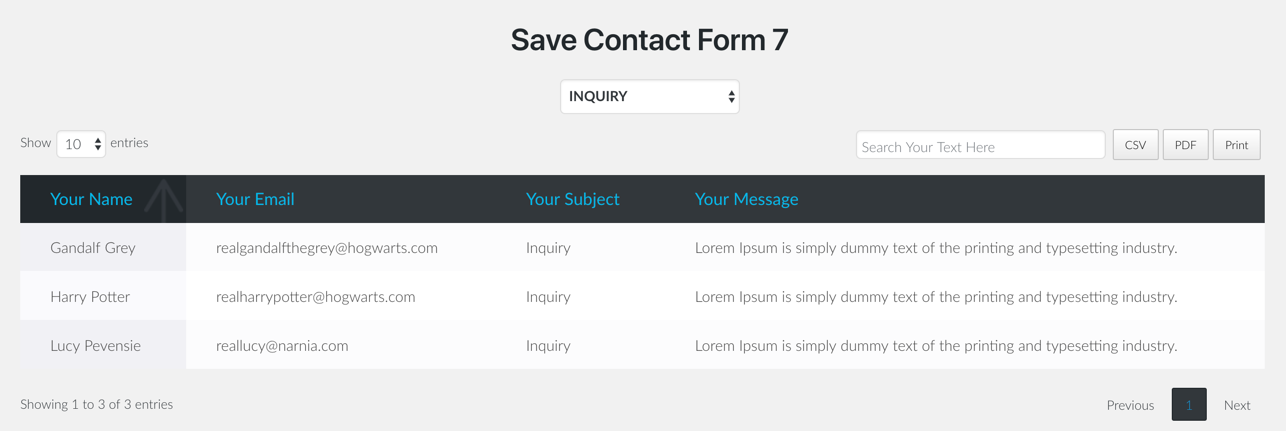
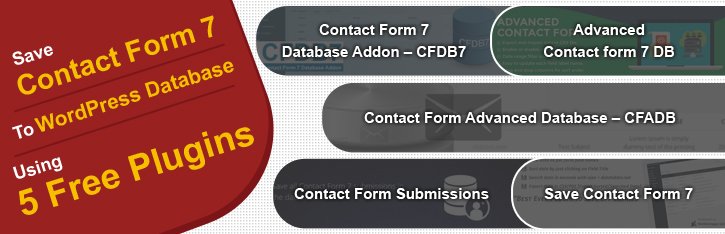
Save Contact Form 7 to WordPress database using 5 free plugins #
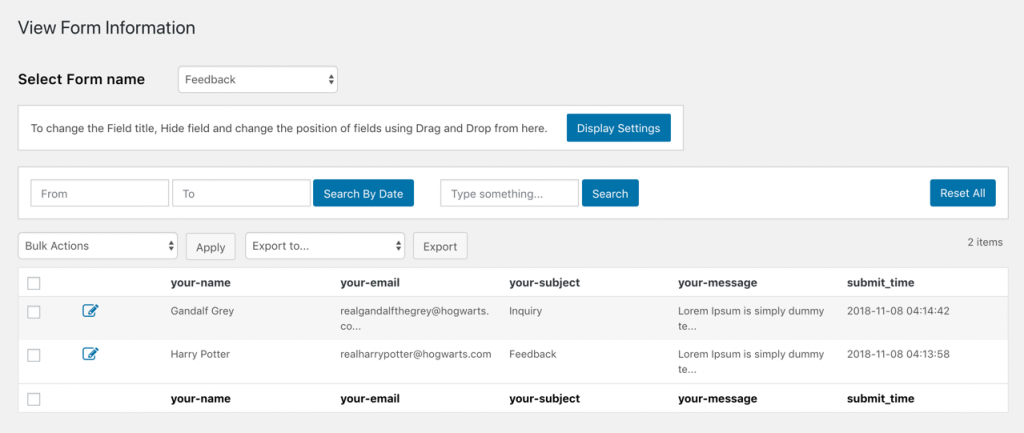
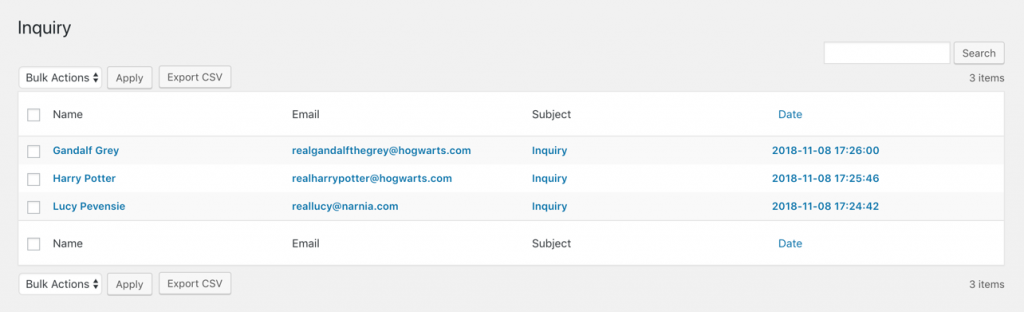
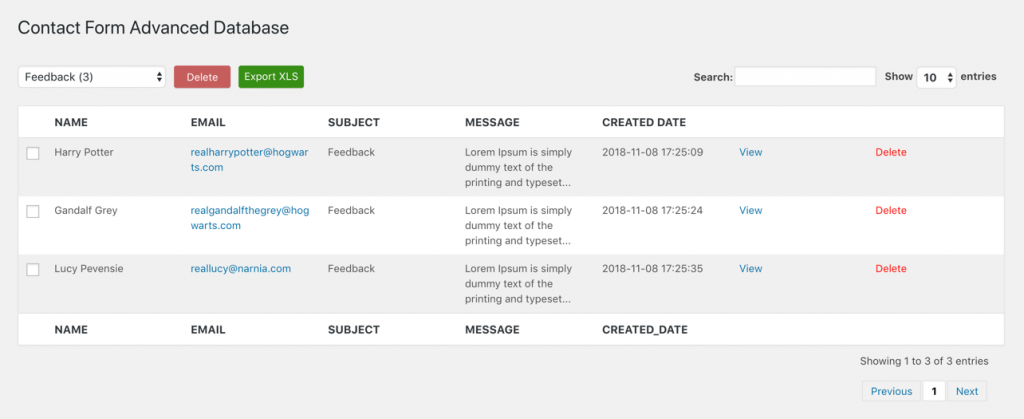
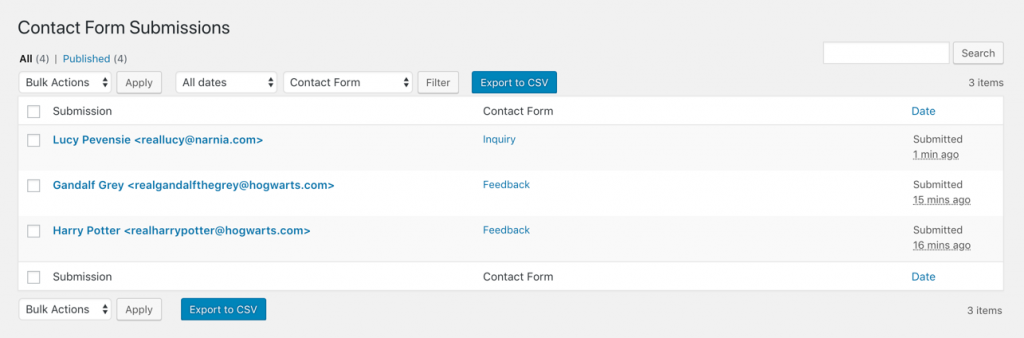
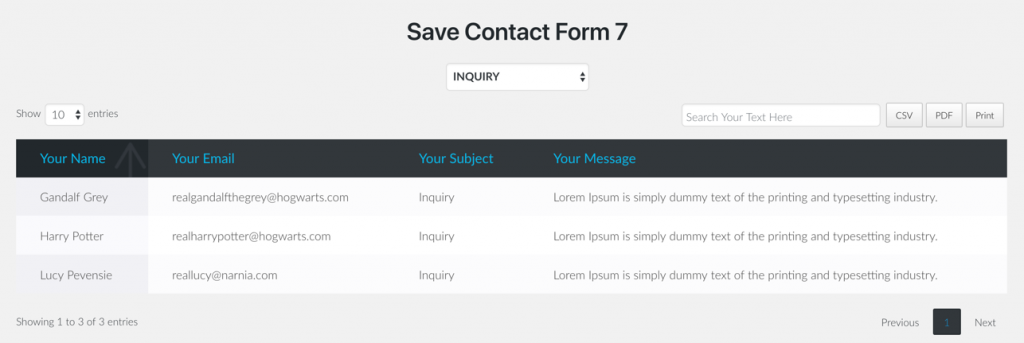
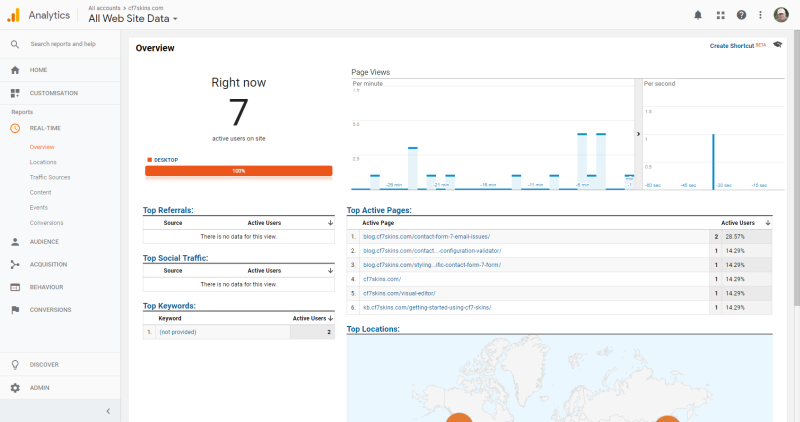
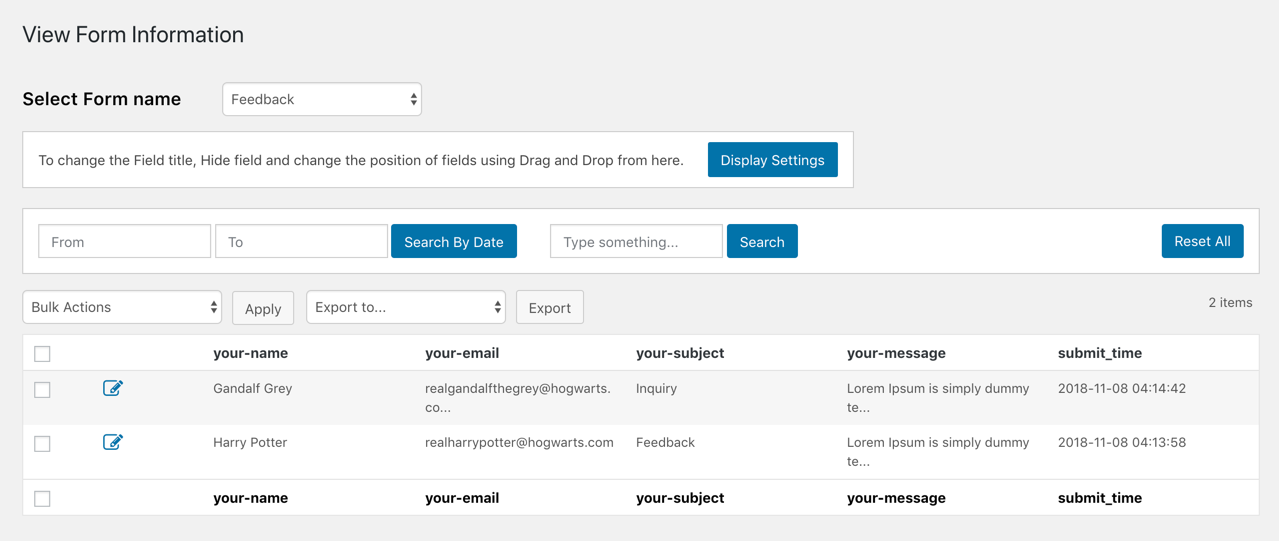
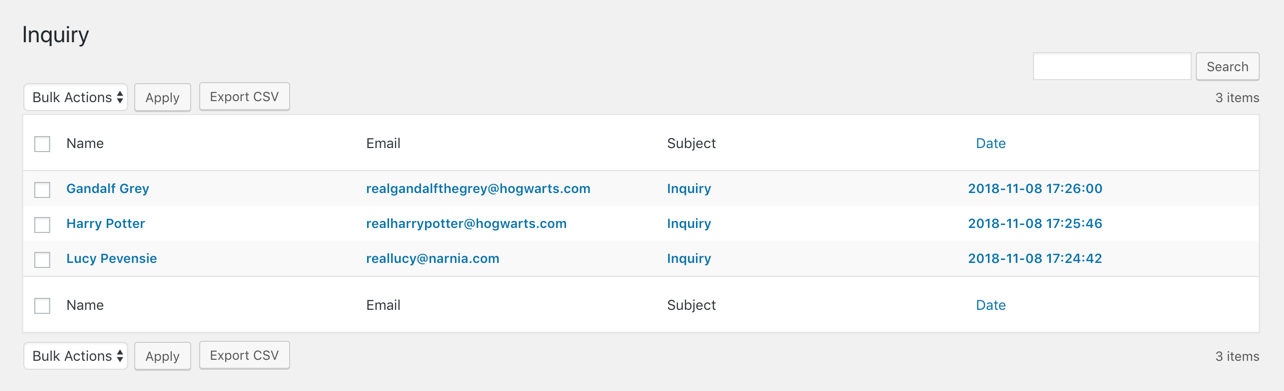
Save Contact Form 7 to WordPress database using 5free plugins- all images.




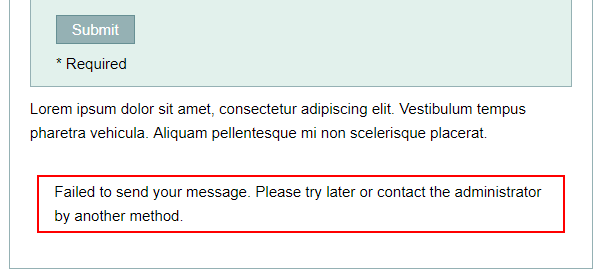
Your Contact Form 7 email may be going to spam #
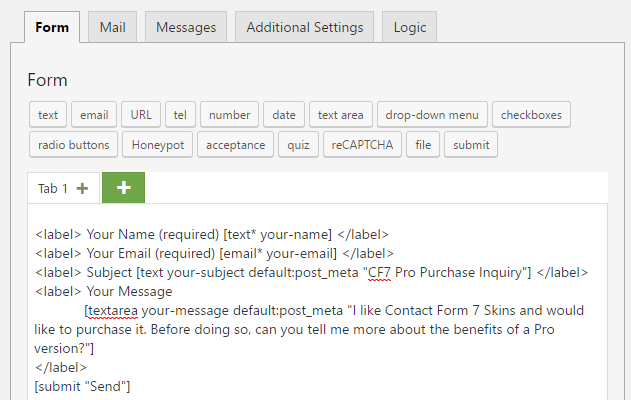
Using default values in your Contact Form 7 forms #
Using default values in your Contact Form 7 forms- All images
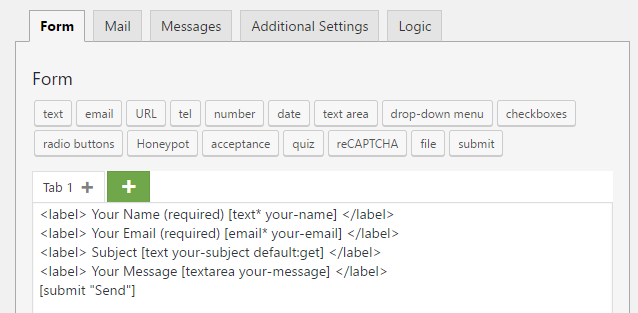
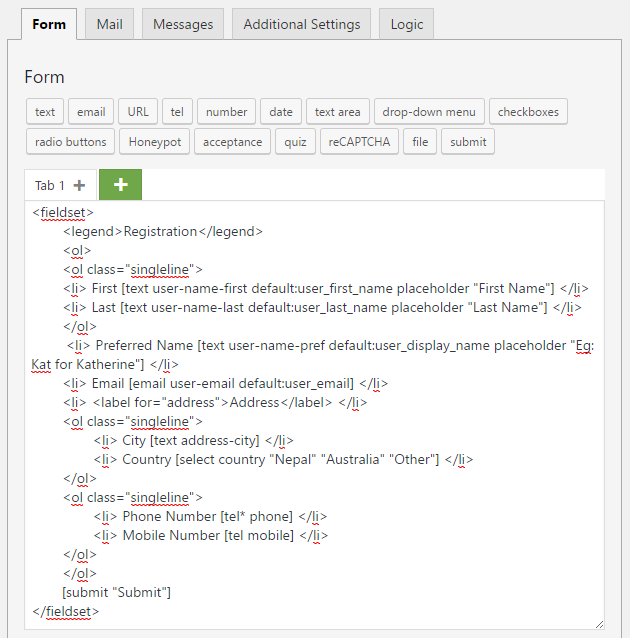
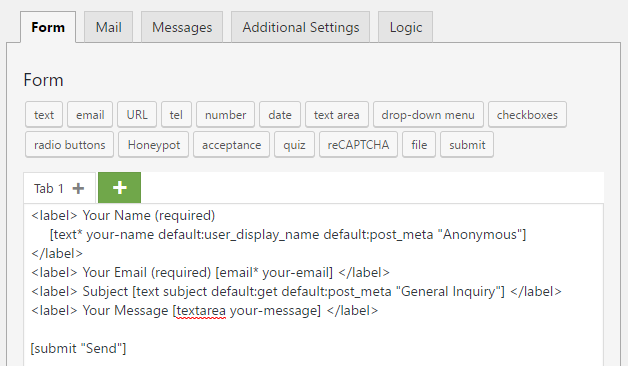
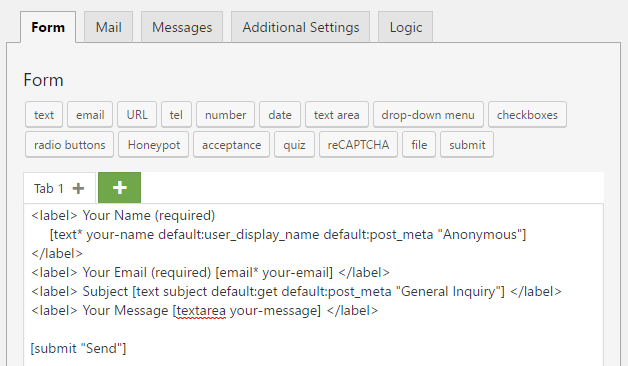
Show and Hide a Checkbox on your Form #

Show and Hide a Checkbox on your Form- All images.
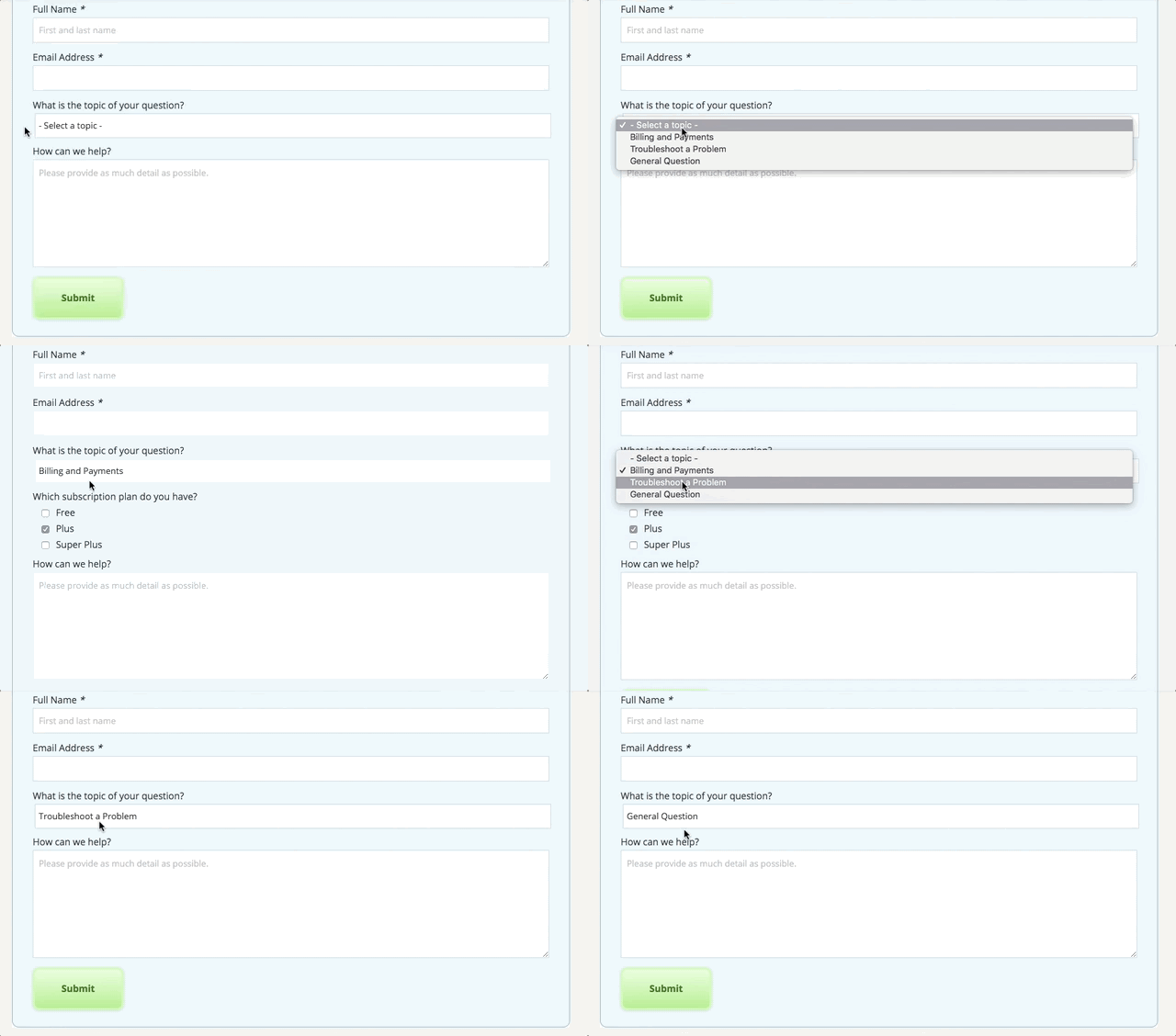
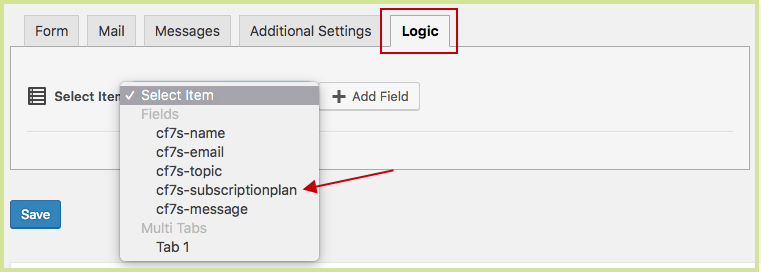
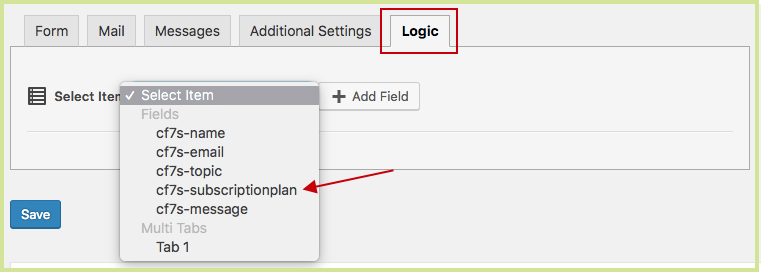
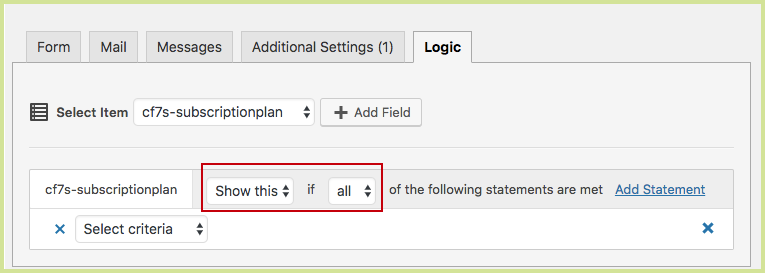
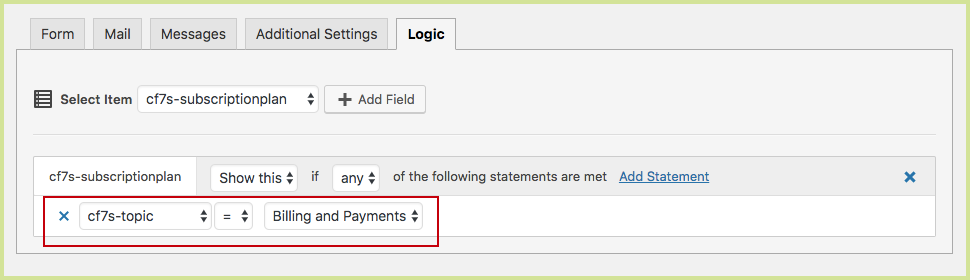
Use a suitable From: address in Contact Form 7 #
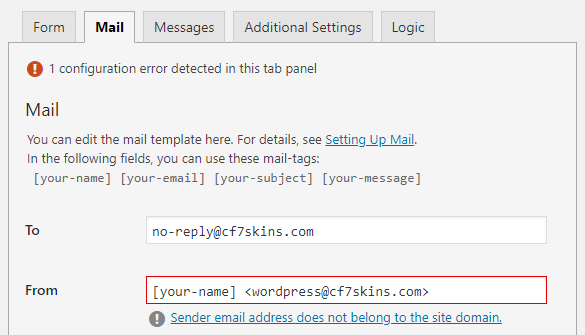
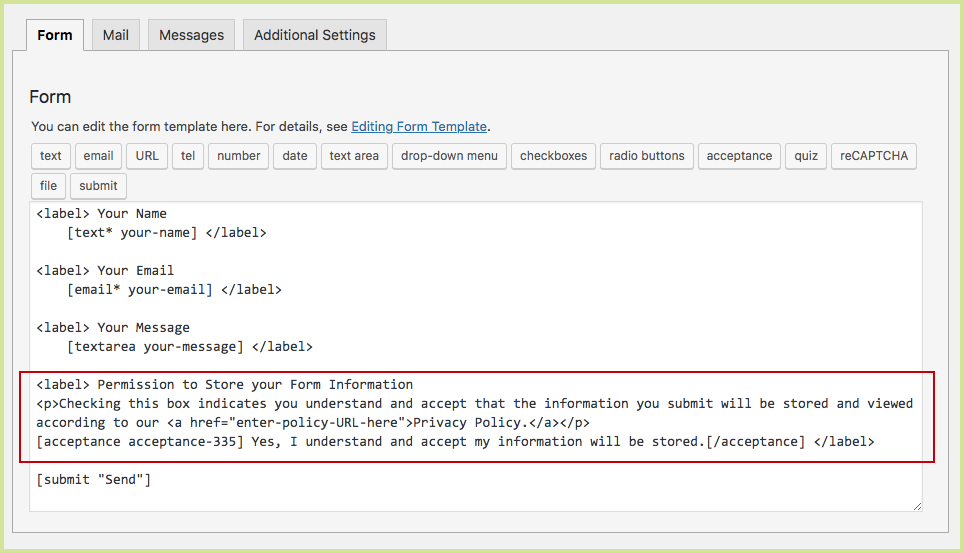
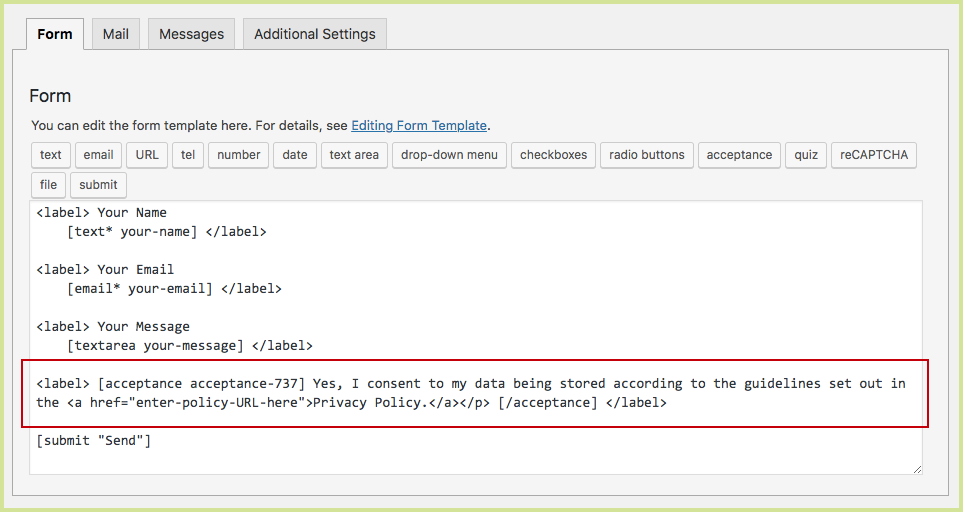
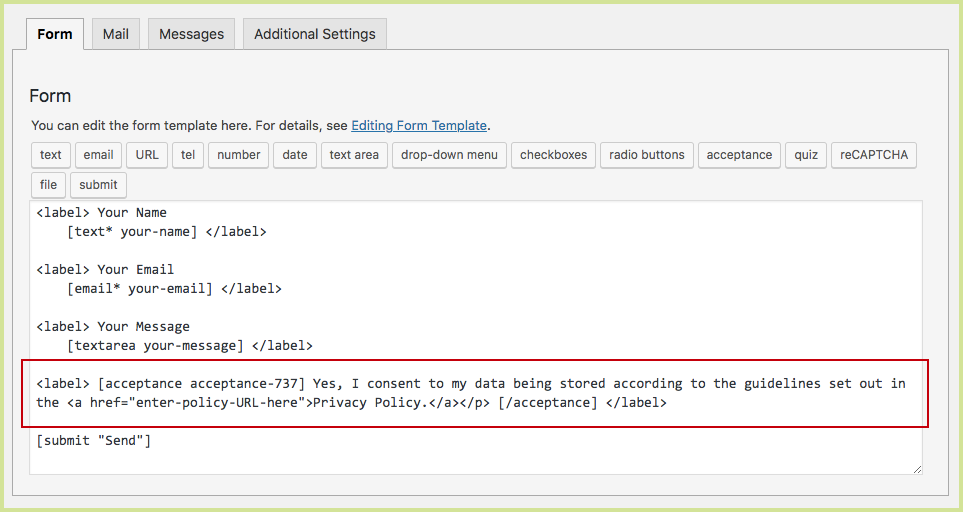
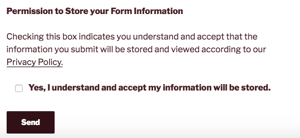
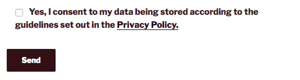
GDPR Checkbox and Privacy Policy Link in Contact Form 7 #
GDPR Checkbox and Privacy Link in Contact Form 7- All images.
Time Saving Tips when Editing Forms #
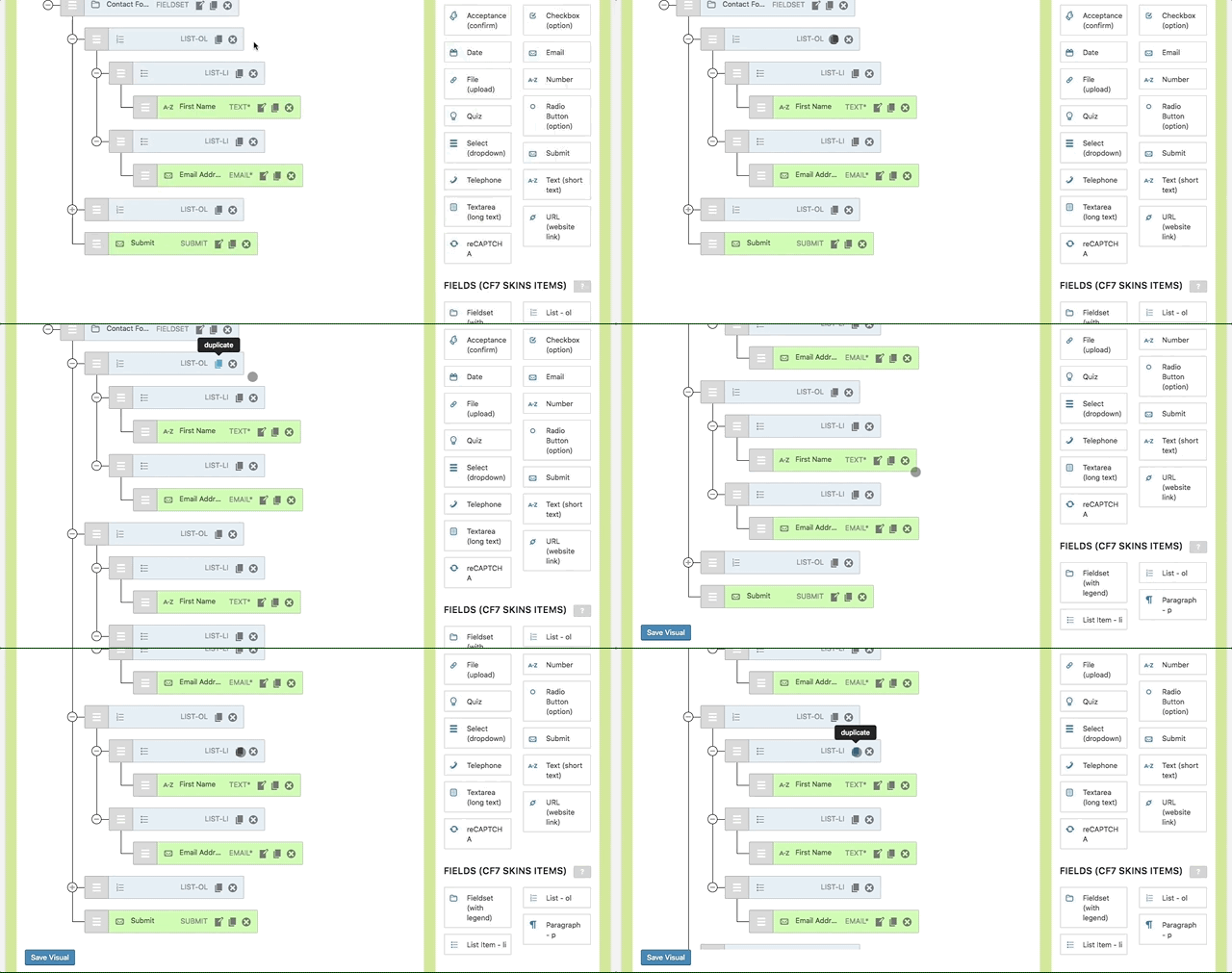
Time Saving Tips When Editing Forms- All images
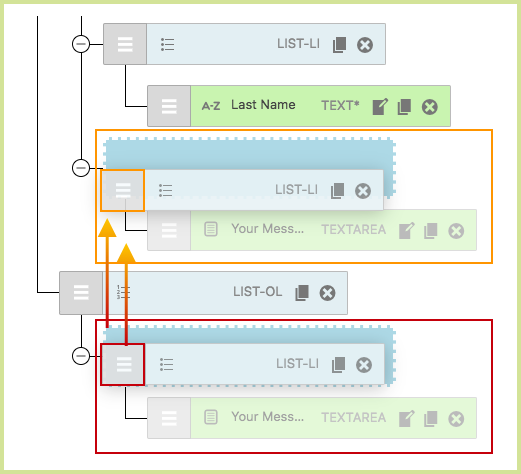
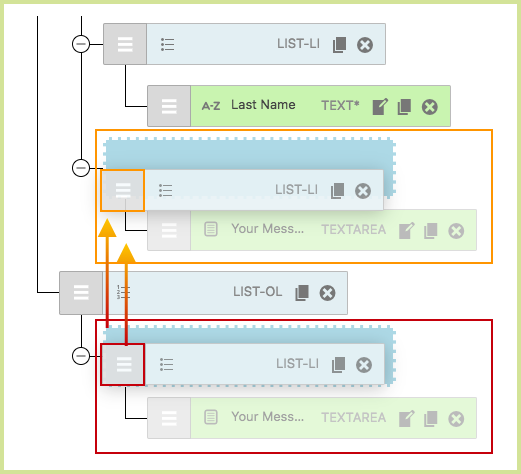
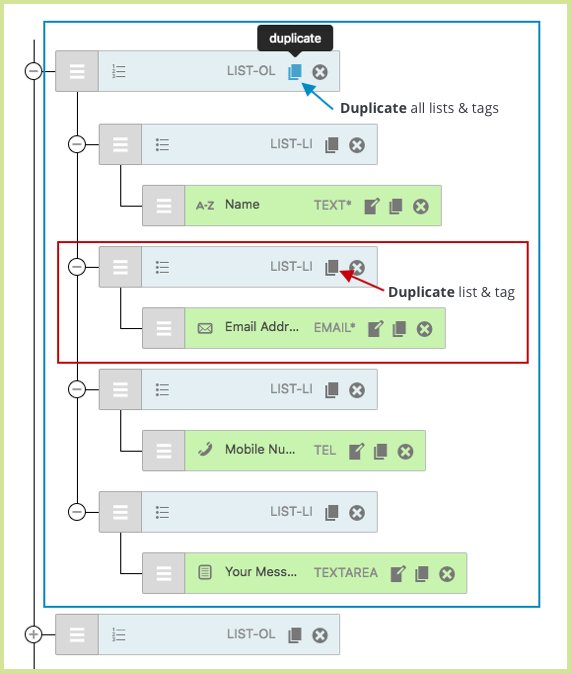
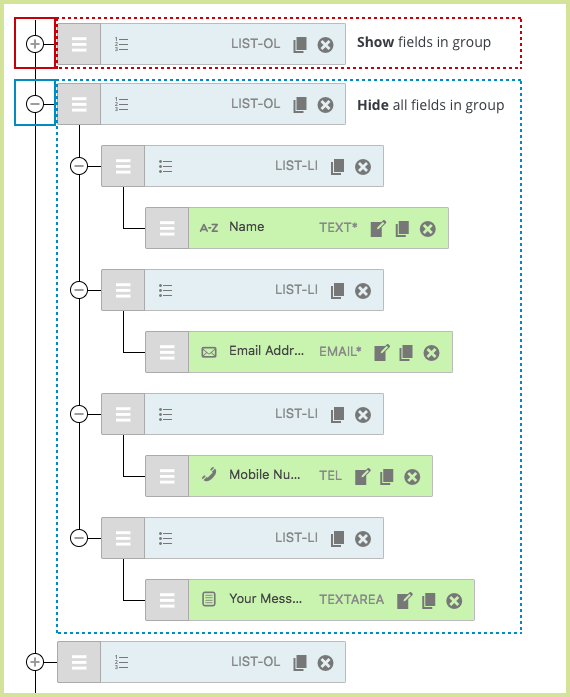
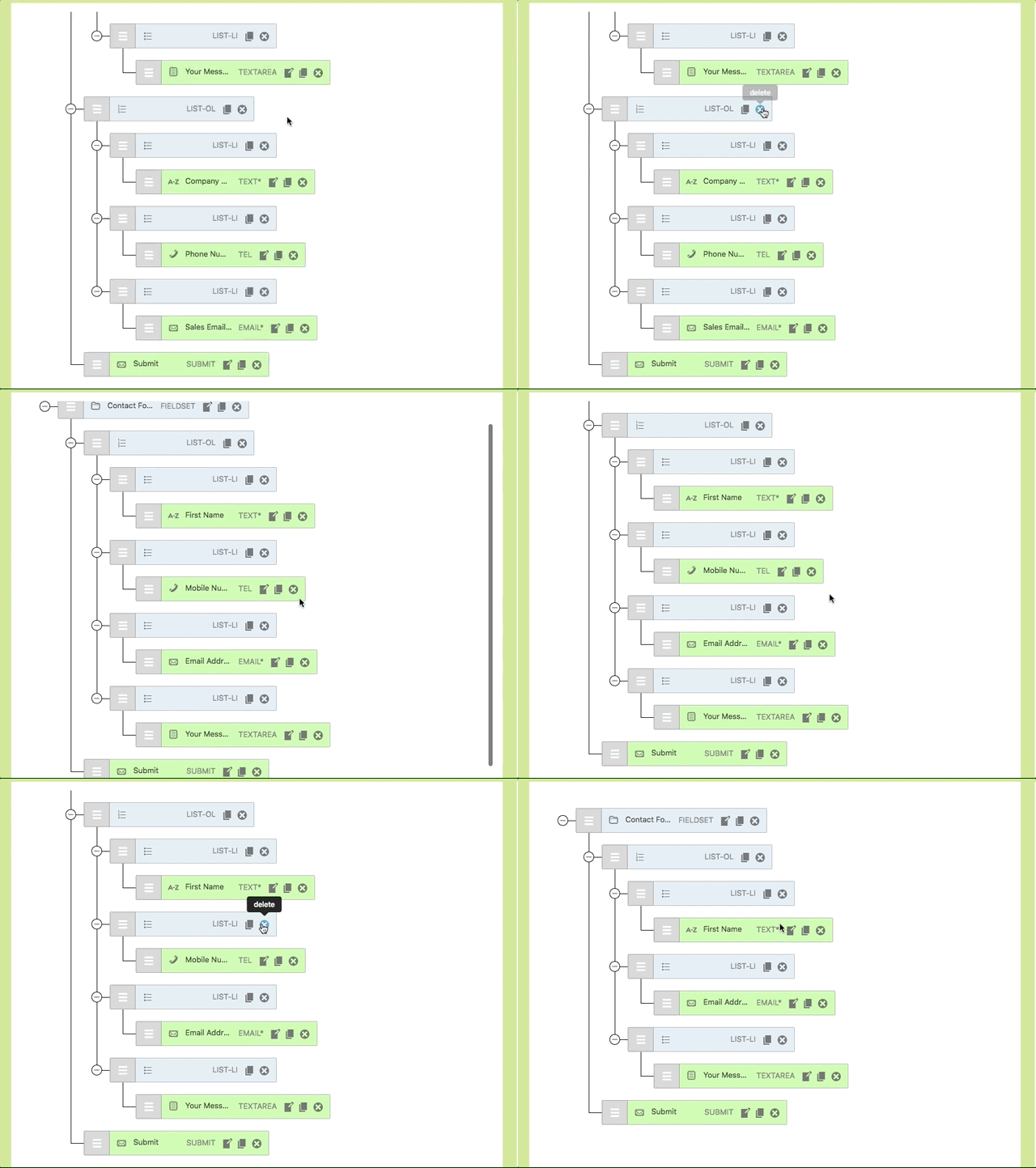
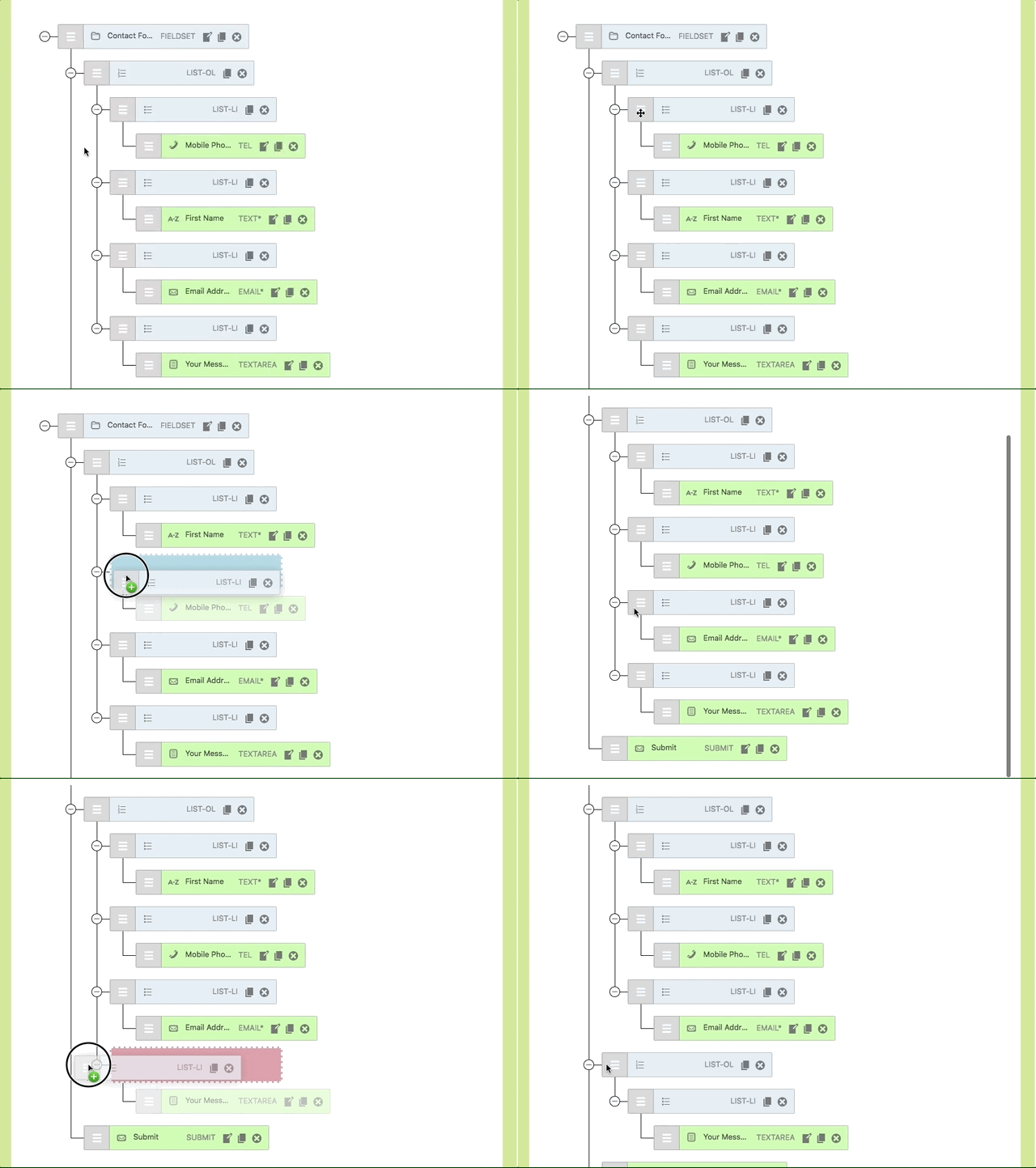
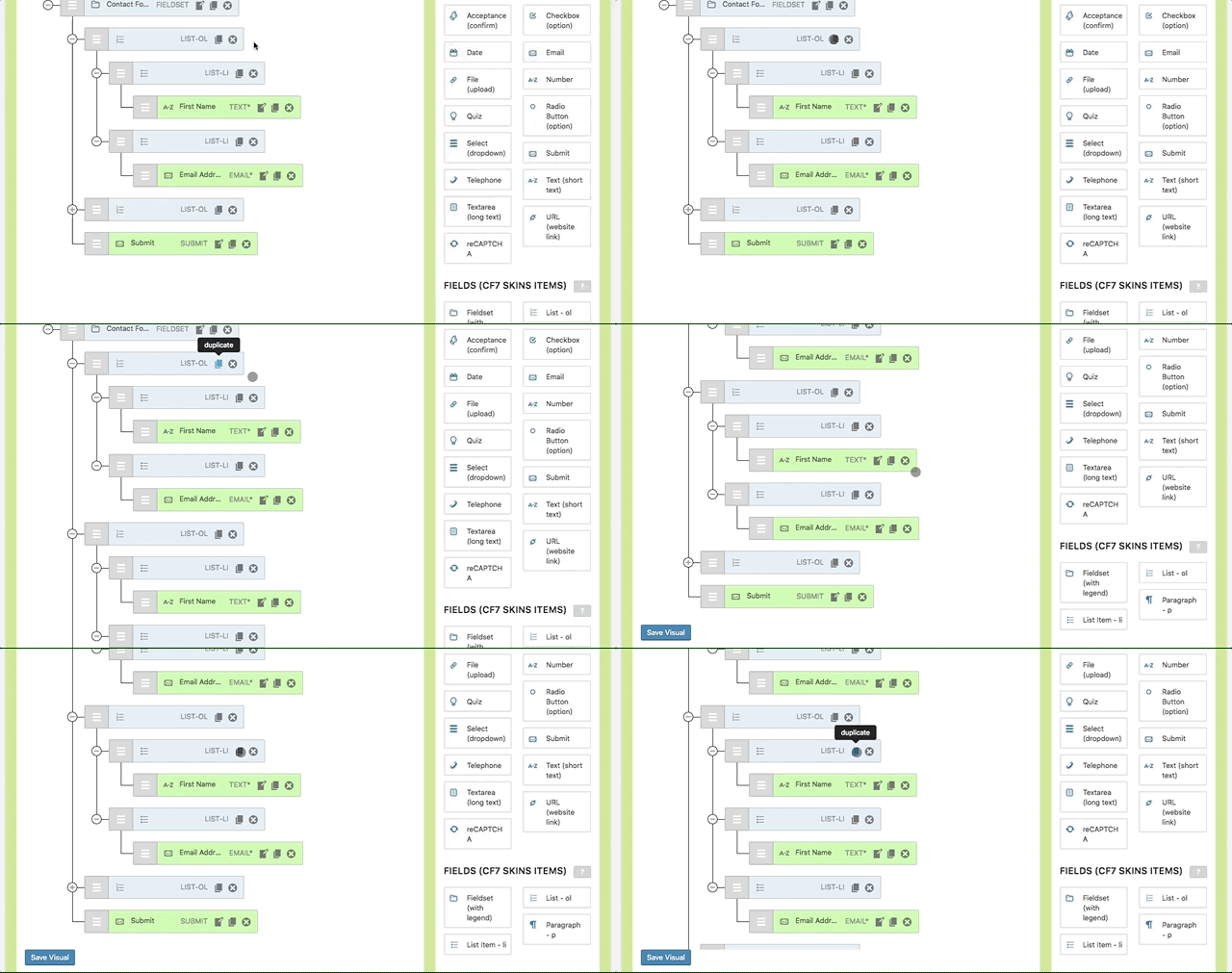
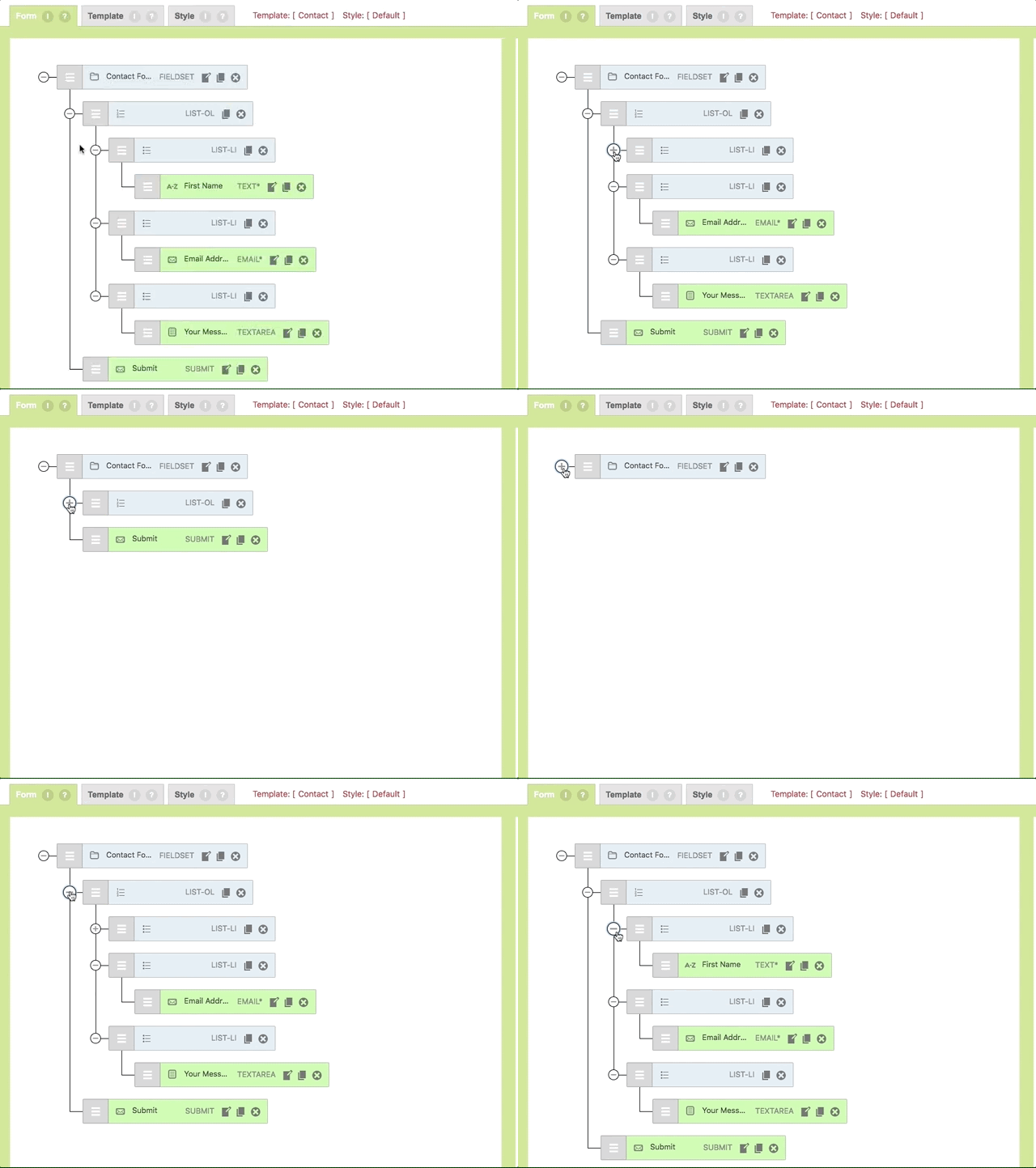
CF7 Skins Visual – Contact Form 7 Drag & Drop Editor released #
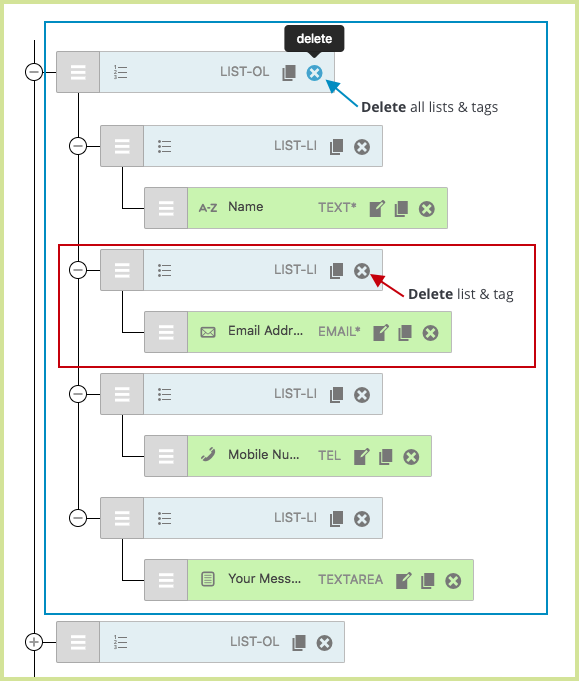
CF7 Skins Visual – Contact Form 7 Drag & Drop Editor released-All images.
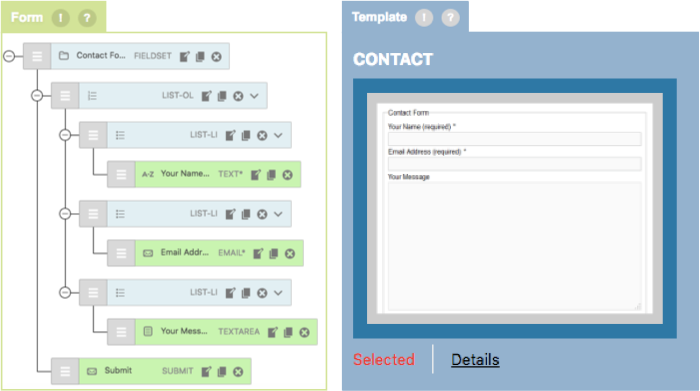
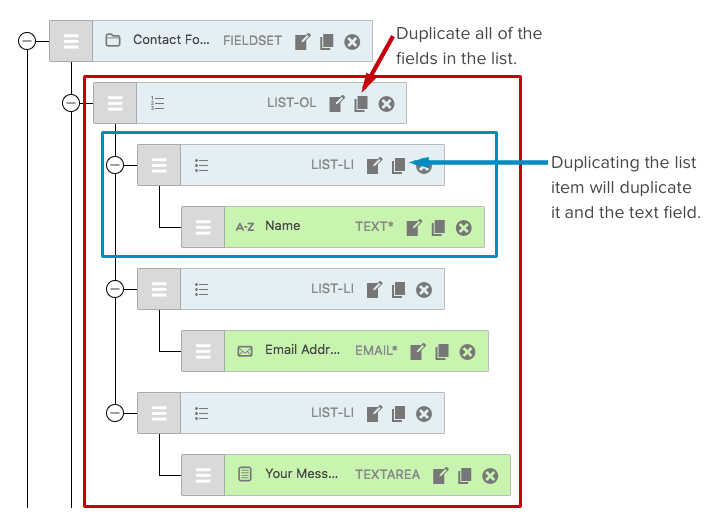
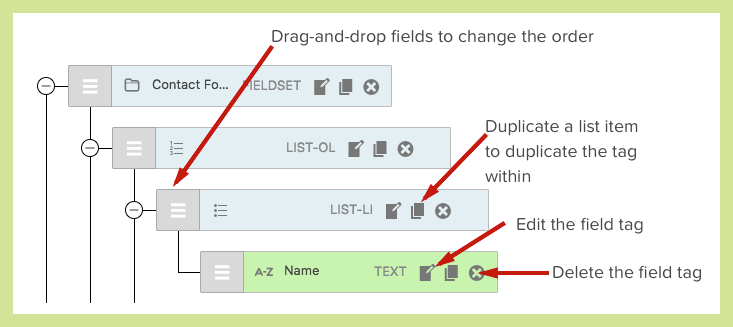
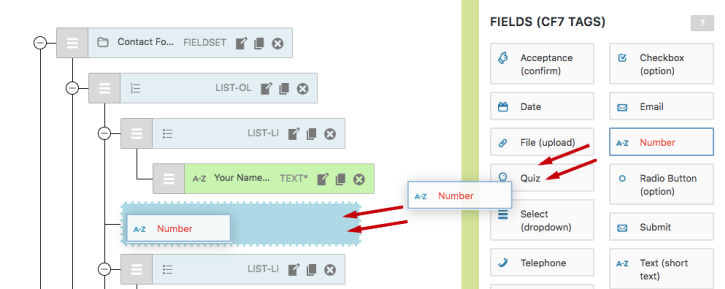
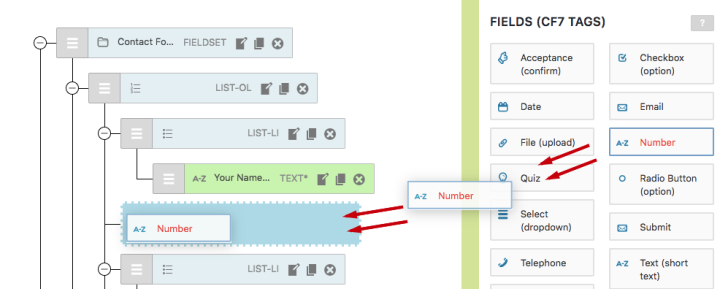
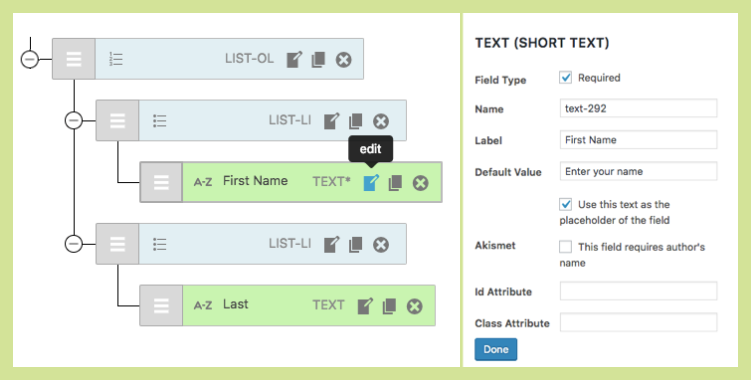
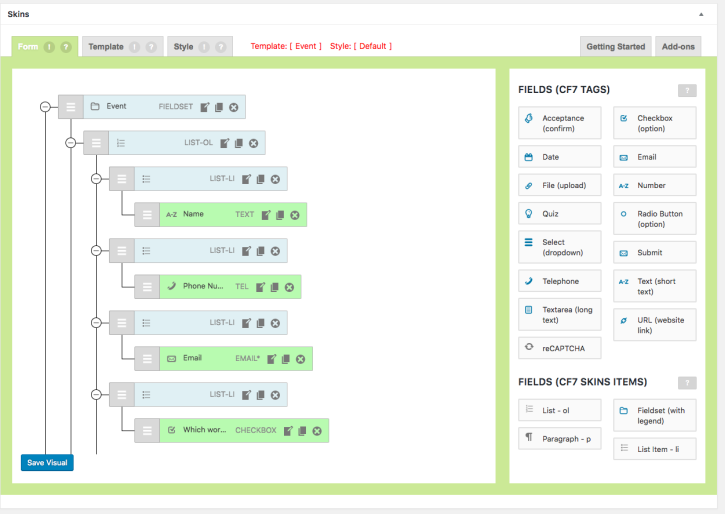
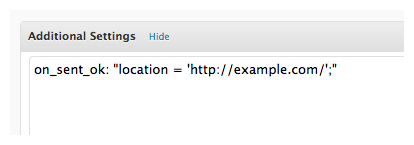
on_sent_ok not working in Contact Form 7 #
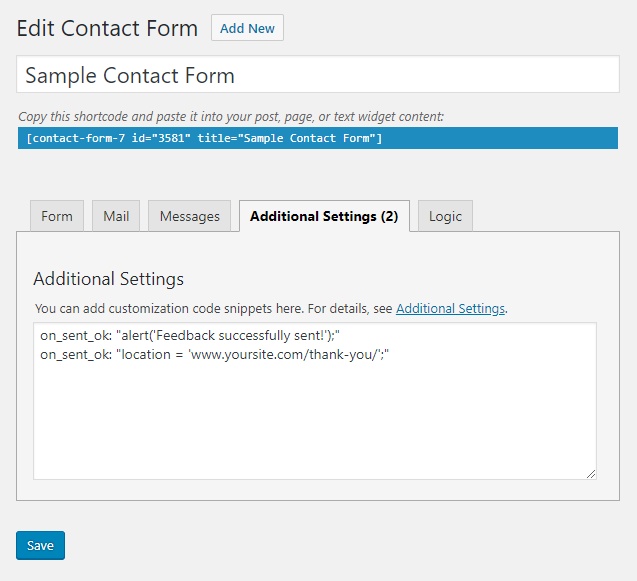
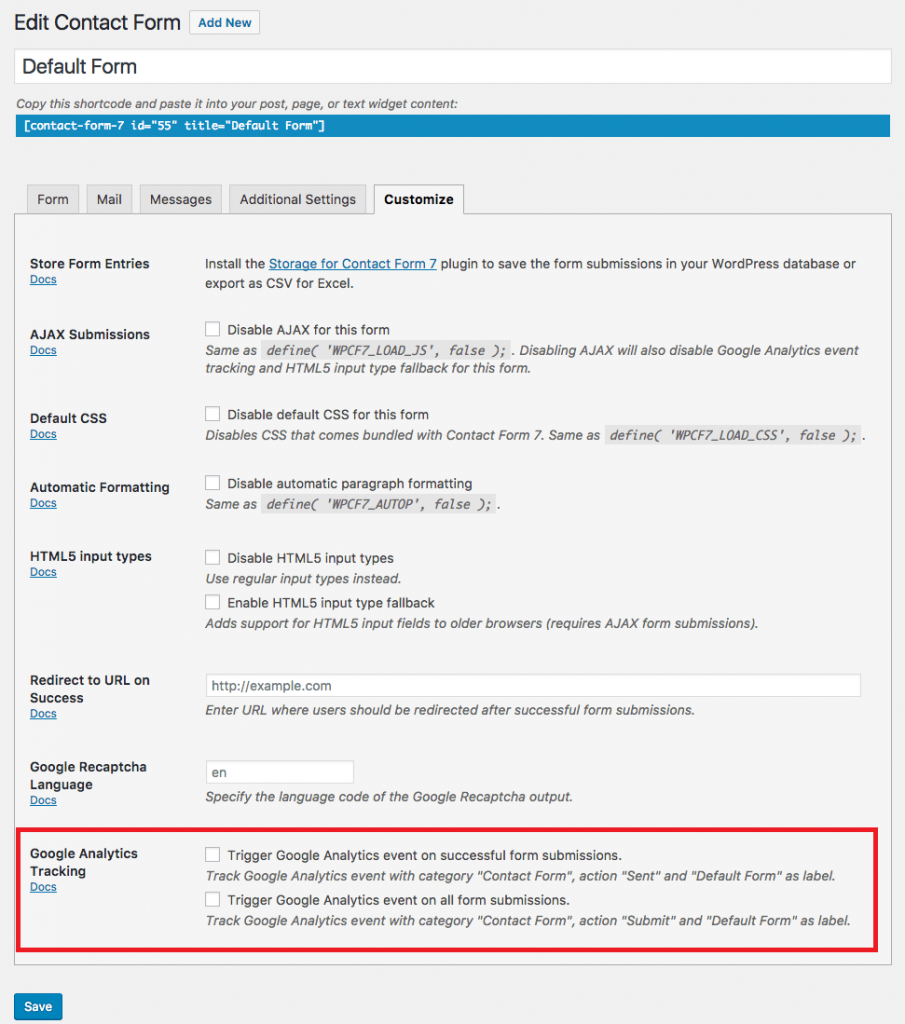
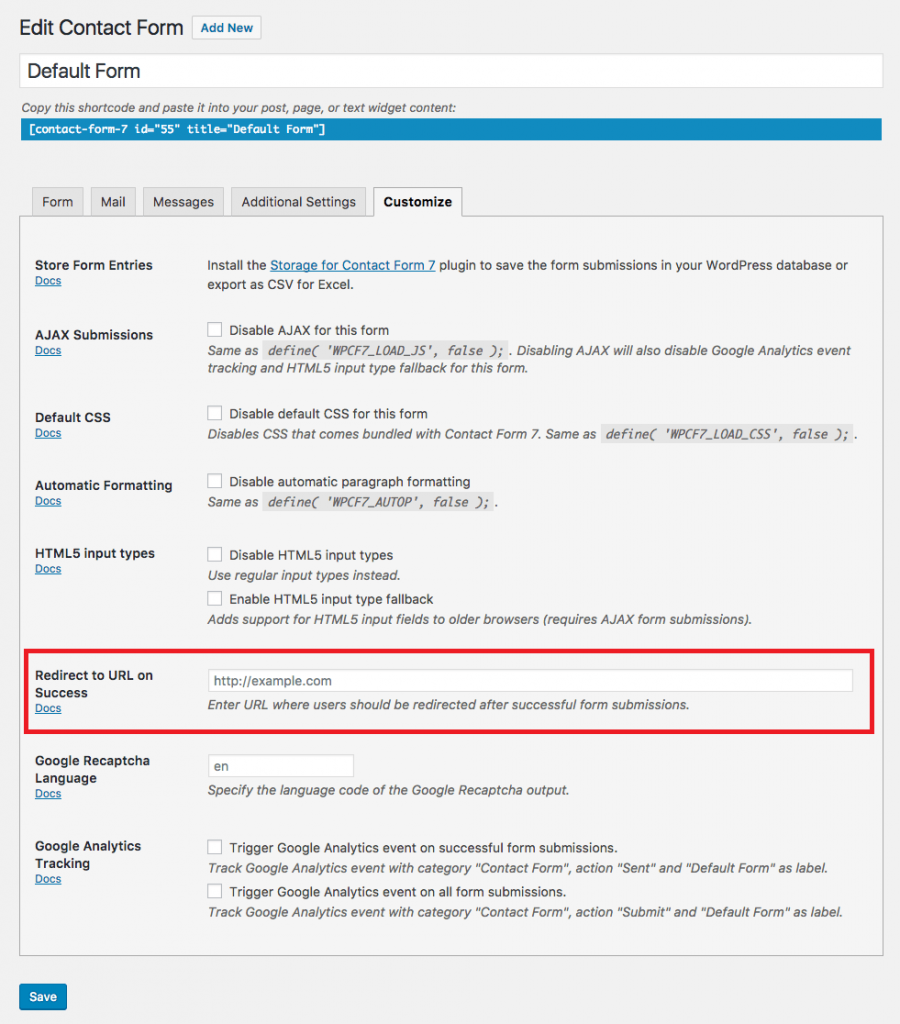
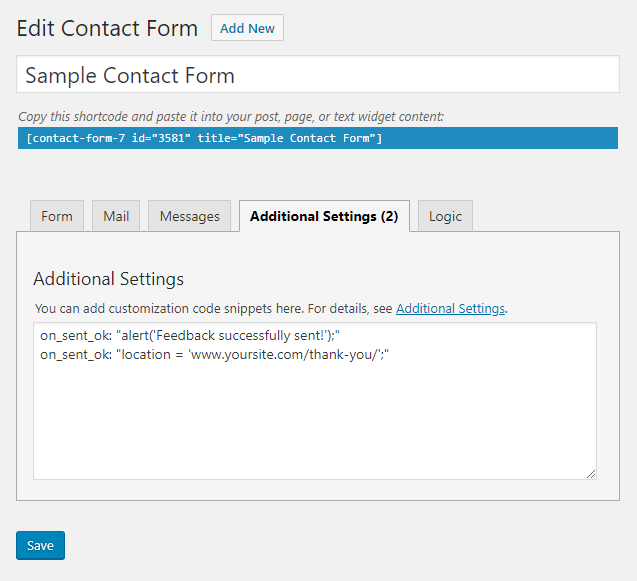
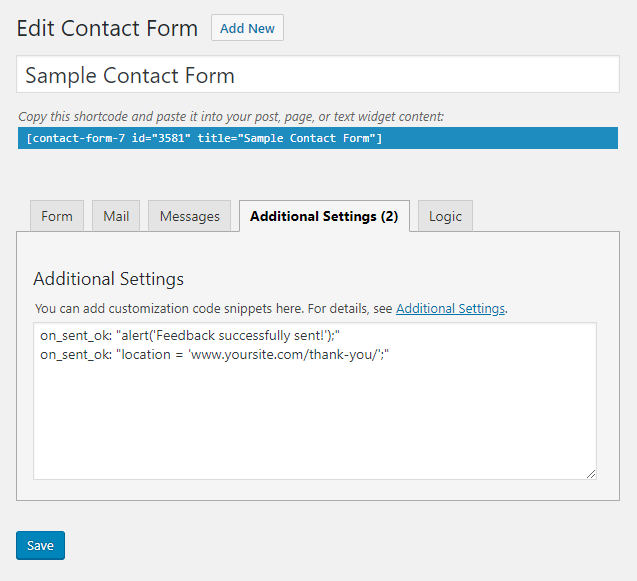
on_sent_ok not working in Contact Form 7- All images
Using Special Mail Tags to improve your Contact Form 7 emails #
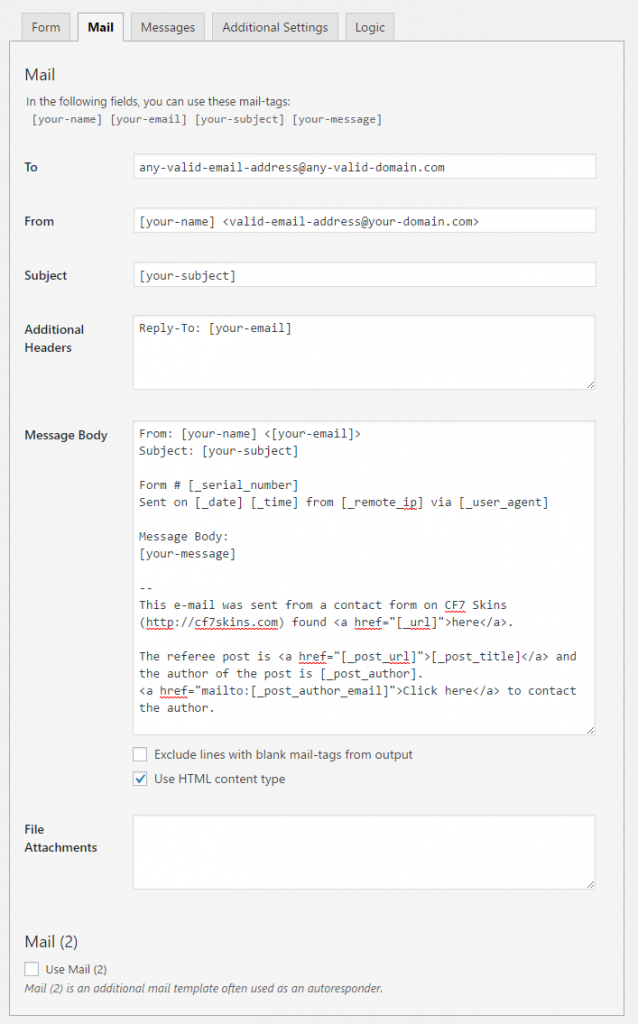
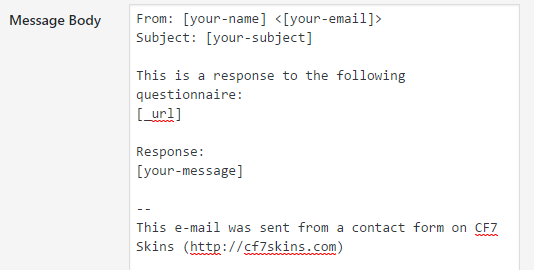
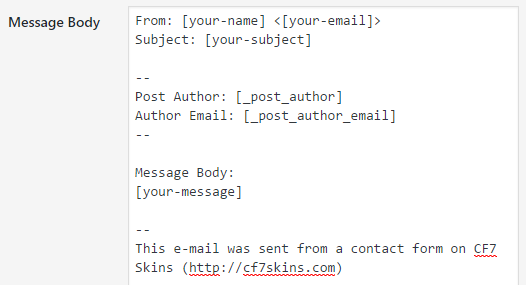
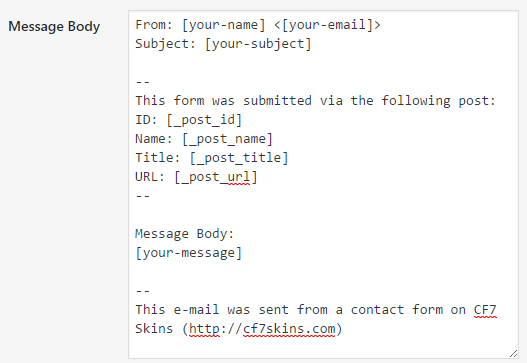
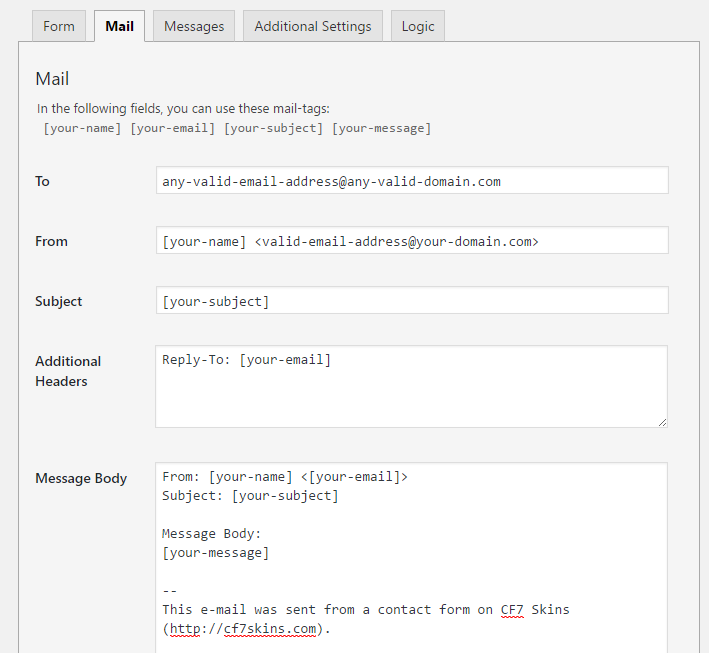
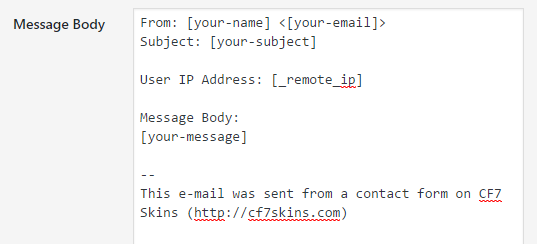
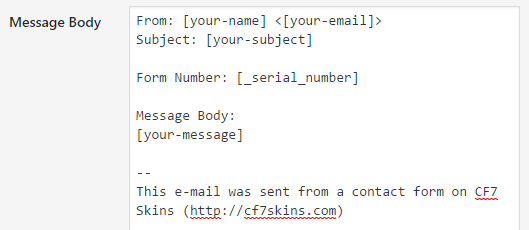
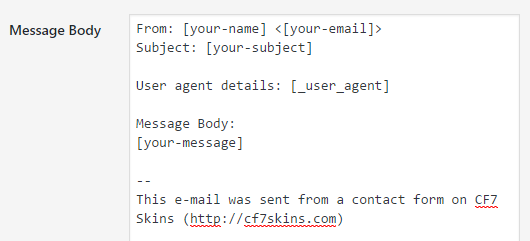
Using Special Mail Tags to improve your Contact Form 7 emails – All images.
Contact Form 7 Custom Button #
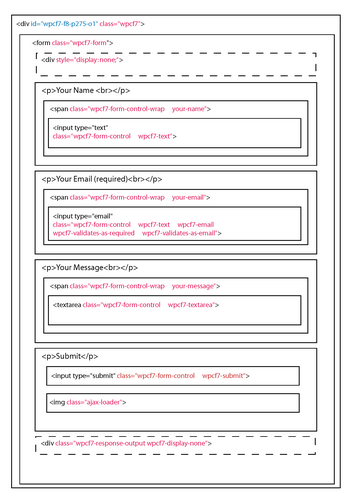
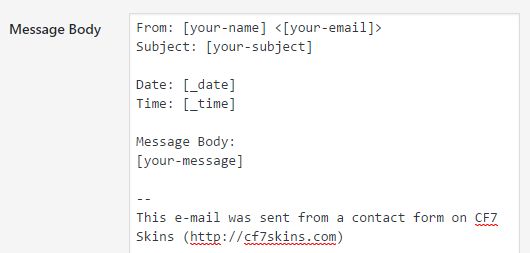
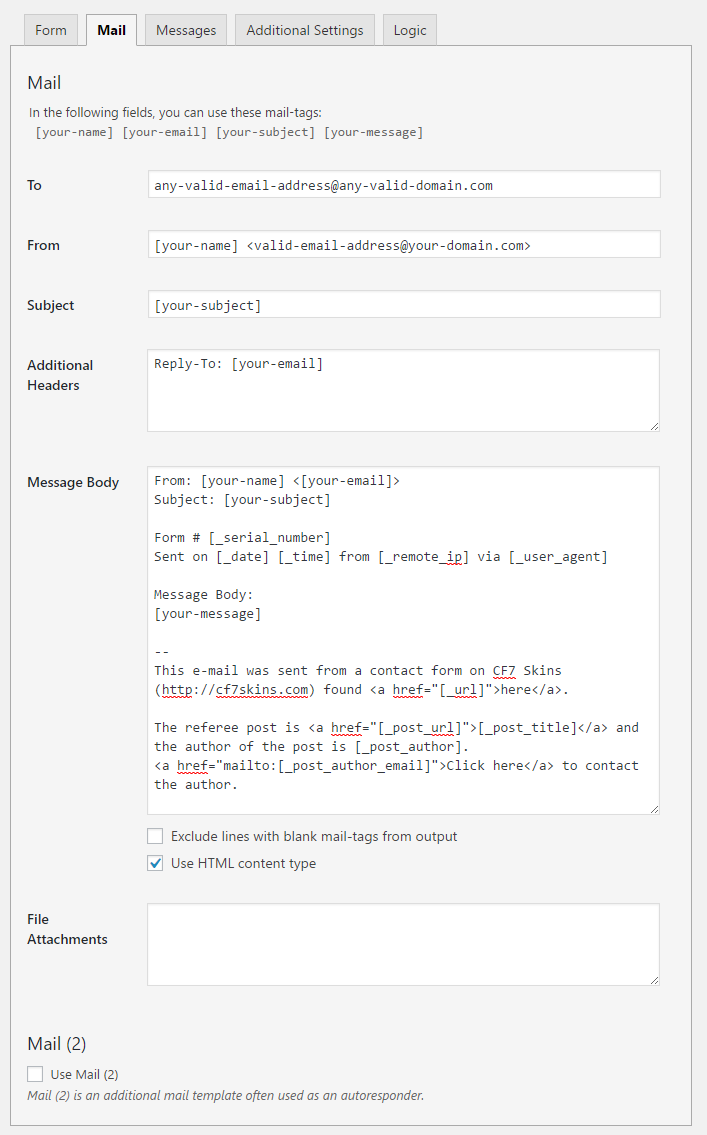
Contact Form 7 Custom Button – All images.


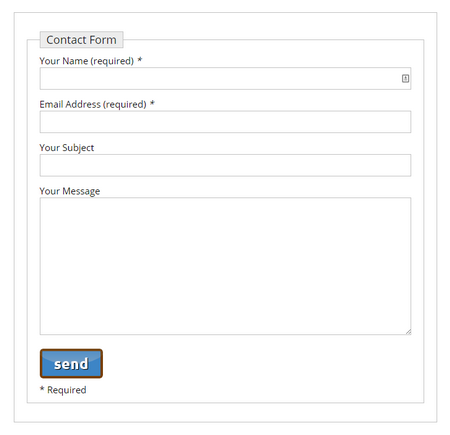
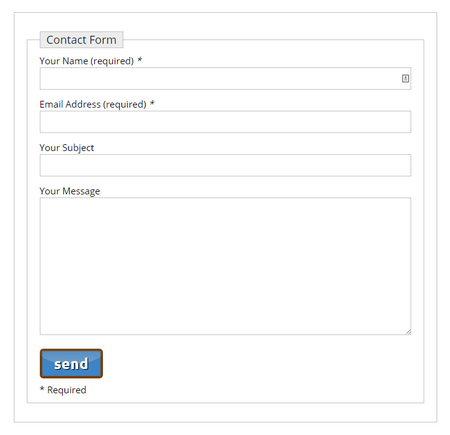
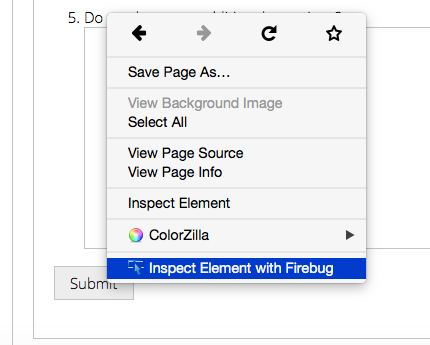
Why I created Contact Form 7 Skins #
Why I created Contact Form 7 Skins – All images.

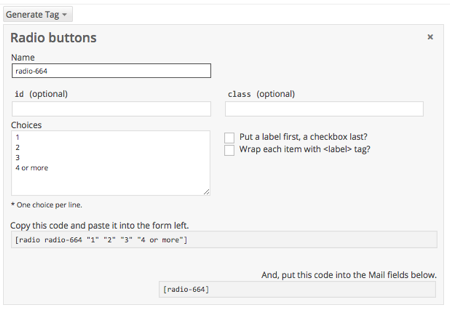
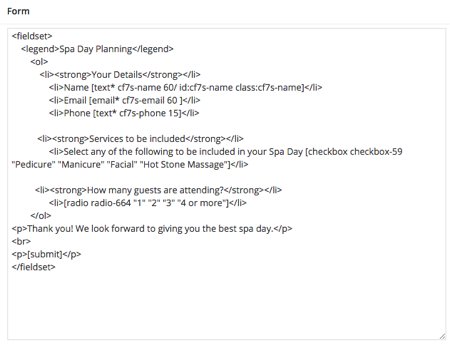
Better Checkboxes & Radio Buttons (with Contact Form 7 Tag Editor) #

Better Checkboxes & Radio Buttons (with Contact Form 7 Tag Editor) – All images
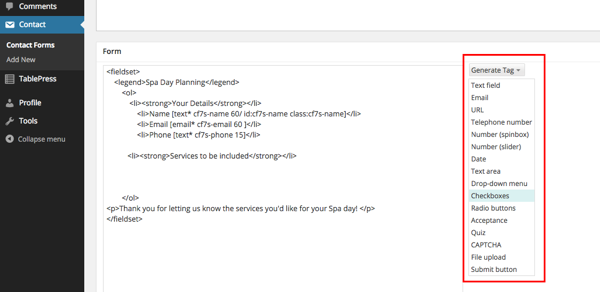
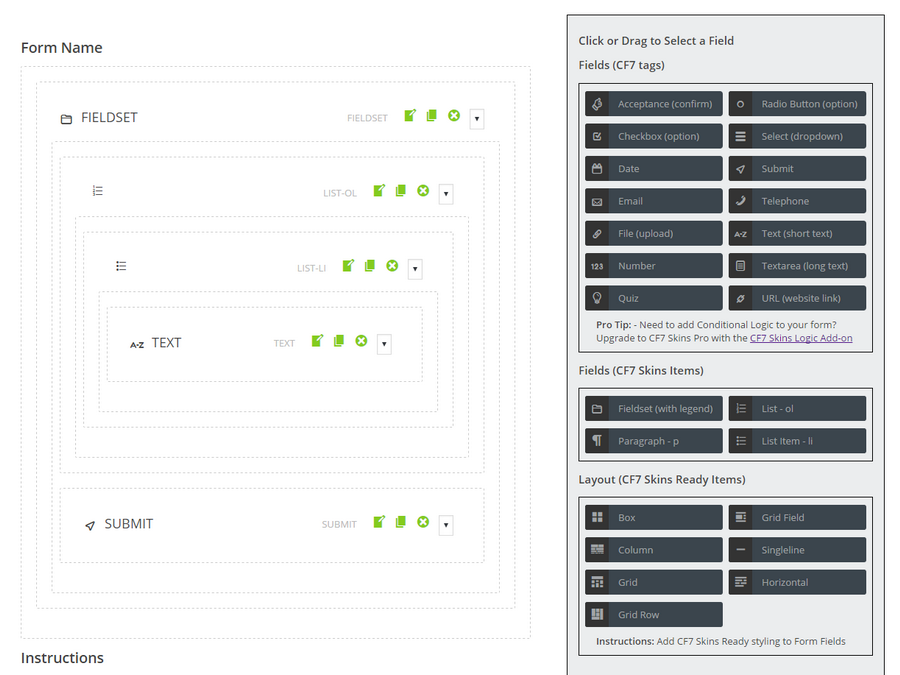
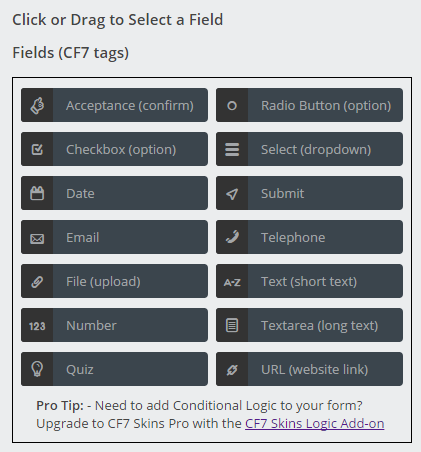
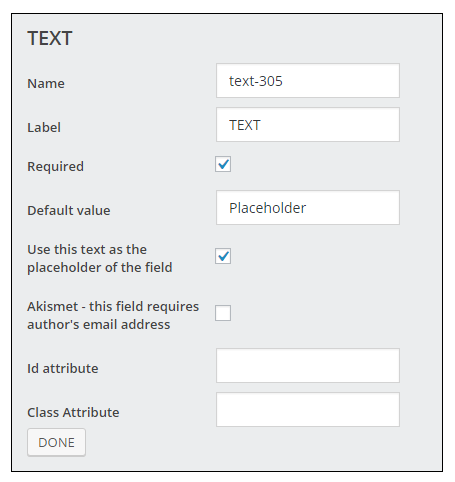
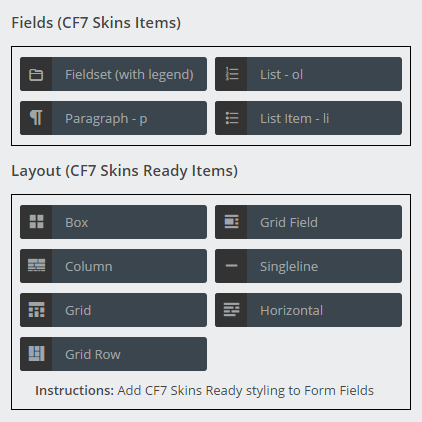
CF7 Skins Visual started – a drag and drop visual editor for Contact Form 7 forms #
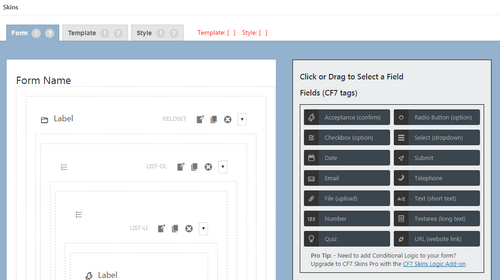
CF7 Skins Visual started – a drag and drop visual editor for Contact Form 7 forms – All images.
Upgrade to CF7 Skins Logic and save 20% #
Upgrade to CF7 Skins Logic and save 20% – all images

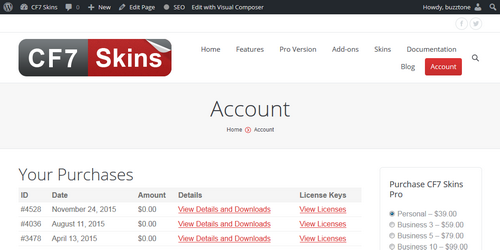
CF7 Skins Logic – available for Beta Testing #
CF7 Skins Logic – available for Beta Testing – All images
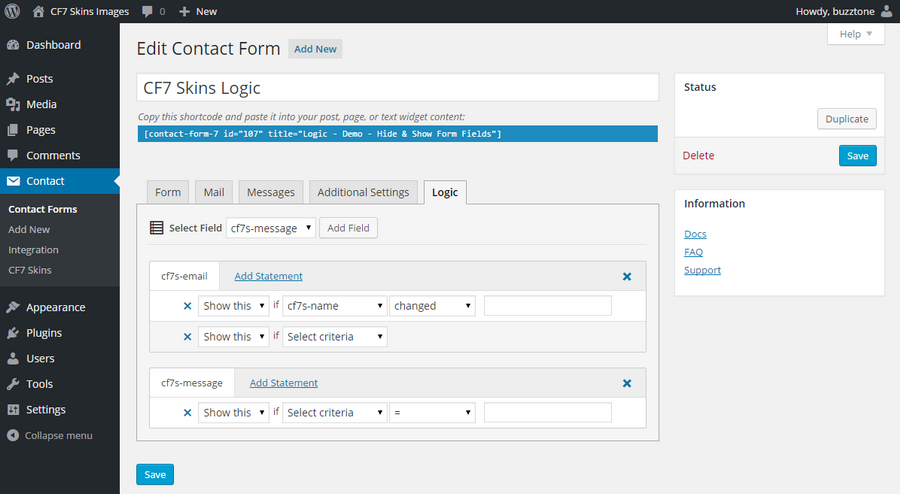
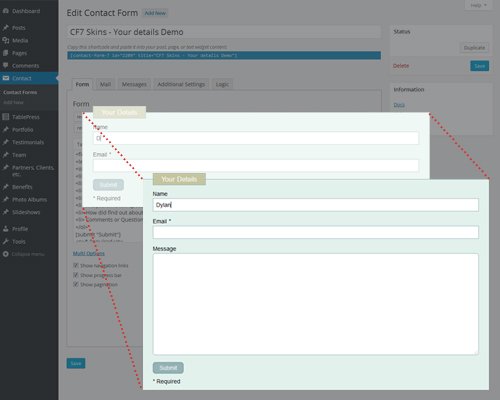
Logo images


CF7 Skins Logic – Conditional Logic for Contact Form 7 #
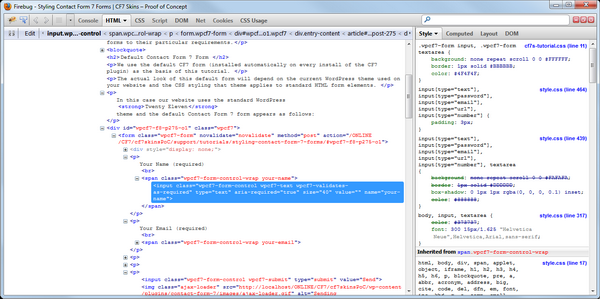
CF7 Skins Logic – Conditional Logic for Contact Form 7 – All images
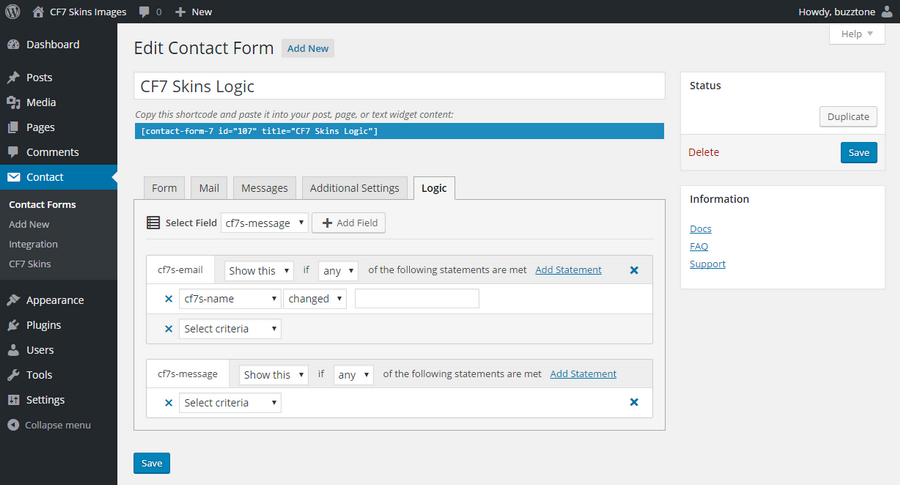

5 really useful free Contact Form 7 Extensions #
5 really useful free Contact Form 7 Extensions – All images.



CF7 Skins Ready – Structure Contact Form 7 forms #
CF7 Skins Ready – Structure Contact Form 7 forms – All images
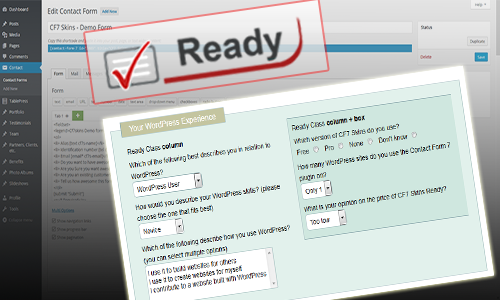
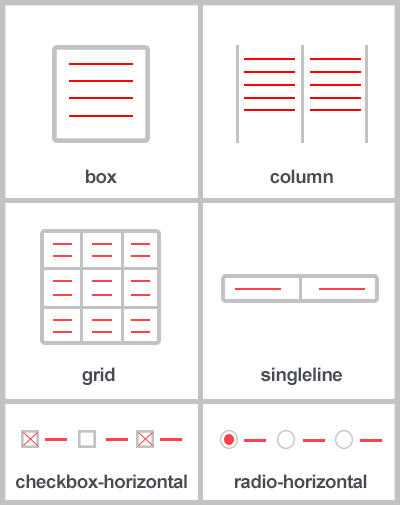

CF7 Skins Multi – Multi-page Contact Form 7 forms #
CF7 Skins Multi – Multi-page Contact Form 7 forms – All images.
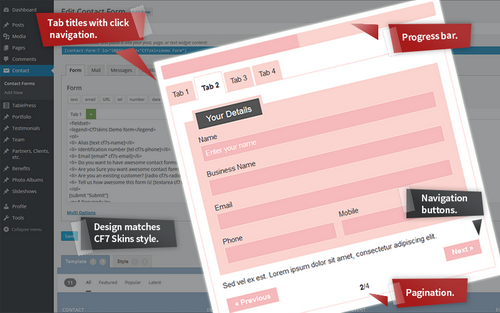

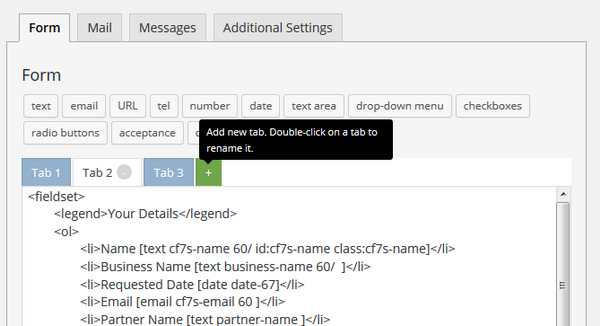
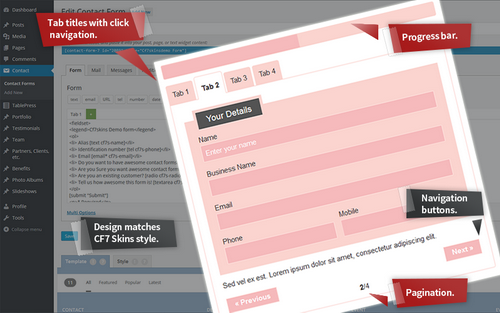
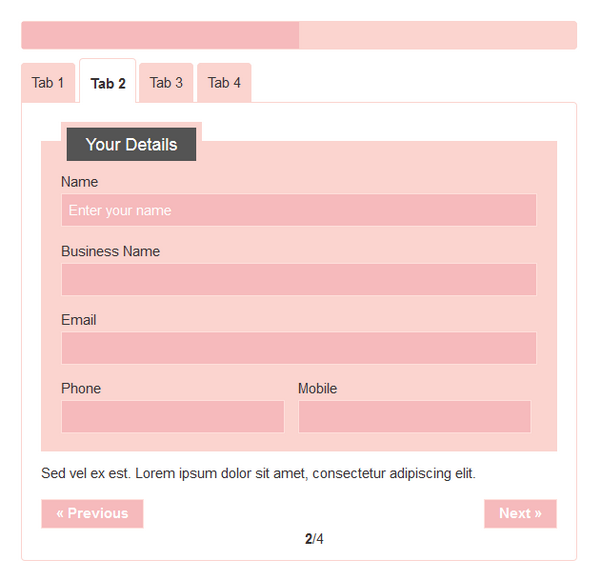
CF7 Skins – Beta Testing Complete #
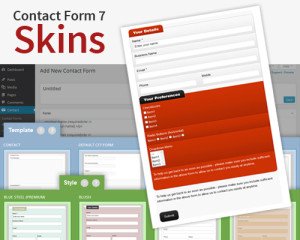
Introducing Contact Form 7 Skins #
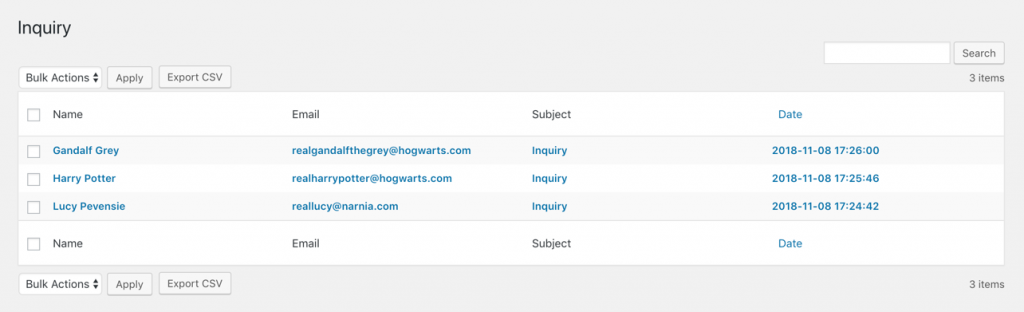
Introducing Contact Form 7 Skins – All images.
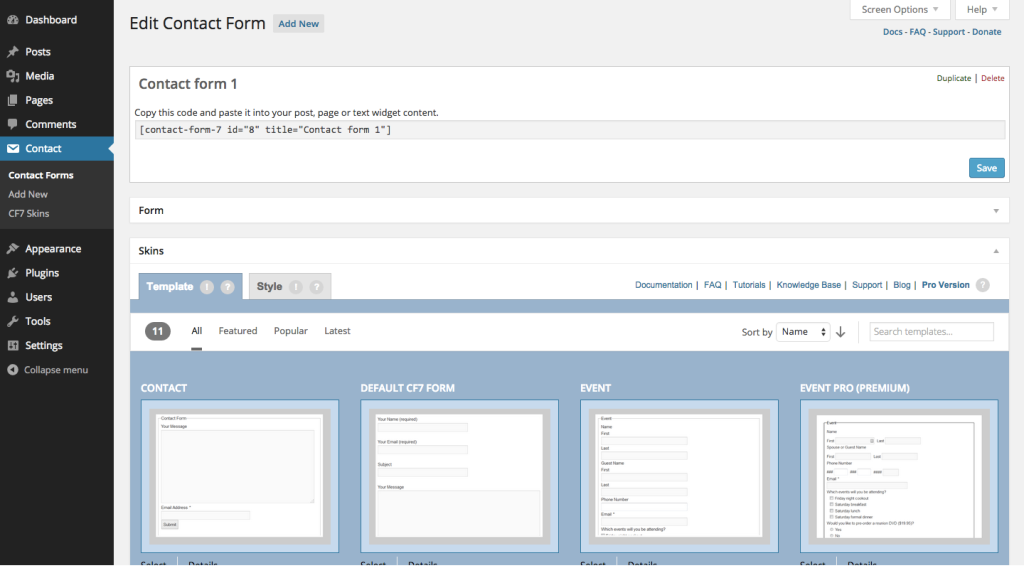

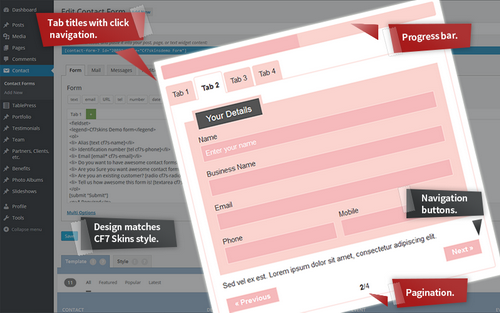

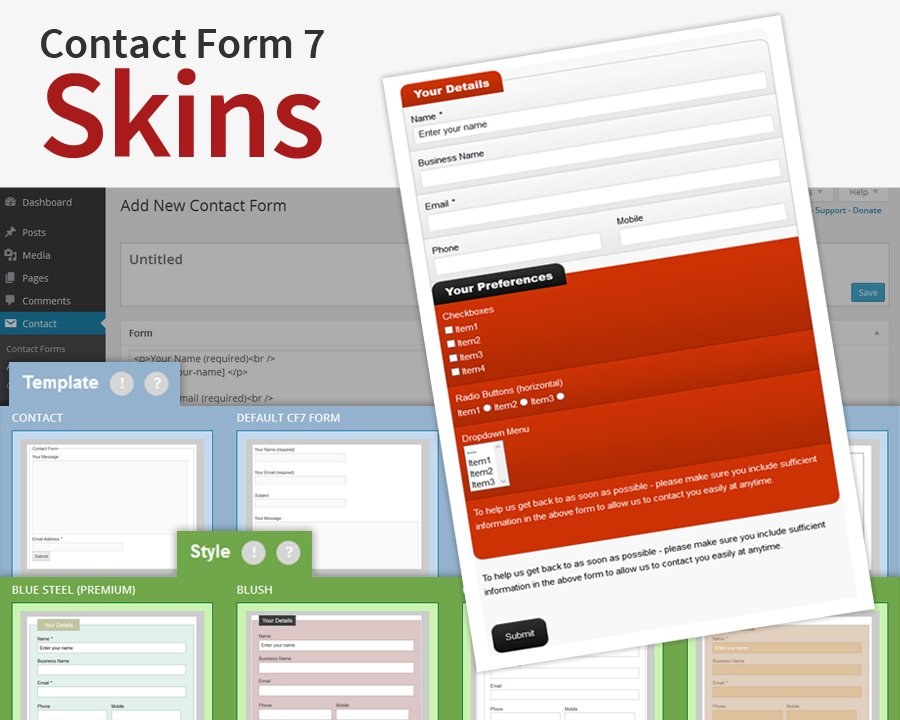
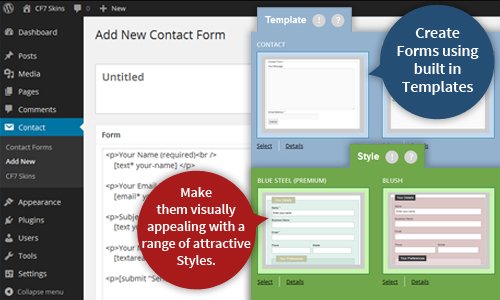
CF7 Skins Beta Release Announcement #
CF7 Skins Beta Release Announcement – All images
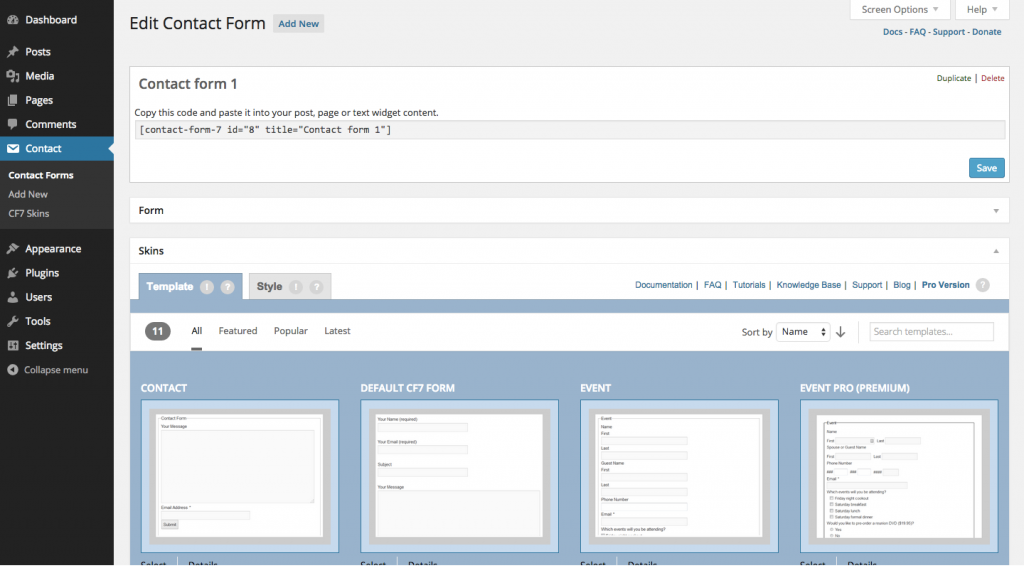

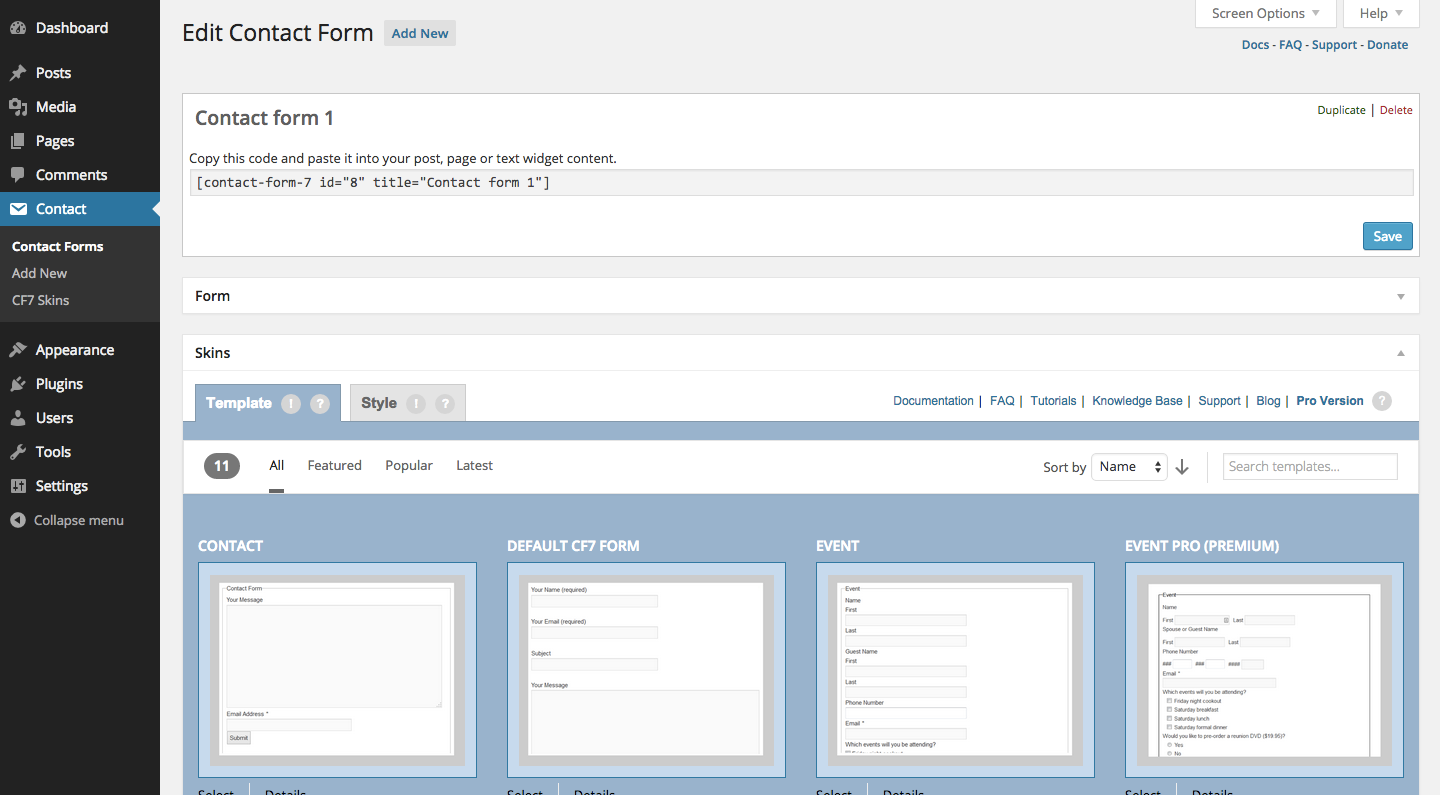

Contact Form 7 Configuration Validator #
Contact Form 7 Configuration Validator
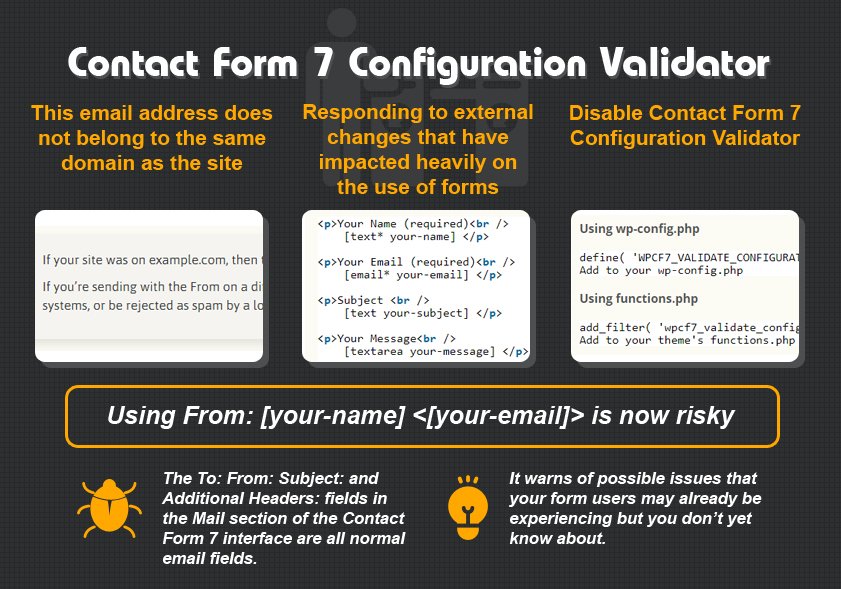
Yahoo DMARC Issue #
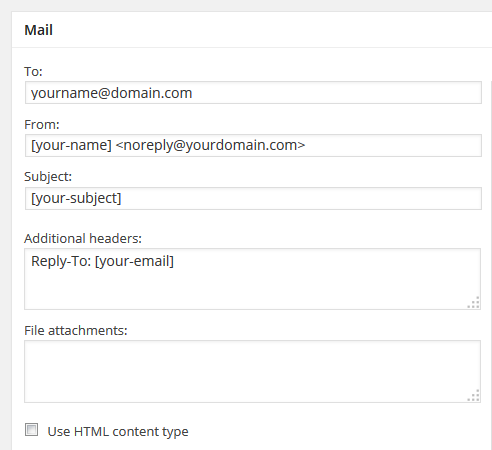
Contact Form 7 Email Issues & Problems #
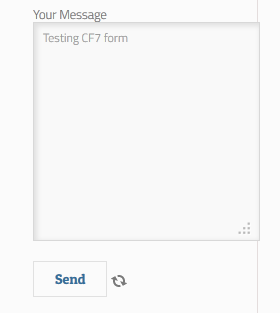

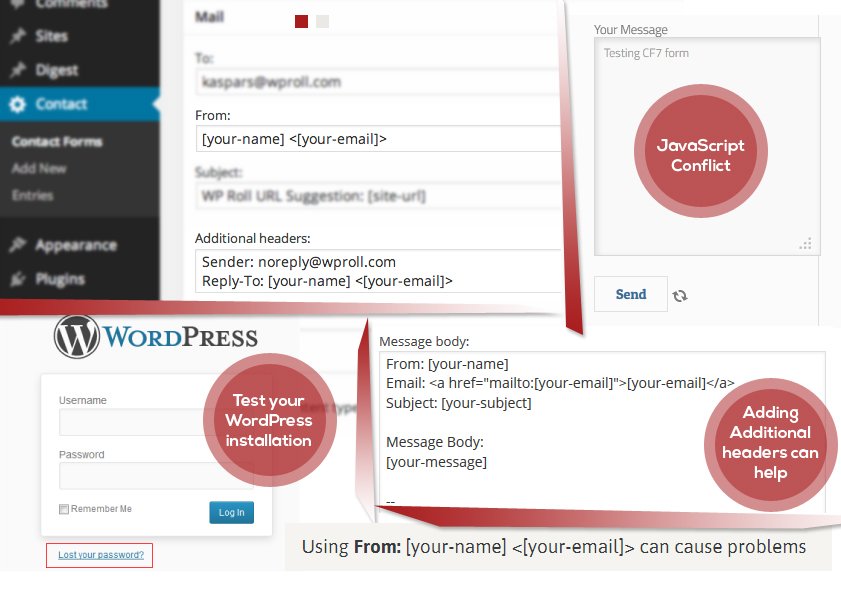
Plugin or Theme Conflicts #
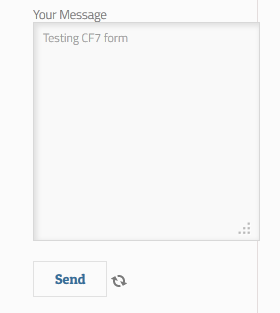
JavaScript Conflict Problems #
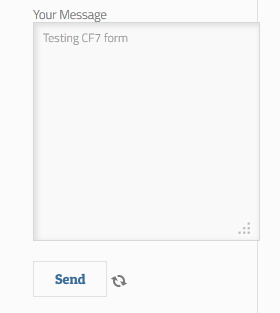
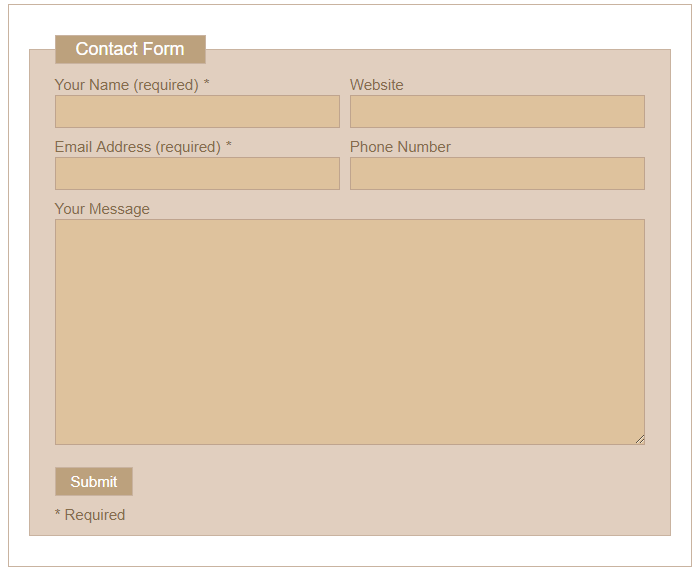
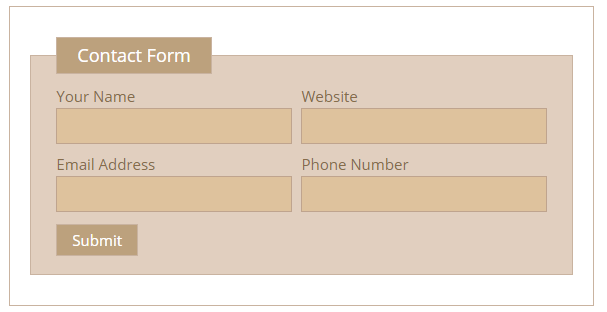
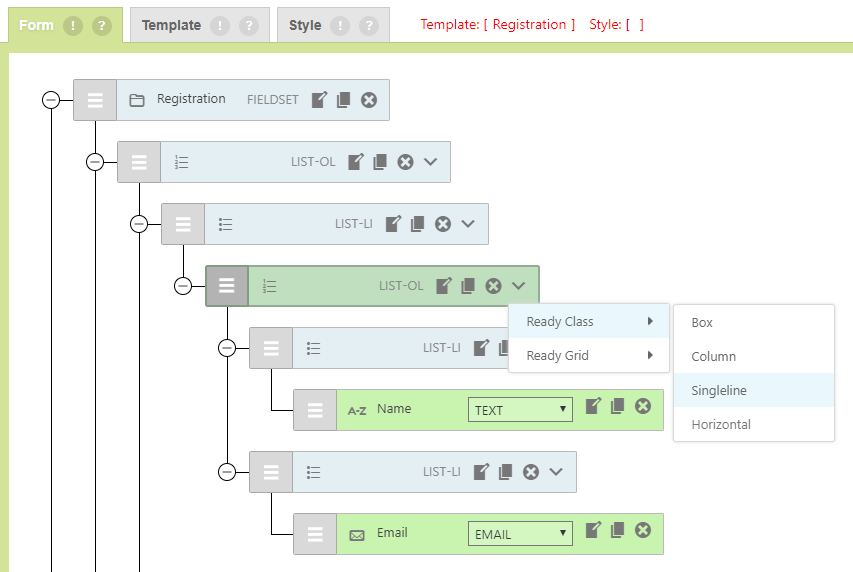
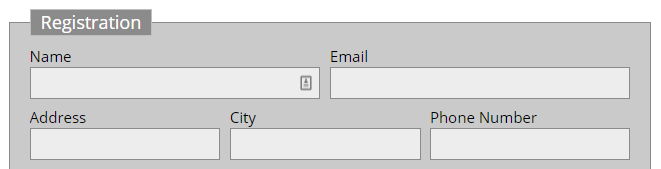
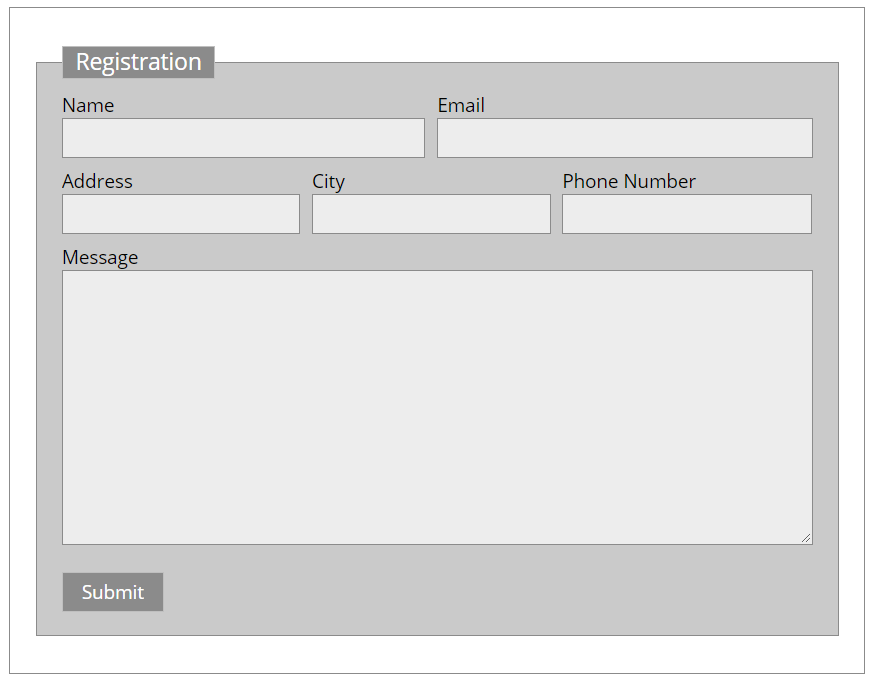
Contact Form 7 Form in Columns #
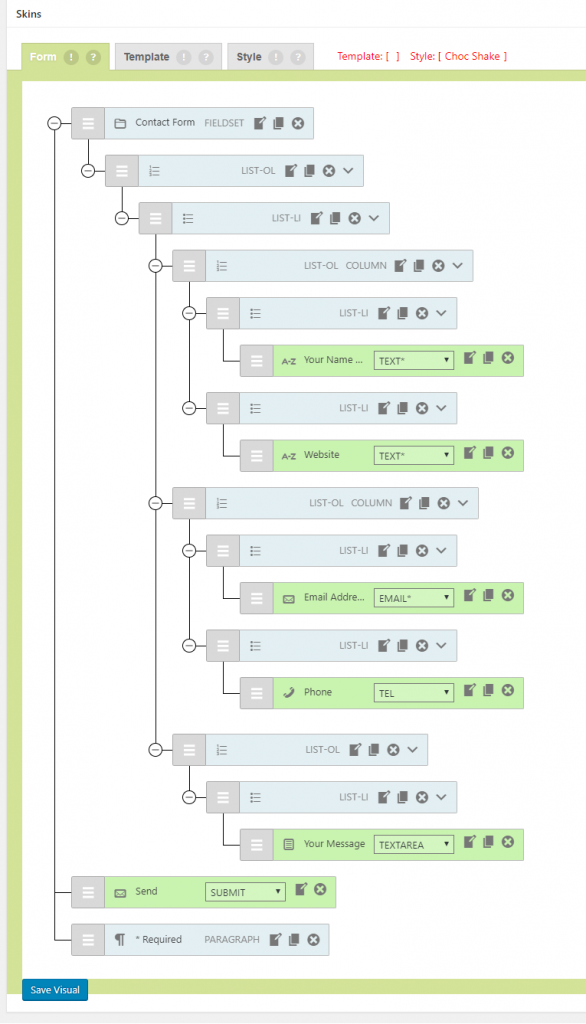
Contact Form 7 Form in Columns
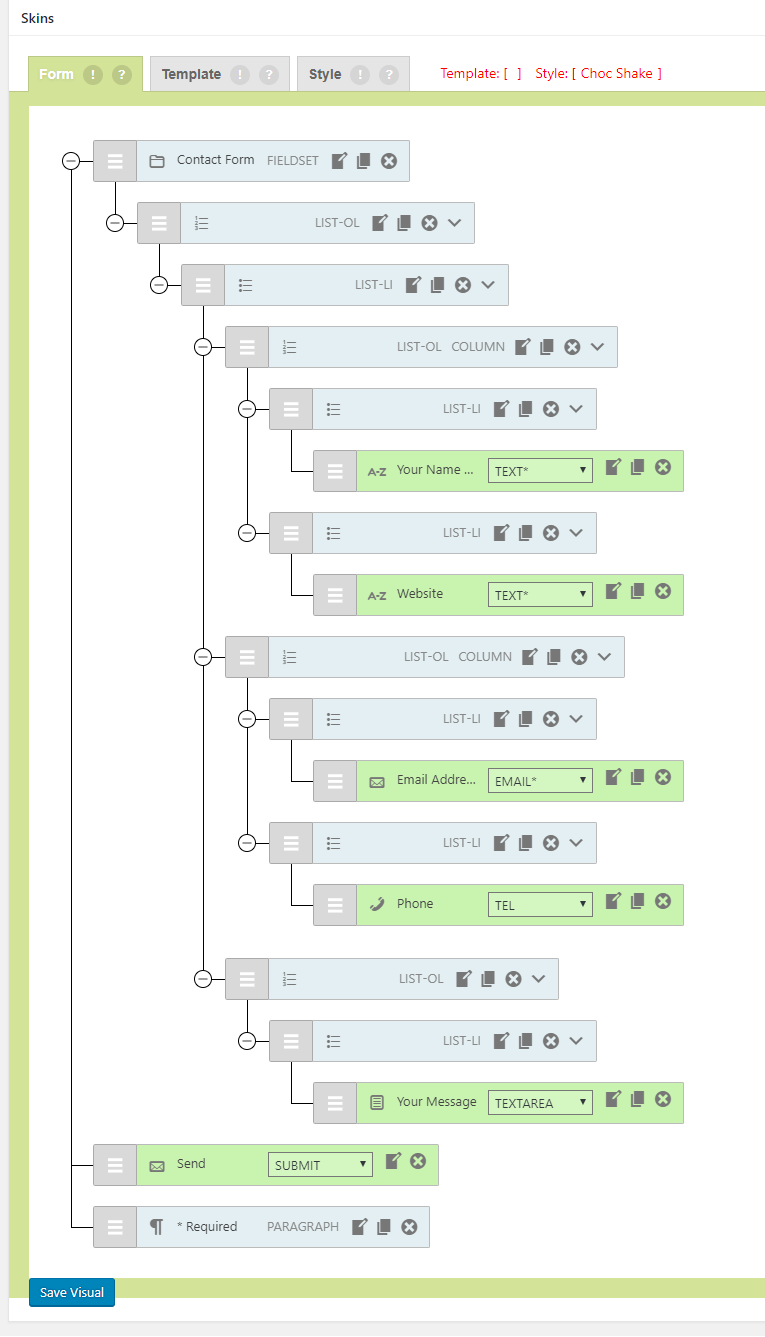
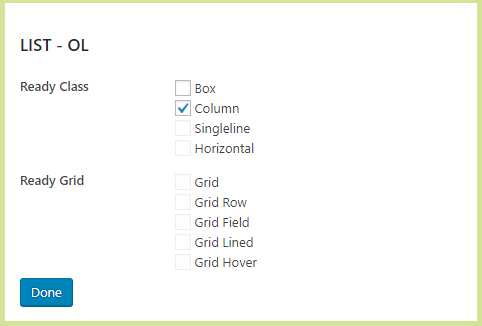
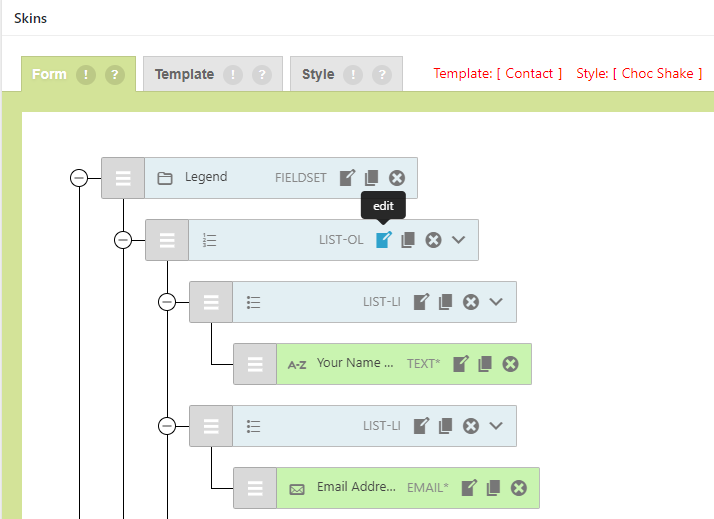
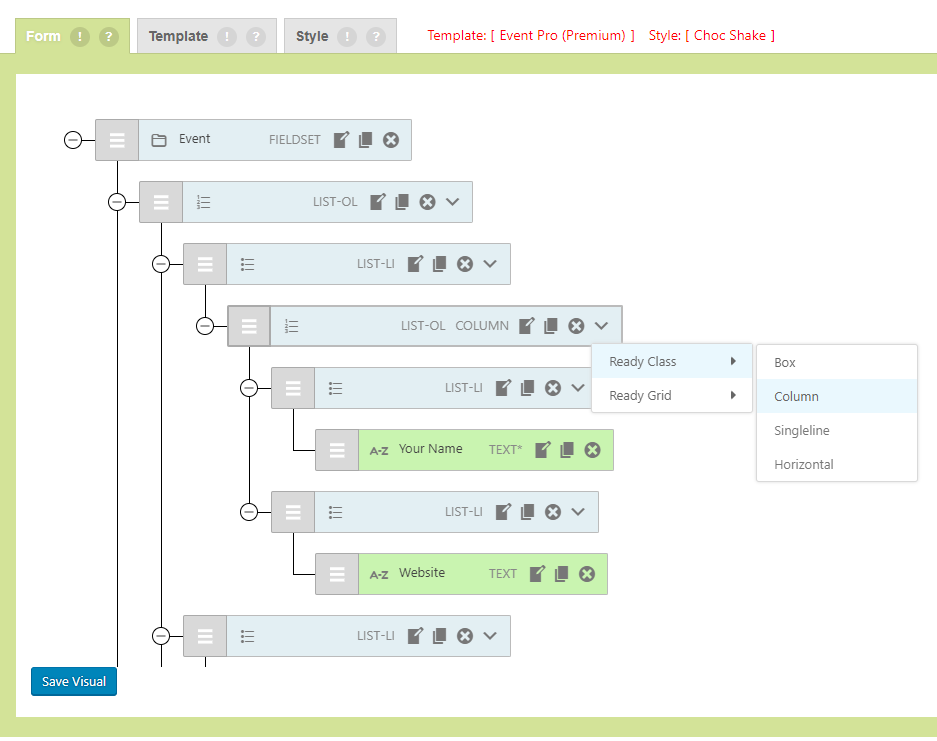
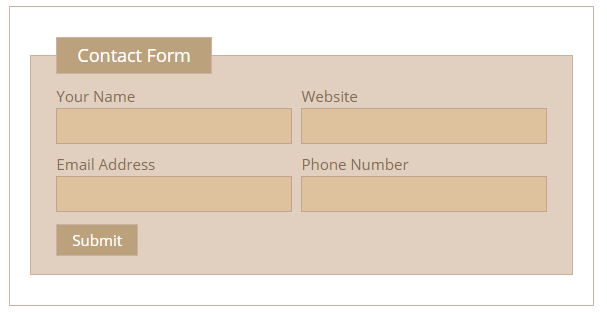
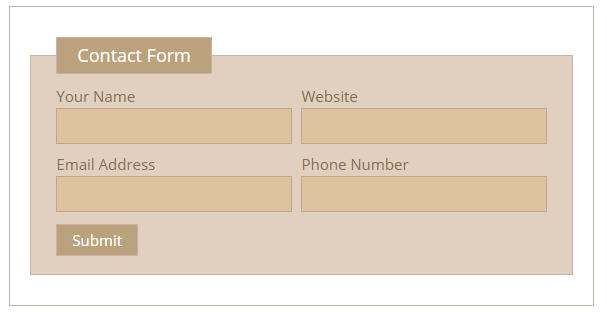
Contact Form 7 Fields Side by Side #
Contact Form 7 Fields Side by Side
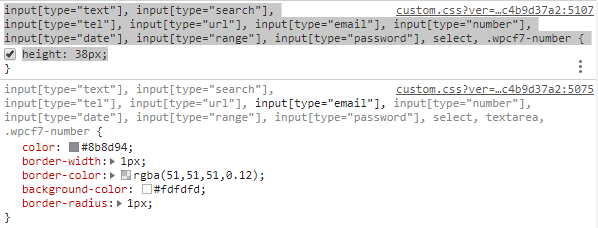
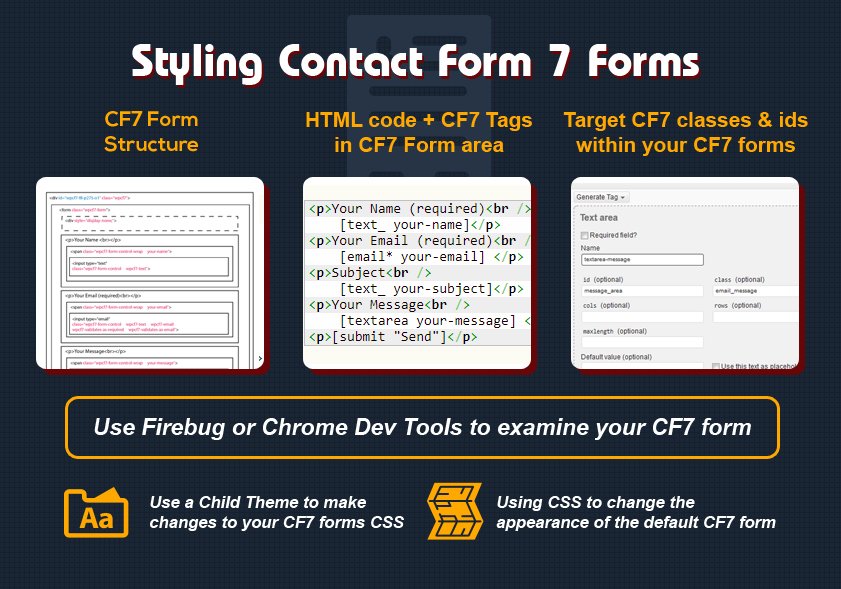
Styling Contact Form 7 Forms #
Styling Contact Form 7 Forms
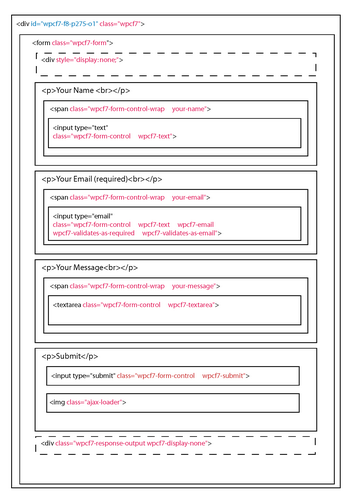
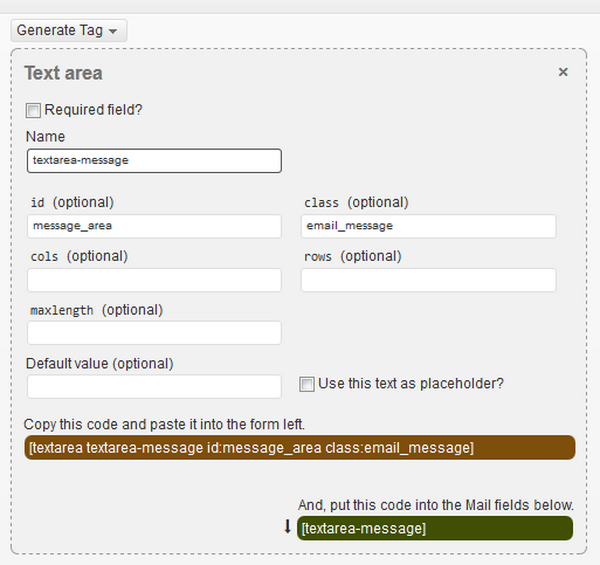
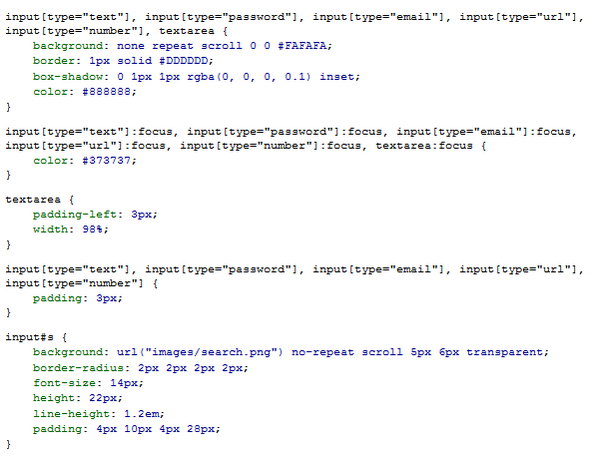
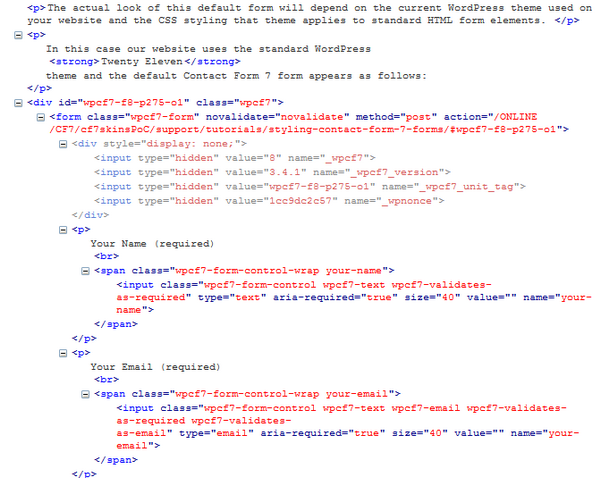
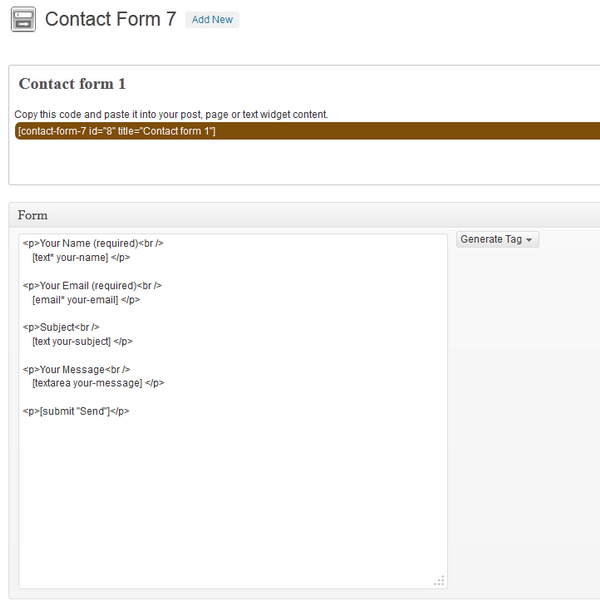
Contact Form 7 Form Section #
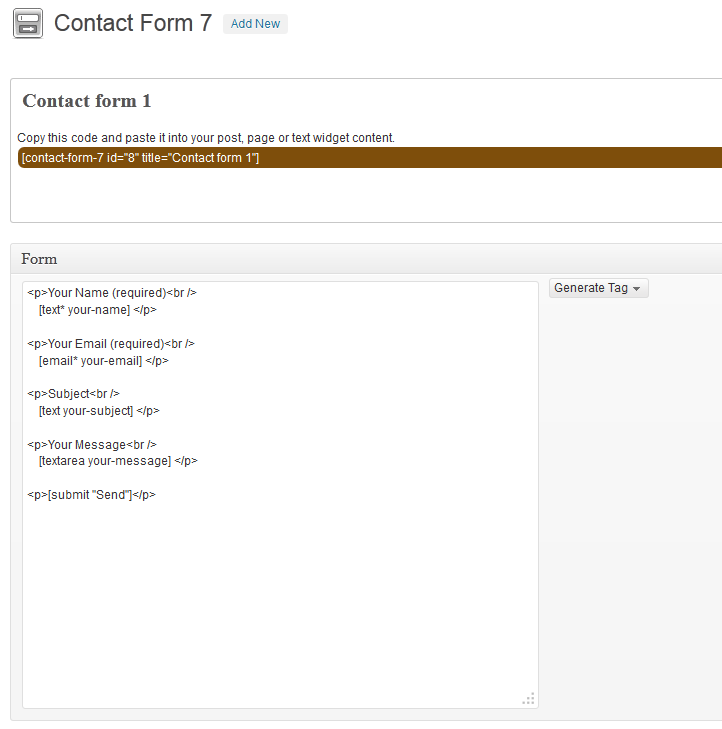
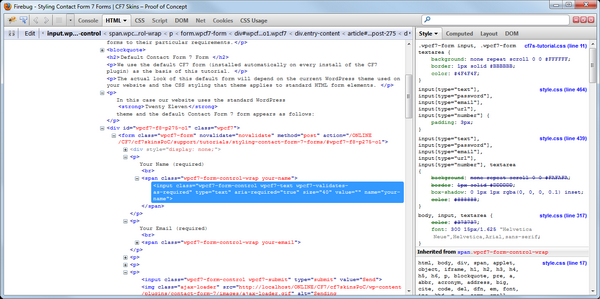
Default Form in Firebug #
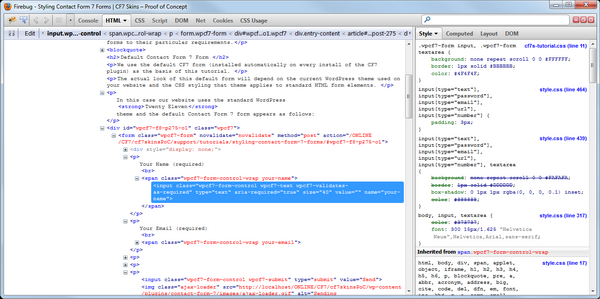
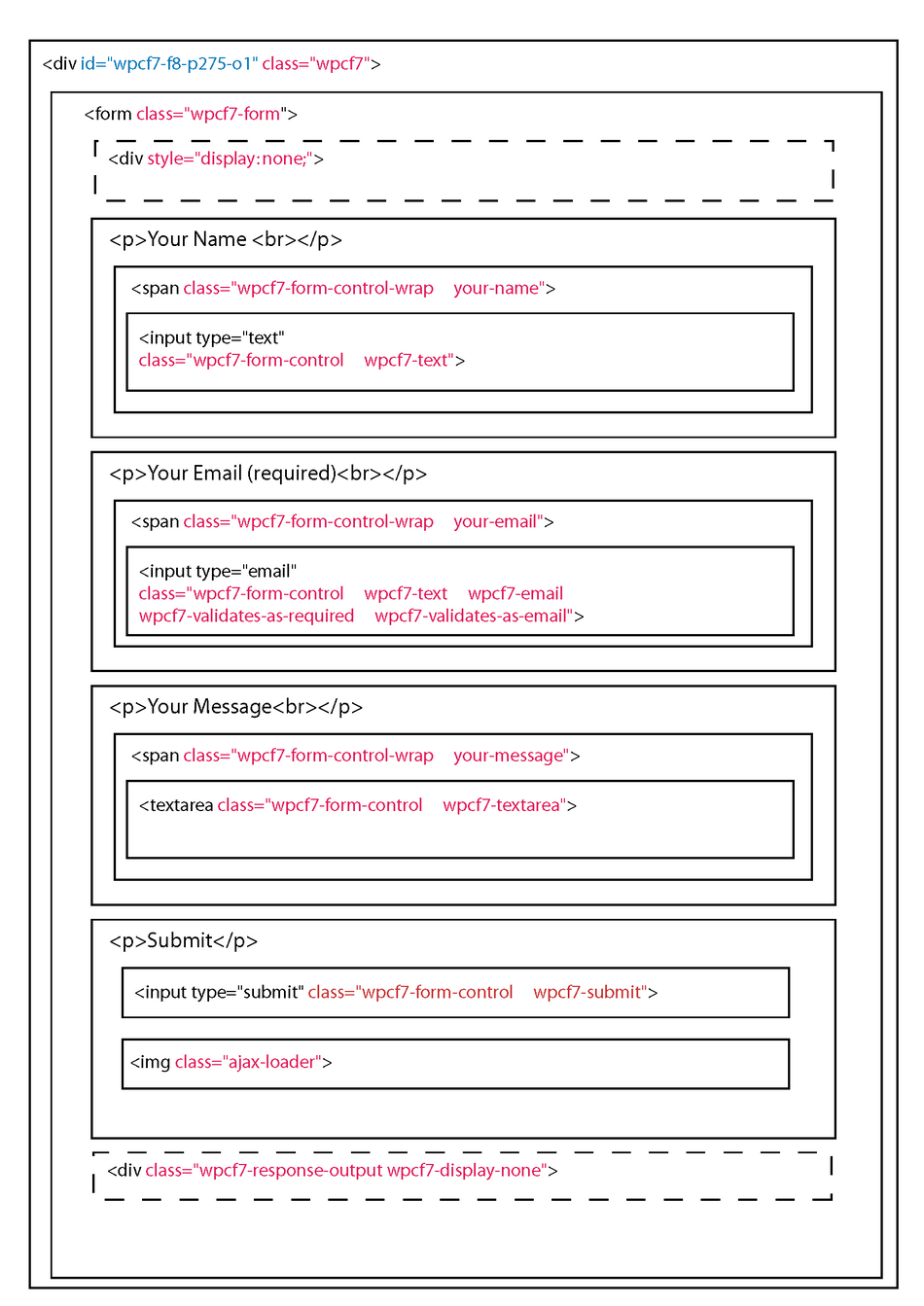
Contact Form 7 Default Form Structure #
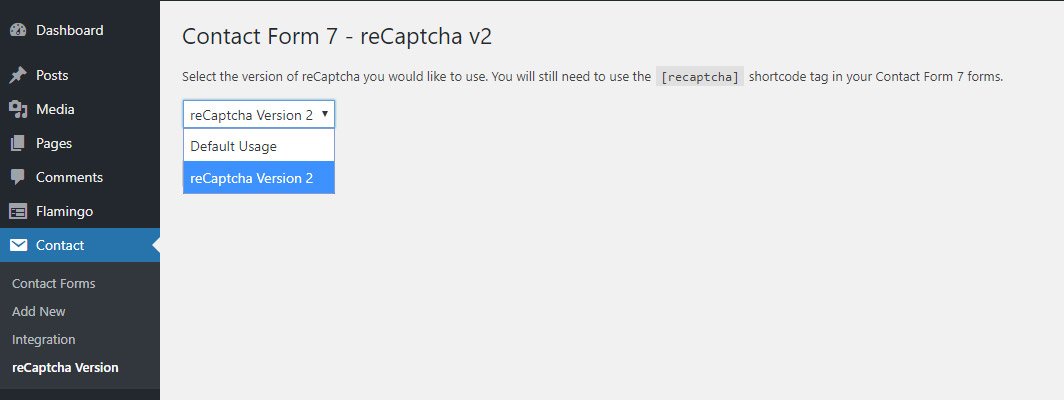
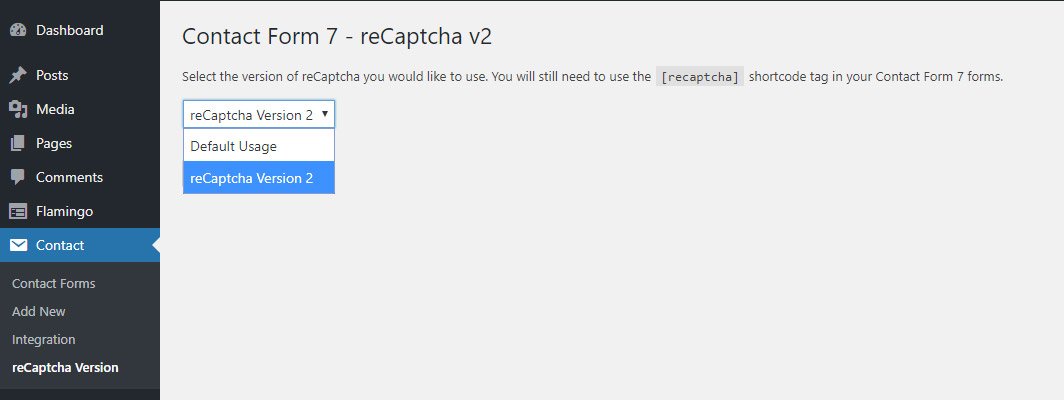
Contact Form 7 – reCaptcha v2 #
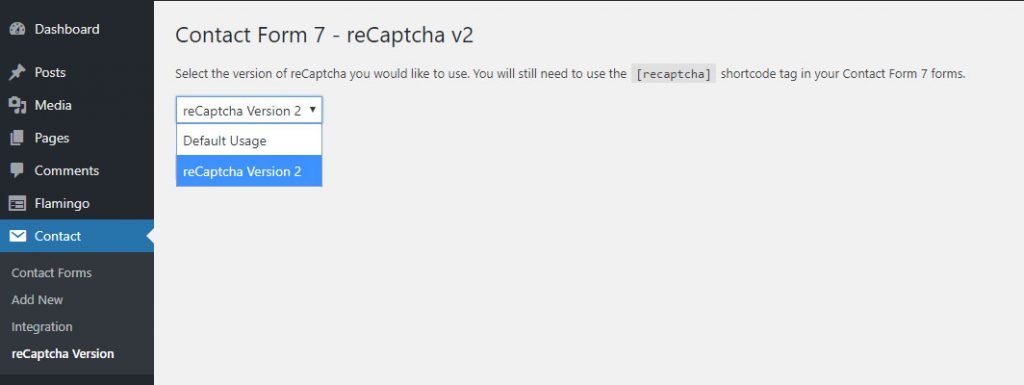
Contact Form 7 – reCaptcha v2 – All images

Invisible reCaptcha for WordPress #

Advanced noCaptcha & invisible Captcha #

No CAPTCHA reCAPTCHA #

Contact Form 7 Captcha #
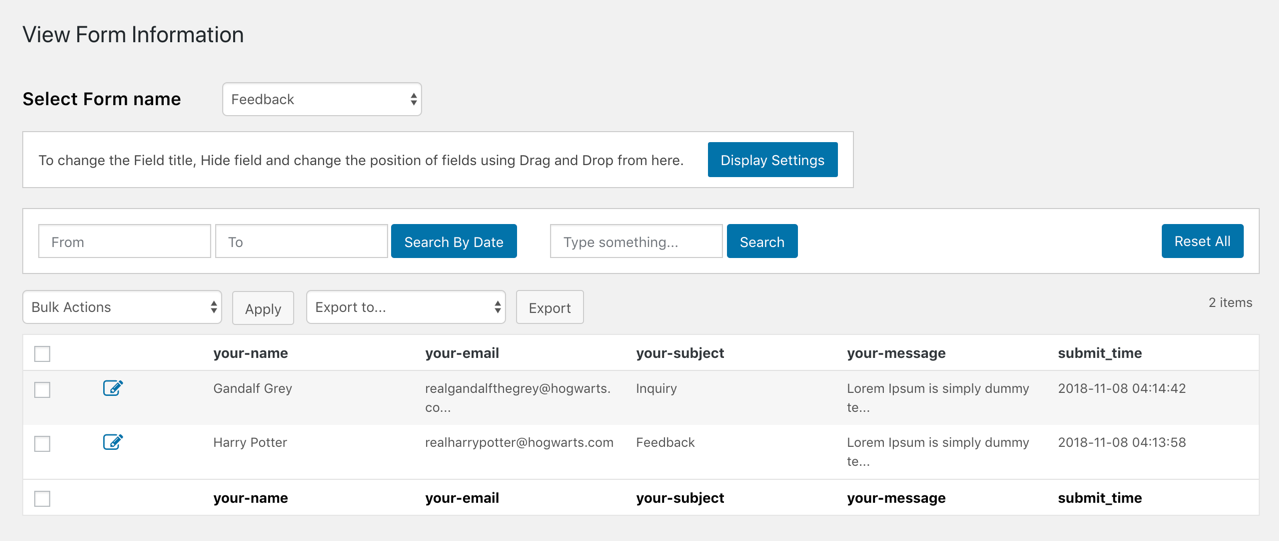
Contact Form 7 Database Addon – CFDB7 #
Contact Form 7 Database Addon – CFDB7 – all images
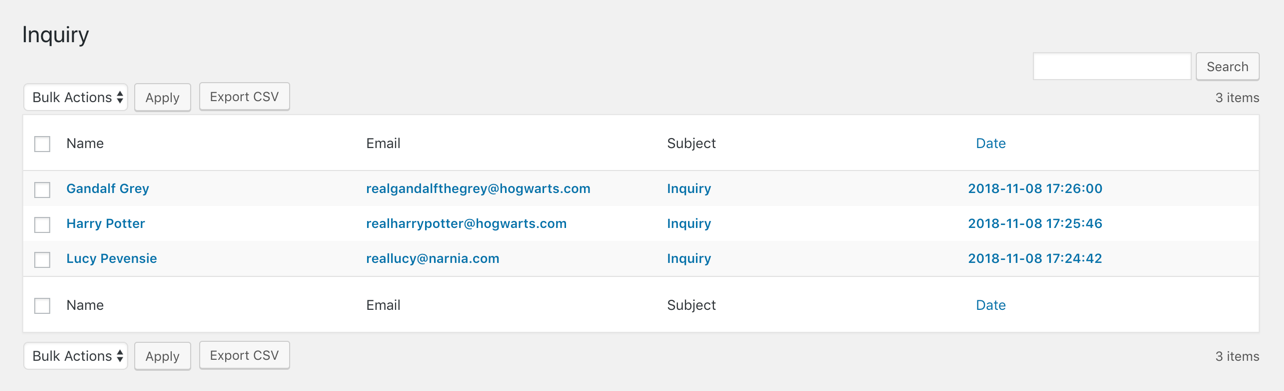
Advanced Contact form 7 DB #
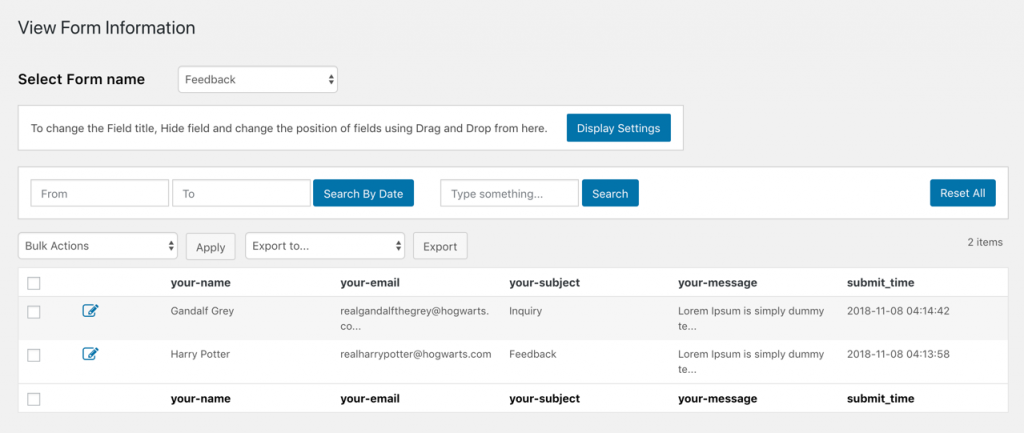
Advanced Contact form 7 DB – All images

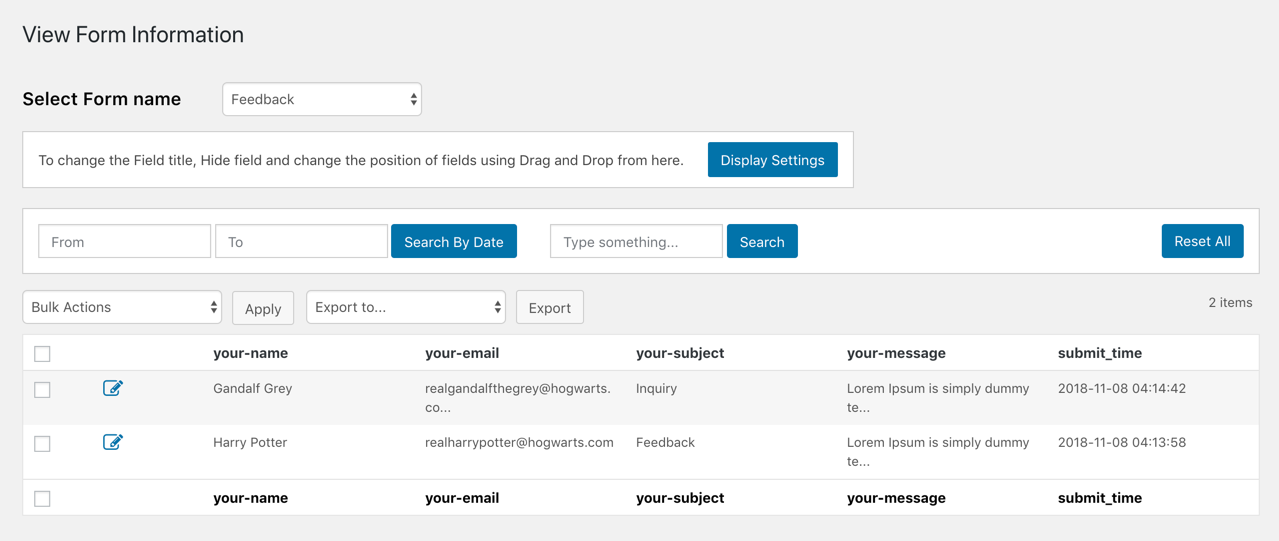
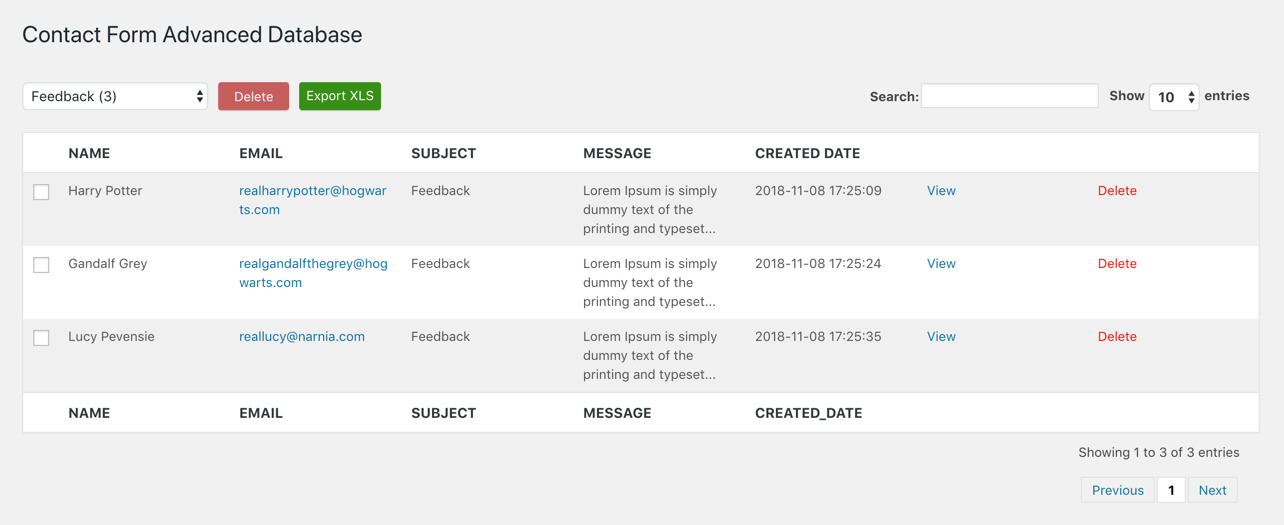
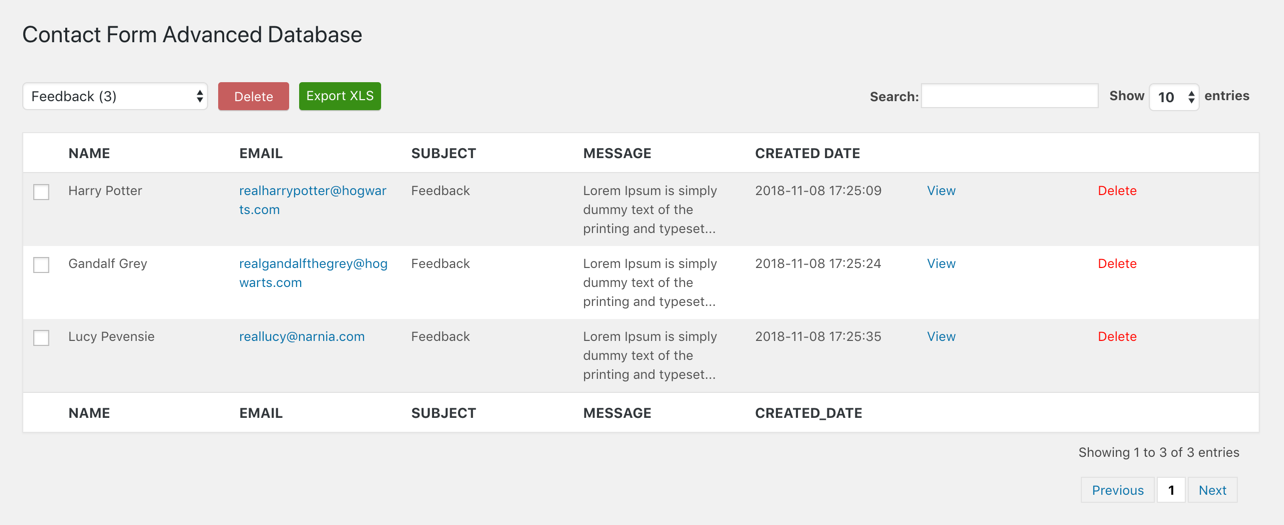
Contact Form Advanced Database – CFADB #
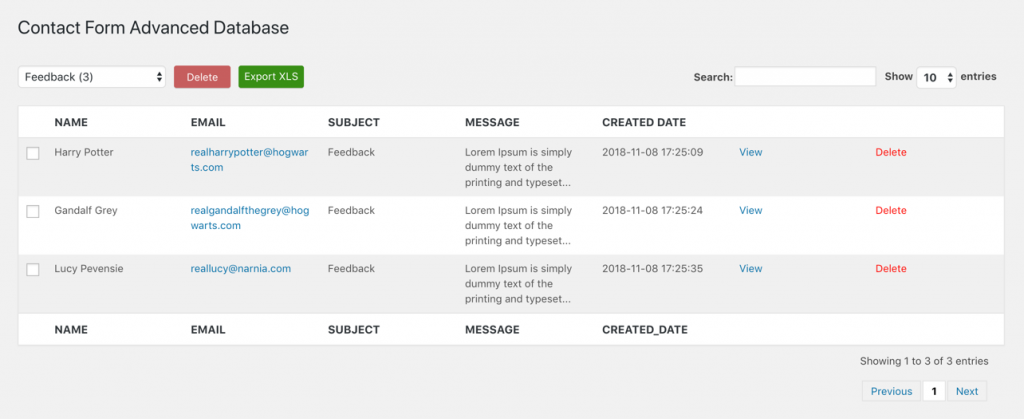
Contact Form Advanced Database – CFADB – All images
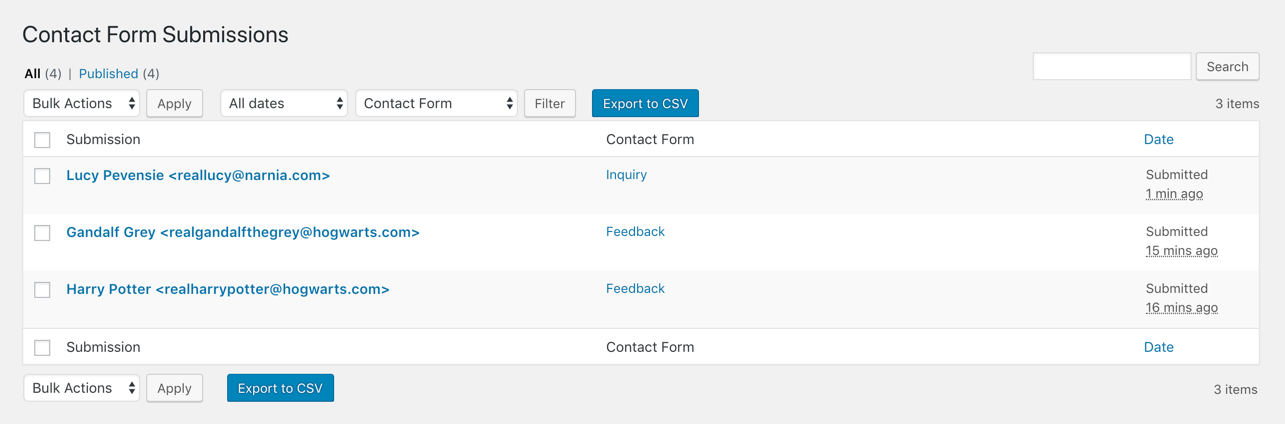
Contact Form Submissions #
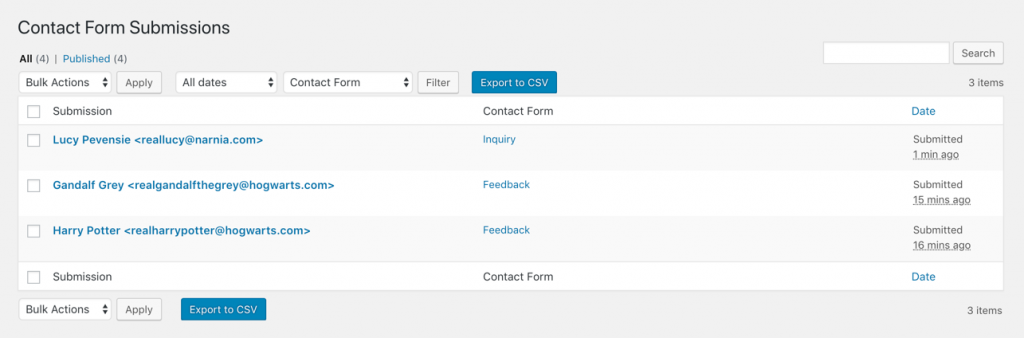

Contact Form Submissions – All images

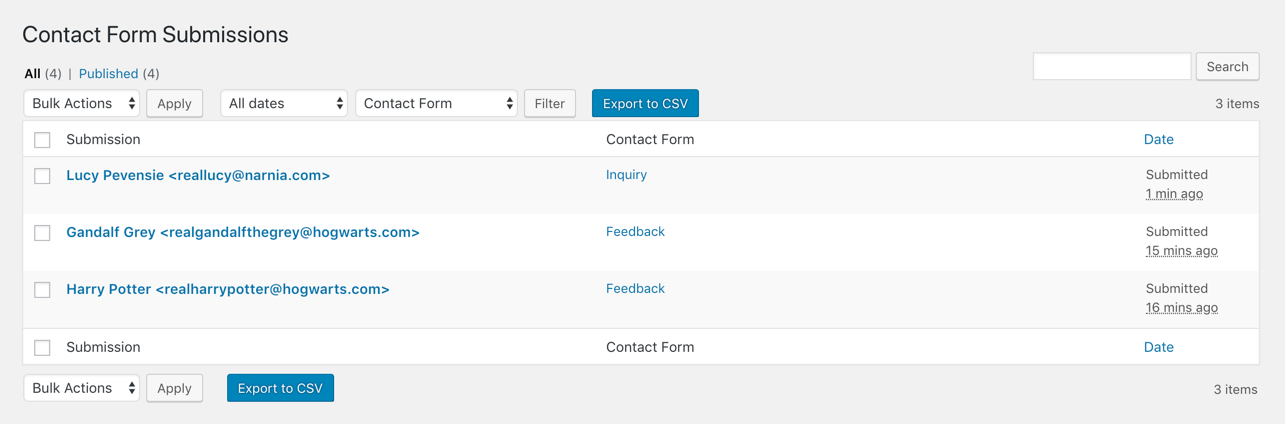
Save Contact Form 7 #

Contact Form 7 Datepicker #
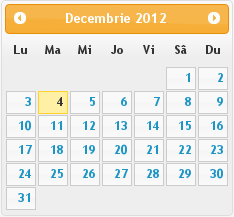
Contact Form 7 Modules #

jQuery Validation for Contact Form 7 #
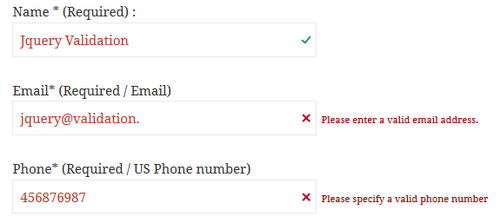
Contact Form 7 Redirection #
Contact Form 7 Redirection – All images
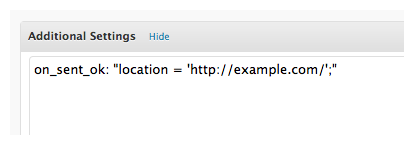

Contact Form 7 Dynamic Text Extension #
MailChimp for WordPress #

Contact Form 7 Honeypot #

Contact Form DB #

Contact Form 7 – Success Page Redirects #
Contact Form 7 – Success Page Redirects – All images
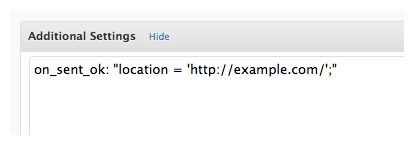

Beginner’s guide to setting up mail in Contact Form 7 #
Beginner’s guide to setting up mail in Contact Form 7 – All images
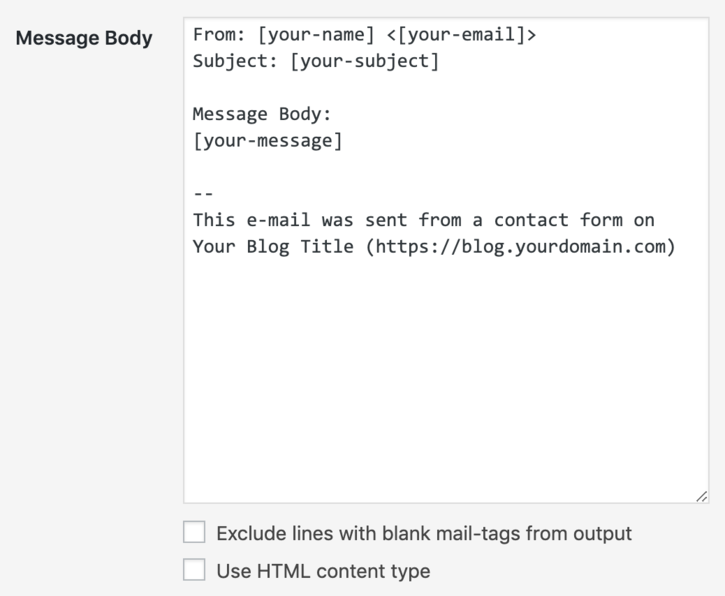
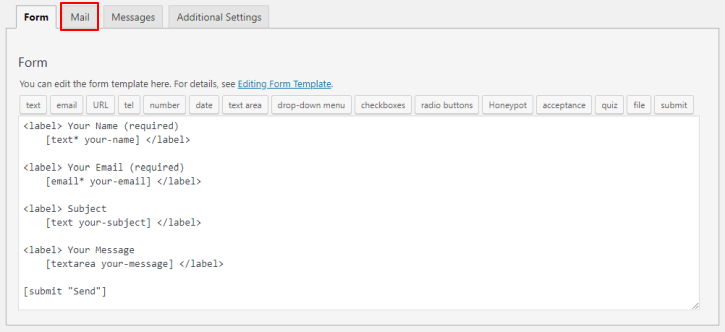
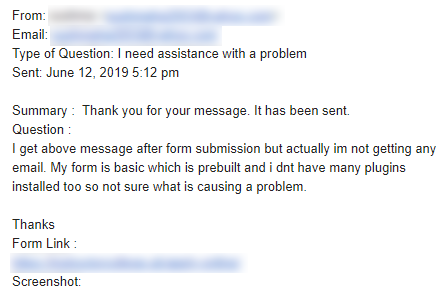
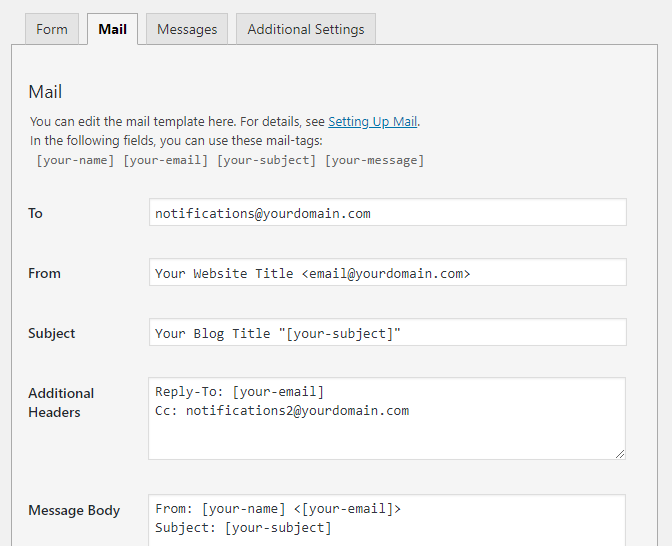
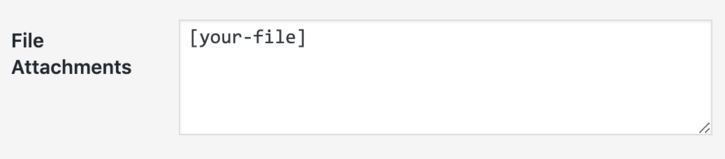








Use a suitable From: address #