
Last Updated on June 20, 2024 by Neil Murray
Table of contents #
- Your Job
- Your Tasks
- Trial
- Git
- BitBucket
- Development Version
- Local
- Development Documentation
- Test Site
- Completing your Tasks
- Other
- Ask if in doubt
YOUR JOB #
Your job involves writing code for our plugins. You need to:
- Work on issues allocated to you based on your current skill level
- Report your progress daily (via Work Updates)
- Communicate with the CF7 Skins Development team (via Bitbucket issues & Skype)
- Help maintain our Team Documentation.
YOUR TASKS #
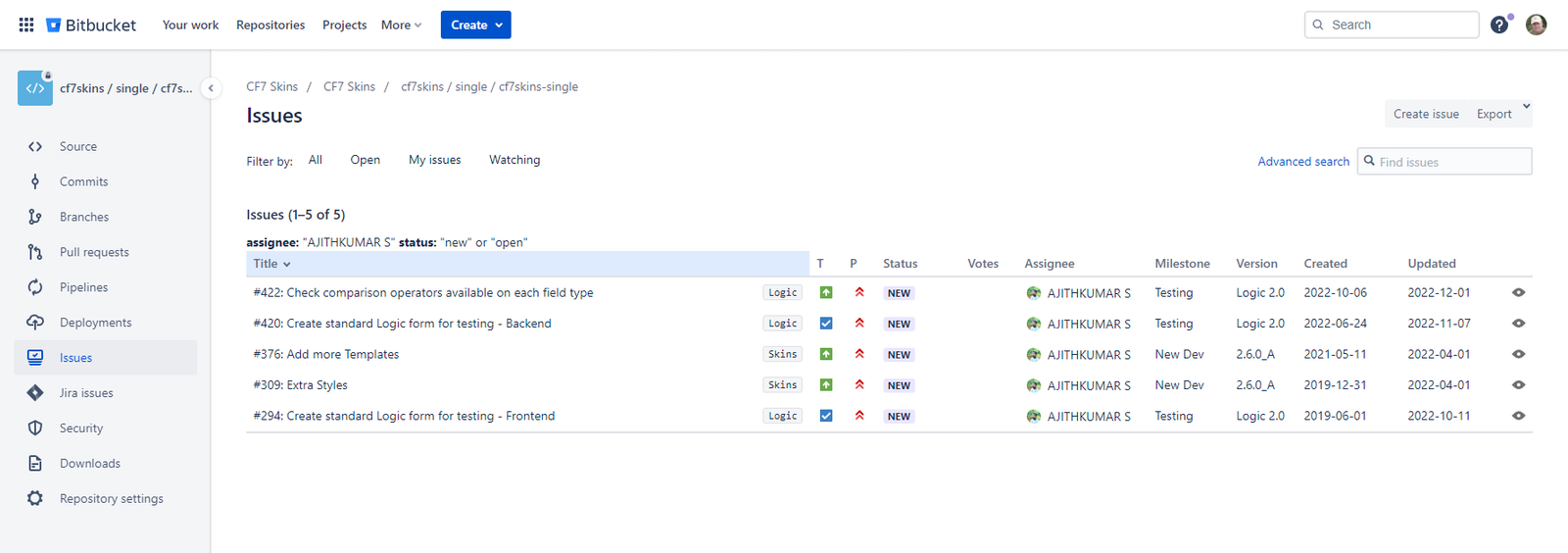
Your tasks are shown at:
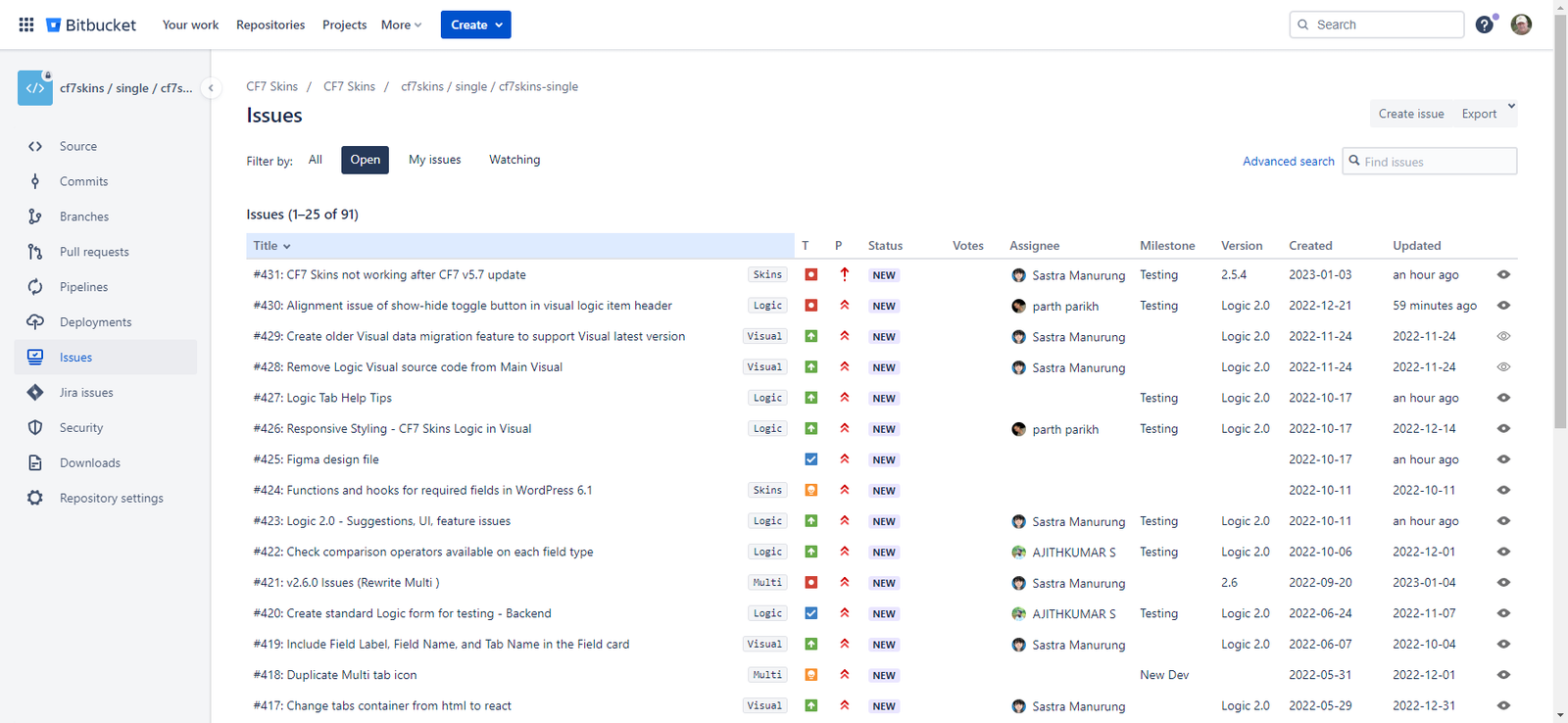
Select items attached to your name.
TRIAL #
Your paid trial is for 4 hours (unless advised otherwise). After this time you should stop all work for us until we review your work & get back to you with detailed feedback.
Please read & understand all of the items on Team Communication (plus all the links included there) and make sure you follow them during your trial. If you have any questions on these items please contact us for clarification.
GIT #
You will use Git to push & pull code changes made by you & others. We recommend you use the Sourcetree GUI if you are still learning Git-based development. See Get started with Sourcetree for detailed guidance on using this tool.
See Using Sourcetree.
BITBUCKET #
We will invite you to our account for this Git tool, which we use for our development.
You need access to this to clone the development version of CF7 Skins & communicate on Bitbucket Issues.
DEVELOPMENT VERSION #
The following items explain how to set up the development version of CF7 Skins:
LOCAL #
You need to set up & maintain several Local WordPress sites (with different PHP & WP versions).
To help you get started we recommend you use the following items:
- Using Local – for detailed guidance on how we do this (it’s somewhat outdated but it should still give you the info you need).
DEVELOPMENT DOCUMENTATION #
We maintain extensive development documentation to help new developers understand our code & how to work with our code.
You should browse this documentation to find pages related to your development tasks.
TEST SITE #
We maintain a WordPress site to help us with testing at CF7 Skins Test.
All your testing & development should be done on local copies of this site – see Export & Import CF7 Skins Test Database.
Completing your Tasks #
When you’ve completed your work on a task follow these steps:
- merge the source branch ( usually ‘visual’ ) into your local development
- deal with any conflicts & fix errors & issues from the merge
- add Bitbucket comment which confirms your task is working as expected via suitable screenshots
- ensure the Bitbucket Issue includes comments for each commit.
OTHER #
Please read & understand all of the items on Team Roles – Common Items, and make sure you follow them during your trial.
See Team Communication.
ASK IF IN DOUBT #
If you have any questions at any time you should contact us on Skype. If in doubt please ask.
You can see when we other team members are generally available at Team Members.
Further Reading:
- Development Documentation
- Testing Documentation
- Using Local
- Getting Started
- Setup local install – step-by-step instructions
- CF7 Skins development plugins
- Export & Import CF7 Skins Test Database
Notes
Add notes here
Save all Images to Sync – use ..\Sync\..\Team\Team Guidelines\Team Roles\WordPress Plugin Developer\