Form Block Articles

CF7 Skins Articles #

Tasks Legend

  • [ ] – not started
  • [-] – started/ partially done
  • [R] – review
  • [X] – done

Items by others #

[Next – Previous article block]

[Other articles in this series – Reuseable Block]

Graphic Design for Documentation Images

Husnain Ali is our professional go-to Graphic Designer who works on improving our images. All the team members can access the updated images on Dropbox.

Dropbox path: ../Dropbox/Support/Documentation/Graphic Design/

In the Dropbox path mentioned above, you can:

  • Add images that need work at ../Dropbox/Support/Documentation/Graphic Design/NEW/
  • Next, add details such as date, what needs to be improved in Images – CF7Skins.txt with the addition of each new image. The details must be clearly stated.
  • Once updating the image is complete, the new image is available at ../Dropbox/Support/Documentation/Graphic Design/DONE/

Refer – Documentation Images – Graphic Design

Contact Form 7 5.0

Change Log

  • Additional settingson_sent_ok and on_submit have been removed.
  • New additional settingskip_mail
  • Acceptance checkbox: Allows the specifying of a statement of conditions in the form-tag’s content part.
  • Acceptance checkbox: Supports the optional option.
  • New special mail tags
    • [_site_title][_site_description][_site_url][_site_admin_email]
    • [_invalid_fields][_user_login][_user_email][_user_url]
    • [_user_first_name][_user_last_name][_user_nickname], [_user_display_name]
  • New filter hooks: 
    • wpcf7_upload_file_namewpcf7_autop_or_notwpcf7_posted_data_{$type}, and wpcf7_mail_tag_replaced_{$type}
  • New form-tag features: zero-controls-container and not-for-mail

Refer Contact Form 7 5.0 – Change Log

Acceptance Checkbox

Acceptance checkbox is one of the form-tag types that Contact Form 7 has long provided. It consists of a simple checkbox dedicated to confirming the submitter’s consent on a given condition.

We decided to redefine this feature because it was no longer adequate to meeting increasing requirements. Obtaining explicit consent in advance of collecting personal data is now considered essential in terms of protecting privacy rights. Therefore, it is important to record who has consented to what conditions if there is a possibility of reusing the personal data.

With the new acceptance checkbox, you can specify a condition to consent to in the content part of the form-tag, and if the submitter consents to it, the fact will be recorded in a mail message, or in the database (Flamingo).

Refer Acceptance Checkbox

Gutenberg Blocks

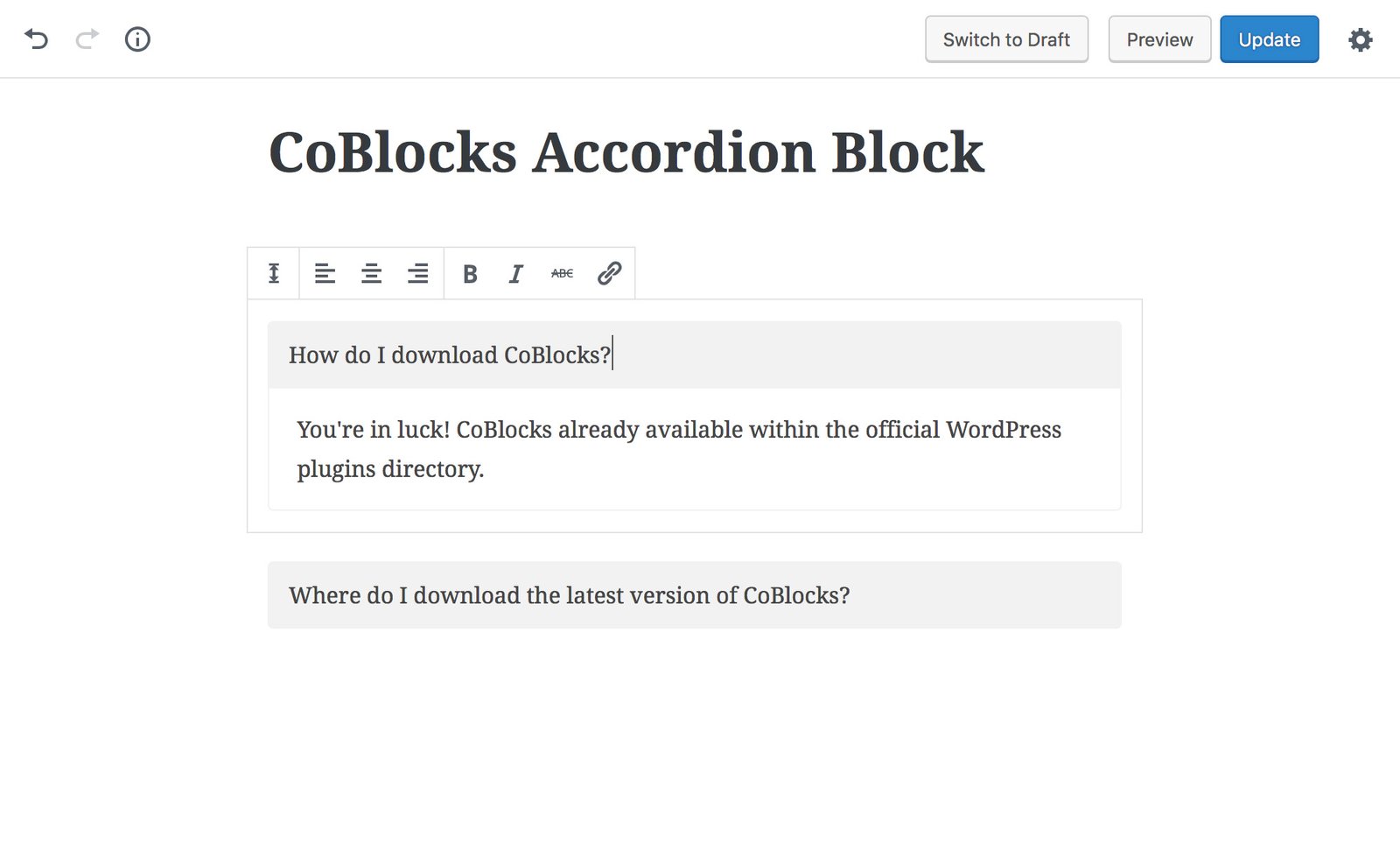
We are starting to see several plugins creating Blocks for Gutenberg.

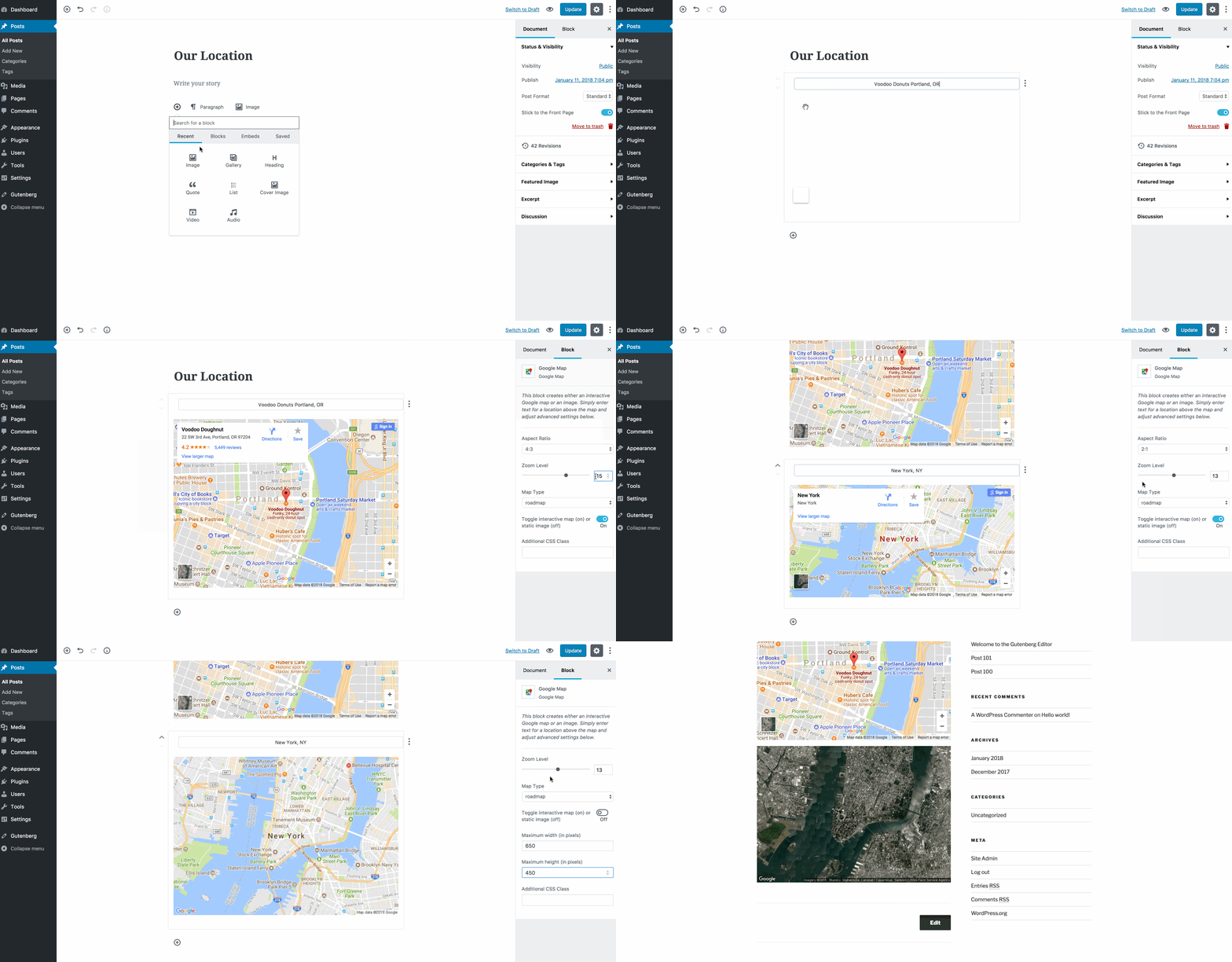
Google Maps

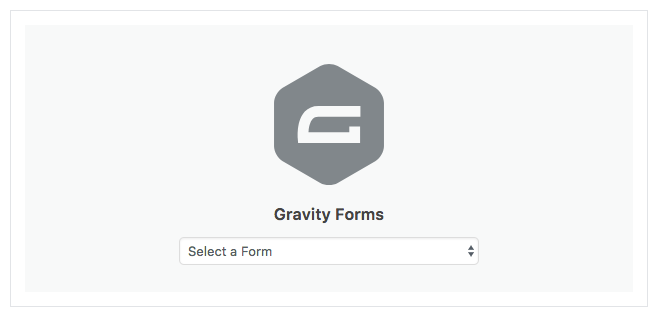
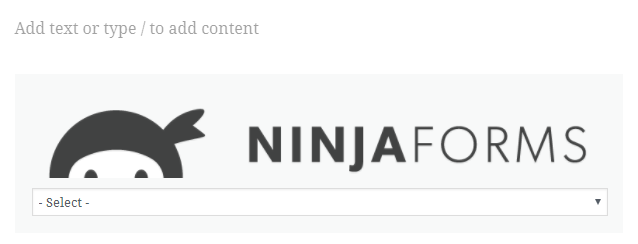
Ninja Forms

Many so far are simple replacement for existing Shortcodes that can be still be used concurrently with the Classic Editor.

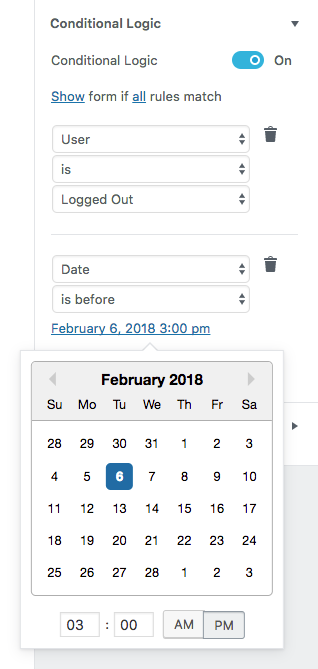
Some are however are providing significant JS based controls within the Block.

Please add any Gutenberg Blocks you find and your Comments to this post.

Notes:

Update

WordPress theme developer Danny Cooper has built a centralized library of Gutenberg blocks that are currently available to extend the new editor.

CF7 Skins

This could be significant for CF7 Skins – how could we provide similar interaction with CF7 forms directly within the Gutenberg Editor.

Neil Murray

Adding Visual for users

I’ve been thinking about what will happen to existing CF7 Skins users, when we add CF7 Skins Visual to the plugin they have been using – either free or pro with add-ons.

Contact Form 7 Skins (free version) currently has 20,000+ active installs.

When we add CF7 Skins Visual to this free version, 20,000+ existing users will get the CF7 Skins Visual interface added to Contact Form 7, whenever they update Contact Form 7 Skins.

These existing users will then see the extra Form Tab, added in the Skins metabox (with the Visual interface), for the first time, whenever they create or edit a CF7 form.

That’s 20,000+ people who are going to have a new experience at some time.

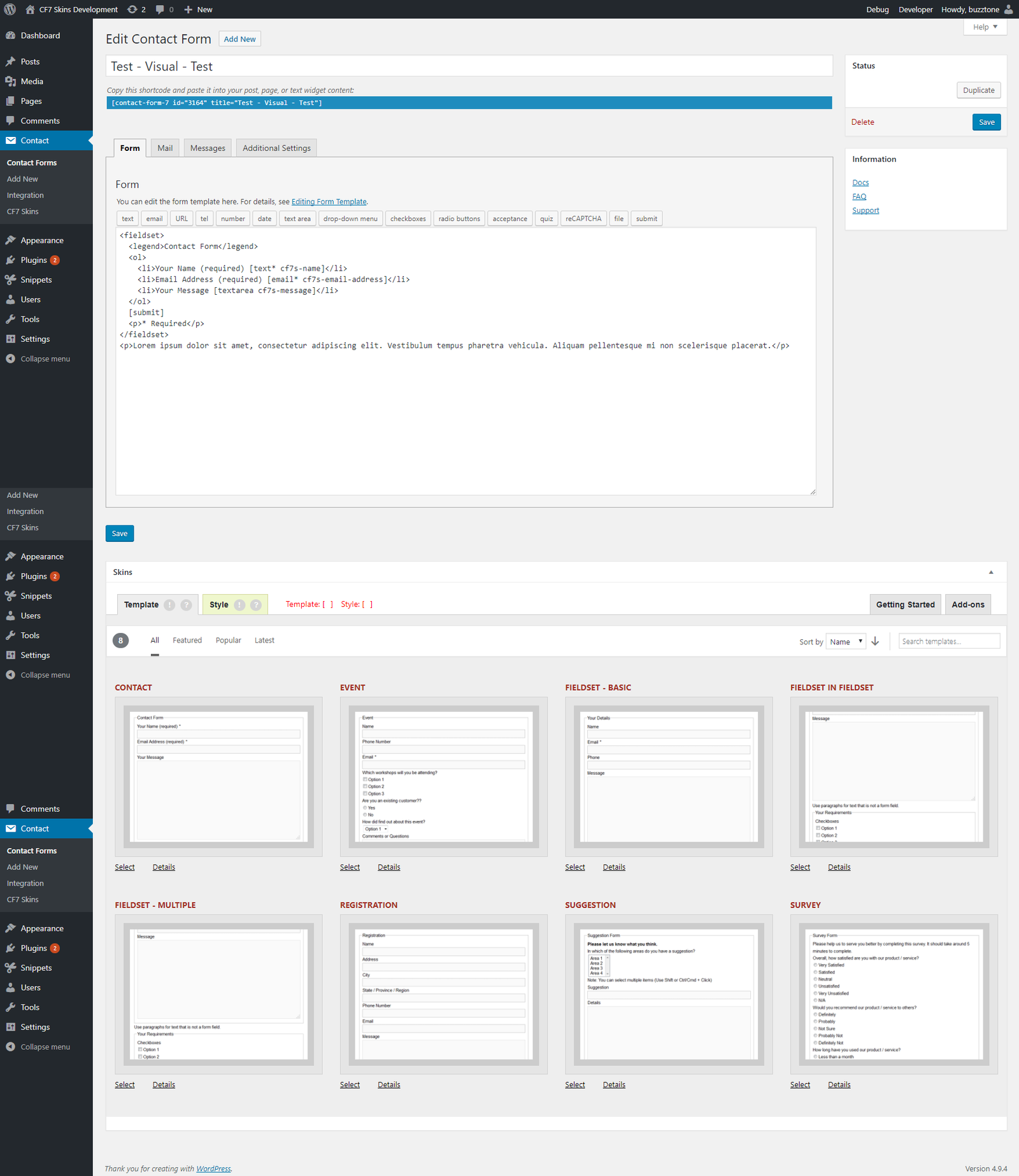
The Contact Form 7 user interface (UI), with the free version CF7 Skins installed, will go from this:

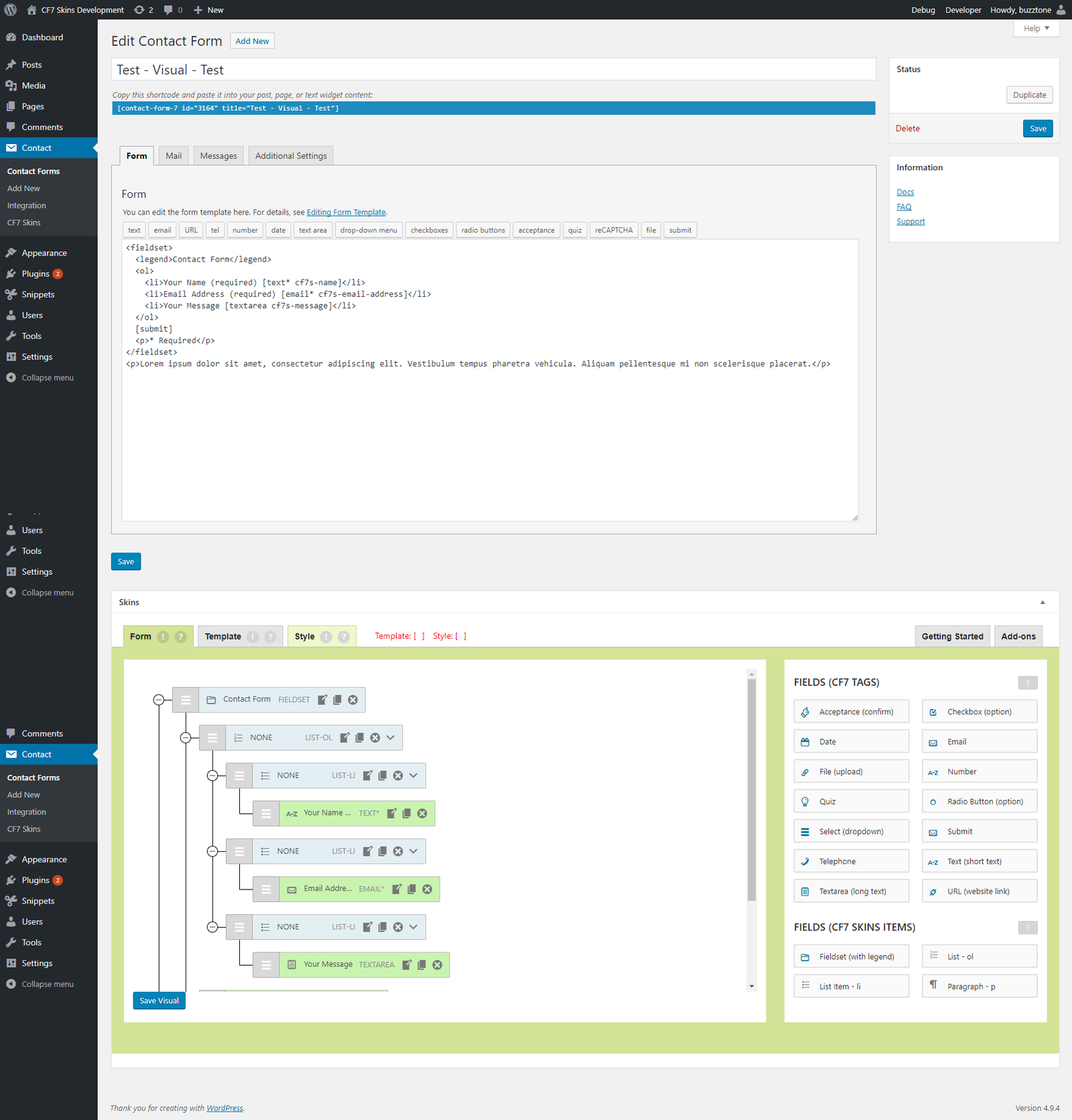
to this:

I expect these users will ask at least some of the following questions:

  • what is this?
  • what does it do?
  • should I use this?
  • can this help me?
  • how do I use this?

We need to provide a mechanism to answer these questions quickly & easily in a way that provides both assurance & encouragement to  existing users.

While some users will have read or heard about our adding a drag&drop visual interface to CF7 Skins ( & thus to Contact Form 7 ), we can’t count on that.

What you you think? How should we do this? Please add your Comments to this post.

Update

Version 1 – 2018-06-19


create-guten-block – a developer toolkit for building Gutenberg block plugins

I recommend we follow/watch create-guten-block.

Neil Murray Feb. 13 2018

create-guten-block – a zero-configuration #0CJS developer toolkit for building WordPress Gutenberg block plugins

Some articles on using create-guten-block:

Other useful articles:

Why create-guten-block?

Well, it’s really hard to configure things like Webpack, React, ES 6/7/8/Next, ESLint, Babel, etc. before you even start writing a Hello World gutenberg block. Then there’s the fact that you have to maintain and constantly update your configuration with all the new tools and growth in the JavaScript community.

create-guten-block hides all this configuration away in an optimized package that we call cgb-scripts. This package is the only dependency in your projects. We keep cgb-scripts up to date while you go ahead and create the next best WordPress themes and plugins.

Use kb-dev.cf7skins.com for most initial documentation work

I think we should avoid using cf7skins-test.project.buzztoned.com for initially creating blog posts. Rather we should just use kb-dev.cf7skins.com as we do for most other changes to pages, posts & faq.

I originally did this so we were using the same theme as the live blog. I’ve found we can easily make any necessary changes when we schedule the post on the live site.

All blog posts eventually also get published on kb.cf7skins.com so they need to look OK on both the themes we currently use.

What you you think? Please add your Comments to this post.

Update

  • we no longer use cf7skins-test.project.buzztoned.com at all
  • we use blog.cf7skins.com & blog-dev.cf7skins.com when creating new blog posts
  • blog posts no longer get published on kb.cf7skins.com

Using README.md in all CF7 Skins Git repositories

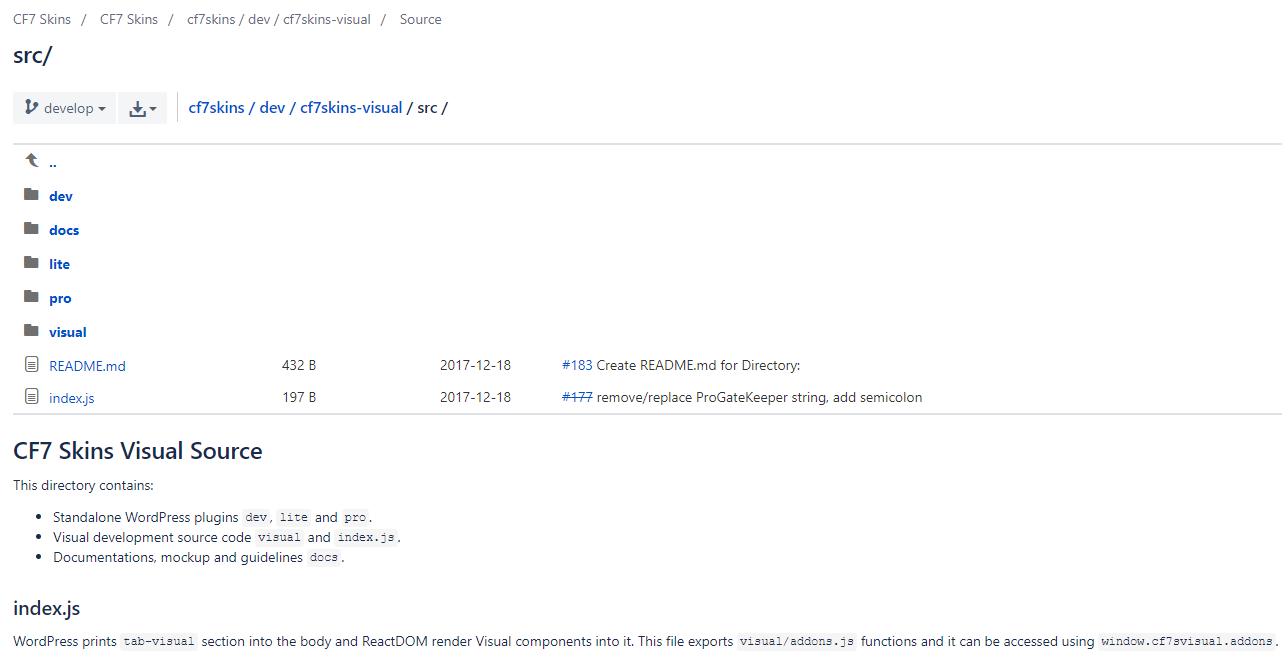
We are now adding README.md in all CF7 Skins Git repositories.

Every directory in each repository should have a README.md (markdown syntax).

These README.md are really helpful. They provide quick and easy explanation at the location where the developer is currently looking (particularly useful for new developers).

Each README.md should contain:

  • brief description about directory
  • brief description for each file
  • approach explanation
  • public functions explanation and usage example
  • external link for documentation

Refer Documenting React Code in WordPress

Download Link Expiration

Our download links are currently available for 14 days after the purchase. Re-sending a purchase receipt will regenerate a valid download link.

You can also download your purchases via your cf7skins.com Account at any time. You will need to register & log in to your Account. You will find links to your downloads and licenses there.