
Last Updated on September 7, 2025 by Neil Murray
Table of Contents #
You may need a local WordPress development environment to work effectively as of part the CF7 Skins Team.
WP Studio #
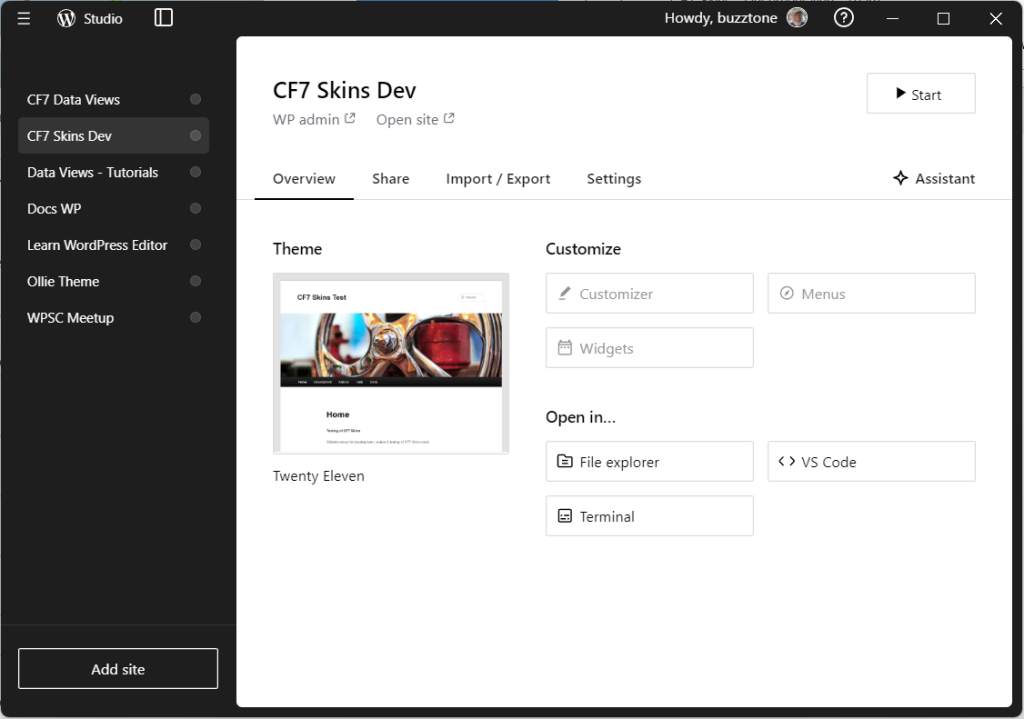
We are now using WP Studio for our local WordPress development environment where possible. It starts & runs much more quickly than Local.
Further Reading:
Local (formerly Local by Flywheel) #
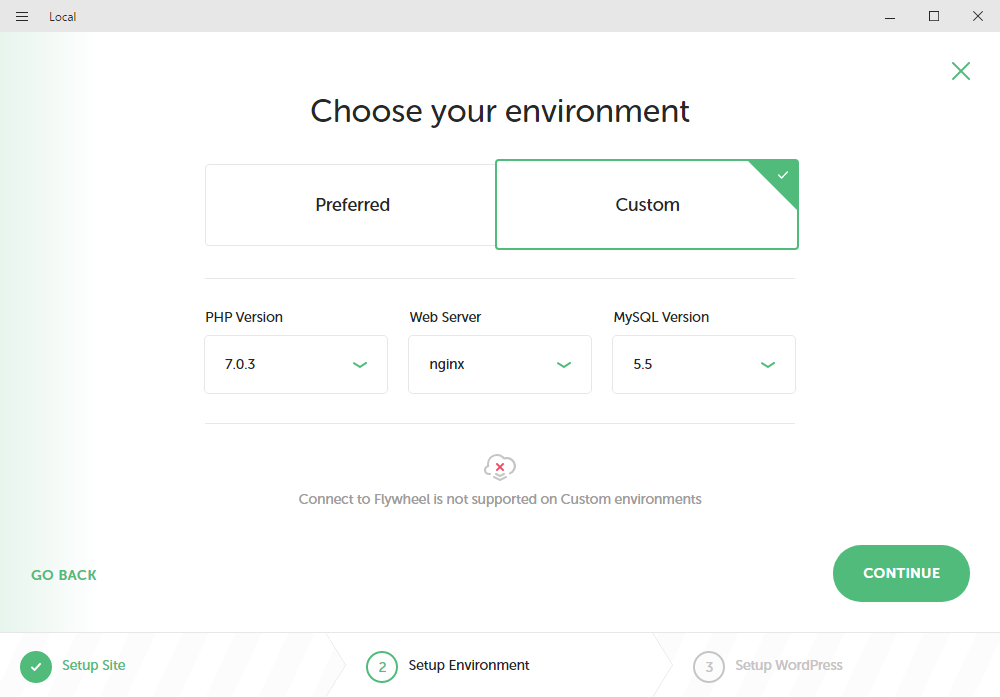
Many on the CF7 Skins Team now use Local as our local WordPress development environment – see Getting started with Local.
Further Reading:
- Using Local
- Local – step by step instructions
- Export & Import CF7 Skins Test Database
- Importing CF7 Skins Test Database Issues
- Getting started with Local
XAMPP #
You can read details of how we setup & used XAMPP at Using XAMPP.
Further Reading:
- Switch Versions in XAMPP – switching version of PHP, MySQL or Apache.
Sourcetree #
Many CF7 Skins Team members now use Sourcetree to work with our Git repositries. You can read details of how we use it at Using Sourcetree.
Further Reading:
We previously used XAMPP for many years.
Database Tools #
[TODO]
Further Reading:
Notes
Save all Images to Sync – use ..\Sync\..\Development\Development Guidelines\Development Team Tools\Local Development Environment\