
Last Updated on October 21, 2018 by Neil Murray
I’ve been thinking about what will happen to existing CF7 Skins users, when we add CF7 Skins Visual to the plugin they have been using – either free or pro with add-ons.
Contact Form 7 Skins (free version) currently has 20,000+ active installs.
When we add CF7 Skins Visual to this free version, 20,000+ existing users will get the CF7 Skins Visual interface added to Contact Form 7, whenever they update Contact Form 7 Skins.
These existing users will then see the extra Form Tab, added in the Skins metabox (with the Visual interface), for the first time, whenever they create or edit a CF7 form.
That’s 20,000+ people who are going to have a new experience at some time.
The Contact Form 7 user interface (UI), with the free version CF7 Skins installed, will go from this:
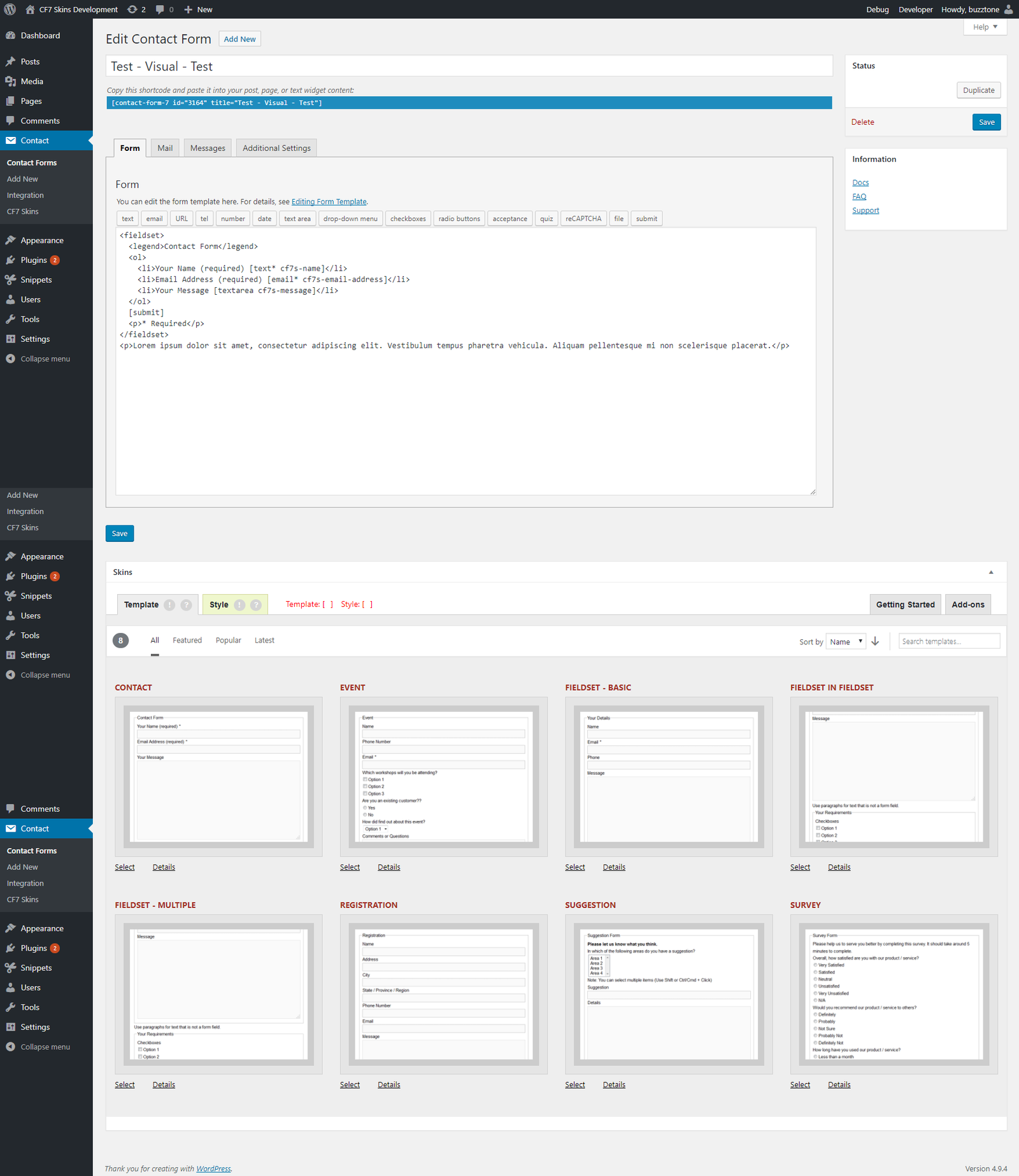
to this:
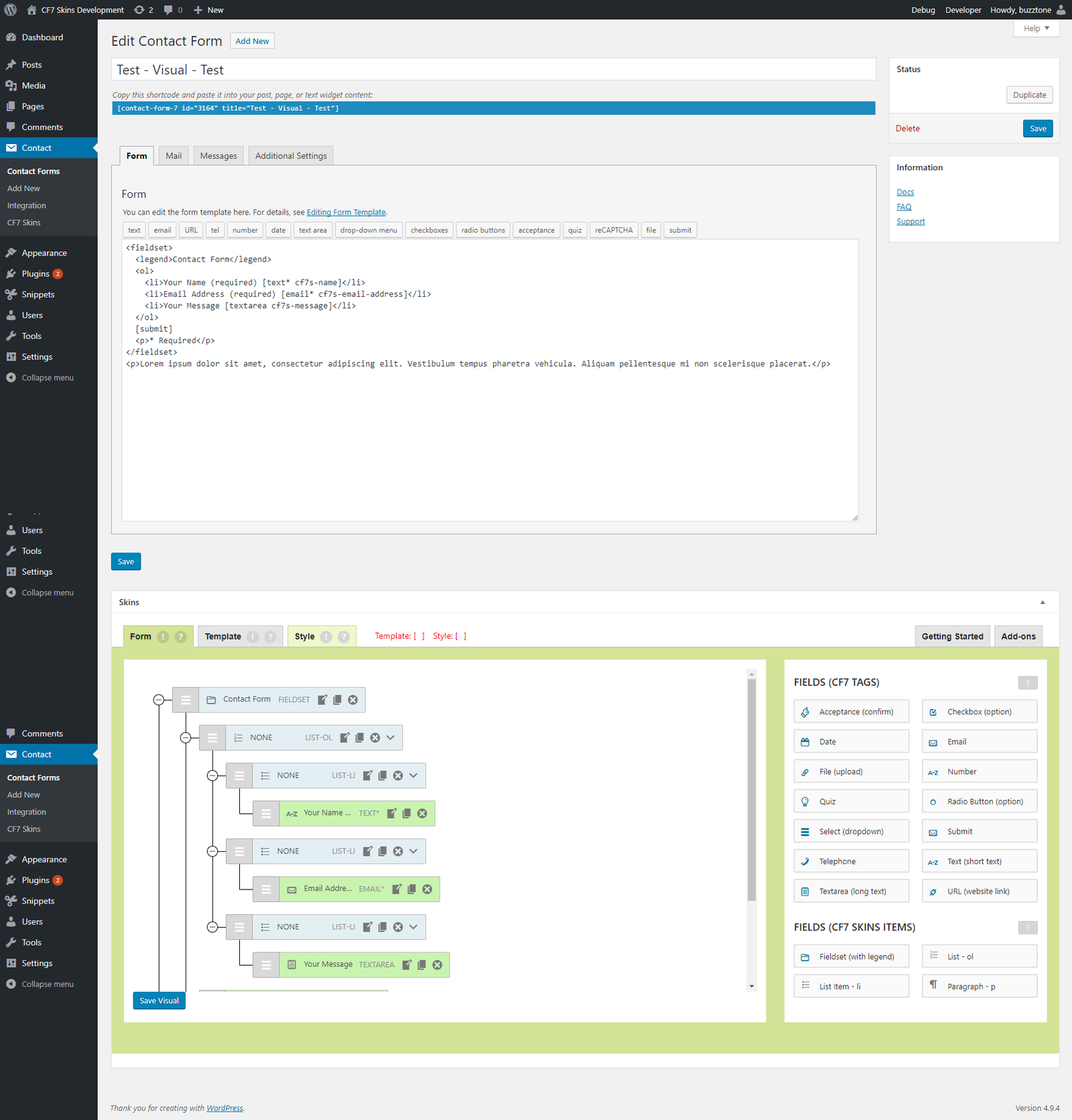
I expect these users will ask at least some of the following questions:
- what is this?
- what does it do?
- should I use this?
- can this help me?
- how do I use this?
We need to provide a mechanism to answer these questions quickly & easily in a way that provides both assurance & encouragement to existing users.
While some users will have read or heard about our adding a drag&drop visual interface to CF7 Skins ( & thus to Contact Form 7 ), we can’t count on that.
What you you think? How should we do this? Please add your Comments to this post.
Update
Version 1 – 2018-06-19
Alongside your questions, I would wonder:
– How does this affect the forms I have built already?
– Do I need to take any action after updating my plugin?
– Are there any additional features (free or paid) I can take advantage of.
Definitely think we need a documentation article answering all of those questions.
Few questions:
1. Are we going to port/transfer their current form, template, and style from the current version into visual? Or will they be required to rebuild their forms?
2. Do you have all (or most) on an email subscriber list? Could be an easy way to write an Intro to the new Visual layout in a blog post in advance
3. WP Menu -> Contact Forms page – At the top is there any way we can add a message there with external link to our documentation about up-coming changes or what will change with the new plugin update.
4. WP Menu -> Updates or Plugins – People need to actively choose to update their plugins. Can we rewrite the description and have the ‘view details’ link go to our documentation?
Also, is the plugin name staying CF7 Skins or will it change to CF7 Skins Visual?
1. Are we going to port/transfer their current form, template, and style from the current version into visual? – NO BUT THEIR EXISTING FORMS WILL WORK WITH THE EXISTING CF7 INTERFACE
Or will they be required to rebuild their forms? – ONLY IF THEY WISH TO USE THE VISUAL EDITOR TO CHANGE THE FORM
2. Do you have all (or most) on an email subscriber list? – WE HAVE MOST PRO USERS BUT NO FREE USERS
Could be an easy way to write an Intro to the new Visual layout in a blog post in advance – YES WE SHOULD DEFINITELY DO THIS
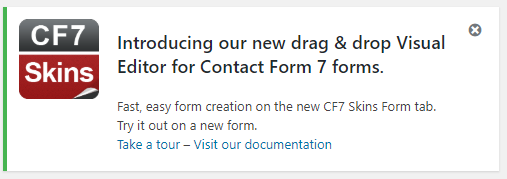
3. WP Menu -> Contact Forms page – At the top is there any way we can add a message there with external link to our documentation about up-coming changes or what will change with the new plugin update – WE CAN ADD A DISMISSABLE ADMIN NOTICE WHEN USER UPDATES TO THE VISUAL VERSION OF CF7 SKINS
4. WP Menu -> Updates or Plugins – People need to actively choose to update their plugins. – YES
Can we rewrite the description – YES
.. and have the ‘view details’ link go to our documentation? – NO BUT WE CAN ADD AN EXTRA LINK
Also, is the plugin name staying CF7 Skins – YES
.. or will it change to CF7 Skins Visual – NOT PLANNED AT THIS STAGE BUT IT CAN BE DONE IF WE WANT – slug will always be ‘contact-form-7-skins’
I’m starting to think we can refer to this as “CF7 Skins with Visual” or something similar.
So then definitely:
1. Blog post about changes
2. Email blog post to Pro users
3. Rewrite all descriptions across plugin download and update to include visual + add-ons
4. Update plugin – include new link leading to CF7 Skins Visual FAQ page.
4. Update plugin – dismissible notice about changes.
I think that touches most customer points. Notifying them in advance/on time, having FAQs, and making sure they know things have changed once they update.
I suggest we create an FAQ area specifically for CF7 Skins Visual at http://kb-dev.cf7skins.com/faq/ add add Katie & my questions there so we can work up some answers.
Agreed. That way we can all brainstorm which questions customers will have and create the documentation for them.