
Last Updated on June 25, 2024 by Neil Murray
Table of Contents
Bitbucket #
Refer: Working with Bitbucket.
Dropbox #
We’ve switched from using Dropbox to using Sync as Dropbox has become unreasonably expensive.
See Working with Sync for detailed guidance on using Sync.
Dropbox Capture #
We are currently trialing Dropbox Capture as an option for screenshots & screen recordings.
Figma #
We think Figma is a great option to document & plan changes to the CF7 Skins UI.
See Working with Figma.
Frontify #
We examined using Frontify by some CF7 Skins Team Members, for more comprehensive management of the many different images used on our various websites, at Images – Frontity. At this stage we think it’s too complex & unnecessary for our current requirements.
Google Analytics #
We use Google Analytics to record & monitor engagement with our various websites. We can give you access to our Google Analytics dashboard where necessary.
Google Docs #
Some team members use Google Docs for some tasks where ongoing collaboration when editing specific documents is helpful. We can give you access to our shared Google Docs folders where necessary.
Google Search Console #
We use Google Search Console to … – let us know if you need access..
Hubstaff #
Make sure you are signed into Hubstaff whenever you are working (if you’re contracted via Hubstaff). This lets us review your screenshots regularly.
Hubstaff Talent #
We use Hubstaff Talent to recruit all new staff.
Pivotal Tracker #
We are no longer using Pivotal Tracker for our Documentation team communication. Instead we are just using Skype & Sync. This brings CF7 Skins Documentation in line with other CF7 Skins teams.
See Working with Pivotal Tracker.
Skype #
Refer: Working with Skype.
Slack #
We’ve switched from using Slack to using Zulic as Slack is now hiding messages older than 30 days on the free plan.
Sourcetree #
Refer: Using Sourcetree
Sync #
We switched to using Sync from using Dropbox which has become unreasonably expensive.
See Working with Sync.
Twist #
We are currently trialing Twist as an alternative to Skype for most of our team communications.We decided to stop the trial using Twist. We found it offers significant advantages with adding images & better text formatting. But overall we found it slow & cumbersome to use.
Upwork #
We switched to using Hubstaff Talent instead of Upwork for all our recruiting.
See Working with Upwork.
WordPress #
See WordPress Tools.
Zulip #
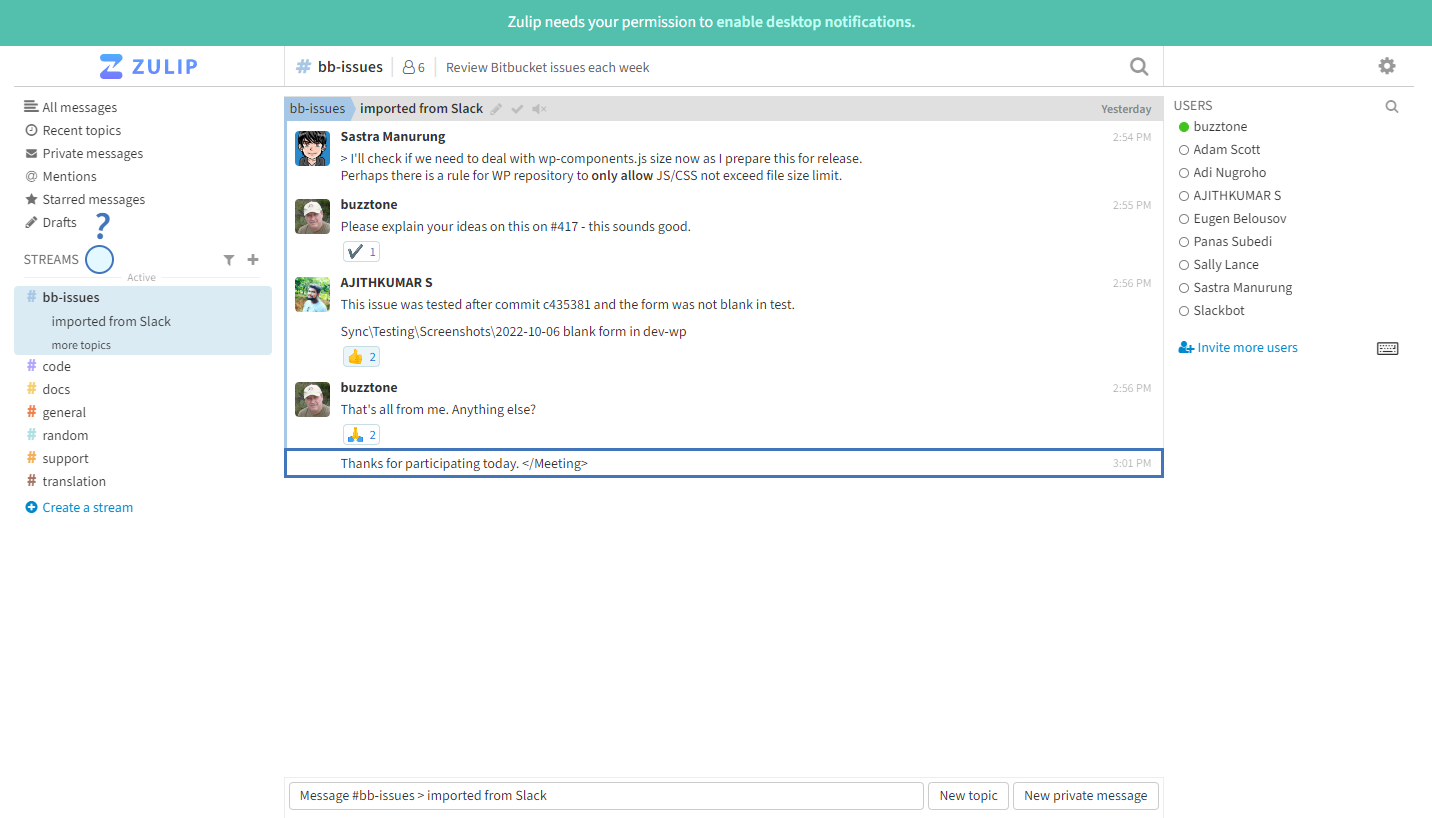
We did use the Zulip App for some meetings as our preferred alternative to Slack. We no longer use any Slack type applications.
Don’t use other applications #
We do not want you to work in other applications (that you like or use elsewhere) where we don’t have access.
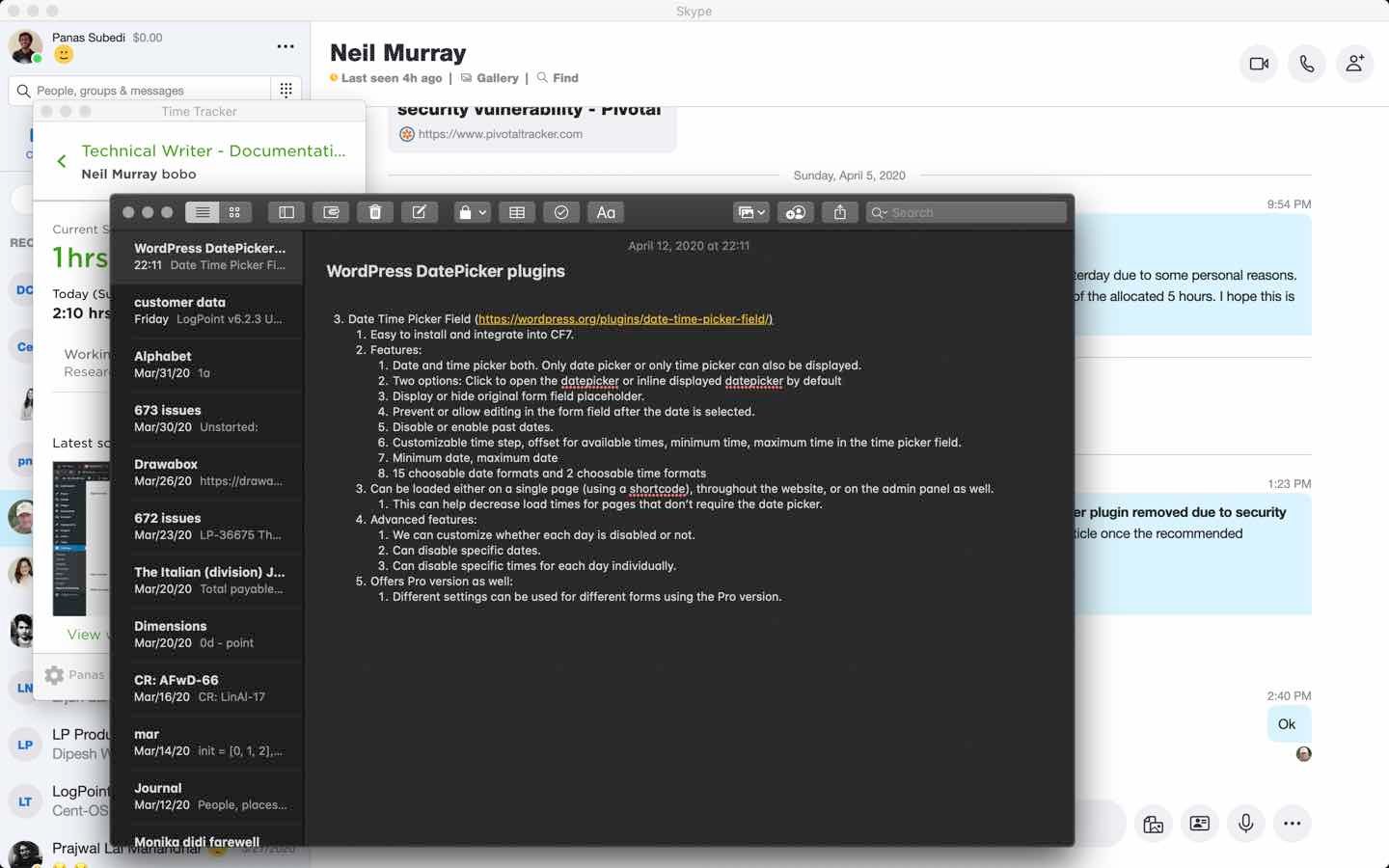
It’s very important that all the work you do is visible & accessible to all others on the team at all times. The applications we’ve chosen allow us to do that from as soon as you start working on a task.
If we notice you doing that in your screenshots you will likely get a warning from us to not use other applications.
Don’t use Microsoft Office applications #
NOTE: We never use Microsoft Office applications, including Word or Excel spreadsheets, in any of our team communication. Not everyone in our team has access to Microsoft Office & we’ve found using them generally results in poorer communication.
Instead we use raw test files (Notepad on Windows) & images (with suitable labelling) stored in the relevant Sync folder.
Notes:
Add notes here
Save all Images to Sync – use ..\Sync\..\Team\Team Guidelines\Team Tools\