
Last Updated on March 10, 2024 by Neil Murray
Table of Contents #
- Your Job
- Your Tasks
- Trial
- Local
- Git
- BitBucket
- Development Version
- Test Site
- WordPress
- Skype
- Sync
- Zulip
- Ask if in doubt
- Other
YOUR JOB # :
Your job involves regularly testing (manually in detail), changes made in our code. You need to:
- Set up & maintain multiple Local WordPress sites (with different PHP & WP versions)
- Use Git to pull code changes made by others (we use the Sourcetree GUI)
- Recording testing via screenshots
- Report results & problems on Bitbucket Issues
- Help maintain our Testing Documentation.
YOUR TASKS #:
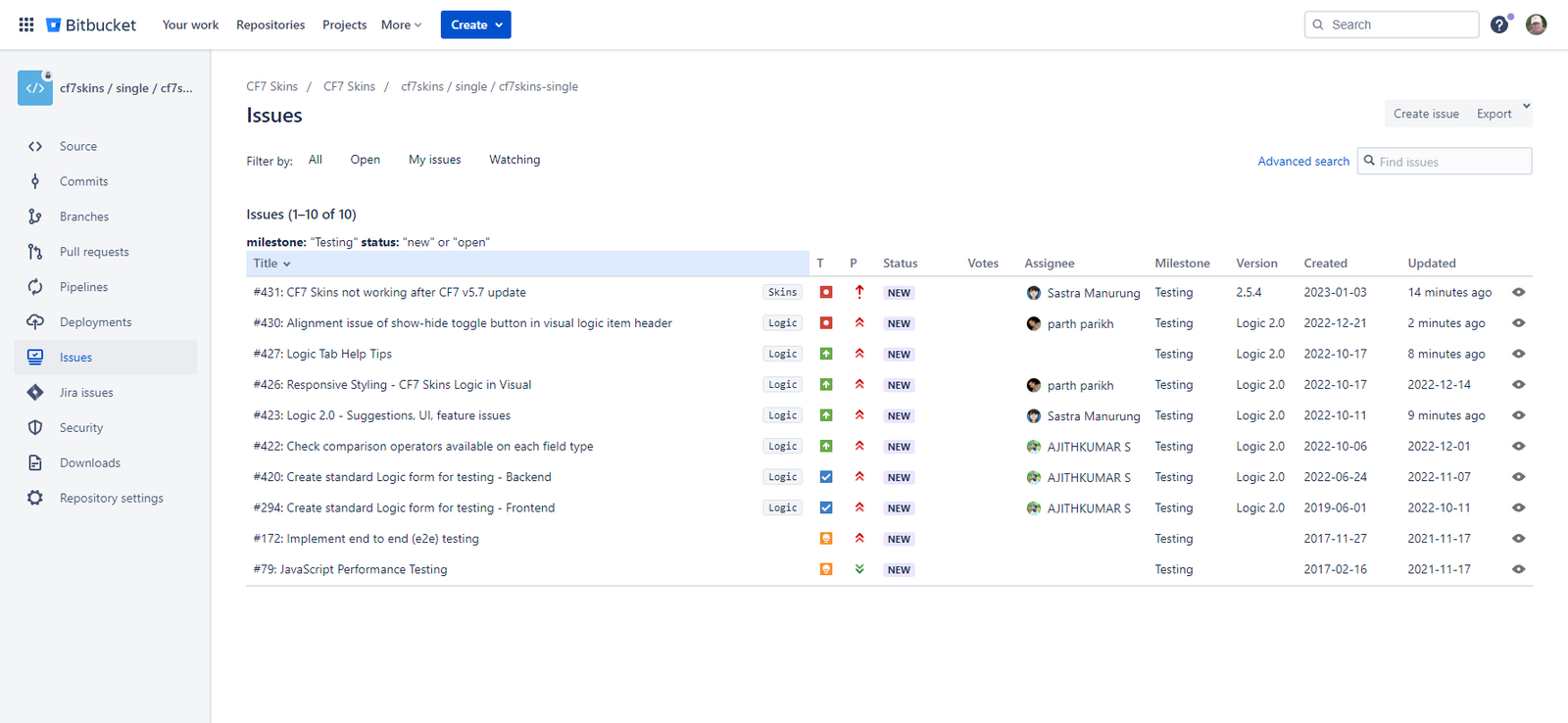
Your tasks are shown at:
TRIAL #
Your paid trial is for 8 hours (unless advised otherwise). After this time you should stop all work for us until we review your work & get back to you with detailed feedback.
Message us on Skype when you are about to start work – so we can follow along on your work.
LOCAL #:
You need to set up & maintain several Local WordPress sites (with different PHP & WP versions).
To help you get started testing we recommend you use the following items:
- Using Local – for detailed guidance on how we do this (it’s somewhat outdated but it should still give you the info you need).
- Multiple Local sites – shows each site that you need to set up.
GIT #:
You will use Git to pull code changes made by others. We recommend you use the Sourcetree GUI, especially if you are still learning Git based development.
See Get started with Sourcetree for detailed guidance on using this tool.
BITBUCKET #:
We will invite you to our account for this Git tool we use for our development.
You need access to this to clone the development version of CF7 Skins.
You will also use this tool to report results of your testing & explain problems on Bitbucket Issues.
DEVELOPMENT VERSION #:
You will be testing using a special development version of CF7 Skins we use.
The following items explain how to setup the development version of CF7 Skins:
It’s pretty complex so other team members will be able to help you if necessary.
TEST SITE #
We maintain a WordPress site to help us with testing at CF7 Skins Test.
All your testing should be done on local copies of this site – see Export & Import CF7 Skins Test Database.
WORDPRESS: #
We have several WordPress sites which you will use in your work at CF7 Skins.
- team.cf7skins.com – CF7 Skins Team – used by all CF7 Skins team members
- test.cf7skins.com – CF7 Skins Test – for testing of CF7 Skins
You need to be logged in to WordPress to visit these sites, so we’ll send you an email to give you access. Please check your junk/trash folder for this email. If you have any issues logging in please let us know.
SKYPE #:
We’ll invite you to the CF7 Skins Test Skype group.
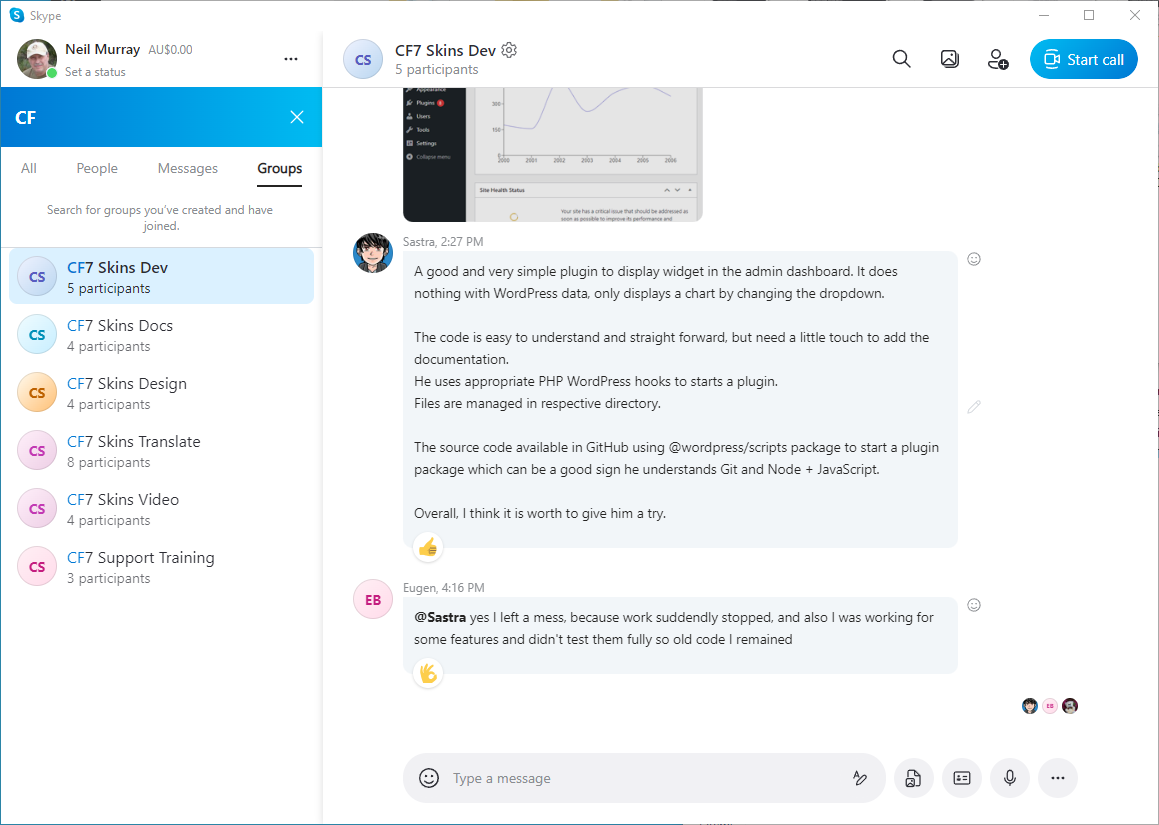
Nearly all of your communication with us should happen here – see Team Roles – Skype.
See Working with Skype.
SYNC #:
We will invite you to Sync & some shared folders to give you access to files we use in our work.
You should always add any screenshots you create into the relevant Sync folder. Do it as soon as you start working on any new item.

Each testing task has a folder where all files are stored so they can be quickly & easily accessed by both you & others on the team.
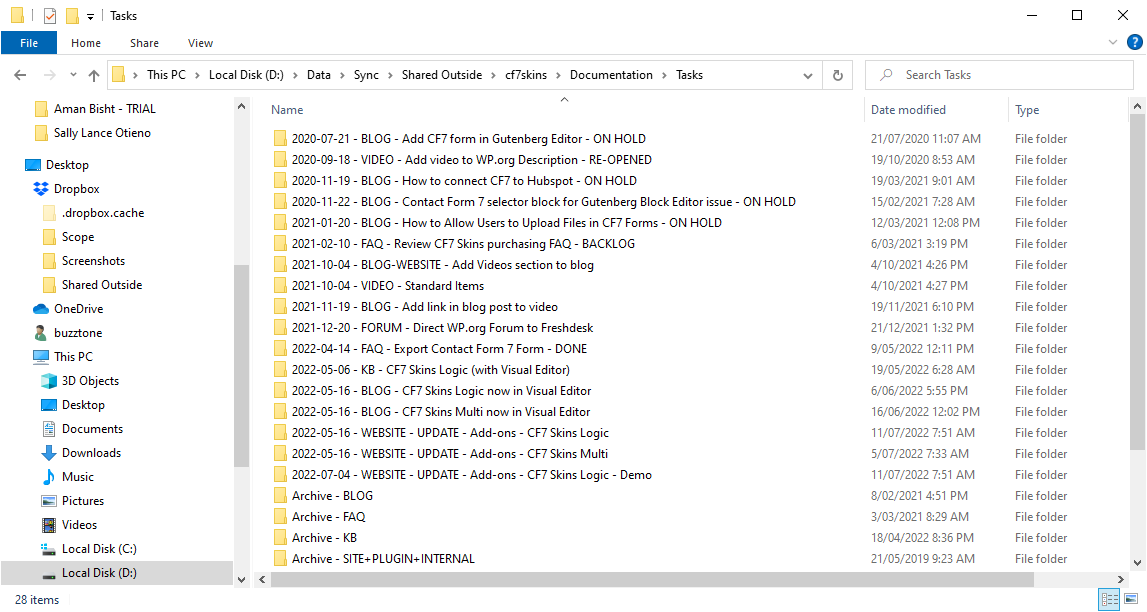
Storing your work on your local computer & not making it immediately available to others on the CF7 Skins Team via Sync is a big no-no with us.
See Working with Sync.
ZULIP # SLACK:
We will invite you to our Zulip App Slack channel which we use for some our online meetings.
ASK IF IN DOUBT #
If you have any questions at any time you should contact us on Skype. If in doubt please ask.
You can see when we other team members are generally available at Team Members.
OTHER #:
See Team Roles – Common Items:
Further Reading:
- Testing Documentation
- Using Local
- Multiple Local sites
- Getting Started
- Setup local install – step by step instructions
- CF7 Skins development plugins
- Export & Import CF7 Skins Test Database
Notes
Add notes here
Save all Images to Sync – use ..\Sync\..\Team\Team Guidelines\Team Roles\WordPress Plugin Tester\