
Last Updated on March 15, 2024 by Neil Murray
Table of Contents #
YOUR JOB: #
Your job is to help maintain a large list of WordPress Contact Form 7 forms we use for testing our CF7 Skins plugins.
YOUR TASKS: #
Instructions for your tasks are available at:
- Standard Testing (Instructions)
- Manual Testing – Logic (Tasks)
- Form Naming (Instructions)
- Form Naming (Tasks)
- Form Label (Instructions)
- Form Label (Tasks)
- Front End Forms (Instructions)
- Front End Forms (Tasks)
See Creating Test Forms for detailed instructions on working with our WordPress Contact Form 7 forms.
TRIAL: #
Your paid trial is for 8 hours (unless advised otherwise). After this time you should stop all work for us until we review your work & get back to you with detailed feedback.
Message us on Skype when you are about to start work – so we can follow along on your work.
See Team Roles – Trial.
WORDPRESS: #
We have several WordPress sites which you will use in your work at CF7 Skins.
- team.cf7skins.com – CF7 Skins Team – used by all CF7 Skins team members
- test.cf7skins.com – CF7 Skins Test – for testing of CF7 Skins
SKYPE: #
We’ll invite you to the CF7 Skins Test Skype group. Nearly all of your communication with us should happen here – see Team Roles – Skype.
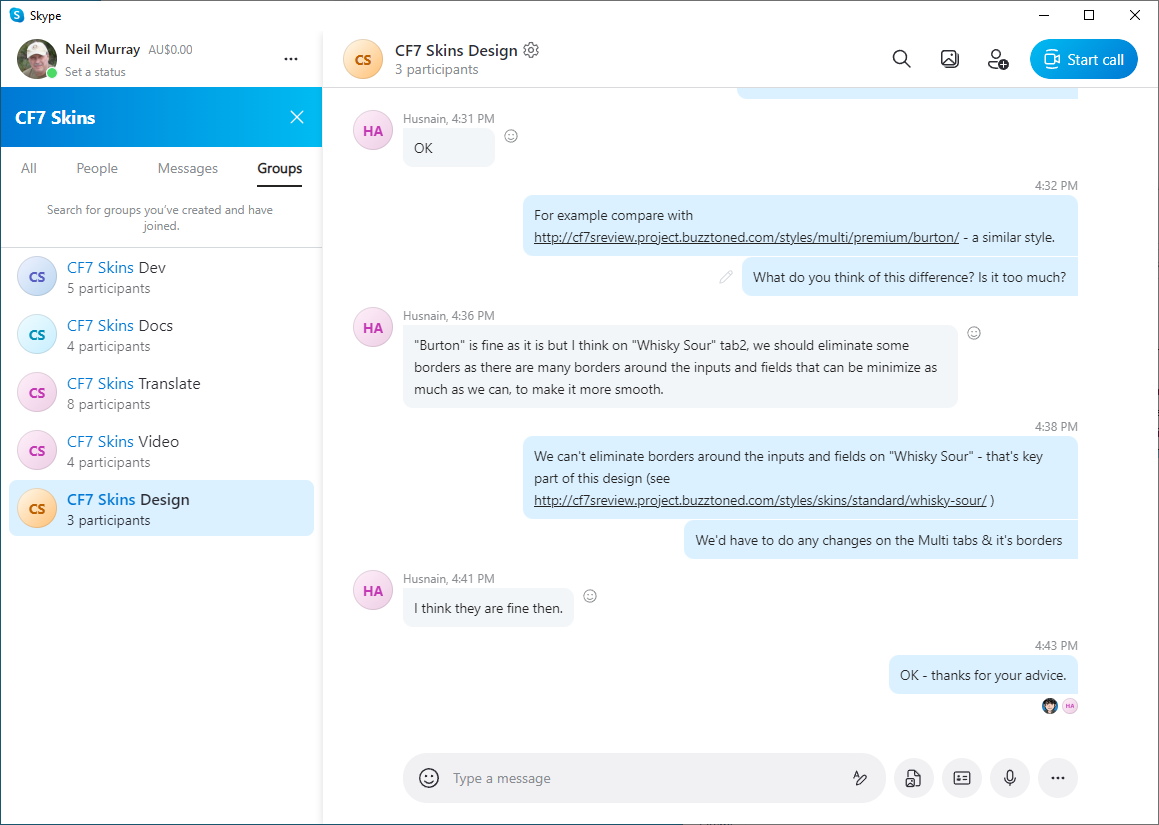
See Working with Skype.
SYNC: #
We will invite you to Sync & some shared folders to give you access to files we use in our work.
Each task has a folder where all files are stored so they can be quickly & easily accessed by both you & others on the team.
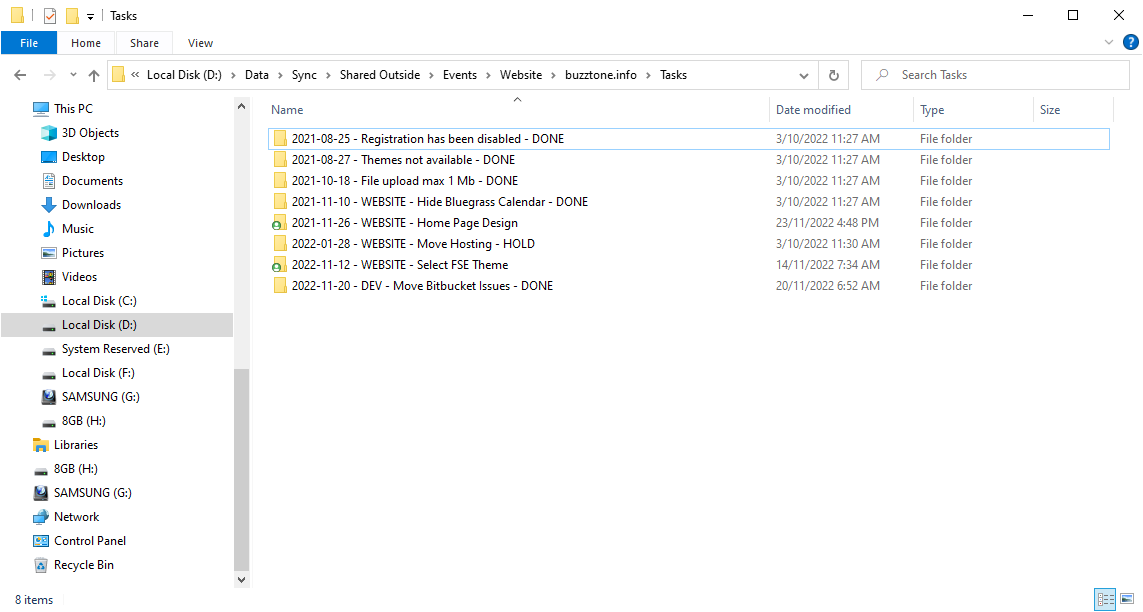
You should always add any screenshots, files & images you use into the relevant Sync folder as soon as you start working on any new item.
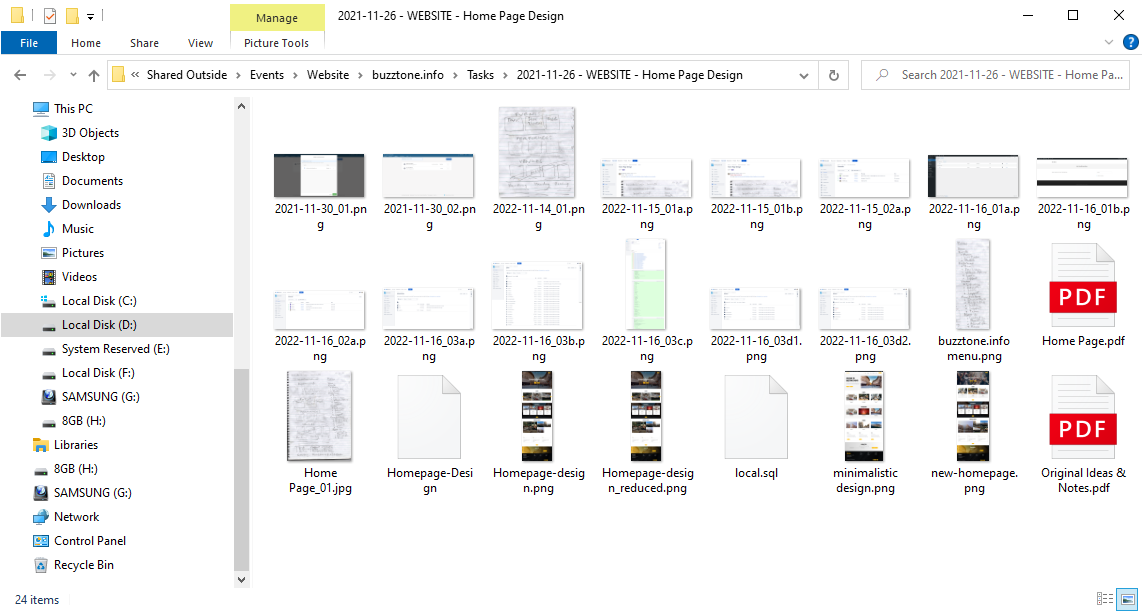
Storing your work on your local computer & not making it immediately available to others on the CF7 Skins Team via Sync is a big no-no with us.
See Working with Sync.
OTHER: #
See Team Roles – Common Items.
Further reading:
Notes
Add notes here
Save all Images to Sync – use ..\Sync\..\Team\Team Guidelines\Team Roles\WordPress Data Entry – Forms\