
Last Updated on December 12, 2024 by Neil Murray
Below are the list of setting we use on Freshdesk and do changes to
Table of Contents #
Settings Page #

Team #
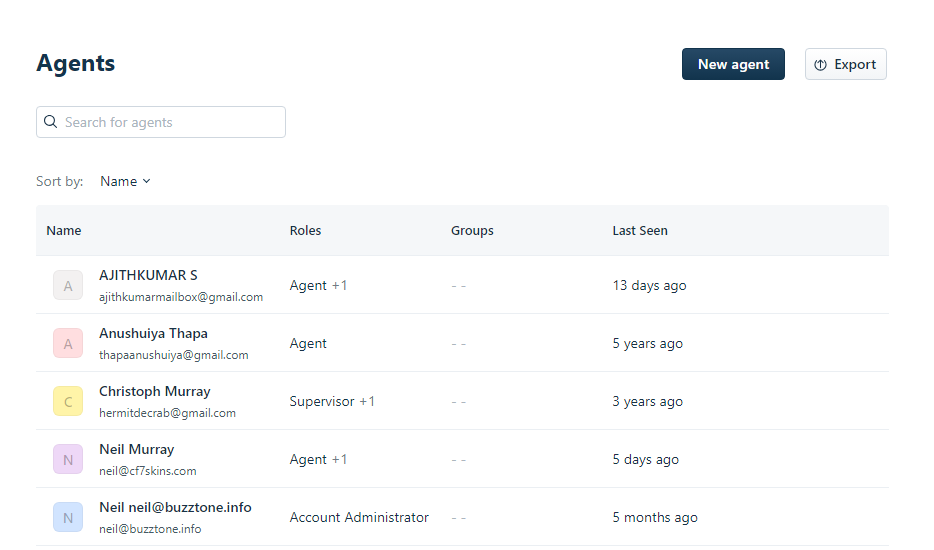
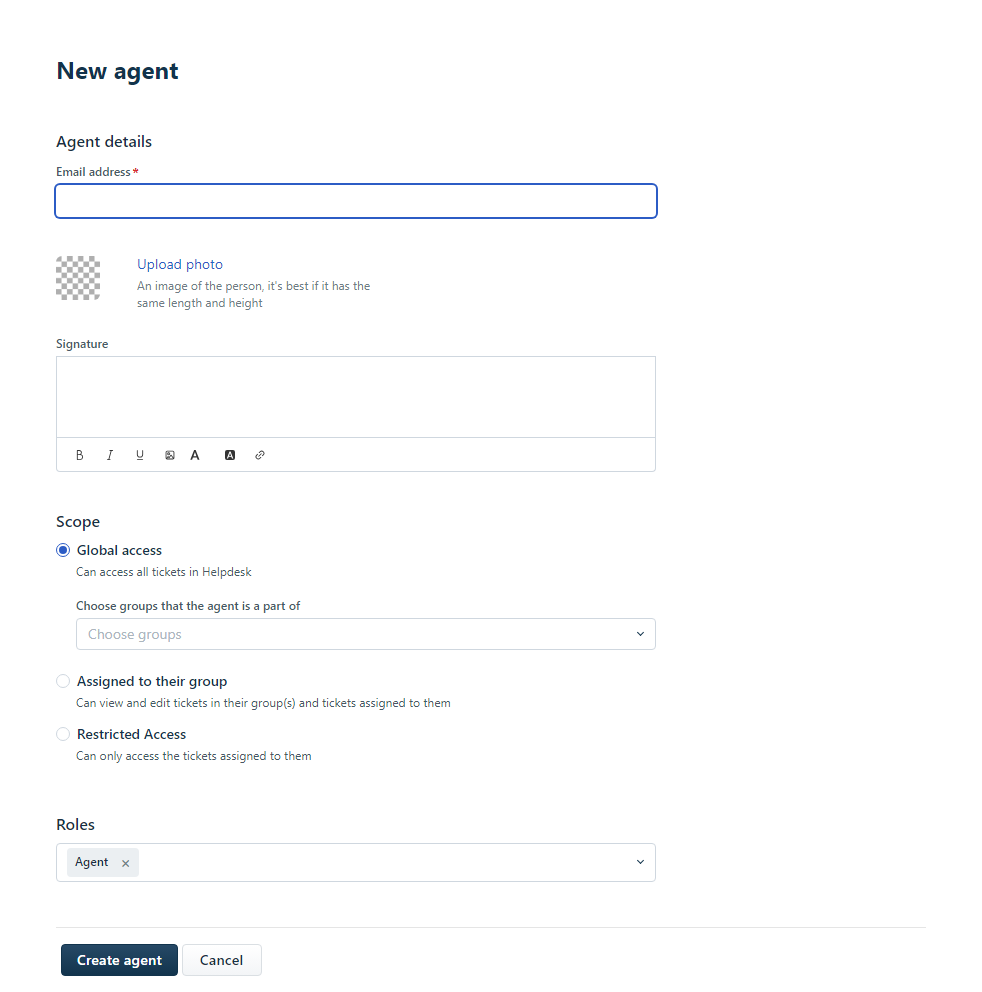
Agents #
Add the Agents who will be responding to the tickets
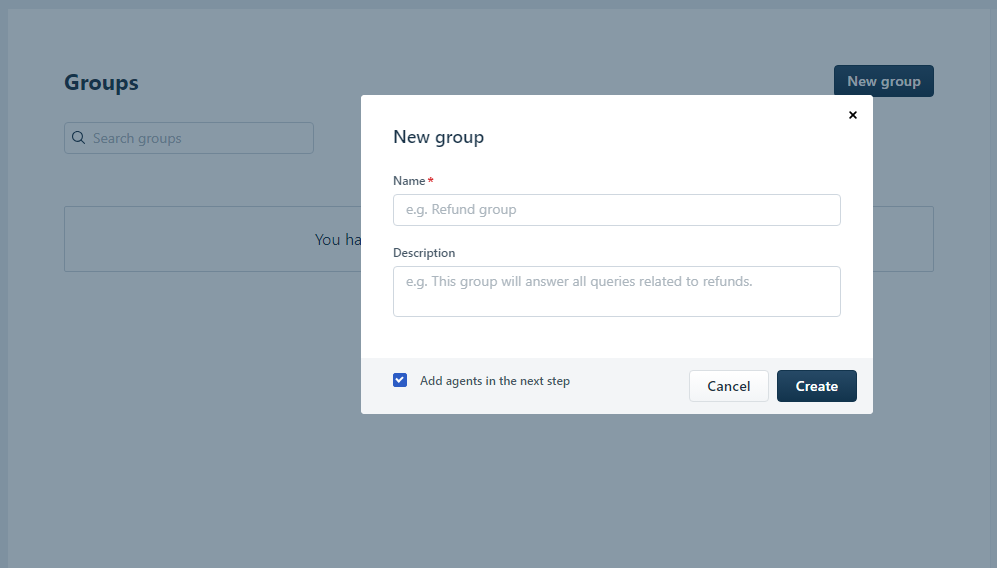
Groups #
Create Groups if required to differentiate Agents based on Group and assign tickets to particular group

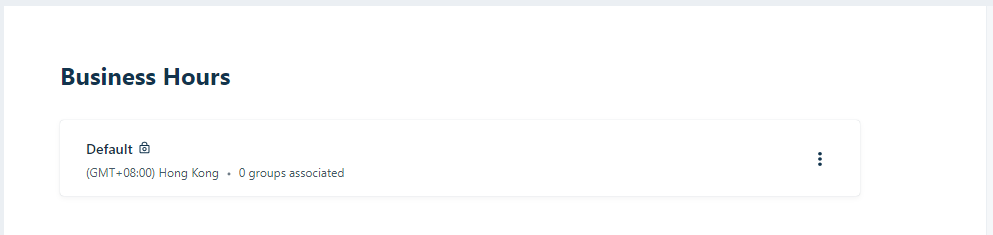
Business Hours #
You can update the business hours as per requirement.
Channels #
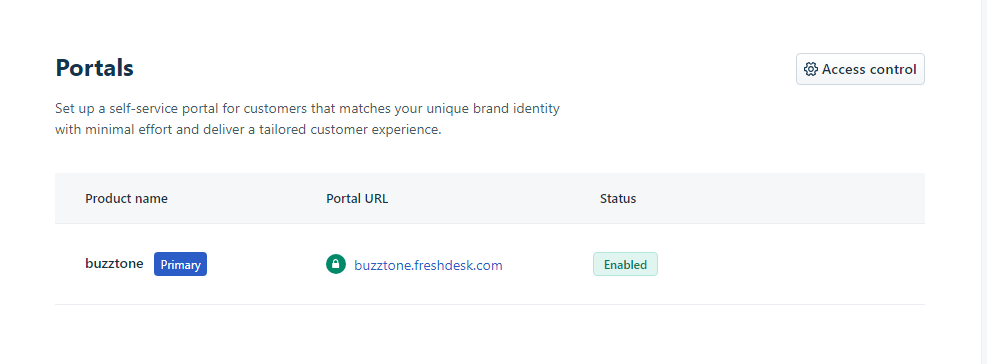
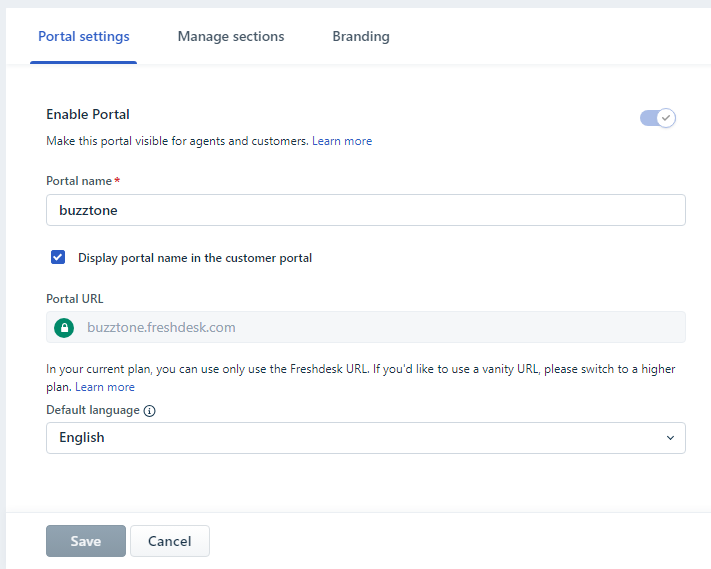
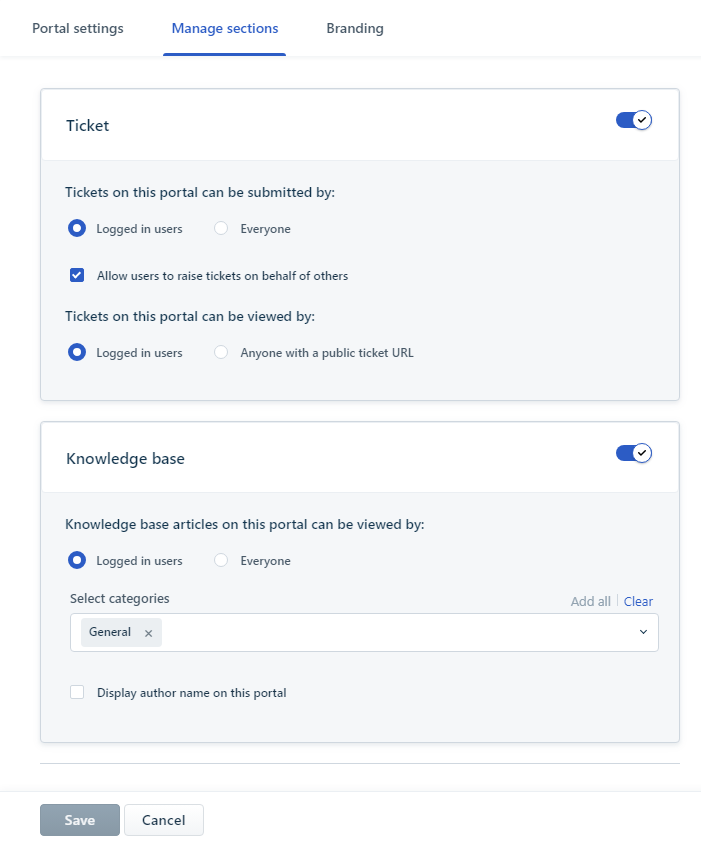
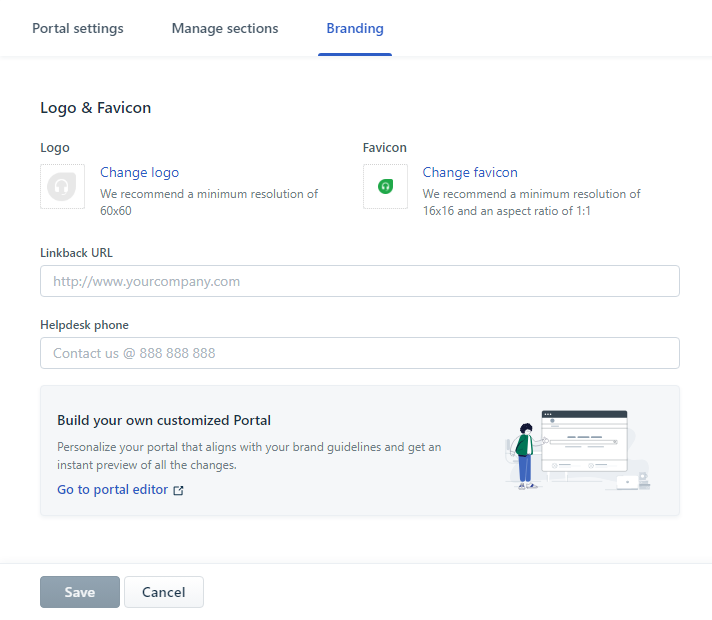
Portals #
Email Servers #

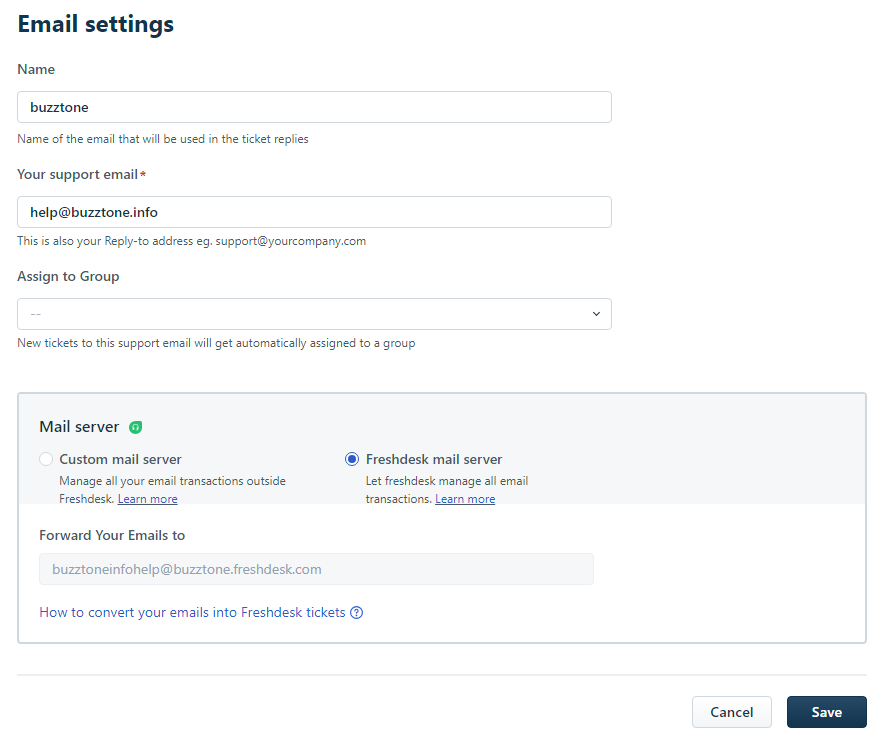
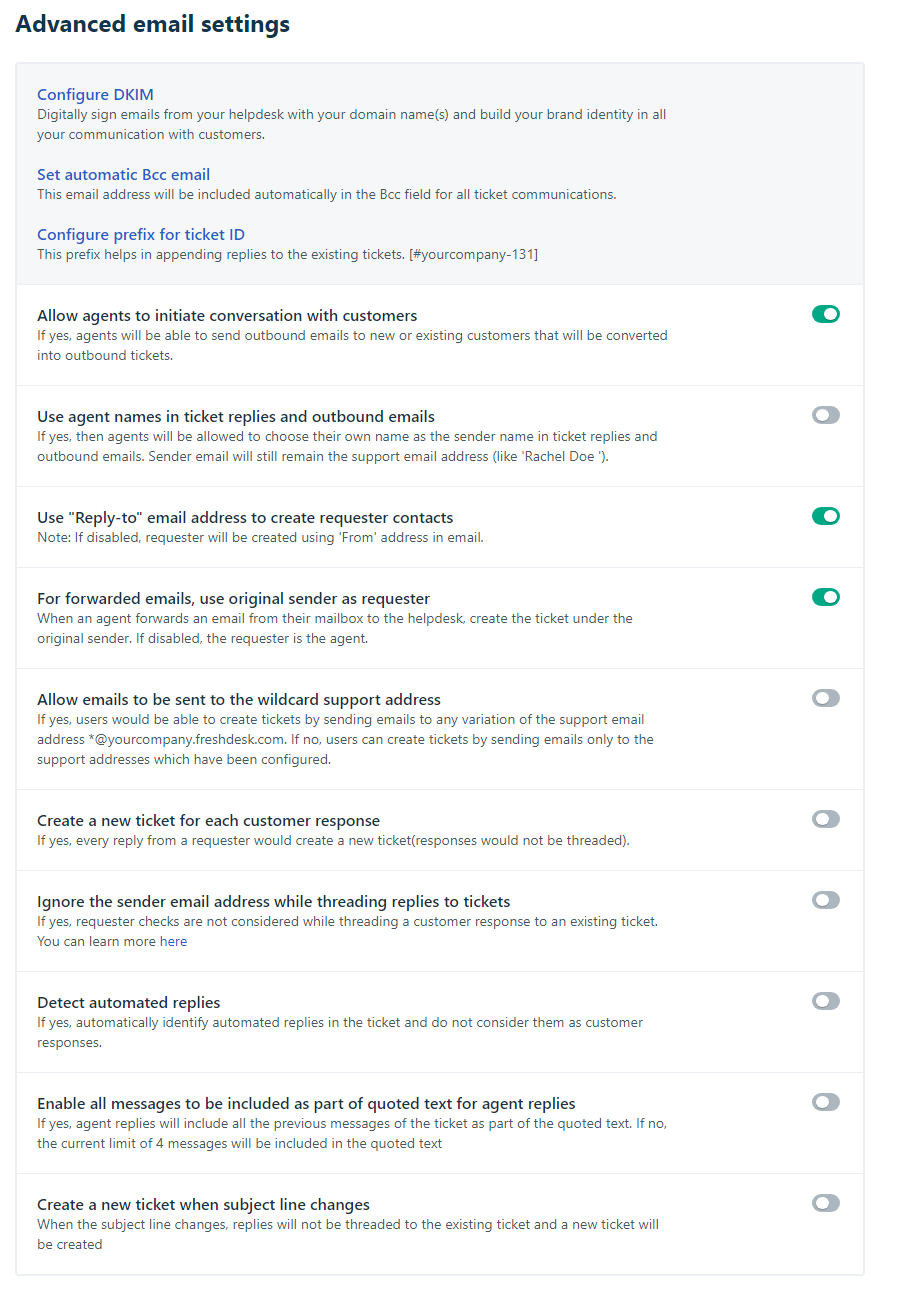
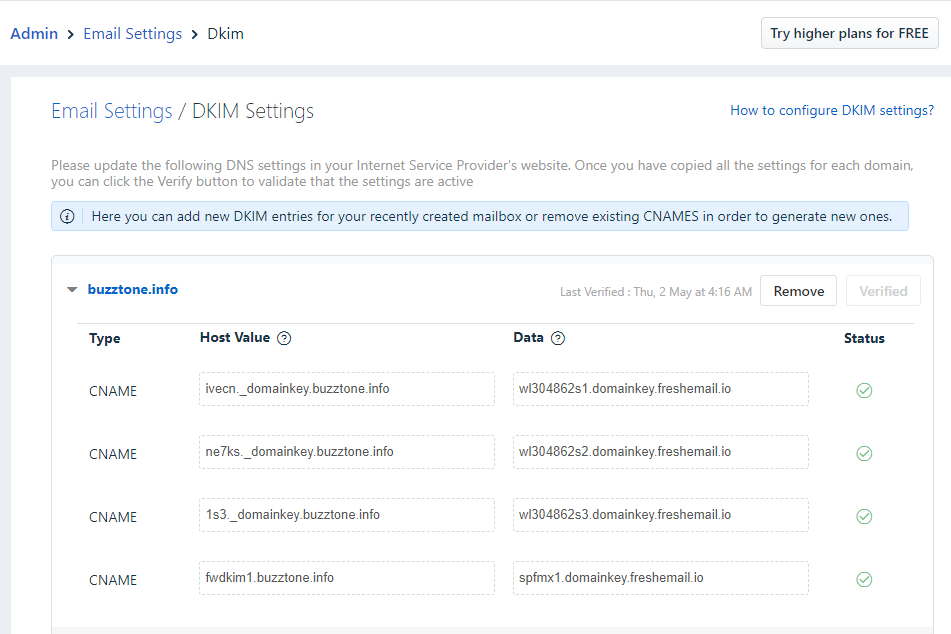
Feedback Form #
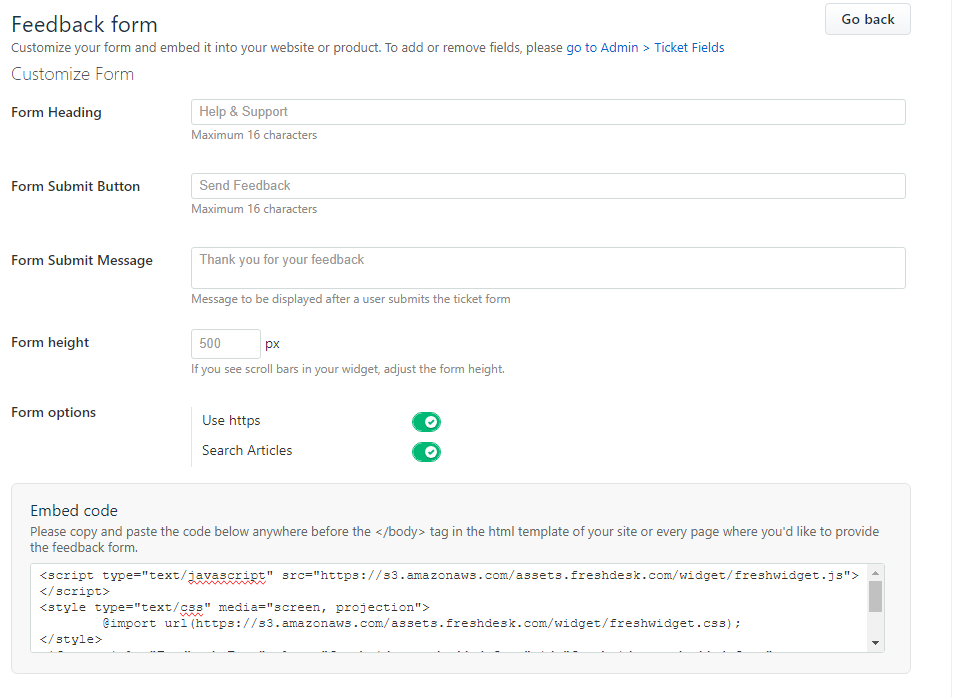
Workflows #
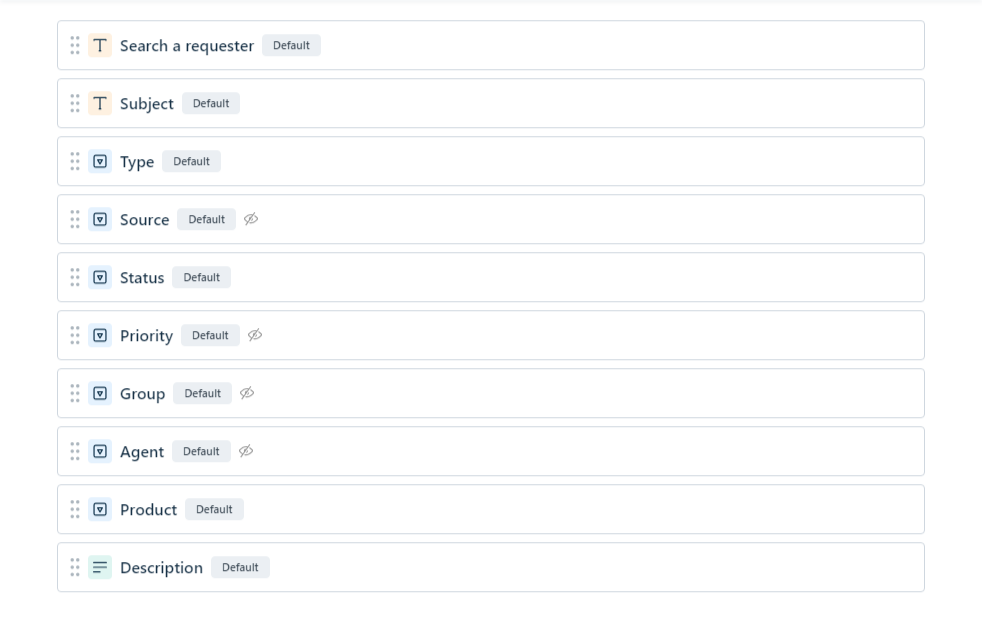
Ticket Fields #
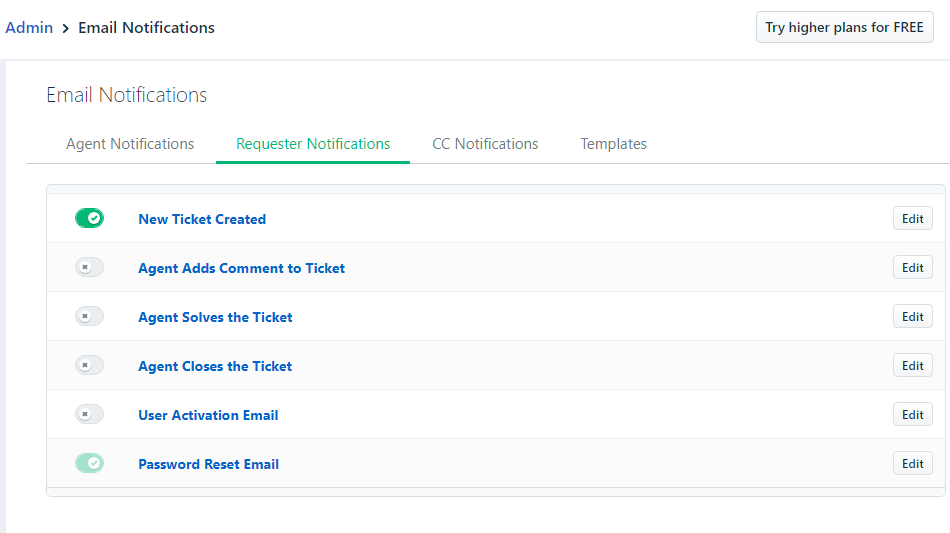
Email Notification #



Agent Productivity #
Canned Responses #
Support Operations #
Apps #
Customer Fields #
Account #
Helpdesk Settings #
Further reading:
Notes
ADD notes here.
Save all Images to Sync – use ..\Sync\…\Website\Tasks\2024-04-16 – #72 – TASK – Freshdesk – buzztone – IN PROGRESS\Freshdesk SETUP\Screenshots