
Last Updated on April 16, 2024 by Neil Murray
Table of Contents #
WordPress Sites #
We have several WordPress sites which you may use for your work at CF7 Skins.
- https://team.cf7skins.com
- https://test.cf7skins.com
- http://translate.cf7skins.com/
- cf7skins.com – our website
- dev.cf7skins.com – used for changes that can’t be added yet to live site
- blog.cf7skins.com – our blog
- blog-dev.cf7skins.com – used for changes that can’t be added yet to live site
- kb.cf7skins.com – our documentation knowledge base
- kb-dev.cf7skins.com – used for changes that can’t be added yet to live site
You need to be logged in to WordPress to visit these sites, so we’ll send you an email to give you access. Please check your junk/trash folder for this email. If you have any issues logging in please let us know.
Screen Options #
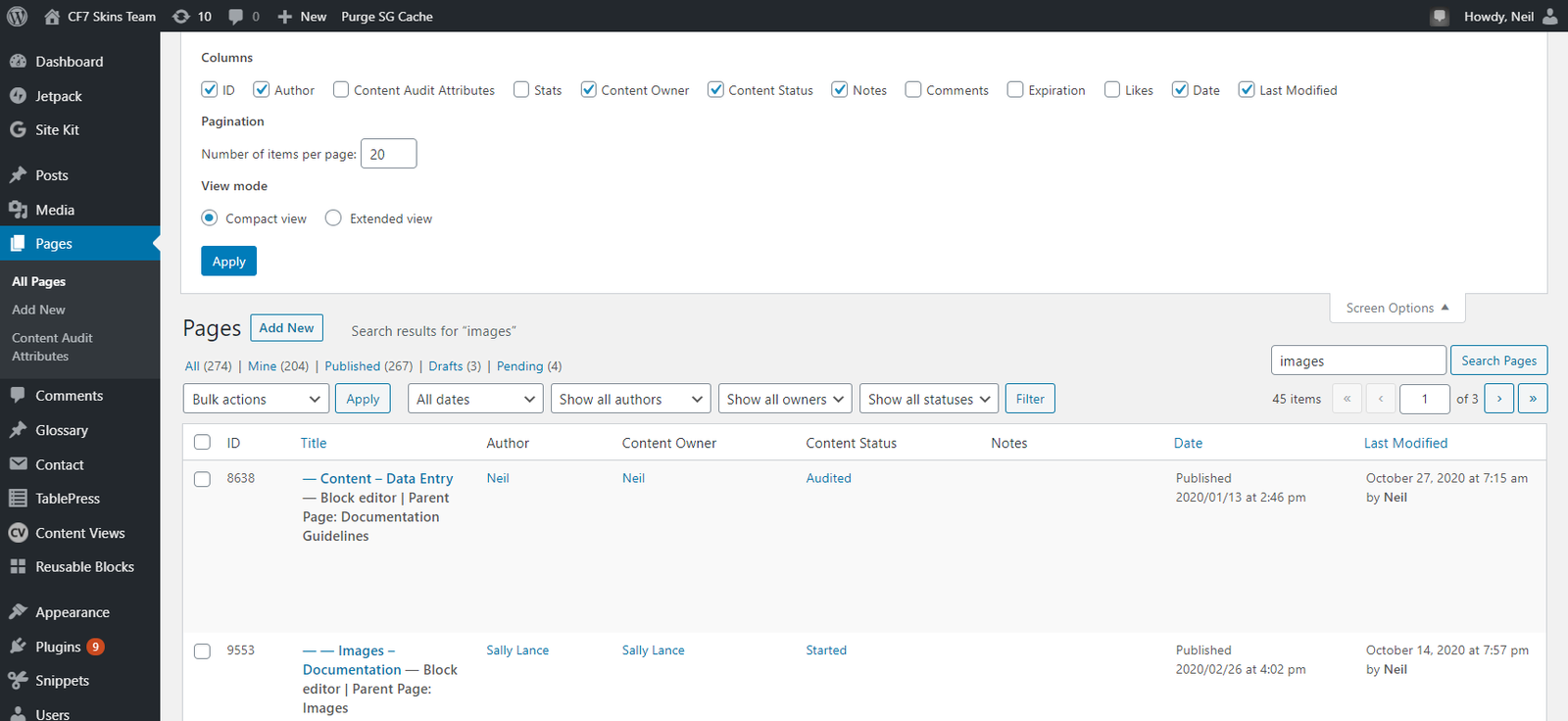
Each WordPress user can control the info shown on many WP Admin pages by setting the Screen Options on that page.
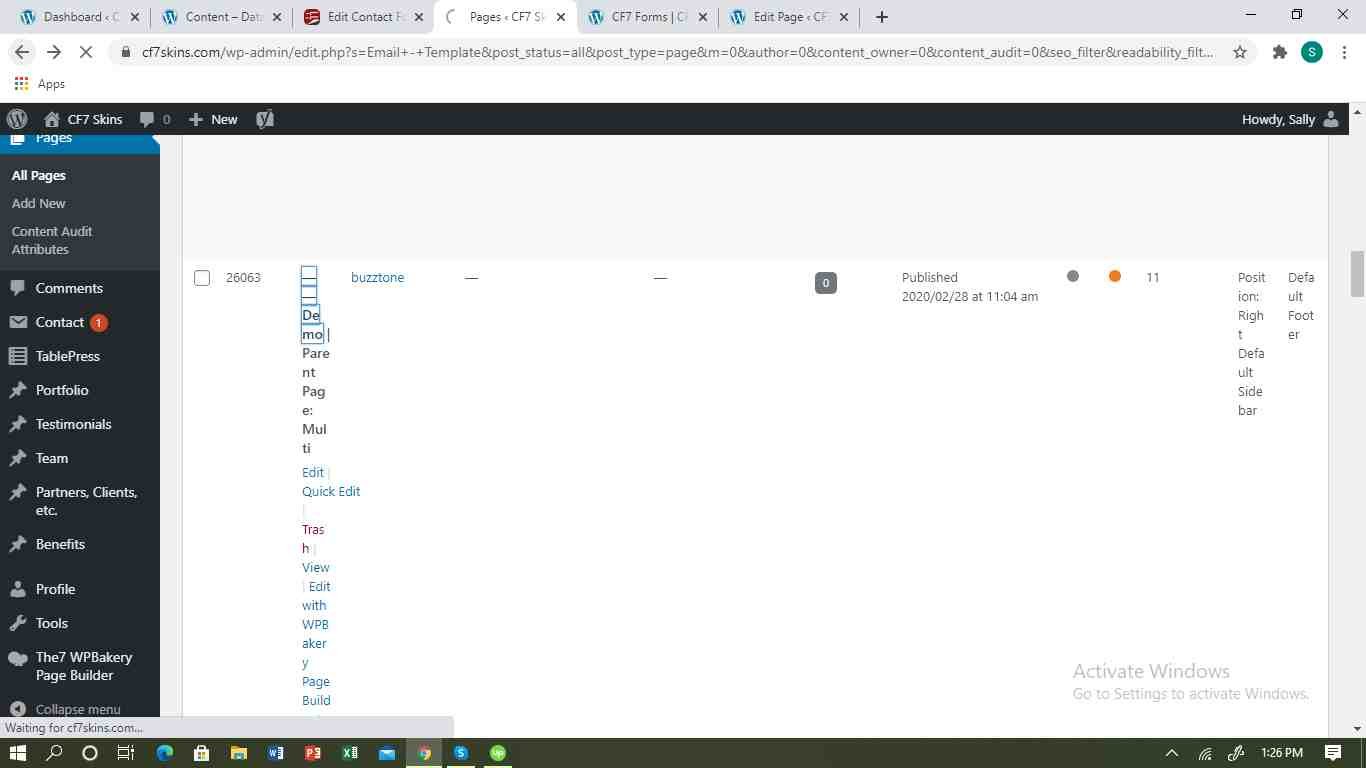
For example you can make it easier to find & copy page or post info by setting your Screen Options.
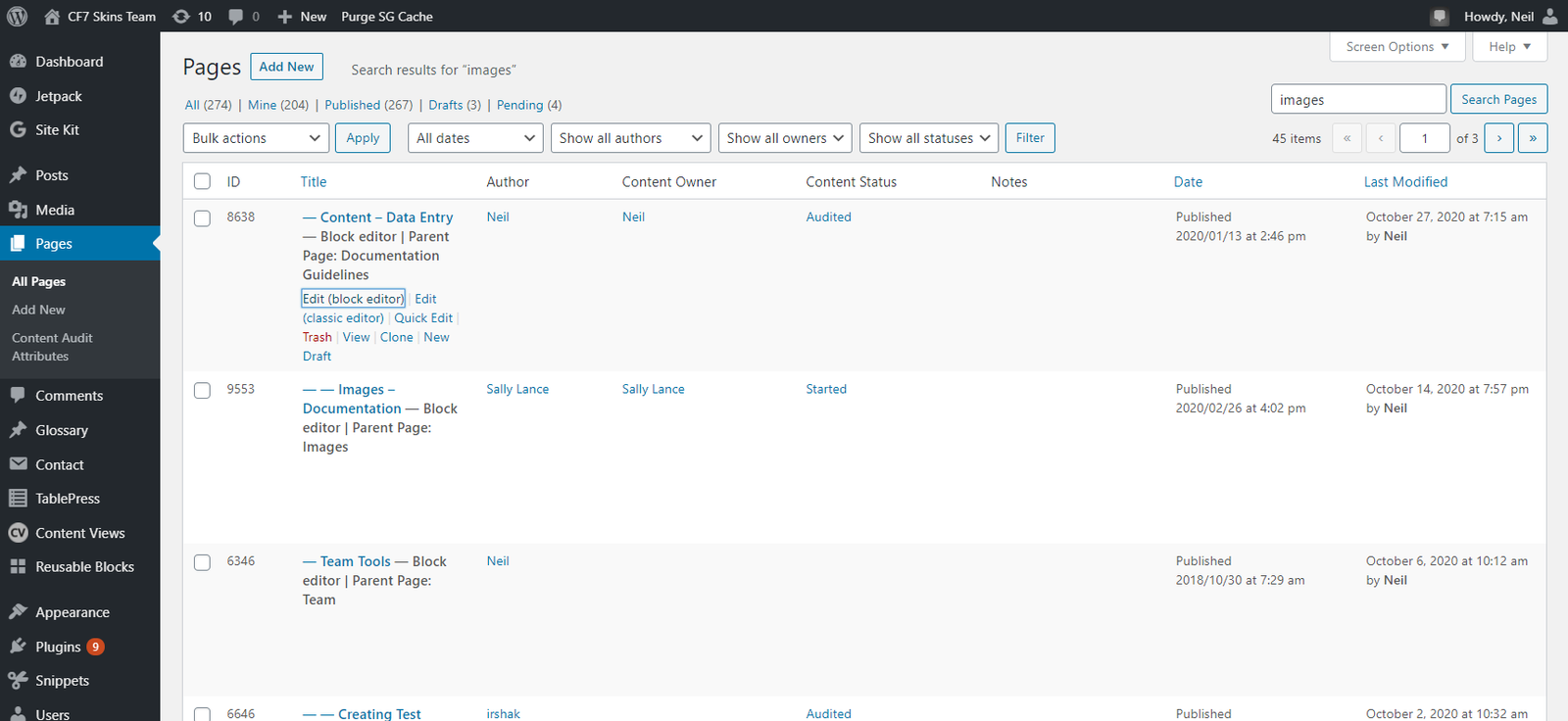
You won’t see the info the way others do until you set your individual Screen Options on each WP Admin page on all the websites you access.
Further reading:
- Item
Notes
Save all Images to Sync – use ..\Sync\..\ADD FOLDER\