
Last Updated on November 8, 2023 by Neil Murray
Add Recent Posts on cf7skins.com #
We regularly add posts recently added on blog.cf7skins.com to Recent Posts on cf7skins.com.
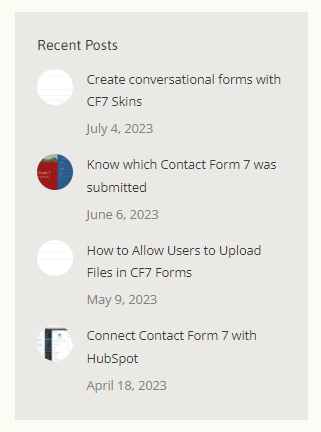
The posts become listed in the Recent Posts widget.

When a user clicks on any listed post they are are redirected to the post on blog.cf7skins.com.

blog.cf7skins.com #
We gather the necessary information from each new post on blog.cf7skins.com.
Posts list #
Set Category to News to see latest posts.
Post info #
Featured Image #
cf7skins.com #
We create new posts on cf7skins.com.
These posts contain only:
- Title
- URL slug (identical to post on blog.cf7skins.com)
- Featured Image
- Redirect Link
- Author
- Date & Time (same as post on blog.cf7skins.com)
There is no need to add content since all click on the URL are redirected to the post on blog.cf7skins.com.
All posts are automatically shown in the in the Recent Posts widget.
New Post #
Featured Image #
Heading #
Heading #
Heading #
Further Reading:
- Item
Notes
Add notes here
Save all Images to Sync – use ..\Sync\..\Documentation\Documentation Guidelines\Update Recent Posts on cf7skins.com\