Last Updated on January 13, 2020 by Neil Murray

Pro Tips – text
- CF7 Skins Pro
- It is more professional looking to have a form style that matches your site. Find a better fit in our CF7 Skins Pro Styles.
- Having more templates means you save time creating forms from scratch. Get more templates to choose from.
- For custom style options, you can use CSS to adjust the form’s style. To get help, our premium email support team is available.
- Ensure error-free forms by using templates and the visual editor. Get more templates with the CF7 Skins Pro add-on.
- If you’re short on time, ask us your specific form styling & CSS questions via premium email support.
- CF7 Skins Ready
- (singleline)
- Put
thename and email address fields beside each other easily usingCSS classes or in a single click usingCF7 Skins Ready. - Don’t forget that your form fields need to be mobile optimized, especially if fields are beside each other. CF7 Skins Ready handles this for you.
- Put
- (box)
- Make your form easier to read by grouping together similar fields. CF7 Skins Ready makes this easy to do.
- Visually grouping similar fields together improves the flow of your form. A good way to do this is by drawing a box around the group using CF7 Skins Ready.
- (column)
- Separate cluttered form content into 2 columns or more using CF7 Skins Ready.
- Looking to arrange your form fields into 2 or more columns? CF7 Skins Ready makes this easy to do.
- (grid)
- Increase the chances of your form being completed by aligning the fields. Use the grid structure in CF7 Skins Ready to get a head start.
- More complex form layouts should follow a grid system. CF7 Skins Ready makes this easy to do.
- You can align fields, put them side-by-side, and more with our easy-to-use CF7 Skins Ready add-on.
- Have a yes/no radio button field? Display them horizontally on the same line using CF7 Skins Ready.
- Very good, good, neutral? For a survey form, put checkboxes or radio buttons on the same horizontal line. CF7 Skins Ready makes this easy to do.
- (singleline)
- CF7 Skins Multi
- Forms are easier to follow along with when questions are on separate pages. CF7 Skins Multi makes separate pages possible.
- Your form is less likely to be completed if it’s too long. Separate it using CF7 Skins Multi.
- Progress bars make long forms feel less daunting. Add this in using CF7 Skins Multi.
- Emphasize privacy policy acceptance by putting them on a second page. CF7 Skins Multi makes this easy to do.
- Your form is more likely to be completed if it isn’t cluttered. Separate information onto different pages using CF7 Skins Multi.
- CF7 Skins Logic
- Show specific fields to customers based on their responses with CF7 Skins Logic.
- You may not need to show all of the possible fields to all of your customers. Keep forms short & relevant with CF7 Skins Logic.
- Dynamically create and hide fields using CF7 Skins Conditional Logic.
- Dynamic form fields are
onlypossibly when you add logic to the fields. CF7 Skins Logic makes dynamic forms possible.
- Premium Email Support
- Feeling frustrated? Get 1-1 personalized, real-human responses to all of your tough questions with any or our Add-ons.
- Make sure your form is set up correctly the first time by talking to our trained
Contact Form 7support staff, available with our CF7 Skins Pro add-on. - The WordPress support community is available to answer questions. Or, save time searching & ask us directly with our Premium Email support.
- Double check your mail settings to avoid problems sending & receiving forms. Set it up correctly from the start with our Premium Email support.
Layout & Styling
V2.1

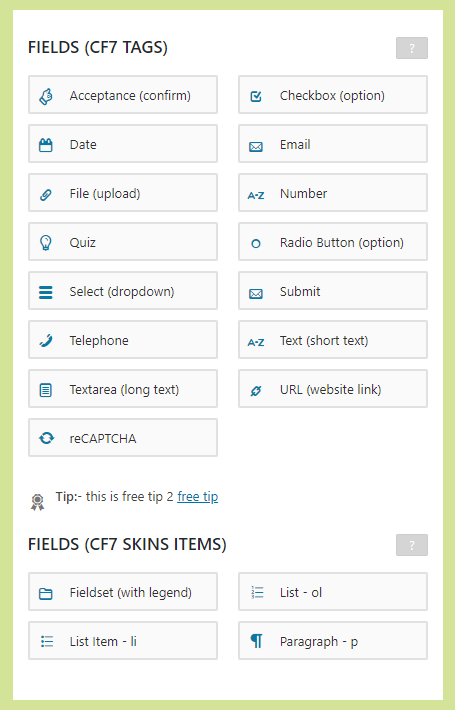
[ICON] Tip: Need to add Conditional Logic to your form?
Upgrade to CF7 Skins Pro with the CF7 Skins Logic Add-on.
ALPHA VERSION
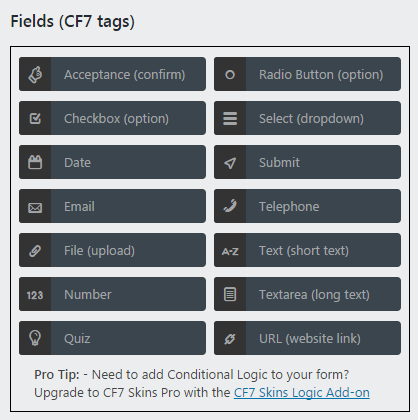
Pro Tip: – Need to add Conditional Logic to your form?
Upgrade to CF7 Skins Pro with the CF7 Skins Logic Add-on