
Last Updated on April 3, 2020 by Neil Murray
There are addons for Google chrome, apps for windows and Mac that are specifically targeted for creating Gif Images. I can’t personally recommend or mention them here because I haven’t used them but I know they are there.
I use Camtasia Studio 8 which is more known for creating and editing videos rather then Gifs but it has functionality to make one. In this tutorial I will guide you through the whole process just in case you decide to use Camtasia.
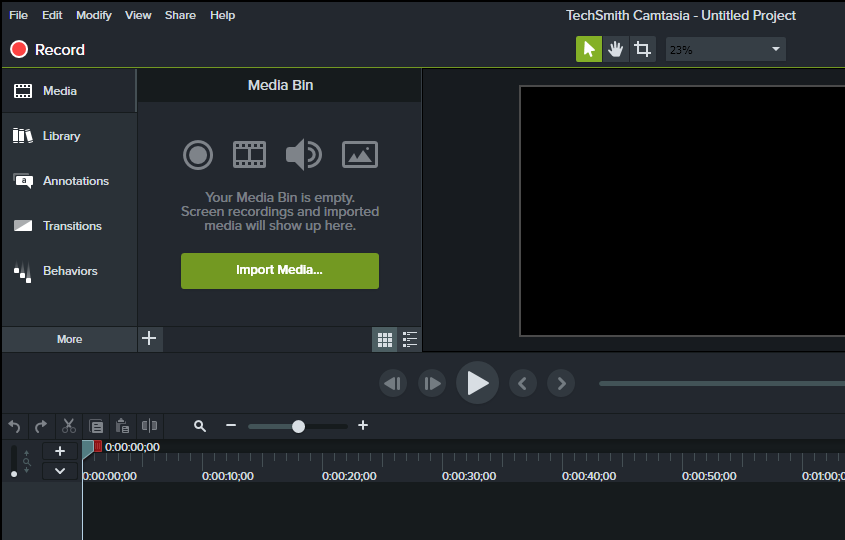
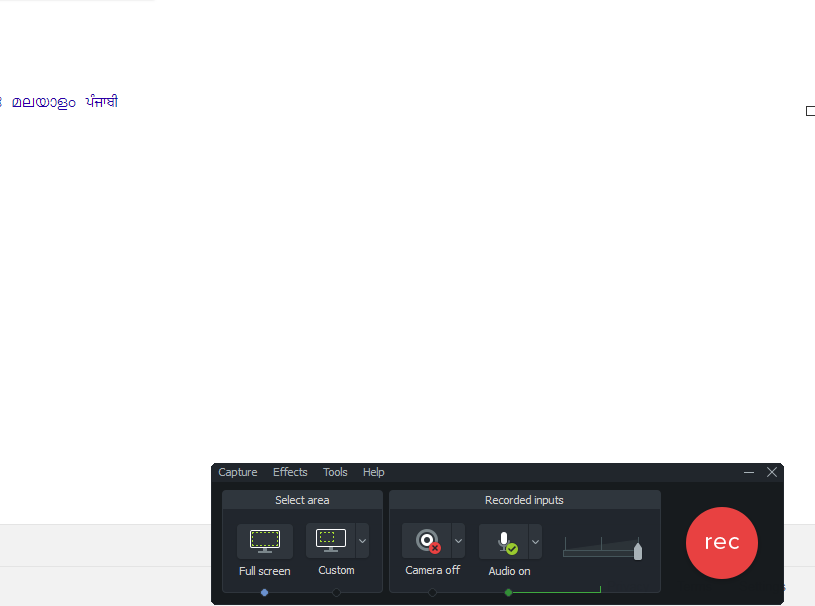
- Open Camtasia Recorder by clicking on ‘Record‘ button in camtasia studio. Here you can select the dimensions for the screen to record.
- Now click on the ‘rec‘ button . It will give you a timer of 3 secs before it starts recording your screen.
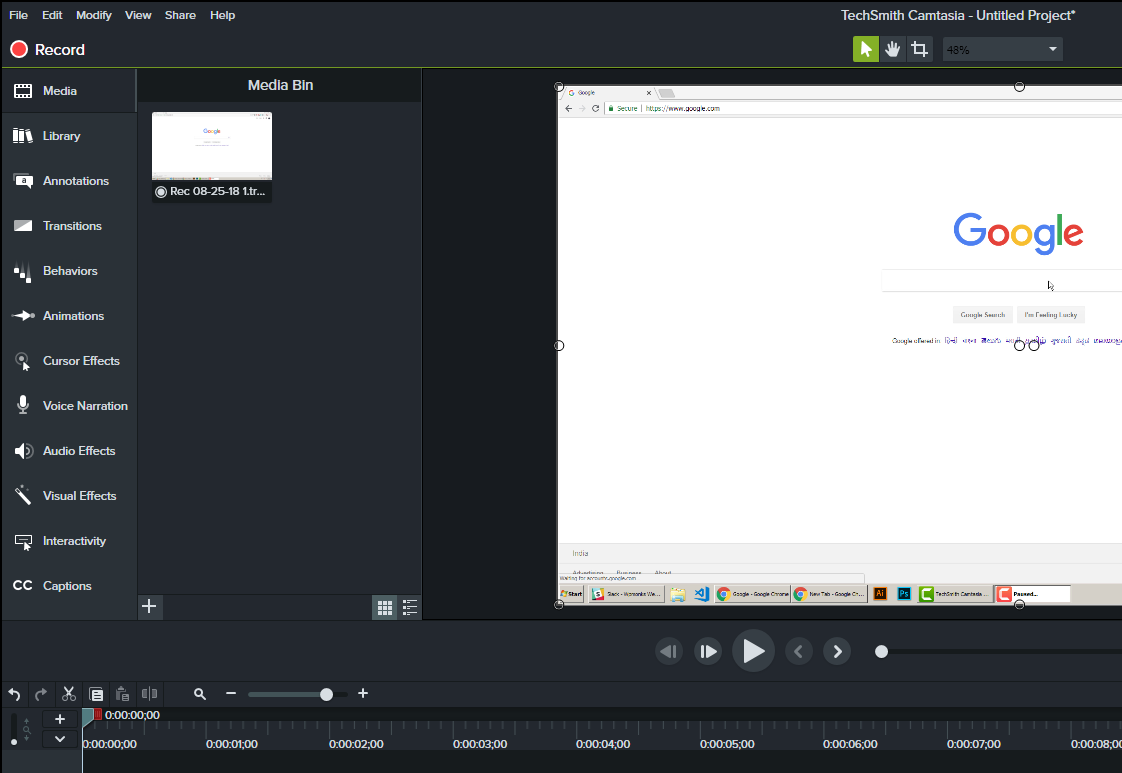
- Once you have recorded you steps press F10 key to stop recording .
- Now Camtasia studio will open automatically. Here you can modify the recorded video ( add markers, zoom the video, increase its speed etc). If you don’t know about any camtasia studio editing features even then its not an issue.
- Now click on ‘Share‘ in the top menu and then go to ‘custom production‘ . Select ‘Gif‘ as file type and keep pressing ‘Next‘ button until you are asked for file name and location. Add the name and location and then your file will be processed and saved.. ready to be uploaded in posts/ comments etc.

Related Posts: