
Last Updated on December 21, 2023 by Parth Parikh
Planned
Add-ons
Ongoing development of CF7 Skins is made possible by sales of renewable annual licenses of our Add-ons.
CF7 Skins Add-ons offer a number of advantages:
- Your existing familiarity with using Contact Form 7 – you don’t need to learn another WordPress form plugin
- You can still use the many plugins available that extend Contact Form 7 – both free & premium
- Purchase only the CF7 Skins Add-ons your require – mix and match to suit your needs

Our range of Add-ons brings the functionality available in other premium WordPress form plugins directly within Contact Form 7.

CF7 Skins Extra
CF7 Skins Extra – offers a wider range of Templates & Styles for commonly used forms.



CF7 Skins Logic
CF7 Skins Logic – provides Conditional Logic for Contact Form 7 forms:
- Show or Hide – fields
- Criteria – field, user and post info
- Value – equals, not equals, contains or changed
- Compare – numeric or text values
- Multiple logic statements – if all & if any
- Multiple fields with varying logic

CF7 Skins Multi
CF7 Skins Multi – includes the features you need to make user friendly multi-part Contact Form 7 forms:
- Tab Titles – with click Navigation
- Progress Bar – indicates to users where they are
- Navigation Buttons – Previous & Next on each Tab
- Pagination – current page / total no.
- Start & End Tabs – additional Navigation Buttons
- Thank You Tab – extra page displayed only after completed form submission
- Design Matches CF7 Skins Style – styling of multi-form elements matches selected CF7 Skins Style

CF7 Skins Styles
CF7 Skins Styles – provides a range of useful pre-defined styles that can be used in all Contact Form 7 forms:
- box – displays enclosed elements in a surrounding box
- column – displays enclosed elements in a vertical column
- grid – implements a CSS form grid
- singleline – displays enclosed elements on a single line
- horizontal – displays checkbox & radio button elements in horizontal line
Do you enjoy using this plugin?
You can help fellow WordPress users in the following simple ways
- Review – leave a plugin review on WordPress.org
- Testimonial – add your Testimonial to those listed
- Feedback – help us to improve CF7 Skins by offering feedback
Documentation
Our in-depth documentation is a great place to find detailed answers
- FAQ – browse over some commonly asked questions.
- Documentation – search by Categories & Tags or Keywords.
- Tutorials – to help you get started quickly with CF7 Skins.
Need some help?
You have a number of options to help you use CF7 Skins
- Free Version
- WordPress.org Support Forum – community based support offered by other CF7 Skin users (we visit the forum intermittently to assist with plugin bugs only).
- Add-ons
- Premium Email Support – available (for current paid licenses) to deal with users questions and problems.
Website | FAQ | Documentation | Tutorials | Add-ons
Current
Pro Version & Add-ons

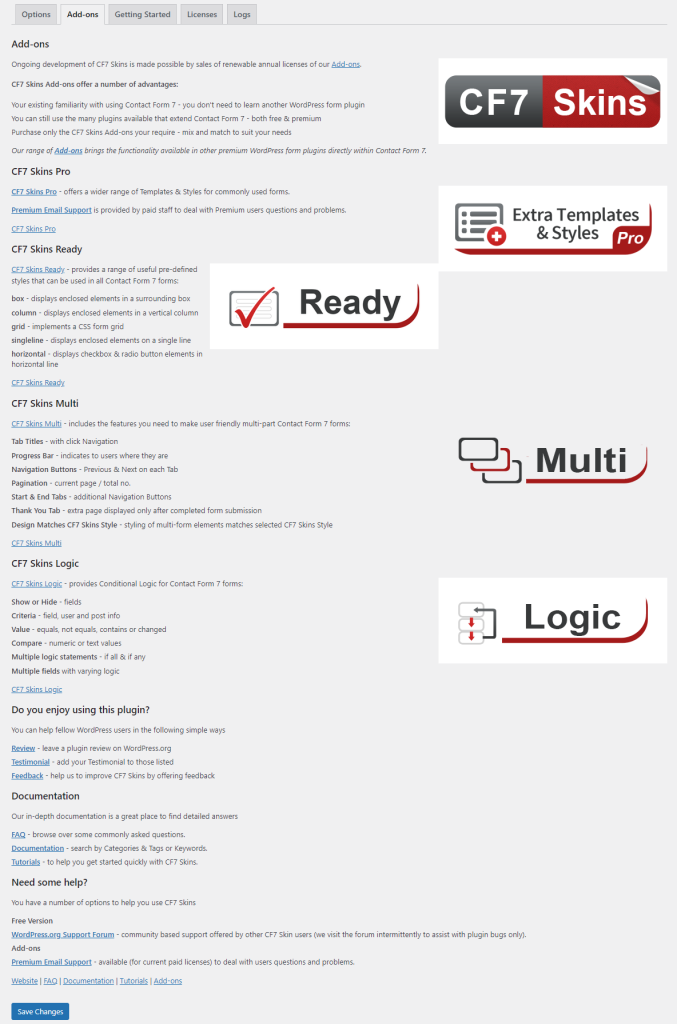
Ongoing development of CF7 Skins is made possible by sales of renewable annual licenses of our Pro Version and Add-ons.
CF7 Skins Pro offers a wider range of Templates & Styles for commonly used forms.
Premium Email Support is provided by paid staff to deal with Premium users questions and problems.
Add-ons
Our range of Add-ons brings the functionality available in other premium WordPress form plugins directly within Contact Form 7.
CF7 Skins Add-ons offer a number of advantages:
- Your existing familiarity with using Contact Form 7 – you don’t need to learn another WordPress form plugin
- You can still use the many plugins available that extend Contact Form 7 – both free & premium
- Purchase only the CF7 Skins Add-ons your require – mix and match to suit your needs
CF7 Skins Ready

CF7 Skins Ready provides a range of useful pre-defined styles that can be used in all Contact Form 7 forms:
- box – displays enclosed elements in a surrounding box
- column – displays enclosed elements in a vertical column
- grid – implements a CSS form grid
- singleline – displays enclosed elements on a single line
- checkbox-radio-horizontal – displays checkbox & radio button elements in horizontal line
CF7 Skins Multi

CF7 Skins Multi includes the features you need to make user friendly multi-part Contact Form 7 forms:
- Tab Titles – with click Navigation
- Progress Bar – indicates to users where they are
- Navigation Buttons – Previous & Next on each Tab
- Pagination – current page / total no.
- Start & End Tabs – additional Navigation Buttons
- Thank You Tab – extra page displayed only after completed form submission
- Design Matches CF7 Skins Style – styling of multi-form elements matches selected CF7 Skins Style
CF7 Skins Logic

CF7 Skins Logic provides Conditional Logic for Contact Form 7 forms:
- Show or Hide – fields
- Criteria – field, user and post info
- Value – equals, not equals, contains or changed
- Compare – numeric or text values
- Multiple logic statements – if all & if any
- Multiple fields with varying logic