
Last Updated on January 21, 2024 by Neil Murray
Existing CRA commands needed on @wordpress/scripts version #
- start
- develop
- build
- translation
See Development & Production Builds to see how we use these.
start #
To have npm start functionality, like that offered by CRA (where a browser page is loaded based on the built JS & CSS files & updated when changes are made), we need to customize our webpack configuration to recreate live loading of a suitable index.html file.
public #
We can use the public folder from our previous CRA based build process which contains our custom npm start code.
- public
- assets
- vendor
- index.html – our custom page loaded by npm start
- script.js – our custom npm start js code
- style.css – our custom npm start css code
index.html #
The index.html file included the public folder from our previous CRA based should be largely suitable for using @wordpress/scripts.
See index.html in @wordpress/scripts – Folders & Files for current usage & suggested changes.
webpack.config.js #
We need to customize our webpack configuration to recreate live loading of our index.html added in the public folder.
- enable suitable dev server in webpack
- how CRA does this is unnecessarily complicated for us.
module.exports = {
  //...
  devServer: {
    contentBase: path.join(__dirname, 'public'),
    compress: true,
    port: 3000,
  },
};
See webpack.config.js – npm start in @wordpress/scripts – Folders & Files.
Need to add content how wordpress/script compile and run the project – FROM SASTRA
develop & build #
We will need separate configs for build and develop but hopefully we can do that using the –define optimize & –define sourcemap options we use now.
translation #
There is not enough information about this. Not sure if wordpress/script can handle translation. Our translation script can be run directly using node.js or via webpack config. – FROM SASTRA
Other stuff – FROM SASTRA #
- WordPress < 5 supports.
- Include React minified files?
- from reactjs.org ?
- bundled using @wordpress/script?
- WordPress tends to use Reacct hook useEffect, useState .etc. instead of componentDidMount, ..
- Detect if there is more than one instance of React
- wp-script does not provide minify feature as Gutenberg uses Terser plugin to do it. It works only for webpack 4 in ‘optimization’ option.
- For future, we might need to apply wp-script start to help us testing block related feature.
Future stuff we want on @wordpress/scripts version #
- lint
- test – need more work for this to be done in the future
Use @wordpress/create-block to learn #
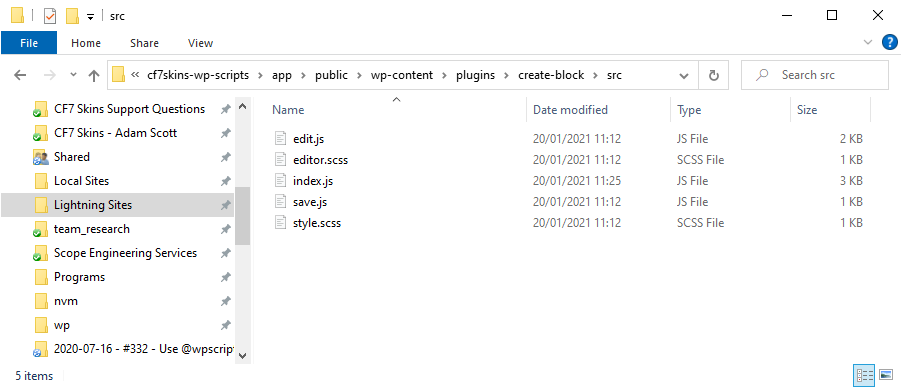
I created a plugin in a local WordPress install using @wordpress/create-block to see how this package uses @wordpress/scripts.
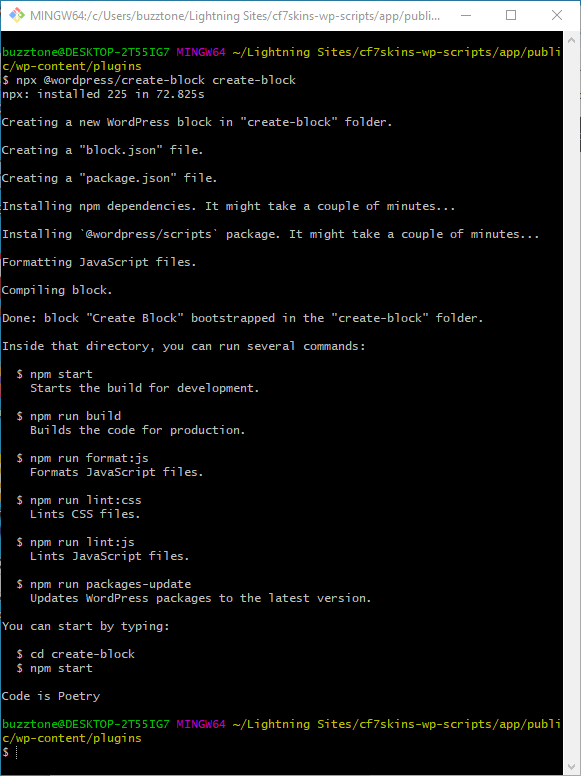
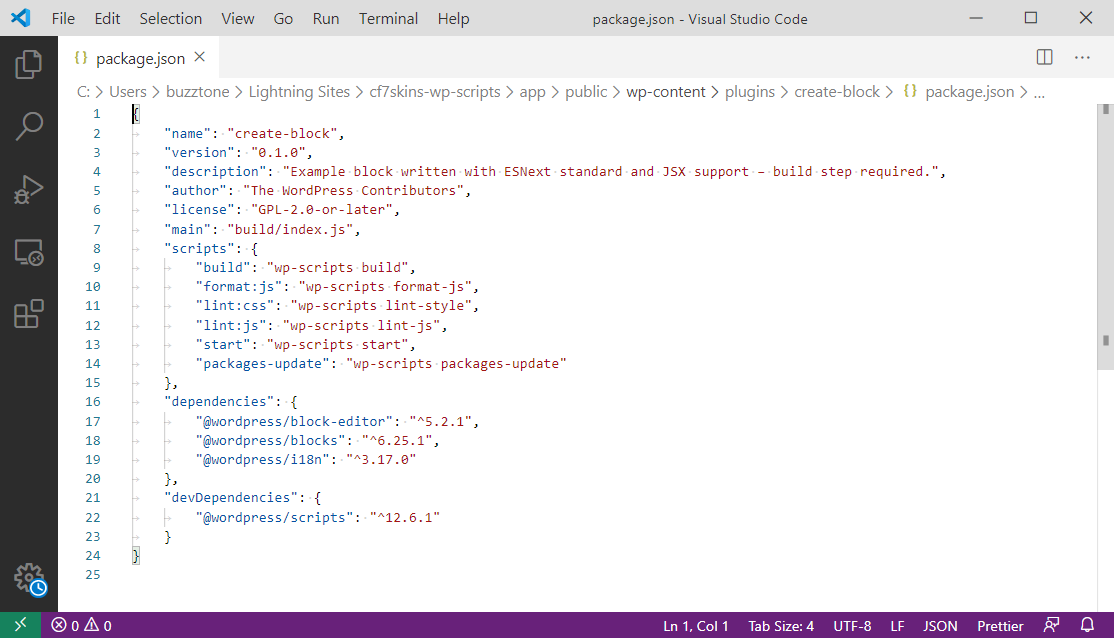
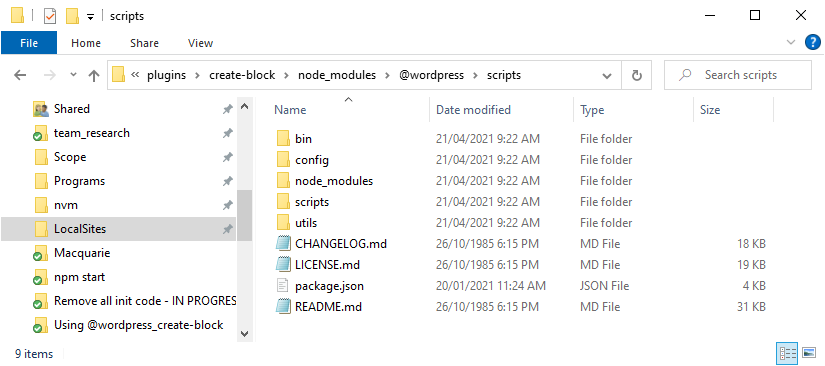
@wordpress/create-block hooks up @wordpress/scripts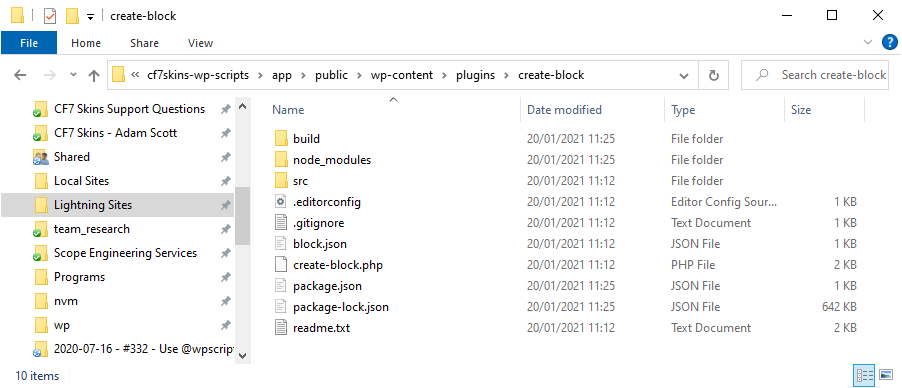
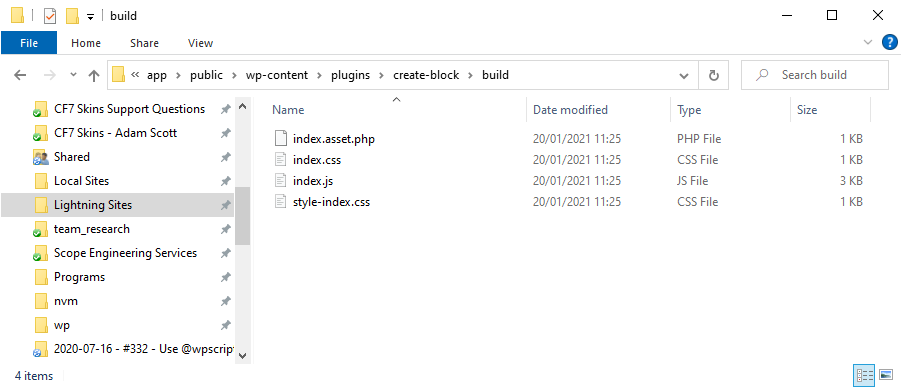
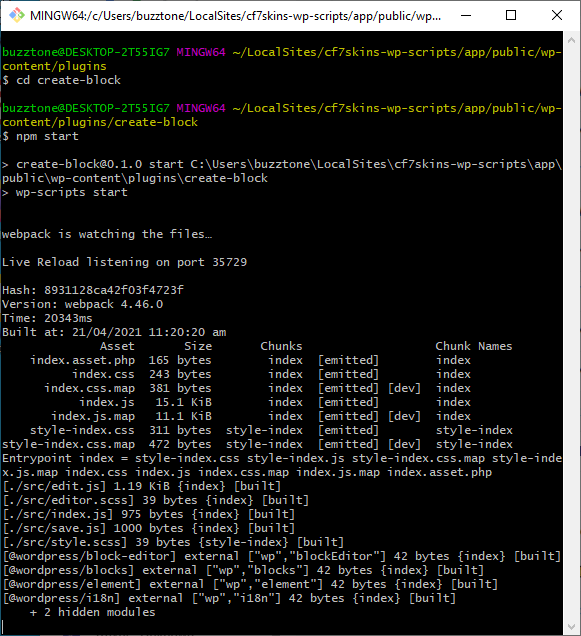
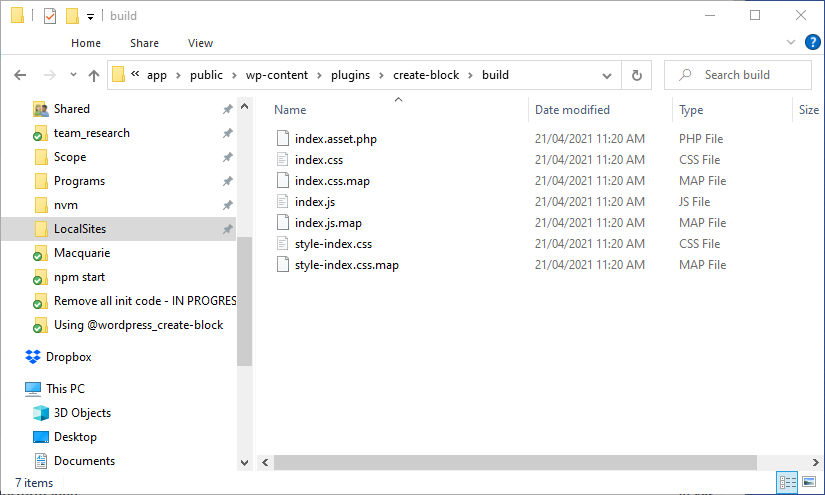
We can see that npm start is setting up webpack to watch for changes & rebuild all files when this happens.
But this is only designed to operate in the context of a plugin being added to a local WordPress environment.
To have the npm start functionality offered by CRA (where a browser page is loaded based on the built JS & CSS files & updated when changes are made) we need to customize our webpack configuration to recreate live loading of a suitable index.html.
Documentation #
- @wordpress/scripts – Block Editor Handbook
- Updating to New Release
- Default webpack config
- Provide your own webpack config
- Extending the webpack config
Articles #
Further Reading
Notes
Question How does @wordpress/create-block use @wordpress/scripts?
Sastra Manurung 2021-01-19
Need to add more contents as described below. To get wordpress/scripts fully control our project, we need to consider these tasks:
- webpack config. We have webpack config in root and /config/ directory created by CRA. Current build process using wordpress/script works using that config. We still need that and remove/adjust gradually. At the end, we might need 2 configs for build and develop as what we’ve now.
- package update. Need to put update command ‘wp-scripts packages-update’. Do ‘npm install’ to upate wordpress/script itself.
- start. Need to add content how wordpress/script compile and run the project.
- translation. There is no enough information about this. Not sure if wordpress/script can handle translation. Our translation script can be run directly using node.js or via webpack config.
- test. Need more work for this.
Sastra Manurung 2020-11-17
Sastra Manurung I’ll try to add my own detail, we can later discuss it in the meeting.
- WordPress < 5 supports.
- Include React minified files?
- from reactjs.org ?
- bundled using @wordpress/script?
- WordPress tends to use Reacct hook useEffect, useState .etc. instead of componentDidMount, ..
- Detect if there is more than one instance of React
Save all Images to Dropbox – use ..\Dropbox\Development\Development Guidelines\CF7 Skins Code\CF7 Skins Visual Code\@wordpress-scripts\