
Last Updated on October 25, 2024 by Neil Murray
Reviewing the CF7 Skins Visual Interface
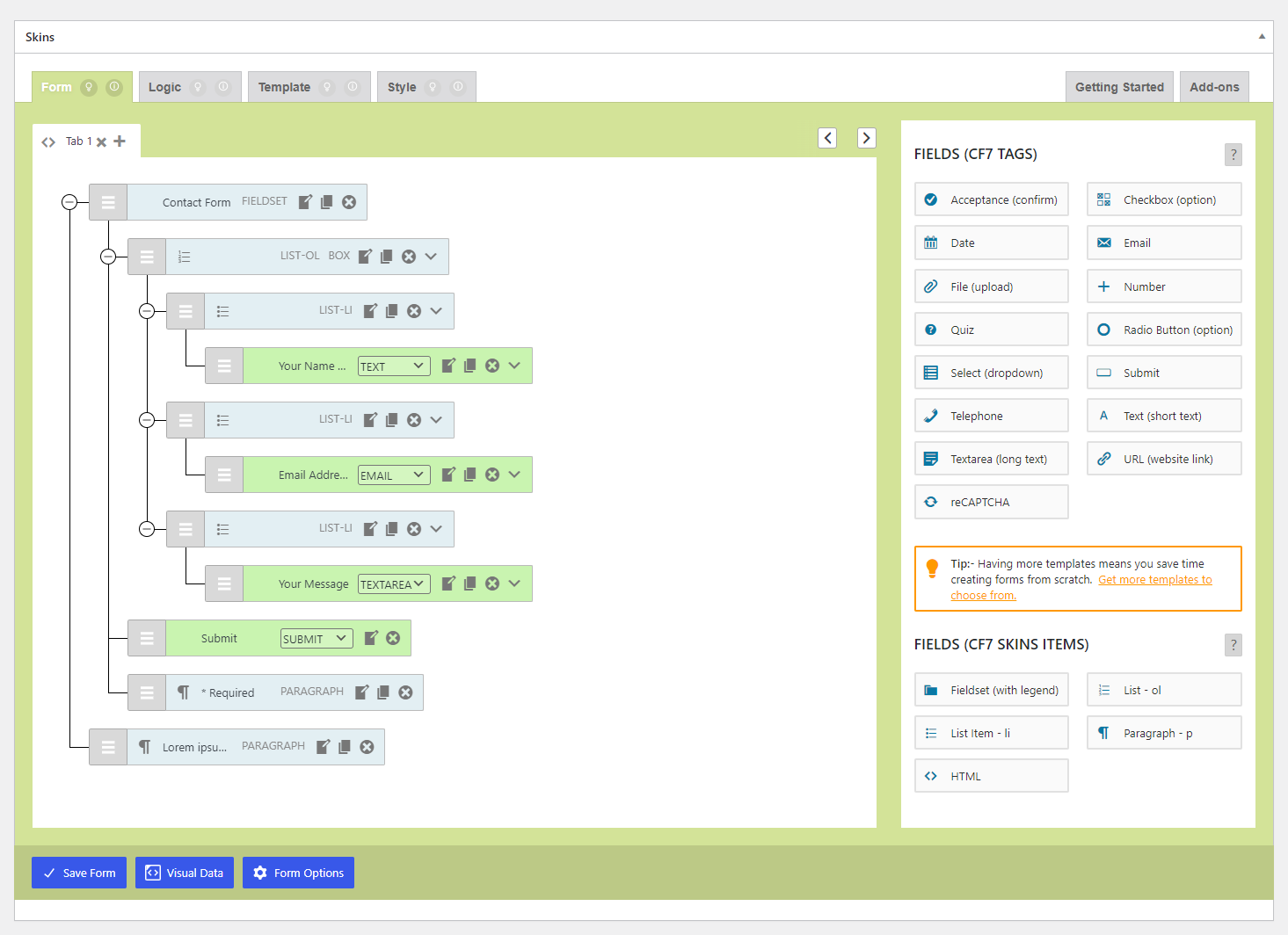
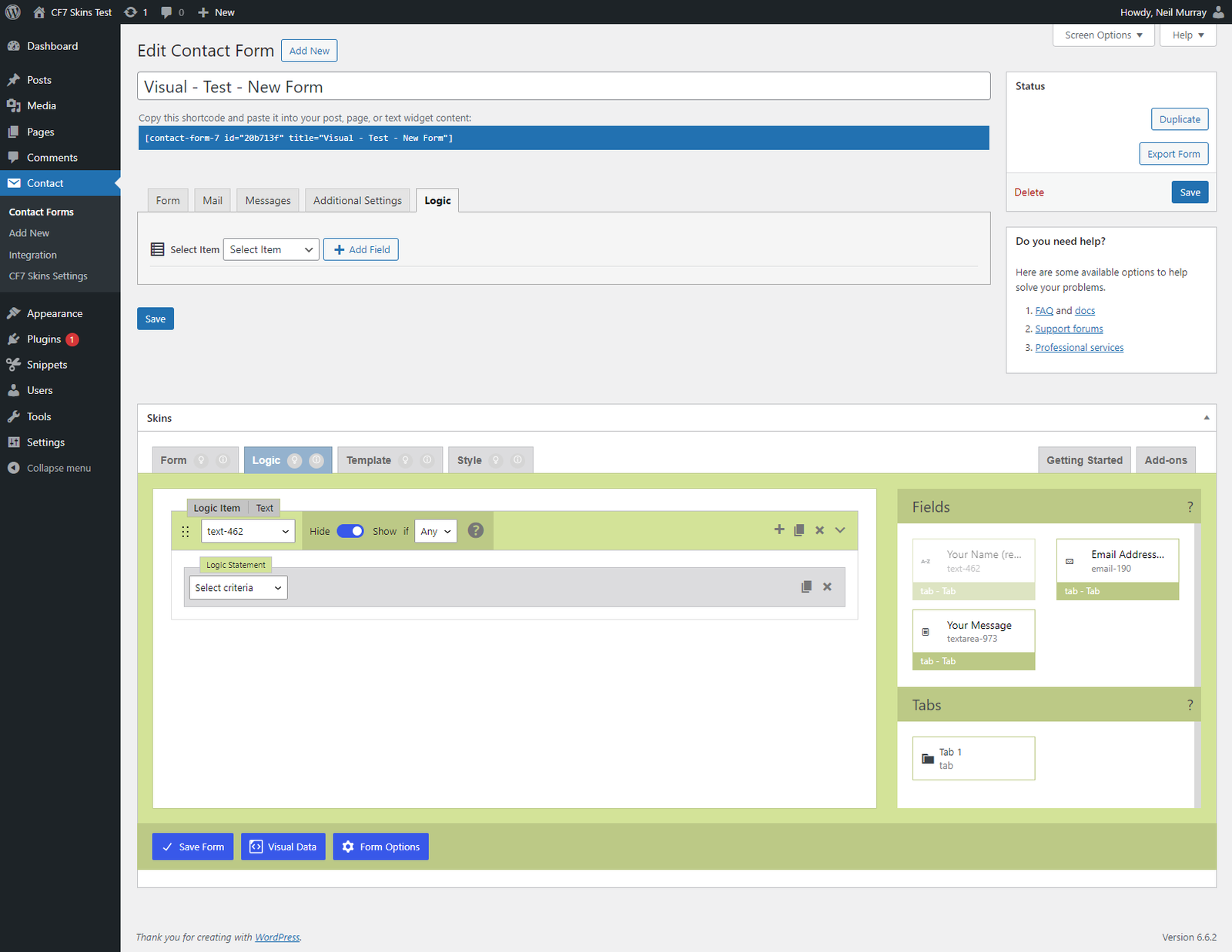
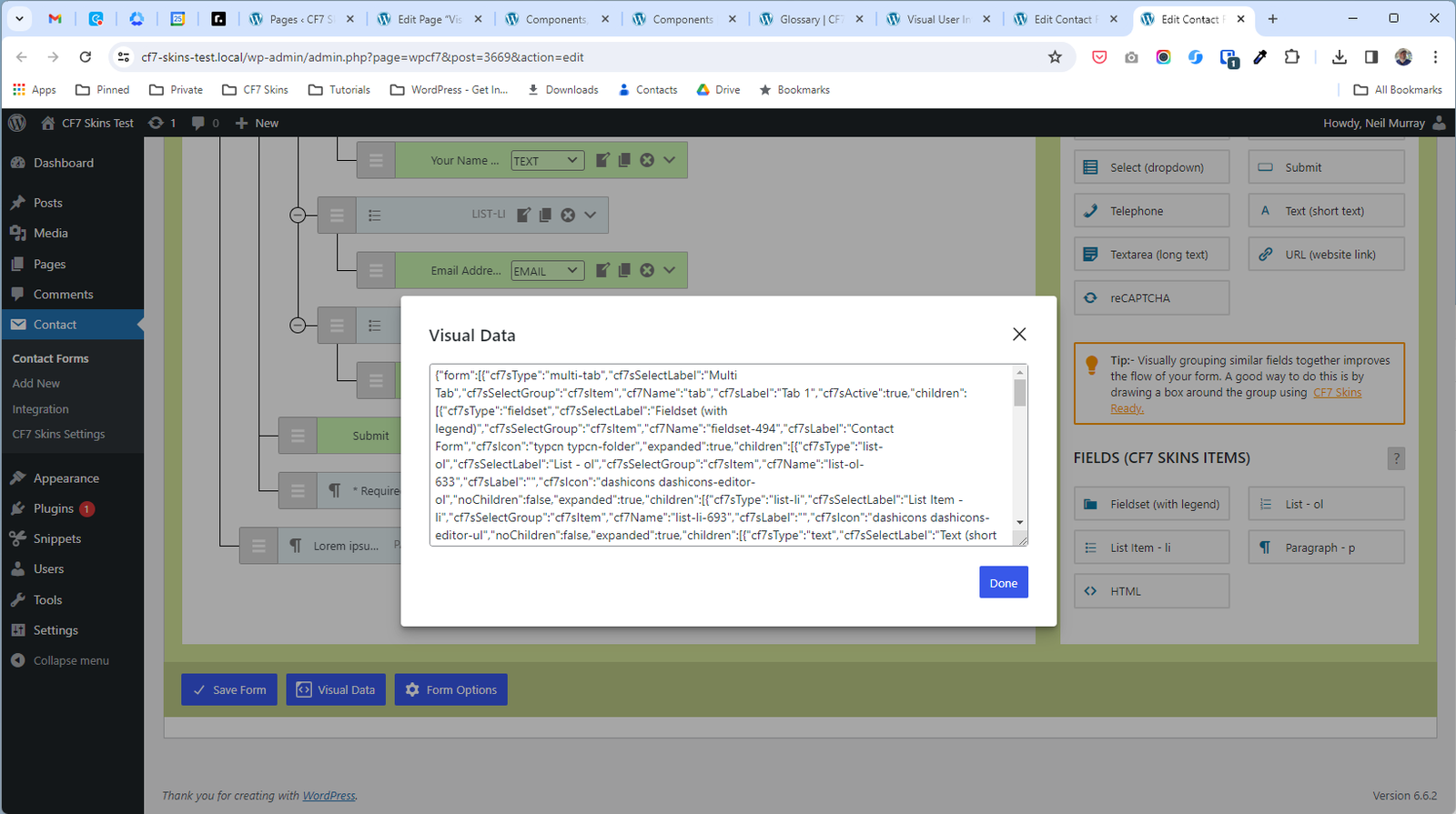
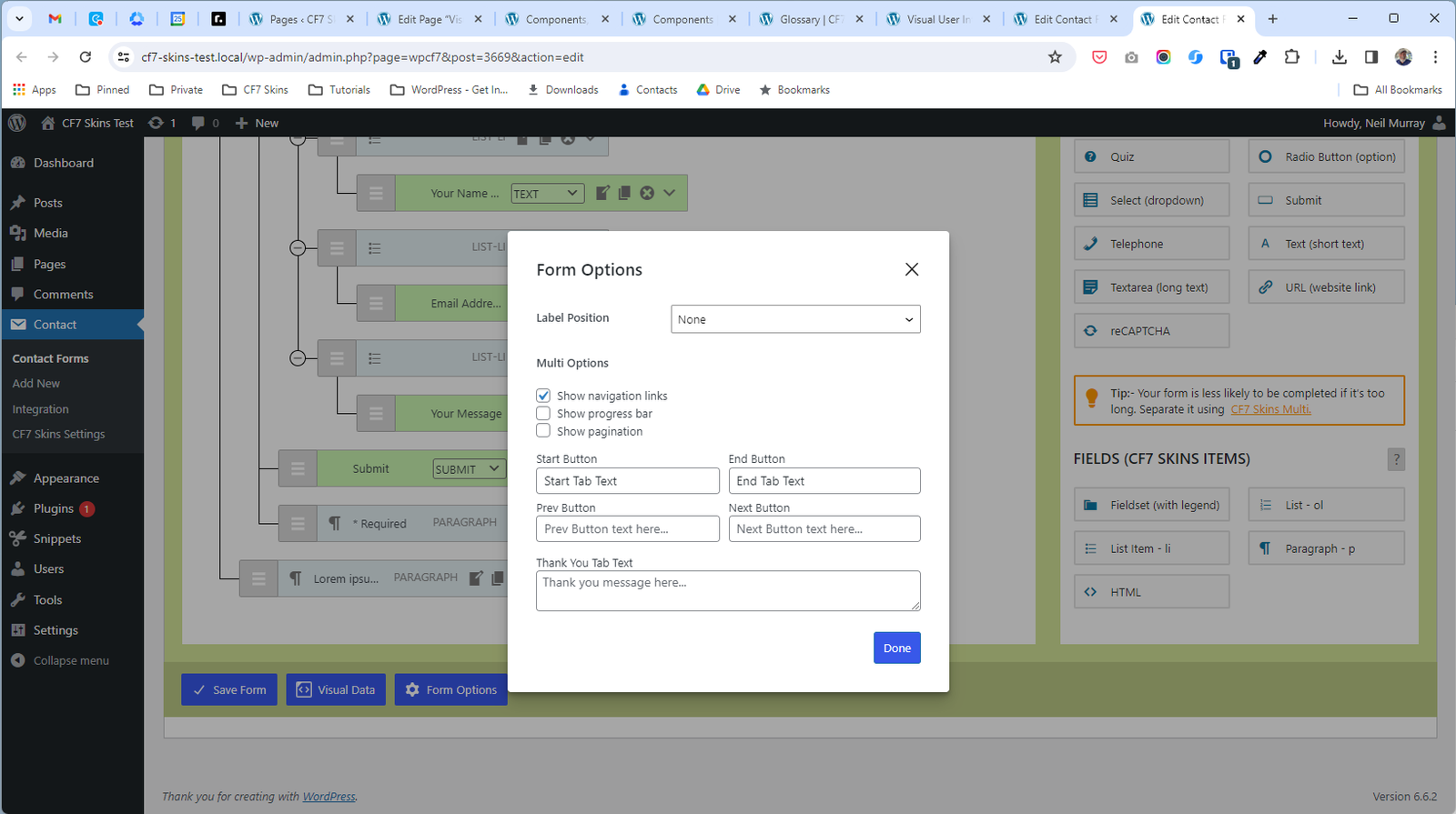
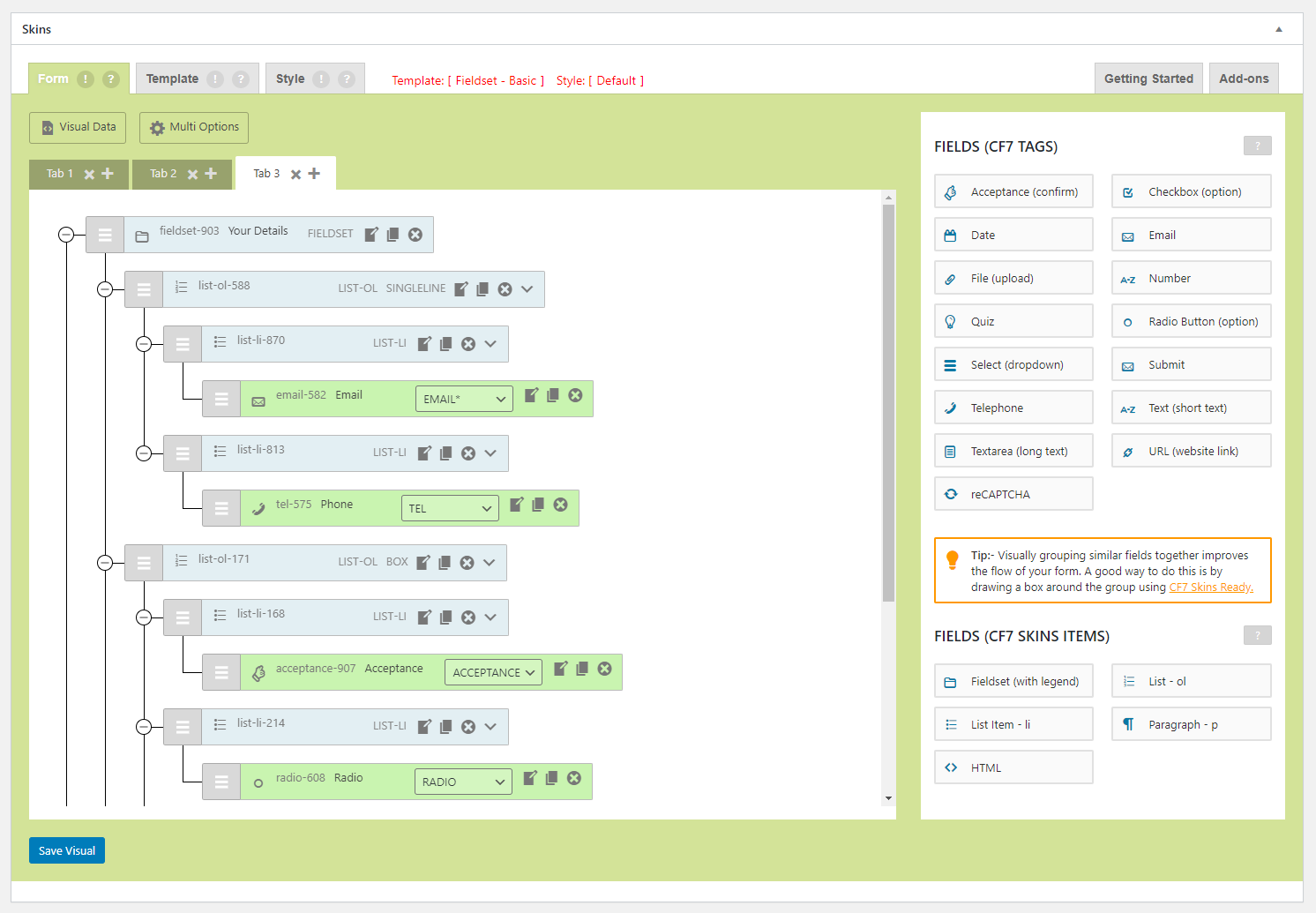
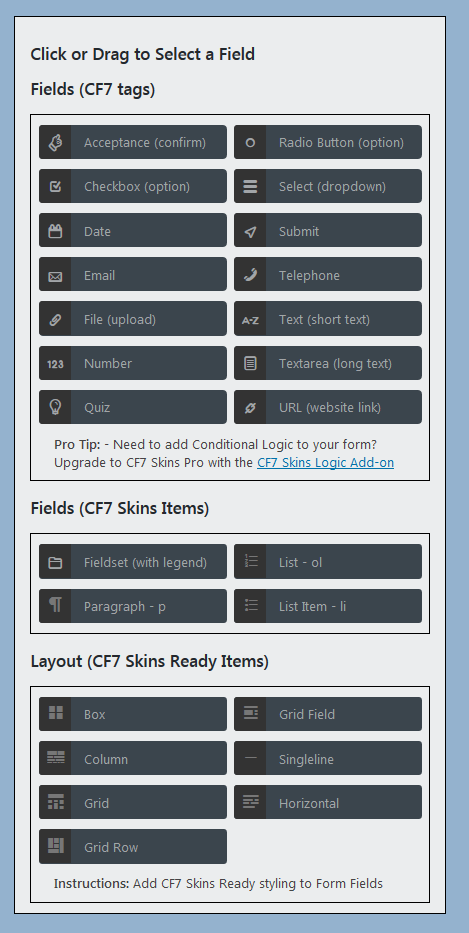
When reviewing the CF7 Skins Visual interface we should focus on the following key points:
- Can users easily understand overall form structure from the visual representation
- Can users identify easily where they want to add a new field
- Is it easy to place a new field in the desired location
- Does the UI help users to identify all the individual form fields and layout items
- When editing a field can users see both the field & it’s edit box on screen (ideally nearby)
- How does this look & act over the common range of screen sizes
- Does the UI work with RTL languages
Please add an other items to this list you consider important.
See also UI Responsiveness.
2024-04-25 – v2.6.3



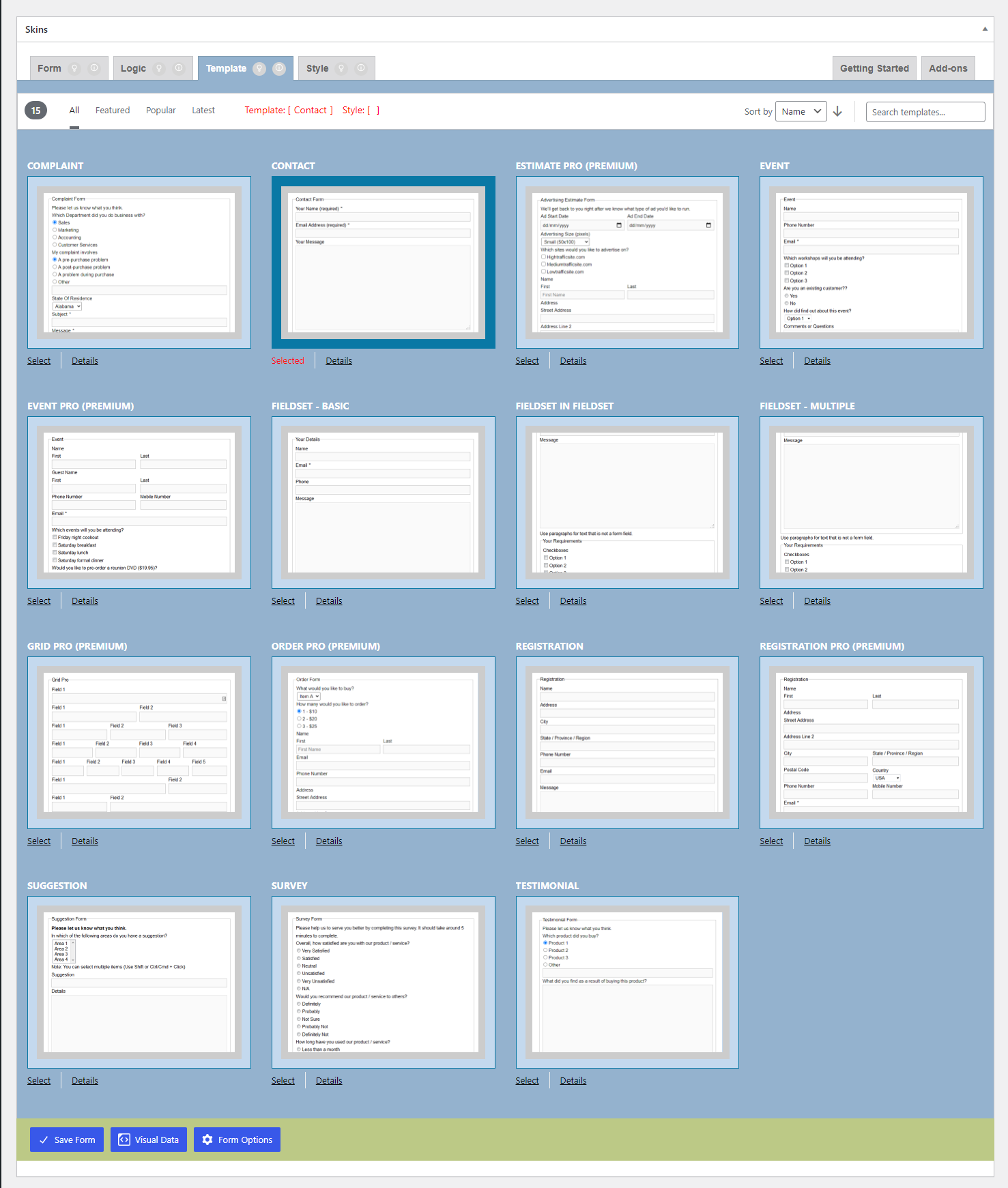
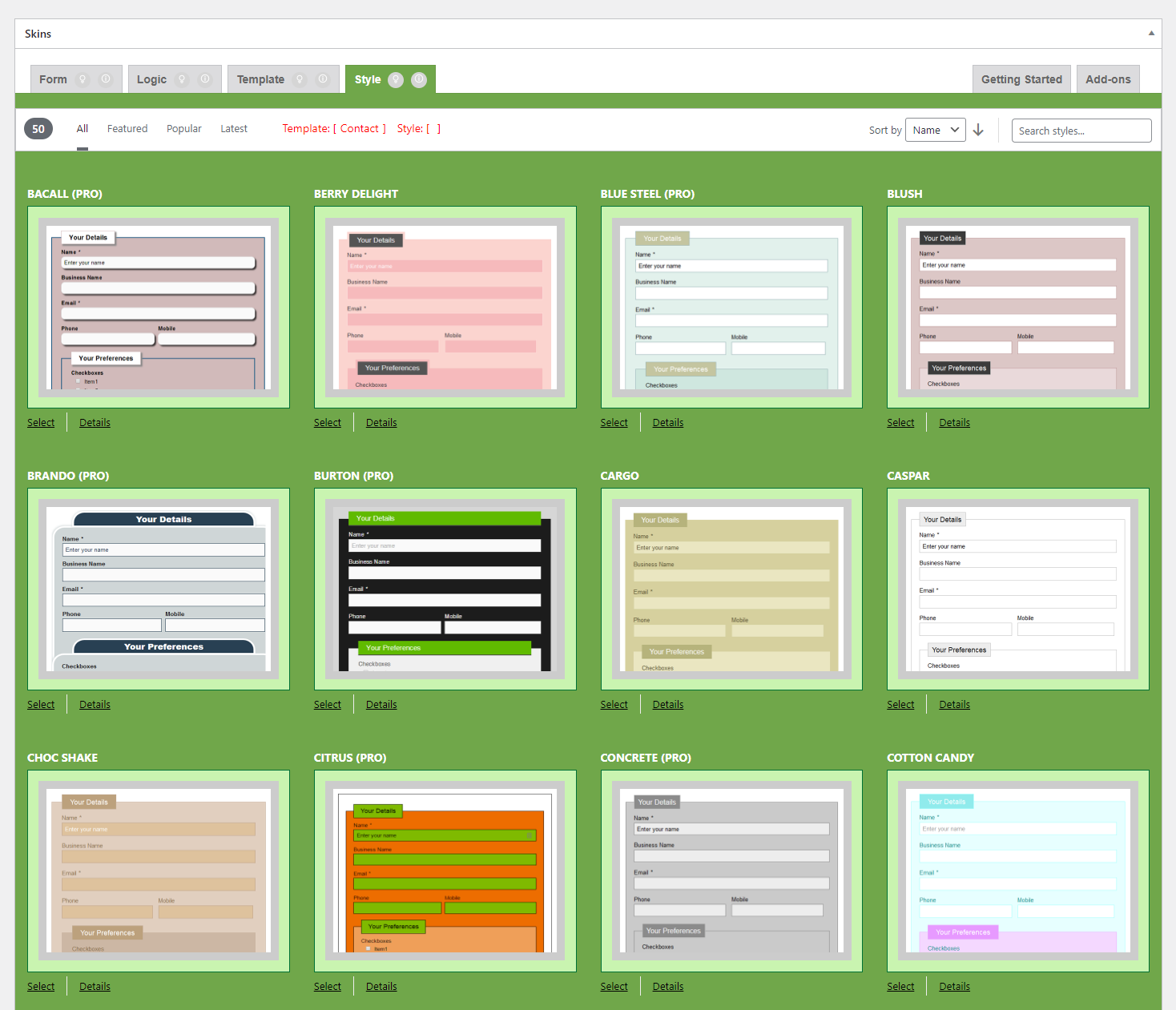

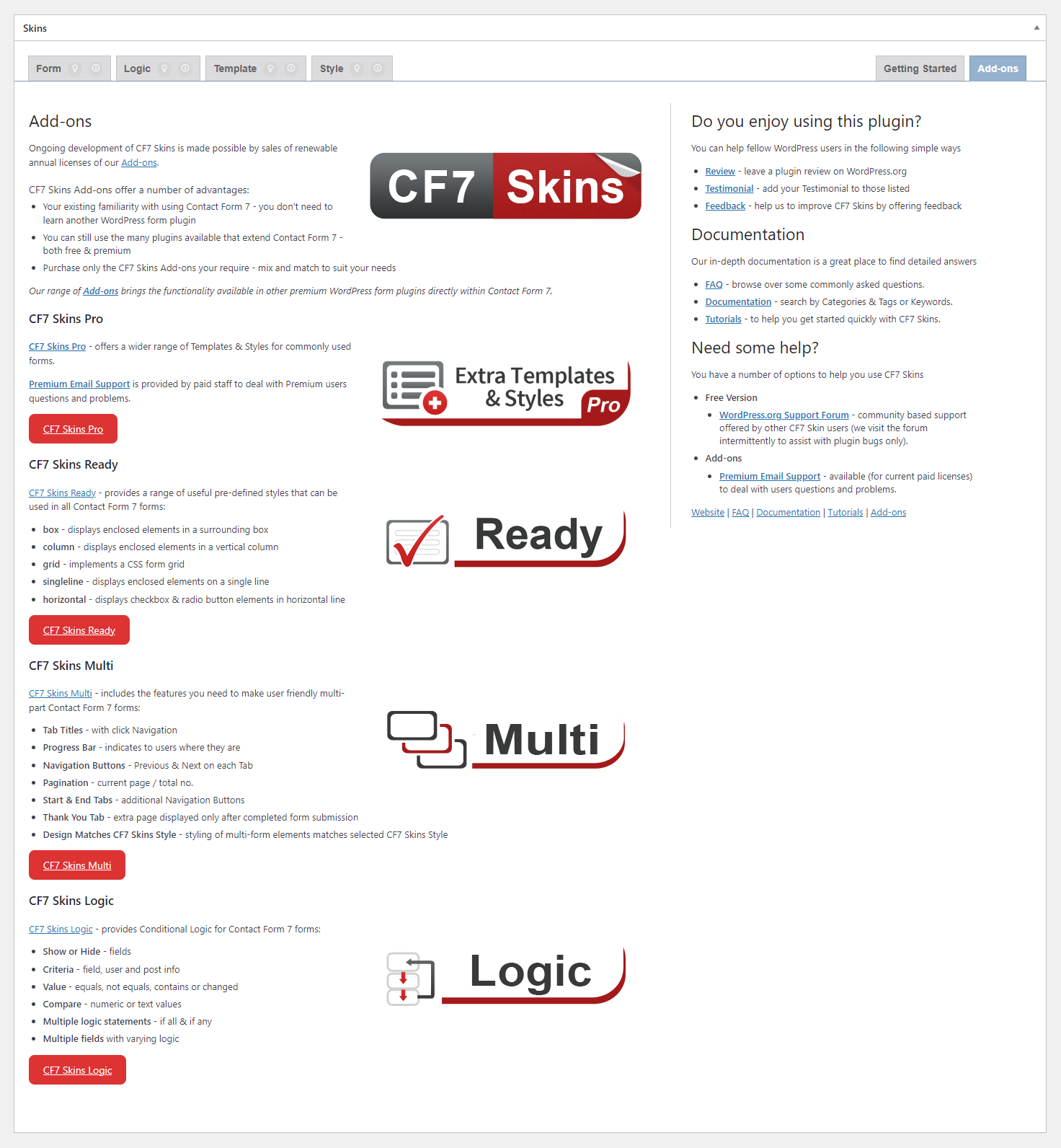
2020-08-11 – v2.4

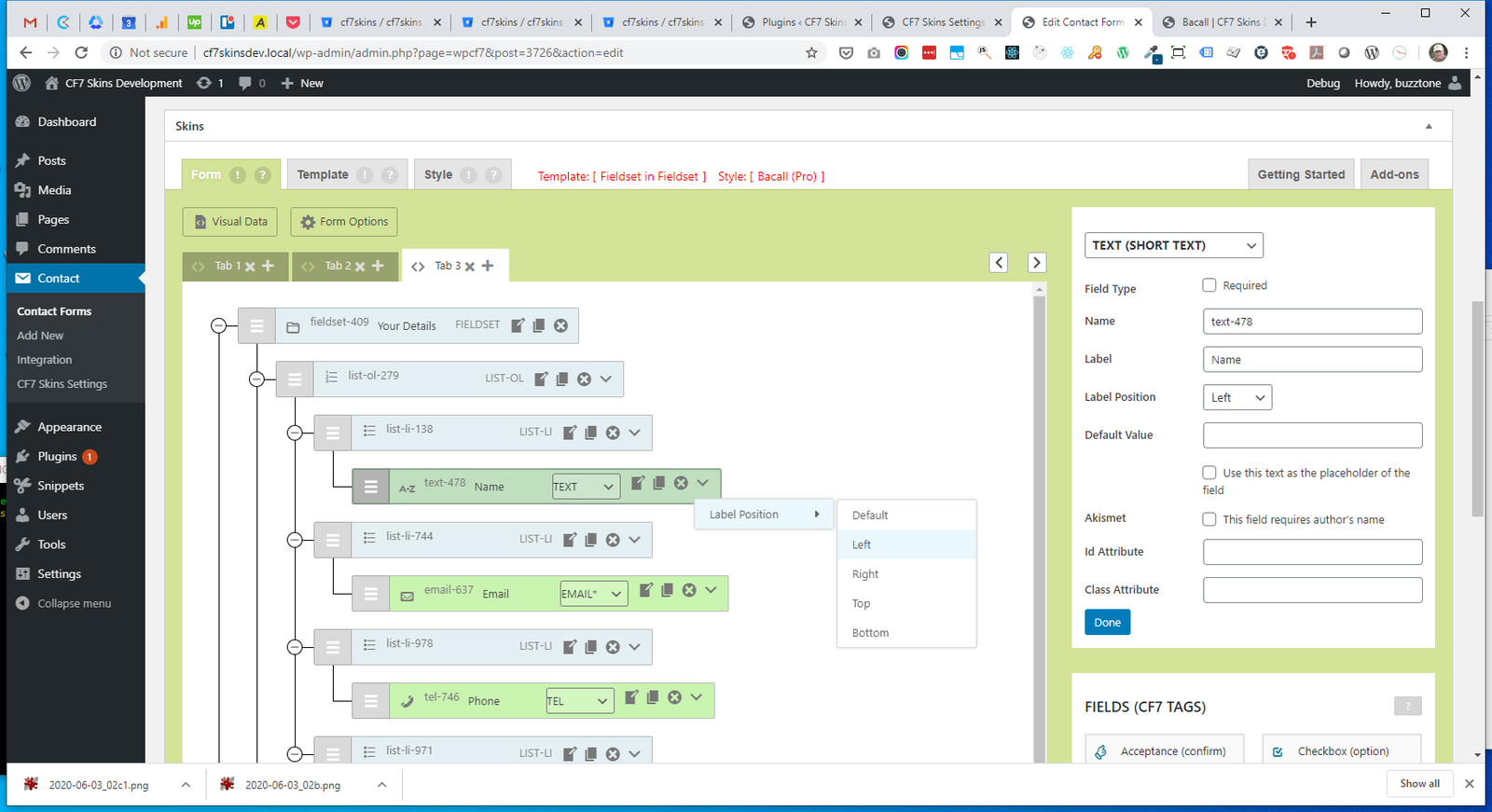
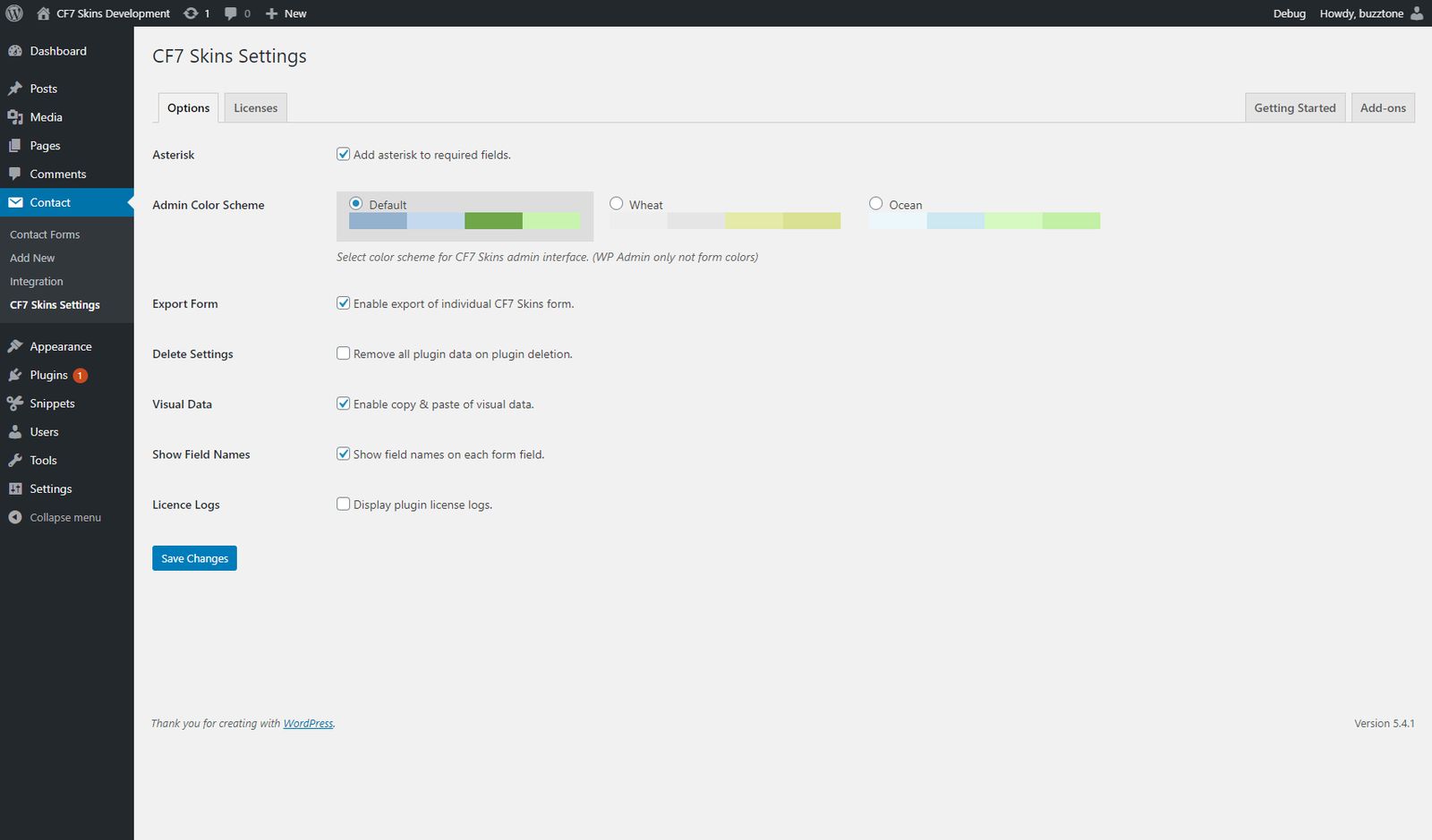
2020-05-20 – v2.3
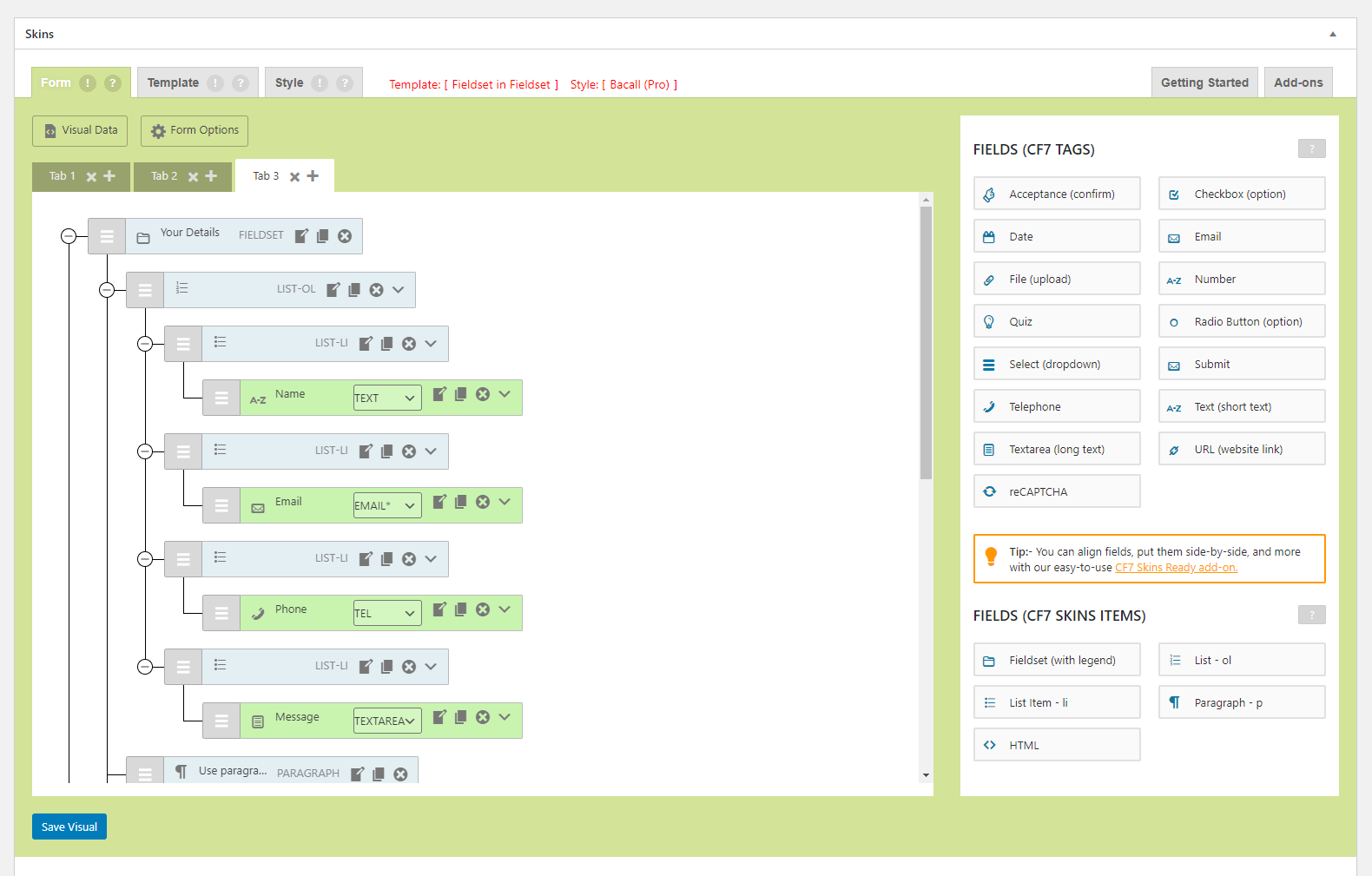
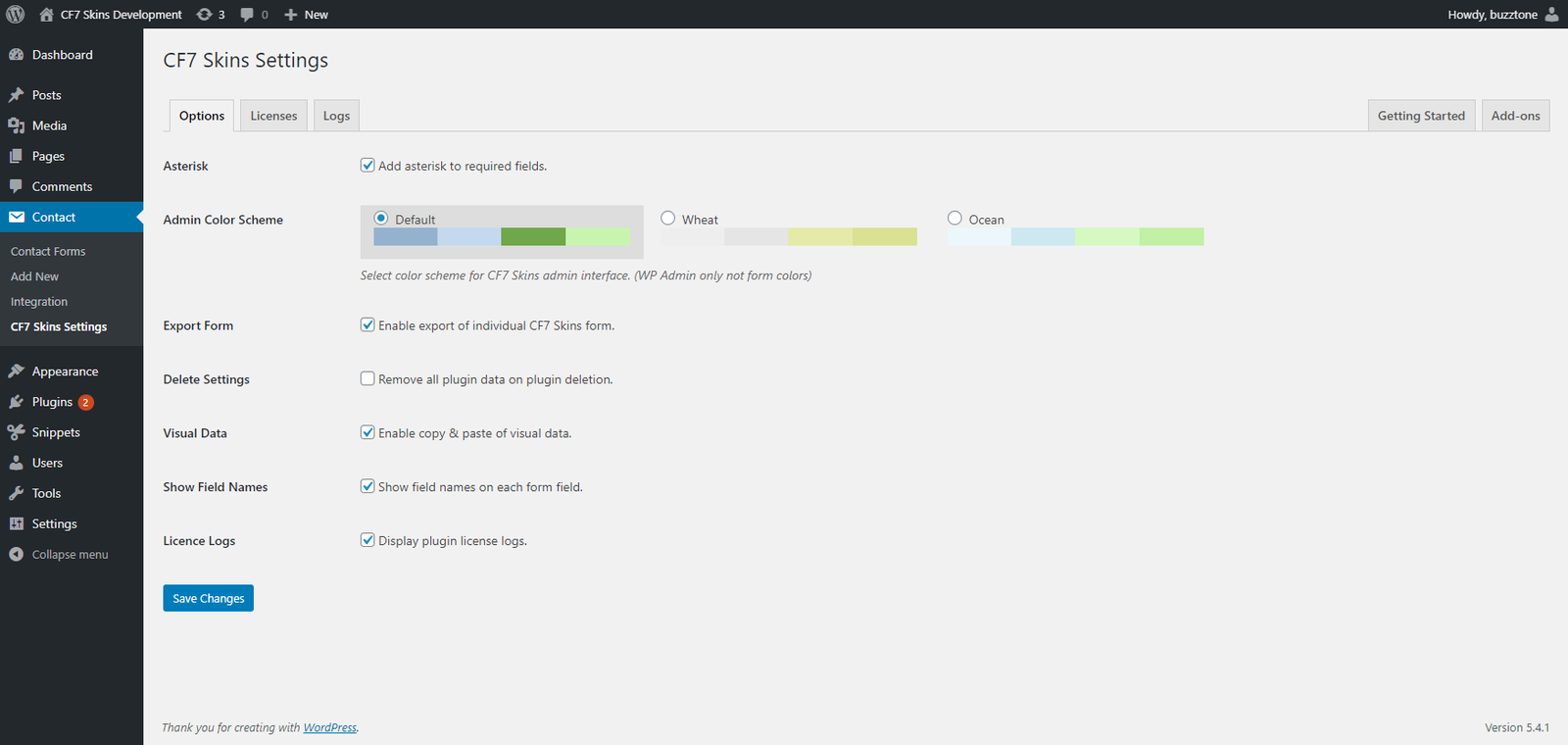
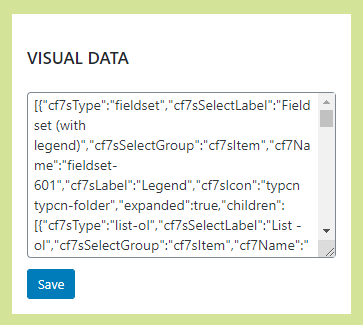

2020-01-07 – v2.2
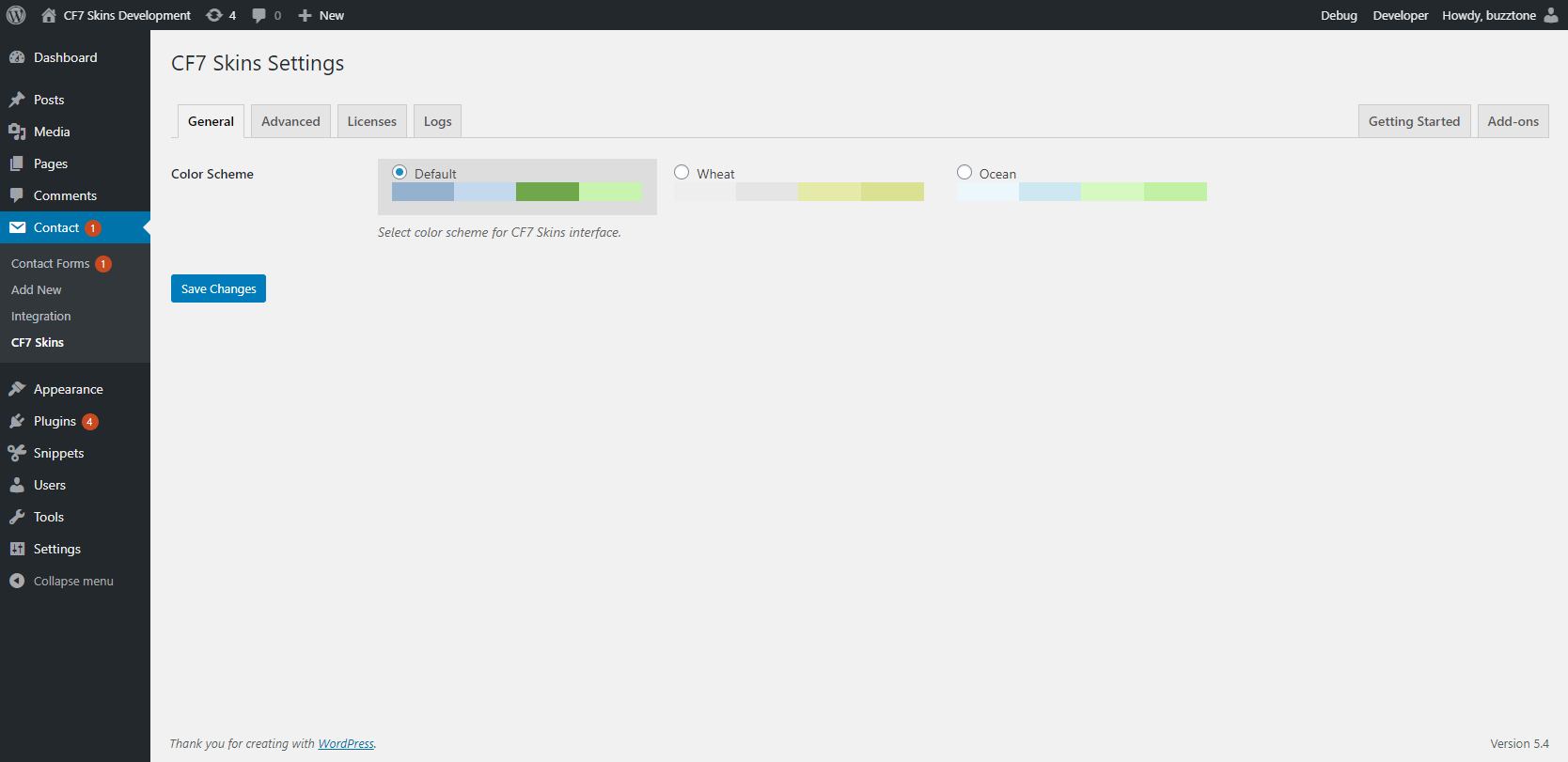
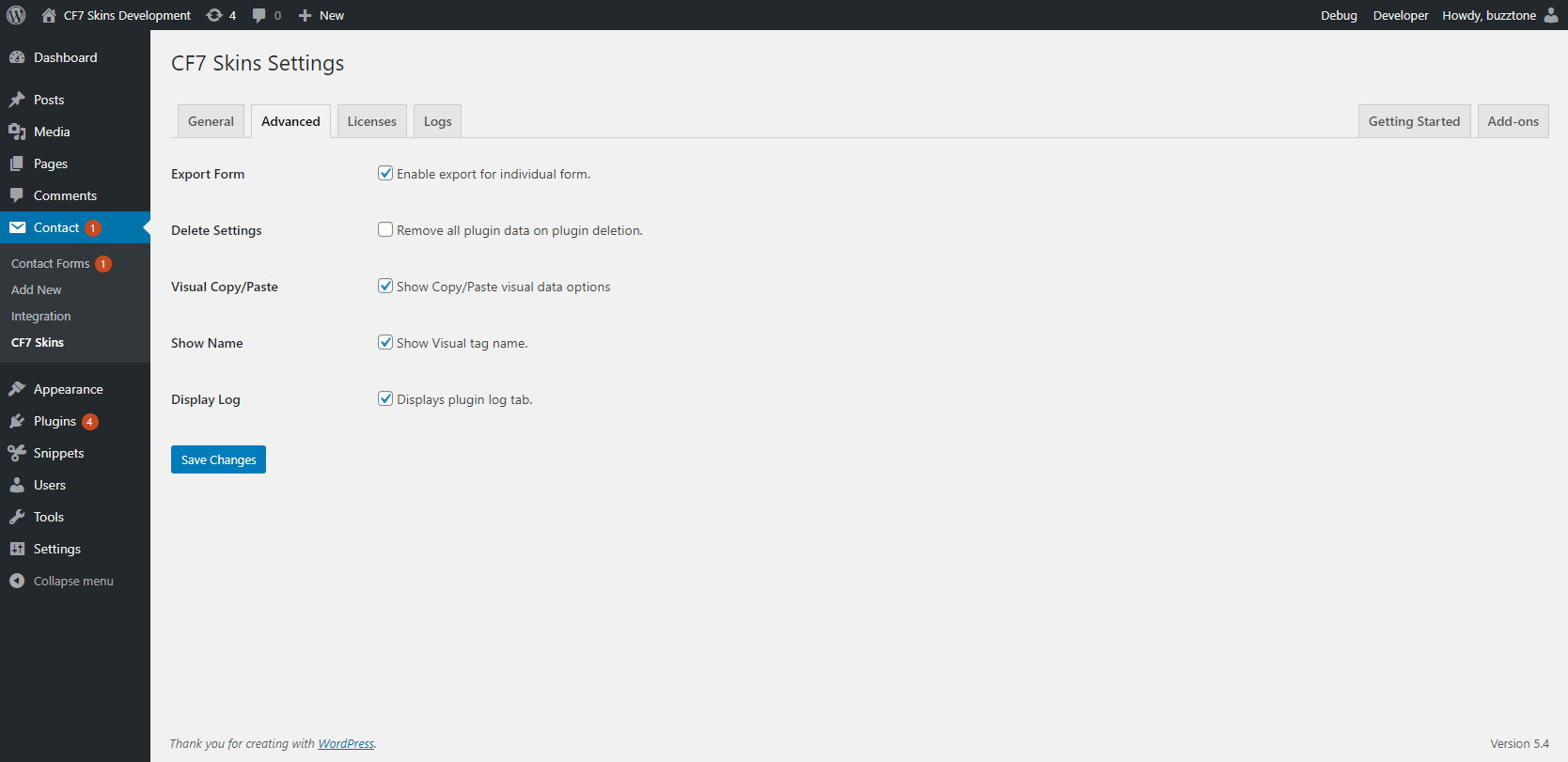
2019-02-25 – v2.1
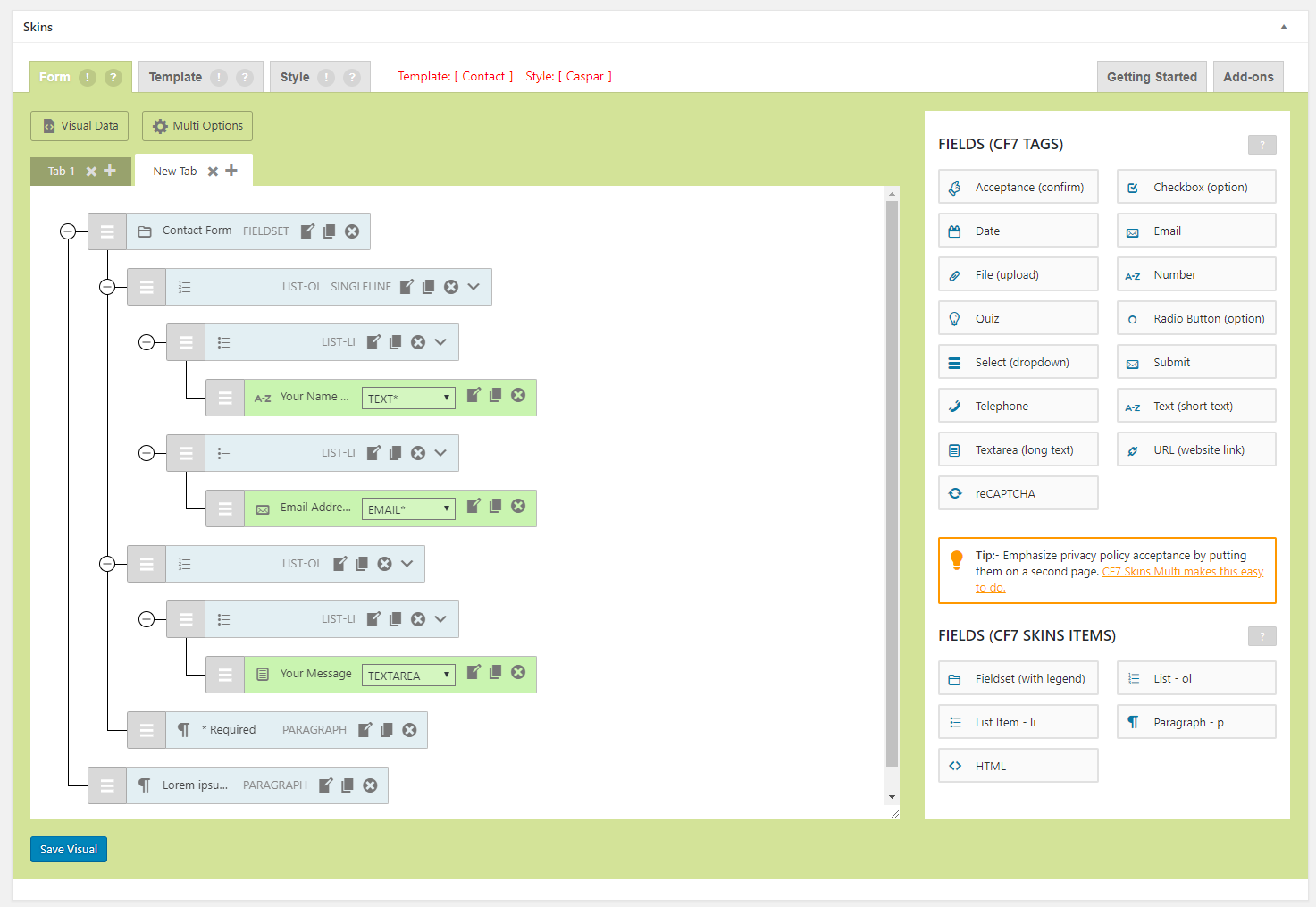

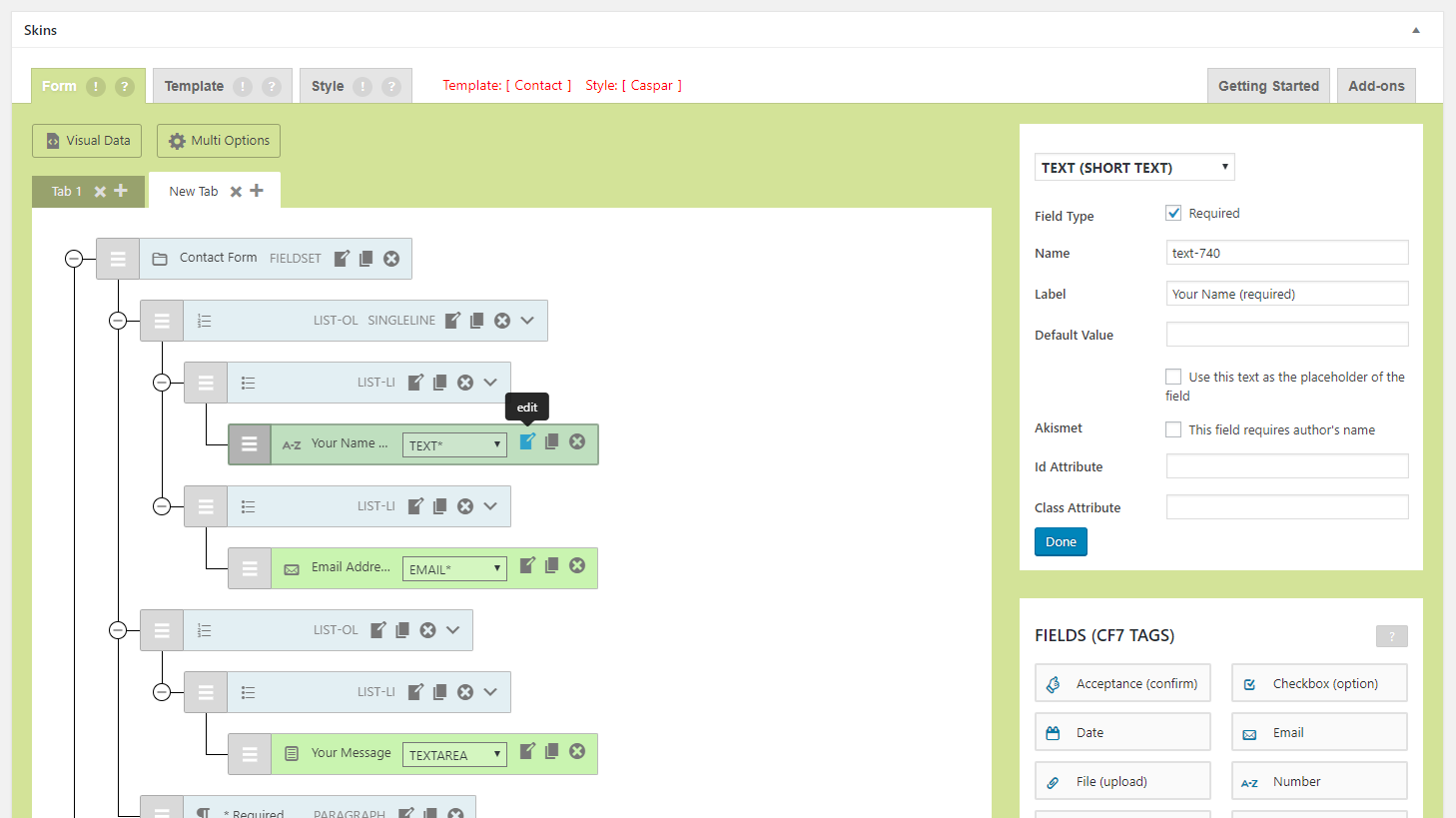

2018-06-19 – Release v2.0
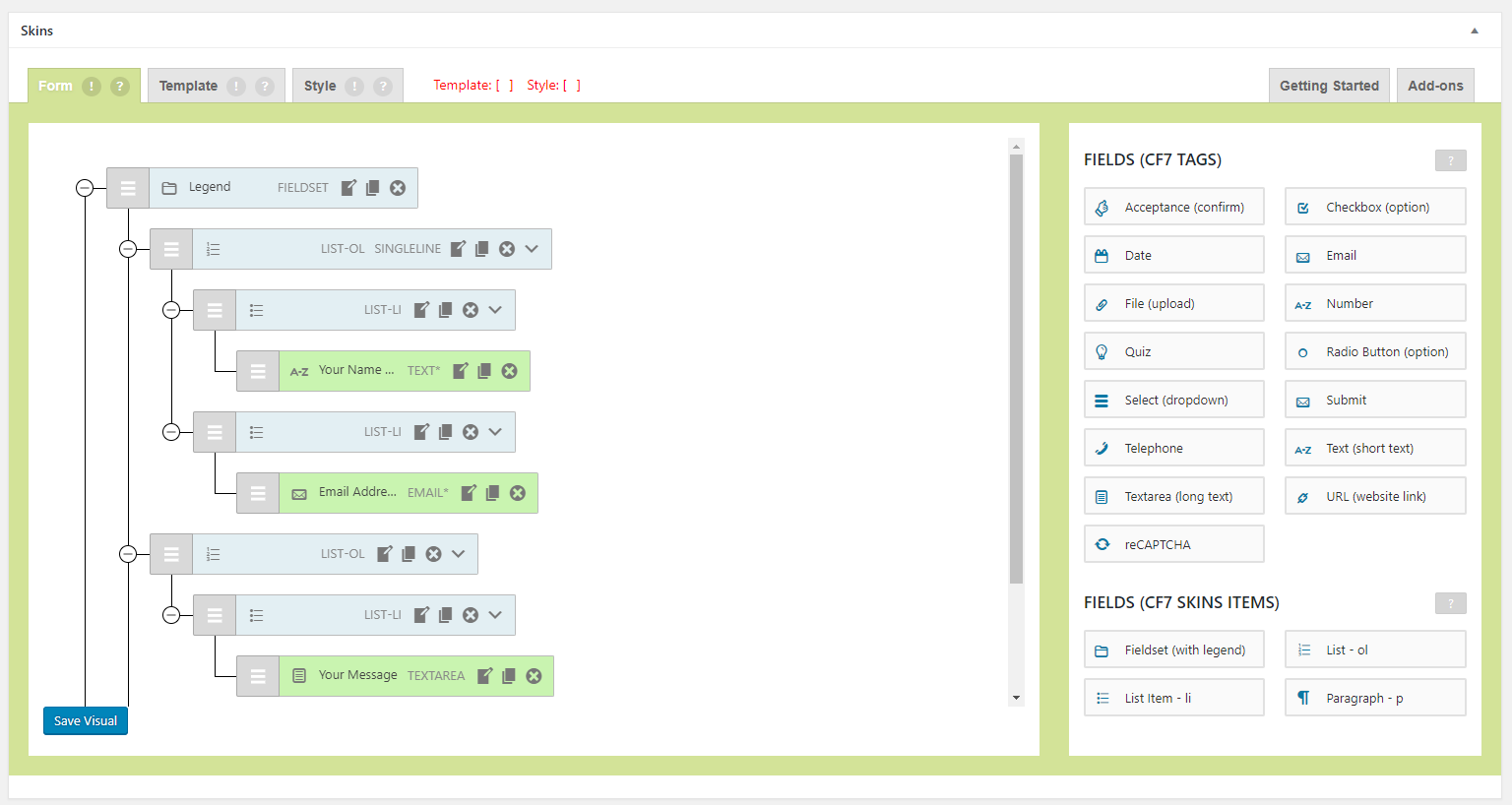


2017-12-24
RST Version

ALPHA Version

2017-10-13

2017-06-23


2017-06-16

2017-05-16
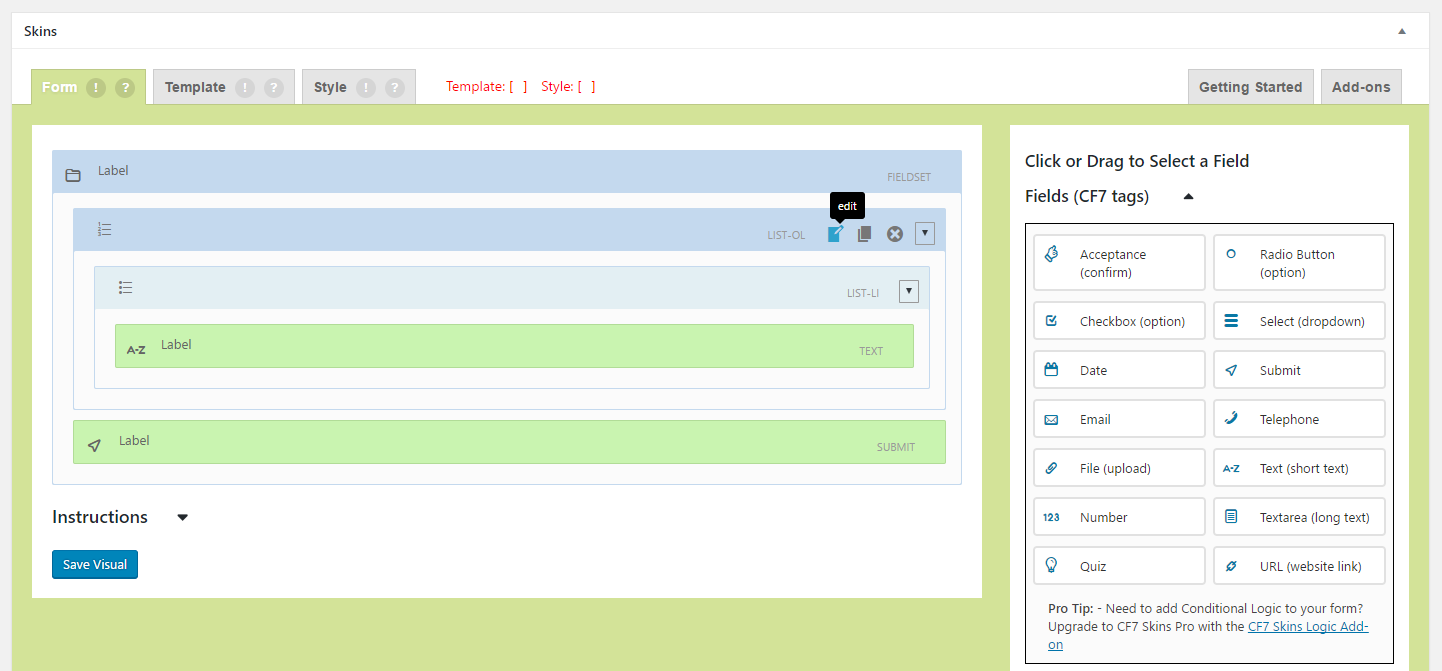
2017-04-20

2017-04-10
Layout 1 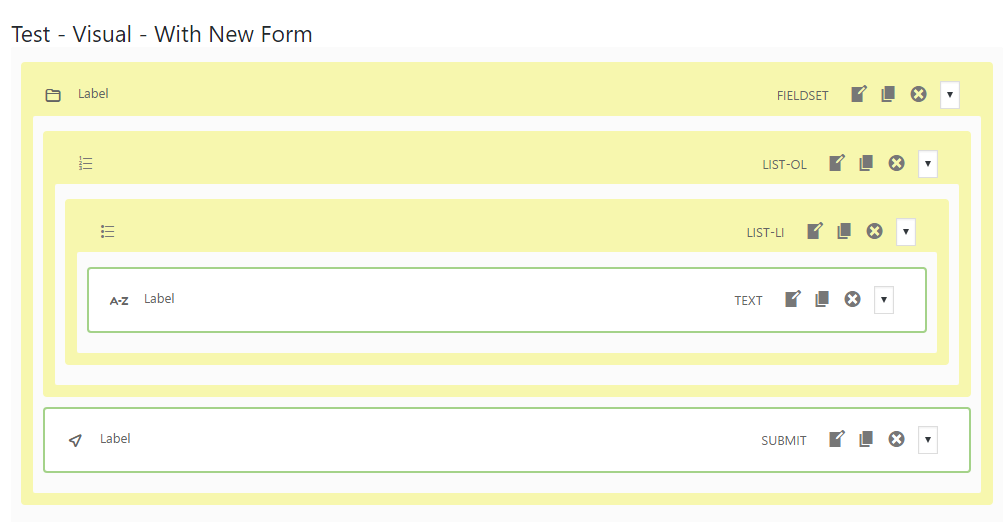
Layout 2 
Layout 3 
Layout 4 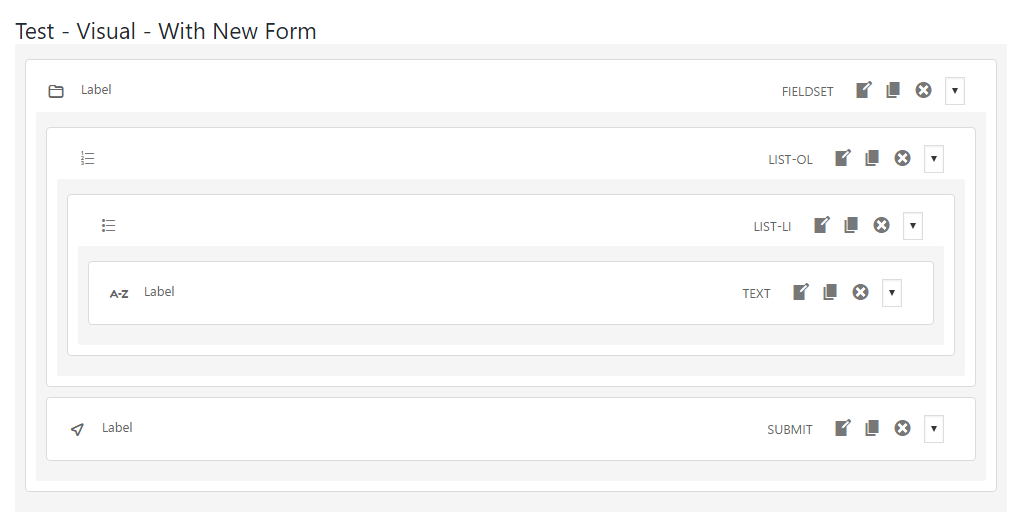
2017-03-02

2017-02-24

2017-01-18
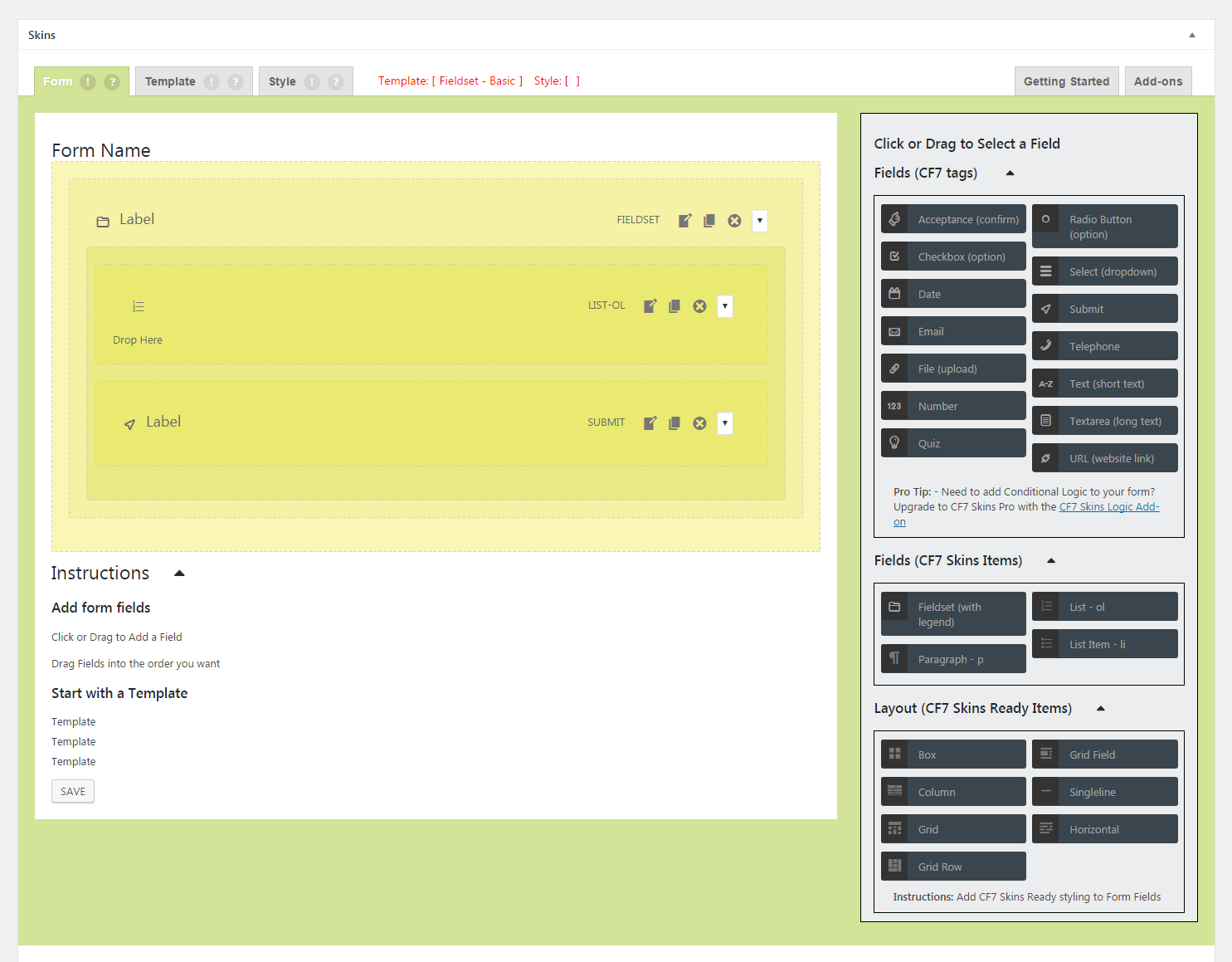
2017-01-15
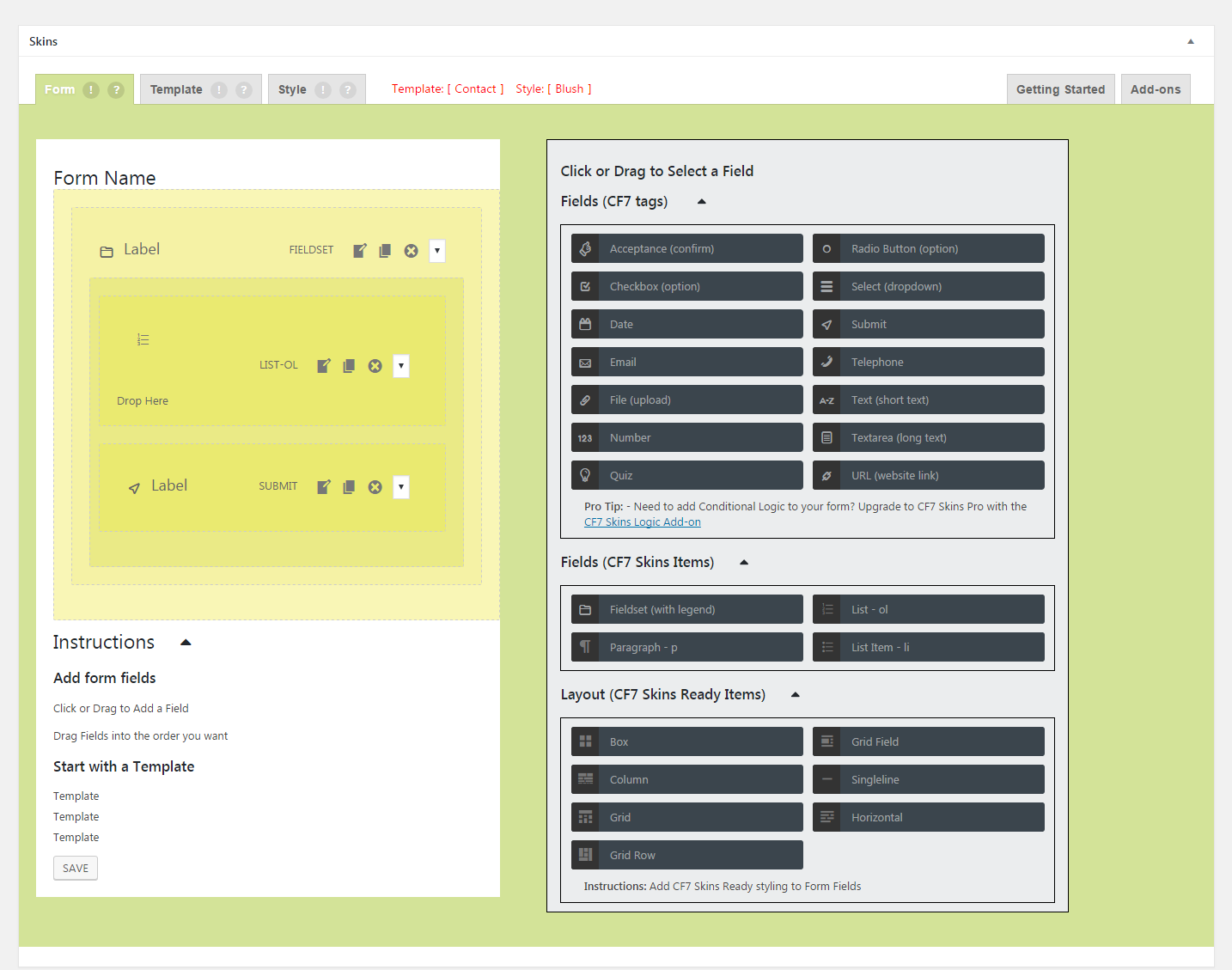

2016-12-07
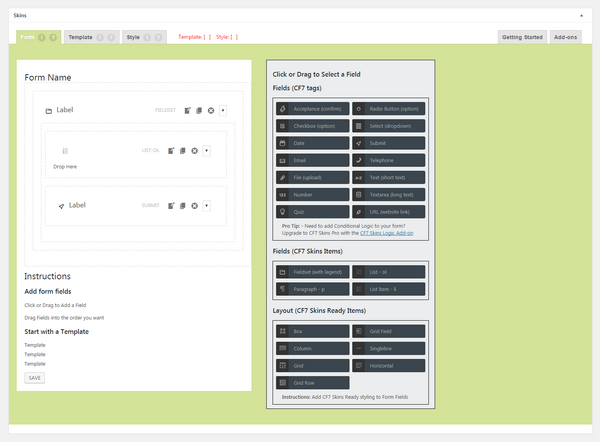

Further reading:
- Item
Notes
Add notes here
Save all Images to Sync – use ..\Sync\..\Development\Development Guidelines\CF7 Skins Code\CF7 Skins Visual Tools\Visual User Interface Versions\