
Last Updated on April 1, 2025 by Neil Murray
Many CF7 Skins Team members now use Sourcetree to work with our Git repositries.
I use SourceTree – Git GUI application for all my work with Git.
Neil Murray
Git CLI is quicker & more powerful, if you have solid understanding of Git, but I don’t think it’s suitable for people who aren’t using Git every day.
Sourcetree Options #

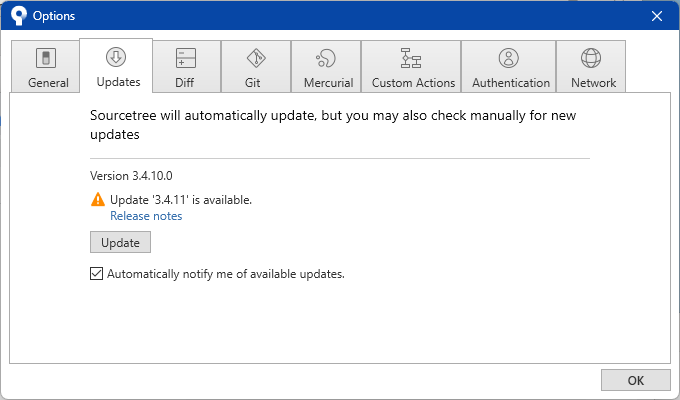

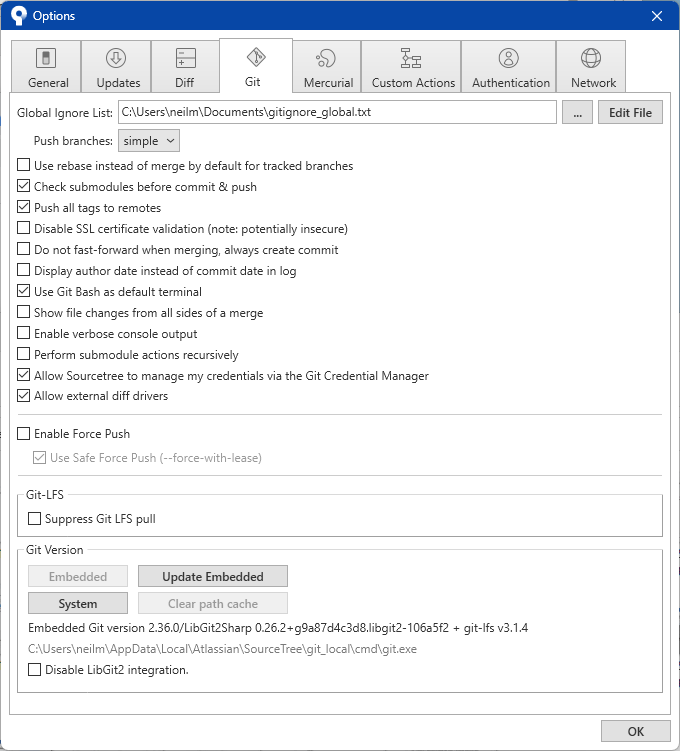
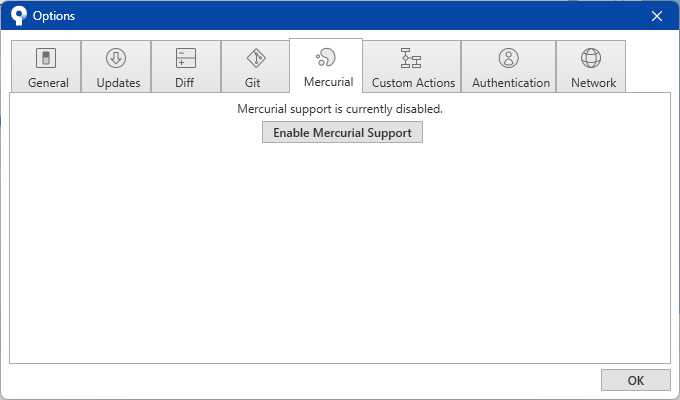
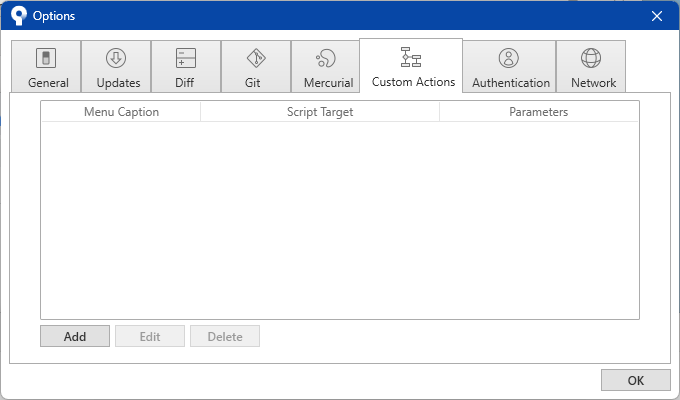


Display whitespace tab characters #


Sourcetree Credentials #
When you install SourceTree you will be automatically guided to add your Bitbucket credentials.
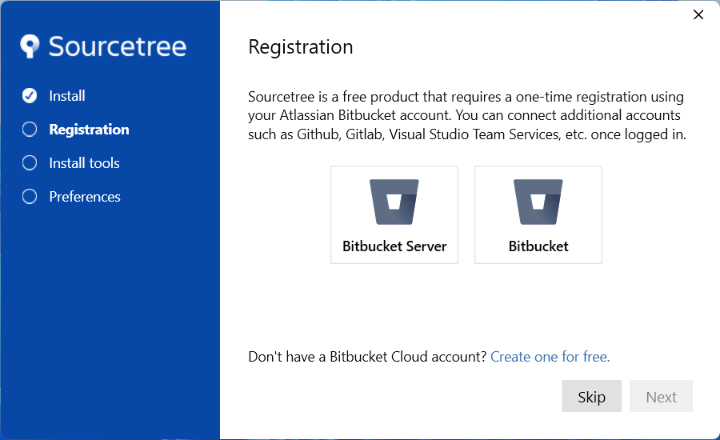
Sourcetree asks again for your registration details each time you install the free software. In our case the best option is to use your Bitbucket login details.


Sourcetree then gives some extra options – the Advanced Options are typically very helpful.
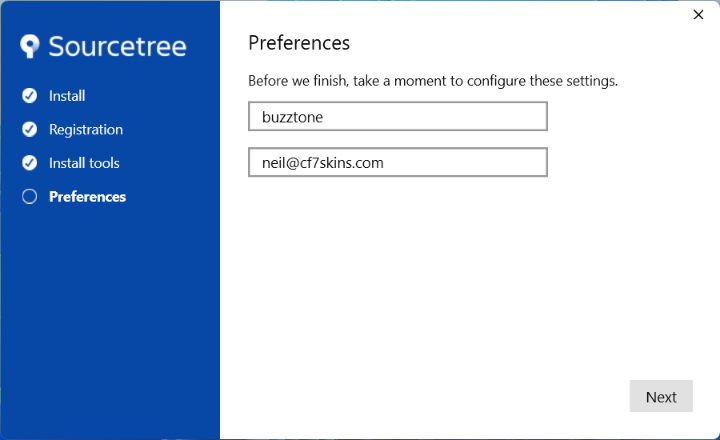
If Windows displays CredentialHelperSelector use:
- Select manager-core
- Always use this from now on
NOTE: may need to choose than once.

SSH Key #
During installation you may also be asked to add an SSH key to simplify your Git interactions with Bitbucket.
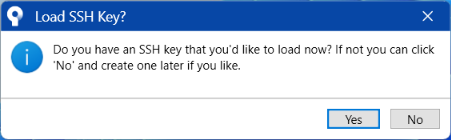
Generate SSH Key #
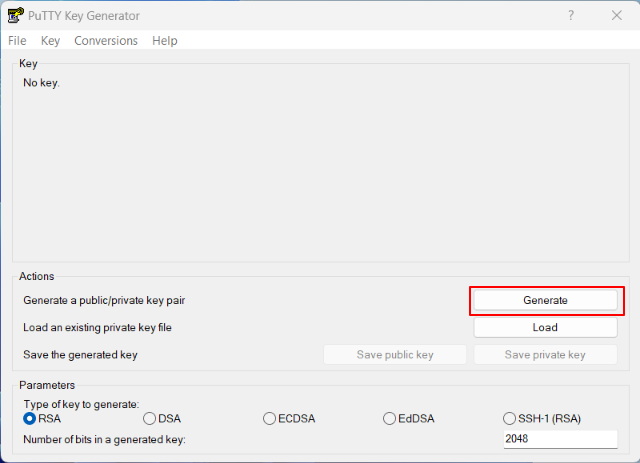
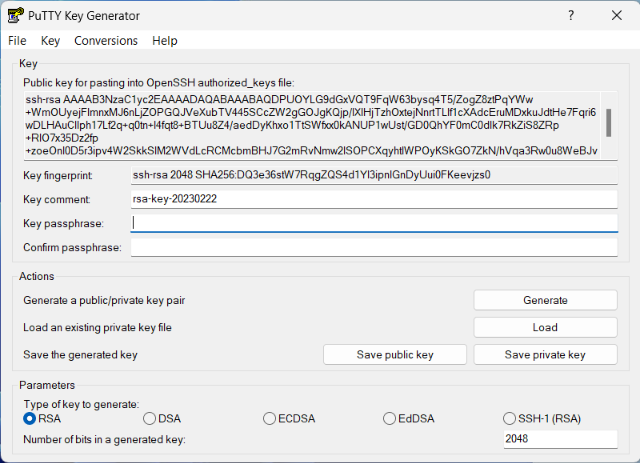
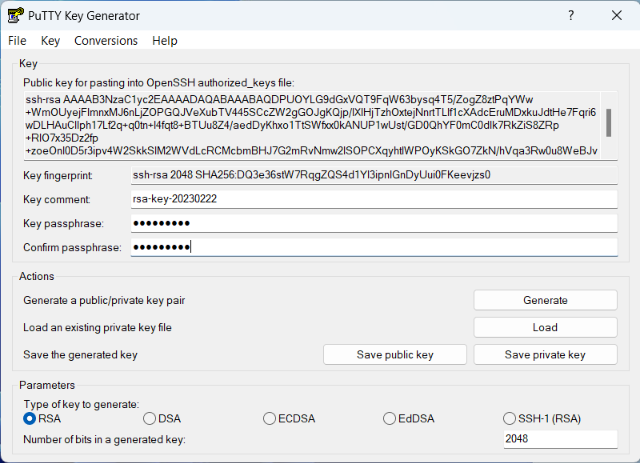
See Generate and Load SSH Keys into SourceTree with PuTTY.
Adding or Changing SSH Key #
Local Computer


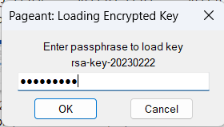
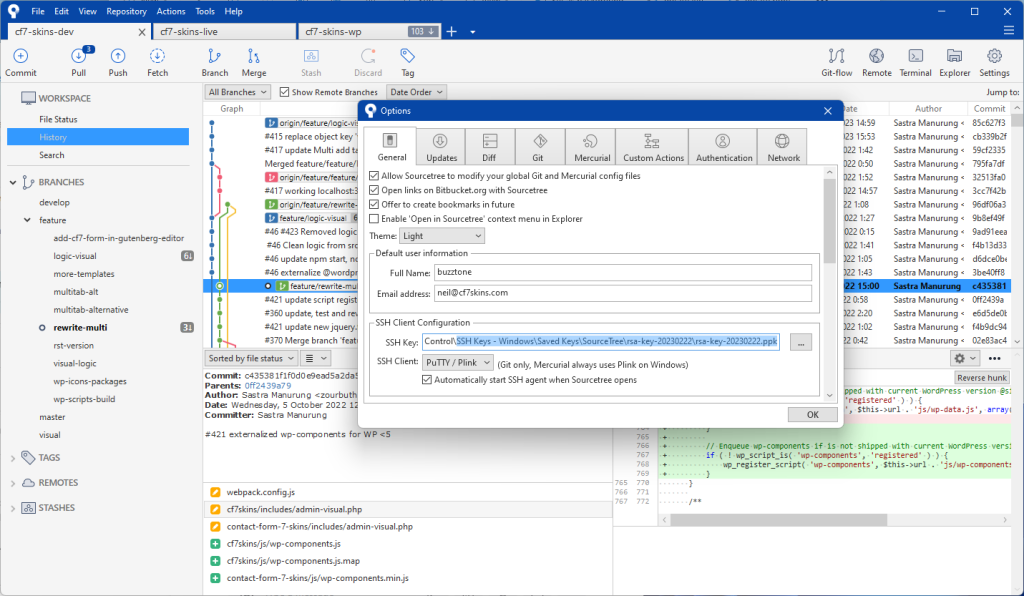
Bitbucket


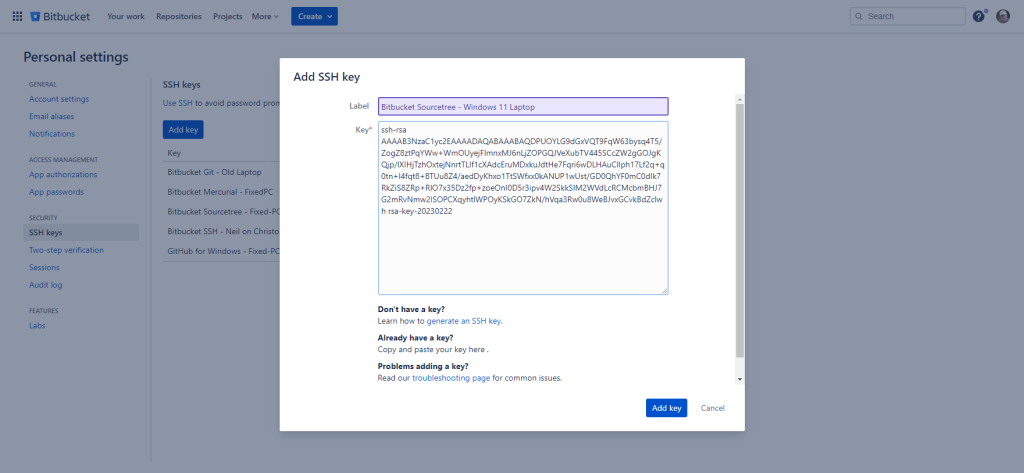

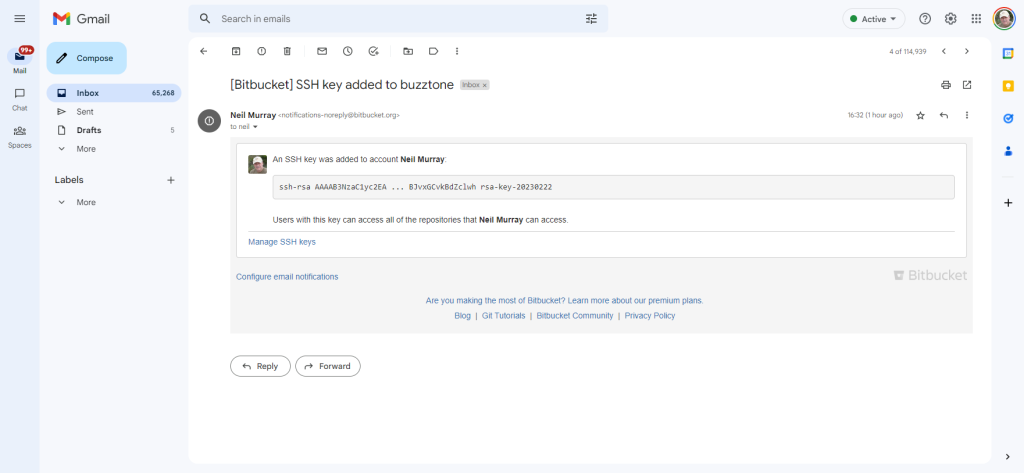
See Set up SSH with Sourcetree
Install OpenSSH (Windows) #

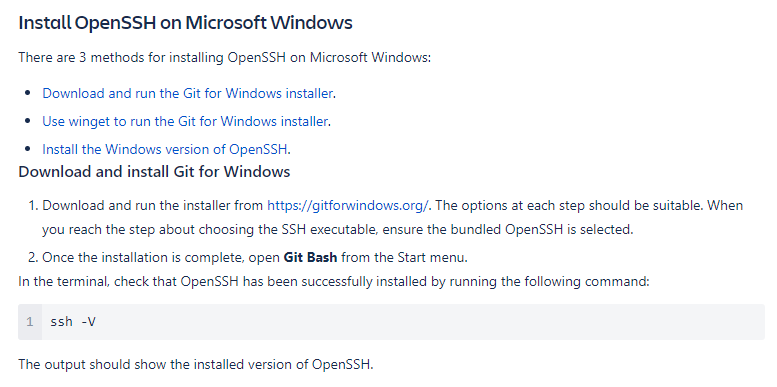

See Set up personal SSH keys on Windows
Install PuTTY (Windows) #


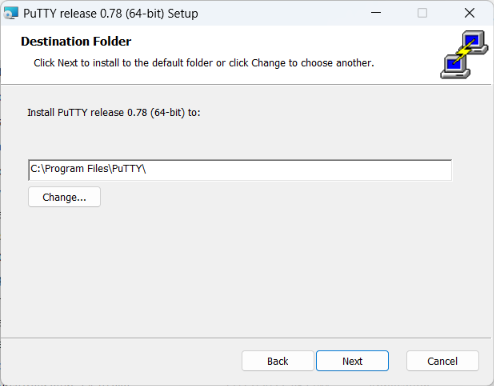
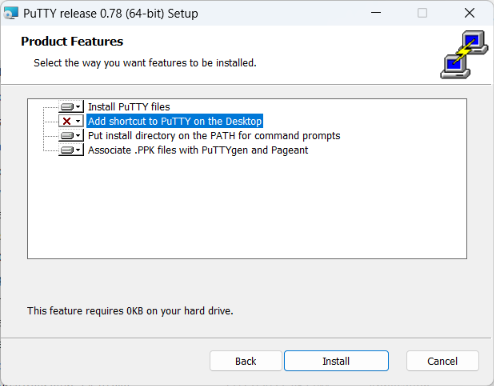

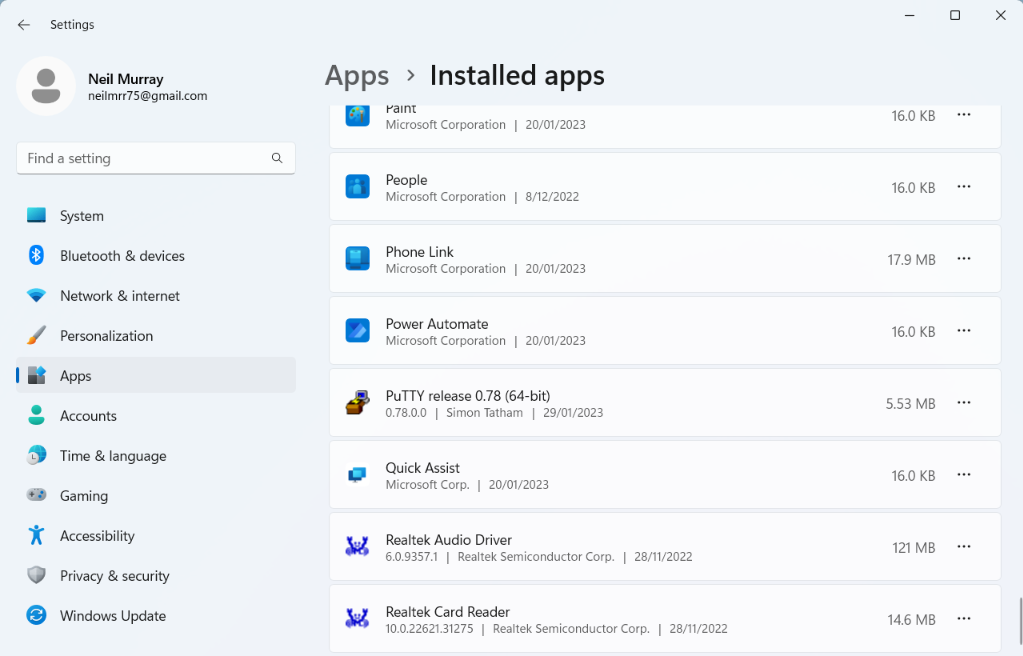
See How to Install PuTTY on Windows
Troubleshooting #

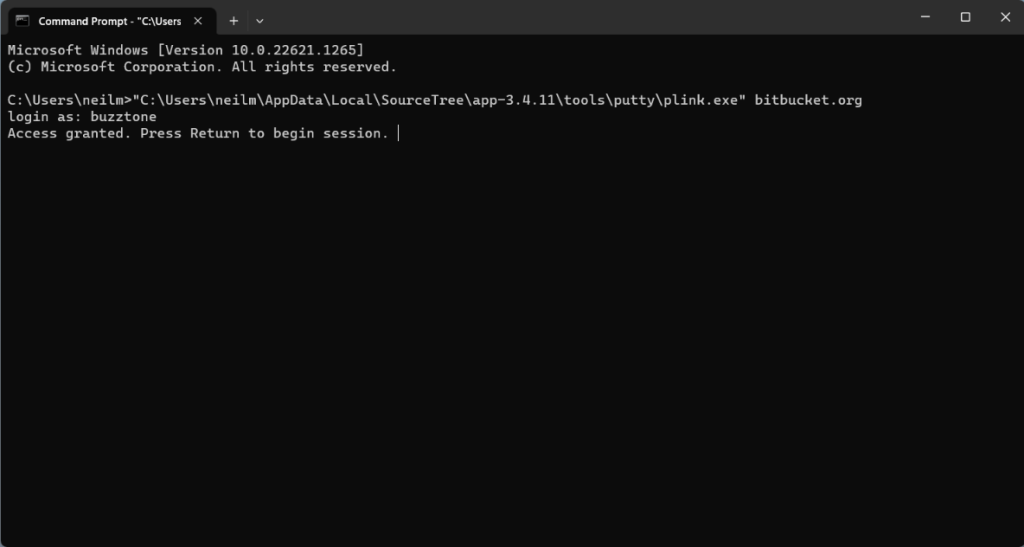
Add following at Command Prompt:
“C:\Users\USER\AppData\Local\SourceTree\app-3.4.11\tools\putty\plink.exe” bitbucket.org
login as: BITBUCKET USER NAME
Problems – Issues #
If you are having a problem using Sourcetree, you may find these Sync folders, which contain screenshots of how CF7 Skins Team Members dealt with issues they had, helpful.
- Sourcetree not starting on new laptop – Sync\..\2023-08-14 – Sourcetree not starting on new laptop
- Sourcetree – the host key is not cached for this server – Sync\..\2023-03-01 – Sourcetree – the host key is not cached for this server
- Update Bitbucket SSH key – Sync\..\Computer\2023-02-22 – Update Bitbucket SSH key\
- Incorrect login details Bitbucket – Sync\..\2023-02-28 – Incorrect login details Bitbucket
- Sourcetree Credentials on new laptop – Sync\..\2023-02-04 – Sourcetree Credentials on new laptop
- Sourcetree not starting on Desktop – Sync\..\2023-01-22 – Sourcetree not starting on Desktop
Further Reading:
- SourceTree Knowledge Base
- Bitbucket Support
- How to Install PuTTY on Windows
Notes:
ADD detailed instructions.
Save all Images to Sync – use ..\Sync\..\Development\Development Guidelines\Working with CF7 Skins\Working with Git\Using Sourcetree\