
Last Updated on December 4, 2024 by Neil Murray
Table of Contents #
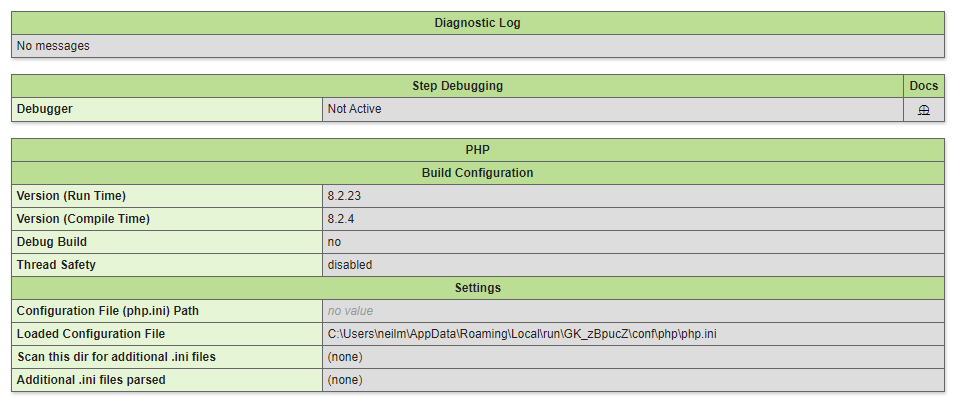
Xdebug within Local #
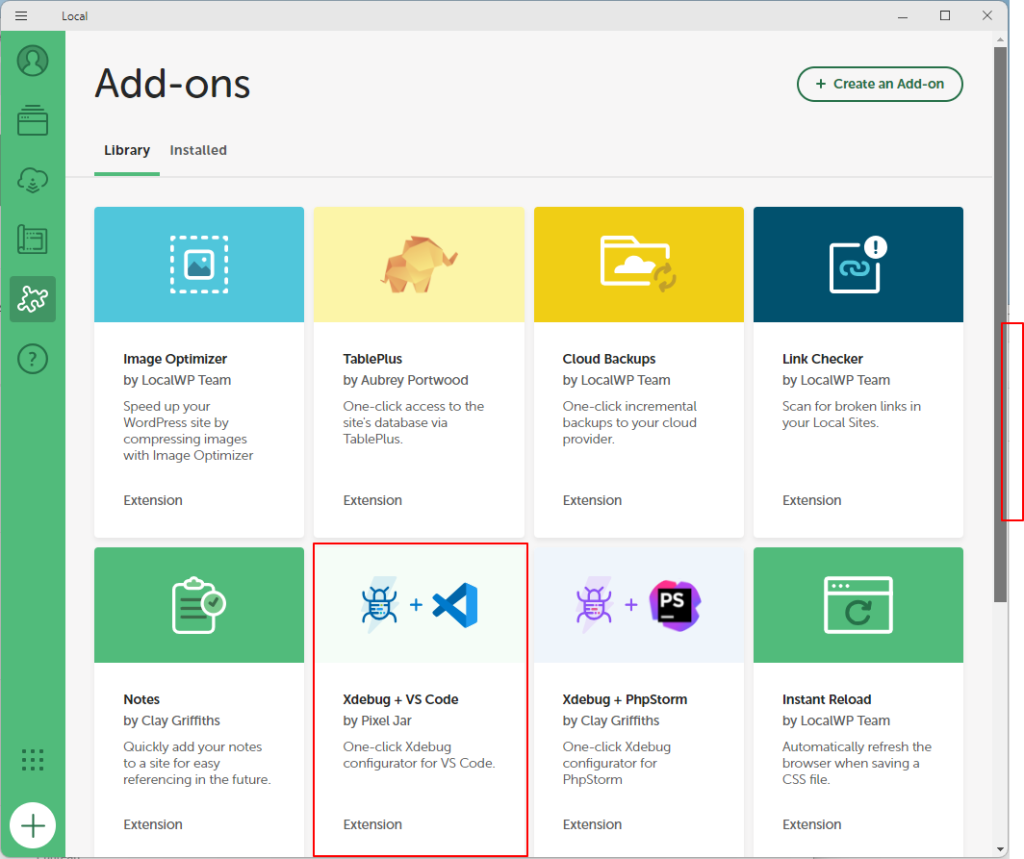
Install Local VS Code Add-on #


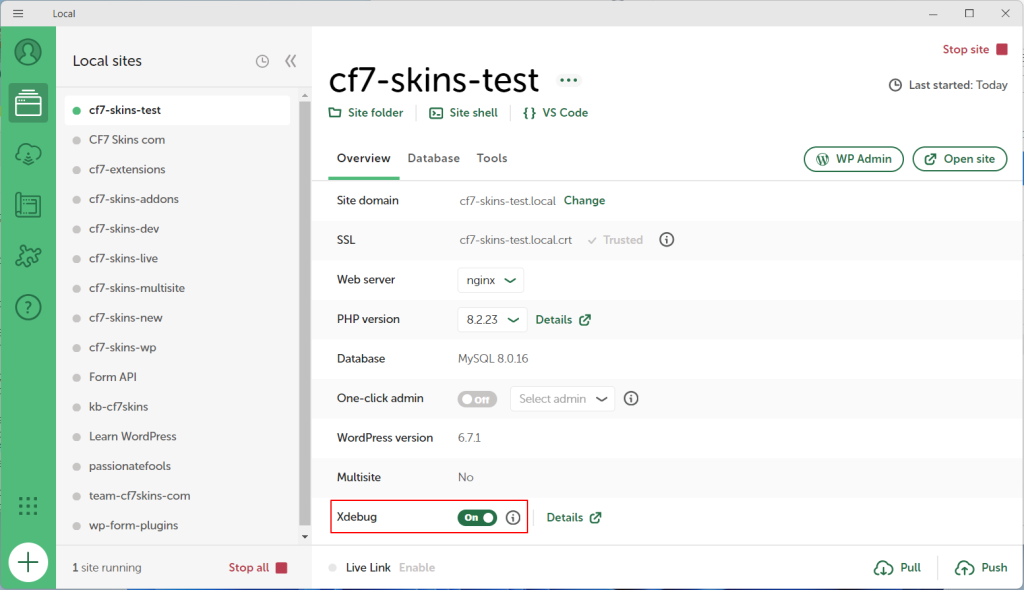
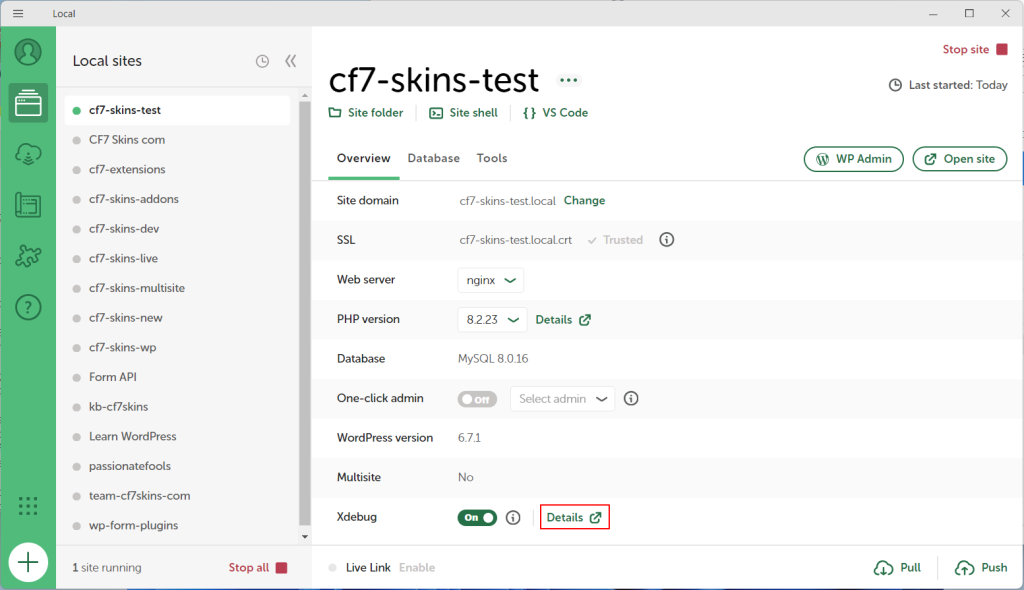
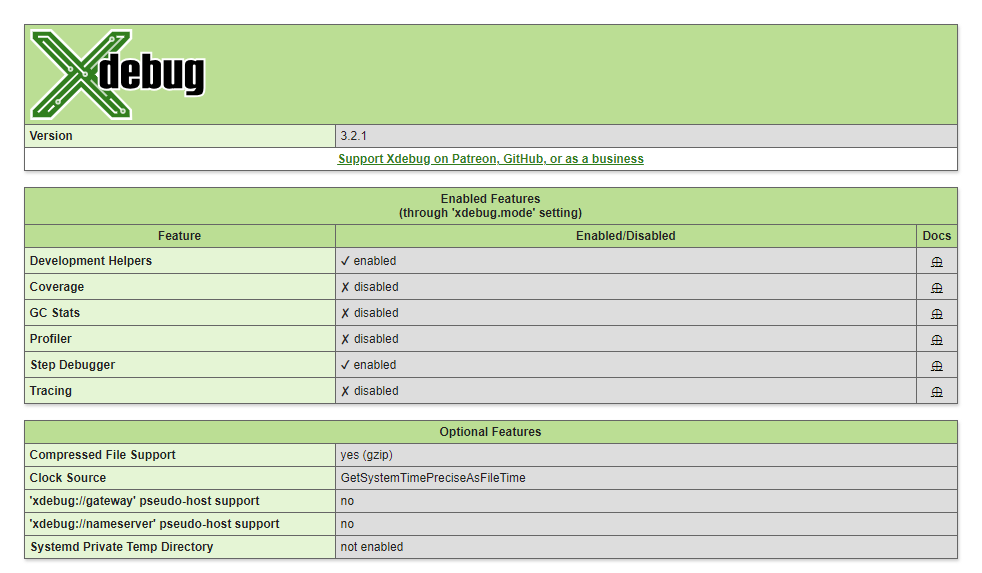
Activate Xdebug in Local #
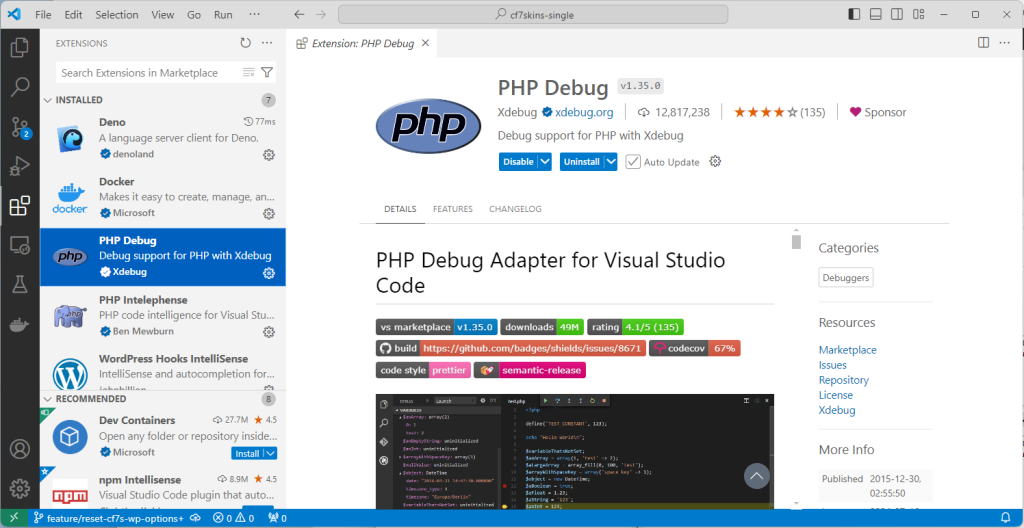
Xdebug within VS Code #
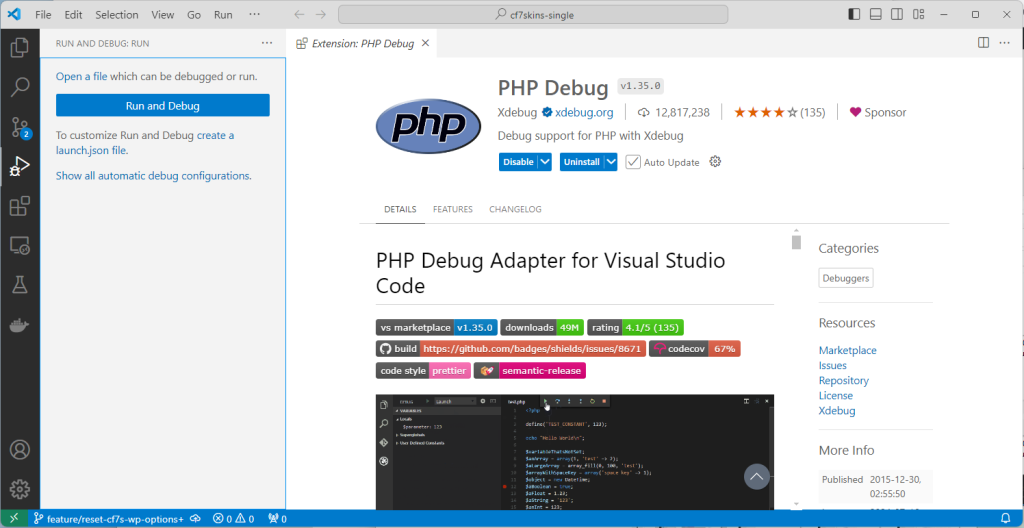


Using Xdebug #
Further reading:
Notes
ADD notes here.
Save all Images to Sync – use ..\Sync\..Development\Development Guidelines\Development Team Tools\Local Development Environment\Local by Flywheel\Setup Xdebug\