
Last Updated on April 10, 2024 by Neil Murray
Table of Contents #
CF7 Tags & CF7 Skins Items #
All CF7 Tags & CF7 Skins Items are defined inside cf7sItems.js .
- CF7 Tags: These are the fields that comes inbuilt with Contact Form 7.
- CF7 Skins Items: These are custom fields created by Visual Addon.
Example of CF7 Tag defined inside cf7sItems.js
{
	cf7sType: 'acceptance',
	cf7sSelectLabel: 'Acceptance (confirm)',
	cf7sSelectGroup: 'cf7Tag',
	cf7Name: 'acceptance',
	cf7sLabel: '',
	cf7Required: false,
	cf7TagOptions: [
		{
			cf7Option: 'default_on',
			isChecked: false,
			optionLabel: 'Make this checkbox checked by default',
			optionType: 'checkbox',
		},
		{
			cf7Option: 'invert',
			isChecked: false,
			optionLabel: 'Make this work inversely',
			optionType: 'checkbox',
		},
	],
	cf7DefaultOn: false,
	cf7Invert: false,
	cf7Content: '', // for condition field, not the same as paragraph cf7sContent @since 0.6.0
	cf7IdAttribute: '',
	cf7ClassAttribute: '',
	cf7sIcon: 'typcn typcn-thumbs-ok',
	noChildren: true,
}
Example of CF7 Skins Items
{
	cf7sType: 'paragraph',
	cf7sSelectLabel: 'Paragraph - p',
	cf7sSelectGroup: 'cf7sItem',
	cf7Name: 'paragraph',
	cf7sContent: '', //Permitted content: https://developer.mozilla.org/en-US/docs/Web/HTML/Content_categories#Phrasing_content
	cf7sIcon: 'dashicons dashicons-editor-paragraph',
	noChildren: true,
}
Commonly used properties
Explanation for some of the most commonly used properties in
CF7 Tags and CF7 Skins Items.
- cf7sType : It defines the type of cf7 tag or cf7 Item.
- cf7sSelectLabel: This acts as label of the item and is displayed at places like ‘edit’ window
- cf7sSelectGroup: It can have either ‘cf7Tag’ or ‘cf7sItem’ as value.
- ‘cf7Tag‘ is assigned to those items which are inbuilt into gravity forms. Ex. ‘acceptance’ tag
- ‘cf7sItem‘ is assigned to those items which are developed by cf7skins team. Ex. ‘Fieldset’ tag.
- cf7Name: It is used as ‘name’ parameter for ‘Name’ input field in edit window.
- cf7sLabel: It is used as default value for ‘Label’ input field in edit window.
- cf7Required: It is used to mark a field as required. It accepts boolean value. Usually it is shown as a checkbox in edit window.
- cf7IdAttribute: It represents the default ‘id’ for the field. Its value can be changed in edit window from ‘ Id Attribute’ in edit window.
- cf7ClassAttribute: It is similar to ‘ cf7IdAttribute’ except that it is for specifying class for the field.
- cf7sIcon: It is for showing the symbol of cf7sItem. It uses dashicons.
- noChildren: This property is used to tell whether another cf7sItem can be added as child to this cf7sItem.
- cf7sContent: It is used to add a textarea in edit window.
Note: cf7sItems.js acts as ultimate truth for CF7 Tags and CF7 Skin Items. All the files that process these items refer to cf7sItems to fetch the list.
Example #
#105: Advanced CF7 Tag options
All advanced tag options in this issue are new options.
- You will need to add them into cf7sItems each for respective item.
- Use proper property naming convention to distinguish others and easy to understand.
- Please see how we use property name in the file.
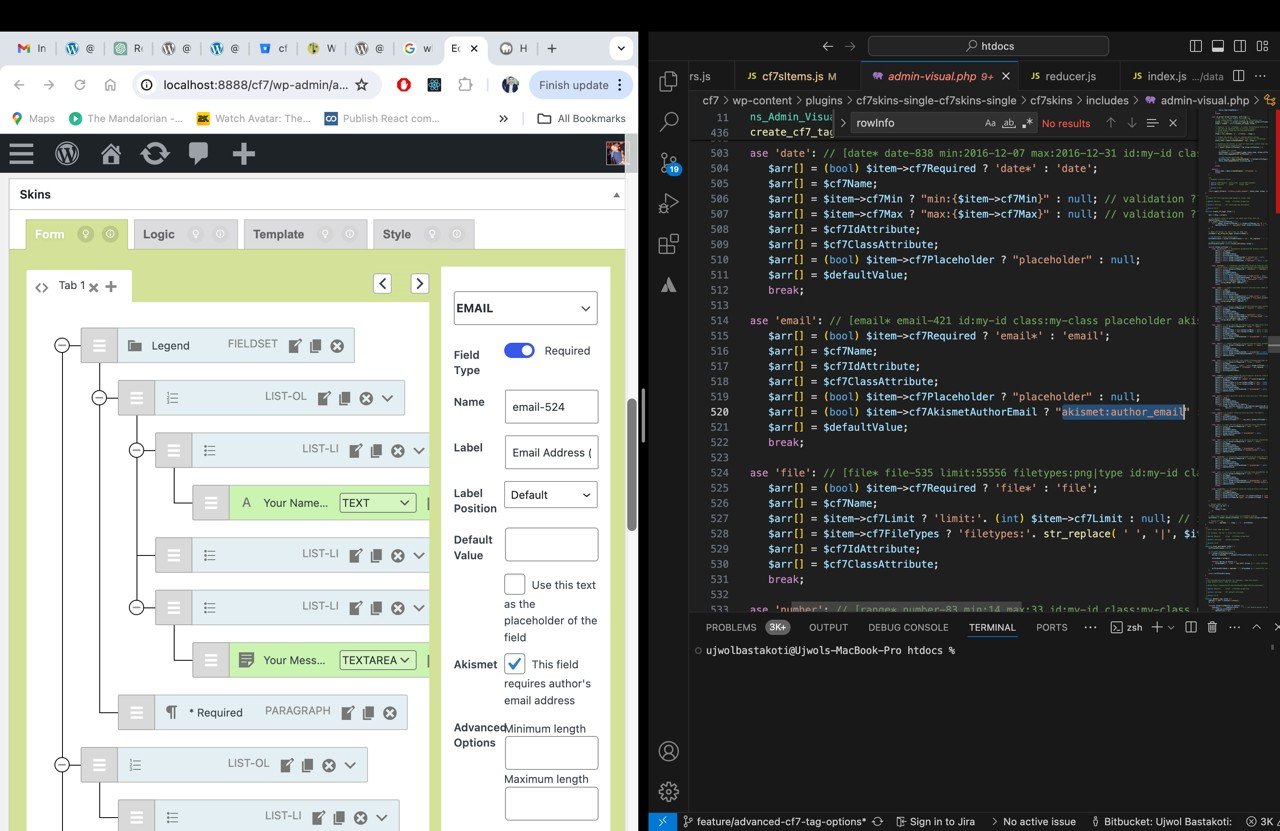

Please note, as this feature are part of Pro version, you will need to register them instead of adding it directly to the file. Please refer how we register ‘html’ tag in Pro.
To render the new options in the client side while editing the tag, Edit component is the place to go.
Use window.wp.components to create the elements as possible with the ability for translations.
We already built some functions like closeEdit, editOnChange, validateInput .etc to handle Edit actions that utilizes wp.data in src/visual/data.
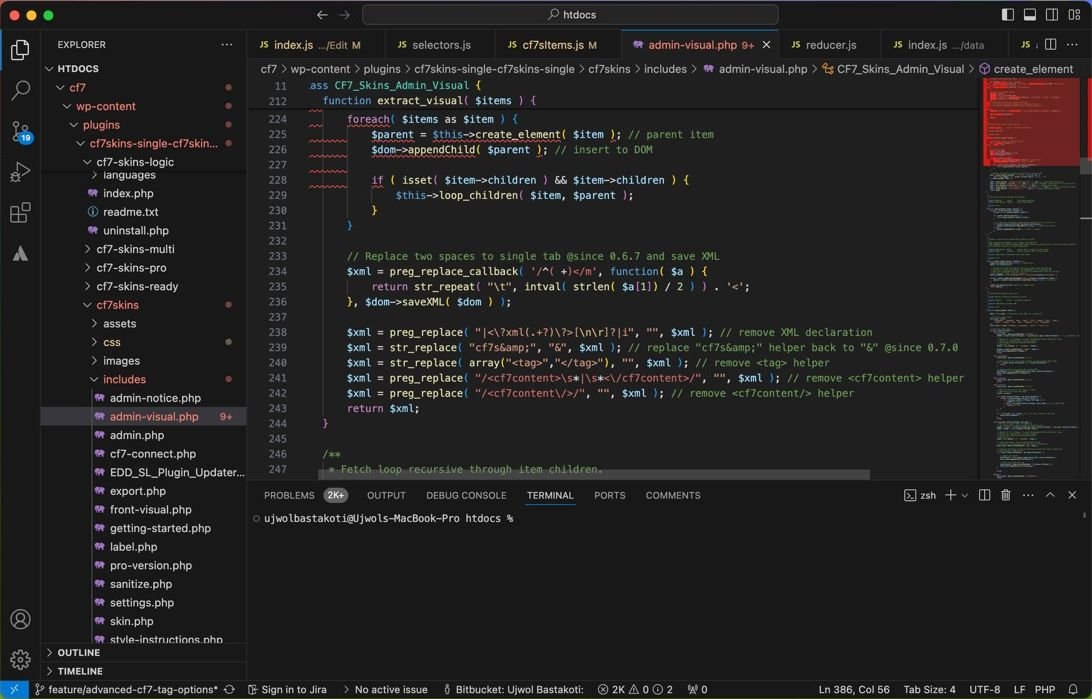
I believe most of the new options can use those functions, if not, you can create new functions. The new options will be saved automatically into database with other options once user hit Save Visual.
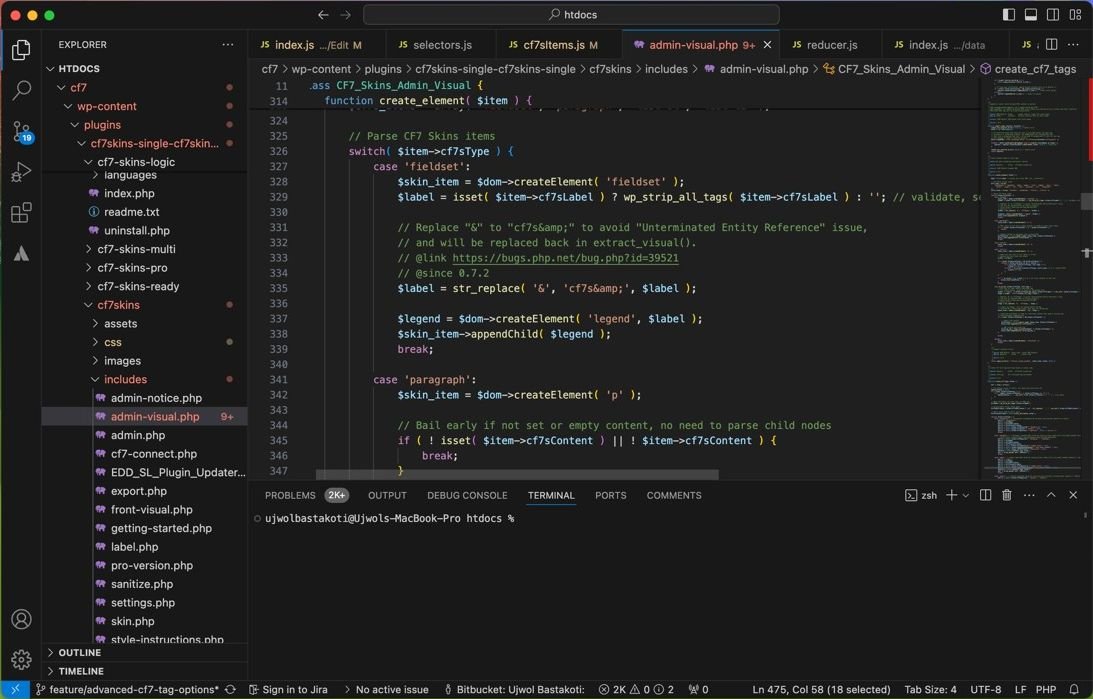
You will need to work with the new options using PHP DOM. See how we implement each option easily to generate the shortcode argument once we have the data.
Note: we do data validation and sanitation both in client and server side, please make sure the data is secured.
Notes
Add notes here